
 15
15presentation
Flying Saucer History Lesson Deck
Build an engaging World UFO Day session with this flying saucer history lesson deck, featuring retro green-and-brown slides for PowerPoint and Google Slides.
Google SlidesPowerPoint
presentation · English
Plan memorable regional getaways with a central america travel itinerary deck for tour operators, featuring editable blue botanical slides for PowerPoint…

Design notes
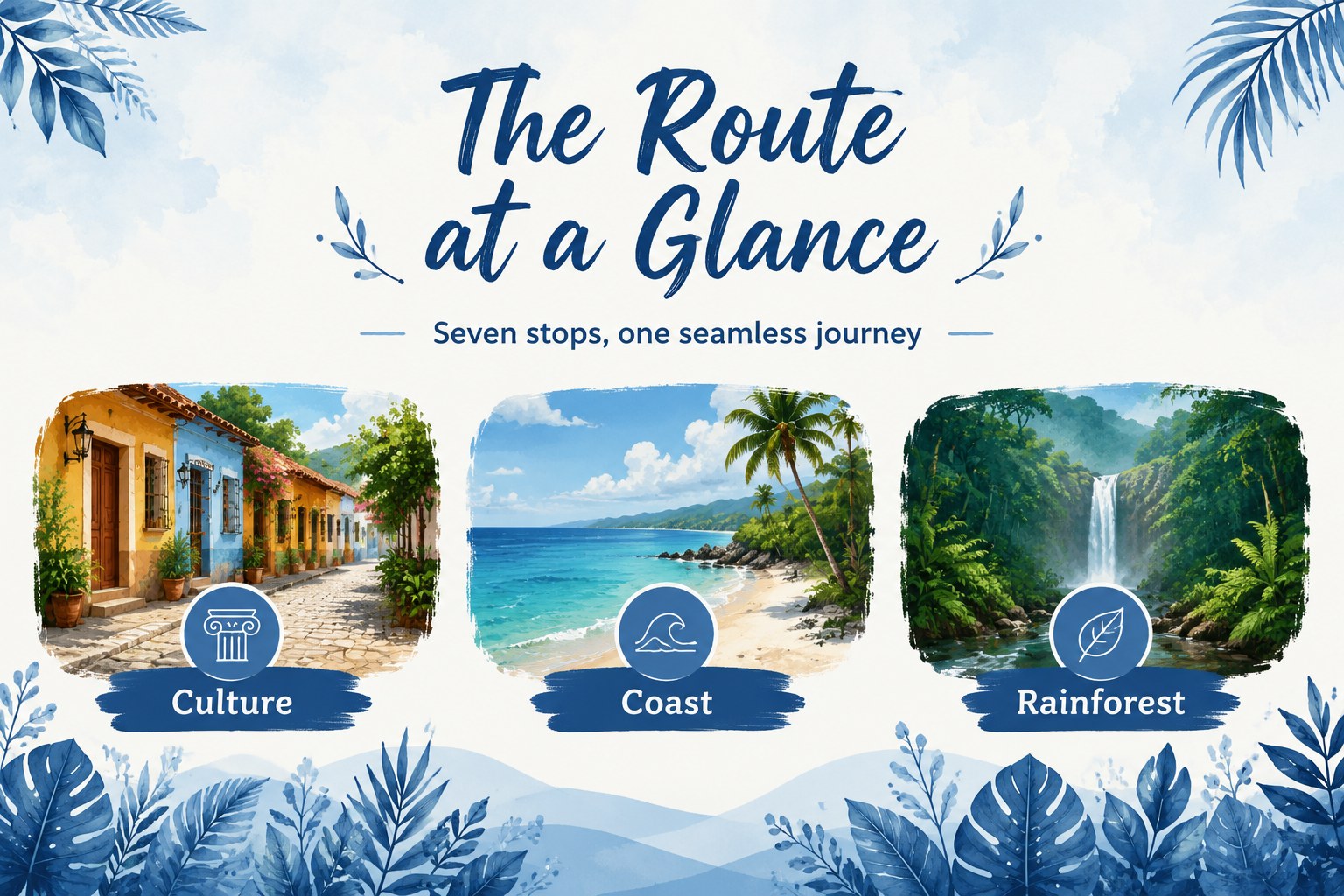
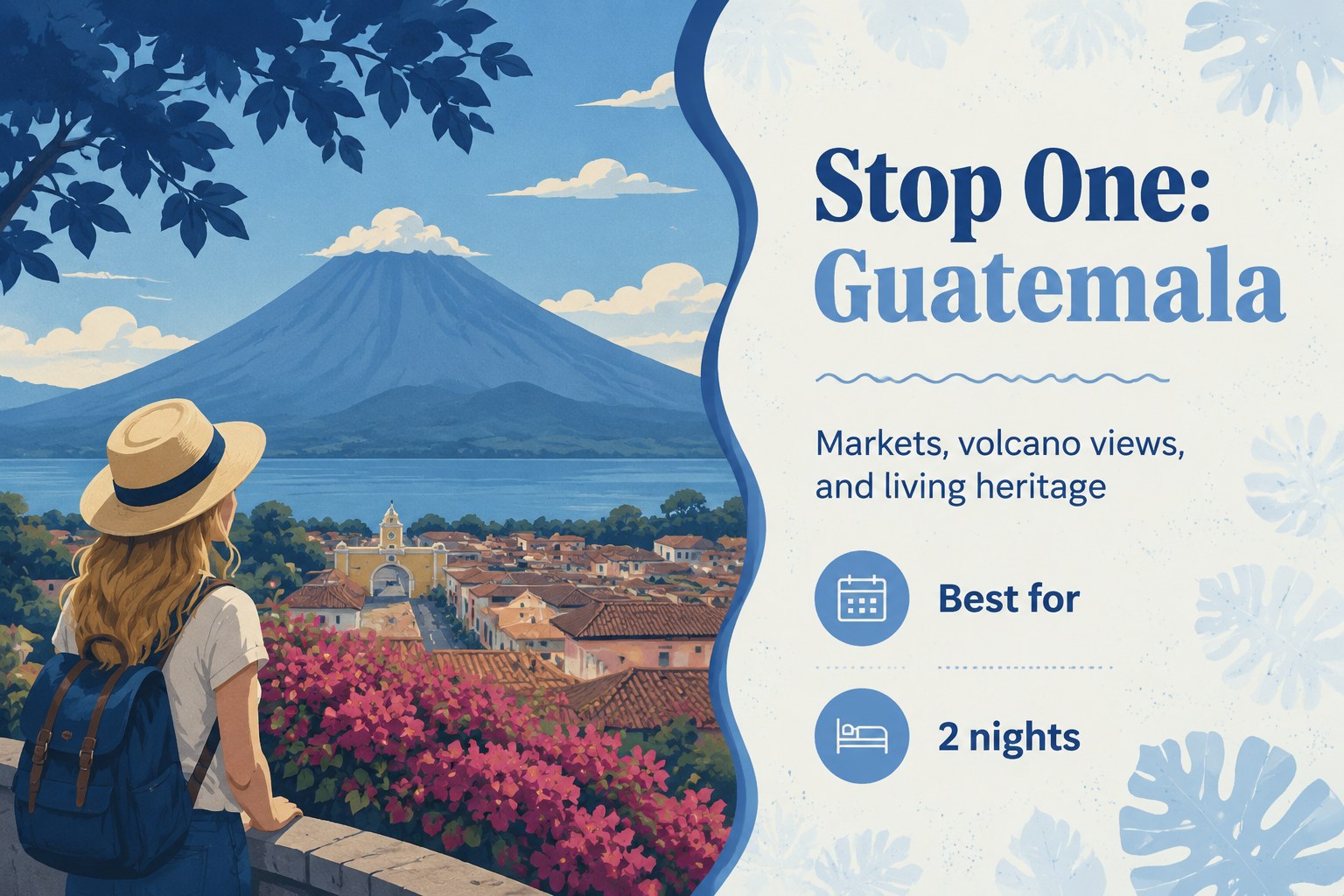
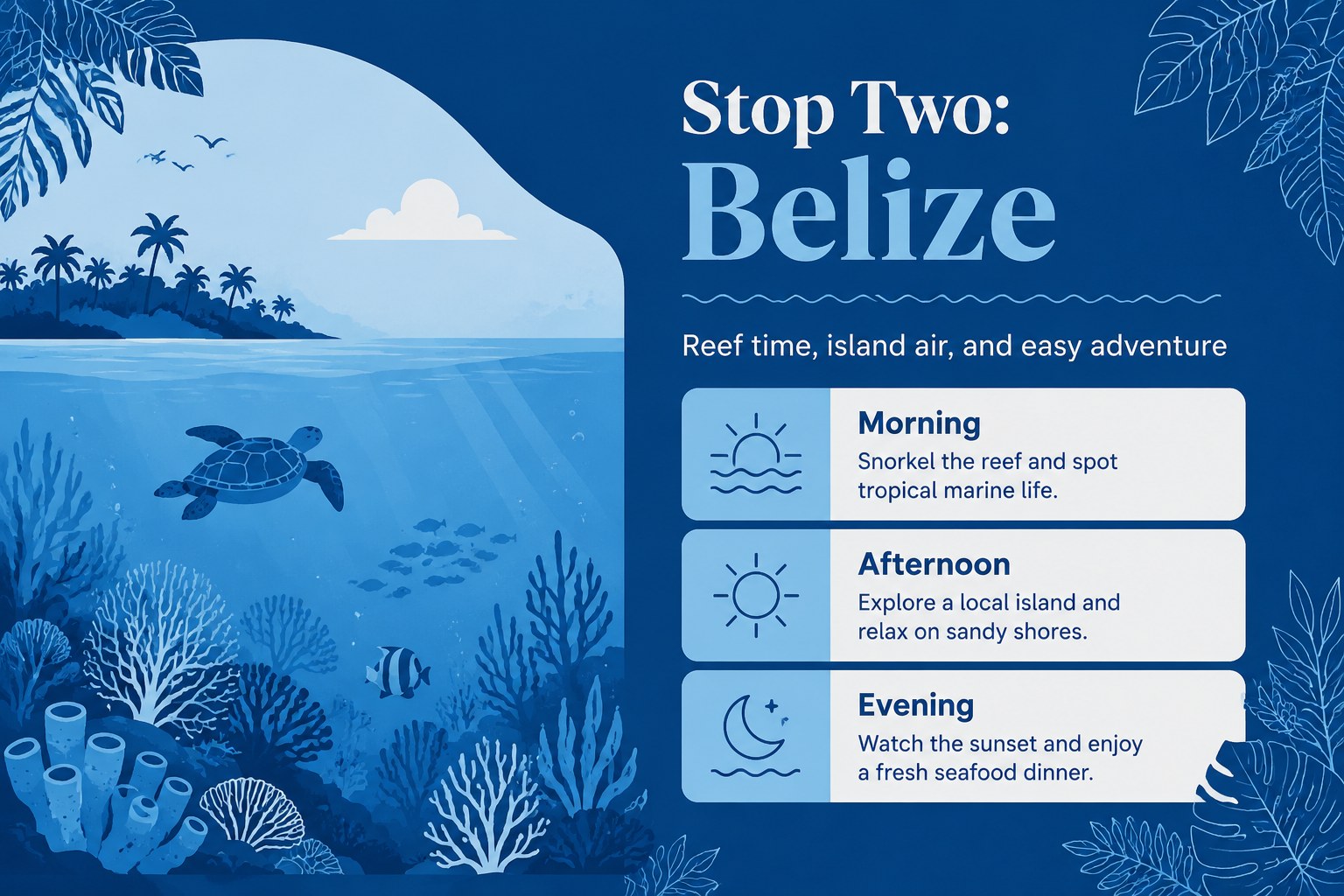
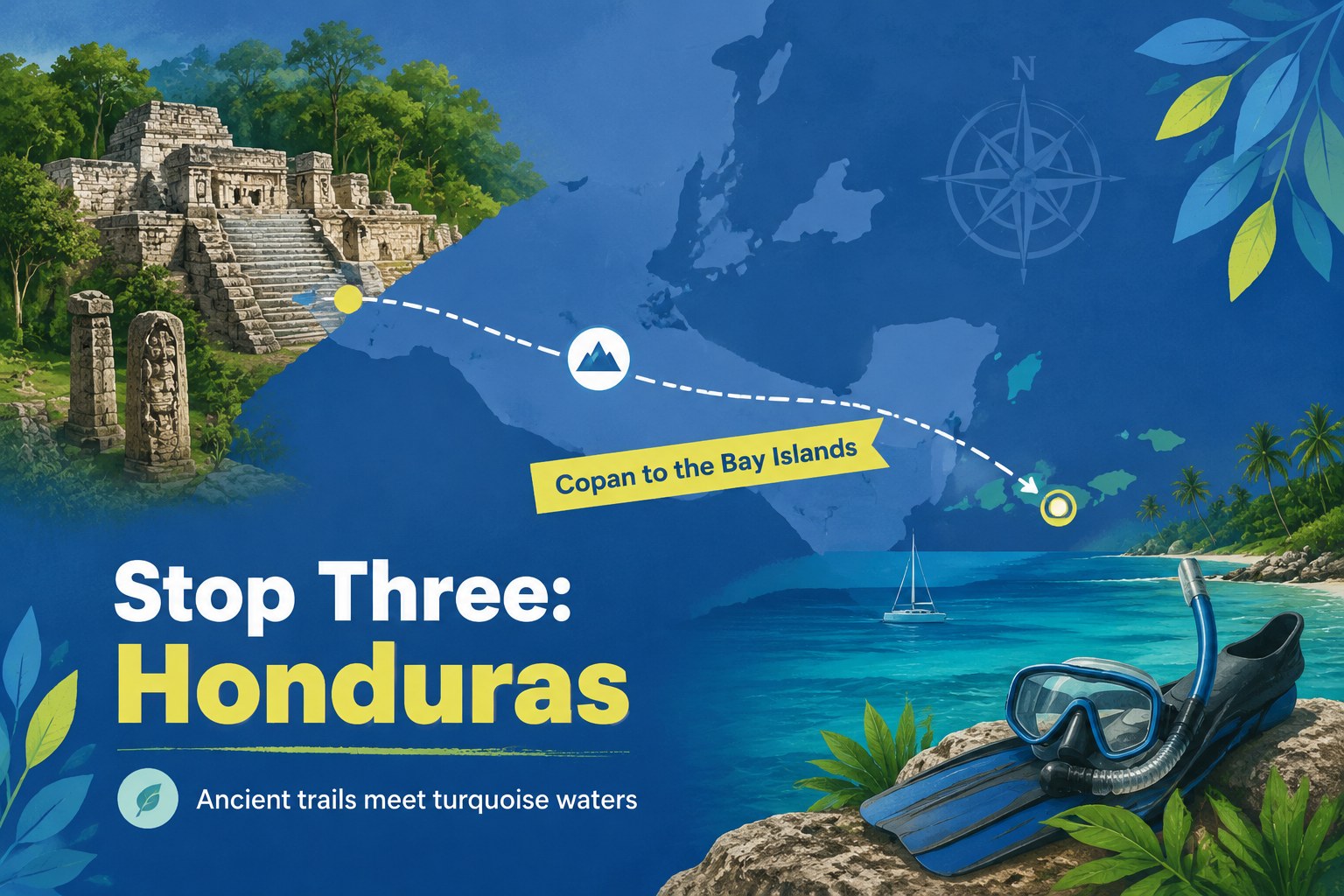
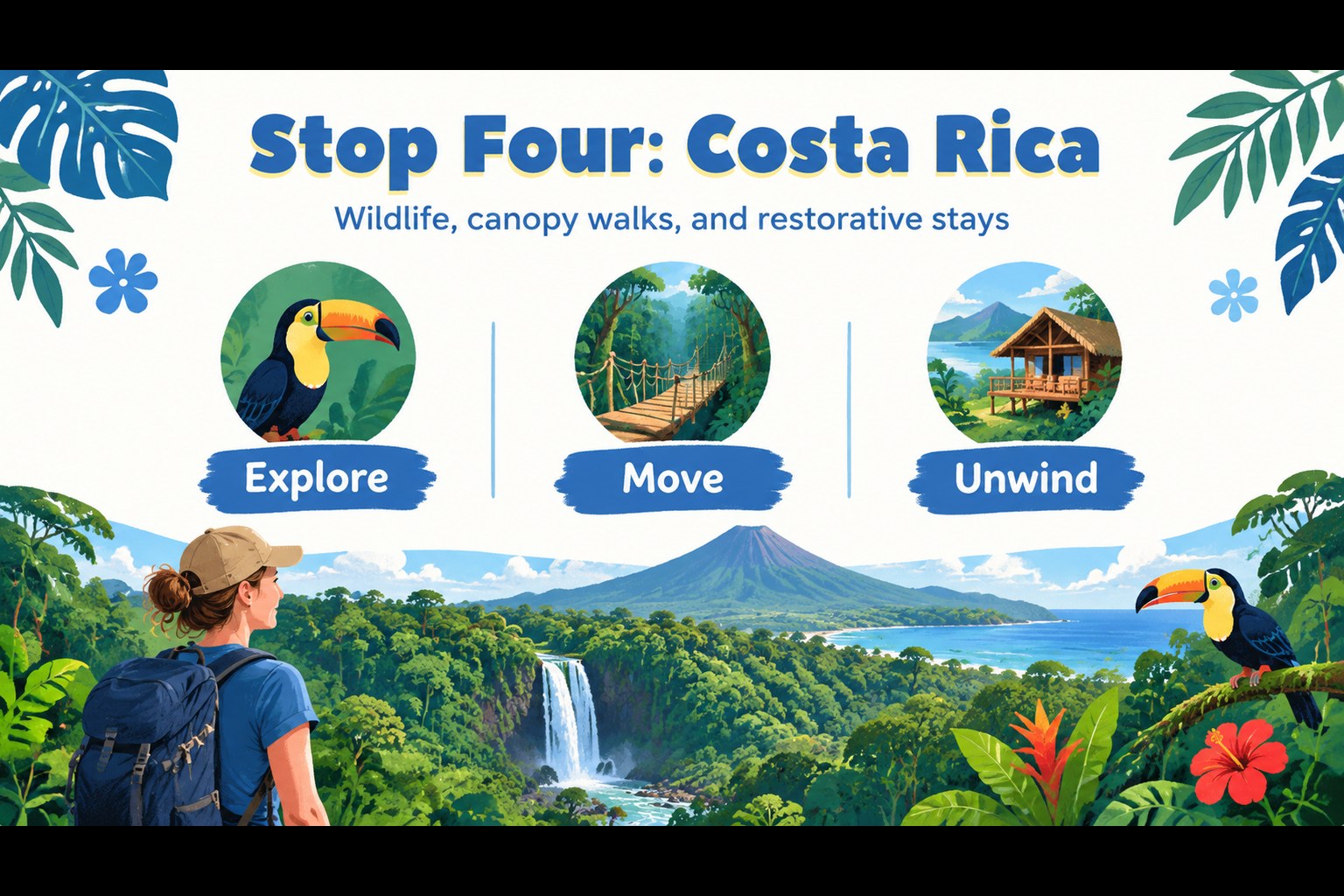
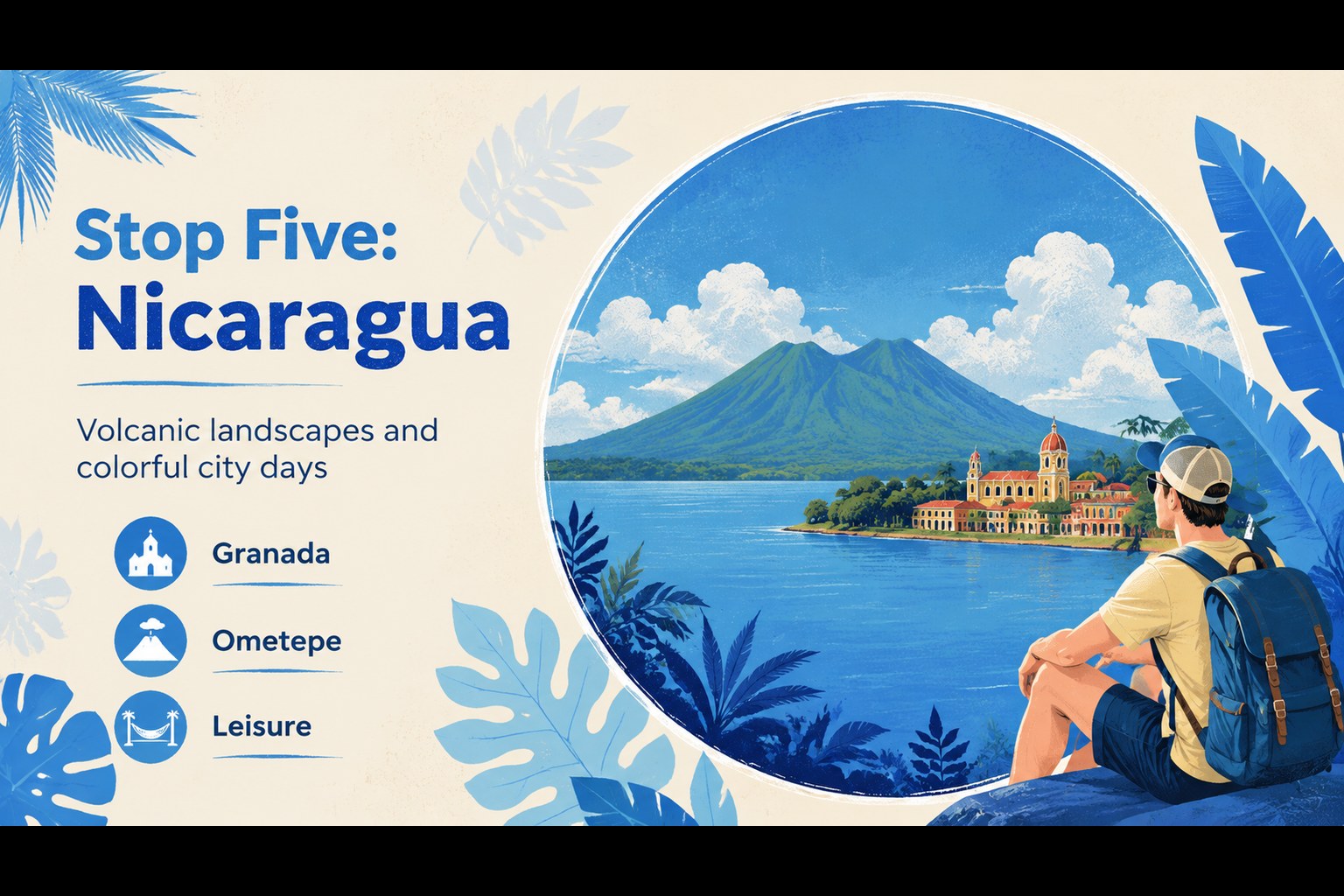
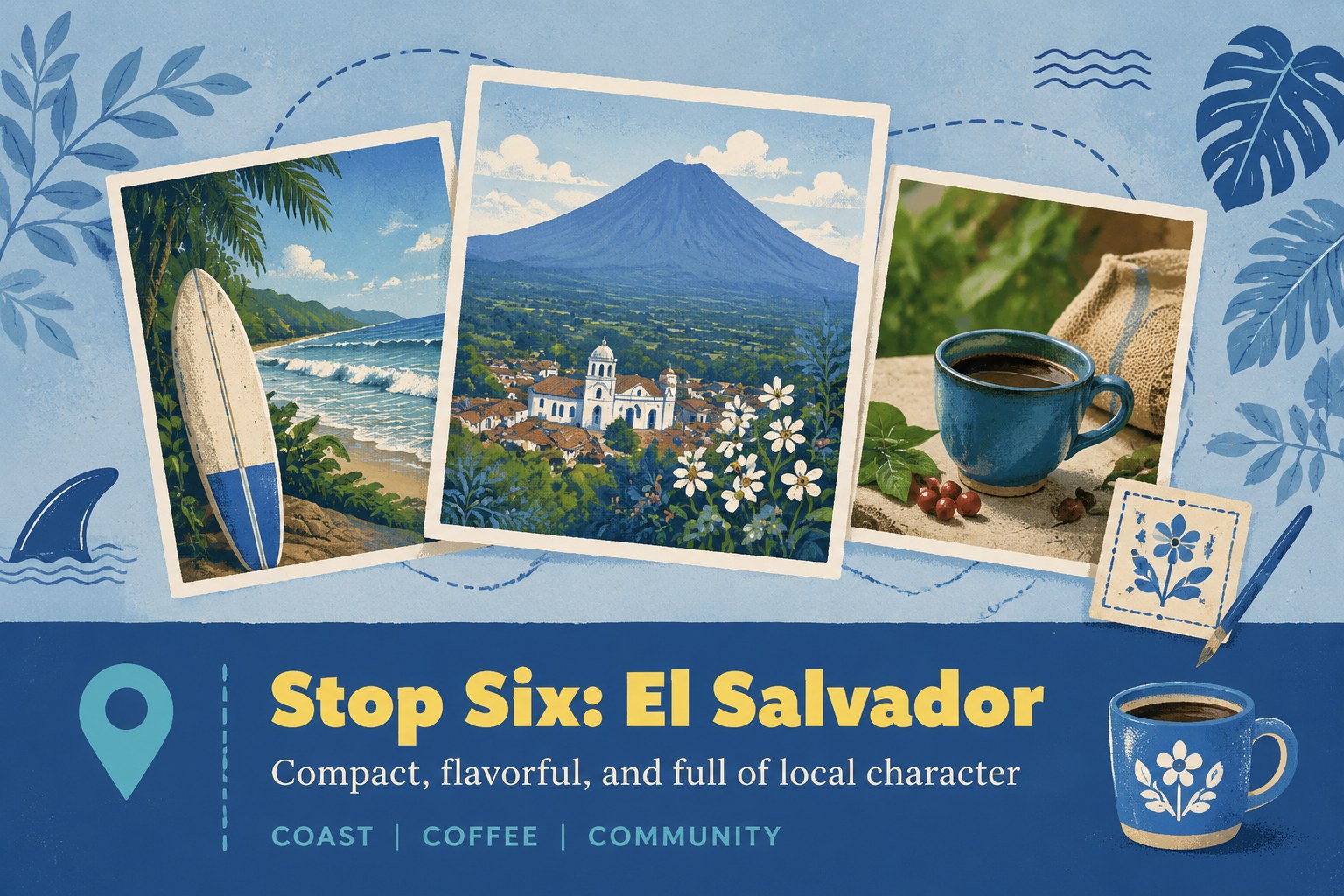
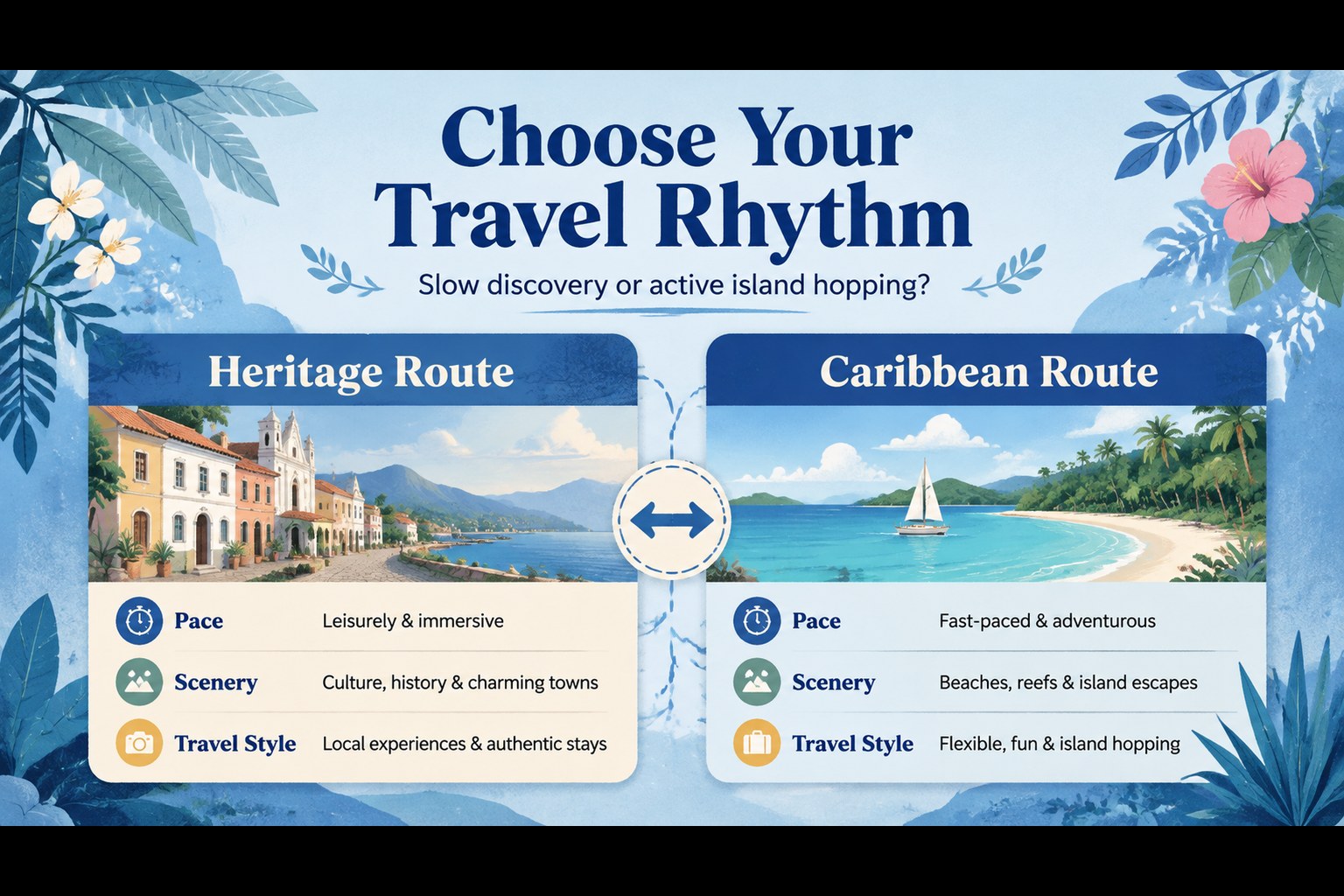
A central america travel itinerary becomes easier to sell when every destination, transfer, and experience has a clear place in the story. This illustrated presentation theme gives travel professionals a visually distinctive way to introduce regional routes, seasonal escapes, and curated holiday packages. Its blue botanical artwork creates a relaxed, nature-led mood while keeping the information easy to scan.
Inside, you will find 15 editable 16:9 slides for a destination overview, itinerary flow, location highlights, activity recommendations, accommodation details, travel tips, package comparisons, and a final booking prompt. Use the layouts to build a Caribbean and Central America tour plan, outline day-by-day schedules, or turn a collection of excursions into a persuasive client presentation. Maps, photo frames, icons, tables, and timeline structures can be adapted to match your offer.
The deck is suited to tour operators, destination marketers, travel agencies, boutique hotels, and classroom travel projects. Edit it in PowerPoint or Google Slides, replace the sample copy and imagery, and adjust the blue palette to fit your brand while preserving the botanical illustrated style. It works for sales meetings, itinerary consultations, tourism campaigns, and partner briefings.
Perfect for: tour operator package pitch; travel agency itinerary consultation; destination marketing campaign; hotel and excursion partner briefing; classroom geography travel project.
Frequently asked questions
Can I edit the itinerary in PowerPoint? Yes. The layouts are designed for PowerPoint editing, including text, images, shapes, colors, and timeline elements. Replace the sample destinations with your own route details and package information.
Practical details
Yes. The layouts are designed for PowerPoint editing, including text, images, shapes, colors, and timeline elements. Replace the sample destinations with your own route details and package information.
Yes, you can open and customize the presentation in Google Slides. Check fonts and image positioning after importing, then make any small adjustments needed for your preferred browser workflow.
You can adapt the presentation for other regions, countries, or multi-stop journeys. Update the map references, itinerary labels, photography, and activity descriptions while retaining the illustrated botanical visual system.
Use the slides for route schedules, destination highlights, lodging options, activities, pricing comparisons, practical travel notes, and booking calls to action. The combination of timelines, image frames, and structured content supports both inspiration and trip planning.
Keep exploring
15Build an engaging World UFO Day session with this flying saucer history lesson deck, featuring retro green-and-brown slides for PowerPoint and Google Slides.
 15
15Plan a lively animal-learning journey with this jungle zoo adventure lesson deck, ready to customize in PowerPoint and Google Slides for young learners.
 16
16Turn environmental research into a clear story with a Watercolor Ecology Presentation Theme for PowerPoint and Google Slides in calming green and blue.
 16
16Build focused fashion, literature, and humanities presentations with the Red Triangle Editorial Theme, editable in PowerPoint and Google Slides.
 15
15Turn streaming stats, favorite tracks, and concert highlights into a bold annual listening recap slide deck for PowerPoint and Google Slides.
 15
15Turn highlights, milestones, and favorite moments into a colorful year in review slide deck with bold 3D graphics for PowerPoint and Google Slides.
 3
3Build a credible endorsement with Standout Colleague Recommendation Letter Slides, featuring colorful prompts for skills, achievements, and team impact.
 4
4Build clear beginner sessions with an ice hockey fundamentals training deck for coaches, PE teachers, and clubs, ready for PowerPoint and Google Slides.