
 15
15presentation
Flying Saucer History Lesson Deck
Build an engaging World UFO Day session with this flying saucer history lesson deck, featuring retro green-and-brown slides for PowerPoint and Google Slides.
Google SlidesPowerPoint
presentation · English
Build a vivid celestial personality profiles infographic for comparing star-sign traits, elements, and compatibility in PowerPoint and Google Slides.
Design notes
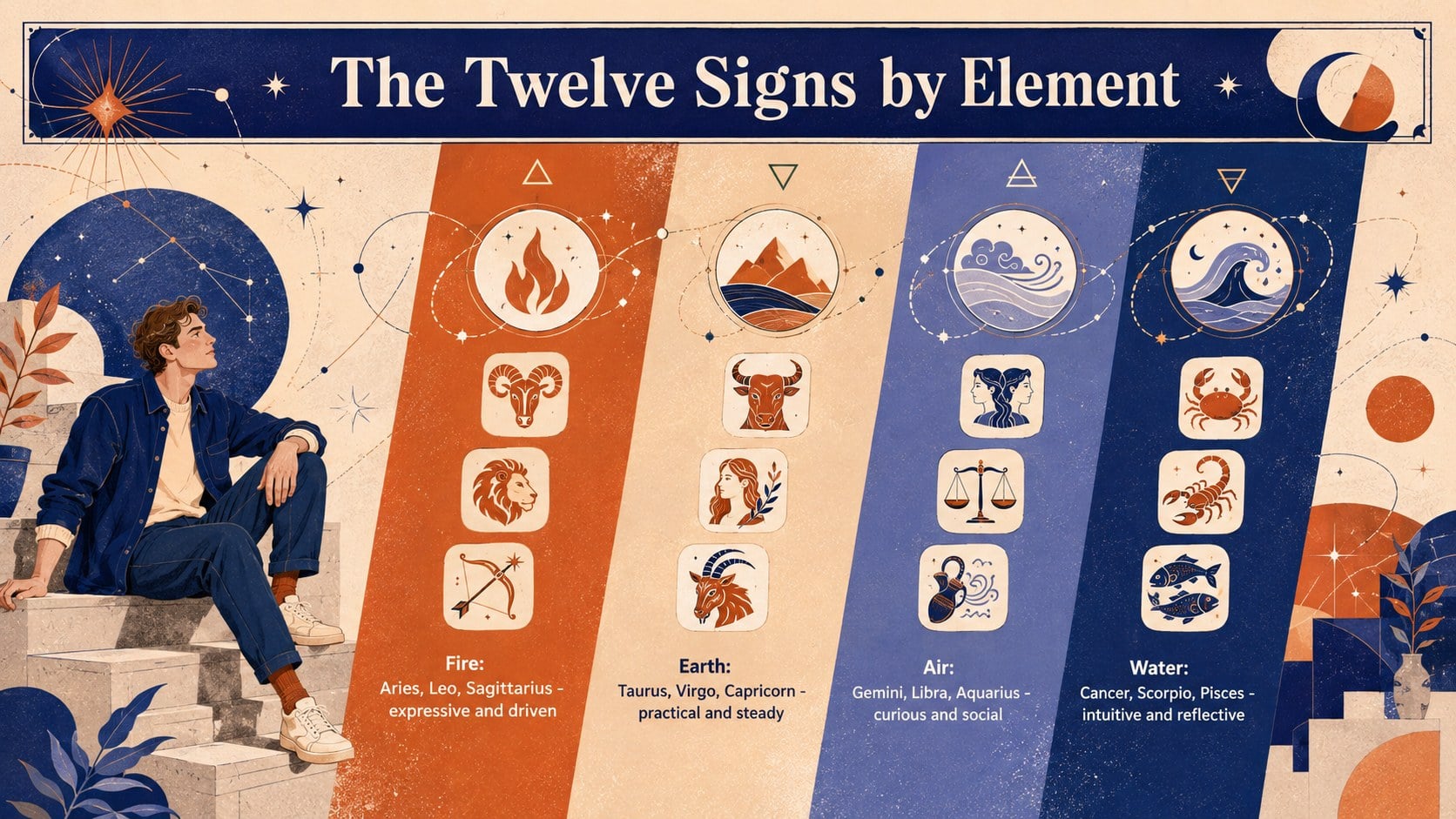
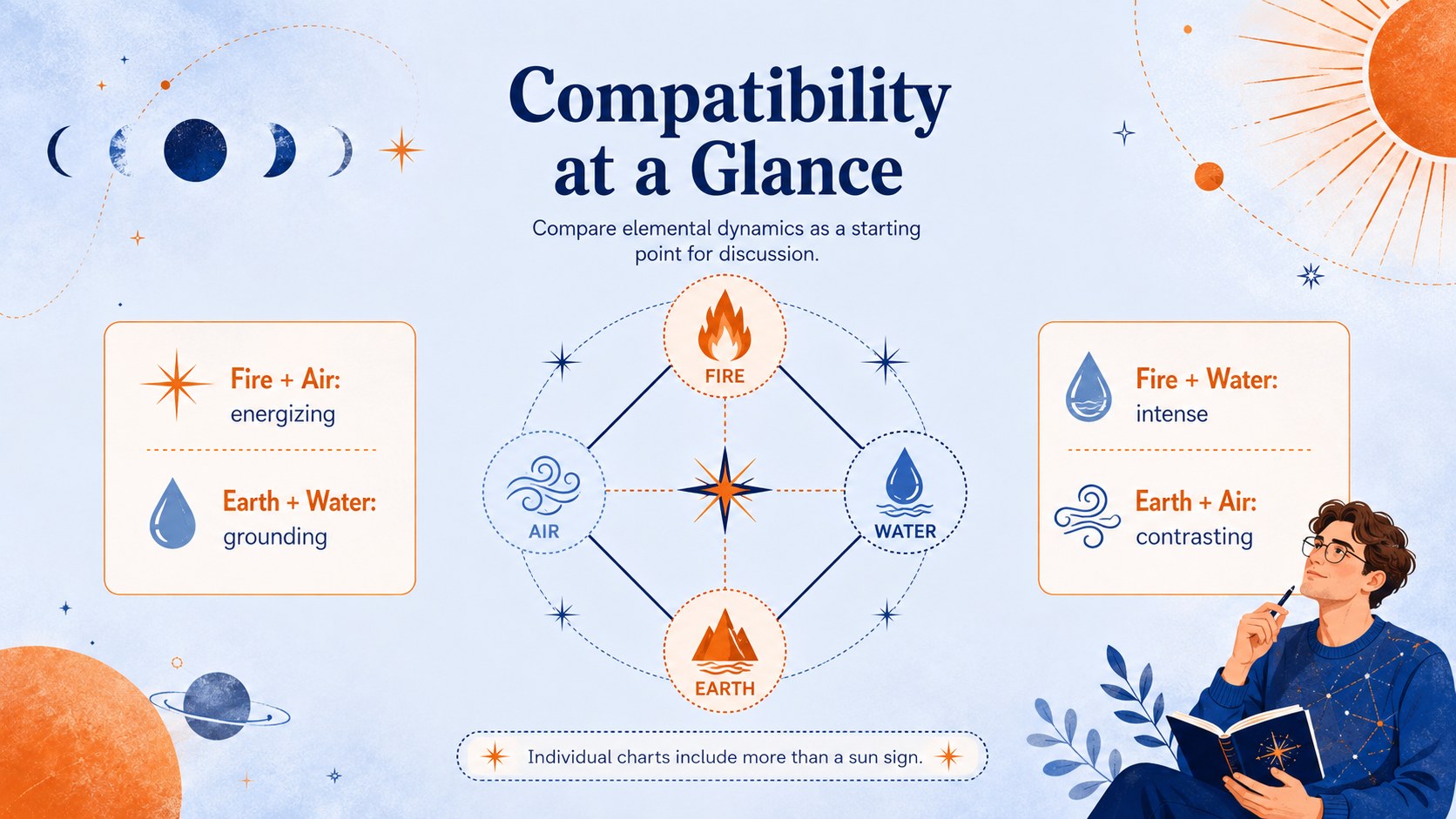
Bring the twelve astrological signs together in a lively visual resource designed for quick comparison and easy discussion. This celestial personality profiles infographic uses expressive illustrations, a vibrant blue-and-orange palette, and clear information blocks to make personality traits, symbols, dates, and cosmic connections approachable.
Inside, you will find layouts for introducing all twelve signs, organizing qualities by element, and highlighting compatibility patterns. Adapt the designs as a zodiac wheel presentation template, build an astrology elements and modalities chart, or create a horoscope compatibility infographic deck for a themed event. Editable headings, labels, colors, shapes, and text areas let you adjust the level of detail without losing the artistic character of the design.
The template works well for astrology educators, lifestyle writers, event hosts, social media teams, and anyone preparing an informal presentation about the zodiac. Use it for a beginner-friendly workshop, a birthday gathering, an online horoscope feature, or a classroom conversation about cultural beliefs and symbolism. Every slide can be customized in PowerPoint or Google Slides, making it simple to replace descriptions, reorganize signs, add personal observations, or match an existing visual identity. The portrait-inspired illustrations and structured layouts help audiences scan information quickly while keeping the subject playful, colorful, and visually memorable.
Perfect for: beginner astrology workshop; zodiac-themed birthday gathering; horoscope editorial presentation; star-sign compatibility discussion; astrology symbolism lesson.
Frequently asked questions
Can I edit every zodiac label and description? Yes. Headings, dates, trait summaries, shapes, and colors can be changed to match your preferred astrological system or editorial approach.
Practical details
Yes. Headings, dates, trait summaries, shapes, and colors can be changed to match your preferred astrological system or editorial approach.
The slides are designed for PowerPoint and Google Slides. You can present them directly or export finished pages to common image and document formats.
Yes. Duplicate, remove, or reorder sections to focus on selected signs, elements, or compatibility pairings while keeping the visual system consistent.
Select the editable backgrounds, shapes, and accents in your presentation editor, then apply your preferred colors. Keep strong contrast between text and artwork so the information remains easy to scan.
Keep exploring
15Build an engaging World UFO Day session with this flying saucer history lesson deck, featuring retro green-and-brown slides for PowerPoint and Google Slides.
 15
15Plan a lively animal-learning journey with this jungle zoo adventure lesson deck, ready to customize in PowerPoint and Google Slides for young learners.
 16
16Turn environmental research into a clear story with a Watercolor Ecology Presentation Theme for PowerPoint and Google Slides in calming green and blue.
 16
16Build focused fashion, literature, and humanities presentations with the Red Triangle Editorial Theme, editable in PowerPoint and Google Slides.
 15
15Turn streaming stats, favorite tracks, and concert highlights into a bold annual listening recap slide deck for PowerPoint and Google Slides.
 15
15Turn highlights, milestones, and favorite moments into a colorful year in review slide deck with bold 3D graphics for PowerPoint and Google Slides.
 3
3Build a credible endorsement with Standout Colleague Recommendation Letter Slides, featuring colorful prompts for skills, achievements, and team impact.
 4
4Build clear beginner sessions with an ice hockey fundamentals training deck for coaches, PE teachers, and clubs, ready for PowerPoint and Google Slides.