
 15
15presentation
Flying Saucer History Lesson Deck
Build an engaging World UFO Day session with this flying saucer history lesson deck, featuring retro green-and-brown slides for PowerPoint and Google Slides.
Google SlidesPowerPoint
presentation · English
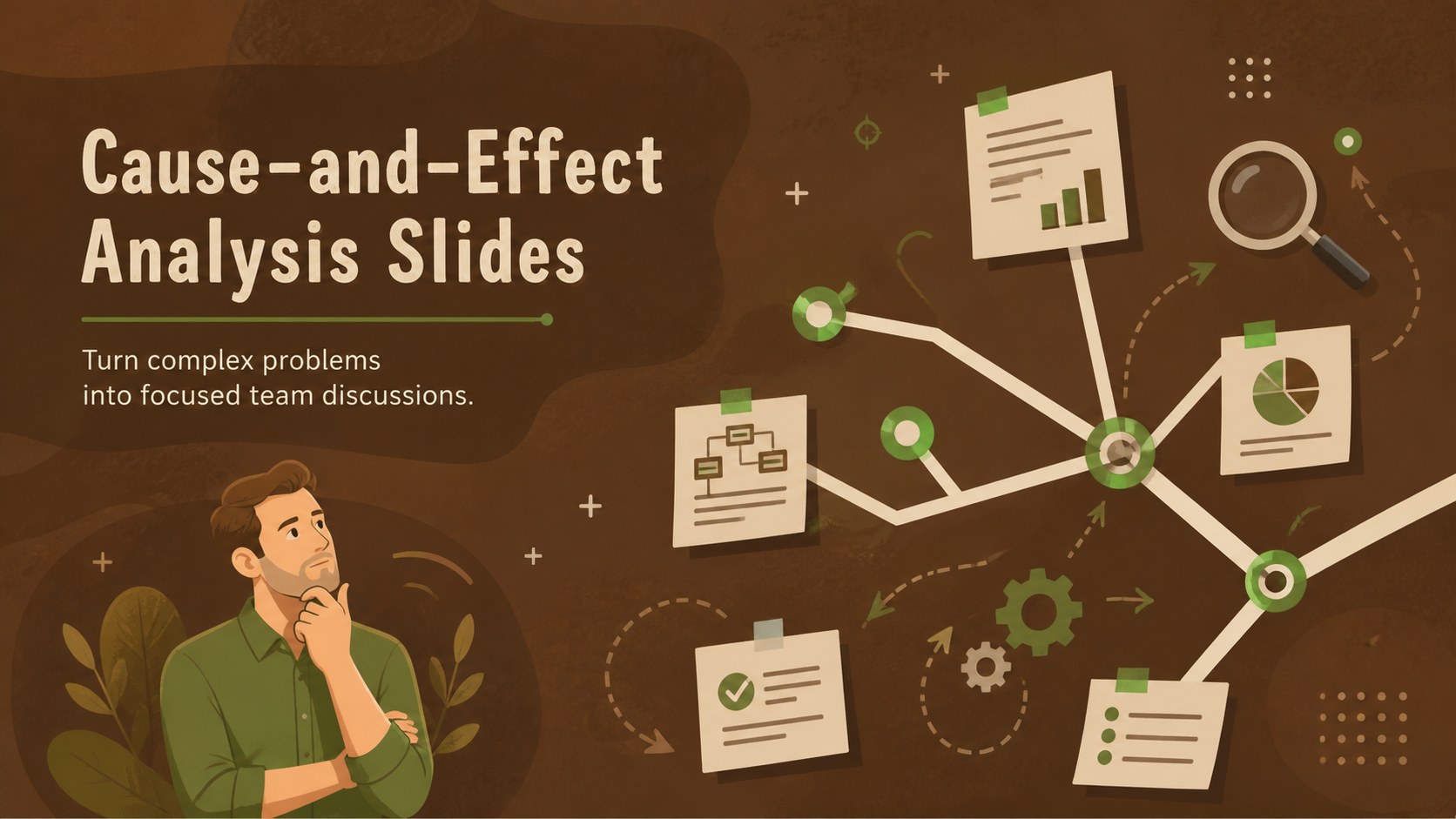
Use cause-and-effect analysis slides to map contributing factors, guide team discussions, and present clearer findings in PowerPoint or Google Slides.
Design notes
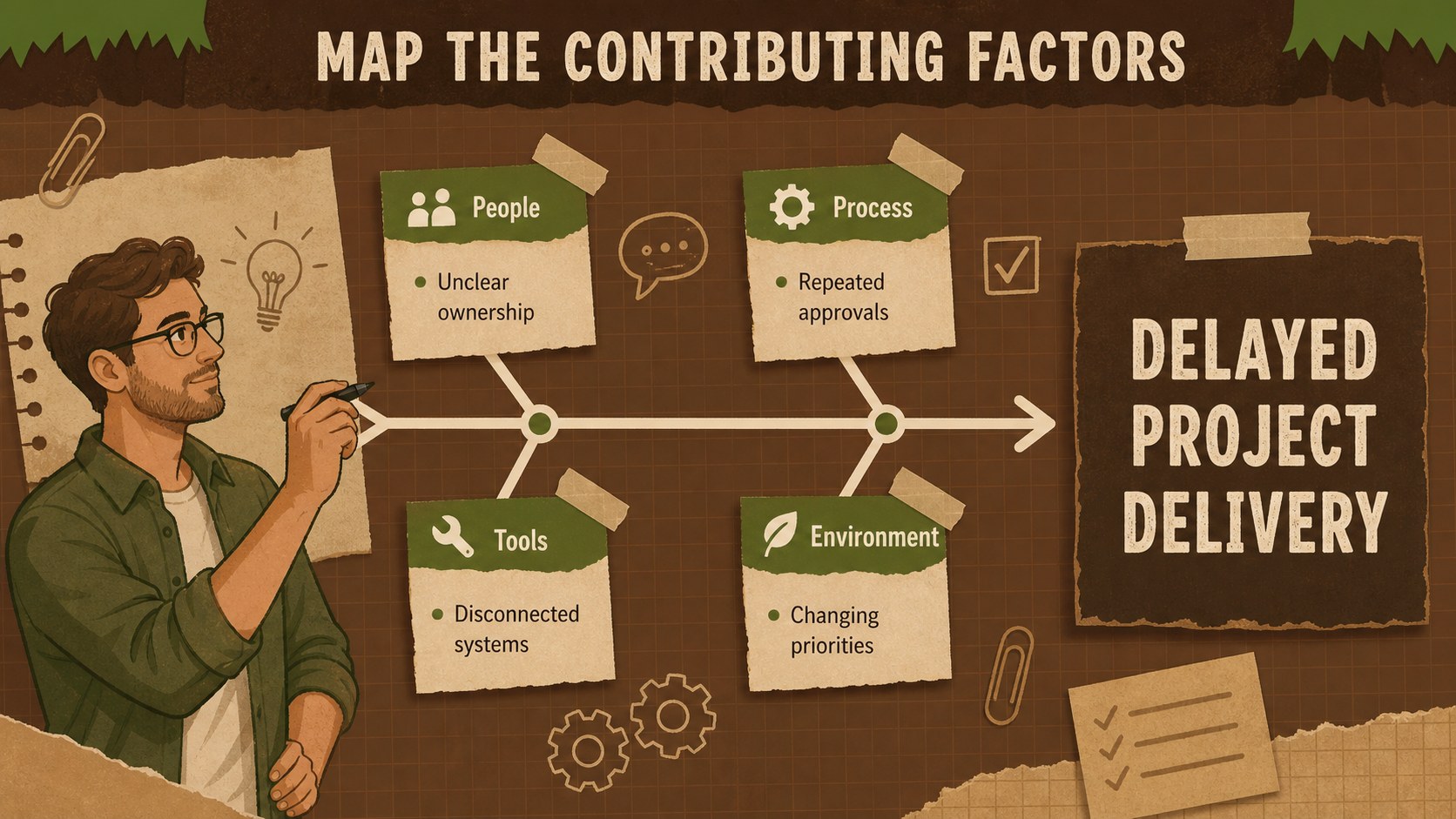
Make complicated issues easier to examine with these cause-and-effect analysis slides. The warm brown palette, hand-drawn details, and structured diagrams create a professional but approachable setting for tracing contributing factors and discussing evidence. Use the layouts as a cause and effect diagram presentation for operational reviews, classroom activities, or collaborative planning sessions.
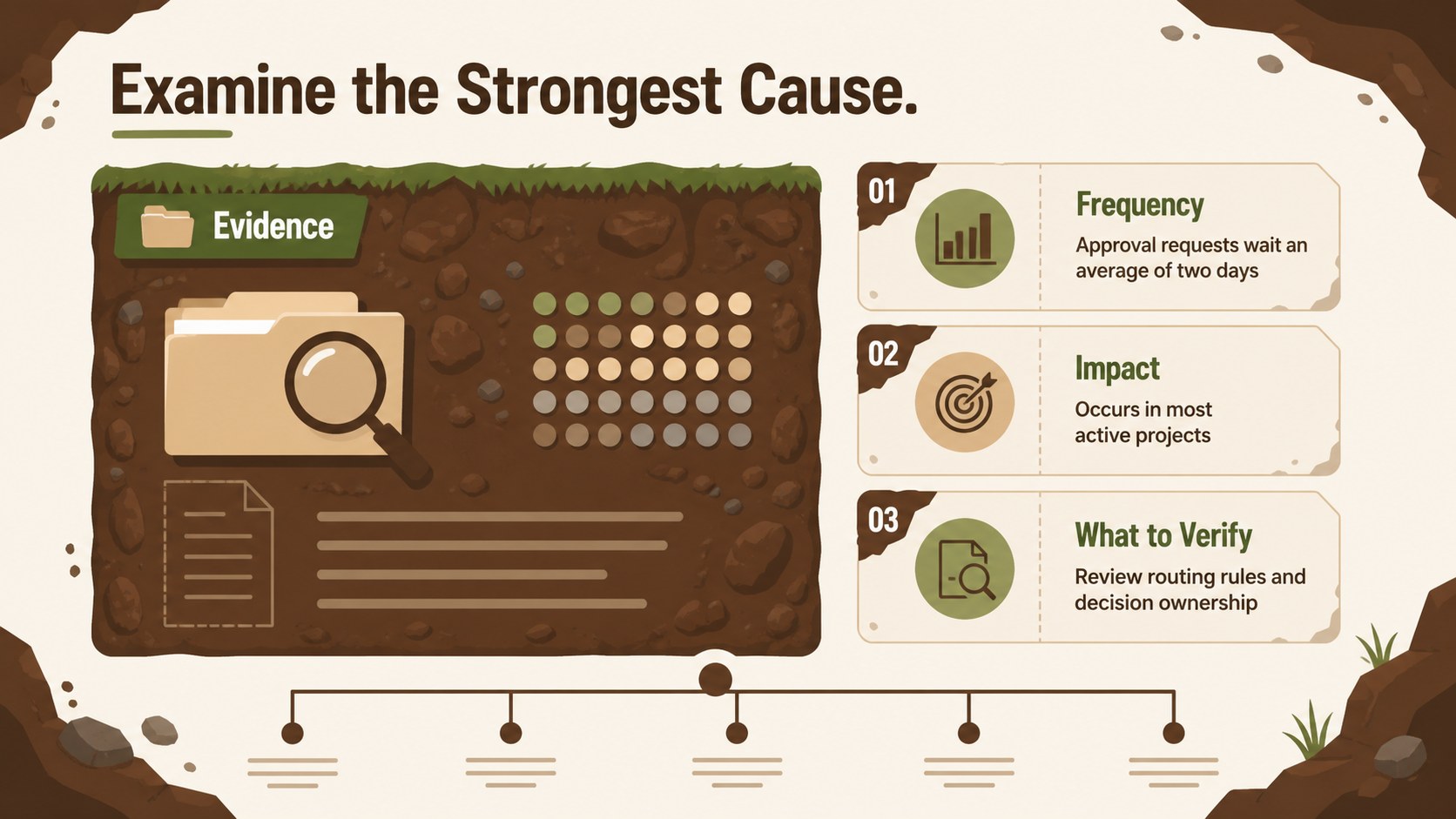
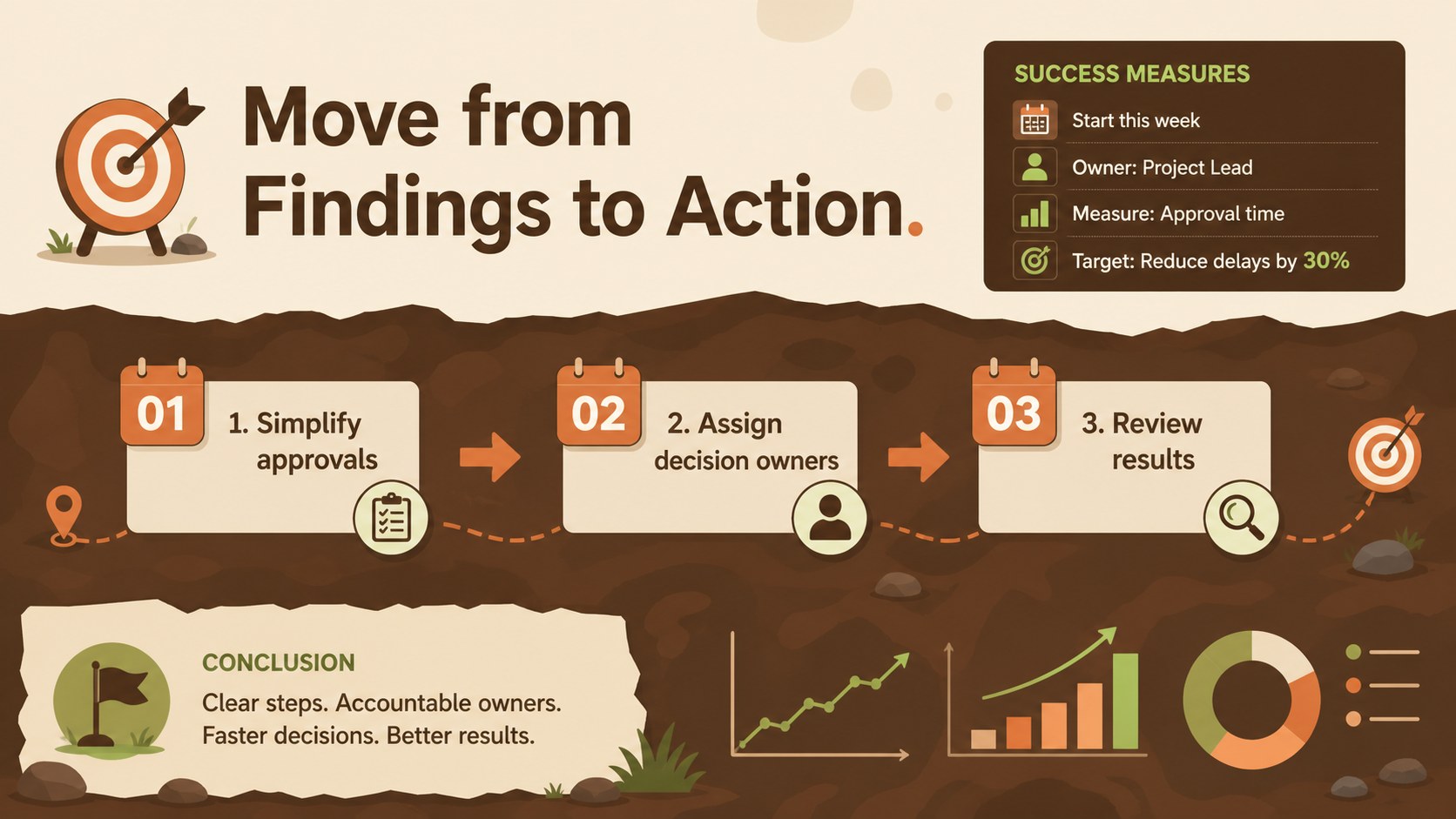
The deck includes four coordinated infographic layouts: an opening overview, a categorized cause map, a deeper factor analysis, and an action-focused summary. Editable labels, branches, shapes, and text areas help you adapt each page to a specific challenge. Turn the set into problem solving workshop slides by assigning categories to participants, recording observations, and prioritizing the factors that deserve further investigation. The layouts can also serve as an editable Ishikawa diagram template for quality management and process improvement work.
These slides are intended for project managers, business analysts, educators, consultants, operations teams, and workshop facilitators. They work well for service reviews, production discussions, incident analysis, customer experience studies, and strategic planning. Customize the typography, colors, category labels, and supporting icons in PowerPoint or Google Slides, then duplicate sections when a problem requires more branches. The visual hierarchy keeps detailed findings readable while giving presenters enough flexibility to move from initial questions to practical next steps.
Perfect for: quality improvement workshop; project issue analysis; service failure review; classroom problem-solving activity; operations planning session.
Frequently asked questions
Can I edit every part of the diagrams? Yes. The headings, category labels, branches, icons, and supporting text can be adjusted to match your analysis. You can also duplicate or remove sections when the number of contributing factors changes.
Practical details
Yes. The headings, category labels, branches, icons, and supporting text can be adjusted to match your analysis. You can also duplicate or remove sections when the number of contributing factors changes.
The template is designed for PowerPoint and Google Slides. Check the layout after importing between platforms because font availability and line spacing can vary slightly.
Begin by replacing the central issue statement, then rename each category and add concise contributing factors along the branches. Apply your organization’s colors and typography while preserving enough contrast for easy reading.
Yes. Present an empty or partially completed diagram and fill in the branches as participants share evidence and observations. The final summary slide can capture priorities, owners, and follow-up actions.
Keep exploring
15Build an engaging World UFO Day session with this flying saucer history lesson deck, featuring retro green-and-brown slides for PowerPoint and Google Slides.
 15
15Plan a lively animal-learning journey with this jungle zoo adventure lesson deck, ready to customize in PowerPoint and Google Slides for young learners.
 16
16Turn environmental research into a clear story with a Watercolor Ecology Presentation Theme for PowerPoint and Google Slides in calming green and blue.
 16
16Build focused fashion, literature, and humanities presentations with the Red Triangle Editorial Theme, editable in PowerPoint and Google Slides.
 15
15Turn streaming stats, favorite tracks, and concert highlights into a bold annual listening recap slide deck for PowerPoint and Google Slides.
 15
15Turn highlights, milestones, and favorite moments into a colorful year in review slide deck with bold 3D graphics for PowerPoint and Google Slides.
 3
3Build a credible endorsement with Standout Colleague Recommendation Letter Slides, featuring colorful prompts for skills, achievements, and team impact.
 4
4Build clear beginner sessions with an ice hockey fundamentals training deck for coaches, PE teachers, and clubs, ready for PowerPoint and Google Slides.