
 15
15presentation
Flying Saucer History Lesson Deck
Build an engaging World UFO Day session with this flying saucer history lesson deck, featuring retro green-and-brown slides for PowerPoint and Google Slides.
Google SlidesPowerPoint
presentation · English
Build a memorable job-search presentation with a career storytelling portfolio deck, vivid purple-orange visuals, editable layouts, and PowerPoint or Google…

Design notes
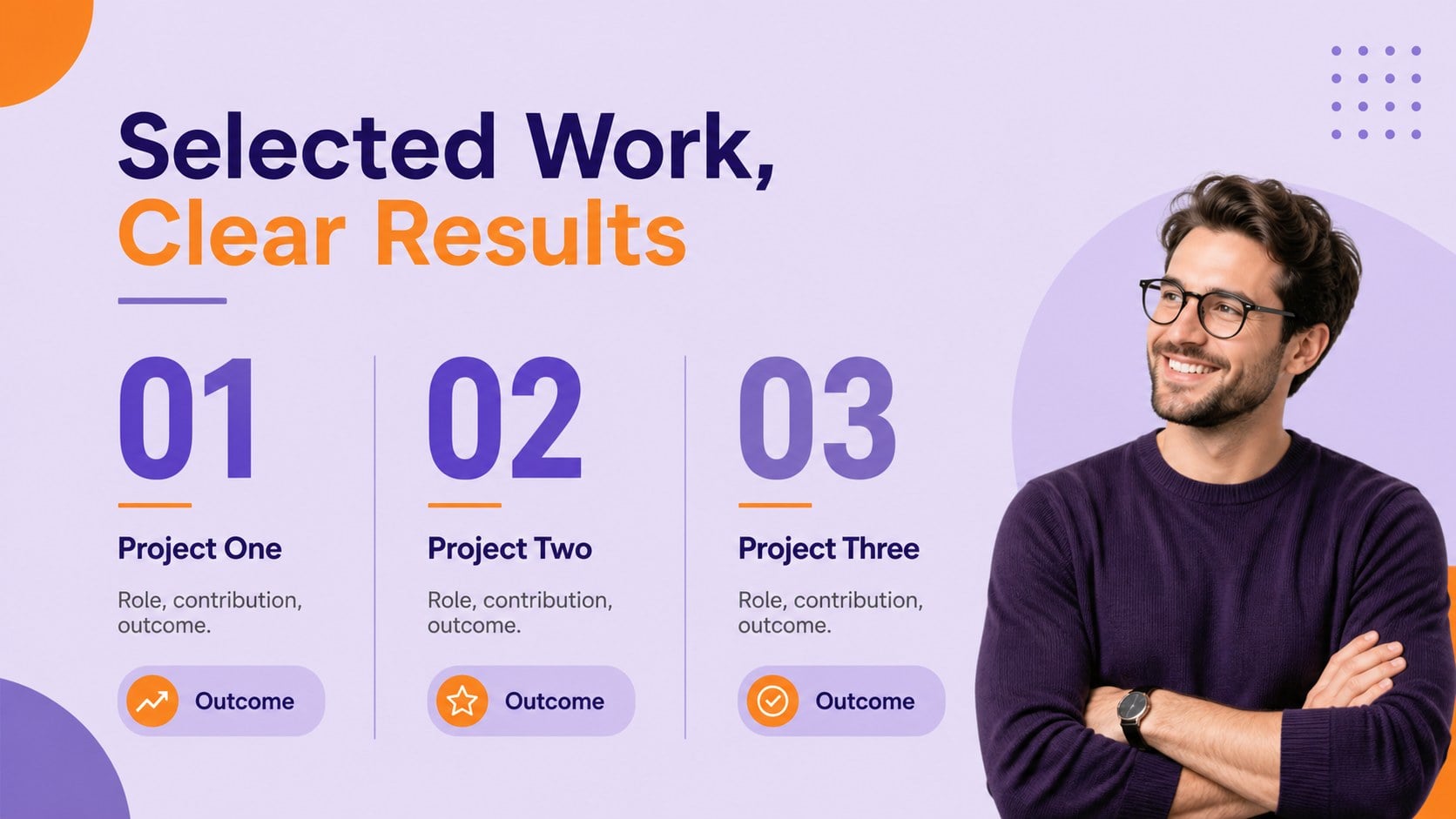
A career storytelling portfolio deck helps you present your professional identity as a clear, memorable narrative rather than a list of job titles. This vibrant purple, violet, and orange presentation theme combines playful shapes, expressive typography, and structured layouts to give your achievements a distinctive visual voice.
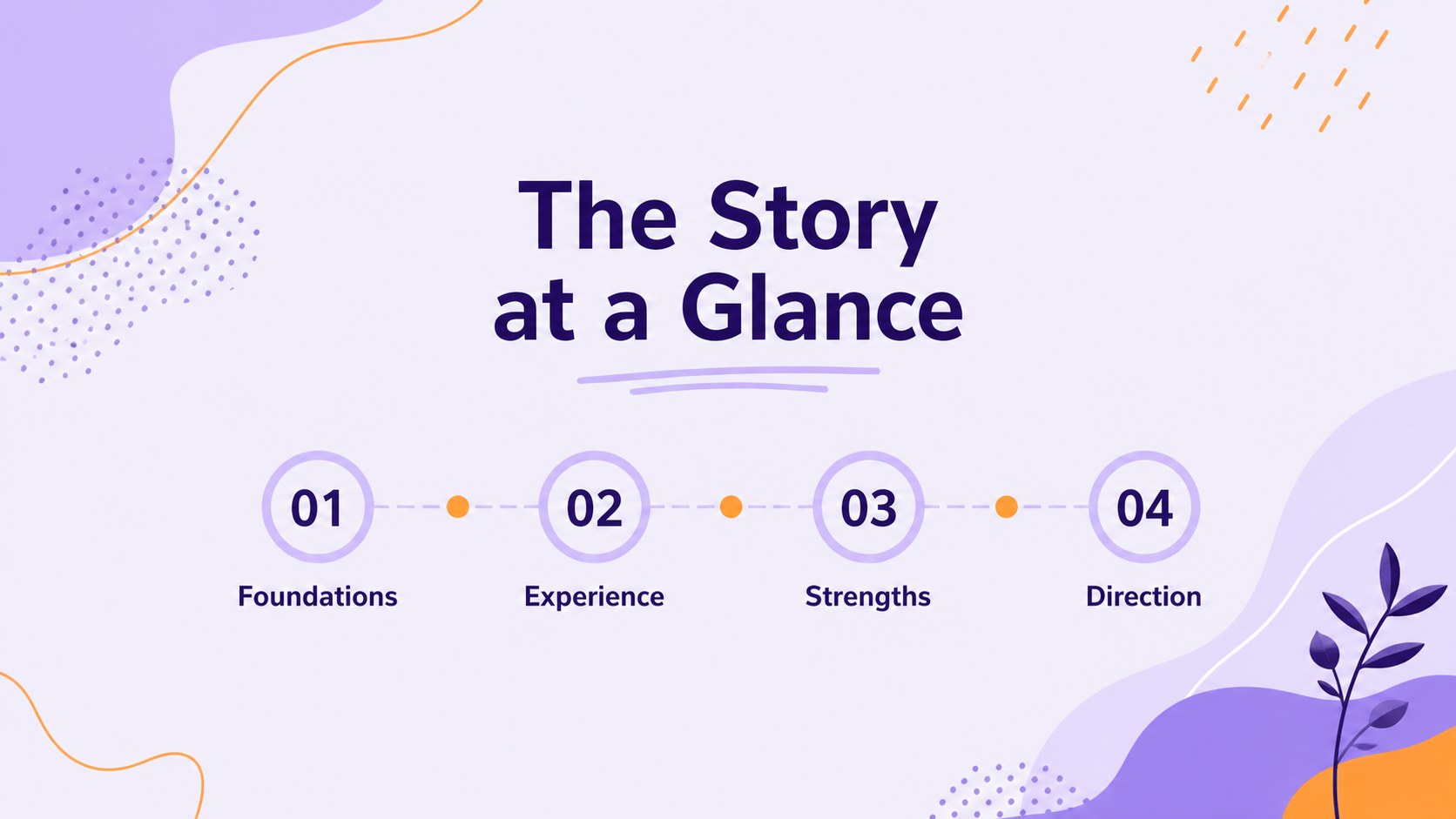
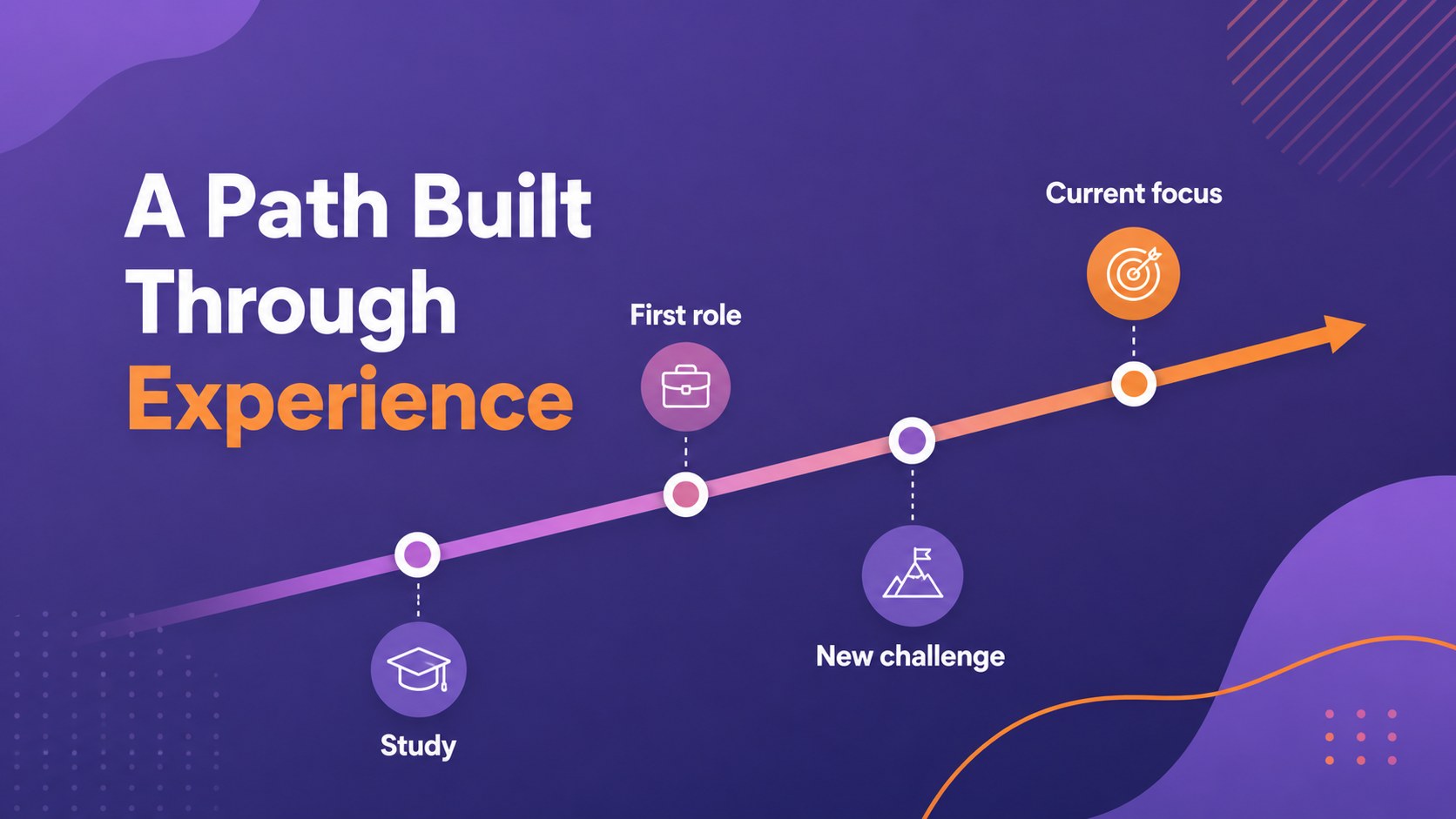
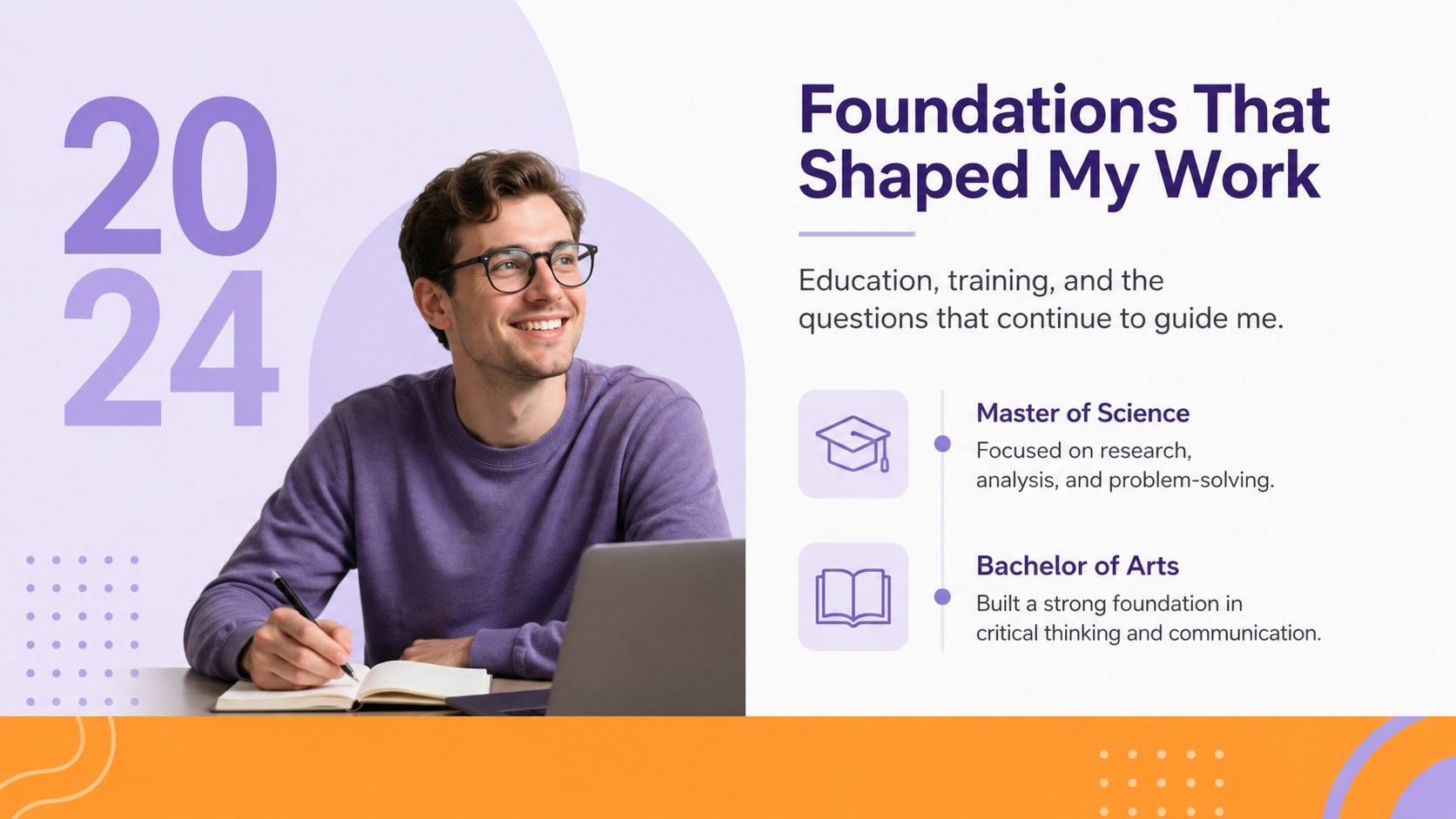
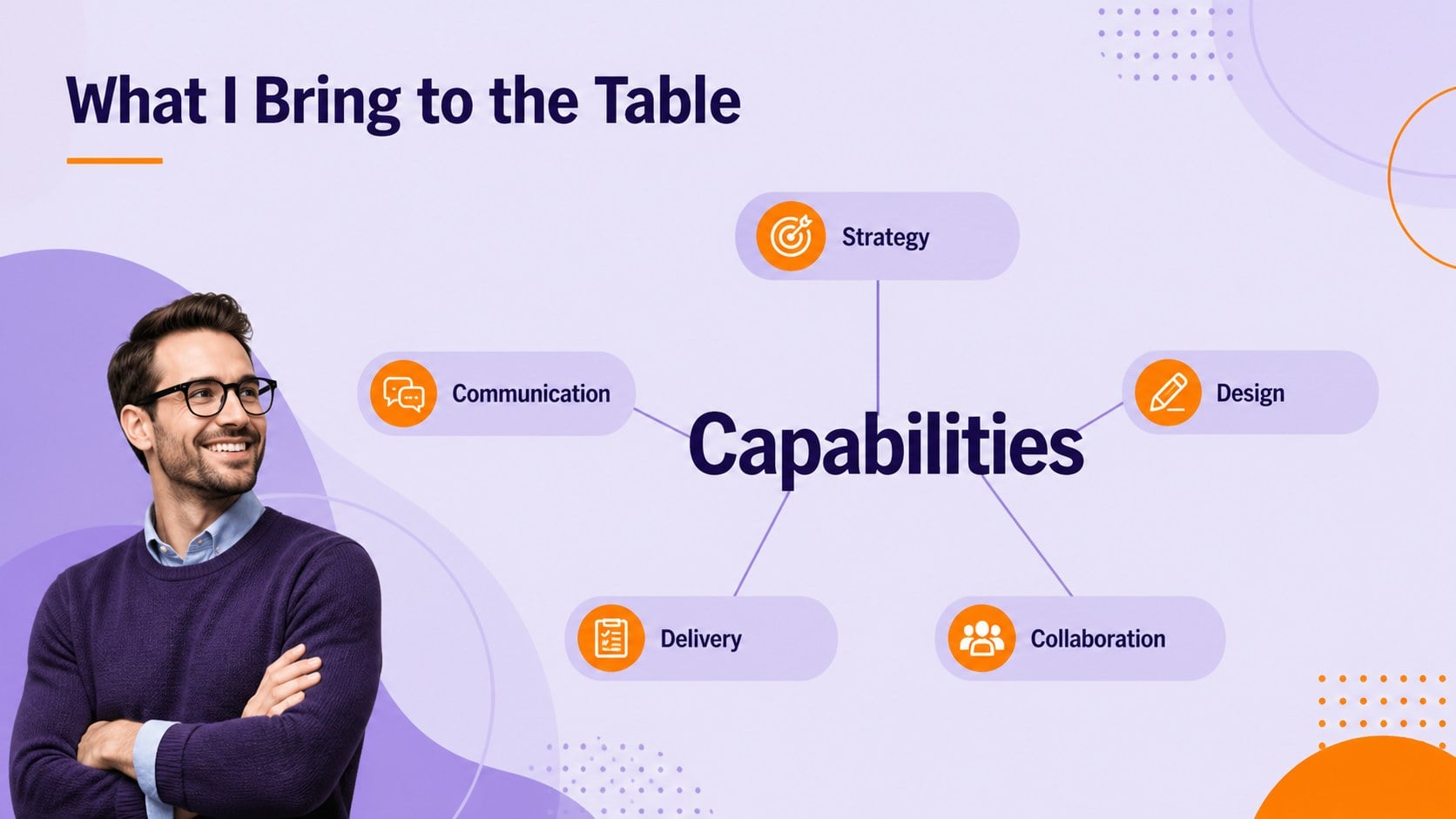
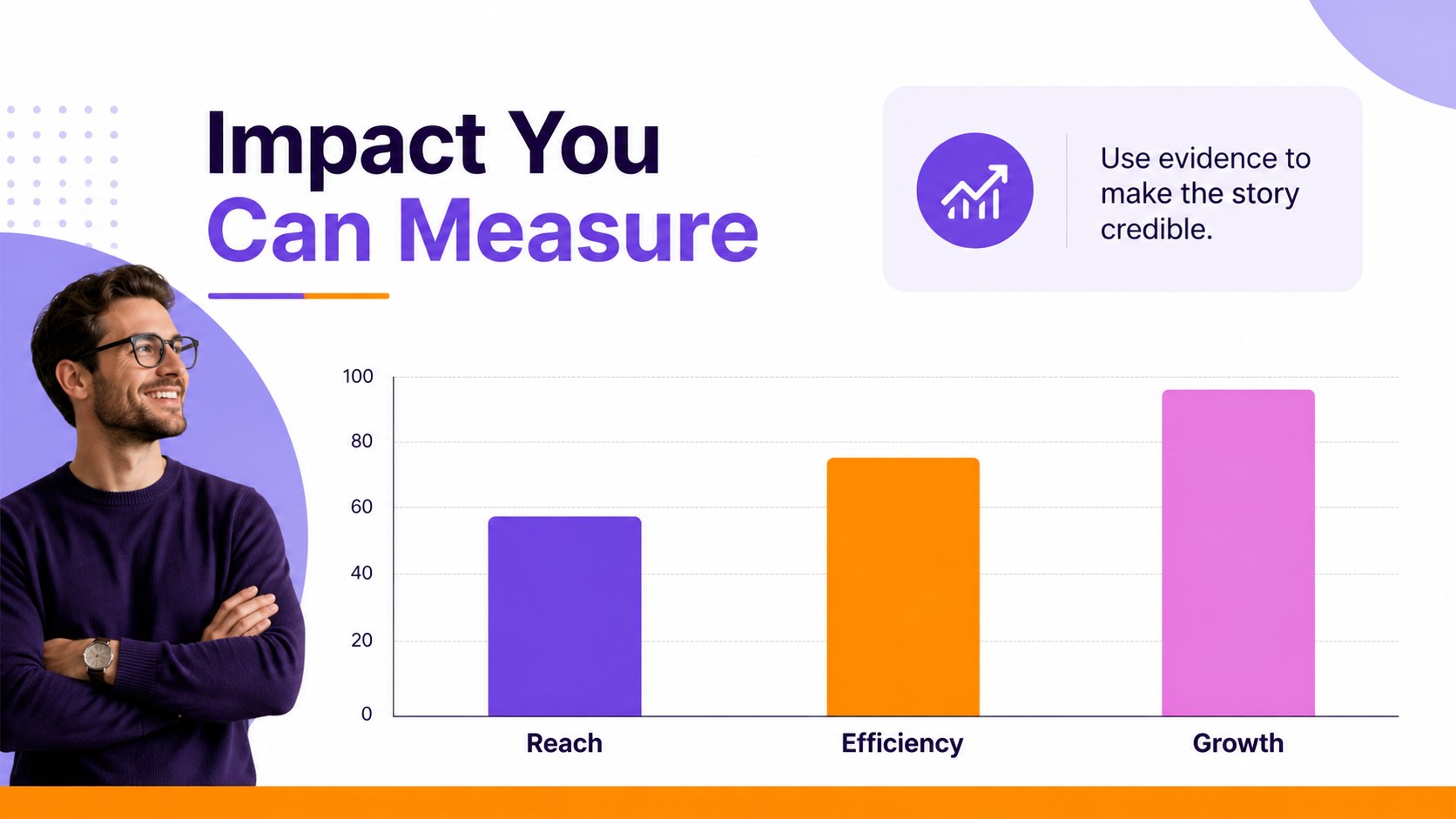
Inside, you’ll find editable slides for an introduction, career timeline, personal profile, education, project highlights, capabilities, strengths, development areas, references, and future goals. Visual chart, table, agenda, team profile, and image layouts make it easy to explain results, show collaboration, and add evidence to your story. The deck also includes a resource page with adaptable icons and decorative elements, plus a closing slide for contact details or a call to connect.
Use this professional portfolio presentation for interviews, freelance proposals, agency introductions, networking events, or a personal brand update. It is designed for job seekers, students, creatives, consultants, and professionals changing careers. Edit the content in PowerPoint or Google Slides, replace the imagery, and adjust the layouts to create a polished job interview portfolio presentation that feels personal and confident.
Perfect for: job interview portfolio; freelance services pitch; career change introduction; creative agency profile; professional networking event.
Frequently asked questions
Can I edit the deck in PowerPoint? Yes. The layouts, text, colors, icons, charts, and images can be customized in PowerPoint. Replace the sample content with your own experience and project details.
Practical details
Yes. The layouts, text, colors, icons, charts, and images can be customized in PowerPoint. Replace the sample content with your own experience and project details.
Yes, the presentation is compatible with Google Slides as well as PowerPoint. You can upload the file, update the content, and share the finished deck with collaborators.
Start with a concise introduction, then connect your experience, projects, strengths, and results through a clear timeline. Finish with your goals, contact information, or a specific invitation to continue the conversation.
Yes. The theme colors can be adjusted to match your personal brand or the organization you are contacting. Keep strong contrast between backgrounds, headings, and body text for readability.
Keep exploring
15Build an engaging World UFO Day session with this flying saucer history lesson deck, featuring retro green-and-brown slides for PowerPoint and Google Slides.
 15
15Plan a lively animal-learning journey with this jungle zoo adventure lesson deck, ready to customize in PowerPoint and Google Slides for young learners.
 16
16Turn environmental research into a clear story with a Watercolor Ecology Presentation Theme for PowerPoint and Google Slides in calming green and blue.
 16
16Build focused fashion, literature, and humanities presentations with the Red Triangle Editorial Theme, editable in PowerPoint and Google Slides.
 15
15Turn streaming stats, favorite tracks, and concert highlights into a bold annual listening recap slide deck for PowerPoint and Google Slides.
 15
15Turn highlights, milestones, and favorite moments into a colorful year in review slide deck with bold 3D graphics for PowerPoint and Google Slides.
 3
3Build a credible endorsement with Standout Colleague Recommendation Letter Slides, featuring colorful prompts for skills, achievements, and team impact.
 4
4Build clear beginner sessions with an ice hockey fundamentals training deck for coaches, PE teachers, and clubs, ready for PowerPoint and Google Slides.