
 15
15presentation
Flying Saucer History Lesson Deck
Build an engaging World UFO Day session with this flying saucer history lesson deck, featuring retro green-and-brown slides for PowerPoint and Google Slides.
Google SlidesPowerPoint
presentation · English
Build a confident first impression with this career story interview introduction deck for PowerPoint and Google Slides in a crisp blue scribble style.



Design notes
Turn your professional background into a focused narrative with this career story interview introduction deck. Designed for candidates who want to move beyond a standard resume, the slides help you explain where you have been, what you do well, and why you fit the opportunity. Blue-and-white layouts, casual hand-drawn accents, and clean Nunito typography create an approachable look without losing professional credibility.
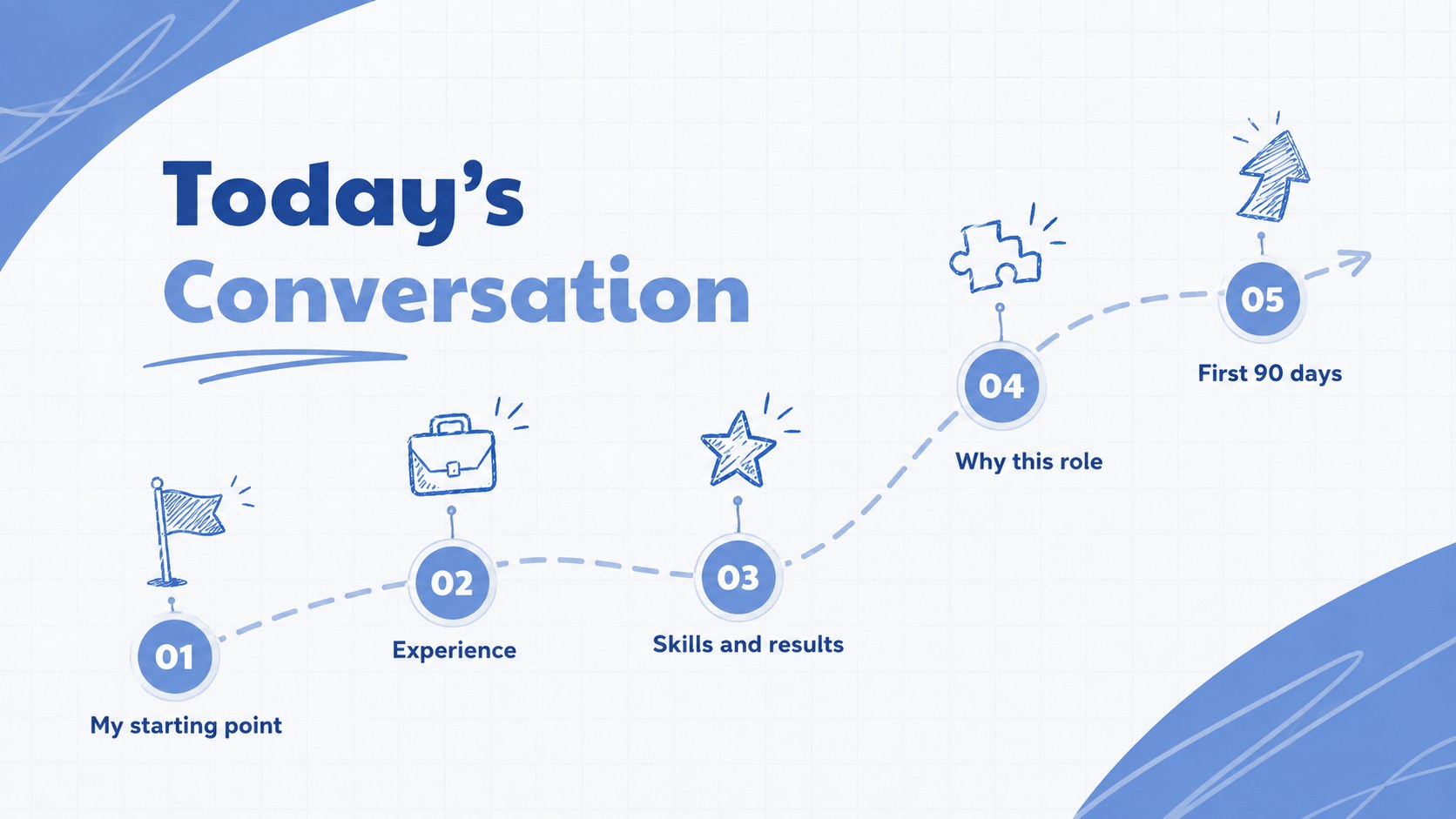
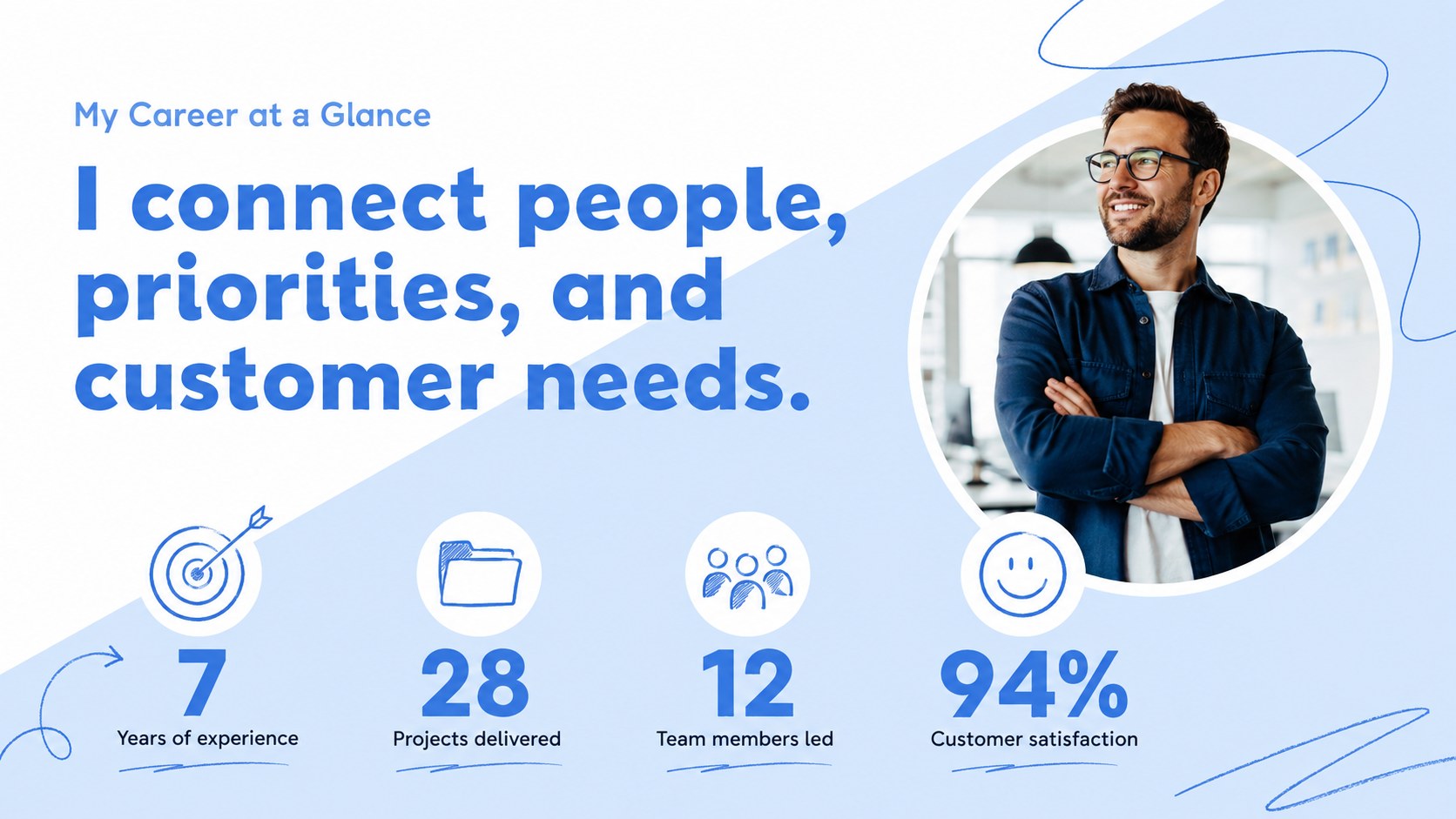
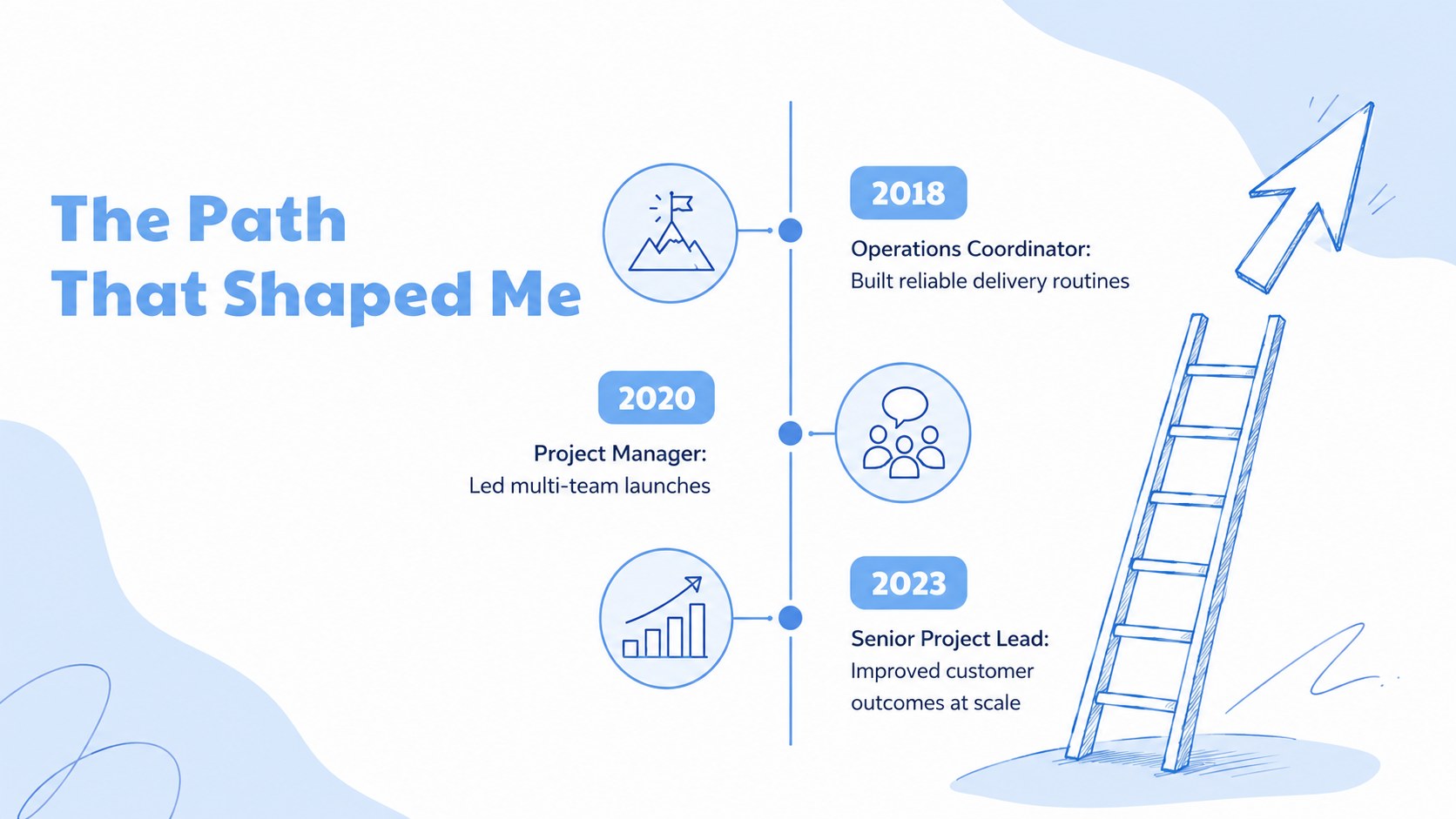
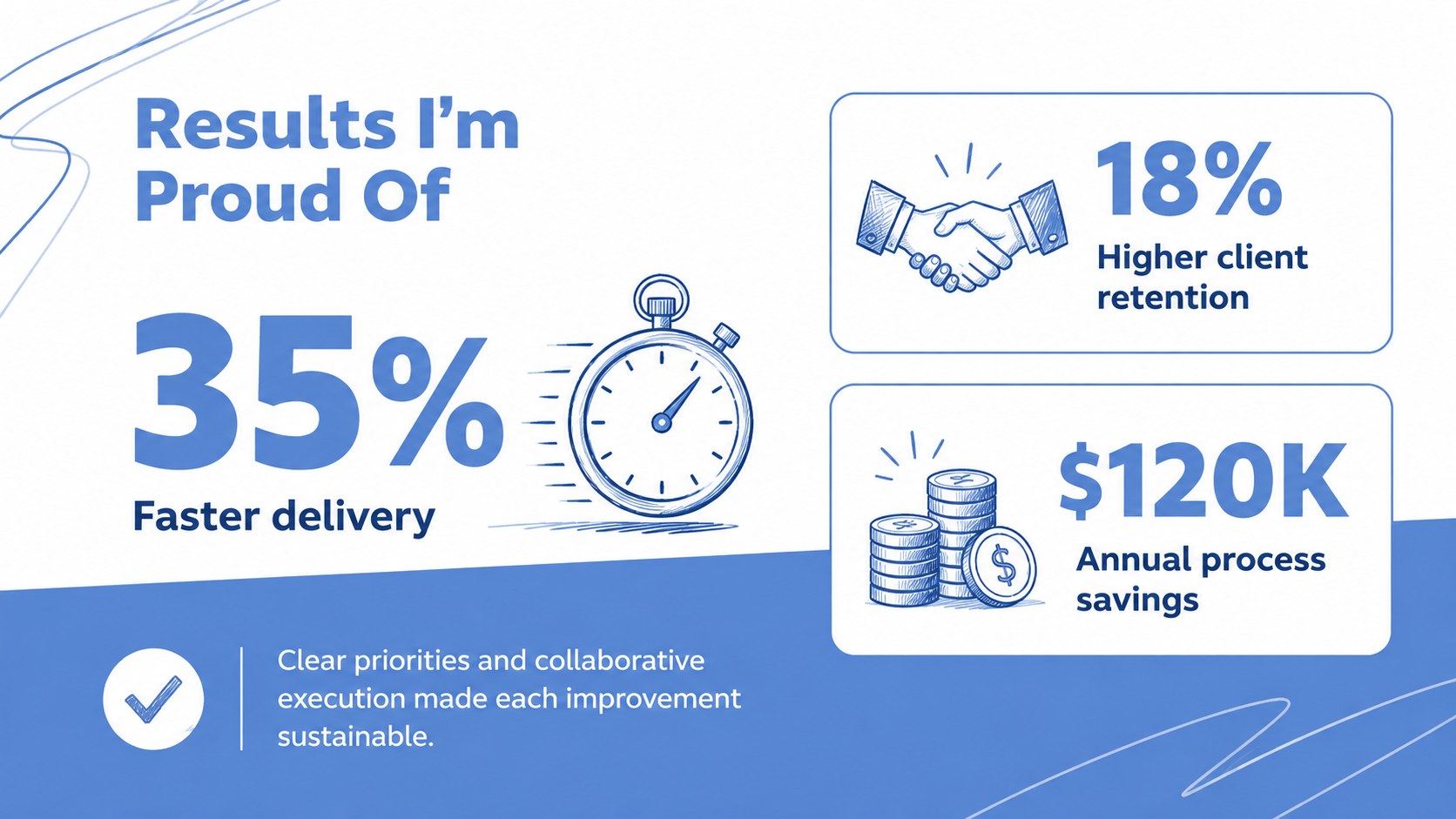
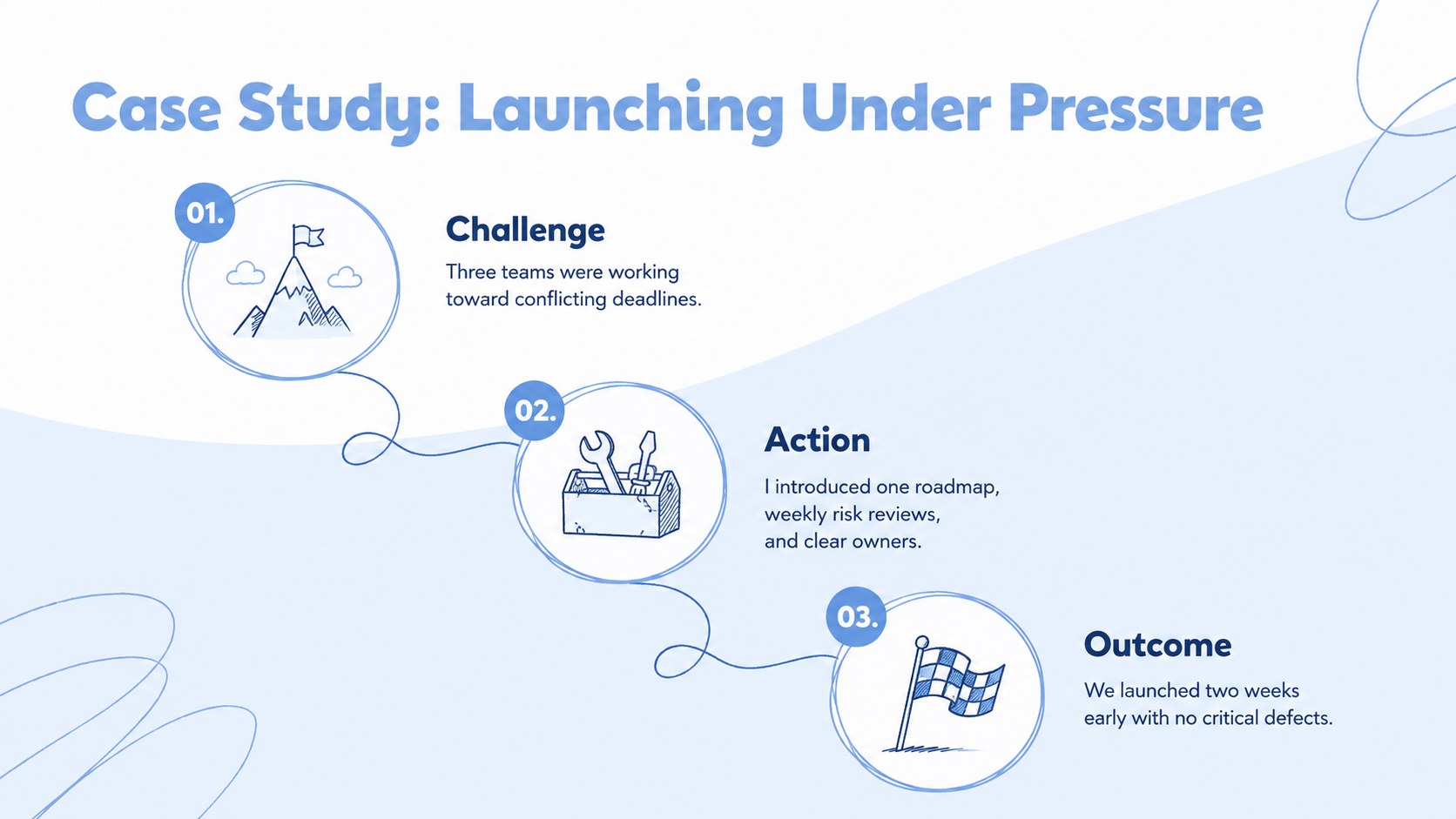
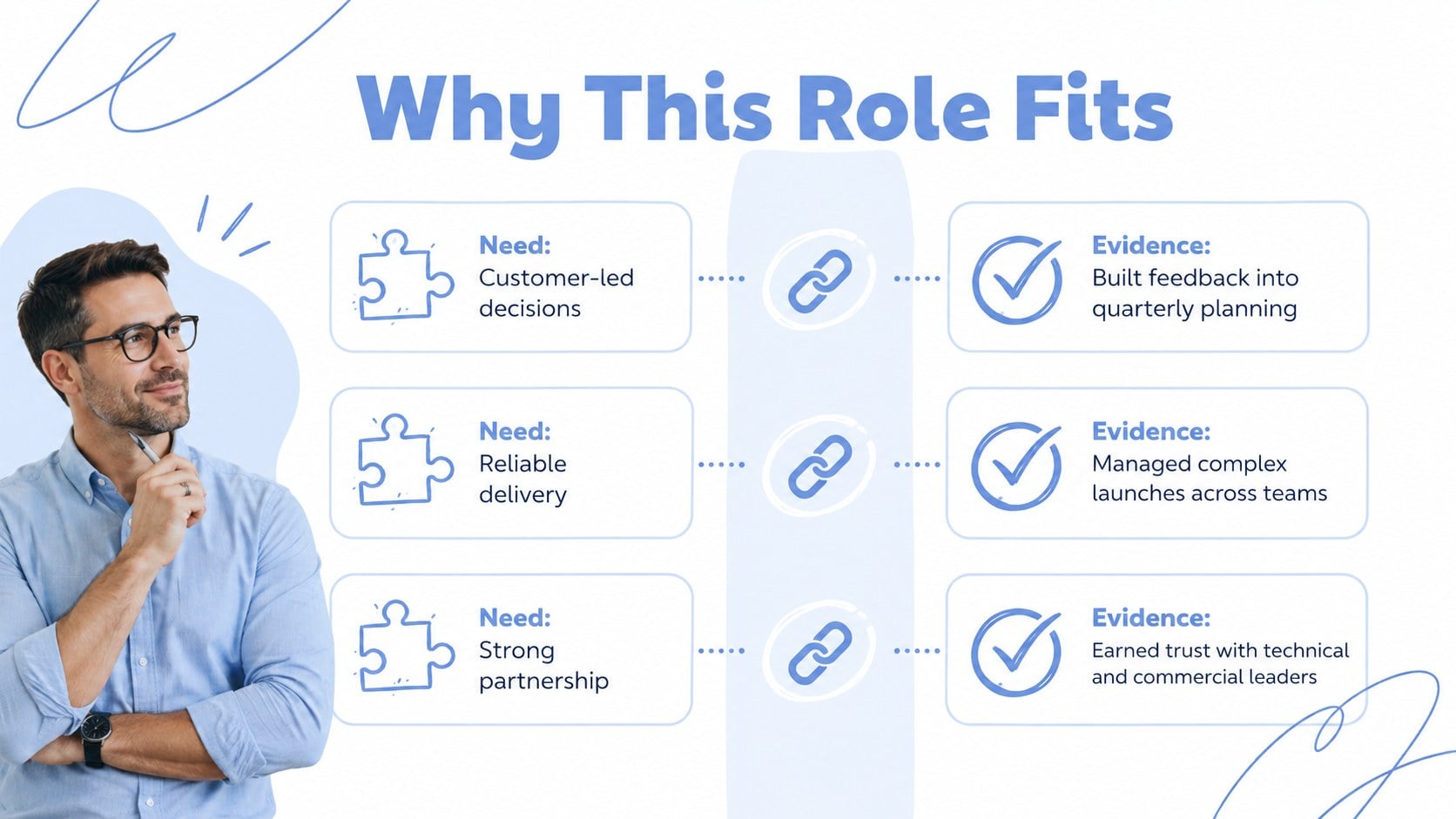
The 15-slide structure includes an opening profile, presentation roadmap, career snapshot, experience timeline, core skills, measurable achievements, project case study, role-fit comparison, personal strengths, work style, and a 30-60-90 day plan. It also provides space for thoughtful questions, contact details, and a concise closing message. Use the layouts as a professional interview portfolio presentation or adapt them into job interview personal pitch slides for a panel discussion.
This template is intended for graduates, career changers, managers, specialists, and other applicants preparing for structured interviews. Every element can be edited in PowerPoint or Google Slides, including colors, type, diagrams, icons, and supporting text. Add your own examples and metrics to tell your career story in an interview with clarity. The consistent visual hierarchy makes the deck suitable for in-person meetings, remote interviews, recruiter screenings, and internal promotion conversations.
Perfect for: job interview self-introduction; graduate recruitment presentation; career change interview; internal promotion pitch; remote panel interview; professional portfolio overview.
Frequently asked questions
Can I edit this interview deck in PowerPoint and Google Slides? Yes. The layouts, colors, text, icons, and diagrams can be customized in both PowerPoint and Google Slides. You can also duplicate or remove slides to match the length of your interview.
Practical details
Yes. The layouts, colors, text, icons, and diagrams can be customized in both PowerPoint and Google Slides. You can also duplicate or remove slides to match the length of your interview.
Replace the sample wording with specific roles, projects, skills, and results from your experience. Include concise metrics and examples that directly relate to the position you are pursuing.
Yes. Its restrained blue-and-white design works for corporate, technical, creative, nonprofit, and public-sector interviews. Adjust the terminology, examples, and visuals to reflect your field.
Choose the slides that support the interview format rather than presenting all 15 automatically. A short introduction may need five to seven slides, while a portfolio review or final-round presentation can use more.
Keep exploring
15Build an engaging World UFO Day session with this flying saucer history lesson deck, featuring retro green-and-brown slides for PowerPoint and Google Slides.
 15
15Plan a lively animal-learning journey with this jungle zoo adventure lesson deck, ready to customize in PowerPoint and Google Slides for young learners.
 16
16Turn environmental research into a clear story with a Watercolor Ecology Presentation Theme for PowerPoint and Google Slides in calming green and blue.
 16
16Build focused fashion, literature, and humanities presentations with the Red Triangle Editorial Theme, editable in PowerPoint and Google Slides.
 15
15Turn streaming stats, favorite tracks, and concert highlights into a bold annual listening recap slide deck for PowerPoint and Google Slides.
 15
15Turn highlights, milestones, and favorite moments into a colorful year in review slide deck with bold 3D graphics for PowerPoint and Google Slides.
 3
3Build a credible endorsement with Standout Colleague Recommendation Letter Slides, featuring colorful prompts for skills, achievements, and team impact.
 4
4Build clear beginner sessions with an ice hockey fundamentals training deck for coaches, PE teachers, and clubs, ready for PowerPoint and Google Slides.