
 15
15presentation
Flying Saucer History Lesson Deck
Build an engaging World UFO Day session with this flying saucer history lesson deck, featuring retro green-and-brown slides for PowerPoint and Google Slides.
Google SlidesPowerPoint
presentation · English
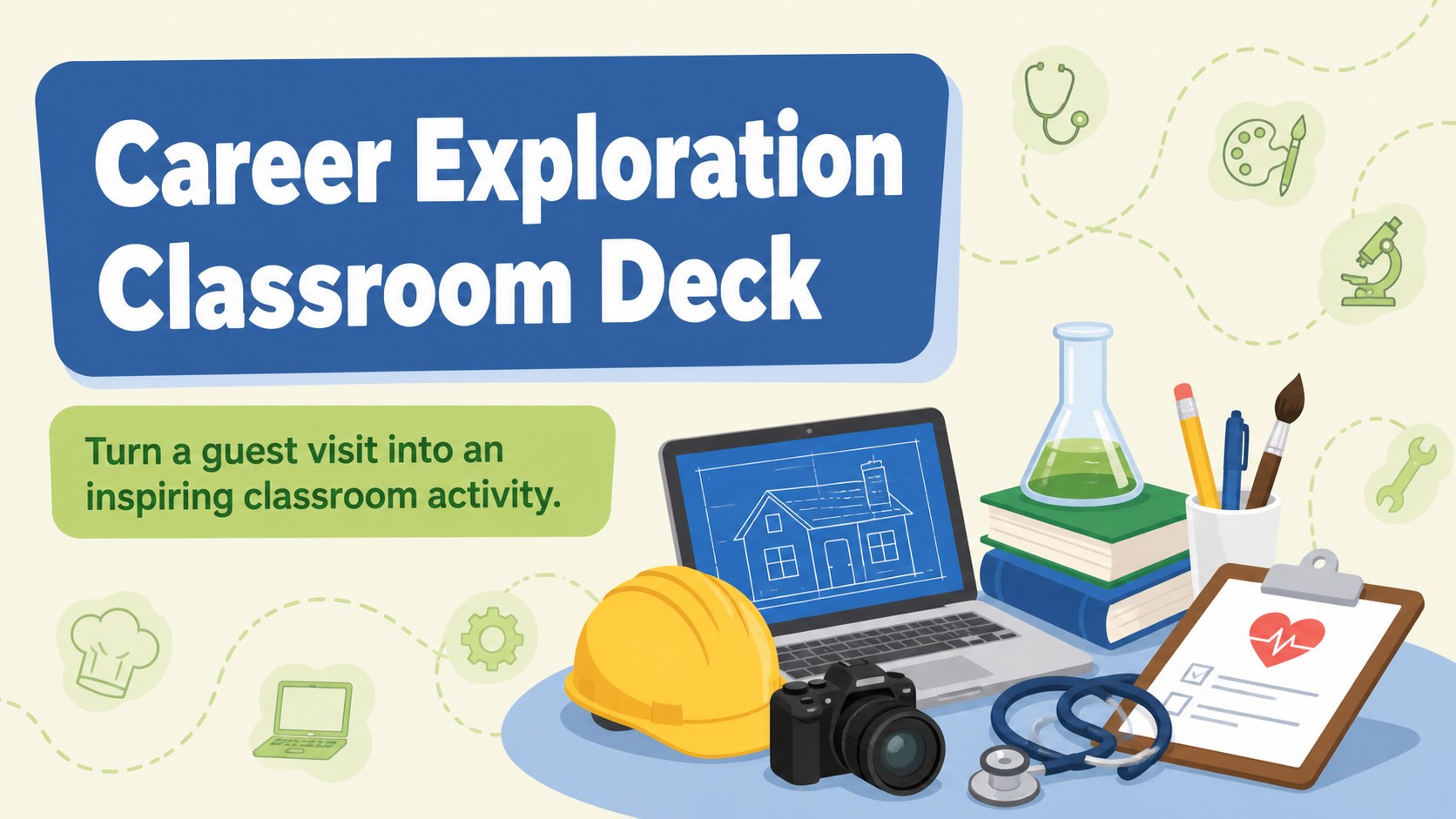
Career exploration classroom deck for elementary learners, with editable blue and green slides for guest speakers, dream jobs, and hands-on class activities.
Design notes
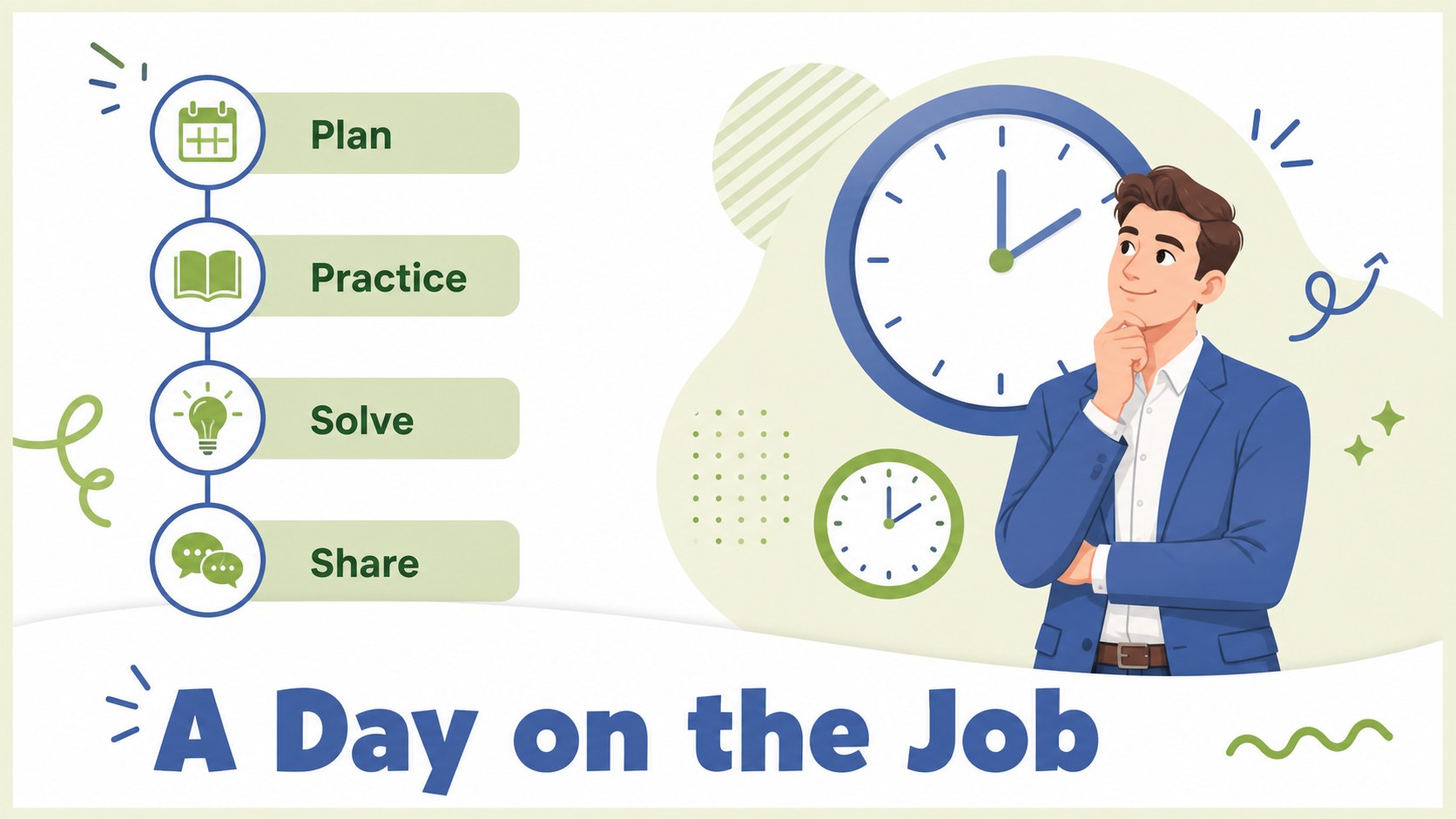
Career exploration classroom deck for elementary learners, designed to make conversations about future jobs lively, approachable, and easy to lead. The cheerful blue and green palette, illustrated details, and accessible layouts create a welcoming setting for guest speakers, classroom discussions, and student participation.
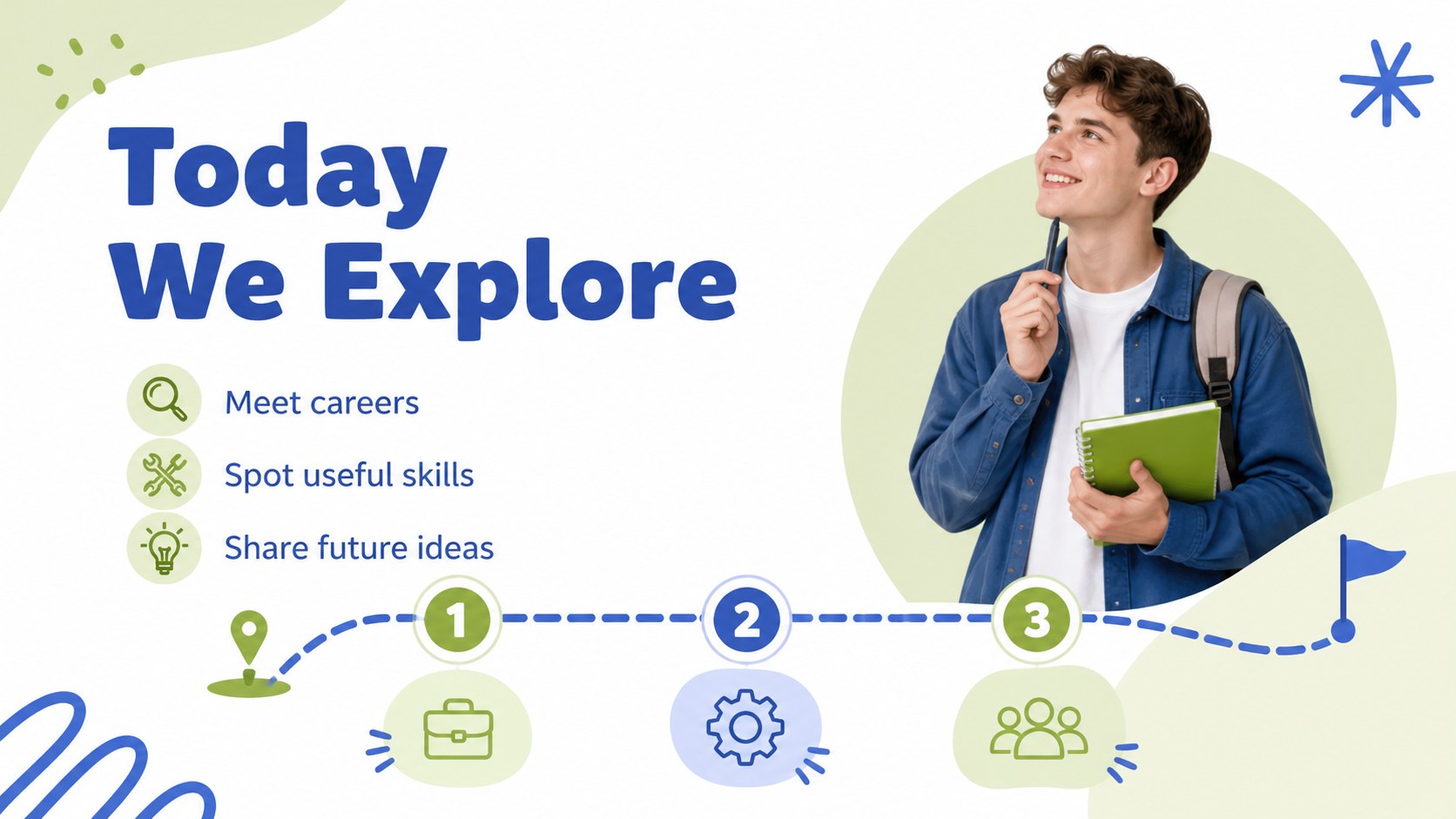
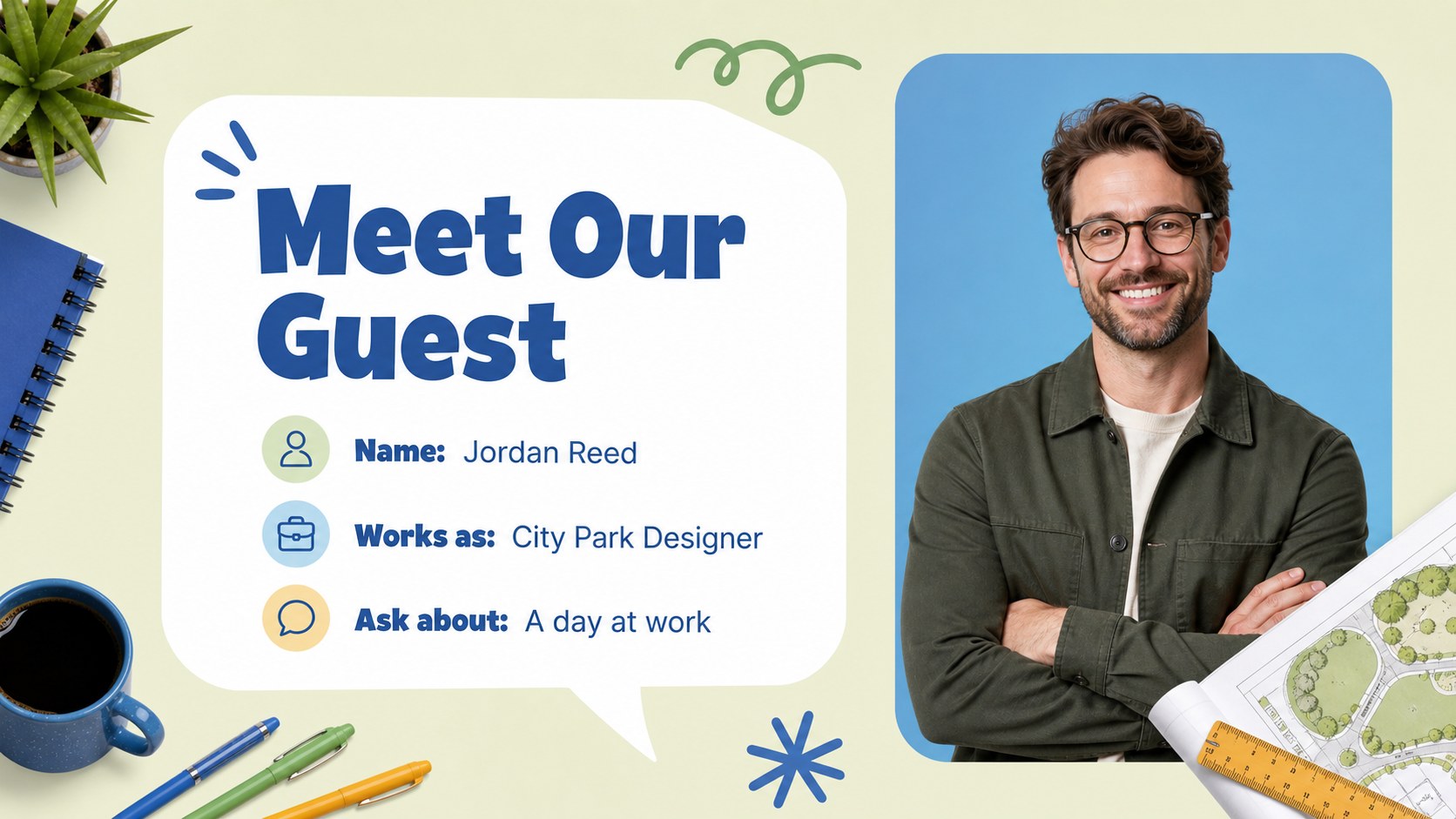
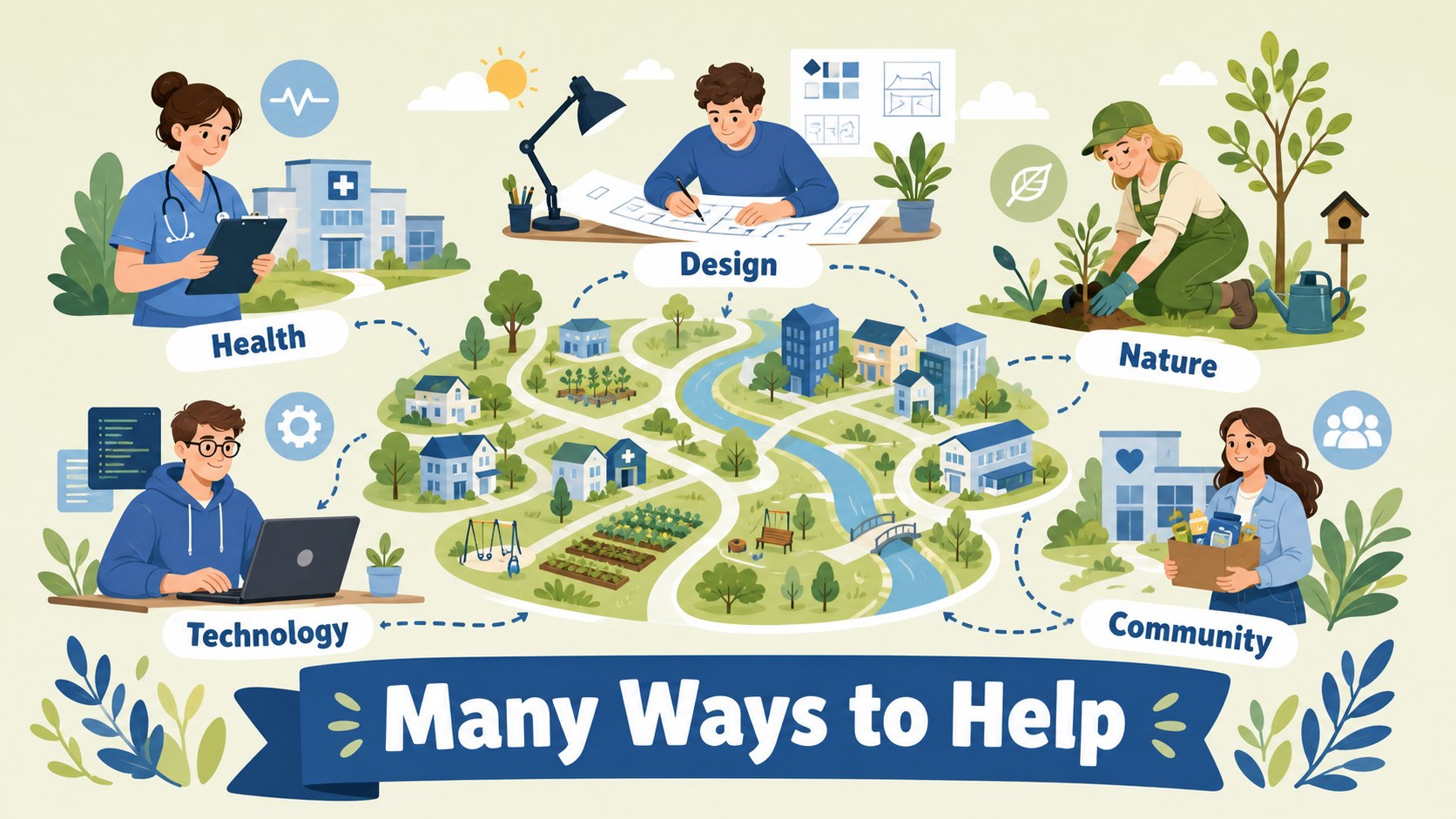
Inside, you will find 14 editable 16:9 slides for introducing the session, presenting a visitor, discussing different career paths, comparing workplace skills, and inviting students to share their dream jobs. Dedicated areas support career day classroom activities such as show-and-tell, question prompts, matching talents to professions, and personal reflection. The layouts can also be adapted for a dream job presentation for kids, a family careers visit, or a short school assembly.
This resource is made for elementary teachers, school counselors, activity coordinators, and guest professionals who want a clear visual structure for career conversations. Edit the wording, rearrange sections, add photographs or illustrations, and adjust examples to suit your class. The deck works in PowerPoint and Google Slides, making it practical for both in-person teaching and online presentations. Use the elementary career exploration slides as a starting point for encouraging curiosity, confidence, and an understanding of the many ways people contribute to their communities.
Perfect for: elementary career day; guest speaker classroom visit; dream jobs lesson; school assembly; career awareness activity.
Frequently asked questions
Can I edit the text and examples? Yes. All text areas are editable, so you can change career examples, discussion prompts, speaker details, and student activities. You can also remove sections that do not fit your class.
Practical details
Yes. All text areas are editable, so you can change career examples, discussion prompts, speaker details, and student activities. You can also remove sections that do not fit your class.
The template is designed for PowerPoint and Google Slides. You can present it digitally or export it to a format suitable for classroom handouts.
Yes. The blue and green palette can be adjusted to match your school or event, and the illustrations can be replaced with photos, icons, or other classroom-friendly graphics. Keep strong contrast between text and backgrounds for easy reading.
It is intended for elementary teachers, school counselors, activity coordinators, and guest professionals. The layouts are suitable for guided lessons, interactive discussions, and short presentations about different careers.
Keep exploring
15Build an engaging World UFO Day session with this flying saucer history lesson deck, featuring retro green-and-brown slides for PowerPoint and Google Slides.
 15
15Plan a lively animal-learning journey with this jungle zoo adventure lesson deck, ready to customize in PowerPoint and Google Slides for young learners.
 16
16Turn environmental research into a clear story with a Watercolor Ecology Presentation Theme for PowerPoint and Google Slides in calming green and blue.
 16
16Build focused fashion, literature, and humanities presentations with the Red Triangle Editorial Theme, editable in PowerPoint and Google Slides.
 15
15Turn streaming stats, favorite tracks, and concert highlights into a bold annual listening recap slide deck for PowerPoint and Google Slides.
 15
15Turn highlights, milestones, and favorite moments into a colorful year in review slide deck with bold 3D graphics for PowerPoint and Google Slides.
 3
3Build a credible endorsement with Standout Colleague Recommendation Letter Slides, featuring colorful prompts for skills, achievements, and team impact.
 4
4Build clear beginner sessions with an ice hockey fundamentals training deck for coaches, PE teachers, and clubs, ready for PowerPoint and Google Slides.