
 15
15presentation
Flying Saucer History Lesson Deck
Build an engaging World UFO Day session with this flying saucer history lesson deck, featuring retro green-and-brown slides for PowerPoint and Google Slides.
Google SlidesPowerPoint
presentation · English
Build a clearer oncology lesson with this cancer cell biology teaching deck, featuring modern blue, green, and white PowerPoint and Google Slides.


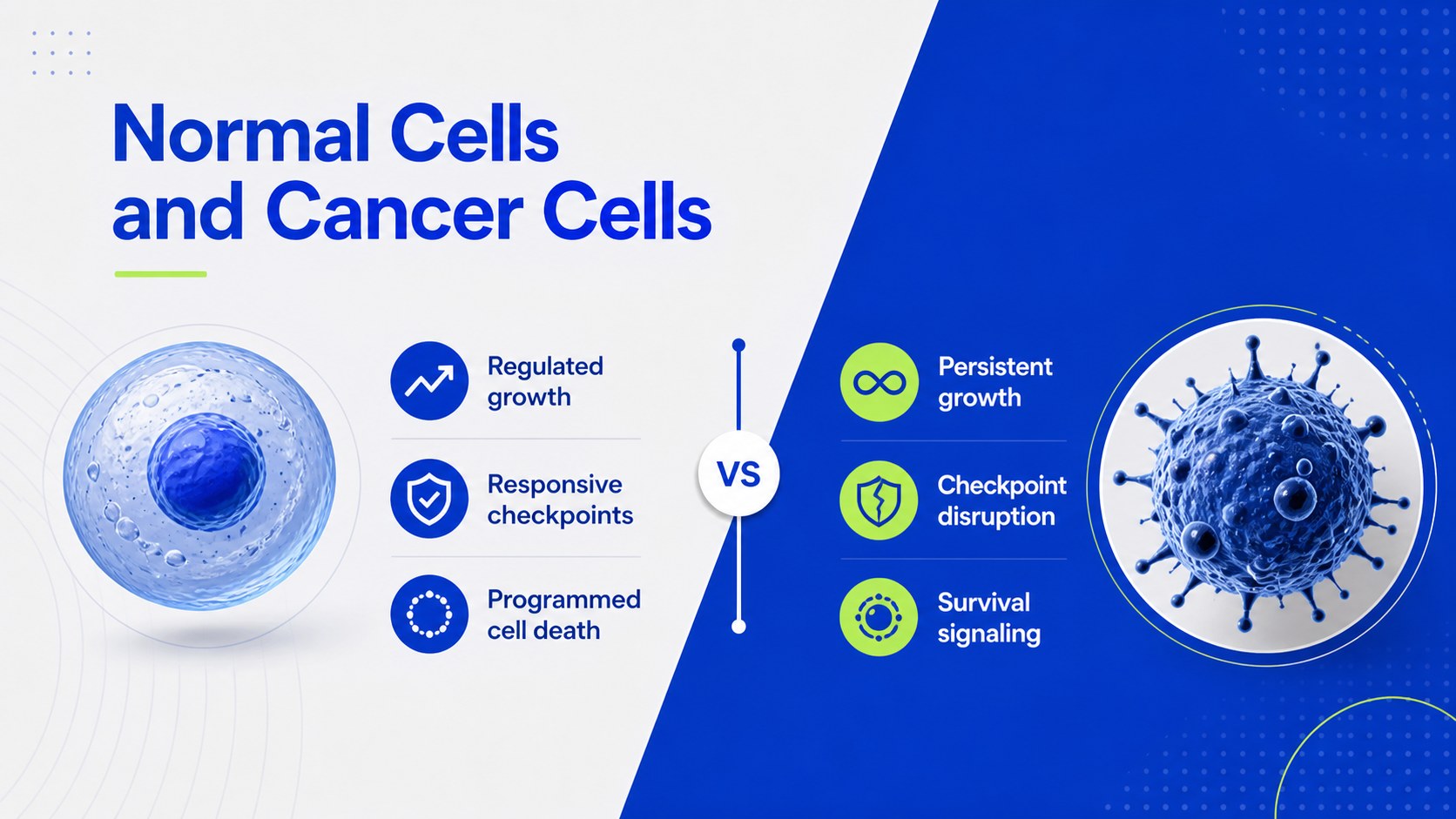



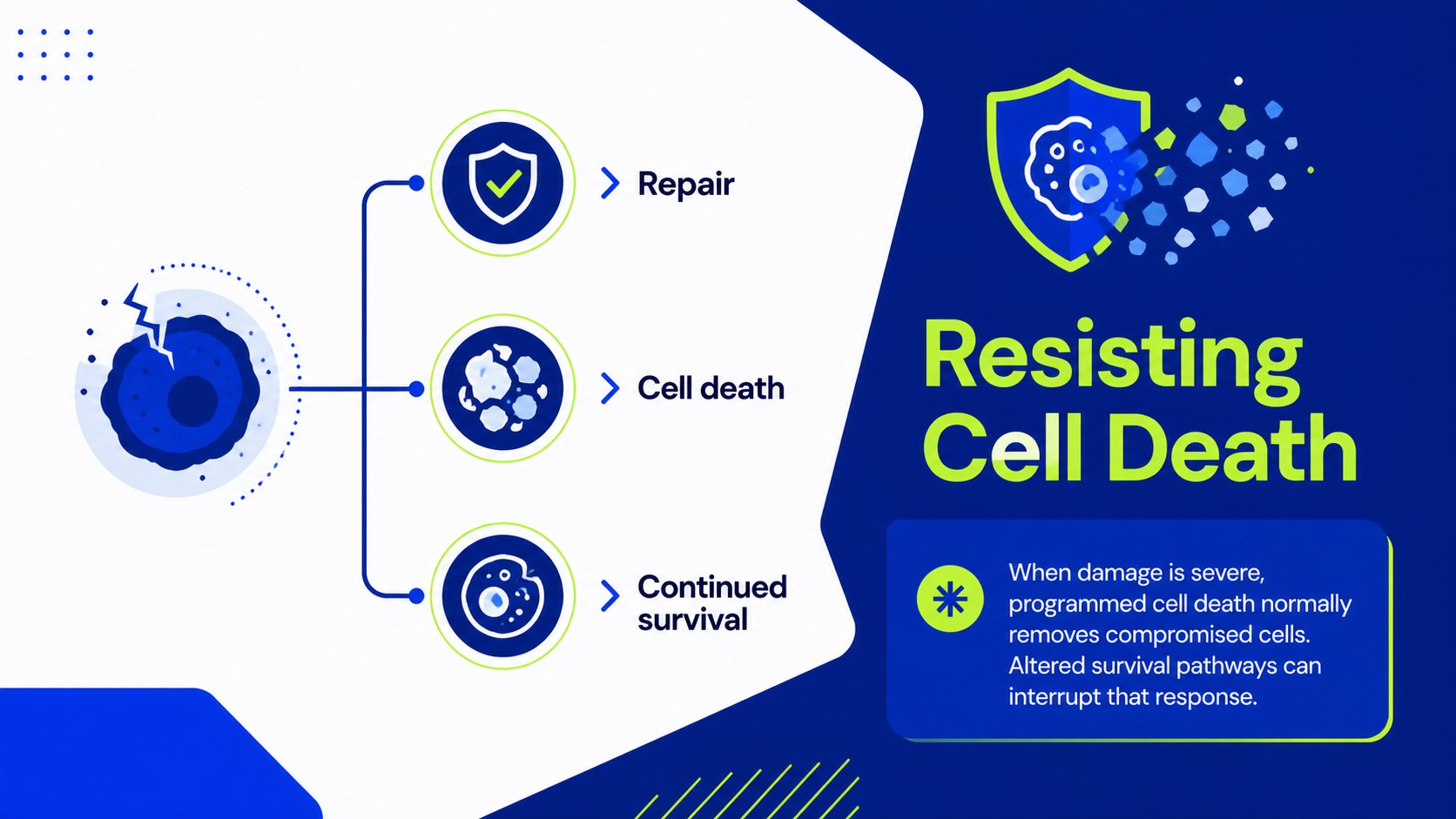
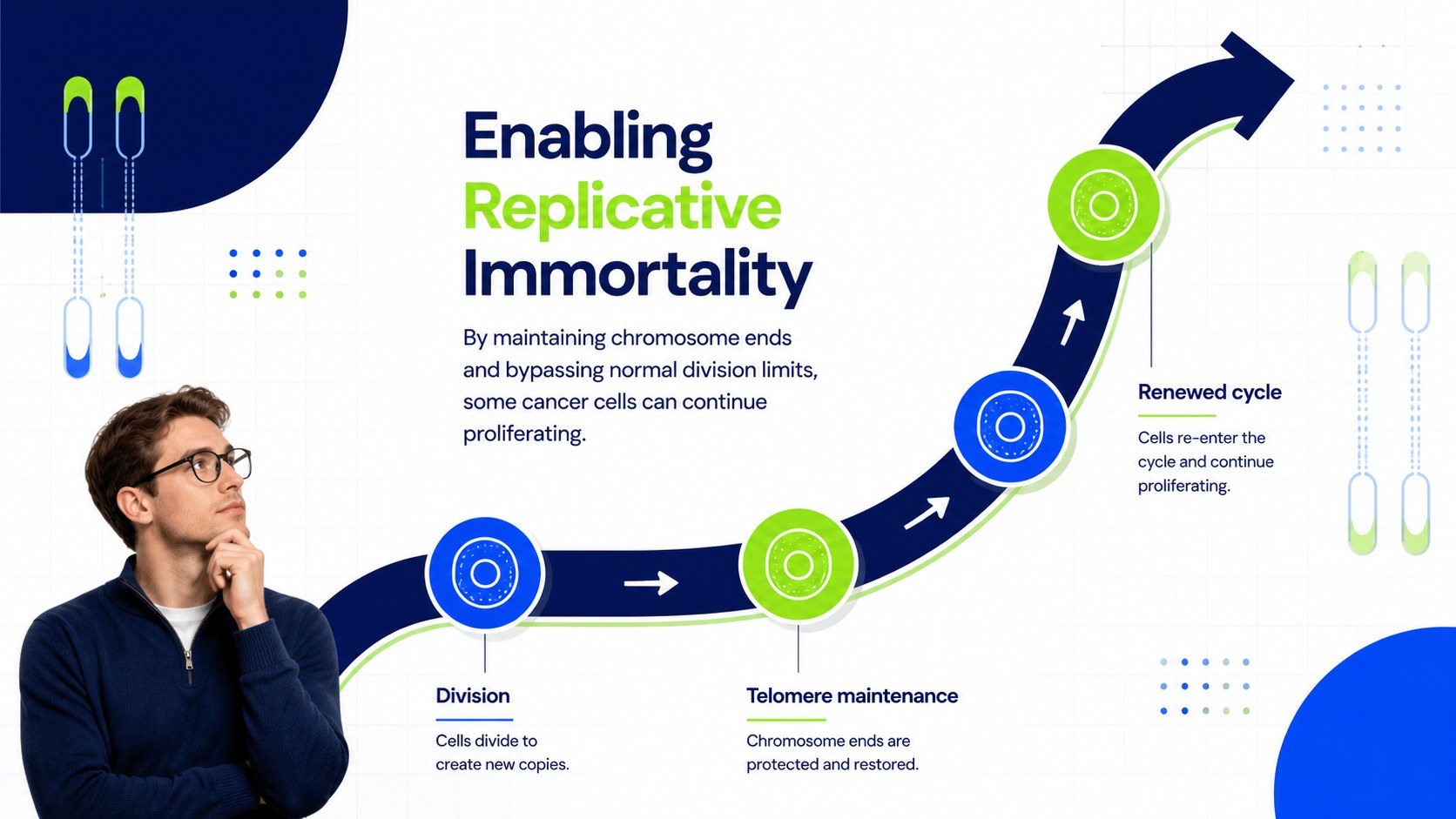

Design notes
Make complex oncology concepts easier to follow with this cancer cell biology teaching deck. Designed for clear, progressive instruction, its modern geometric layouts use a calm blue, green, and white palette to organize essential ideas without overwhelming the audience. Edit every slide in PowerPoint or Google Slides to match your course, seminar, or training session.
The 15-slide deck provides a logical framework for explaining normal cell regulation, acquired cancer capabilities, tumor-supporting processes, and the relationship between biological changes and disease progression. It includes an opening overview, comparison layouts, concept summaries, process diagrams, a timeline, a data chart, discussion prompts, and a closing recap. Use it as a hallmarks of cancer lecture presentation or adapt the visual structure into an oncology education slide deck for a broader unit on cancer biology.
This resource is suited to university lecturers, medical educators, biology teachers, clinical trainers, and students preparing an academic presentation. The layouts support classroom explanations, seminar discussions, revision sessions, and professional development workshops. Shapes, colors, diagrams, labels, and text can be customized, while the widescreen format provides ample room for evidence, citations, and speaker notes. Whether you are building a cancer cells versus normal cells lesson or summarizing recent research, the deck helps create a coherent visual narrative while leaving room for the terminology and depth your audience requires.
Perfect for: university cancer biology lecture; medical school oncology seminar; clinical training workshop; student research presentation; biology revision session.
Frequently asked questions
Can I edit this deck in PowerPoint and Google Slides? Yes. The layouts, text, colors, shapes, and diagrams can be edited in both PowerPoint and Google Slides. Font availability and animation behavior may vary slightly between the two platforms.
Practical details
Yes. The layouts, text, colors, shapes, and diagrams can be edited in both PowerPoint and Google Slides. Font availability and animation behavior may vary slightly between the two platforms.
Yes. Replace the introductory wording with specialist terminology, research findings, citations, or clinical examples. The comparison, process, chart, and summary layouts are flexible enough for undergraduate, graduate, or professional instruction.
Use the theme color controls in PowerPoint or Google Slides to update recurring colors consistently. Maintain strong contrast between text and backgrounds so labels, charts, and diagrams remain readable.
The slides provide an educational structure and concise sample content rather than diagnostic or treatment guidance. Review all scientific wording, references, and statistics before presenting them to your audience.
Keep exploring
15Build an engaging World UFO Day session with this flying saucer history lesson deck, featuring retro green-and-brown slides for PowerPoint and Google Slides.
 15
15Plan a lively animal-learning journey with this jungle zoo adventure lesson deck, ready to customize in PowerPoint and Google Slides for young learners.
 16
16Turn environmental research into a clear story with a Watercolor Ecology Presentation Theme for PowerPoint and Google Slides in calming green and blue.
 16
16Build focused fashion, literature, and humanities presentations with the Red Triangle Editorial Theme, editable in PowerPoint and Google Slides.
 15
15Turn streaming stats, favorite tracks, and concert highlights into a bold annual listening recap slide deck for PowerPoint and Google Slides.
 15
15Turn highlights, milestones, and favorite moments into a colorful year in review slide deck with bold 3D graphics for PowerPoint and Google Slides.
 3
3Build a credible endorsement with Standout Colleague Recommendation Letter Slides, featuring colorful prompts for skills, achievements, and team impact.
 4
4Build clear beginner sessions with an ice hockey fundamentals training deck for coaches, PE teachers, and clubs, ready for PowerPoint and Google Slides.