
 15
15presentation
Flying Saucer History Lesson Deck
Build an engaging World UFO Day session with this flying saucer history lesson deck, featuring retro green-and-brown slides for PowerPoint and Google Slides.
Google SlidesPowerPoint
presentation · English
Build a compassionate cancer awareness education deck with purple-pink infographics for symptoms, prevention, statistics, and support. Edit in PowerPoint or…

Design notes
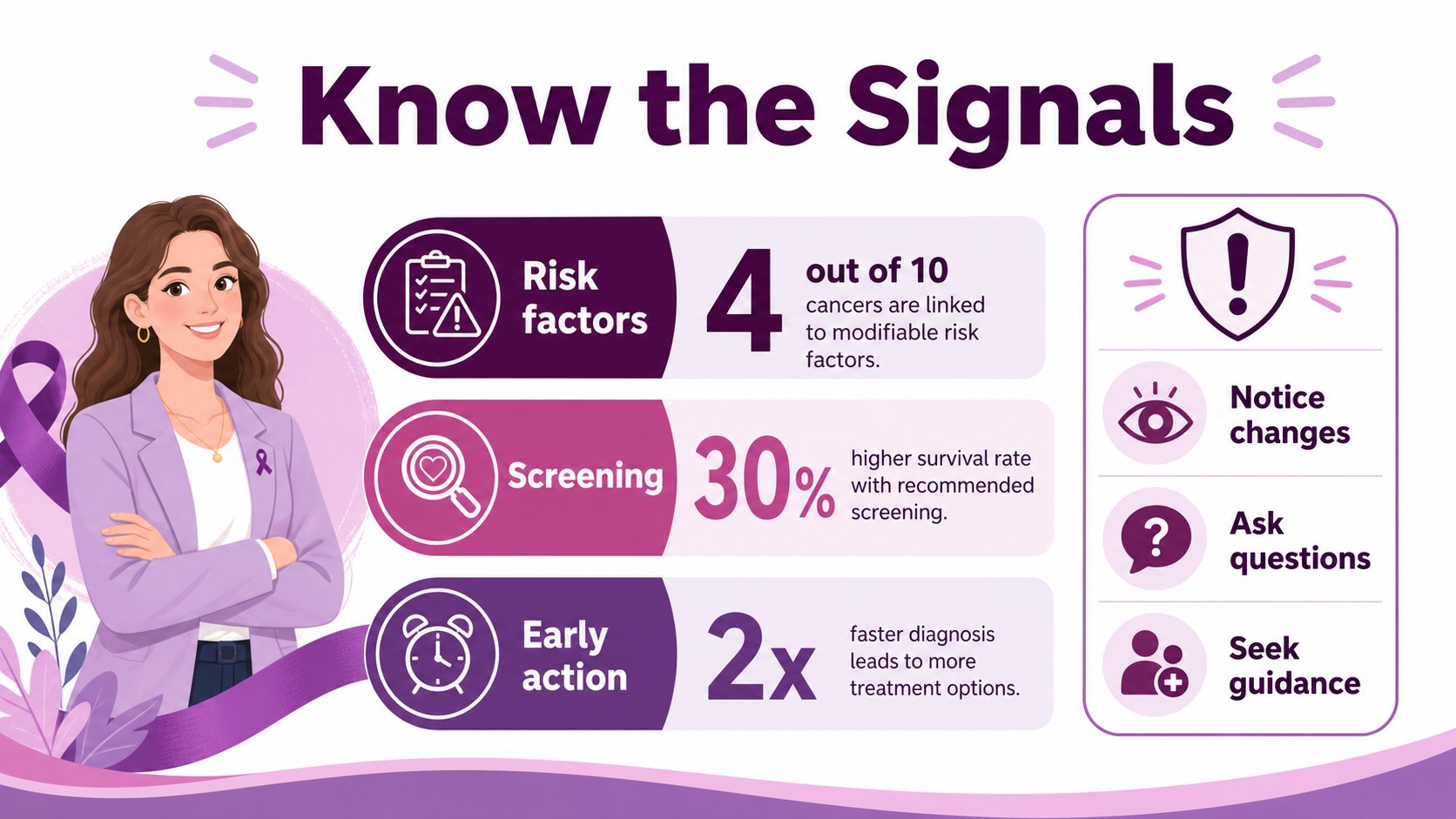
Make complex health information easier to understand with this cancer awareness education deck, designed in a calm purple and pink palette with clean illustrations and structured infographic layouts. The visual system supports respectful communication while keeping key facts easy to scan in classrooms, clinics, workshops, and community programs.
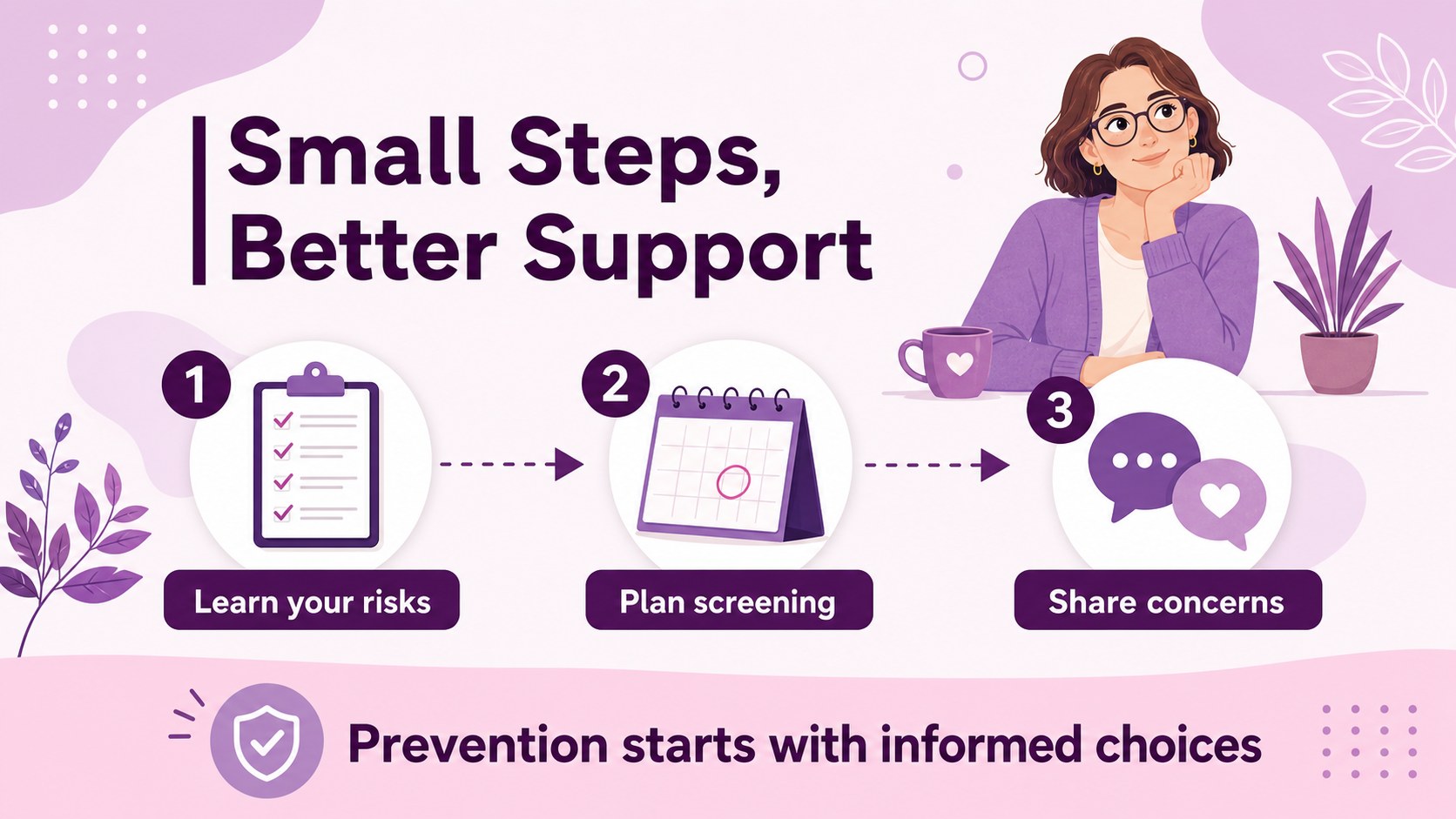
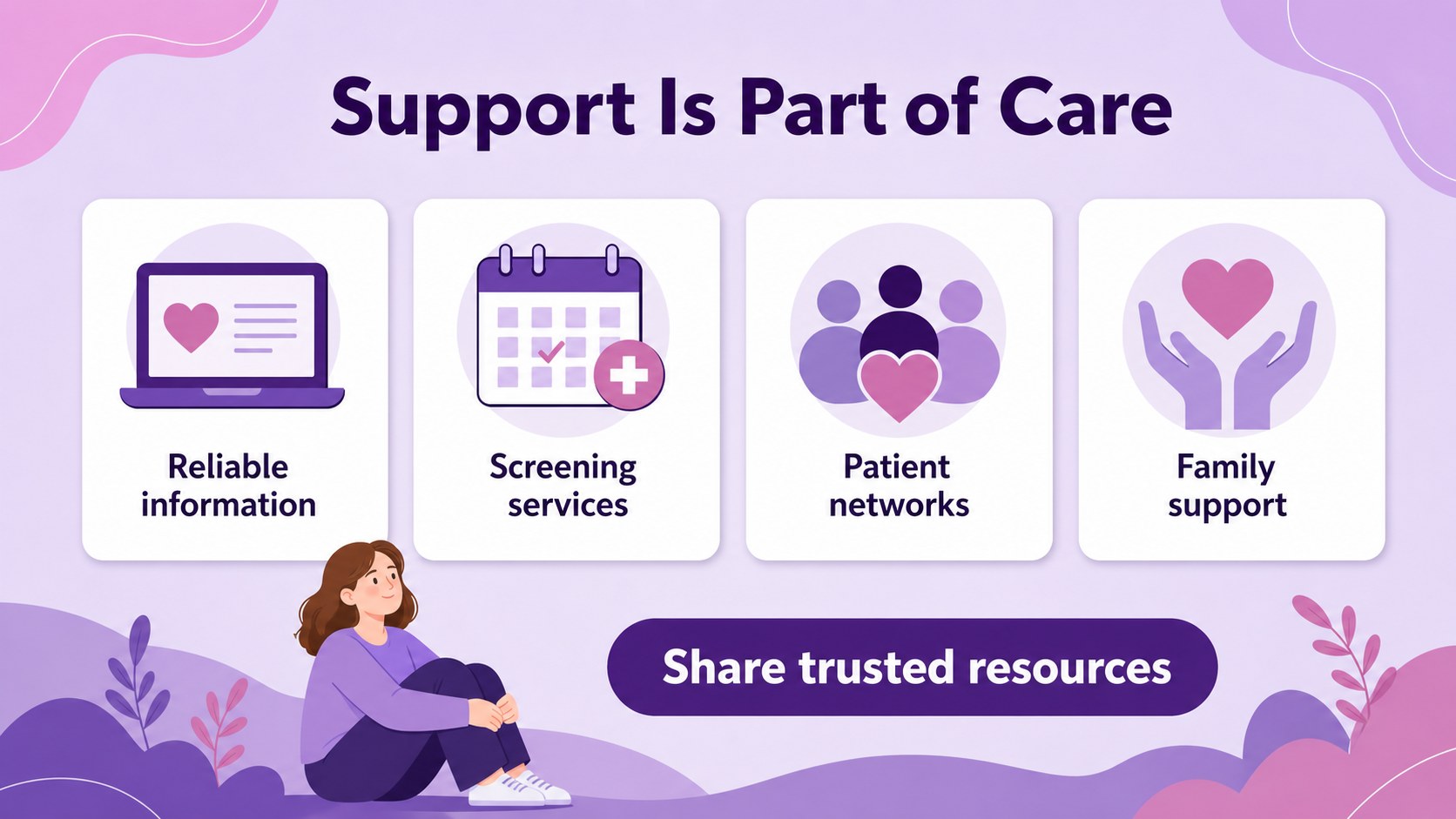
Inside, you will find layouts for an opening message, cancer risk statistics, common warning signs, prevention habits, screening reminders, support resources, and a closing call to action. Use the editable charts, icons, text blocks, and comparison sections to create a focused cancer prevention presentation or adapt the deck for a specific audience. Reorganize sections to match your lesson plan, campaign timeline, or awareness event.
This template is useful for healthcare professionals, nonprofit organizations, teachers, students, patient advocates, and public health teams. It works in PowerPoint and Google Slides, allowing you to update wording, replace graphics, adjust the purple-pink palette, and add current data without rebuilding the design. The result is an approachable health education deck cancer audiences can follow at a glance, whether presented live or shared as a digital handout.
Perfect for: community cancer awareness workshop; healthcare patient education session; school biology or health lesson; nonprofit fundraising campaign; public health screening briefing.
Frequently asked questions
Can I edit this deck in PowerPoint? Yes. The layouts, text, icons, charts, and illustrations are editable in PowerPoint. Replace sample statistics with current sources and update the content for your audience.
Practical details
Yes. The layouts, text, icons, charts, and illustrations are editable in PowerPoint. Replace sample statistics with current sources and update the content for your audience.
Yes, the presentation can be opened and customized in Google Slides. You can change fonts, colors, images, and slide order directly in the editor.
Yes. Rework the warning-sign, prevention, screening, and support sections around the condition or campaign you are presenting. Keep medical claims current and verify statistics with reputable health sources.
You can adjust the purple and pink color treatment, typography, icons, diagrams, and illustration details. The modular layouts make it straightforward to emphasize statistics, timelines, or practical guidance.
Keep exploring
15Build an engaging World UFO Day session with this flying saucer history lesson deck, featuring retro green-and-brown slides for PowerPoint and Google Slides.
 15
15Plan a lively animal-learning journey with this jungle zoo adventure lesson deck, ready to customize in PowerPoint and Google Slides for young learners.
 16
16Turn environmental research into a clear story with a Watercolor Ecology Presentation Theme for PowerPoint and Google Slides in calming green and blue.
 16
16Build focused fashion, literature, and humanities presentations with the Red Triangle Editorial Theme, editable in PowerPoint and Google Slides.
 15
15Turn streaming stats, favorite tracks, and concert highlights into a bold annual listening recap slide deck for PowerPoint and Google Slides.
 15
15Turn highlights, milestones, and favorite moments into a colorful year in review slide deck with bold 3D graphics for PowerPoint and Google Slides.
 3
3Build a credible endorsement with Standout Colleague Recommendation Letter Slides, featuring colorful prompts for skills, achievements, and team impact.
 4
4Build clear beginner sessions with an ice hockey fundamentals training deck for coaches, PE teachers, and clubs, ready for PowerPoint and Google Slides.