
 15
15presentation
Flying Saucer History Lesson Deck
Build an engaging World UFO Day session with this flying saucer history lesson deck, featuring retro green-and-brown slides for PowerPoint and Google Slides.
Google SlidesPowerPoint
presentation · English
Build a campaign strategy mapping deck that connects channels, tasks, owners, and milestones for sharper launch planning in PowerPoint or Google Slides.
Design notes
Bring scattered campaign plans into focus with a campaign strategy mapping deck designed for clear, collaborative decision-making. Its connected visual layouts help teams show how goals, audiences, channels, deliverables, and stakeholders relate throughout a launch. The professional green, purple, and white palette keeps complex information approachable without losing structure.
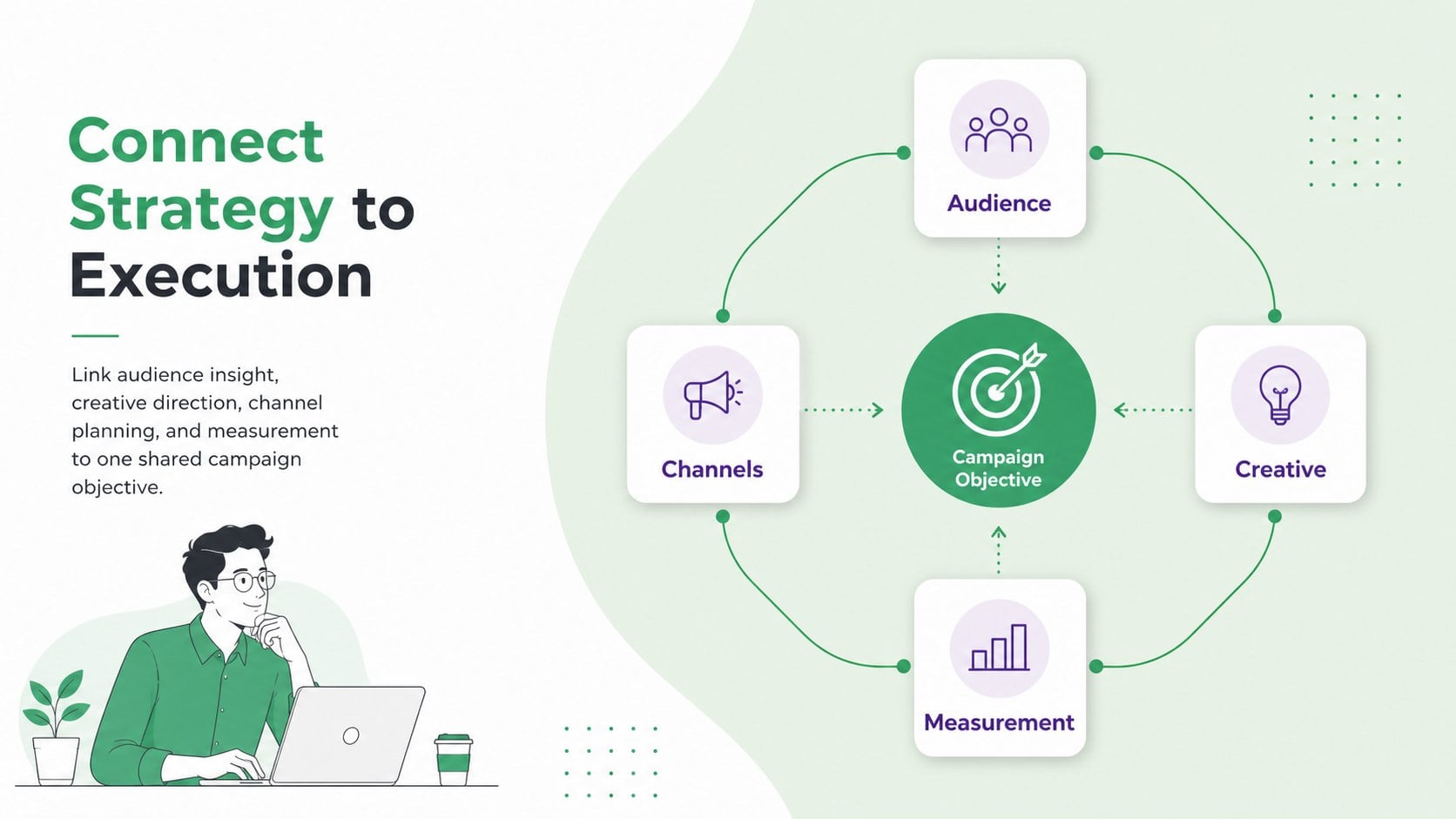
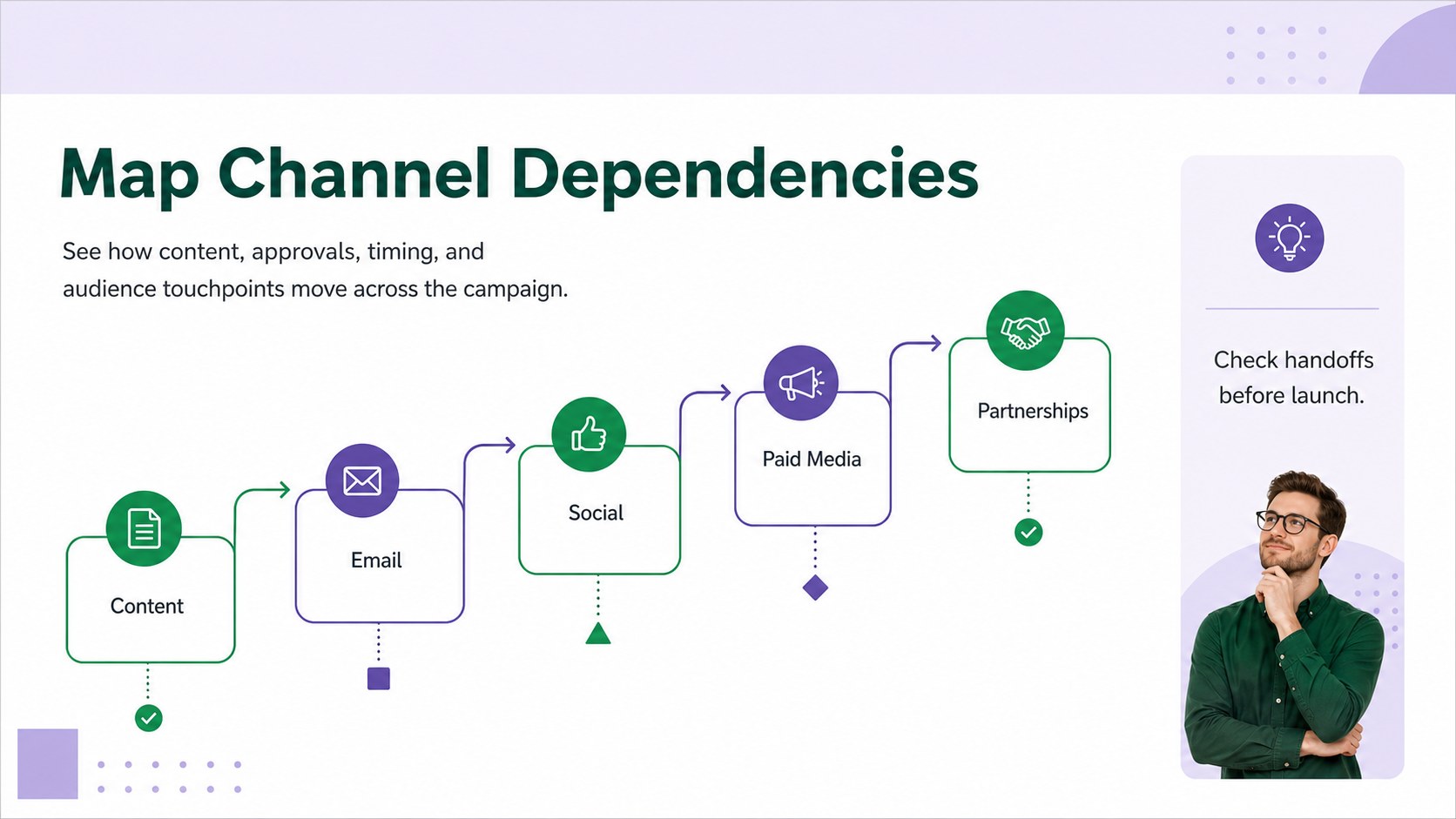
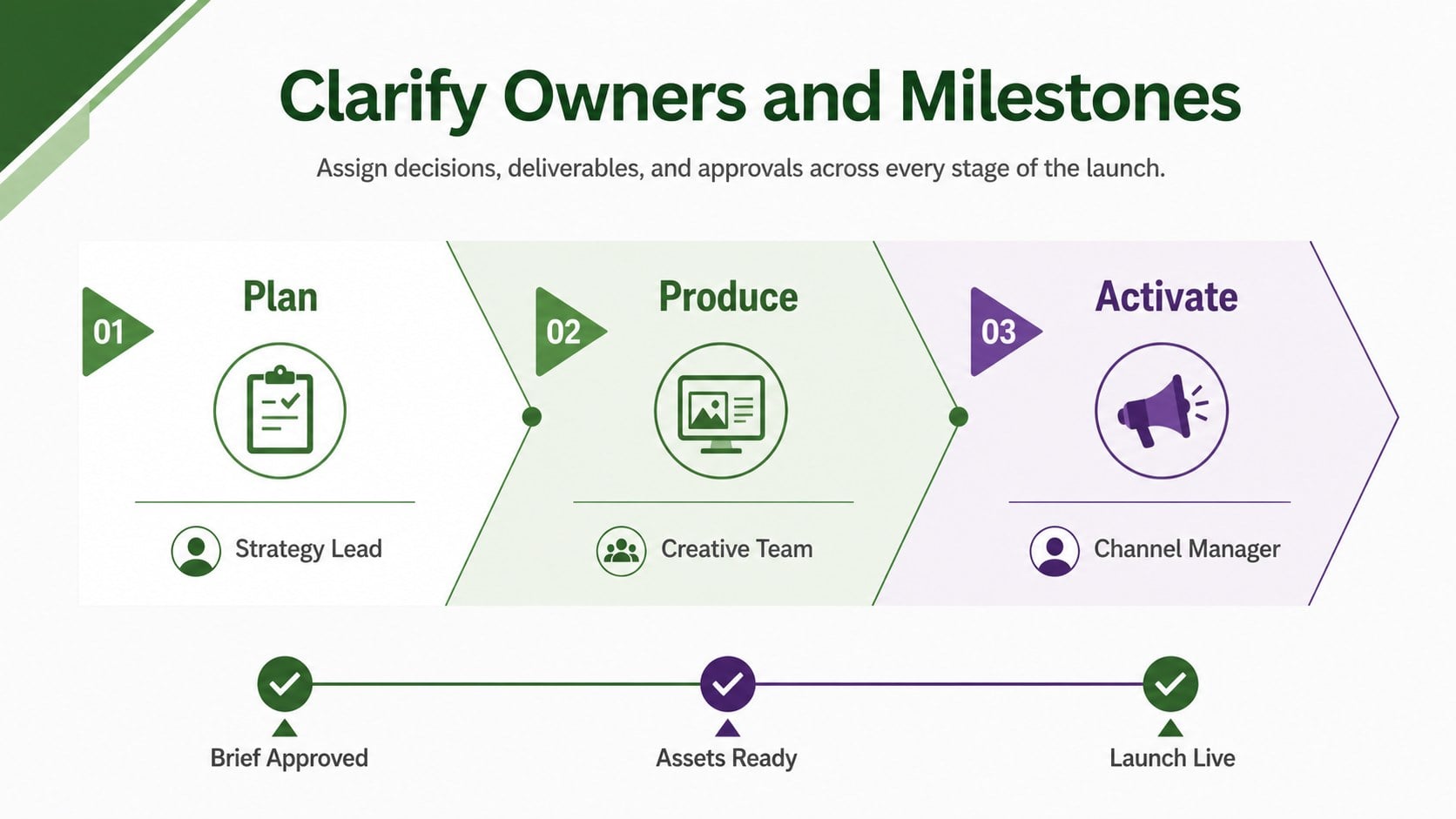
Inside, you will find four editable 16:9 slides covering a campaign overview, strategic pillars, channel dependencies, and launch ownership. Use the multichannel campaign planning slides to trace how social, email, paid media, content, and partnerships support shared objectives. A campaign dependency map presentation also makes it easier to identify blocked tasks, missing approvals, and critical handoffs before they affect delivery.
This marketing workflow visualization template is suited to marketing managers, agency teams, project leads, consultants, and creative departments. It works well for kickoff meetings, internal planning sessions, client reviews, and status updates. Every diagram, label, color, connector, and shape can be adjusted in PowerPoint or Google Slides, allowing teams to adapt the framework to product launches, seasonal promotions, brand campaigns, or ongoing programs. Use it to organize conversations, clarify accountability, and present an integrated campaign plan that everyone can follow.
Perfect for: product launch kickoff; multichannel campaign workshop; agency client strategy review; marketing dependency audit; campaign ownership meeting.
Frequently asked questions
Can I edit the campaign diagrams? Yes. You can modify the text, colors, connectors, shapes, and layout to reflect your campaign structure, channels, and team responsibilities.
Practical details
Yes. You can modify the text, colors, connectors, shapes, and layout to reflect your campaign structure, channels, and team responsibilities.
The deck is designed for PowerPoint and Google Slides. Minor font or spacing adjustments may be useful after importing it into a different platform.
Yes. Duplicate or rename nodes to cover email, social media, paid advertising, partnerships, events, content, or other channels in your marketing mix.
Yes. The structured diagrams and restrained professional palette work well for strategy proposals, planning workshops, campaign reviews, and progress updates.
Keep exploring
15Build an engaging World UFO Day session with this flying saucer history lesson deck, featuring retro green-and-brown slides for PowerPoint and Google Slides.
 15
15Plan a lively animal-learning journey with this jungle zoo adventure lesson deck, ready to customize in PowerPoint and Google Slides for young learners.
 16
16Turn environmental research into a clear story with a Watercolor Ecology Presentation Theme for PowerPoint and Google Slides in calming green and blue.
 16
16Build focused fashion, literature, and humanities presentations with the Red Triangle Editorial Theme, editable in PowerPoint and Google Slides.
 15
15Turn streaming stats, favorite tracks, and concert highlights into a bold annual listening recap slide deck for PowerPoint and Google Slides.
 15
15Turn highlights, milestones, and favorite moments into a colorful year in review slide deck with bold 3D graphics for PowerPoint and Google Slides.
 3
3Build a credible endorsement with Standout Colleague Recommendation Letter Slides, featuring colorful prompts for skills, achievements, and team impact.
 4
4Build clear beginner sessions with an ice hockey fundamentals training deck for coaches, PE teachers, and clubs, ready for PowerPoint and Google Slides.