
 15
15presentation
Flying Saucer History Lesson Deck
Build an engaging World UFO Day session with this flying saucer history lesson deck, featuring retro green-and-brown slides for PowerPoint and Google Slides.
Google SlidesPowerPoint
presentation · English
Build clearer B2B buyer profiles with editable slides for research, product planning, and campaign decisions. Customize the blue-orange deck free.






Design notes
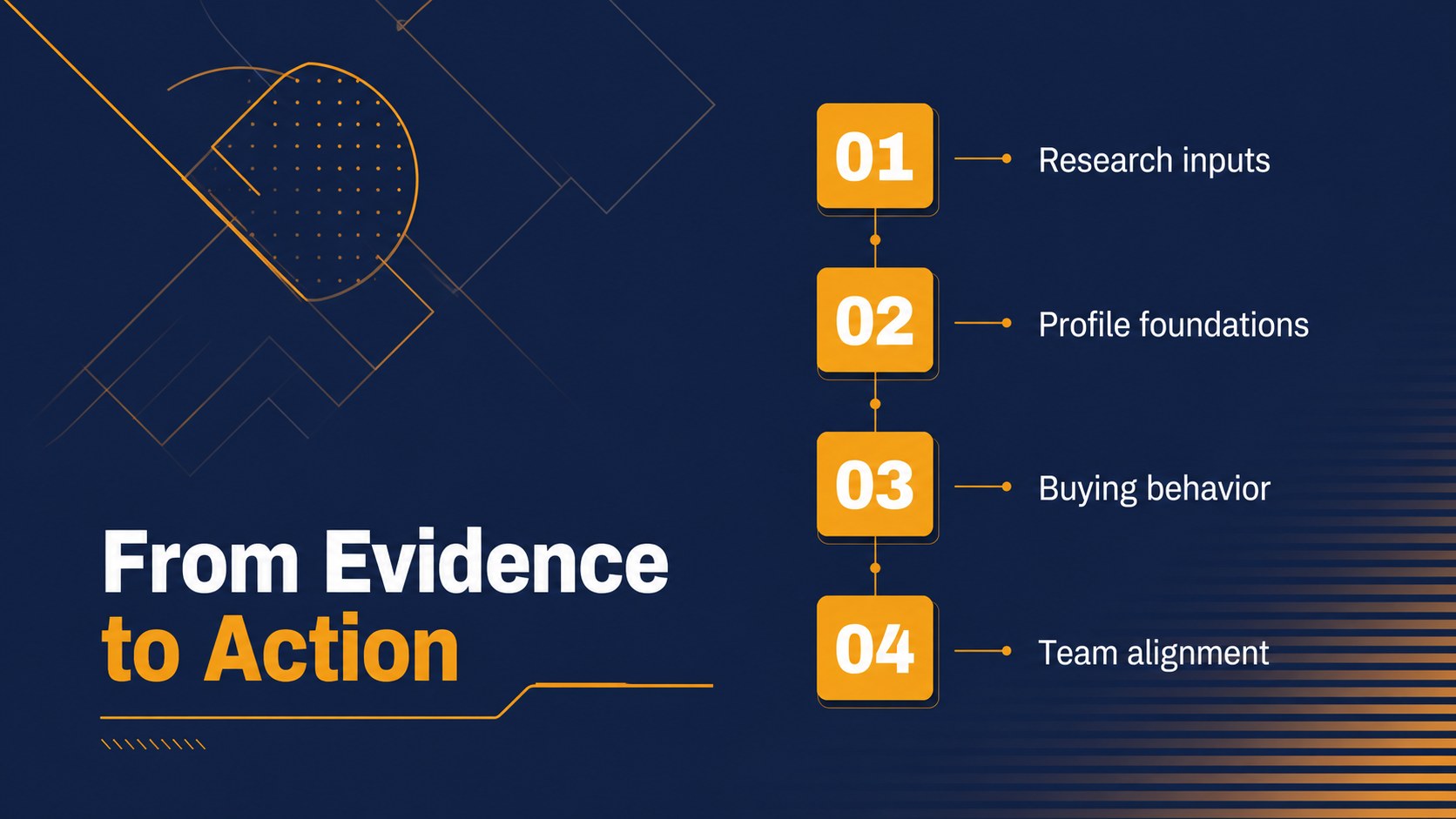
Turn scattered customer research into a practical buyer profile your team can use. This editable presentation template gives marketers, product leaders, sales teams, and researchers a structured way to organize audience evidence, clarify customer needs, and align decisions around the people they serve.
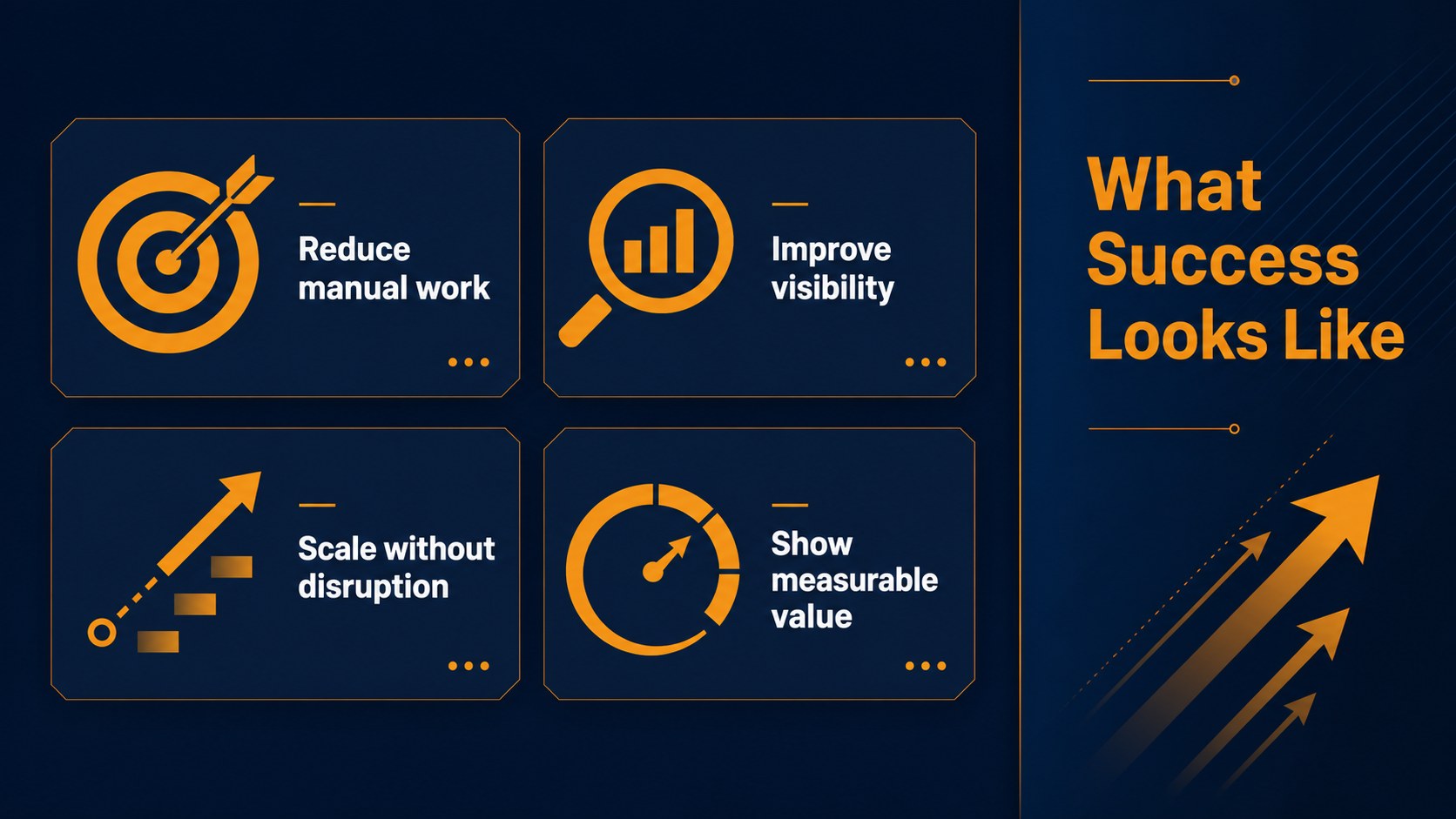
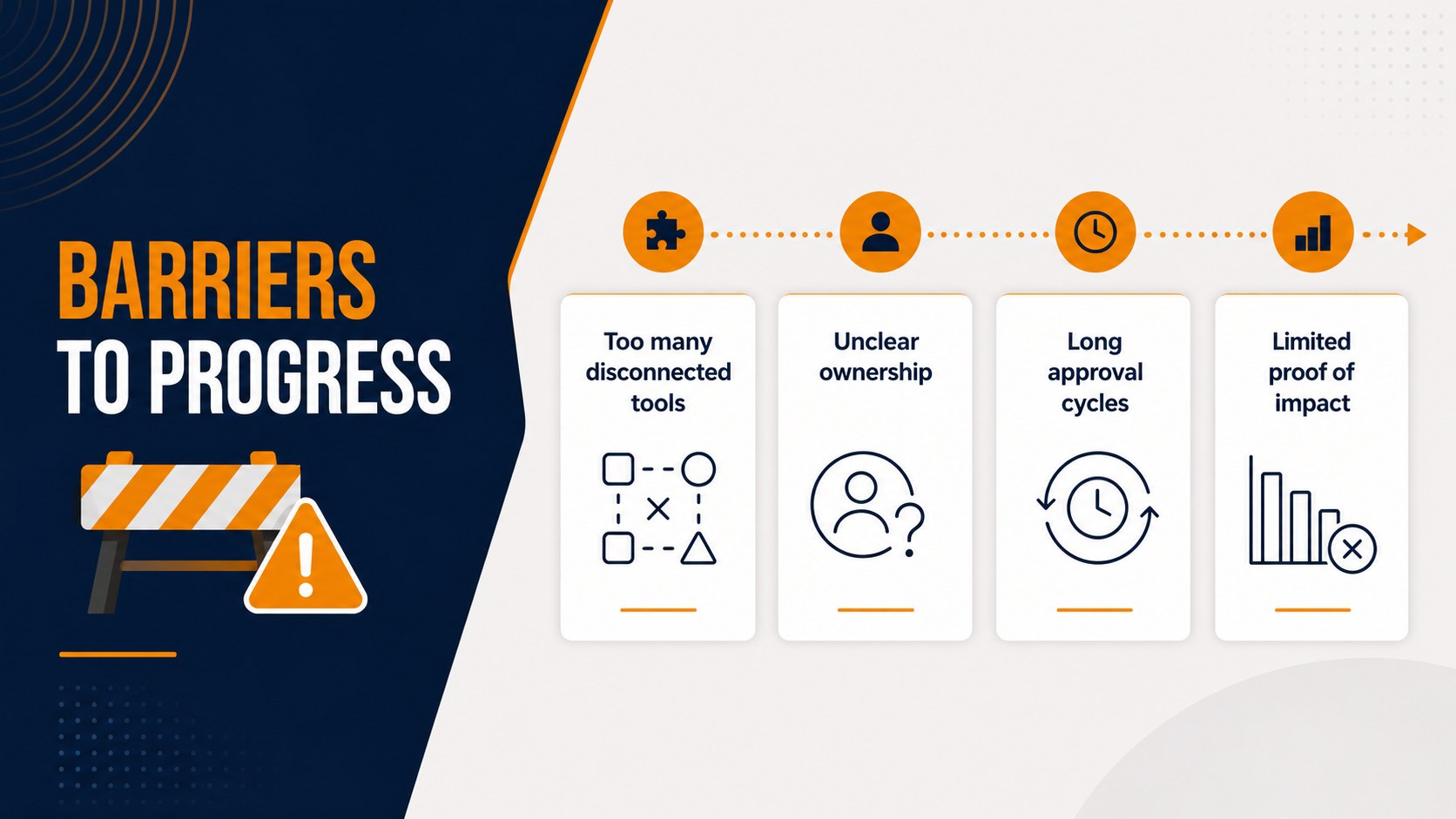
Inside, you will find layouts for profile snapshots, audience segments, goals, frustrations, buying triggers, decision criteria, journey stages, and research findings. The deck also includes comparison tables, charts, quote areas, process diagrams, and action-planning slides, making it useful for a B2B customer segmentation presentation or a product discovery workshop. Use the layouts to transform interviews and analytics into an easy-to-follow story.
The modern blue and orange visual system creates a focused business setting while keeping complex information approachable. Every 16:9 slide is editable in PowerPoint and Google Slides, so you can update colors, typography, diagrams, icons, and content for your organization. It works well for a buyer persona workshop, go-to-market planning session, sales enablement meeting, or marketing strategy review. Present a sharper view of your audience and turn customer insight into coordinated next steps.
Perfect for: buyer persona workshop; B2B customer segmentation review; product discovery session; go-to-market planning meeting; sales enablement briefing.
Frequently asked questions
Can I edit these buyer profile slides in Google Slides? Yes. The deck is designed for Google Slides and PowerPoint. You can revise text, charts, colors, icons, and layouts in the platform that fits your workflow.
Practical details
Yes. The deck is designed for Google Slides and PowerPoint. You can revise text, charts, colors, icons, and layouts in the platform that fits your workflow.
Use research-backed details such as role, goals, obstacles, behaviors, buying triggers, and decision criteria. Replace the sample content with interview quotes, survey findings, CRM data, or analytics from your audience.
Yes. The blue and orange system can be adjusted to match your brand while preserving the presentation's clear visual hierarchy. You can also change the font, icons, diagrams, and background treatments.
Yes. Its profile, segmentation, journey, and action-planning layouts support internal workshops as well as client-facing presentations. It is especially useful when several teams need to align around the same buyer evidence.
Keep exploring
15Build an engaging World UFO Day session with this flying saucer history lesson deck, featuring retro green-and-brown slides for PowerPoint and Google Slides.
 15
15Plan a lively animal-learning journey with this jungle zoo adventure lesson deck, ready to customize in PowerPoint and Google Slides for young learners.
 16
16Turn environmental research into a clear story with a Watercolor Ecology Presentation Theme for PowerPoint and Google Slides in calming green and blue.
 16
16Build focused fashion, literature, and humanities presentations with the Red Triangle Editorial Theme, editable in PowerPoint and Google Slides.
 15
15Turn streaming stats, favorite tracks, and concert highlights into a bold annual listening recap slide deck for PowerPoint and Google Slides.
 15
15Turn highlights, milestones, and favorite moments into a colorful year in review slide deck with bold 3D graphics for PowerPoint and Google Slides.
 3
3Build a credible endorsement with Standout Colleague Recommendation Letter Slides, featuring colorful prompts for skills, achievements, and team impact.
 4
4Build clear beginner sessions with an ice hockey fundamentals training deck for coaches, PE teachers, and clubs, ready for PowerPoint and Google Slides.