
 15
15presentation
Flying Saucer History Lesson Deck
Build an engaging World UFO Day session with this flying saucer history lesson deck, featuring retro green-and-brown slides for PowerPoint and Google Slides.
Google SlidesPowerPoint
presentation · English
Build a clearer venture story with this business model canvas infographic deck, featuring editable green-and-white layouts for PowerPoint and Google Slides.


Design notes
Turn a developing venture into a structured, persuasive story with this business model canvas infographic deck. Its crisp green-and-white gradient style gives founders and strategy teams a practical visual framework for explaining how an idea creates, delivers, and captures value. Use the layouts to move from an initial concept to a presentation that colleagues, partners, and investors can scan quickly.
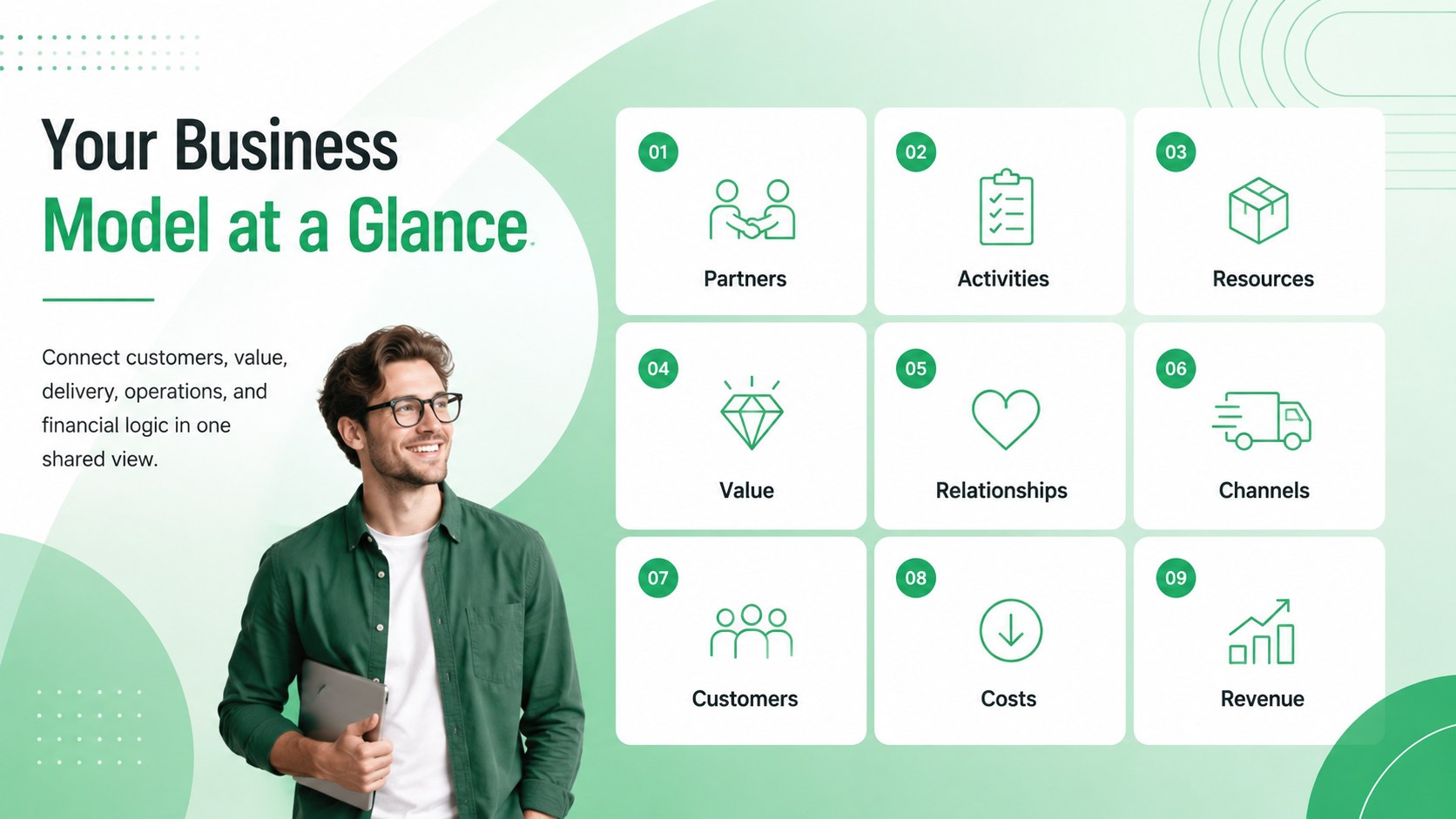
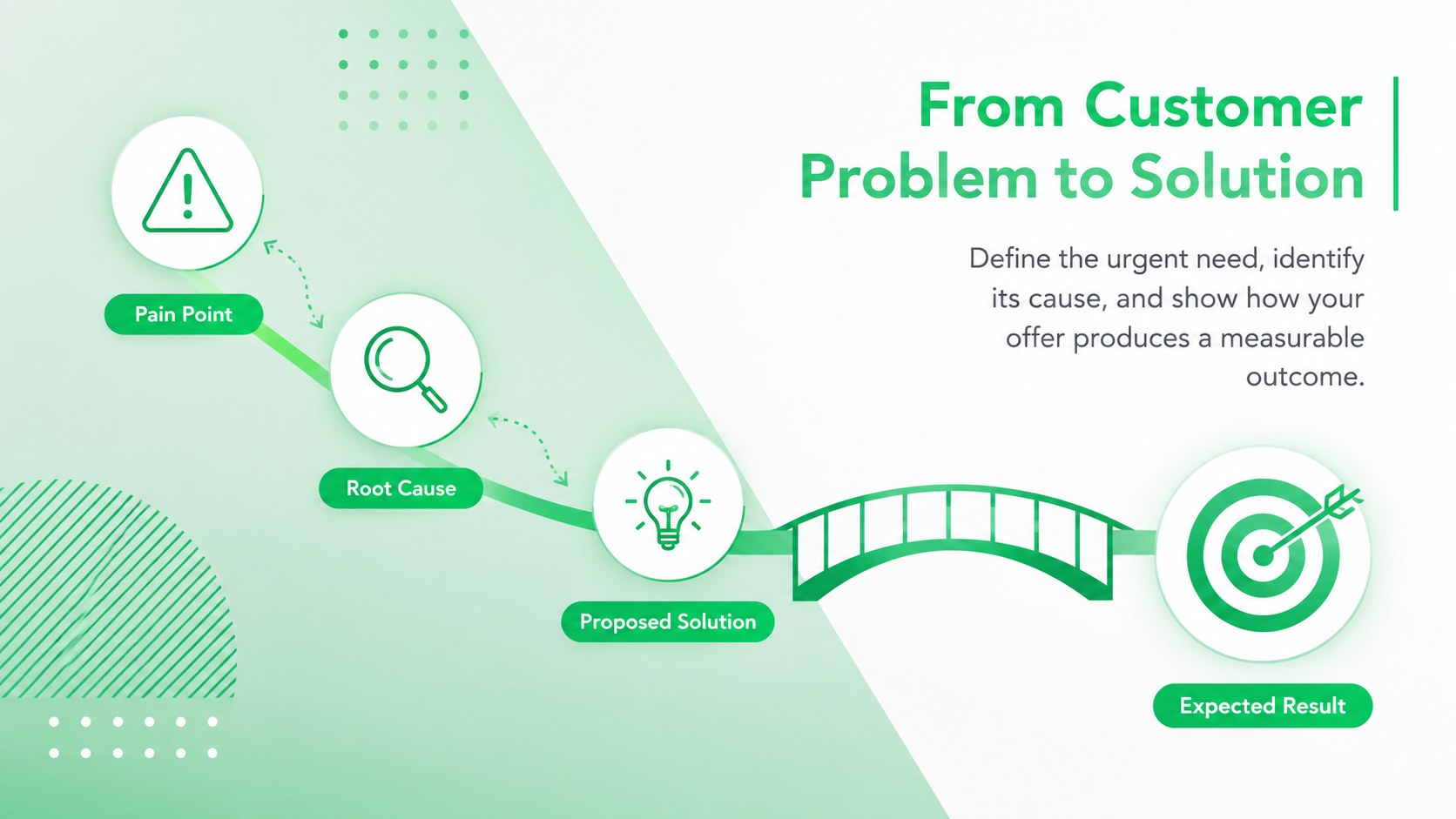
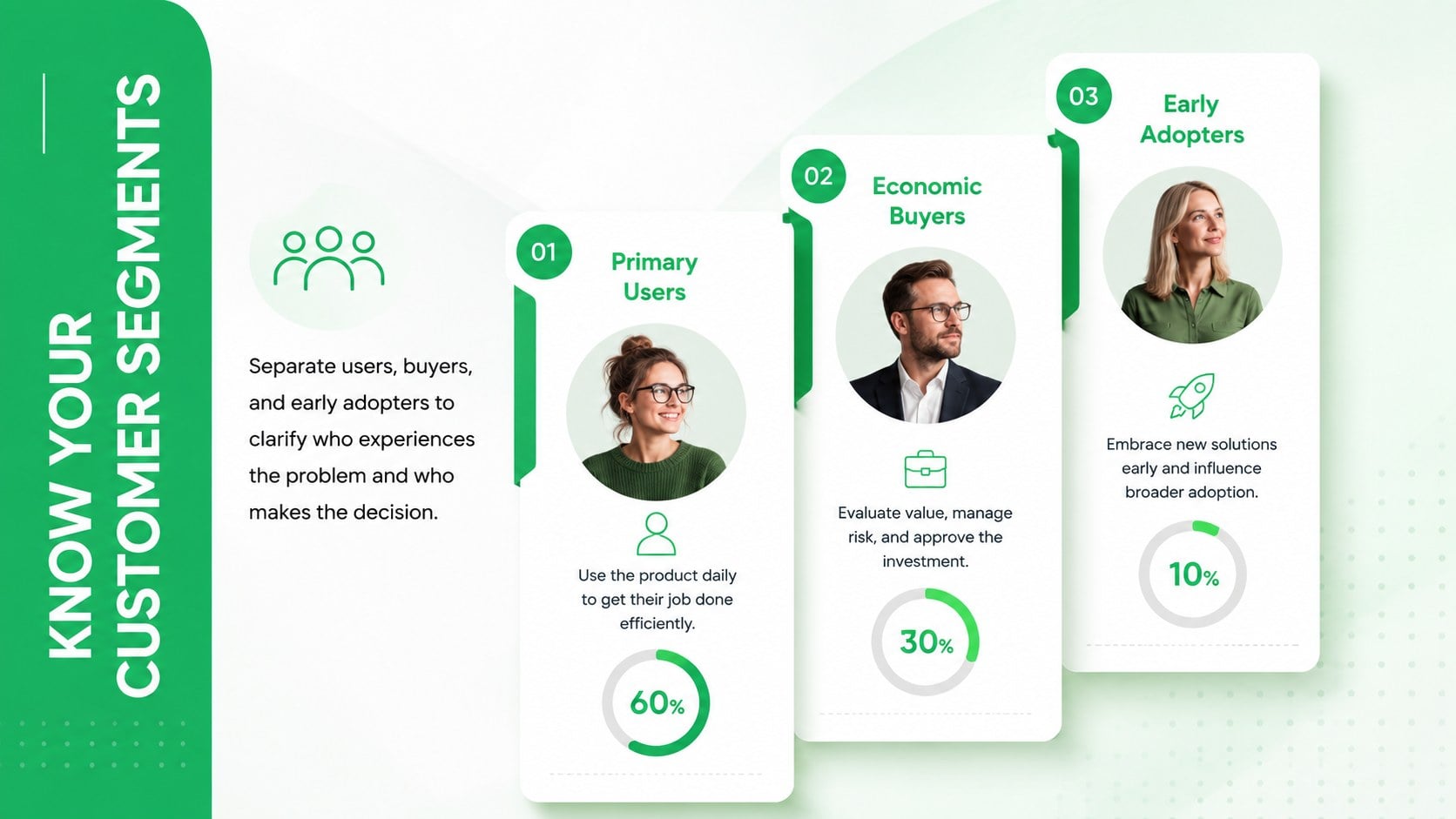
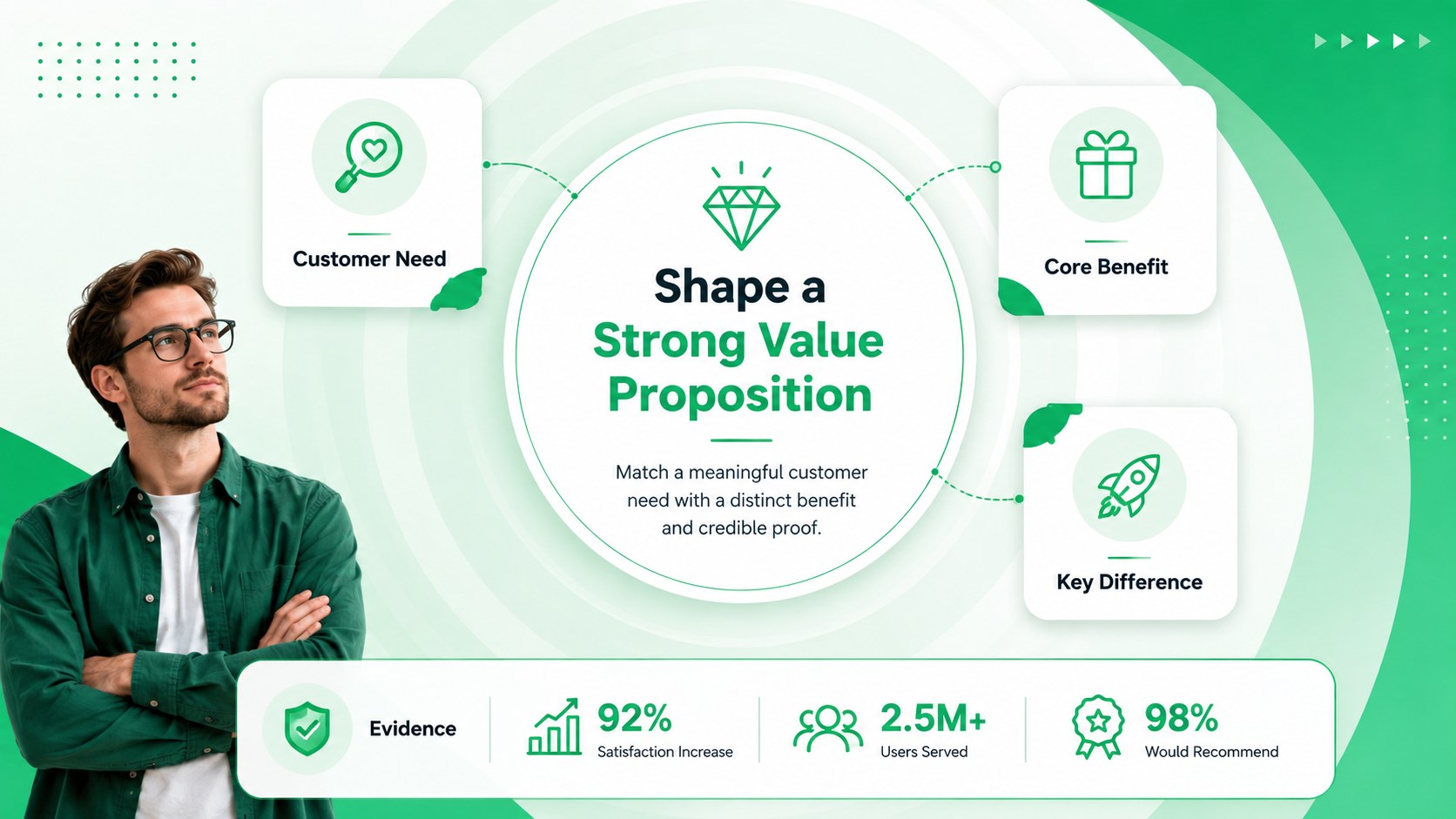
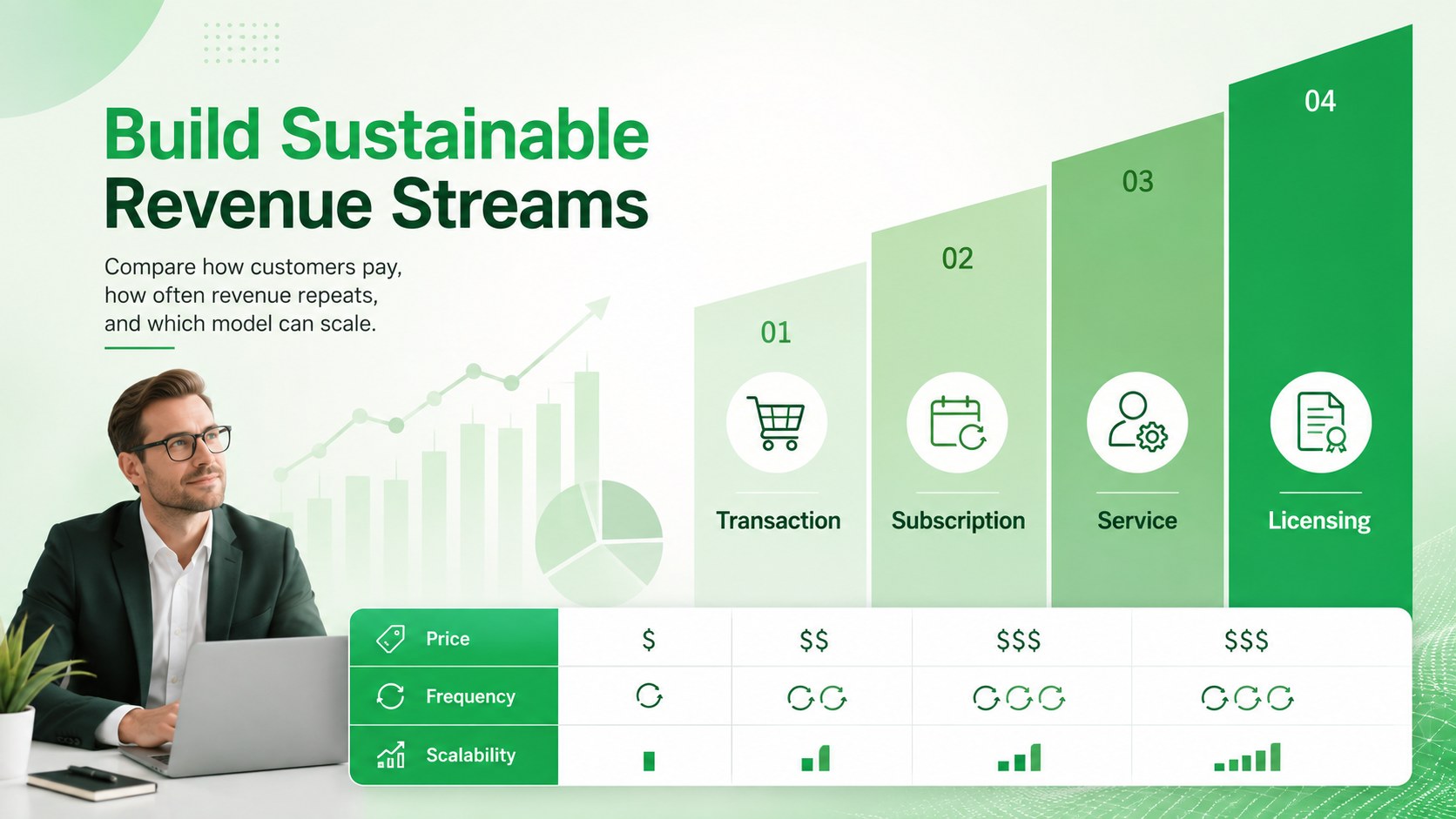
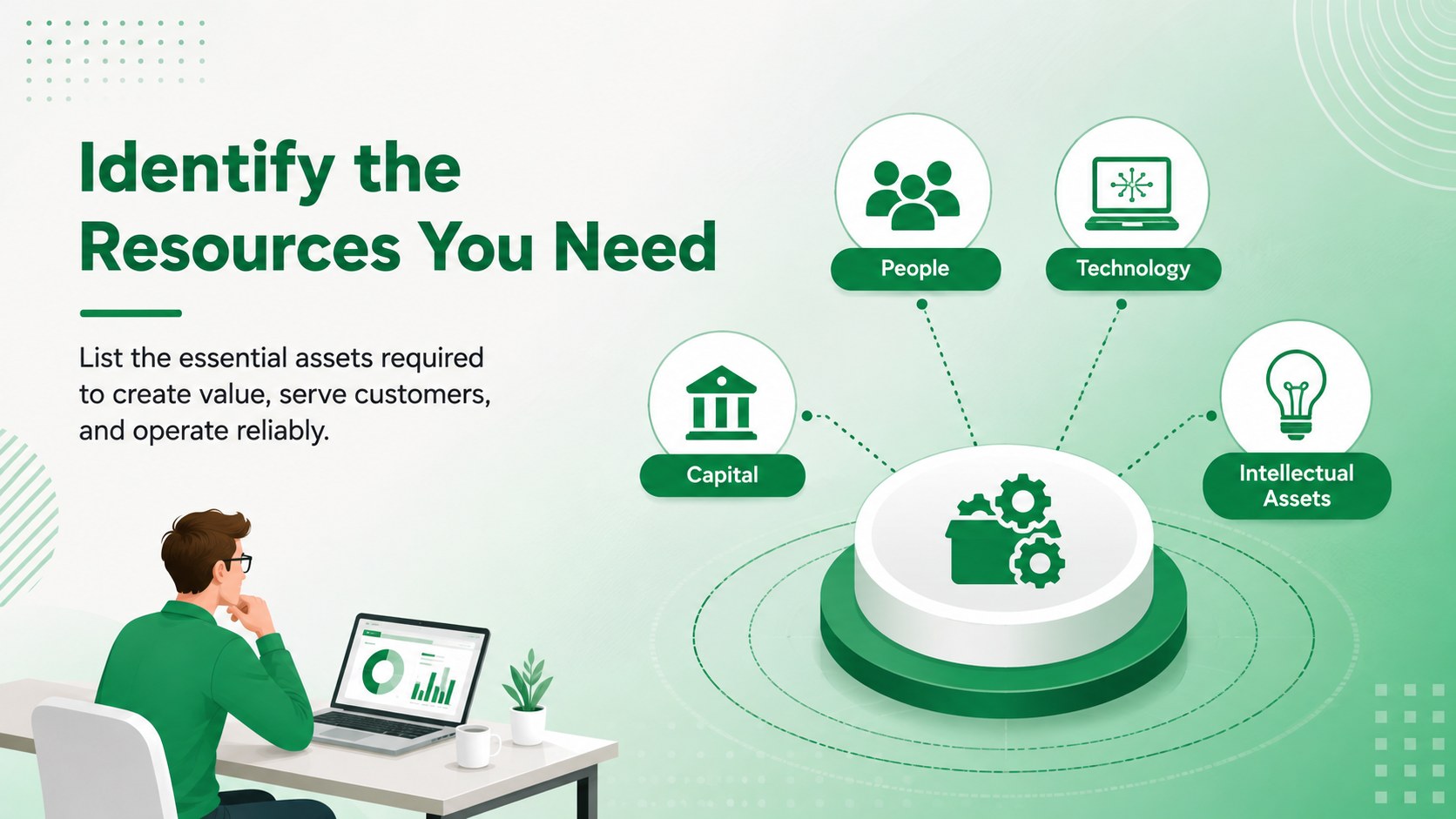
Inside, you will find editable business model mapping slides for customer segments, value propositions, channels, relationships, revenue streams, key resources, core activities, strategic partners, and cost structure. Additional diagrams support assumptions, validation experiments, timelines, priorities, and executive summaries. A dedicated startup value proposition infographic helps connect audience needs with product benefits, while an investor business model visual brings the complete strategy together on one concise page.
The deck is suited to founder workshops, accelerator programs, innovation meetings, consulting sessions, classroom projects, and early investor conversations. Every layout can be customized in PowerPoint or Google Slides, including colors, fonts, labels, icons, charts, and diagram elements. Use the full presentation for a facilitated planning session, or select individual slides for a pitch, report, or stakeholder update. The modern gradient design keeps detailed business information organized without losing the energetic tone expected from a startup-focused presentation.
Perfect for: startup business model workshop; investor pitch preparation; accelerator program review; product strategy meeting; innovation consulting session; entrepreneurship class project.
Frequently asked questions
Can I edit every section of the business model canvas? Yes. The headings, labels, icons, shapes, charts, and diagram elements are editable, so you can adapt each section to your venture and presentation goals.
Practical details
Yes. The headings, labels, icons, shapes, charts, and diagram elements are editable, so you can adapt each section to your venture and presentation goals.
The deck is designed for PowerPoint and Google Slides. Minor spacing or font adjustments may be needed when moving between platforms.
Yes. Replace the theme colors with your company palette and adjust text or icon colors to maintain readable contrast across every layout.
Yes. Select the value proposition, market, revenue, resources, and summary slides to create a concise investor narrative, or use the complete deck for a detailed strategy review.
Keep exploring
15Build an engaging World UFO Day session with this flying saucer history lesson deck, featuring retro green-and-brown slides for PowerPoint and Google Slides.
 15
15Plan a lively animal-learning journey with this jungle zoo adventure lesson deck, ready to customize in PowerPoint and Google Slides for young learners.
 16
16Turn environmental research into a clear story with a Watercolor Ecology Presentation Theme for PowerPoint and Google Slides in calming green and blue.
 16
16Build focused fashion, literature, and humanities presentations with the Red Triangle Editorial Theme, editable in PowerPoint and Google Slides.
 15
15Turn streaming stats, favorite tracks, and concert highlights into a bold annual listening recap slide deck for PowerPoint and Google Slides.
 15
15Turn highlights, milestones, and favorite moments into a colorful year in review slide deck with bold 3D graphics for PowerPoint and Google Slides.
 3
3Build a credible endorsement with Standout Colleague Recommendation Letter Slides, featuring colorful prompts for skills, achievements, and team impact.
 4
4Build clear beginner sessions with an ice hockey fundamentals training deck for coaches, PE teachers, and clubs, ready for PowerPoint and Google Slides.