
 15
15presentation
Flying Saucer History Lesson Deck
Build an engaging World UFO Day session with this flying saucer history lesson deck, featuring retro green-and-brown slides for PowerPoint and Google Slides.
Google SlidesPowerPoint
presentation · English
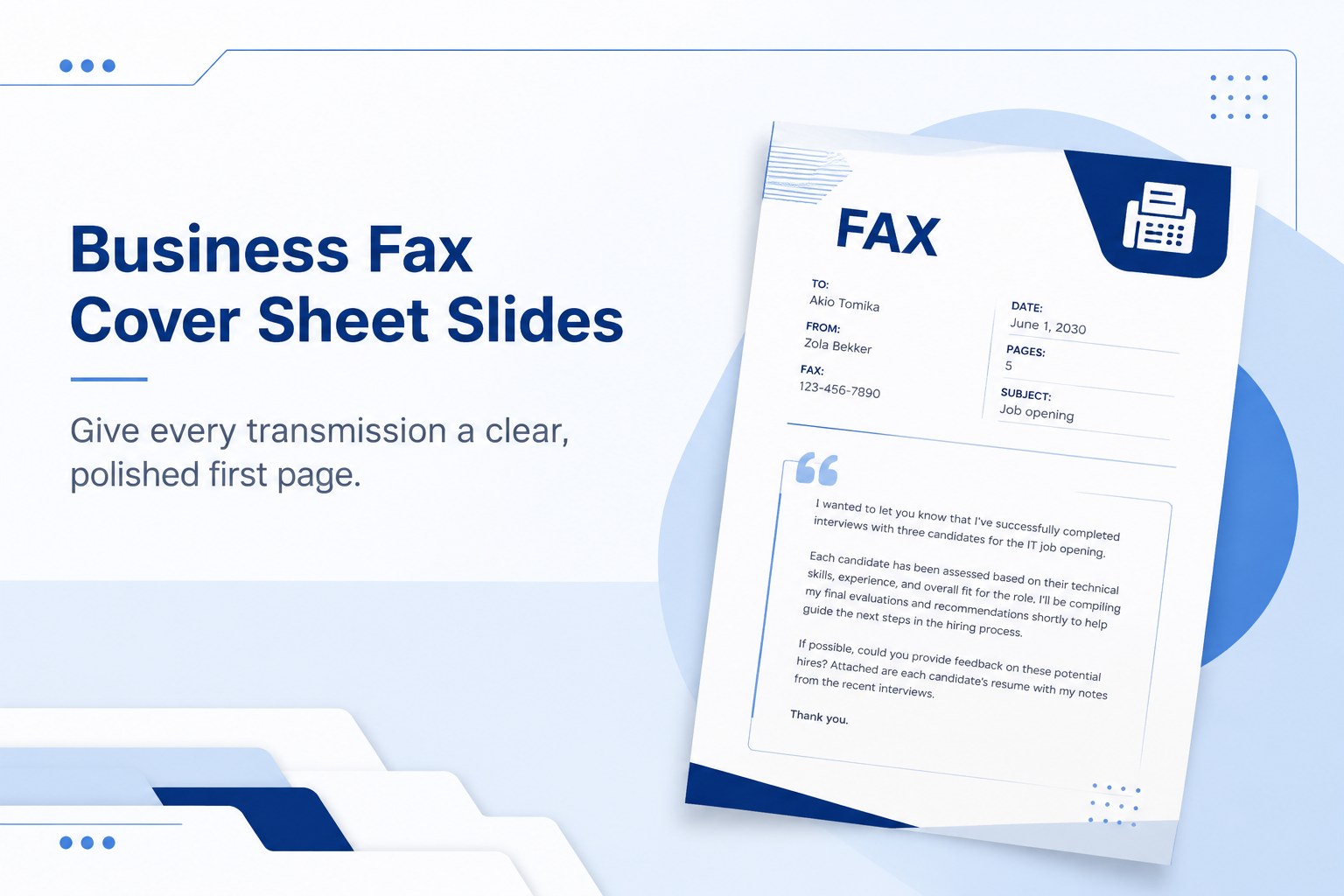
Build polished transmissions with Business Fax Cover Sheet Slides and editable contact, subject, urgency, and notes fields for PowerPoint or Google Slides.
Design notes
Business Fax Cover Sheet Slides give offices and independent professionals a structured way to introduce documents before transmission. The crisp blue palette, generous spacing, and practical typography create a professional first page that remains clear when printed or exported. Use this editable fax cover sheet presentation whenever recipients need immediate context about the sender, subject, page count, or required response.
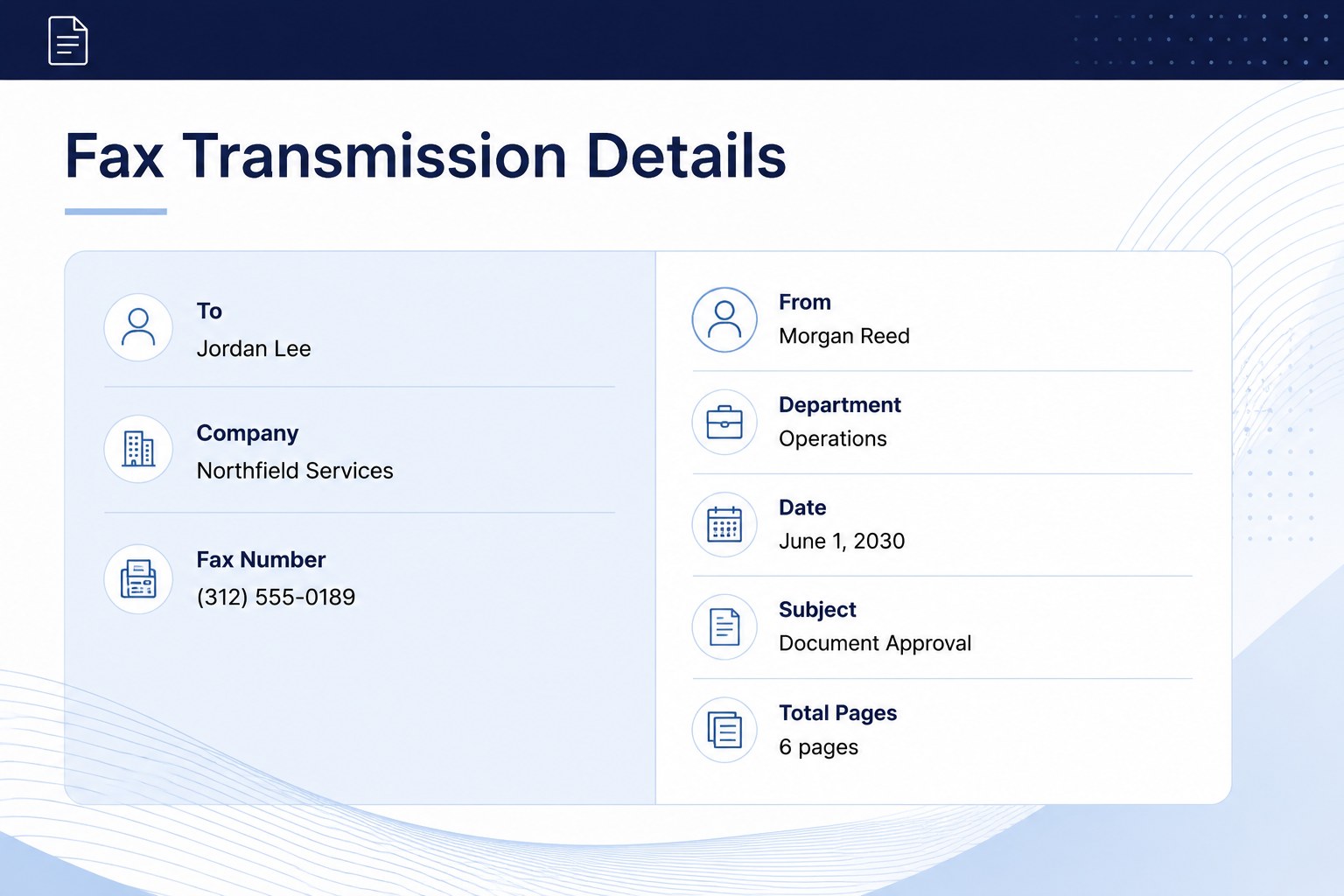
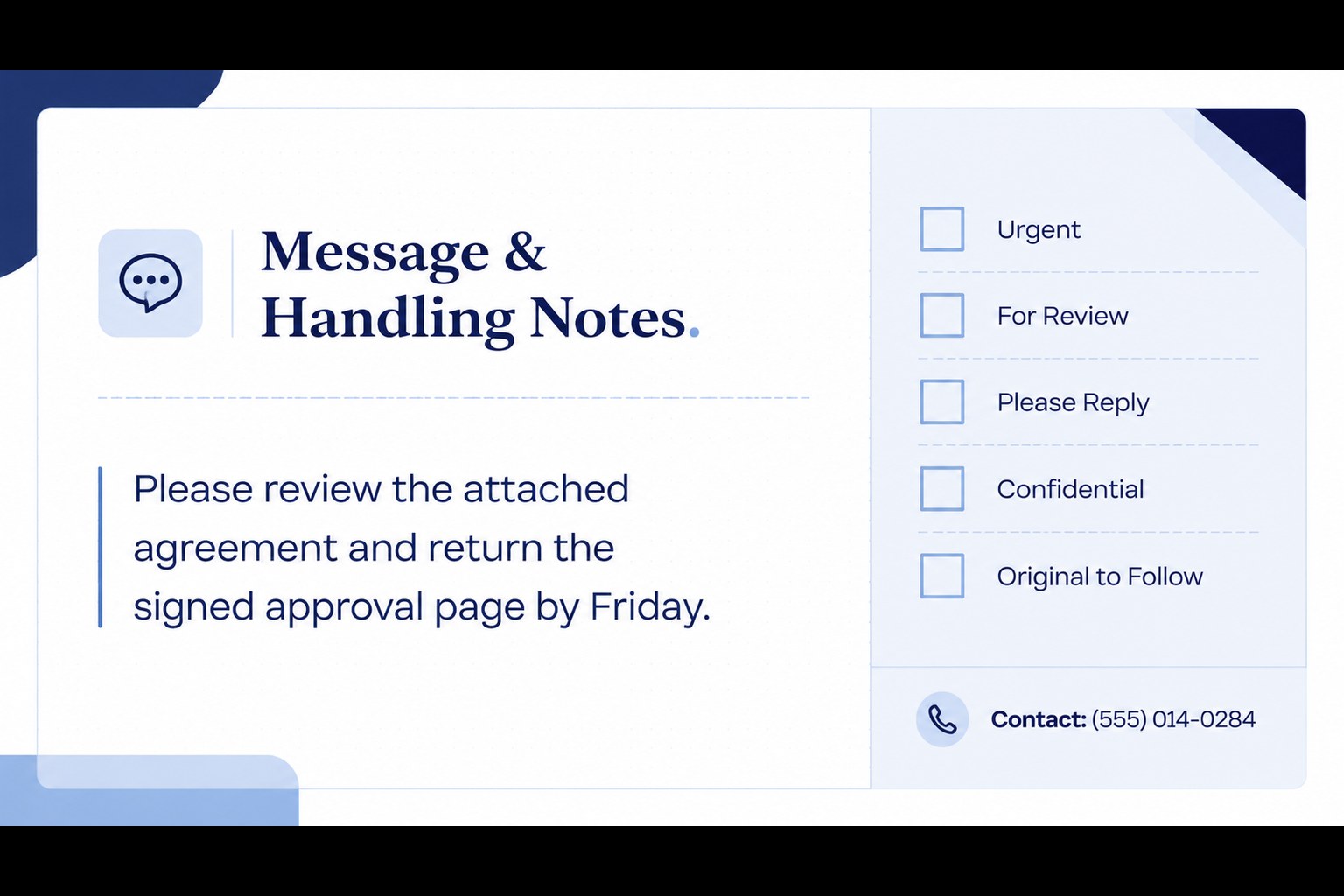
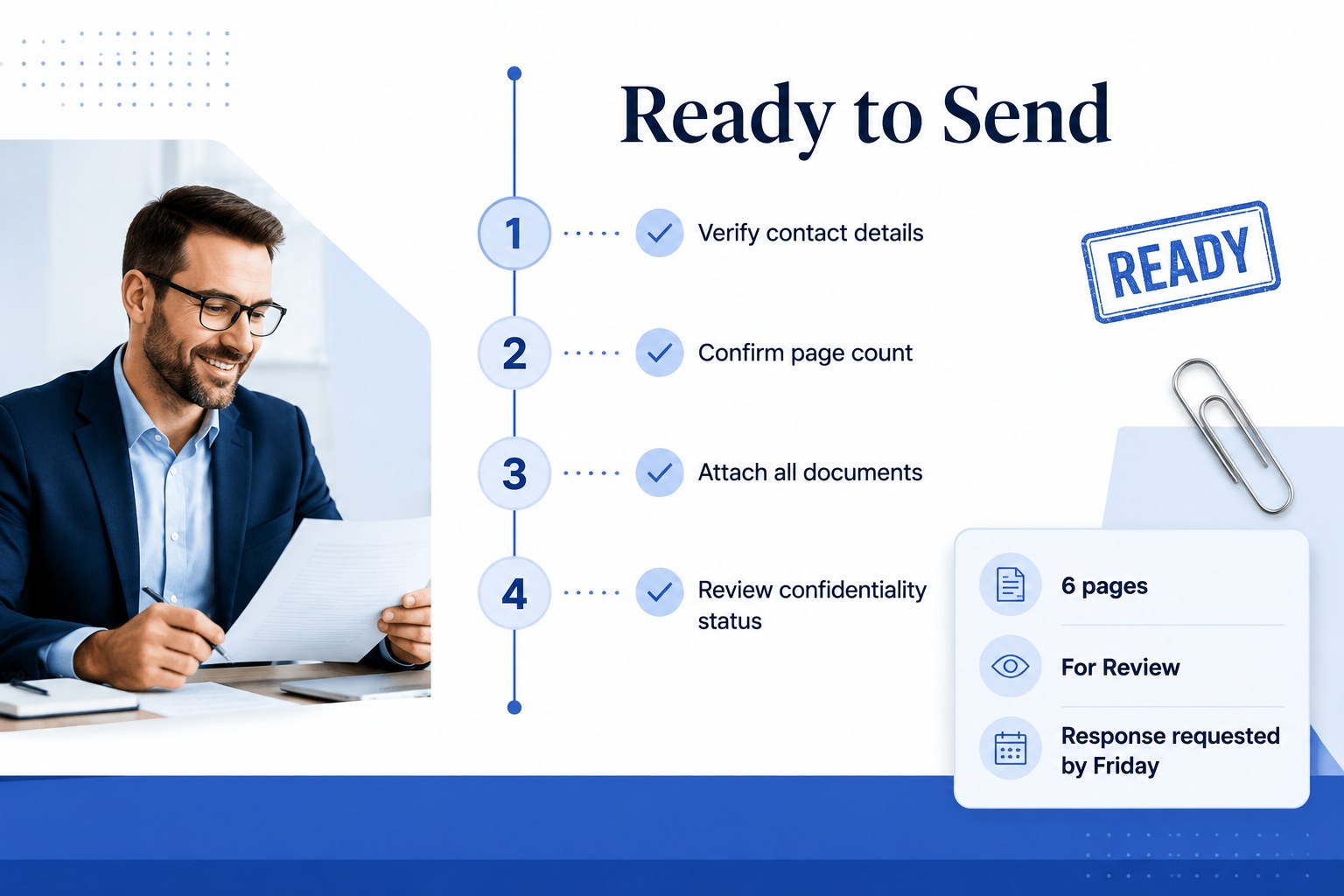
The deck includes a title layout, a detailed transmission form, a message and handling-notes page, and a final pre-send checklist. Ready-made fields cover recipient and sender information, fax numbers, dates, urgency, confidentiality, attachments, and follow-up instructions. Each element can be moved, recolored, or replaced, making the design suitable as a blue business fax cover template for different departments and brand identities.
Administrative teams can adapt the slides for contracts, purchase orders, medical correspondence, legal records, application documents, and routine client updates. Small businesses can add a logo and contact details, while larger organizations can create consistent versions for individual teams. The slides work in PowerPoint and Google Slides and can be saved as a printable fax cover slide or exported to PDF. Whether you are routing a time-sensitive approval or sending a standard document package, the template keeps essential information visible without making the page feel crowded.
Perfect for: contract document transmission; medical records routing; legal correspondence delivery; purchase order submission; client document follow-up.
Frequently asked questions
Can I edit every field on the fax cover sheet? Yes. Recipient details, sender information, subject lines, page counts, notes, and status labels are fully editable. You can also move sections or remove fields that are unnecessary for your workflow.
Practical details
Yes. Recipient details, sender information, subject lines, page counts, notes, and status labels are fully editable. You can also move sections or remove fields that are unnecessary for your workflow.
Yes, the deck is designed for both PowerPoint and Google Slides. Fonts or spacing may vary slightly between platforms, so review the final page before printing or exporting.
You can replace the placeholder area with your company logo, contact information, and department name. The blue accents can also be adjusted to match your organization’s brand colors.
Enter the transmission details, confirm the total page count, and export the completed slide as a PDF. Review the PDF at full size to ensure all text is readable before attaching or printing it.
Keep exploring
15Build an engaging World UFO Day session with this flying saucer history lesson deck, featuring retro green-and-brown slides for PowerPoint and Google Slides.
 15
15Plan a lively animal-learning journey with this jungle zoo adventure lesson deck, ready to customize in PowerPoint and Google Slides for young learners.
 16
16Turn environmental research into a clear story with a Watercolor Ecology Presentation Theme for PowerPoint and Google Slides in calming green and blue.
 16
16Build focused fashion, literature, and humanities presentations with the Red Triangle Editorial Theme, editable in PowerPoint and Google Slides.
 15
15Turn streaming stats, favorite tracks, and concert highlights into a bold annual listening recap slide deck for PowerPoint and Google Slides.
 15
15Turn highlights, milestones, and favorite moments into a colorful year in review slide deck with bold 3D graphics for PowerPoint and Google Slides.
 3
3Build a credible endorsement with Standout Colleague Recommendation Letter Slides, featuring colorful prompts for skills, achievements, and team impact.
 4
4Build clear beginner sessions with an ice hockey fundamentals training deck for coaches, PE teachers, and clubs, ready for PowerPoint and Google Slides.