
 15
15presentation
Flying Saucer History Lesson Deck
Build an engaging World UFO Day session with this flying saucer history lesson deck, featuring retro green-and-brown slides for PowerPoint and Google Slides.
Google SlidesPowerPoint
presentation · English
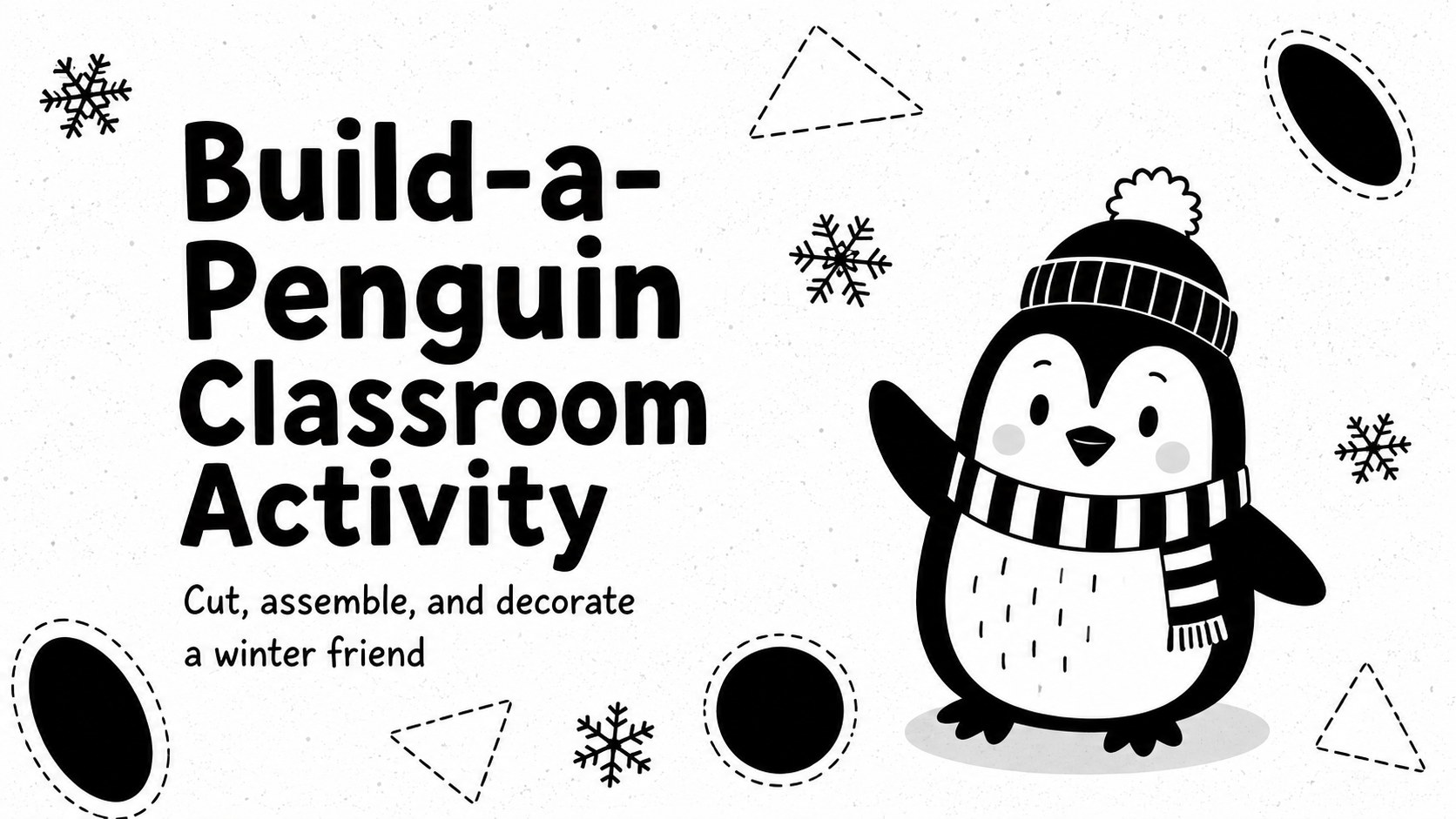
Turn winter art time into a hands-on lesson with this build-a-penguin classroom activity, editable in PowerPoint and Google Slides for young learners.
Design notes
This build-a-penguin classroom activity turns a simple winter craft into an organized, hands-on learning experience. The playful black-and-white design keeps printing practical while giving children plenty of room to personalize their penguins. Teachers can display the pages during a lesson, edit the instructions, or print individual copies for independent and small-group work.
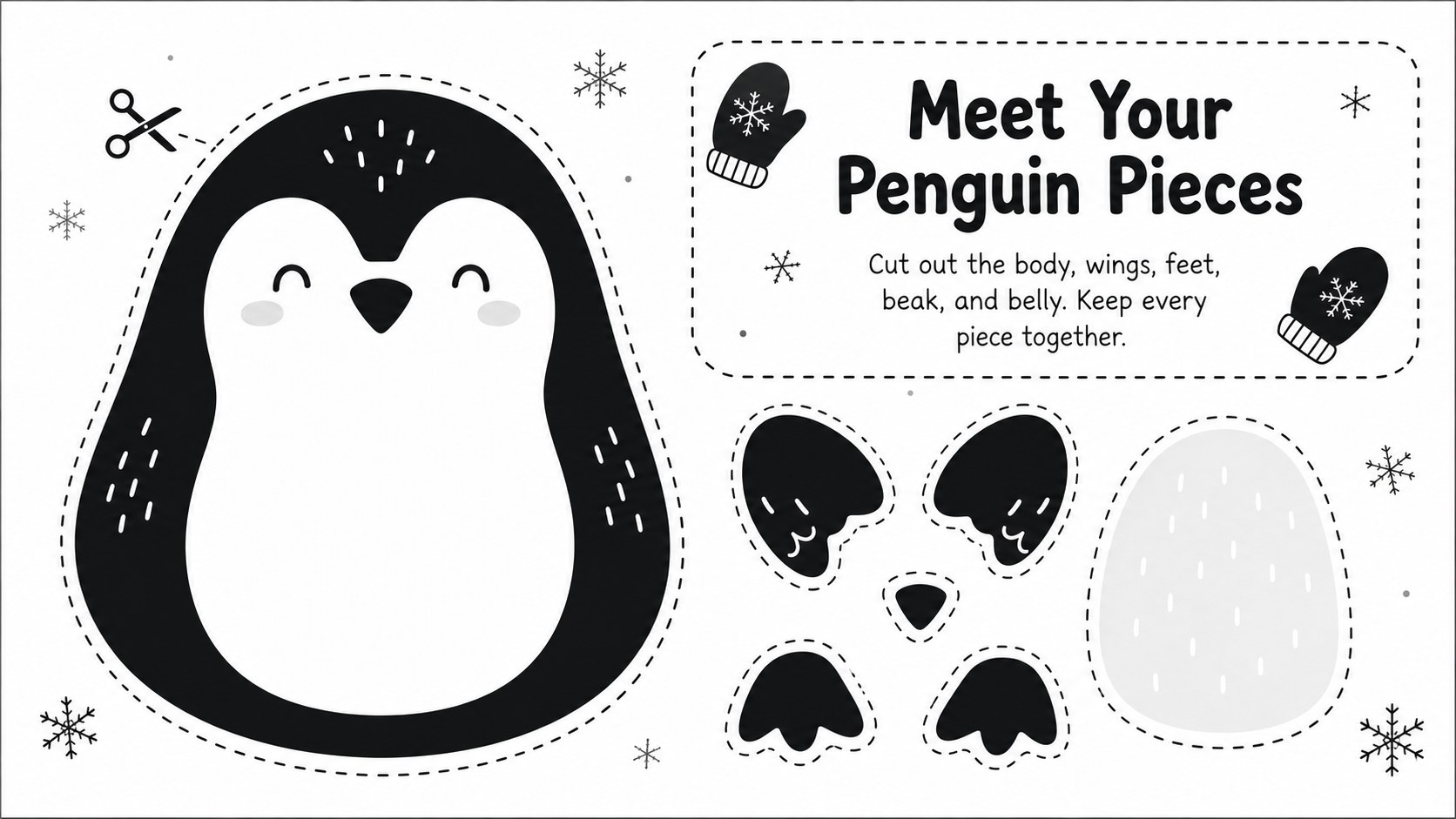
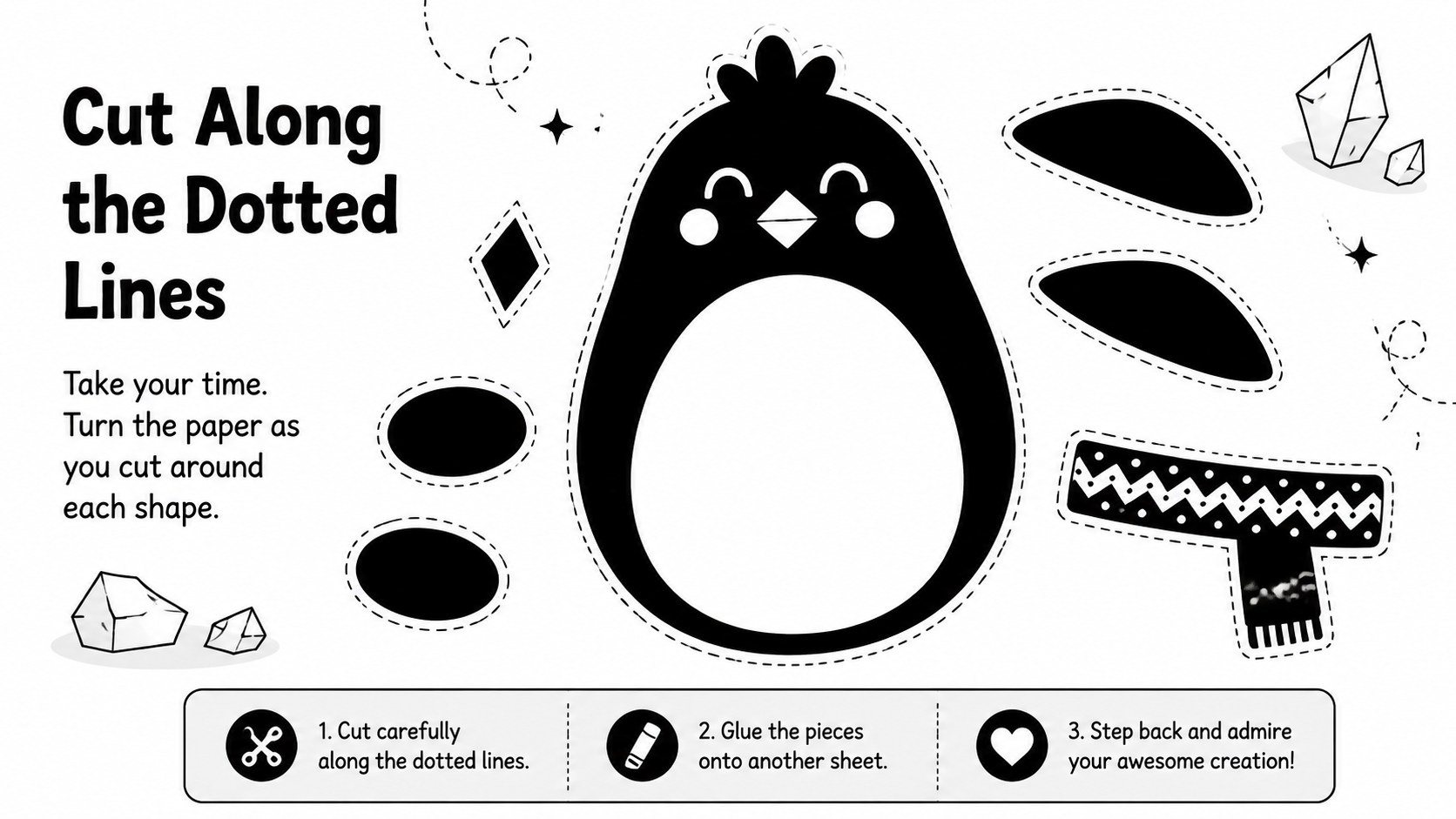
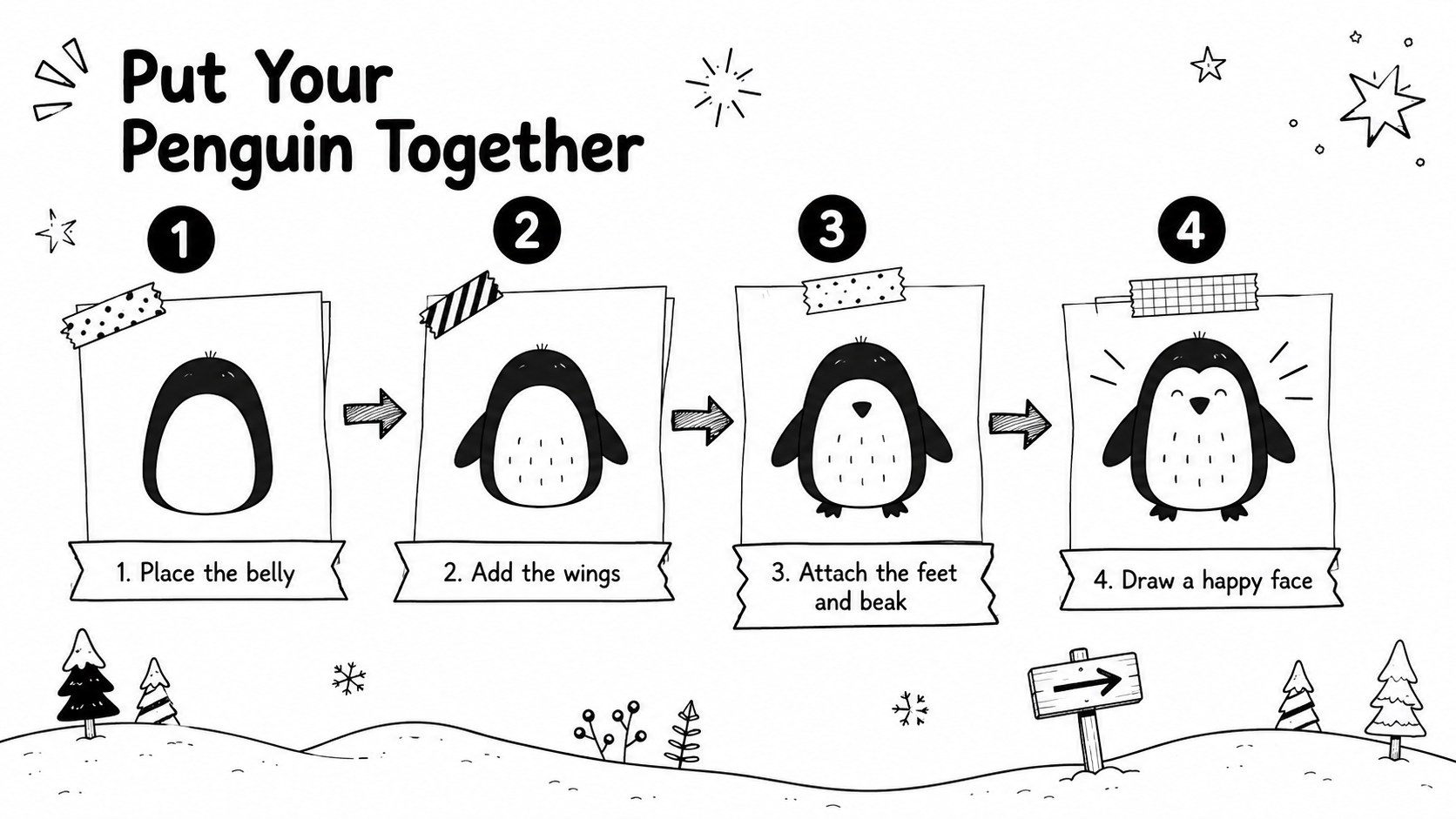
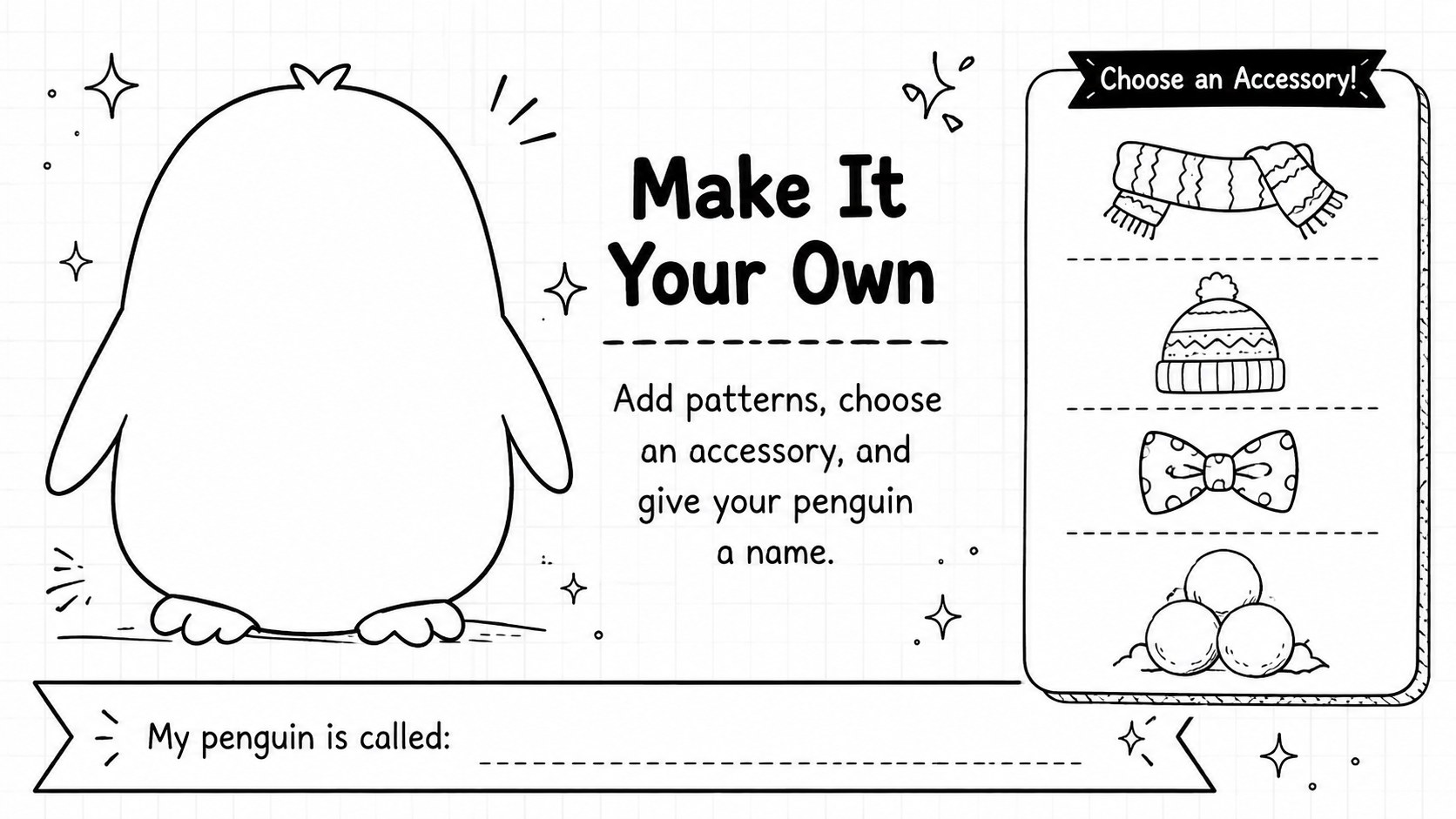
Inside the deck, you will find a welcoming cover, clearly arranged penguin pieces, cutting directions, an illustrated assembly sequence, and a final decoration prompt. Use it as a printable penguin cut and paste activity or adapt the wording to match your classroom routines. The uncluttered layouts also make this a useful winter fine motor skills worksheet for practicing cutting, positioning, gluing, and following steps. Shapes, labels, and activity directions can be adjusted in PowerPoint or Google Slides before printing.
Designed for preschool, kindergarten, and early elementary settings, this editable arctic animal craft template works well for winter art centers, animal units, indoor activity days, and take-home learning packs. Educators can add student names, simplify the directions, duplicate pages, or introduce extra creative challenges. The monochrome palette supports economical printing and invites learners to add crayons, paint, patterned paper, or classroom craft materials. Whether used as a guided project or a quiet independent task, the activity encourages creativity, sequencing, and confident hand control.
Perfect for: kindergarten winter art center; preschool cutting practice; arctic animal classroom unit; indoor recess craft; take-home activity pack.
Frequently asked questions
Can I edit the penguin activity before printing? Yes. Open the template in PowerPoint or Google Slides to revise directions, move pieces, add student names, or duplicate activity pages before printing.
Practical details
Yes. Open the template in PowerPoint or Google Slides to revise directions, move pieces, add student names, or duplicate activity pages before printing.
The activity is designed for Microsoft PowerPoint and Google Slides. Both platforms let you present the instructions on screen and prepare the pages for classroom printing.
Yes. You can resize or rearrange the pieces and add simple accessories, patterns, or labels. Keep the pieces large enough for the cutting ability of your learners.
It is best suited to preschool, kindergarten, and early elementary learners. Younger children may need pre-cut pieces or adult support with scissors and assembly.
Keep exploring
15Build an engaging World UFO Day session with this flying saucer history lesson deck, featuring retro green-and-brown slides for PowerPoint and Google Slides.
 15
15Plan a lively animal-learning journey with this jungle zoo adventure lesson deck, ready to customize in PowerPoint and Google Slides for young learners.
 16
16Turn environmental research into a clear story with a Watercolor Ecology Presentation Theme for PowerPoint and Google Slides in calming green and blue.
 16
16Build focused fashion, literature, and humanities presentations with the Red Triangle Editorial Theme, editable in PowerPoint and Google Slides.
 15
15Turn streaming stats, favorite tracks, and concert highlights into a bold annual listening recap slide deck for PowerPoint and Google Slides.
 15
15Turn highlights, milestones, and favorite moments into a colorful year in review slide deck with bold 3D graphics for PowerPoint and Google Slides.
 3
3Build a credible endorsement with Standout Colleague Recommendation Letter Slides, featuring colorful prompts for skills, achievements, and team impact.
 4
4Build clear beginner sessions with an ice hockey fundamentals training deck for coaches, PE teachers, and clubs, ready for PowerPoint and Google Slides.