
 15
15presentation
Flying Saucer History Lesson Deck
Build an engaging World UFO Day session with this flying saucer history lesson deck, featuring retro green-and-brown slides for PowerPoint and Google Slides.
Google SlidesPowerPoint
presentation · English
Turn complex updates into clear decisions with a Brown Project Progress Briefing Deck for stakeholder reviews in PowerPoint and Google Slides.
Design notes
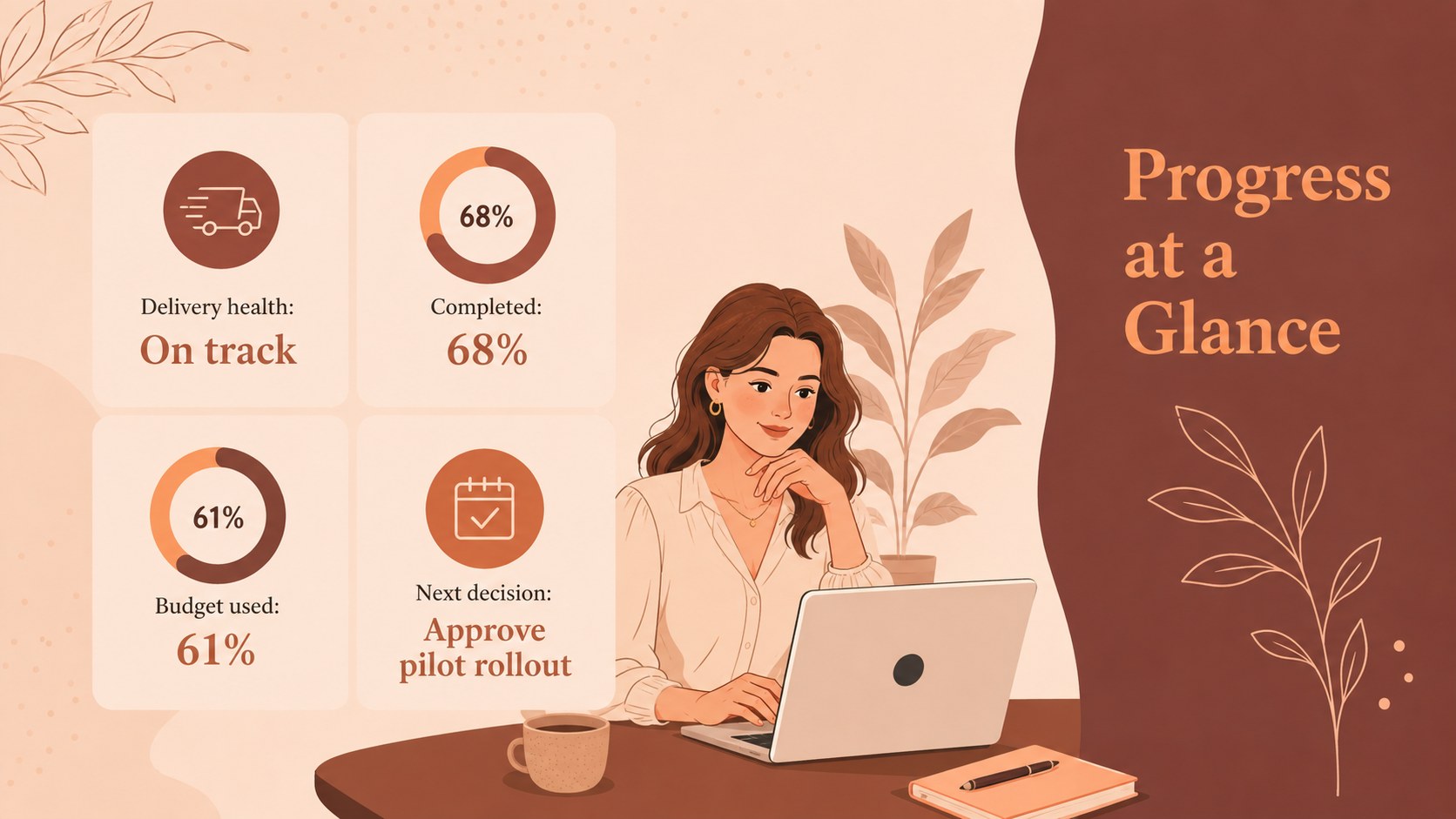
Bring priorities, results, and open decisions into focus with the Brown Project Progress Briefing Deck. Designed for concise stakeholder communication, this illustrated presentation combines a warm brown palette with refined, feminine details and clean infographic layouts. It gives every update a polished structure without making operational information feel dense or difficult to scan.
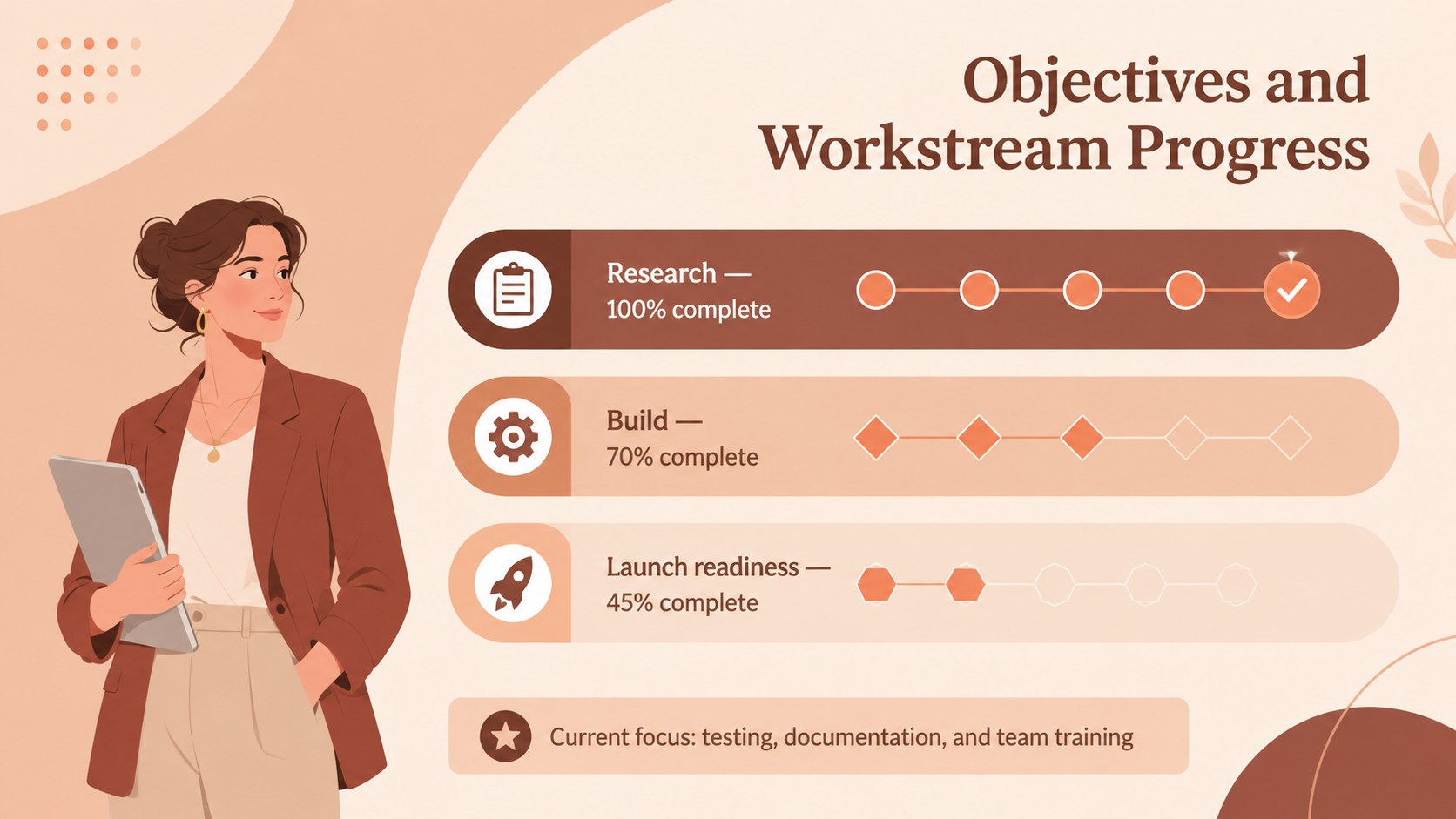
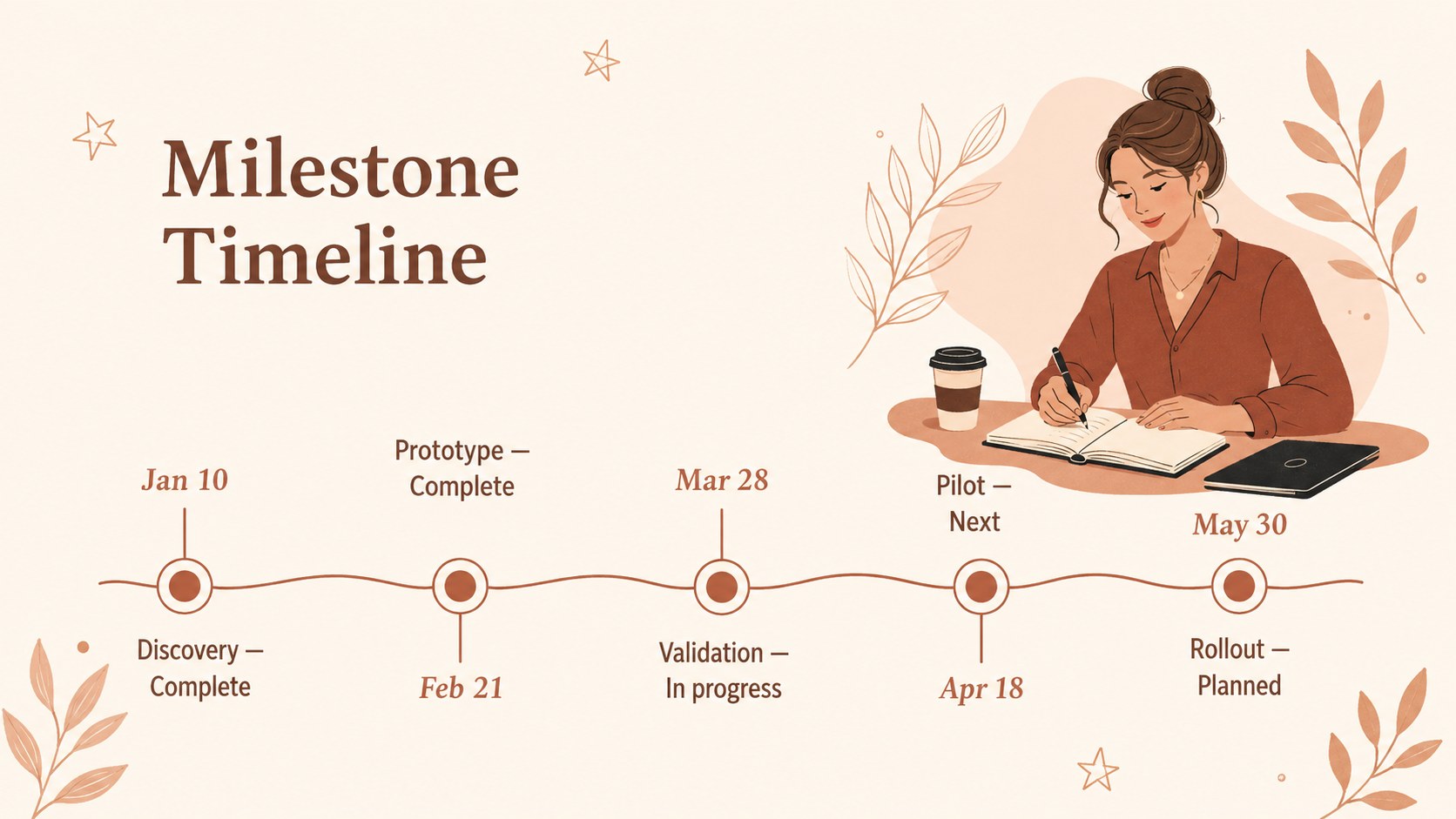
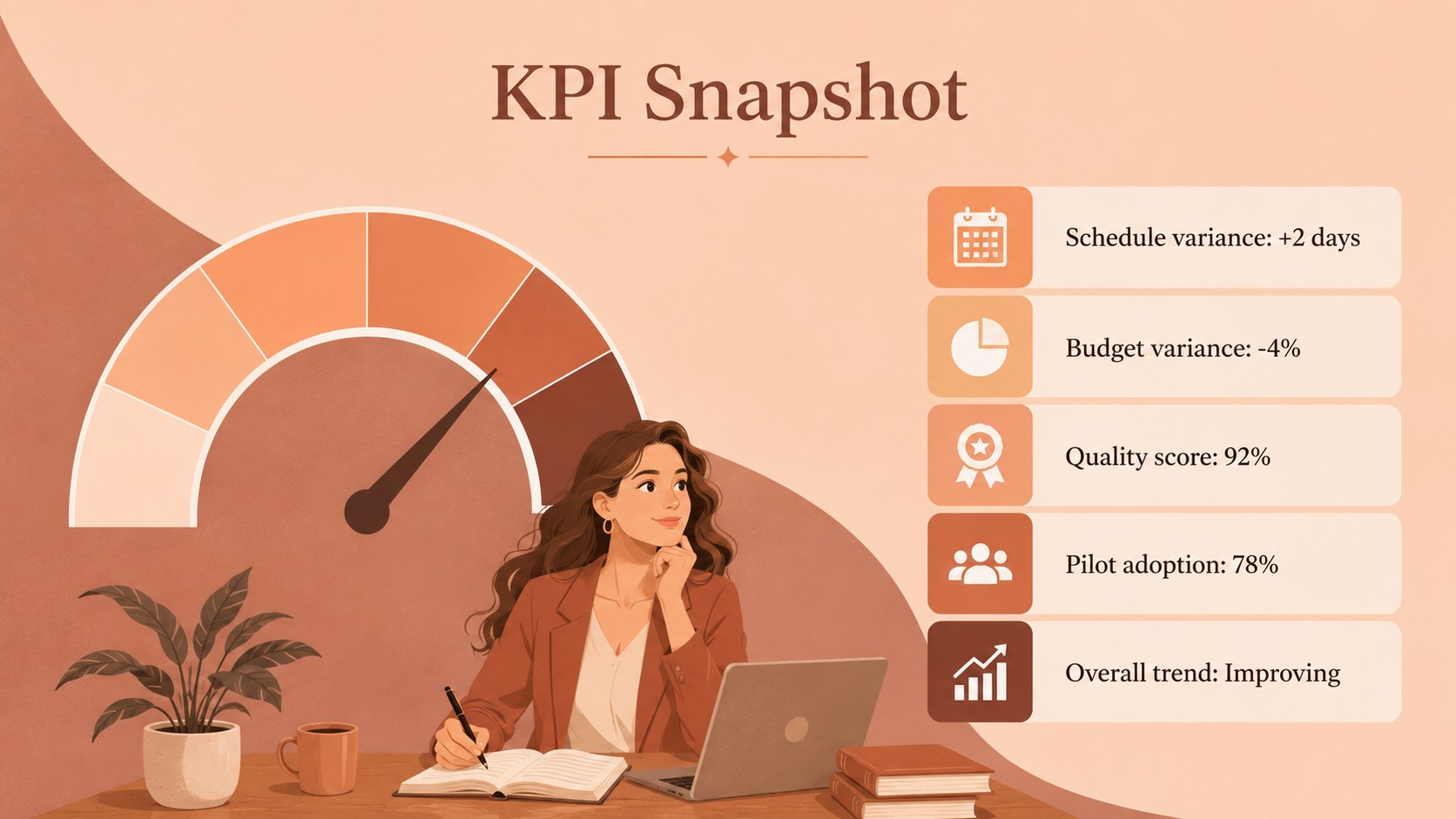
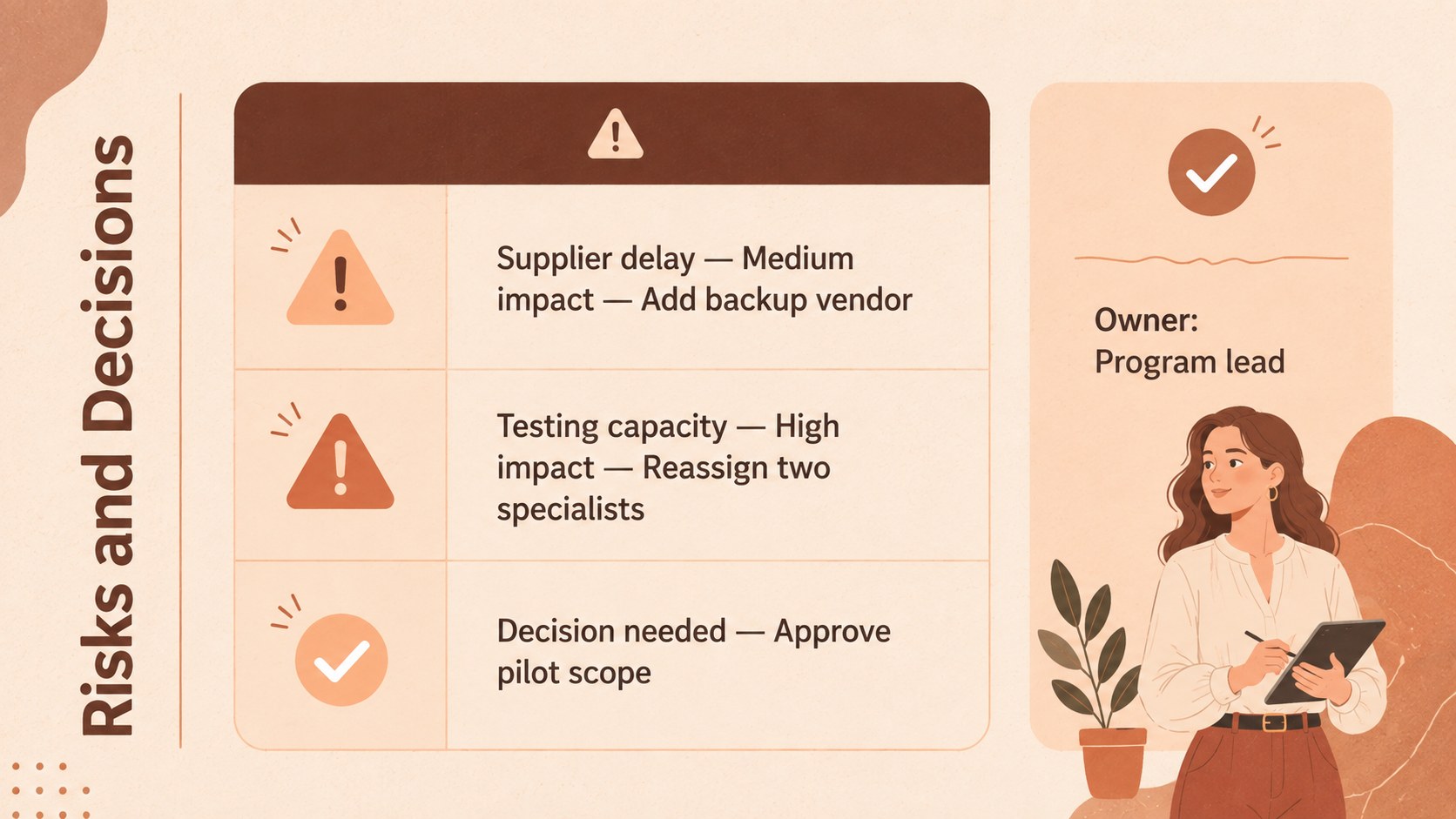
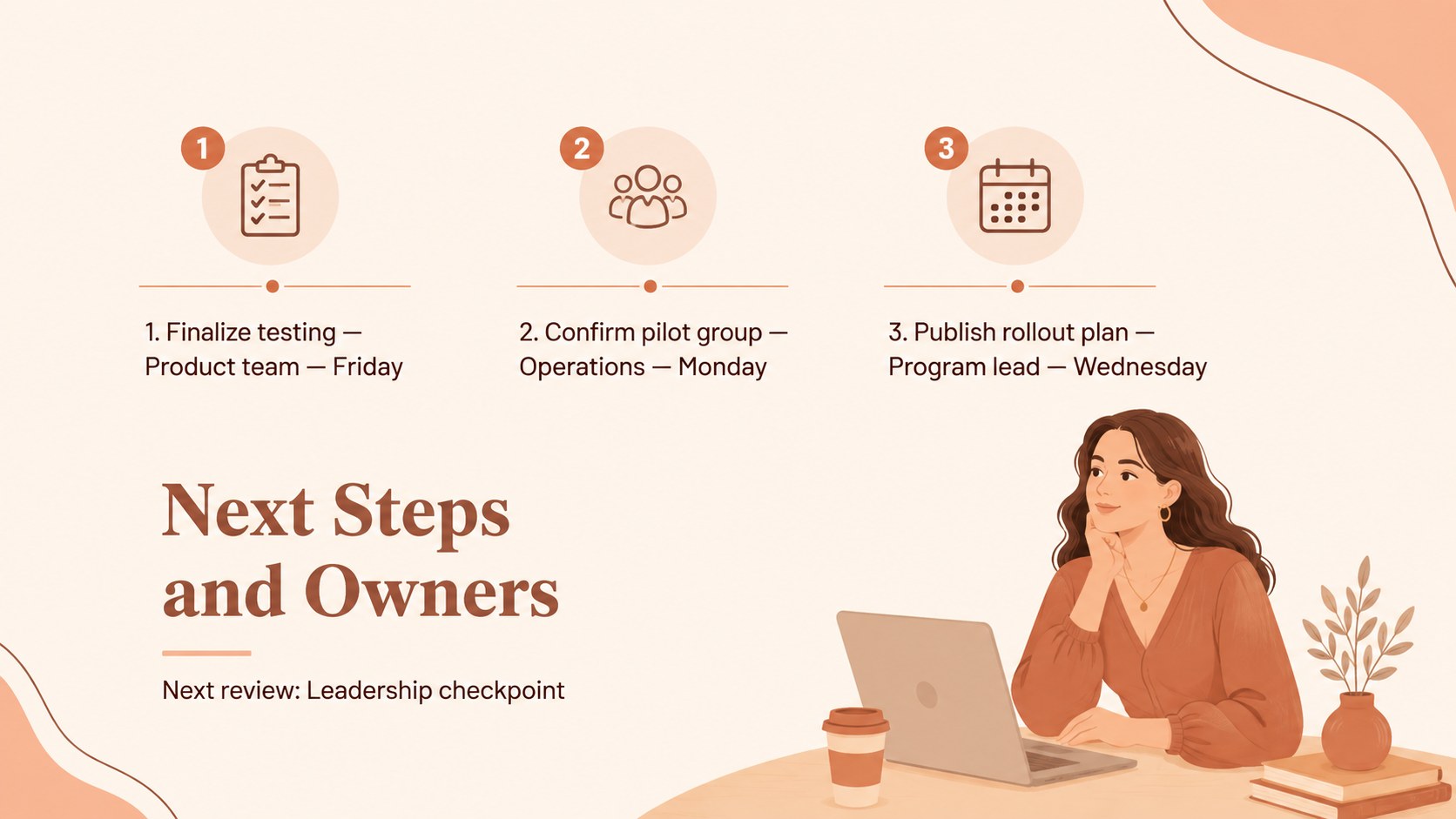
The seven-slide deck includes a briefing cover, an at-a-glance summary, objectives and workstream progress, a milestone timeline, a KPI snapshot, a risk and decision overview, and a next-steps action plan. Use it as a project progress presentation for stakeholders or adapt the layouts into brown project update slides for recurring meetings. Charts, icons, timelines, labels, and text areas can be customized to match your project data, terminology, and reporting cadence.
This executive project briefing template is suited to project managers, consultants, agency teams, department leads, and startup operators. It works well for phase reviews, steering committee meetings, client updates, leadership check-ins, and internal delivery discussions. Edit the slides in PowerPoint or Google Slides, replace the sample figures with current metrics, and adjust the brown tones or typography to align with your organization. The result is a focused visual narrative that helps audiences understand what has been completed, where attention is needed, and what happens next.
Perfect for: steering committee review; weekly project update; client delivery briefing; project phase assessment; leadership progress meeting.
Frequently asked questions
Can I edit every element in this briefing deck? Yes. The text, colors, charts, icons, shapes, and timeline elements can be edited to reflect your project structure and current results.
Practical details
Yes. The text, colors, charts, icons, shapes, and timeline elements can be edited to reflect your project structure and current results.
The deck is designed for Microsoft PowerPoint and Google Slides. Some fonts, transitions, or spacing may require minor adjustments when moving between platforms.
Duplicate the reporting slides you use most often, then replace the sample metrics, milestones, risks, and action owners for each meeting. Keep the section order consistent so stakeholders can scan updates quickly.
Yes. Replace the theme colors with your organization's brand palette while preserving sufficient contrast between text, backgrounds, charts, and status indicators.
Keep exploring
15Build an engaging World UFO Day session with this flying saucer history lesson deck, featuring retro green-and-brown slides for PowerPoint and Google Slides.
 15
15Plan a lively animal-learning journey with this jungle zoo adventure lesson deck, ready to customize in PowerPoint and Google Slides for young learners.
 16
16Turn environmental research into a clear story with a Watercolor Ecology Presentation Theme for PowerPoint and Google Slides in calming green and blue.
 16
16Build focused fashion, literature, and humanities presentations with the Red Triangle Editorial Theme, editable in PowerPoint and Google Slides.
 15
15Turn streaming stats, favorite tracks, and concert highlights into a bold annual listening recap slide deck for PowerPoint and Google Slides.
 15
15Turn highlights, milestones, and favorite moments into a colorful year in review slide deck with bold 3D graphics for PowerPoint and Google Slides.
 3
3Build a credible endorsement with Standout Colleague Recommendation Letter Slides, featuring colorful prompts for skills, achievements, and team impact.
 4
4Build clear beginner sessions with an ice hockey fundamentals training deck for coaches, PE teachers, and clubs, ready for PowerPoint and Google Slides.