
 15
15presentation
Flying Saucer History Lesson Deck
Build an engaging World UFO Day session with this flying saucer history lesson deck, featuring retro green-and-brown slides for PowerPoint and Google Slides.
Google SlidesPowerPoint
presentation · English
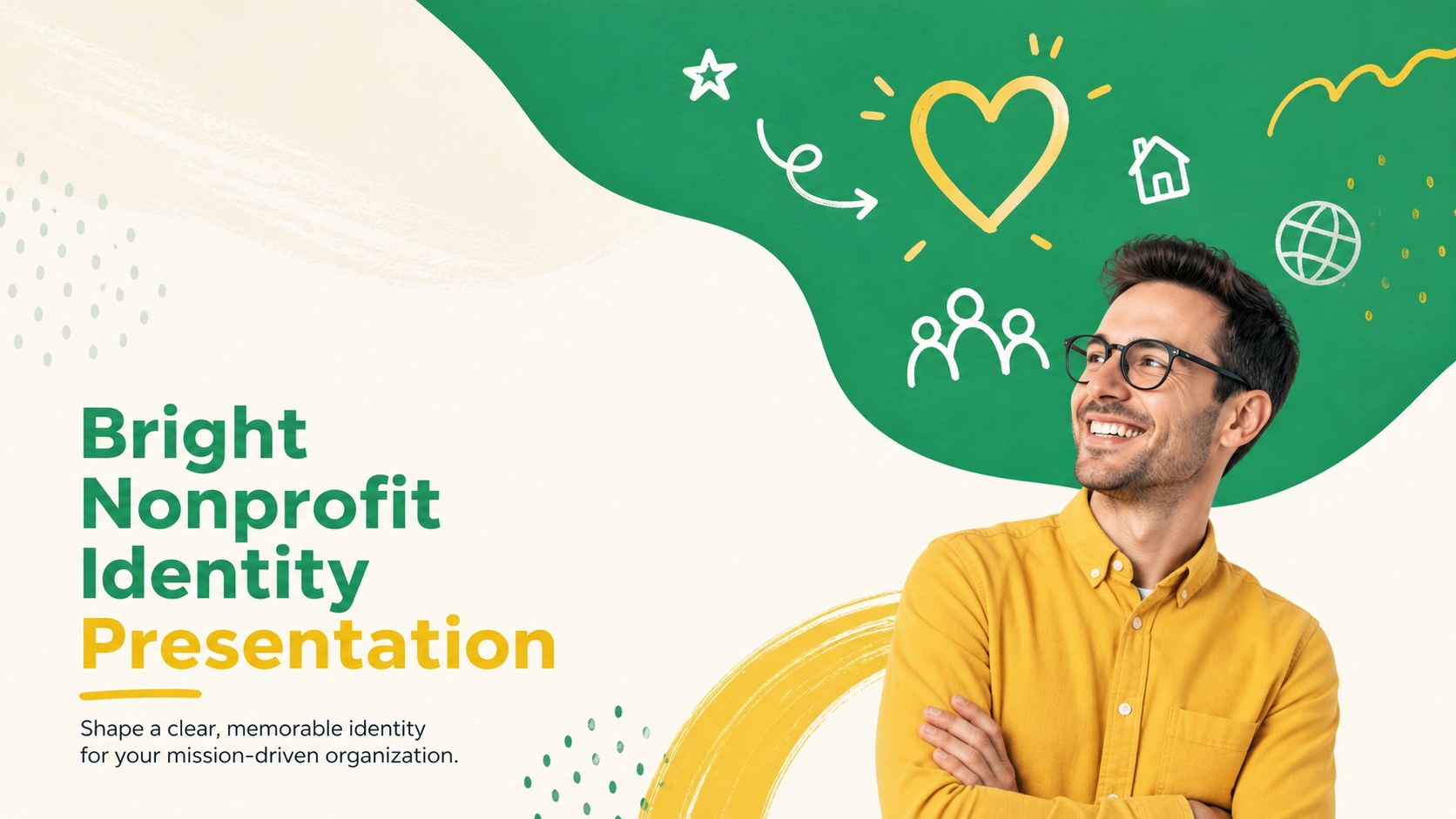
Build a recognizable mission-led story with this Bright Nonprofit Identity Presentation for PowerPoint and Google Slides in vivid yellow and green.
Design notes
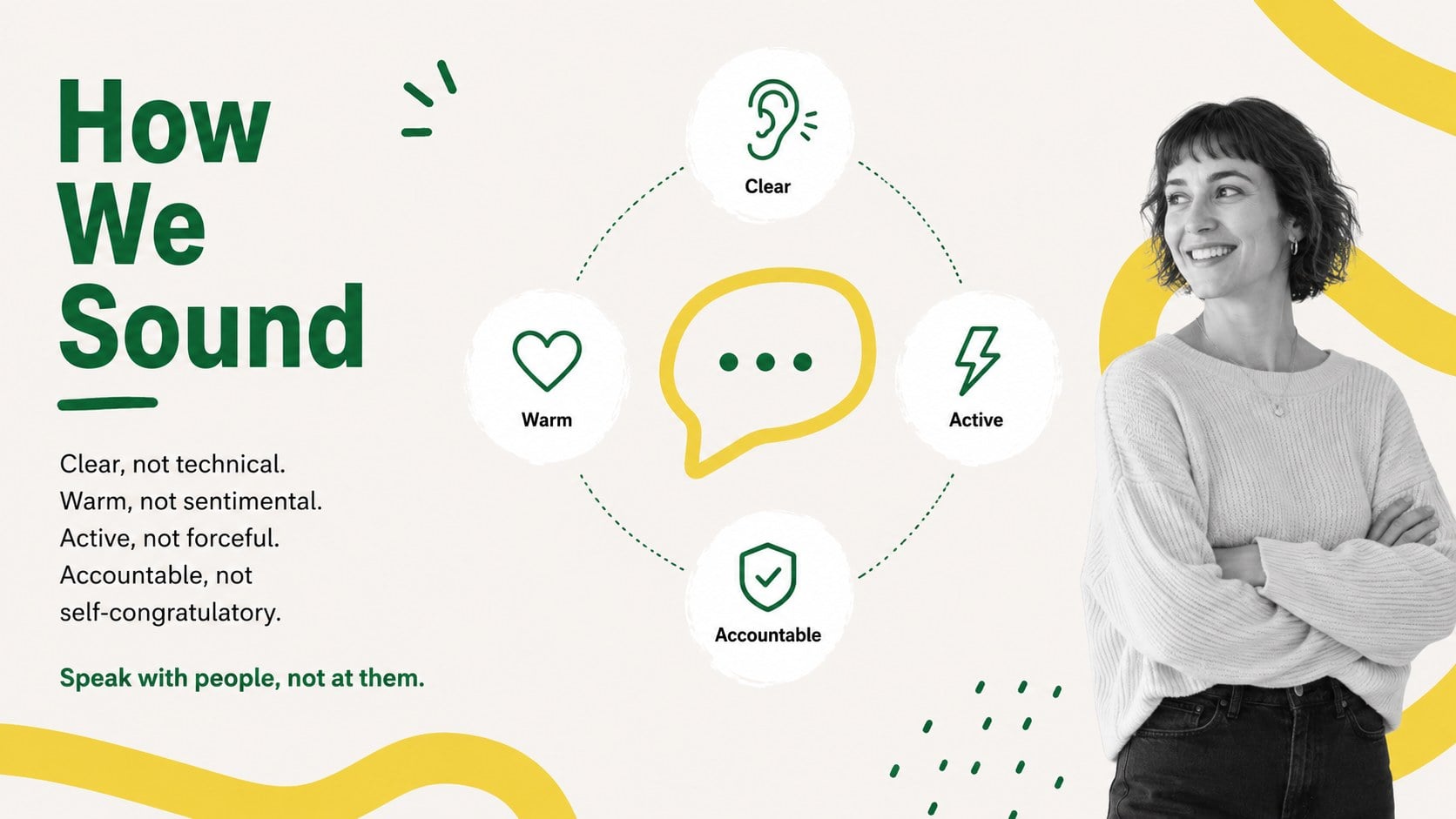
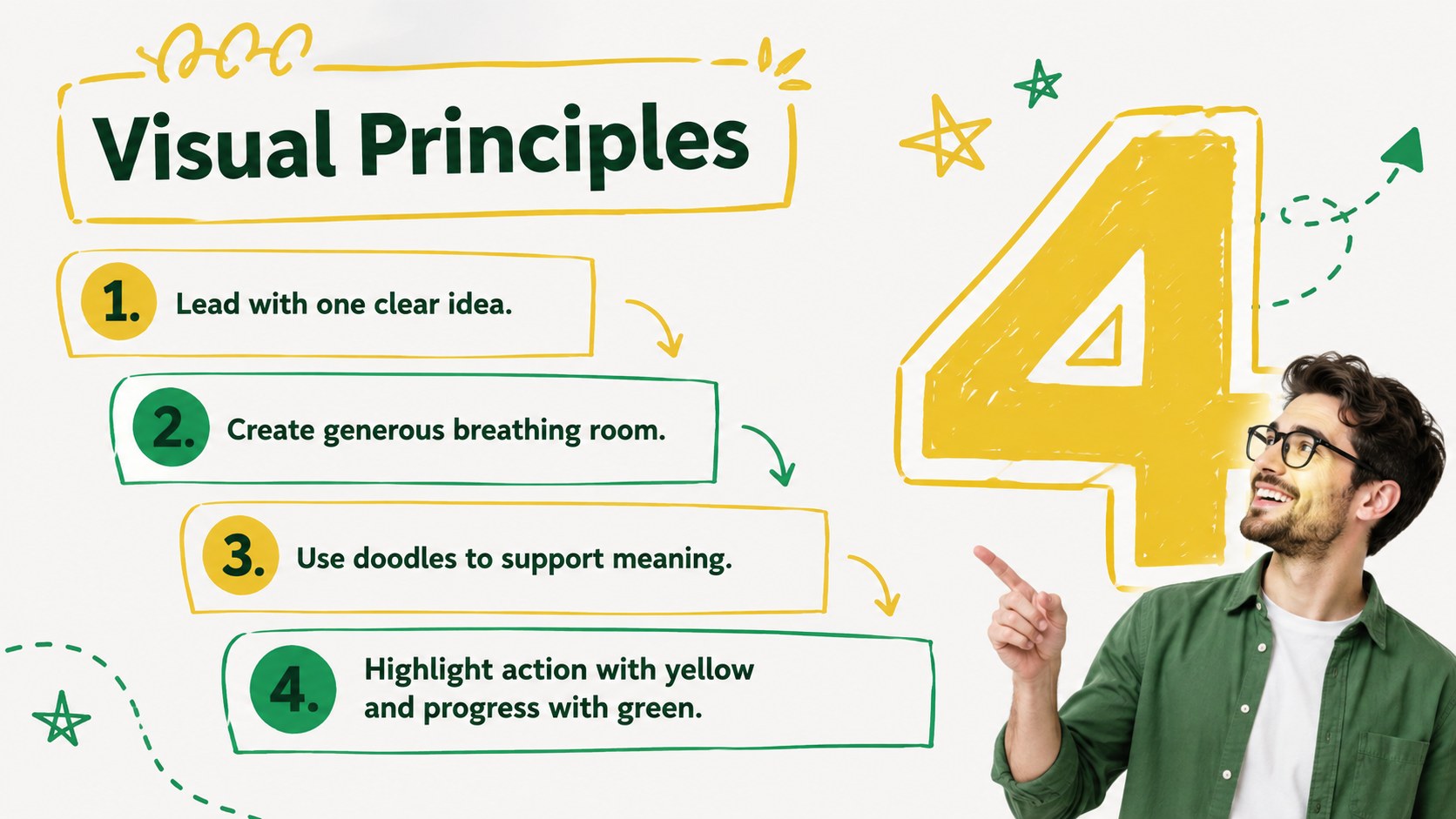
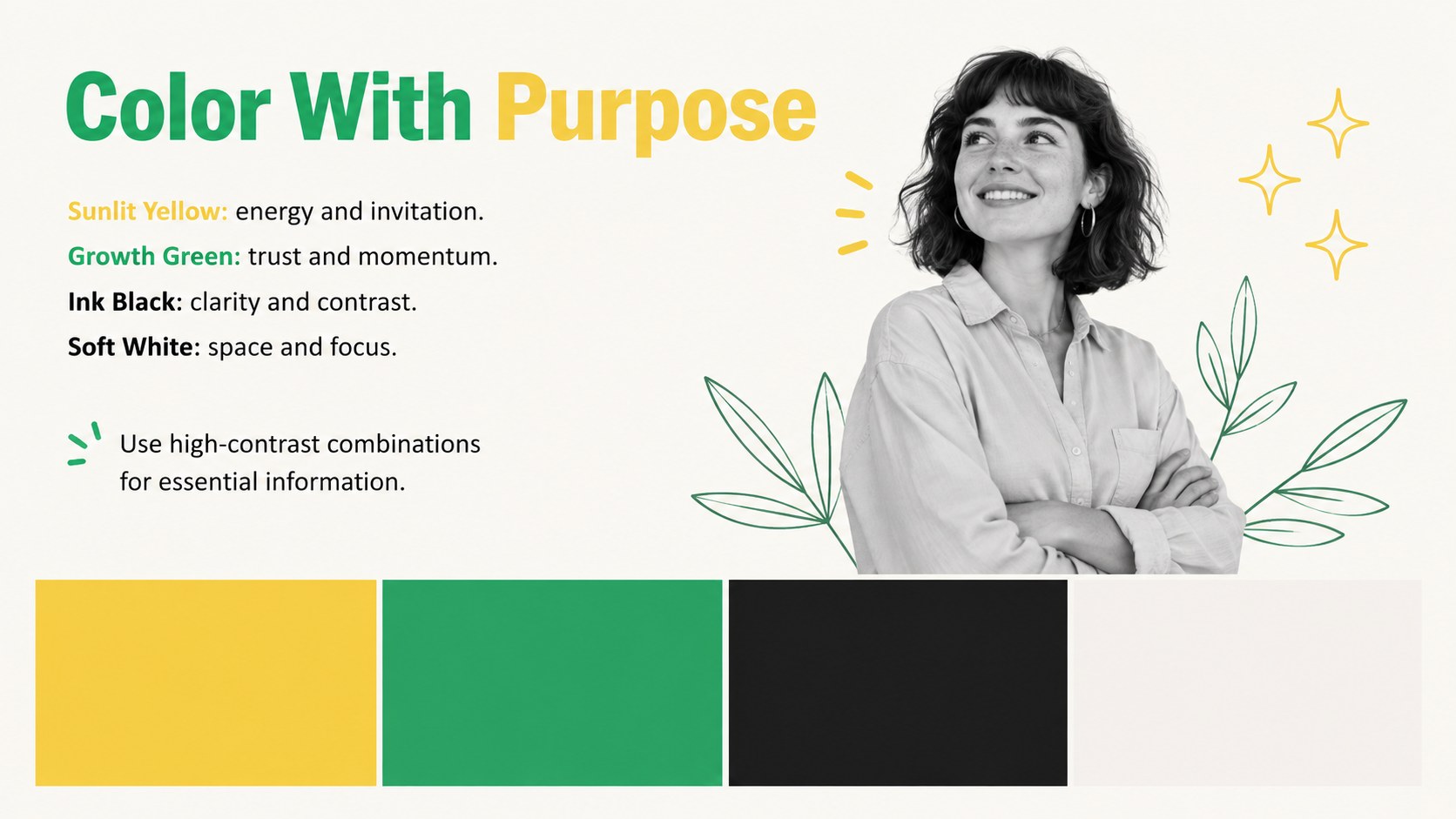
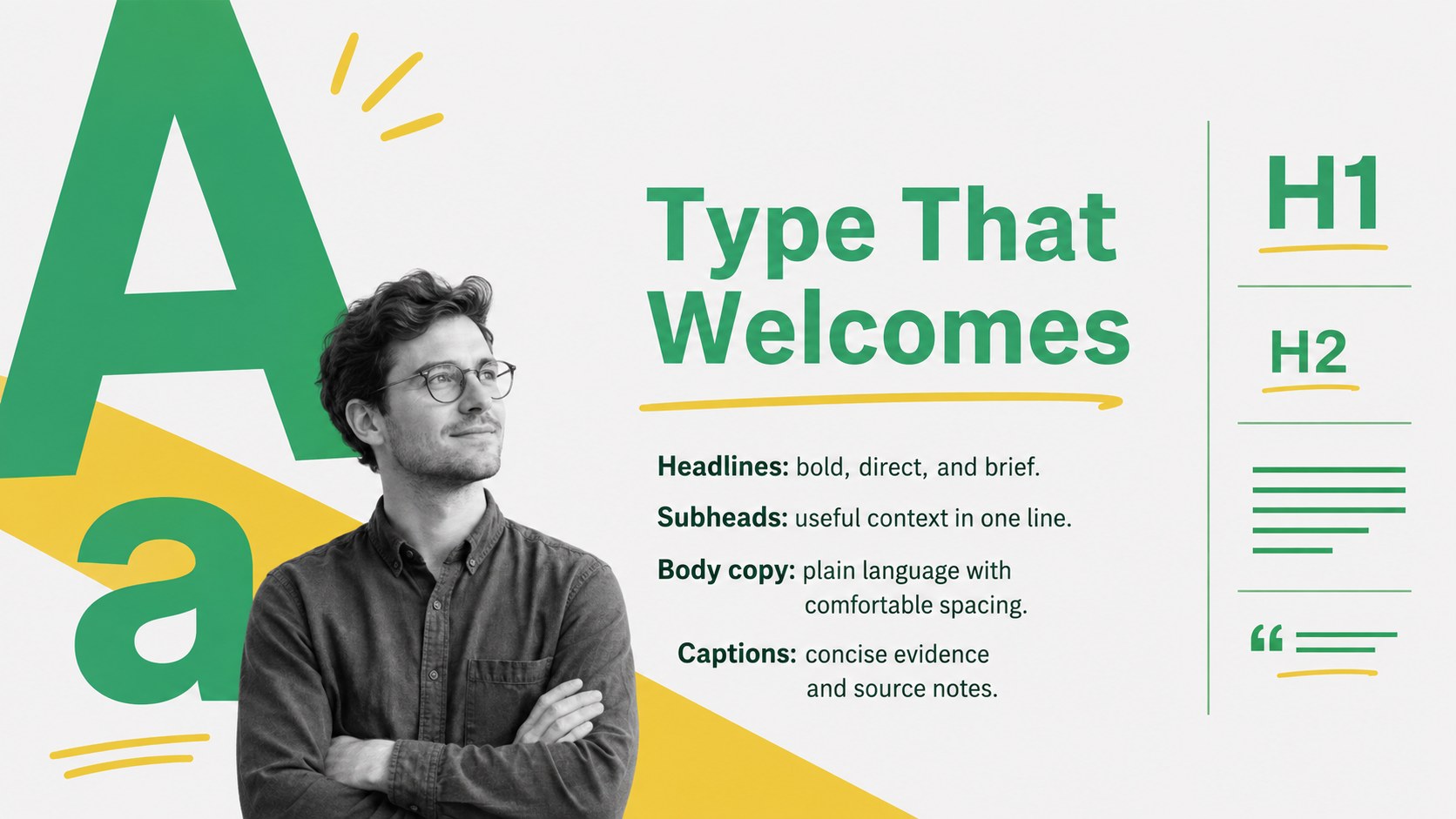
Build a recognizable mission-led story with the Bright Nonprofit Identity Presentation, an energetic yellow and green deck created for organizations that want their purpose to feel clear, credible, and human. Minimal doodles, modern abstract forms, and clean typography give every message personality without distracting from the work behind it.
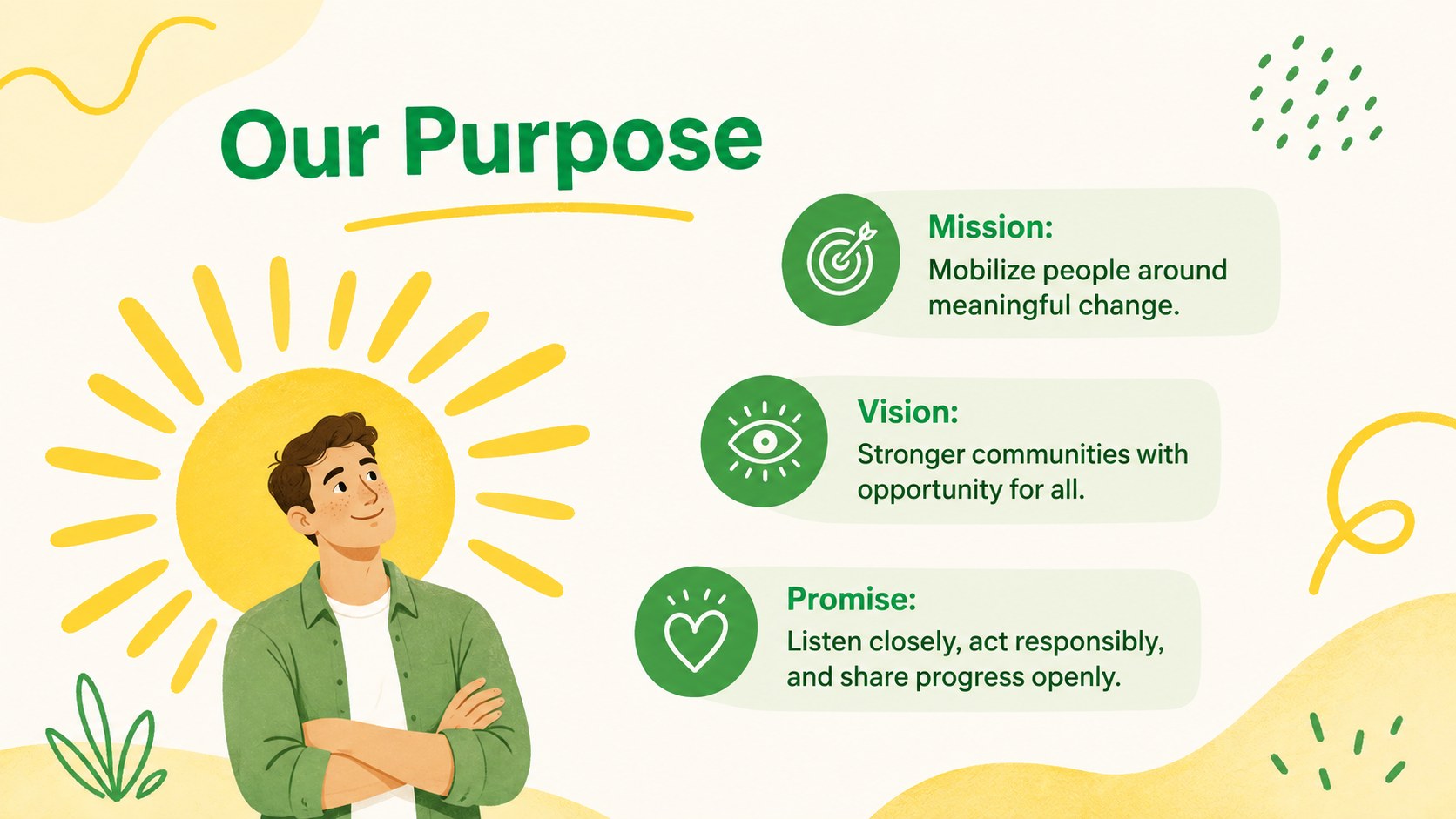
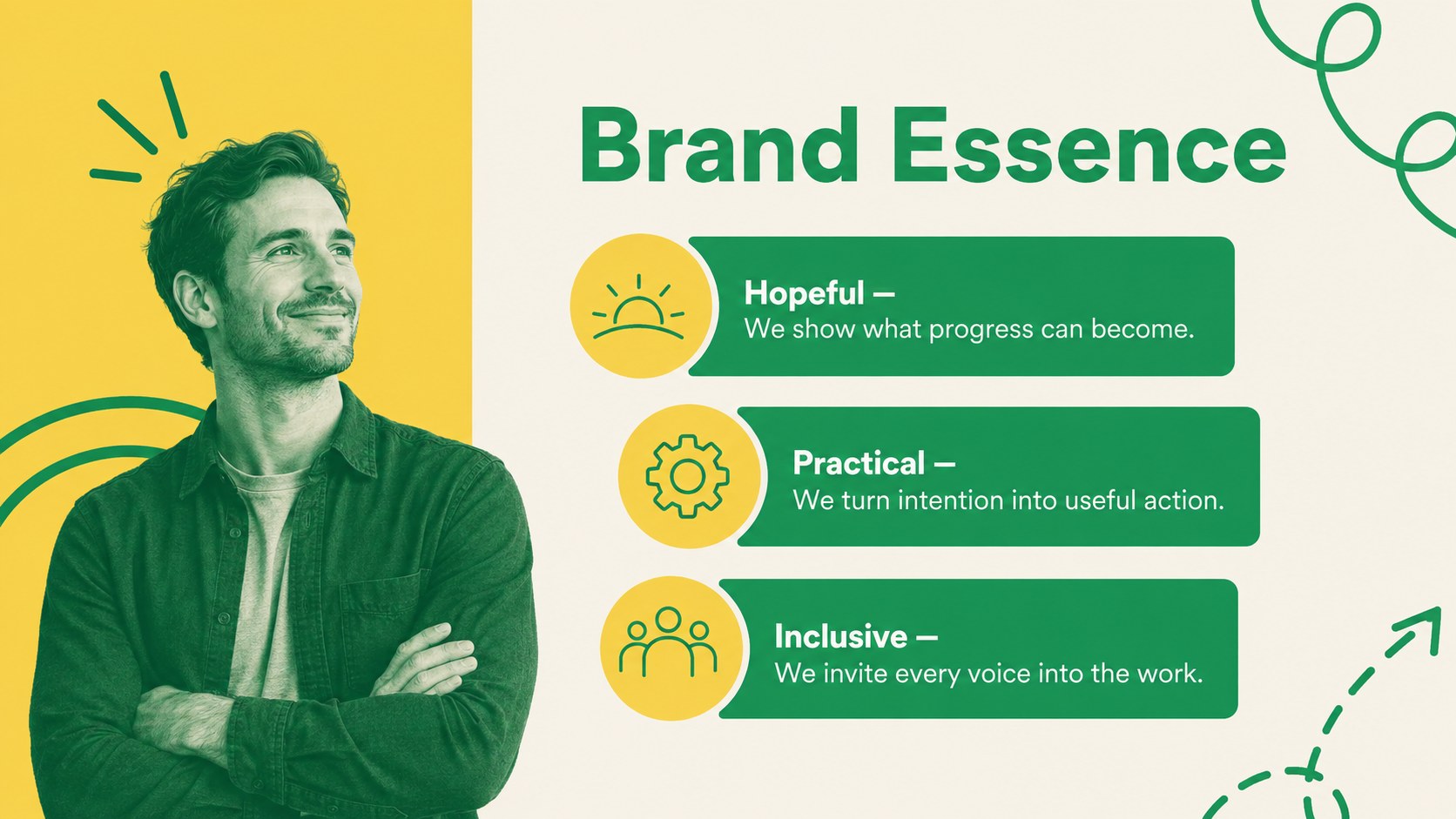
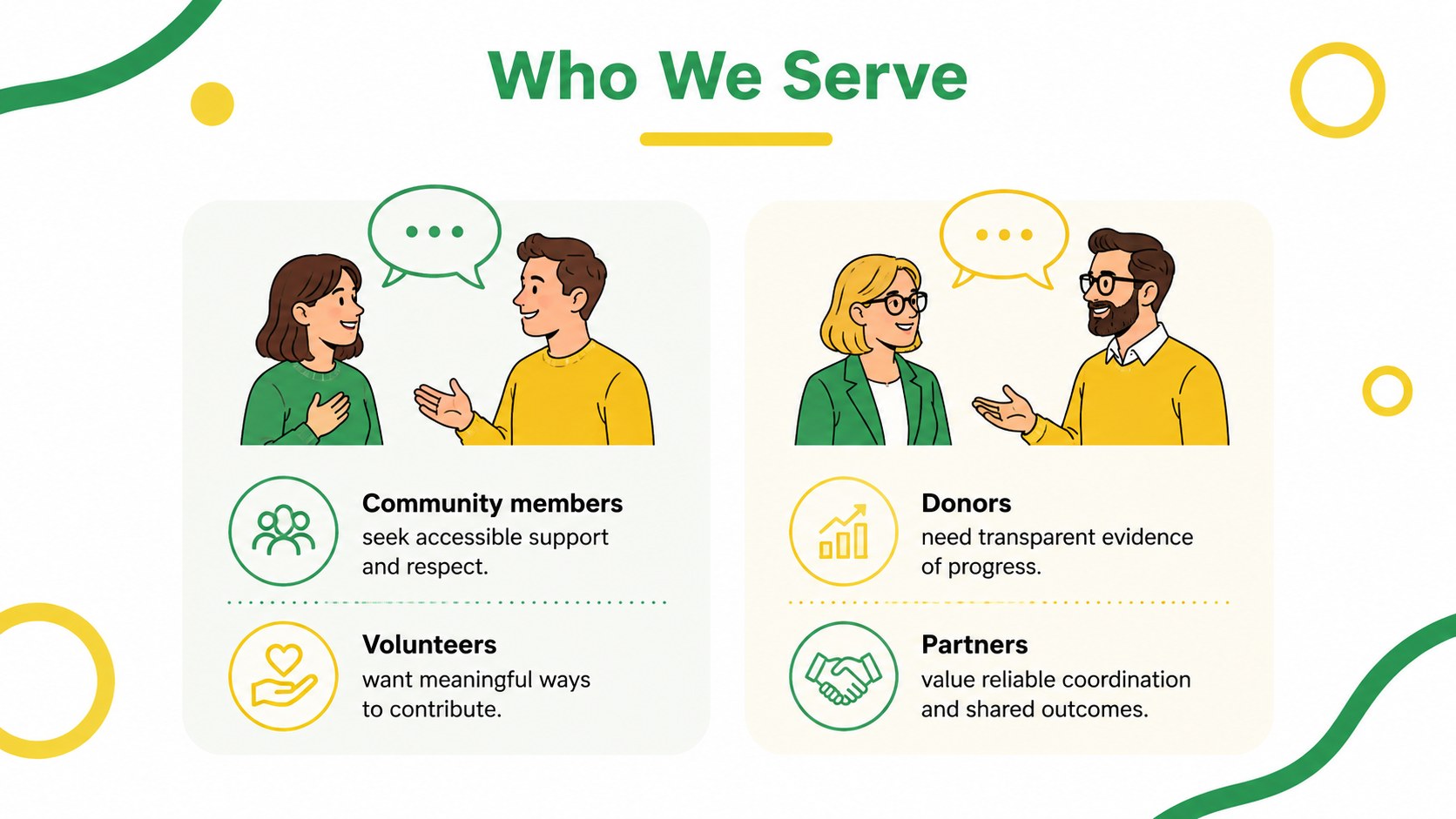
The 15-slide structure covers mission, brand essence, audience profiles, voice, visual principles, messaging pillars, campaign applications, impact measures, and next steps. Use it as a nonprofit visual identity presentation, adapt it into charity brand guidelines slides, or develop a complete community organization brand deck. Editable layouts support concise statements, comparison points, timelines, data highlights, and practical examples. Charts, frames, shapes, and image areas can be adjusted to match your organization, while the widescreen format keeps content ready for meetings or virtual presentations.
Designed for nonprofit directors, communications teams, consultants, public-service groups, foundations, and community organizers, this presentation works in both PowerPoint and Google Slides. Change the colors, replace the sample wording, insert your photography, and reorganize sections for a rebrand workshop, board review, donor briefing, or campaign kickoff. The bright palette supports an optimistic tone, while the restrained doodle style keeps the presentation approachable and professional.
Perfect for: nonprofit rebrand workshop; board identity review; donor communication briefing; community campaign kickoff; brand guidelines training.
Frequently asked questions
Can I edit every element in this presentation? Yes. Text, colors, shapes, charts, image areas, and section order can be customized to reflect your organization and its communication goals.
Practical details
Yes. Text, colors, shapes, charts, image areas, and section order can be customized to reflect your organization and its communication goals.
The deck is designed for PowerPoint and Google Slides. Minor spacing or font adjustments may be needed when moving the file between platforms.
Replace the sample mission statements, audience profiles, and messaging examples with your own content. Then apply your approved colors, fonts, logo, photography, and impact data.
Yes. The messaging, impact, and application layouts can be repurposed for donor briefings, campaign launches, sponsorship discussions, and grant-related presentations.
Keep exploring
15Build an engaging World UFO Day session with this flying saucer history lesson deck, featuring retro green-and-brown slides for PowerPoint and Google Slides.
 15
15Plan a lively animal-learning journey with this jungle zoo adventure lesson deck, ready to customize in PowerPoint and Google Slides for young learners.
 16
16Turn environmental research into a clear story with a Watercolor Ecology Presentation Theme for PowerPoint and Google Slides in calming green and blue.
 16
16Build focused fashion, literature, and humanities presentations with the Red Triangle Editorial Theme, editable in PowerPoint and Google Slides.
 15
15Turn streaming stats, favorite tracks, and concert highlights into a bold annual listening recap slide deck for PowerPoint and Google Slides.
 15
15Turn highlights, milestones, and favorite moments into a colorful year in review slide deck with bold 3D graphics for PowerPoint and Google Slides.
 3
3Build a credible endorsement with Standout Colleague Recommendation Letter Slides, featuring colorful prompts for skills, achievements, and team impact.
 4
4Build clear beginner sessions with an ice hockey fundamentals training deck for coaches, PE teachers, and clubs, ready for PowerPoint and Google Slides.