
 15
15presentation
Flying Saucer History Lesson Deck
Build an engaging World UFO Day session with this flying saucer history lesson deck, featuring retro green-and-brown slides for PowerPoint and Google Slides.
Google SlidesPowerPoint
presentation · English
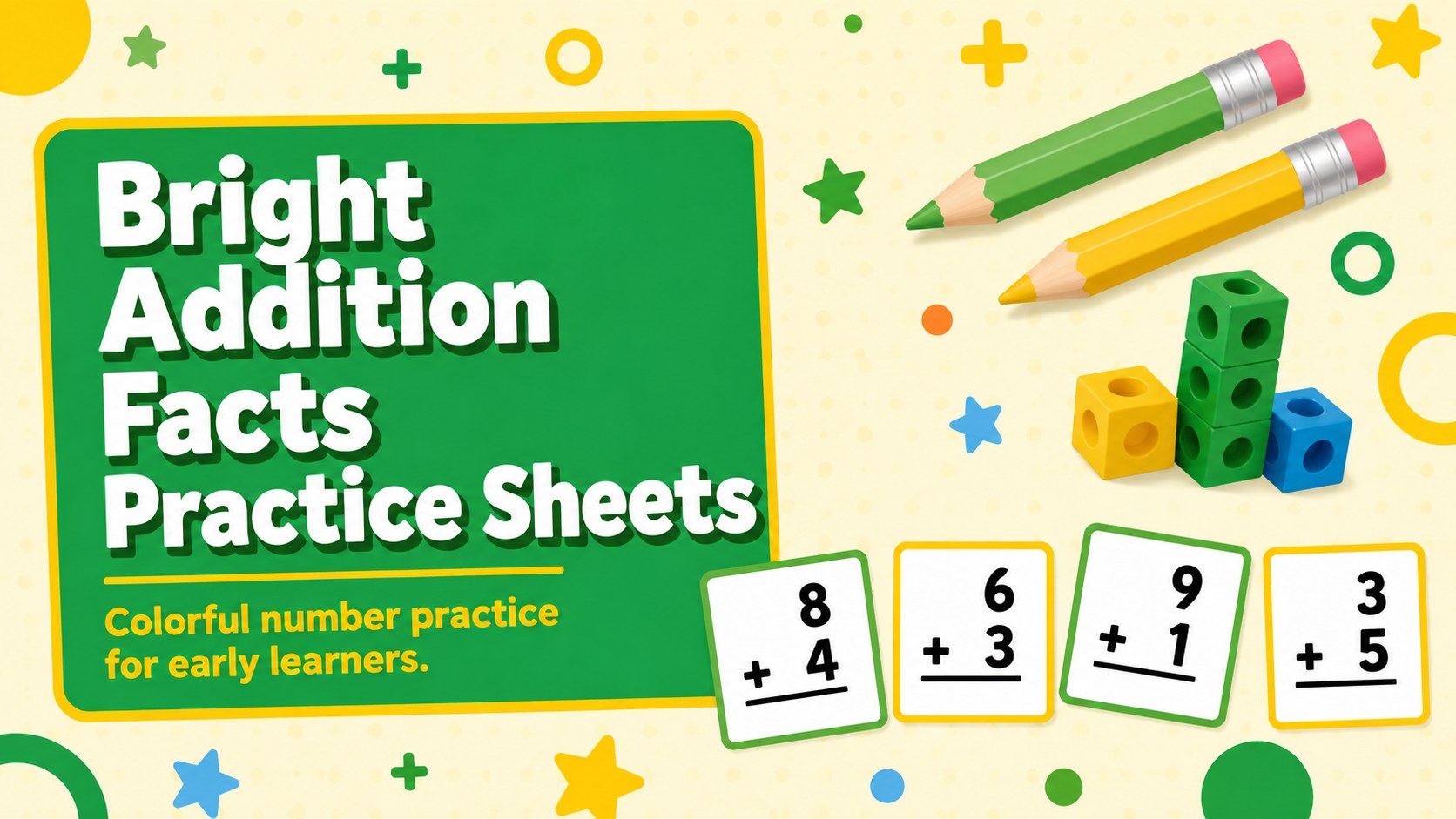
Build classroom confidence with Bright Addition Facts Practice Sheets, an editable green-and-yellow resource for lively early math lessons and home review.
Design notes
Bright Addition Facts Practice Sheets turn essential number practice into an inviting visual activity for young learners. The lively green-and-yellow palette, bold typography, and playful geometric details help children focus on basic sums without making the page feel crowded. Teachers can present each activity on screen or adapt the layouts for printed classwork.
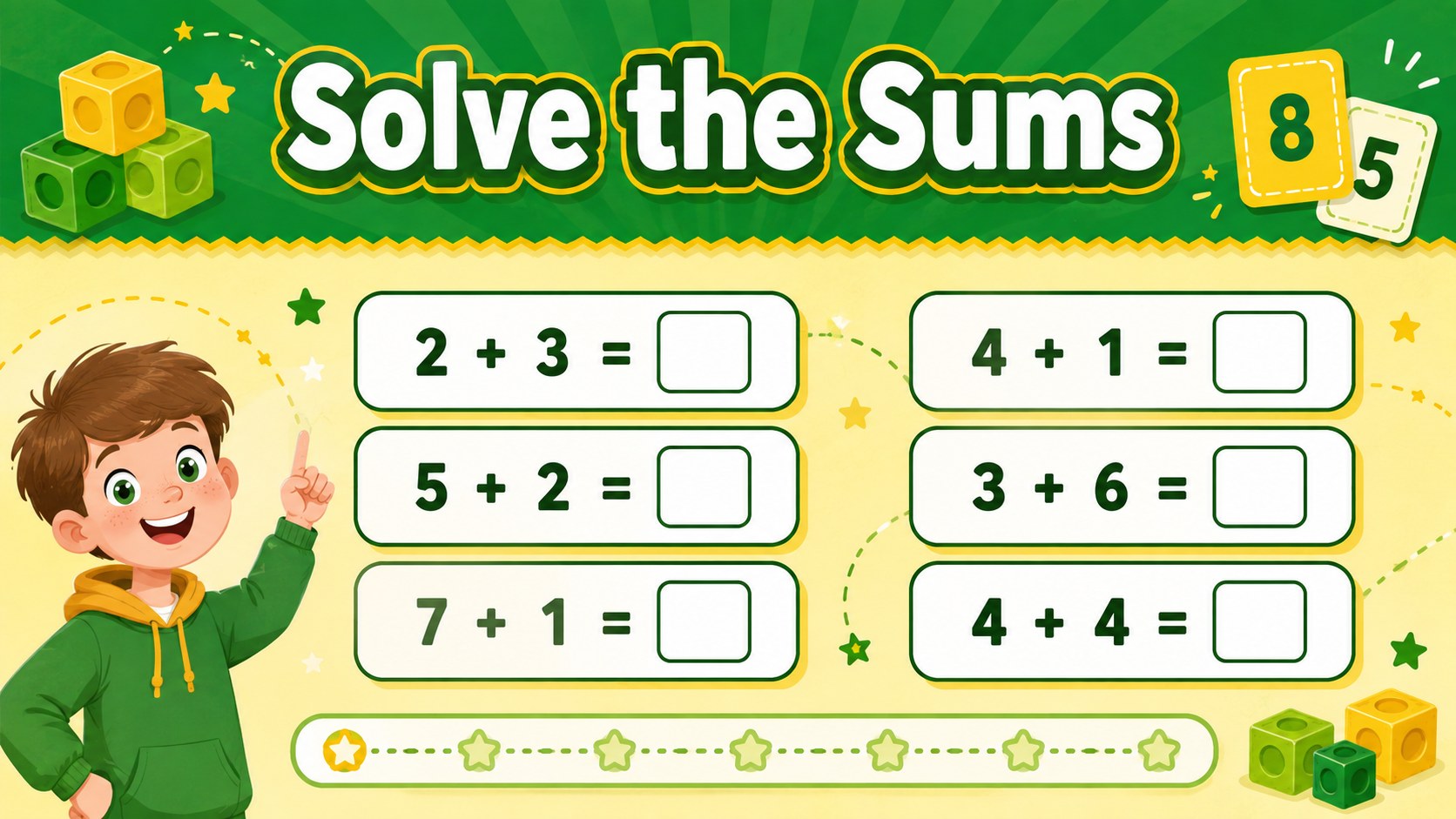
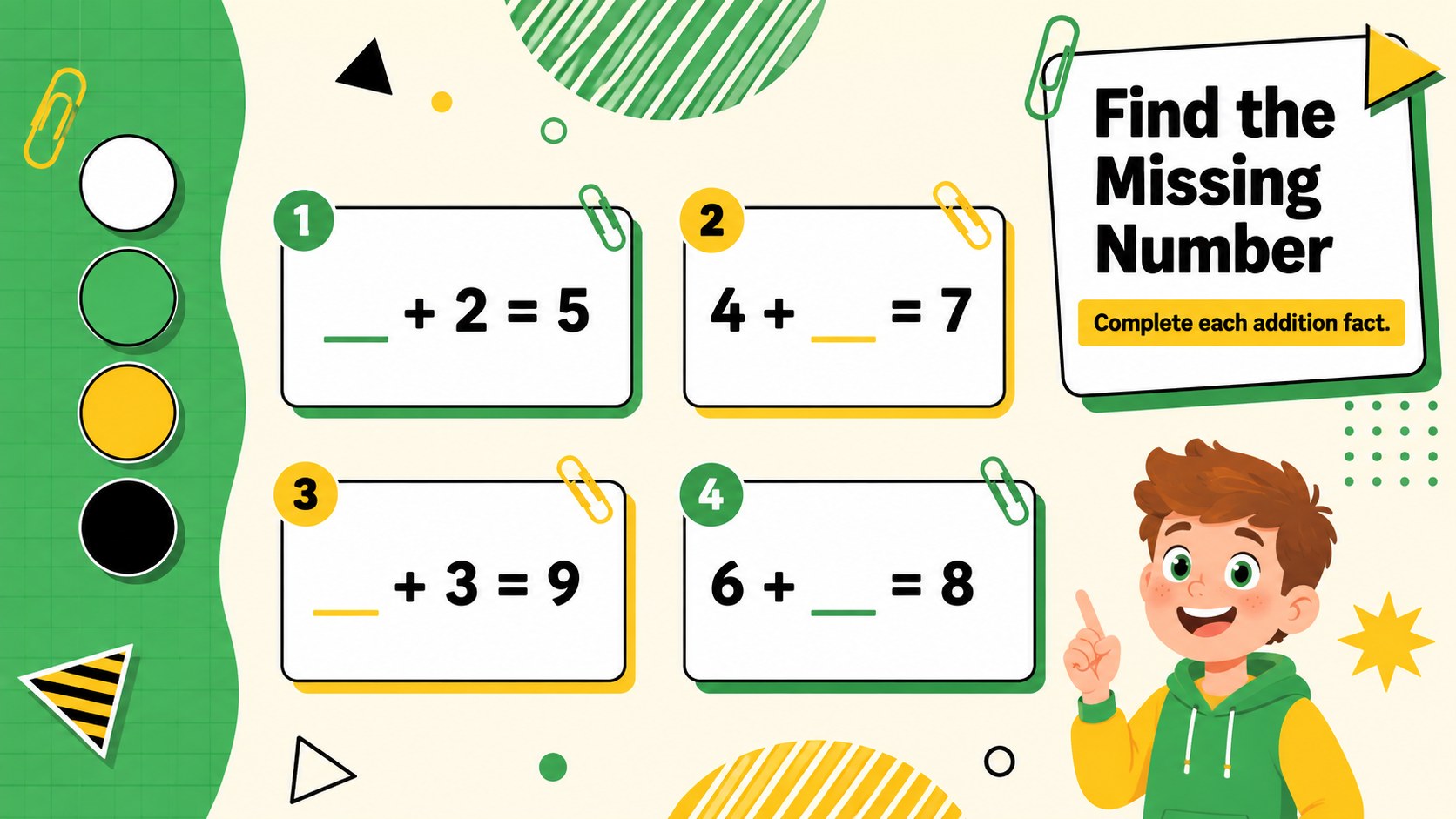
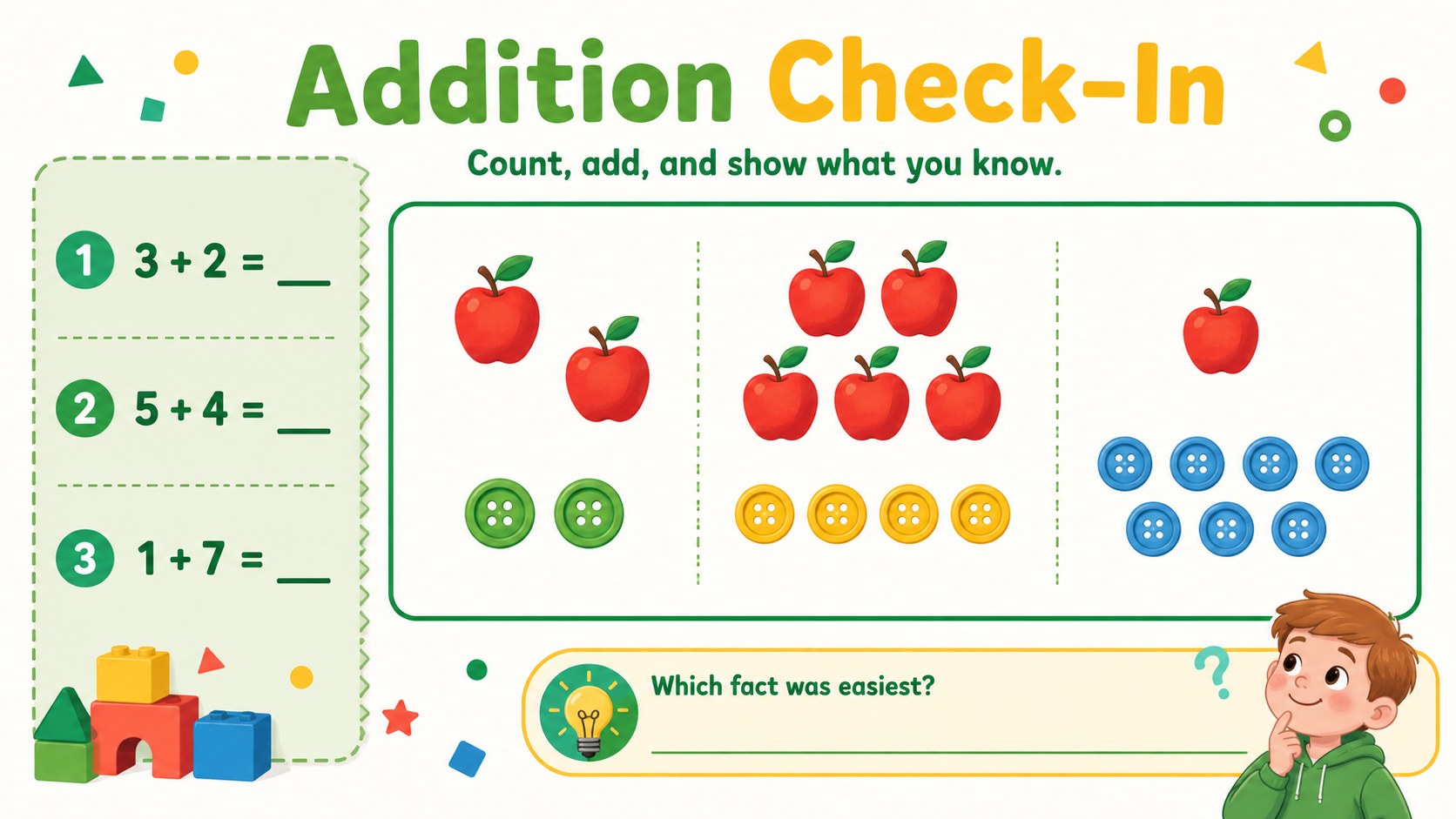
Inside, educators will find varied single-number sums, missing-addend challenges, visual counting exercises, and a short review page. These addition facts practice sheets for first grade support gradual skill building, while clear answer spaces make them suitable for independent work. Every page can be edited in PowerPoint or Google Slides, allowing instructors to change numbers, simplify directions, duplicate activities, or adjust colors for a specific class.
Use this editable early math activity deck during morning work, small-group instruction, learning stations, tutoring sessions, or take-home review. It also works as a colorful addition warm-up for checking fluency before a lesson. The uncluttered layouts and familiar visual cues are designed for early elementary students, homeschool families, intervention teachers, and anyone introducing addition within ten.
Perfect for: first grade morning work; small-group math instruction; addition learning stations; homeschool number practice; tutoring session review; take-home skills practice.
Frequently asked questions
Can I change the addition problems? Yes. Open the template in PowerPoint or Google Slides to replace numbers, directions, and answer choices with problems suited to your learners.
Practical details
Yes. Open the template in PowerPoint or Google Slides to replace numbers, directions, and answer choices with problems suited to your learners.
Yes. Export the completed pages as PDF files or print them directly from your presentation software. Review printer scaling and margins before producing a full class set.
The template is designed for PowerPoint and Google Slides. Text, colors, shapes, and activity content can be edited in either platform.
It is best suited to kindergarten and first-grade learners practicing basic addition within ten. Teachers can modify the equations to make the activities easier or more challenging.
Keep exploring
15Build an engaging World UFO Day session with this flying saucer history lesson deck, featuring retro green-and-brown slides for PowerPoint and Google Slides.
 15
15Plan a lively animal-learning journey with this jungle zoo adventure lesson deck, ready to customize in PowerPoint and Google Slides for young learners.
 16
16Turn environmental research into a clear story with a Watercolor Ecology Presentation Theme for PowerPoint and Google Slides in calming green and blue.
 16
16Build focused fashion, literature, and humanities presentations with the Red Triangle Editorial Theme, editable in PowerPoint and Google Slides.
 15
15Turn streaming stats, favorite tracks, and concert highlights into a bold annual listening recap slide deck for PowerPoint and Google Slides.
 15
15Turn highlights, milestones, and favorite moments into a colorful year in review slide deck with bold 3D graphics for PowerPoint and Google Slides.
 3
3Build a credible endorsement with Standout Colleague Recommendation Letter Slides, featuring colorful prompts for skills, achievements, and team impact.
 4
4Build clear beginner sessions with an ice hockey fundamentals training deck for coaches, PE teachers, and clubs, ready for PowerPoint and Google Slides.