
 15
15presentation
Flying Saucer History Lesson Deck
Build an engaging World UFO Day session with this flying saucer history lesson deck, featuring retro green-and-brown slides for PowerPoint and Google Slides.
Google SlidesPowerPoint
presentation · English
Turn complex neuroscience into an easy visual lesson with brain anatomy infographic slides in beige, red, and blue for PowerPoint and Google Slides.
Design notes
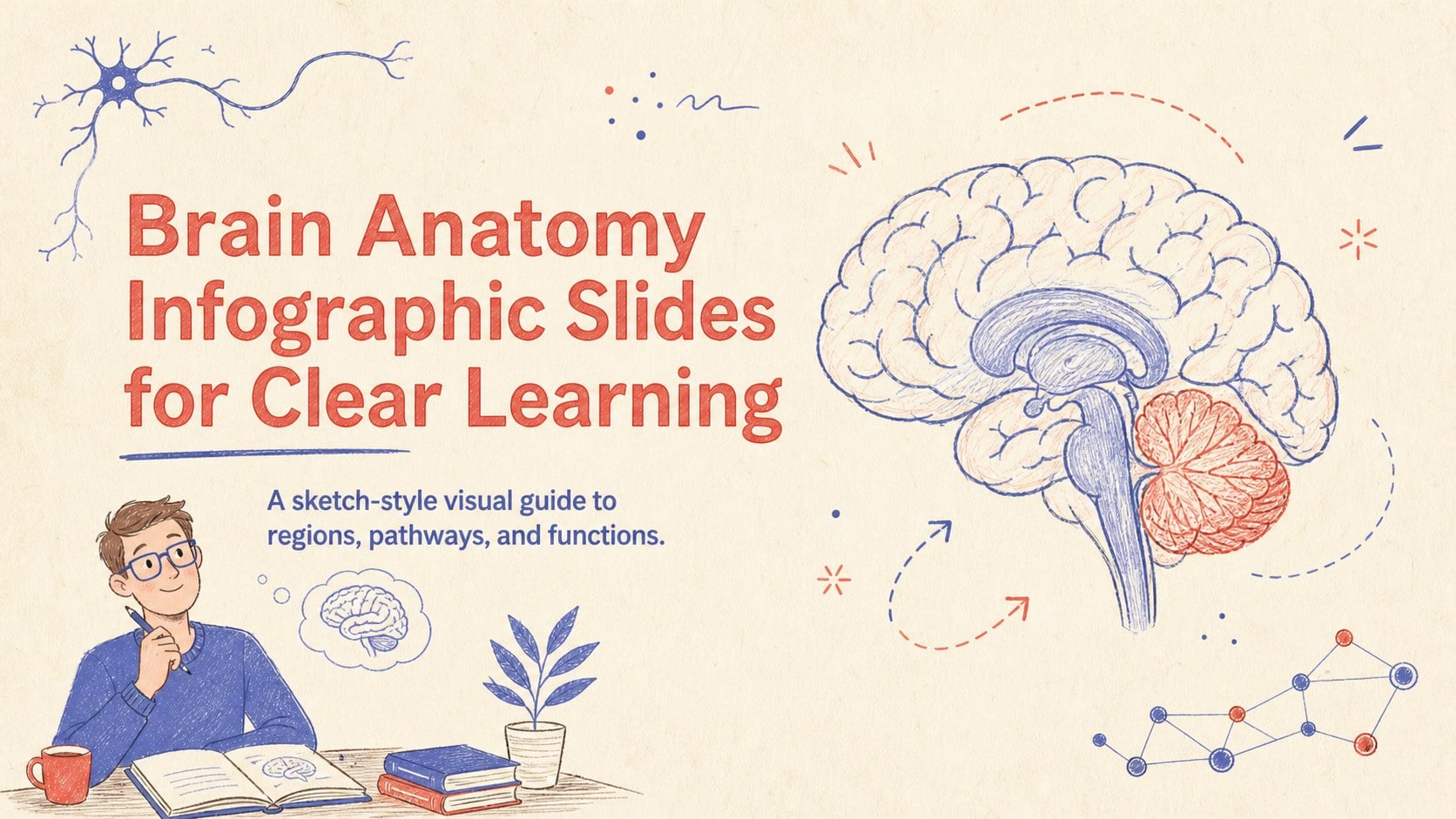
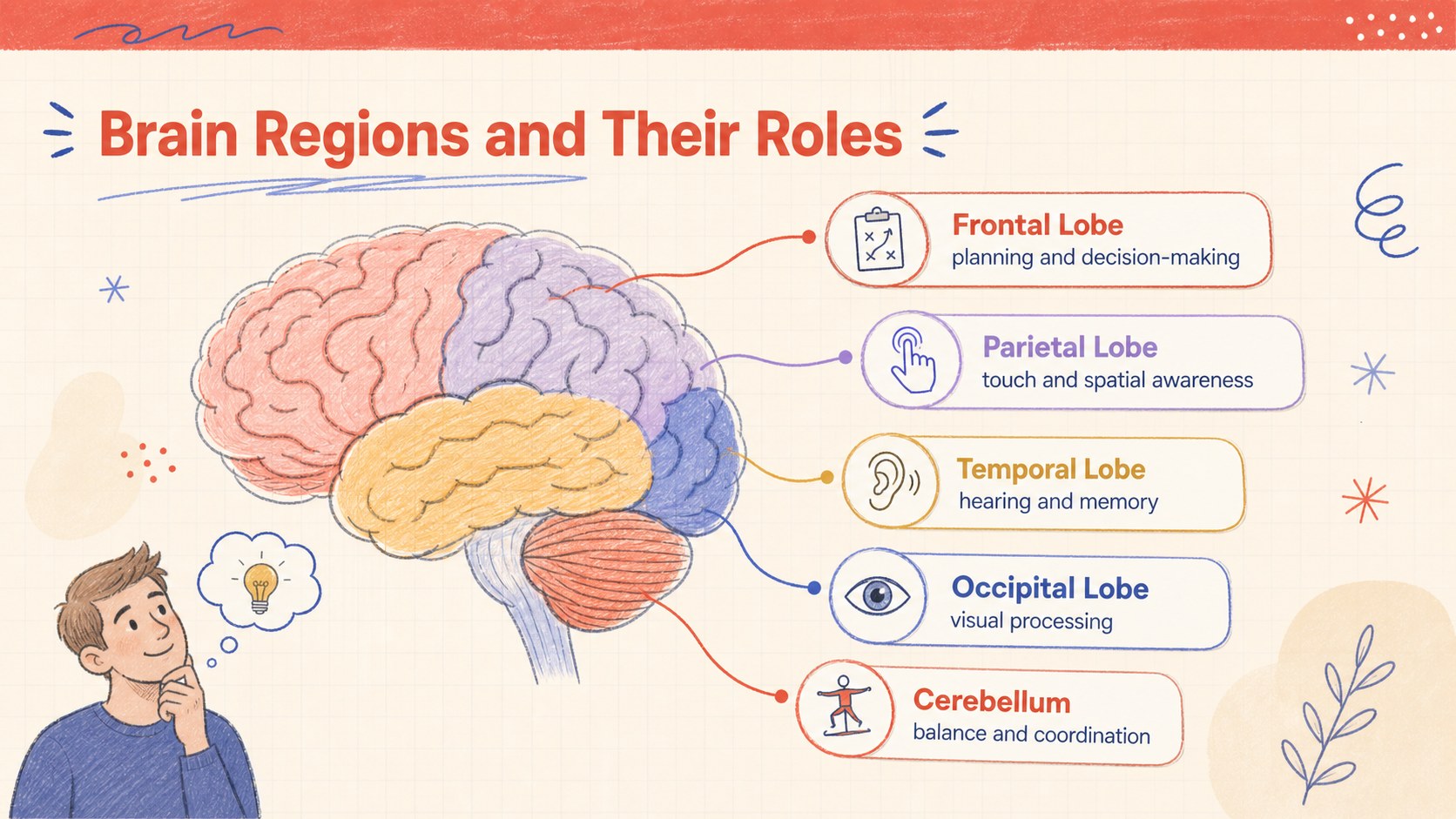
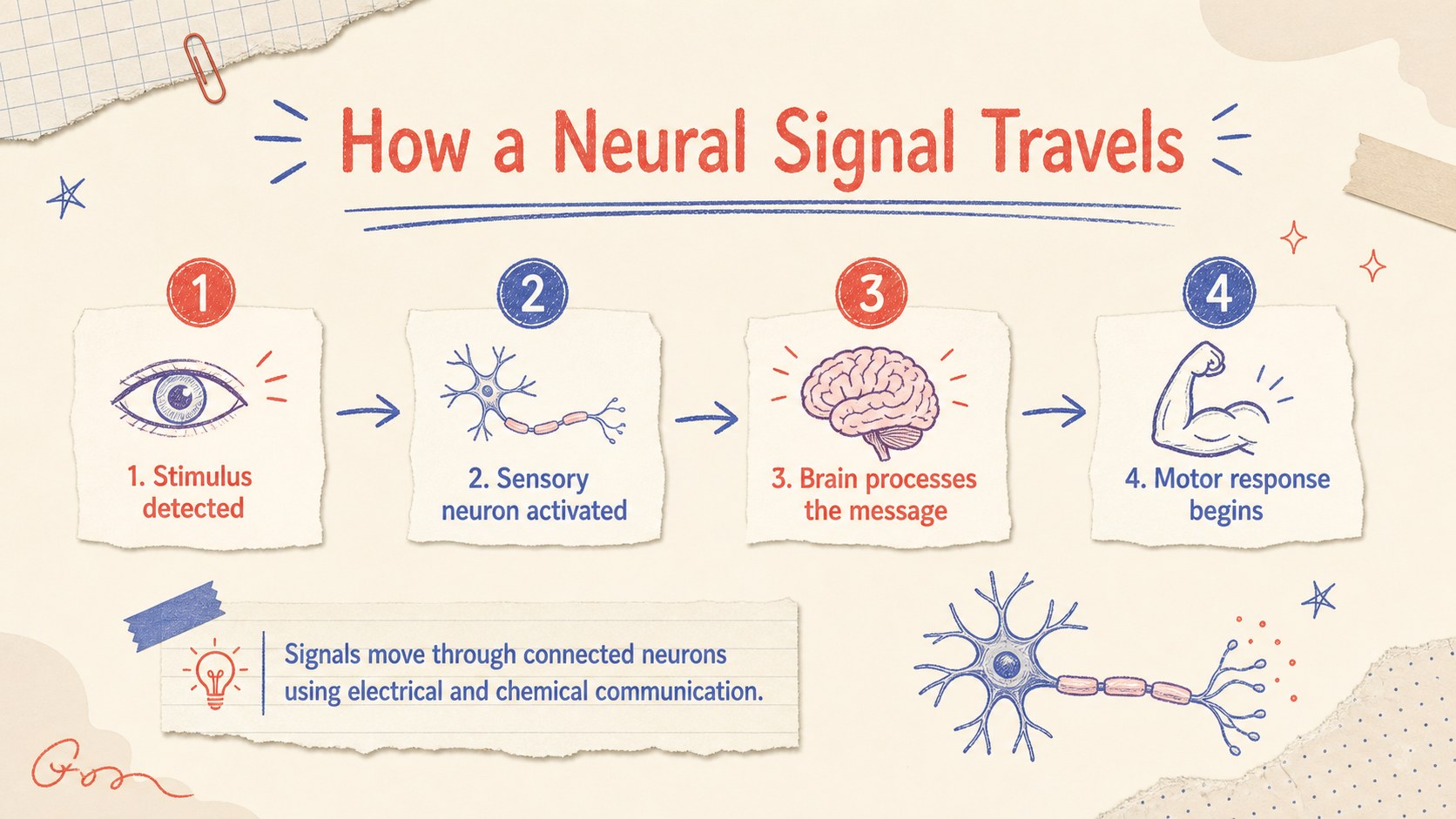
Make neuroscience easier to explain with Brain Anatomy Infographic Slides designed for clear, visual learning. The hand-drawn illustration style combines a warm beige background with focused red and blue accents, giving detailed biology content an approachable classroom feel. Use the layouts to introduce major structures, compare functional areas, or review how signals travel through the nervous system.
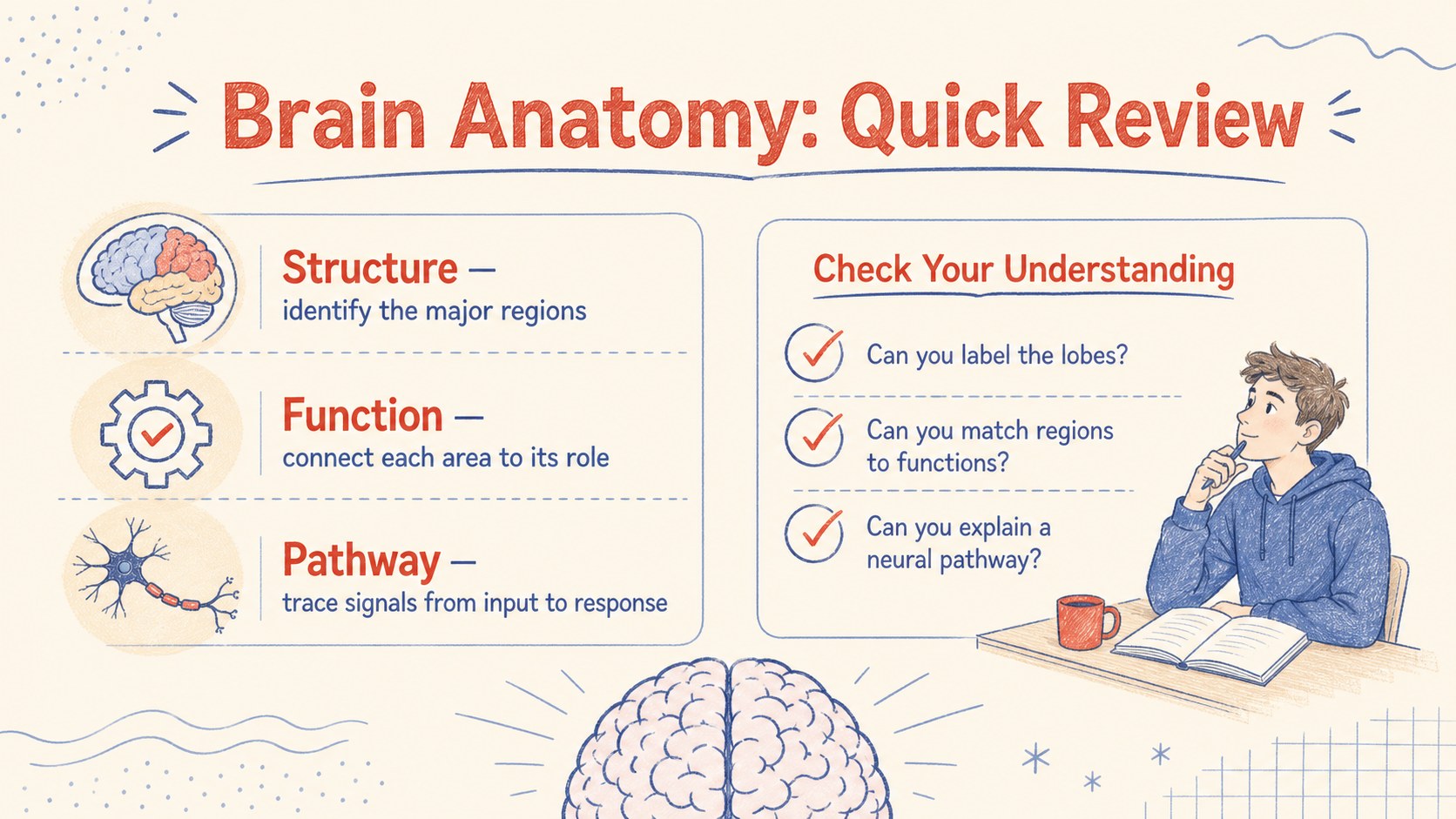
Inside, you will find four coordinated 16:9 layouts: an introductory cover, a brain regions and functions visual guide, a neural pathway diagram, and a concise study summary. Editable labels, directional arrows, short fact blocks, and color-coded sections help you build an editable brain anatomy infographic template without starting from a blank slide. Every element can be adapted in PowerPoint or Google Slides, including the text, colors, icons, and diagrams.
This sketch style biology slide deck suits middle school, high school, and introductory college lessons, as well as student seminars and health education sessions. Teachers can use it as a neural pathways classroom presentation, while students can organize research findings or prepare an anatomy revision resource. Add course terminology, simplify labels for younger learners, or expand the notes for advanced audiences. The balanced layouts remain readable on classroom screens, in shared digital files, and when exported as a PDF handout.
Perfect for: classroom neuroscience lesson; brain anatomy revision session; student biology seminar; neural pathway explanation; health education workshop.
Frequently asked questions
Can I edit the brain diagrams and labels? Yes. You can change the labels, text blocks, arrows, colors, and supporting icons to match your lesson or curriculum. The layouts are structured to accommodate both simplified and more detailed terminology.
Practical details
Yes. You can change the labels, text blocks, arrows, colors, and supporting icons to match your lesson or curriculum. The layouts are structured to accommodate both simplified and more detailed terminology.
The template is designed for PowerPoint and Google Slides. You can present it directly, share it digitally, or export the finished slides as a PDF.
Yes. Shorten the labels and use basic function descriptions for younger students, or add technical vocabulary and detailed notes for advanced classes. The visual hierarchy remains clear as the content changes.
Replace the red and blue accents with colors that correspond to your course materials or anatomical categories. Keep strong contrast against the beige background so labels and pathways remain easy to follow.
Keep exploring
15Build an engaging World UFO Day session with this flying saucer history lesson deck, featuring retro green-and-brown slides for PowerPoint and Google Slides.
 15
15Plan a lively animal-learning journey with this jungle zoo adventure lesson deck, ready to customize in PowerPoint and Google Slides for young learners.
 16
16Turn environmental research into a clear story with a Watercolor Ecology Presentation Theme for PowerPoint and Google Slides in calming green and blue.
 16
16Build focused fashion, literature, and humanities presentations with the Red Triangle Editorial Theme, editable in PowerPoint and Google Slides.
 15
15Turn streaming stats, favorite tracks, and concert highlights into a bold annual listening recap slide deck for PowerPoint and Google Slides.
 15
15Turn highlights, milestones, and favorite moments into a colorful year in review slide deck with bold 3D graphics for PowerPoint and Google Slides.
 3
3Build a credible endorsement with Standout Colleague Recommendation Letter Slides, featuring colorful prompts for skills, achievements, and team impact.
 4
4Build clear beginner sessions with an ice hockey fundamentals training deck for coaches, PE teachers, and clubs, ready for PowerPoint and Google Slides.