
 15
15presentation
Flying Saucer History Lesson Deck
Build an engaging World UFO Day session with this flying saucer history lesson deck, featuring retro green-and-brown slides for PowerPoint and Google Slides.
Google SlidesPowerPoint
presentation · English
Build a bowling league celebration deck for tournament schedules, team stats, and event promos, with bold black-and-yellow slides editable in PowerPoint and…




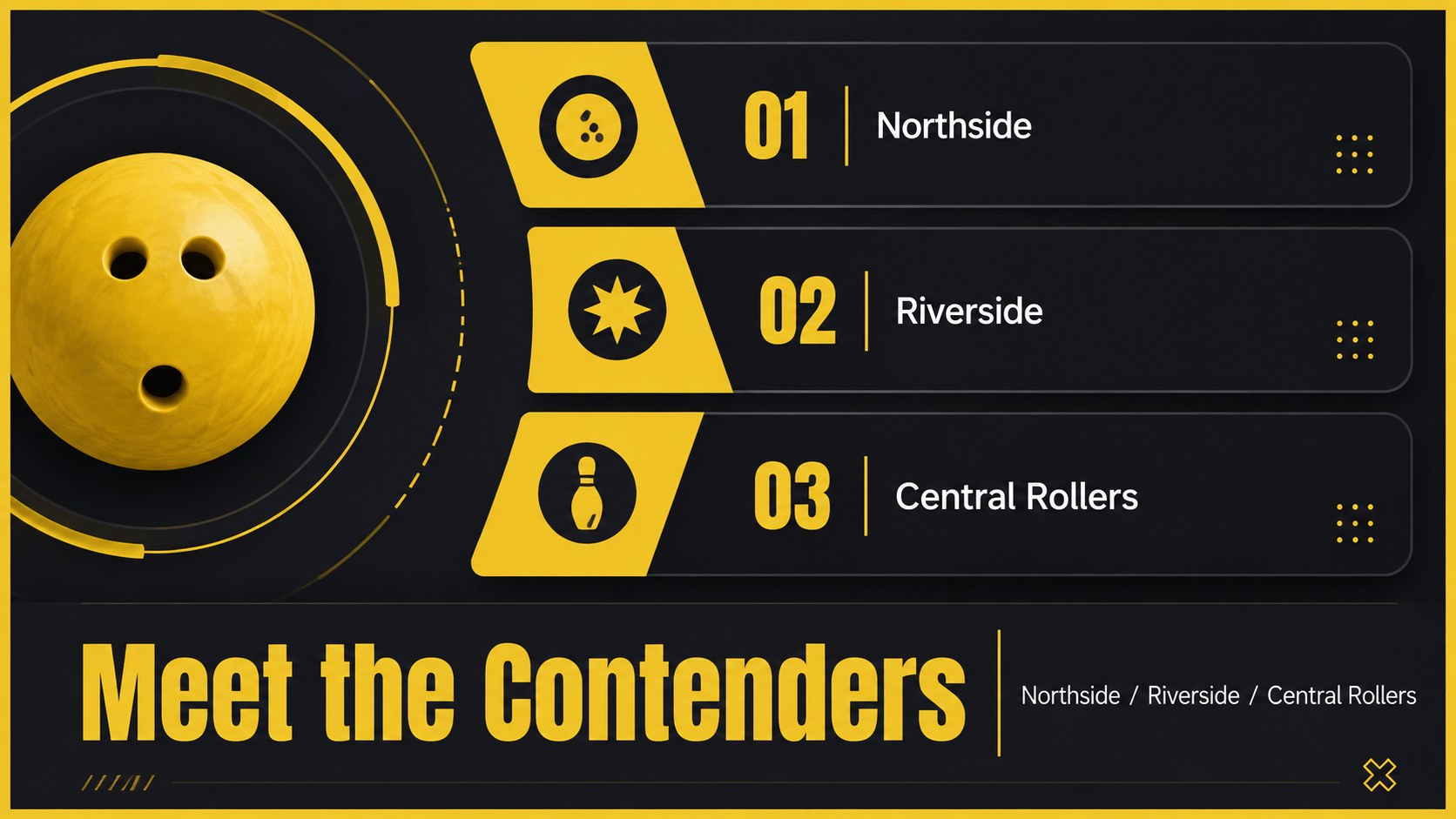

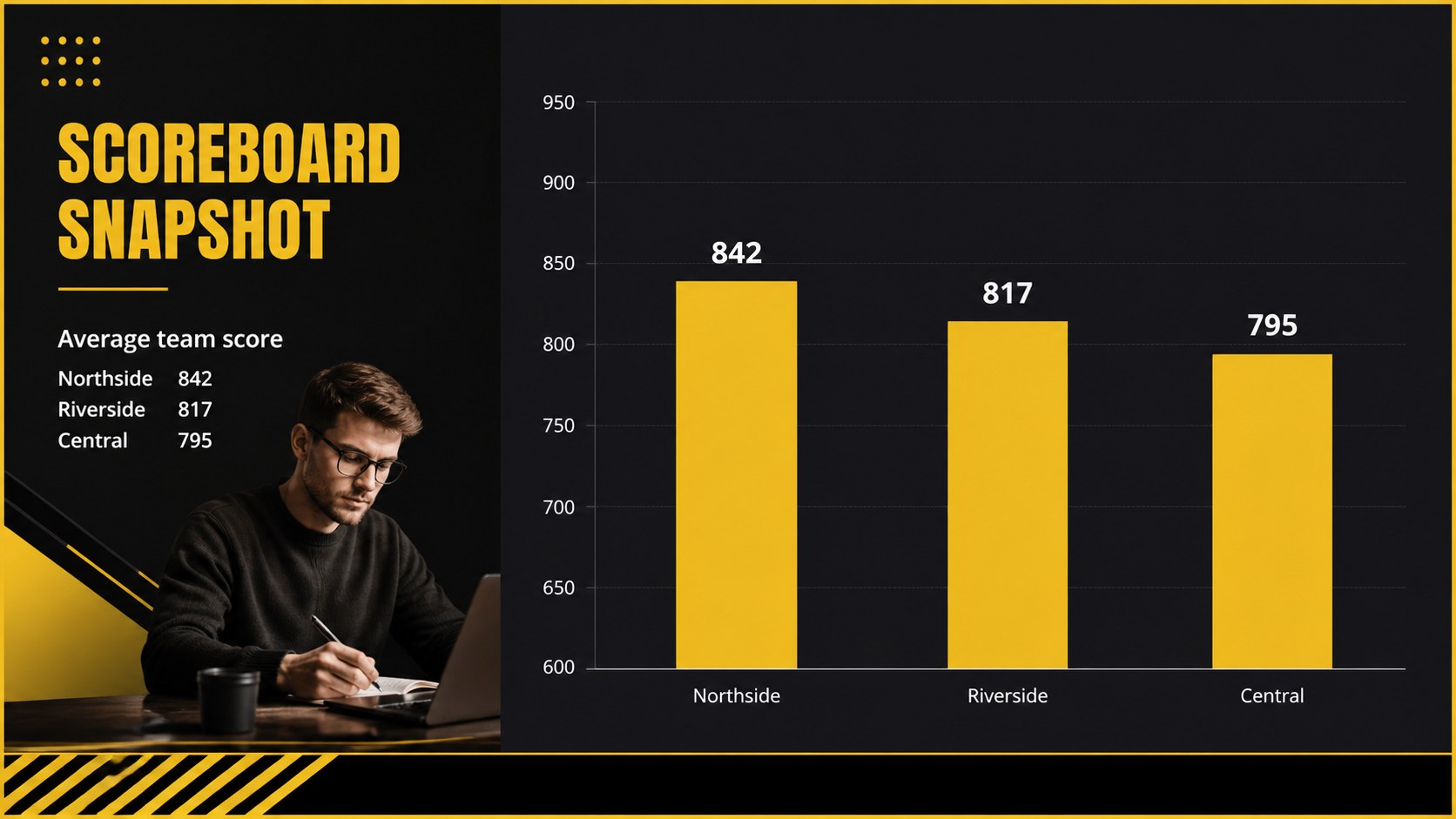
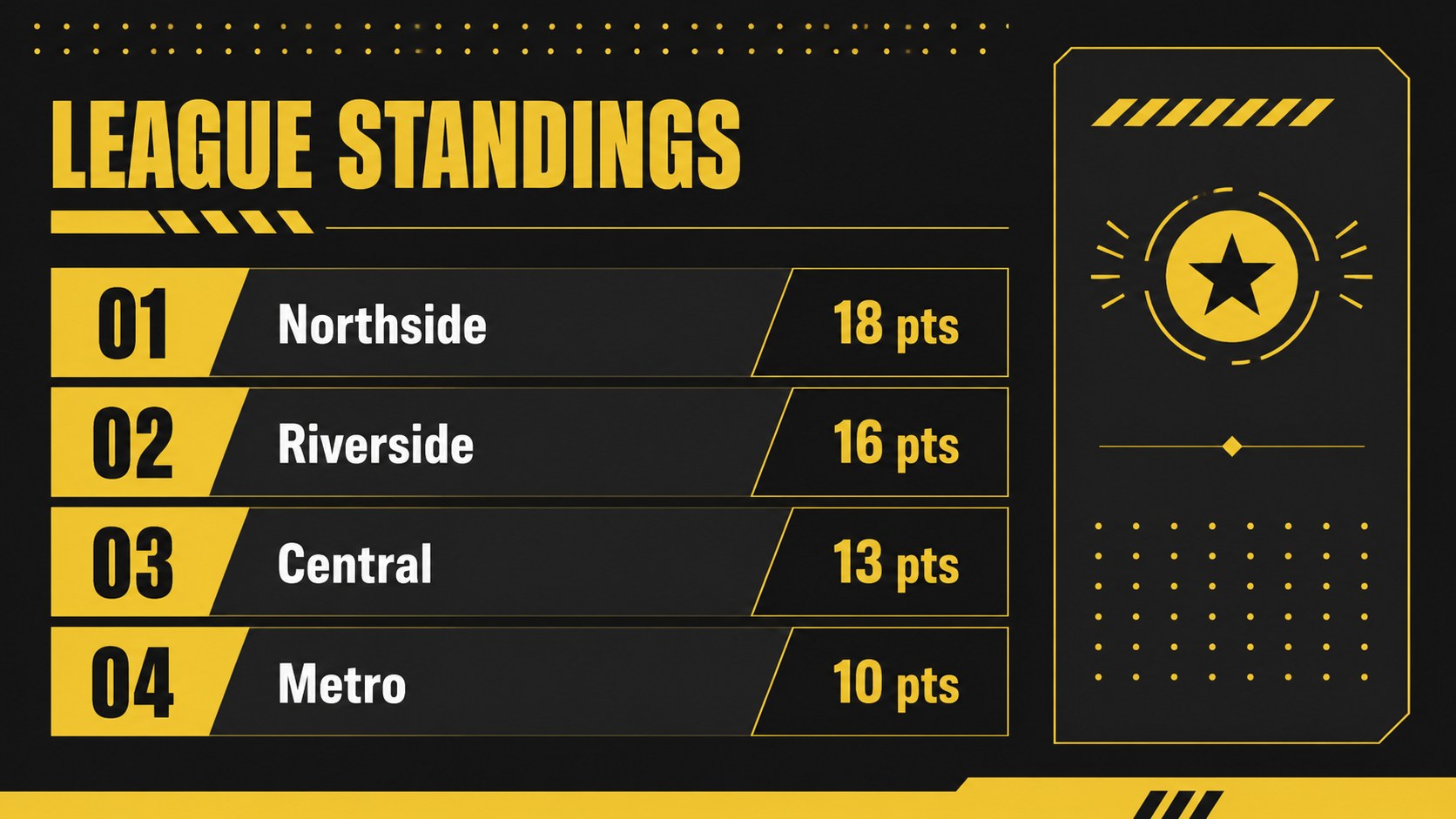
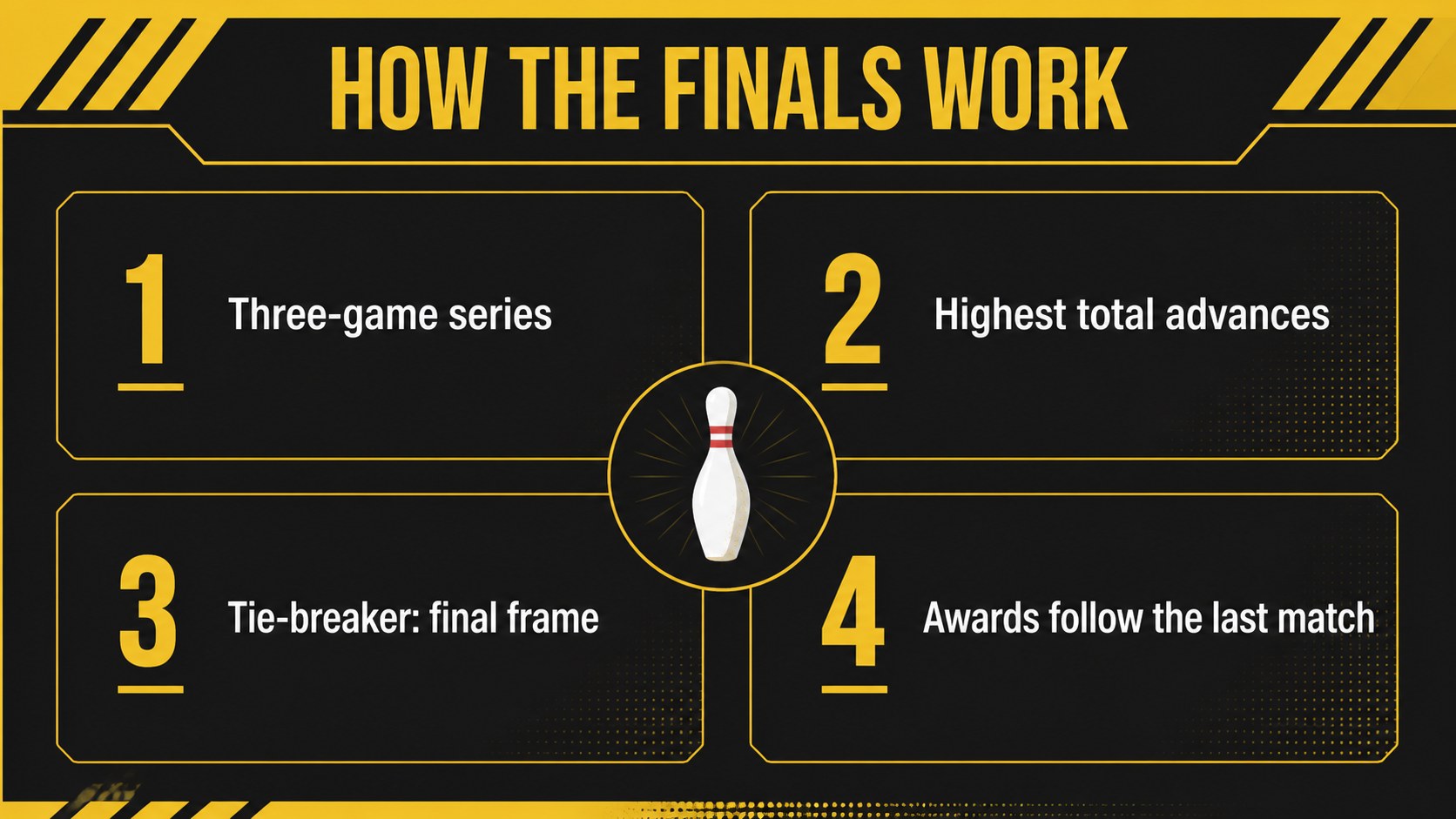
Design notes
Bring the excitement of league night into a polished bowling league celebration deck made for match-day communication, team recognition, and sports event promotion. Its high-contrast black-and-yellow palette, strong typography, and energetic editorial layouts create a confident look for clubs, organizers, coaches, and venue teams.
Inside, you’ll find 20 editable 16:9 slides for opening announcements, league agendas, tournament schedules, player spotlights, team statistics, standings, event details, and closing calls to action. Use the structure as a bowling tournament presentation template, adapt the data layouts for a bowling schedule PowerPoint template, or reshape the visual system into a league event promotion deck. Charts, tables, photo frames, lines, and geometric accents make it simple to present information without losing the sense of occasion.
The deck works in PowerPoint and Google Slides, with flexible text, layout, and color editing. It suits weekly league briefings, championship kickoffs, sponsor updates, awards nights, and promotional presentations for bowling centers. Anton and Open Sans provide a sturdy display-and-body pairing, while the black and yellow palette keeps every score, date, and team name easy to spot.
Perfect for: weekly league briefing; tournament kickoff; team statistics review; championship awards night; bowling center event promotion.
Frequently asked questions
Can I edit this deck in PowerPoint? Yes. The presentation is designed for editing in PowerPoint, including text, charts, images, shapes, and colors. Replace the sample statistics and schedules with your league information.
Practical details
Yes. The presentation is designed for editing in PowerPoint, including text, charts, images, shapes, and colors. Replace the sample statistics and schedules with your league information.
Yes, you can open and customize the deck in Google Slides. Check fonts and transitions after importing, then adjust them if your presentation needs a different playback setup.
Yes. The palette can be adapted to match a bowling club, venue, team, or sponsor identity. Keep the high-contrast structure when changing colors so schedules and scores remain readable.
Use the layouts for fixtures, tournament brackets, standings, player profiles, team statistics, venue details, sponsor messages, and award announcements. The deck also supports promotional content for upcoming league events.
Keep exploring
15Build an engaging World UFO Day session with this flying saucer history lesson deck, featuring retro green-and-brown slides for PowerPoint and Google Slides.
 15
15Plan a lively animal-learning journey with this jungle zoo adventure lesson deck, ready to customize in PowerPoint and Google Slides for young learners.
 16
16Turn environmental research into a clear story with a Watercolor Ecology Presentation Theme for PowerPoint and Google Slides in calming green and blue.
 16
16Build focused fashion, literature, and humanities presentations with the Red Triangle Editorial Theme, editable in PowerPoint and Google Slides.
 15
15Turn streaming stats, favorite tracks, and concert highlights into a bold annual listening recap slide deck for PowerPoint and Google Slides.
 15
15Turn highlights, milestones, and favorite moments into a colorful year in review slide deck with bold 3D graphics for PowerPoint and Google Slides.
 3
3Build a credible endorsement with Standout Colleague Recommendation Letter Slides, featuring colorful prompts for skills, achievements, and team impact.
 4
4Build clear beginner sessions with an ice hockey fundamentals training deck for coaches, PE teachers, and clubs, ready for PowerPoint and Google Slides.