
 15
15presentation
Flying Saucer History Lesson Deck
Build an engaging World UFO Day session with this flying saucer history lesson deck, featuring retro green-and-brown slides for PowerPoint and Google Slides.
Google SlidesPowerPoint
presentation · English
Present every piece with clarity using a fashion lookbook presentation designed for boutique launches, buyer meetings, and stylish brand storytelling.

Design notes
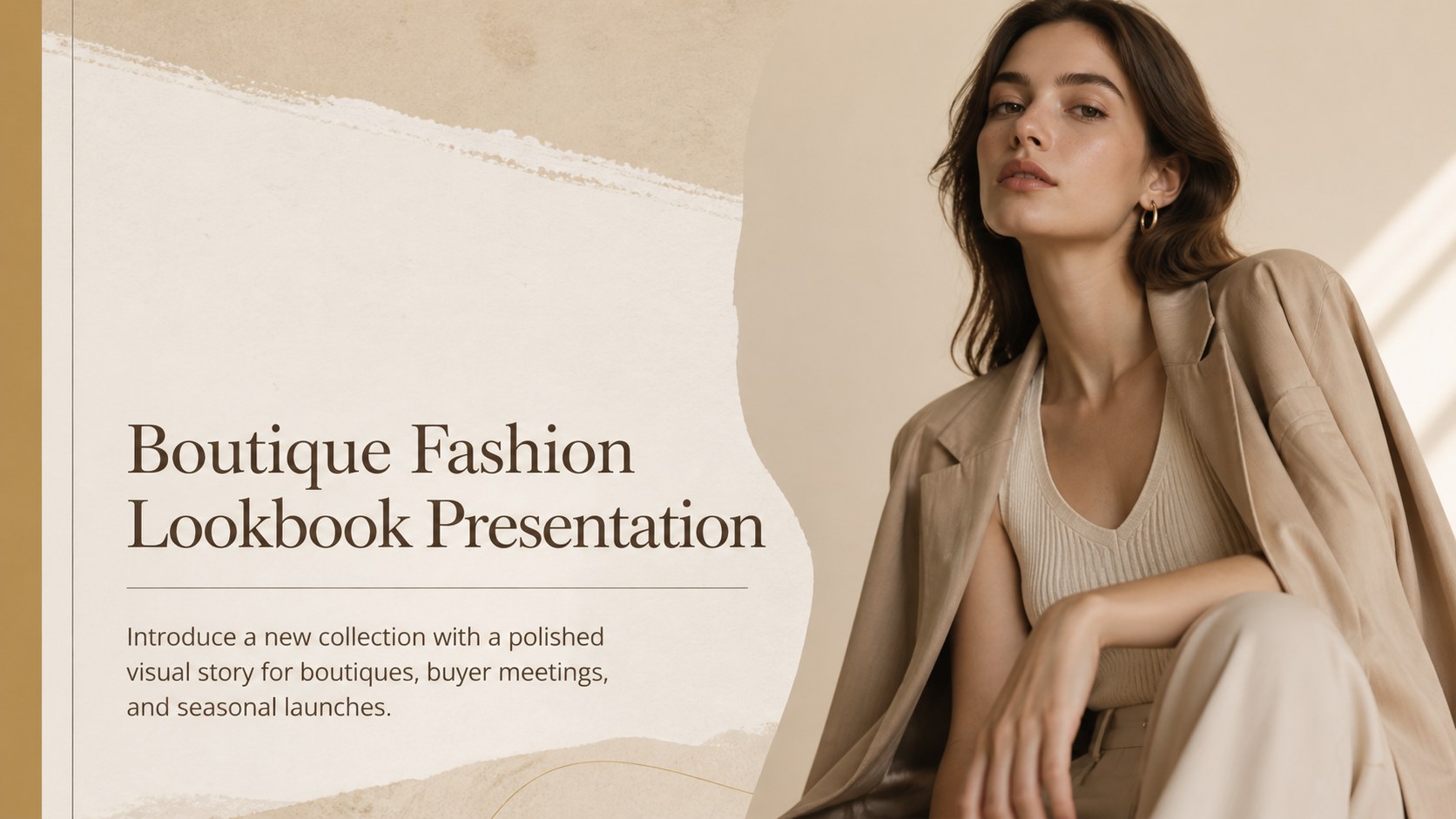
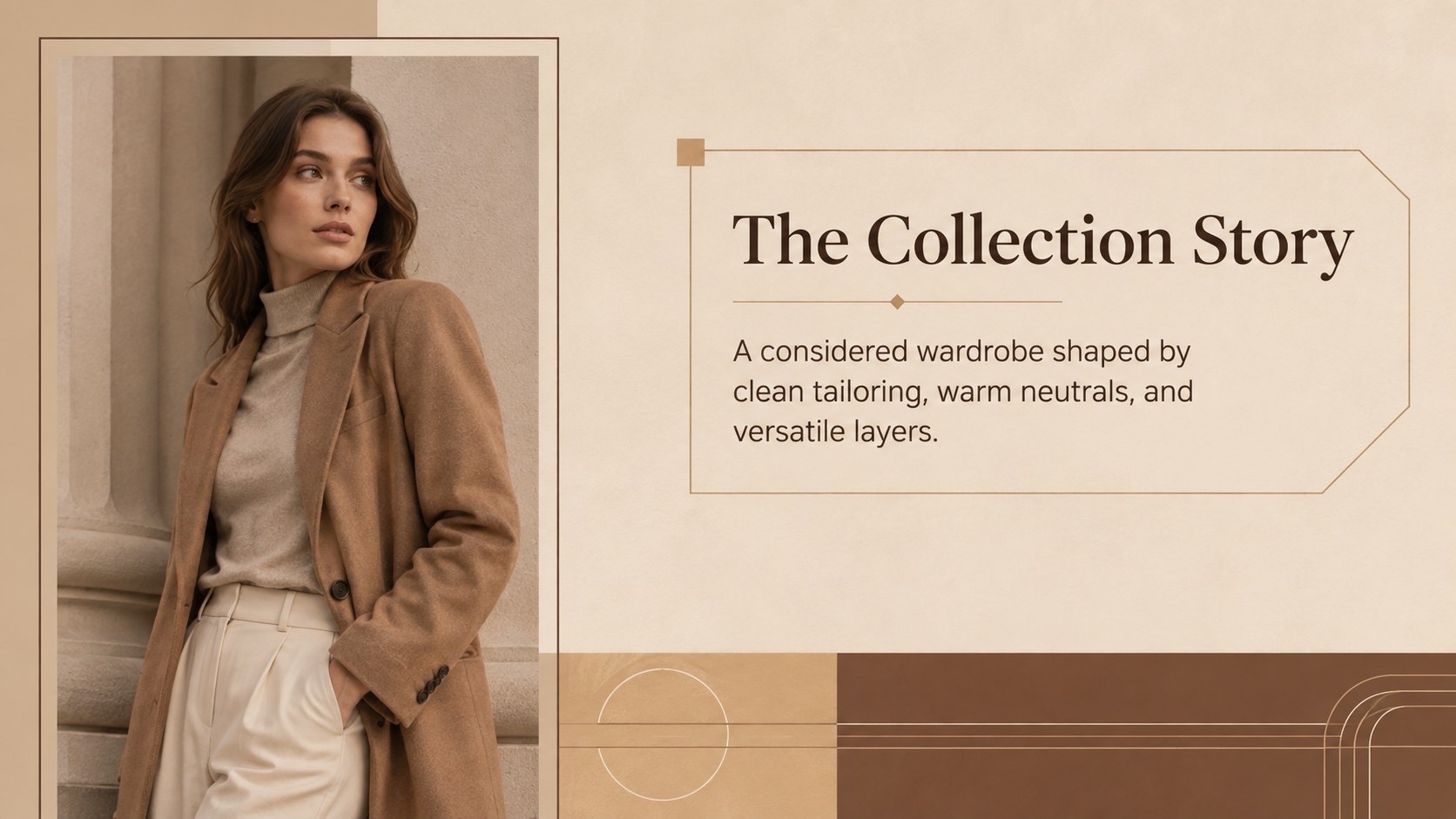
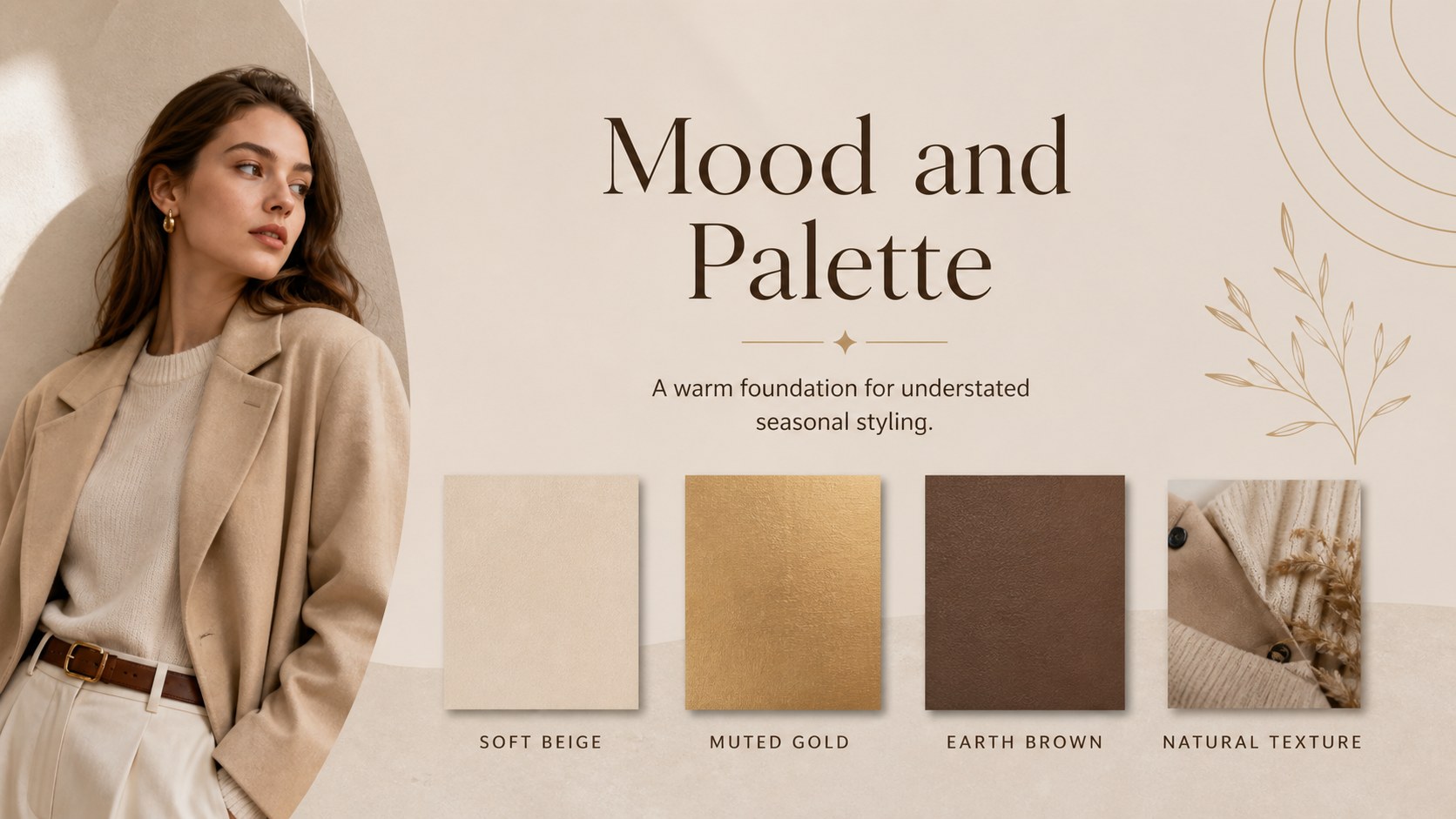
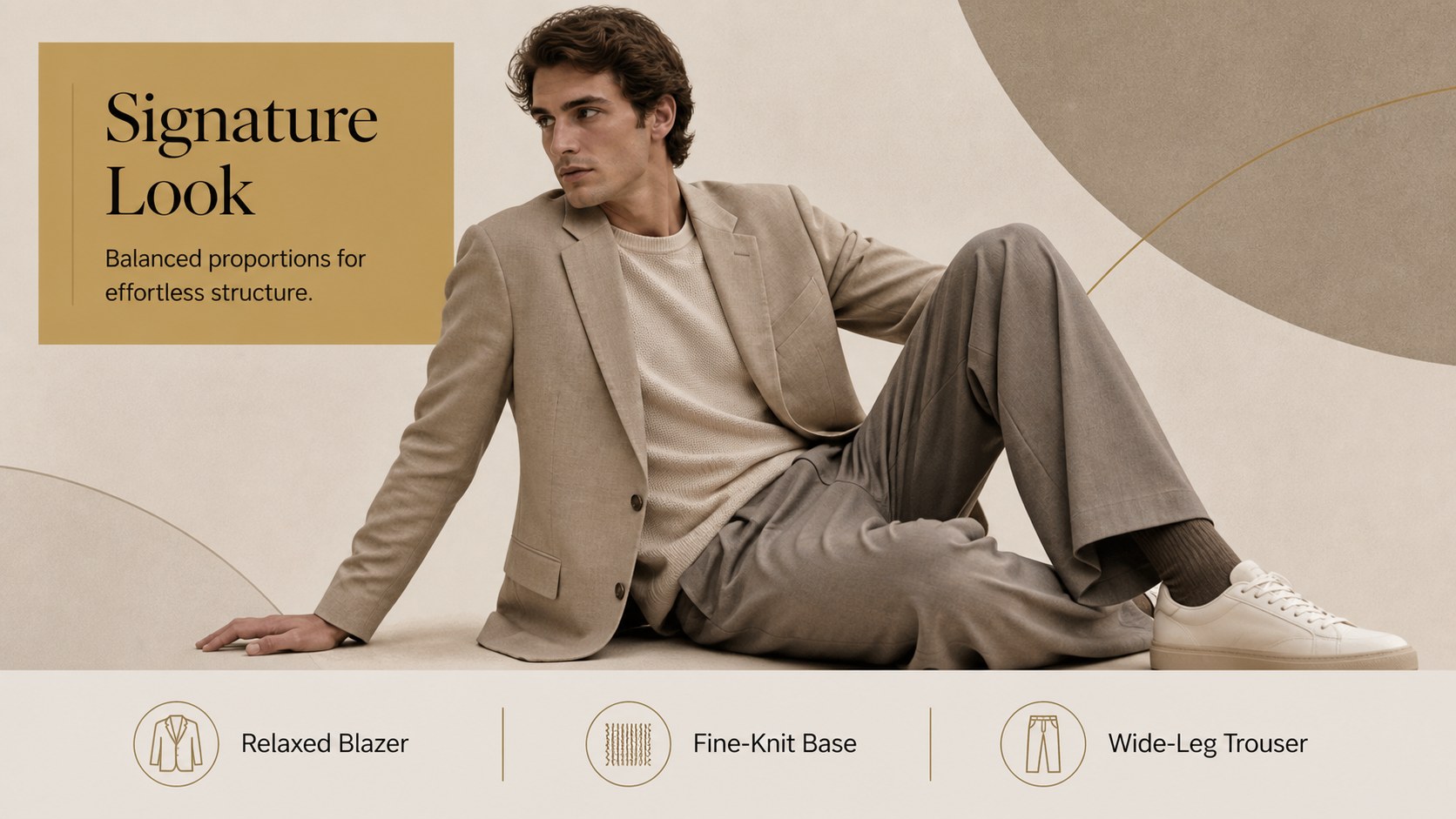
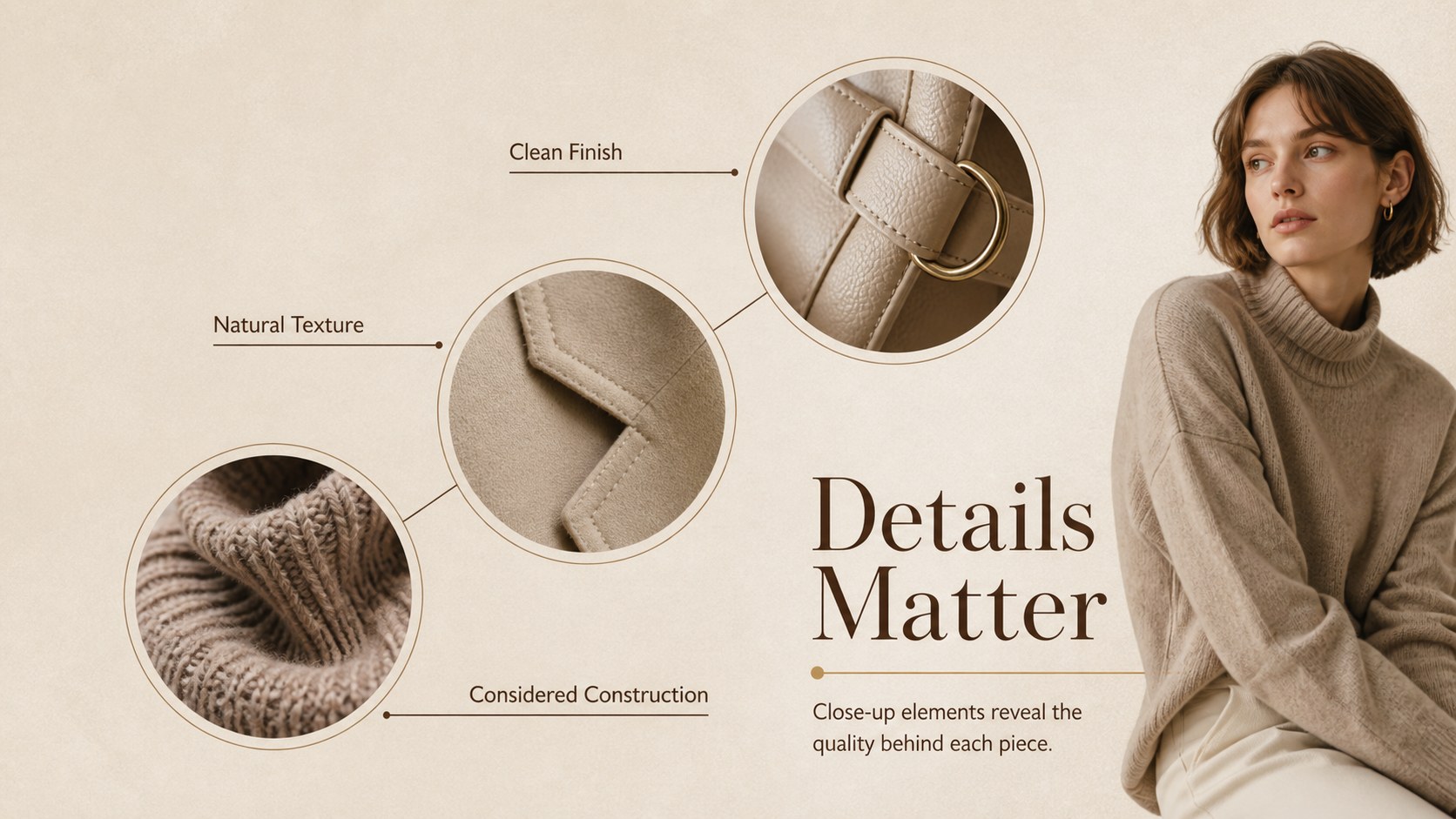
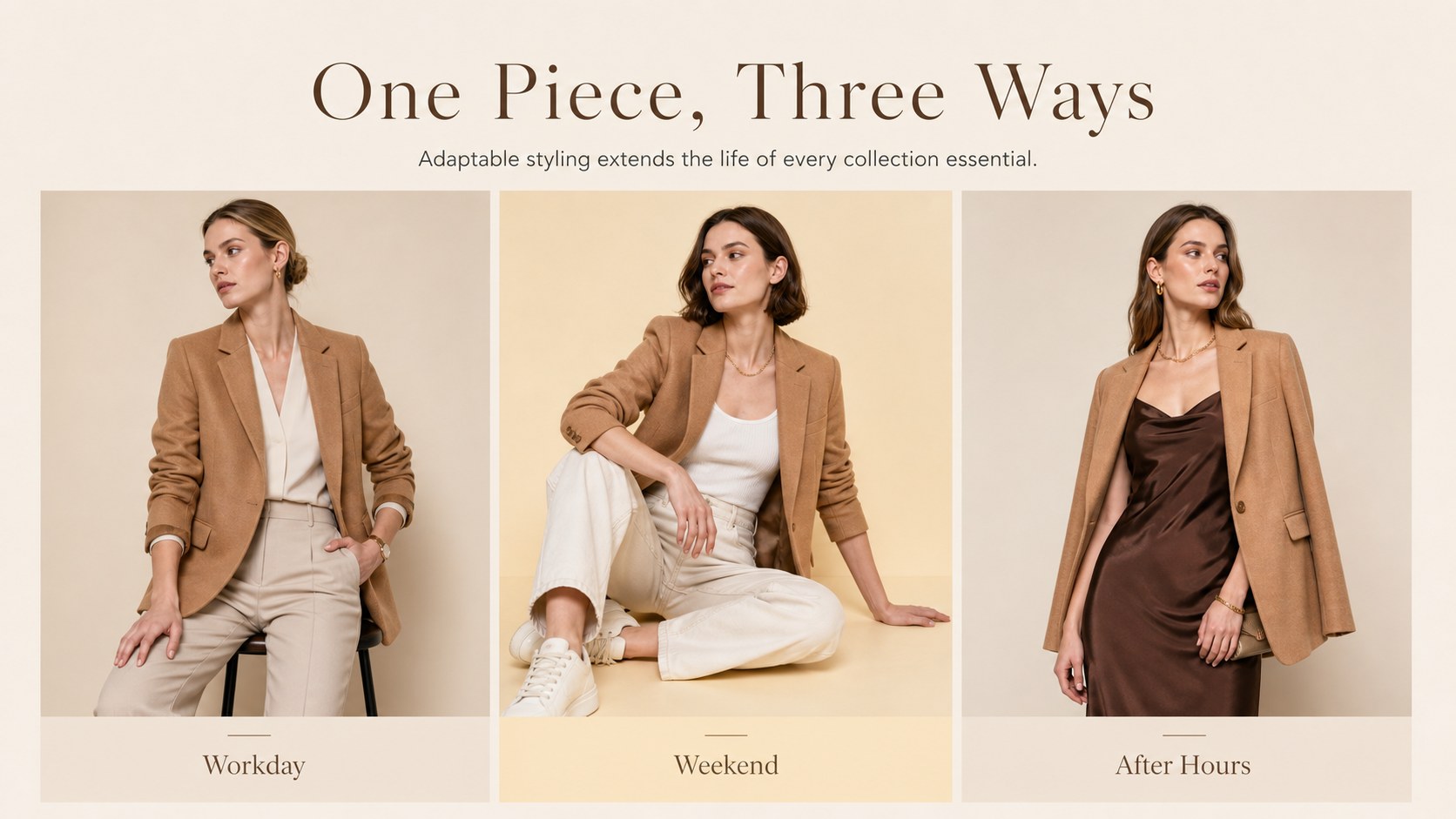
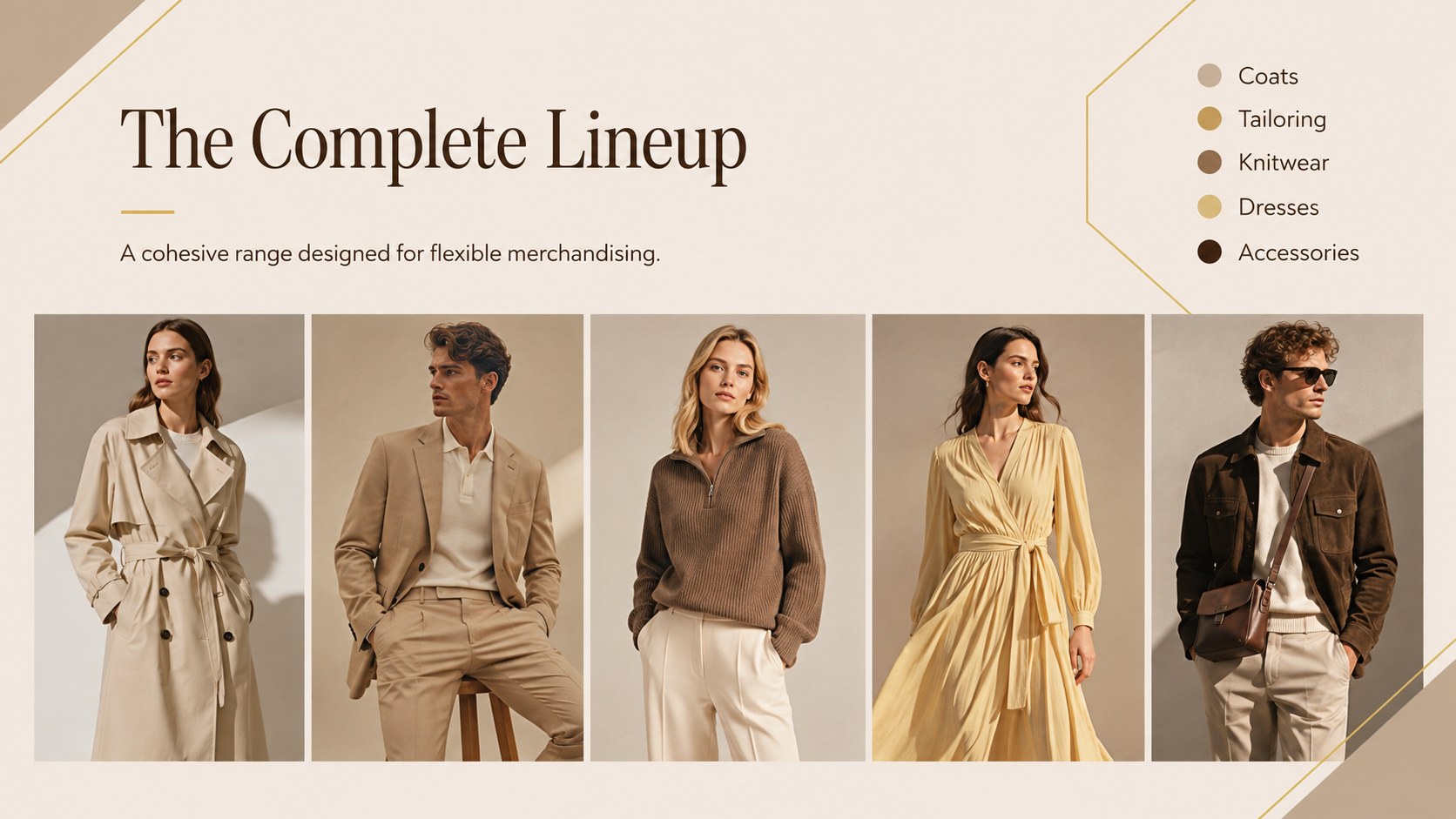
Turn a seasonal range into a confident visual narrative with this fashion lookbook presentation. Created for independent labels, boutique teams, apparel marketers, and creative studios, the deck combines refined typography with warm beige, muted yellow, and rich brown accents. Its restrained editorial character keeps attention on garments while giving the collection a distinctive, premium identity.
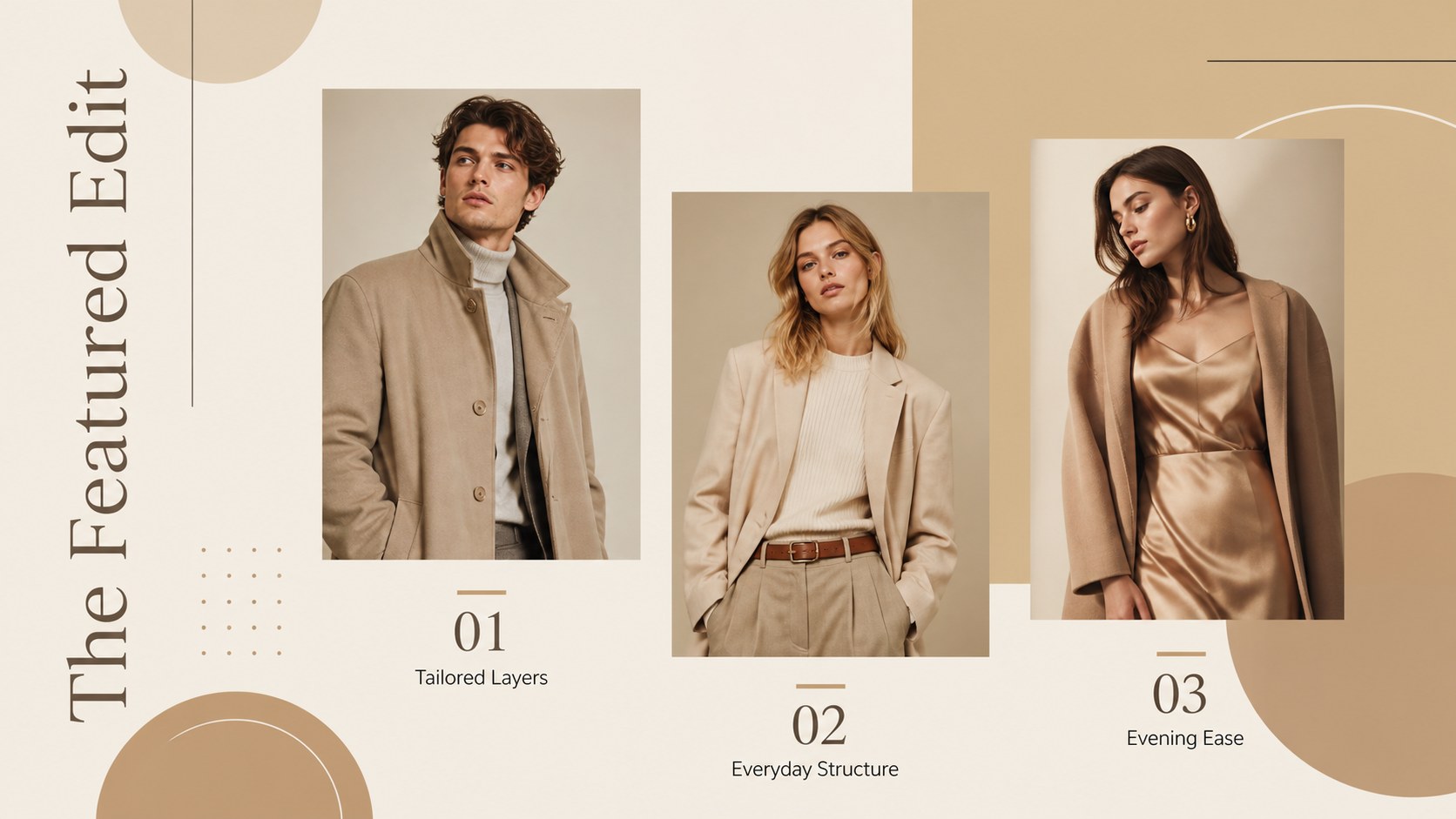
Inside, you will find 15 coordinated layouts covering the collection story, creative direction, color palette, featured outfits, individual product details, fabric notes, styling combinations, buyer information, campaign planning, and launch milestones. Image-led pages provide room for full looks and close-up photography, while concise text arrangements support pricing, product descriptions, and merchandising notes. Use it as a boutique collection presentation template, a digital showroom, or a minimal fashion product catalog for customer-facing campaigns.
Every layout can be adapted in PowerPoint or Google Slides. Replace the sample photography, adjust the Catamaran and Lora typography, apply your own logo, and refine the palette to suit a summer edit, winter capsule, accessories release, or permanent collection. The flexible structure also works as a retail buyer fashion deck, helping sales teams present product groupings, campaign concepts, and release schedules in one consistent format.
Perfect for: seasonal clothing collection launch; retail buyer presentation; boutique digital showroom; apparel campaign proposal; fashion brand product catalog.
Frequently asked questions
Can I edit this lookbook in PowerPoint and Google Slides? Yes. All text, image areas, colors, and layout elements can be edited in PowerPoint or Google Slides. Some font spacing may vary slightly between platforms, so review the final deck before presenting.
Practical details
Yes. All text, image areas, colors, and layout elements can be edited in PowerPoint or Google Slides. Some font spacing may vary slightly between platforms, so review the final deck before presenting.
Replace the sample images with your own campaign and product photography, then apply your brand colors, logo, and preferred type styles. You can also duplicate product layouts to accommodate a larger collection.
Yes. The deck includes space for collection highlights, materials, product groupings, launch timing, and commercial details. Add wholesale prices, order information, or delivery windows where required.
Use high-resolution editorial photos with consistent lighting and color treatment. A mix of full-outfit images, product-only shots, and fabric close-ups will create a balanced lookbook.
Keep exploring
15Build an engaging World UFO Day session with this flying saucer history lesson deck, featuring retro green-and-brown slides for PowerPoint and Google Slides.
 15
15Plan a lively animal-learning journey with this jungle zoo adventure lesson deck, ready to customize in PowerPoint and Google Slides for young learners.
 16
16Turn environmental research into a clear story with a Watercolor Ecology Presentation Theme for PowerPoint and Google Slides in calming green and blue.
 16
16Build focused fashion, literature, and humanities presentations with the Red Triangle Editorial Theme, editable in PowerPoint and Google Slides.
 15
15Turn streaming stats, favorite tracks, and concert highlights into a bold annual listening recap slide deck for PowerPoint and Google Slides.
 15
15Turn highlights, milestones, and favorite moments into a colorful year in review slide deck with bold 3D graphics for PowerPoint and Google Slides.
 3
3Build a credible endorsement with Standout Colleague Recommendation Letter Slides, featuring colorful prompts for skills, achievements, and team impact.
 4
4Build clear beginner sessions with an ice hockey fundamentals training deck for coaches, PE teachers, and clubs, ready for PowerPoint and Google Slides.