
 15
15presentation
Flying Saucer History Lesson Deck
Build an engaging World UFO Day session with this flying saucer history lesson deck, featuring retro green-and-brown slides for PowerPoint and Google Slides.
Google SlidesPowerPoint
presentation · English
Create lessons, pitches, and updates with a Botanical Spring Moodboard Deck, featuring editable green-and-purple florals for PowerPoint and Google Slides.
Design notes
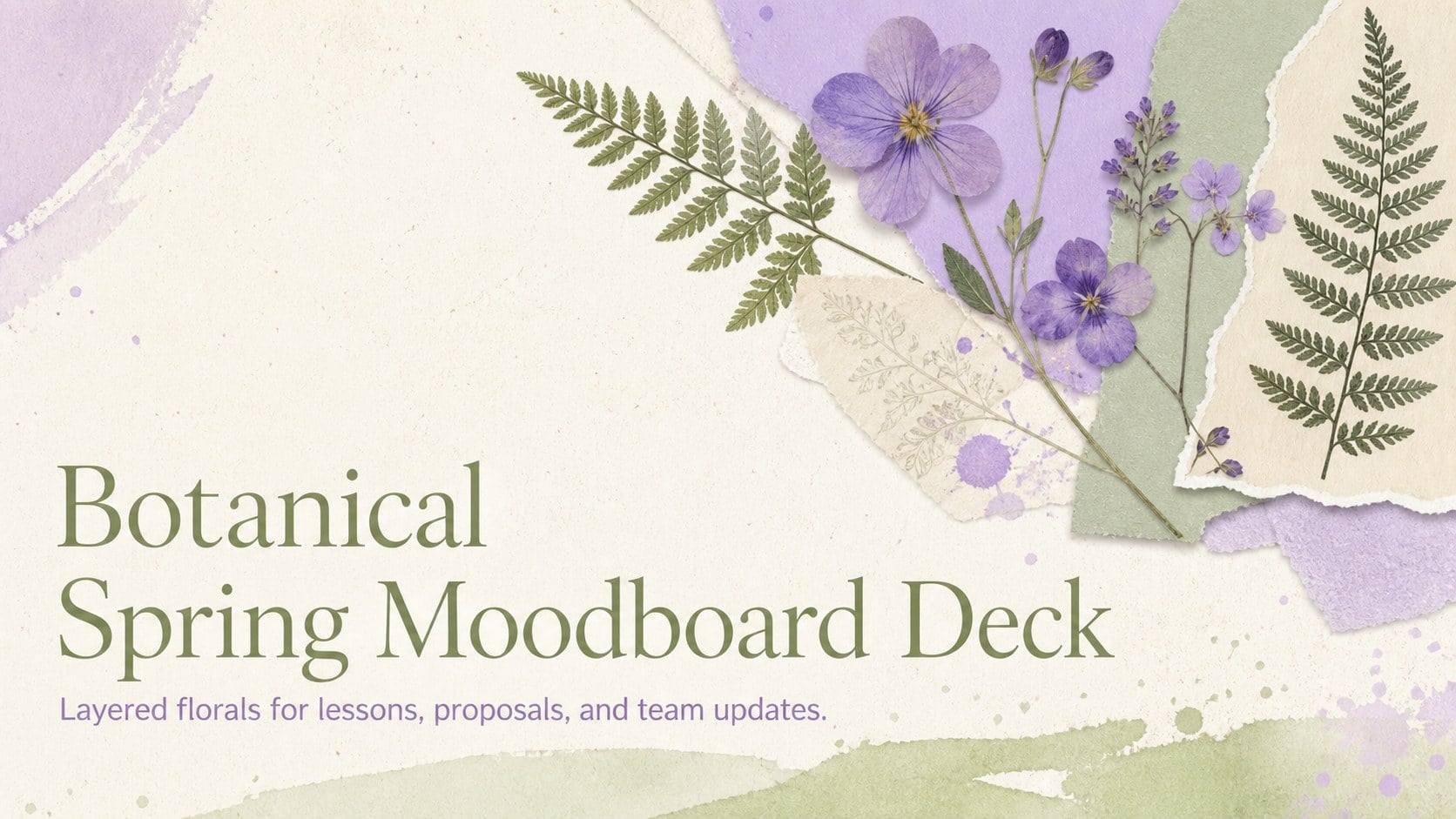
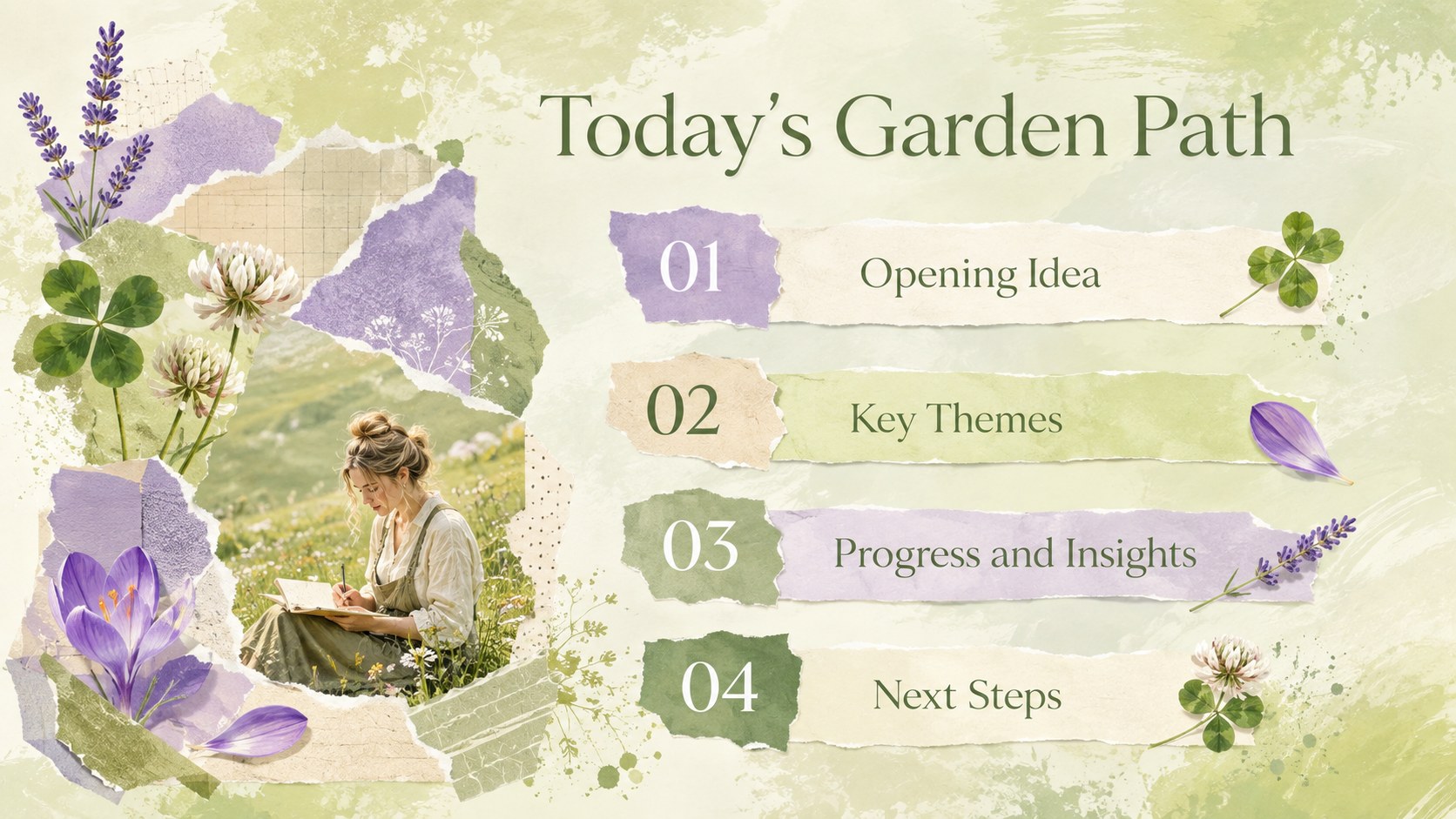
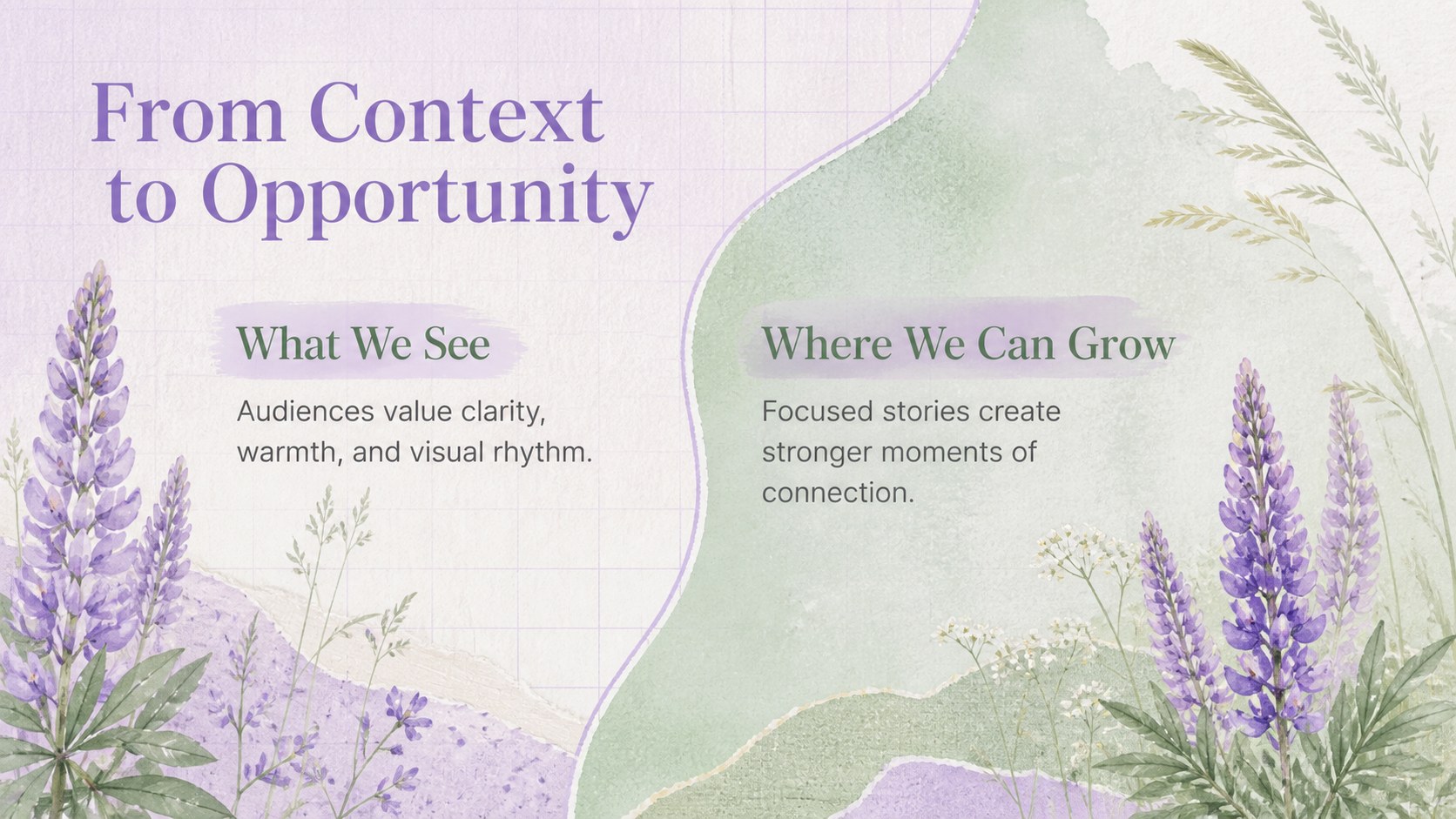
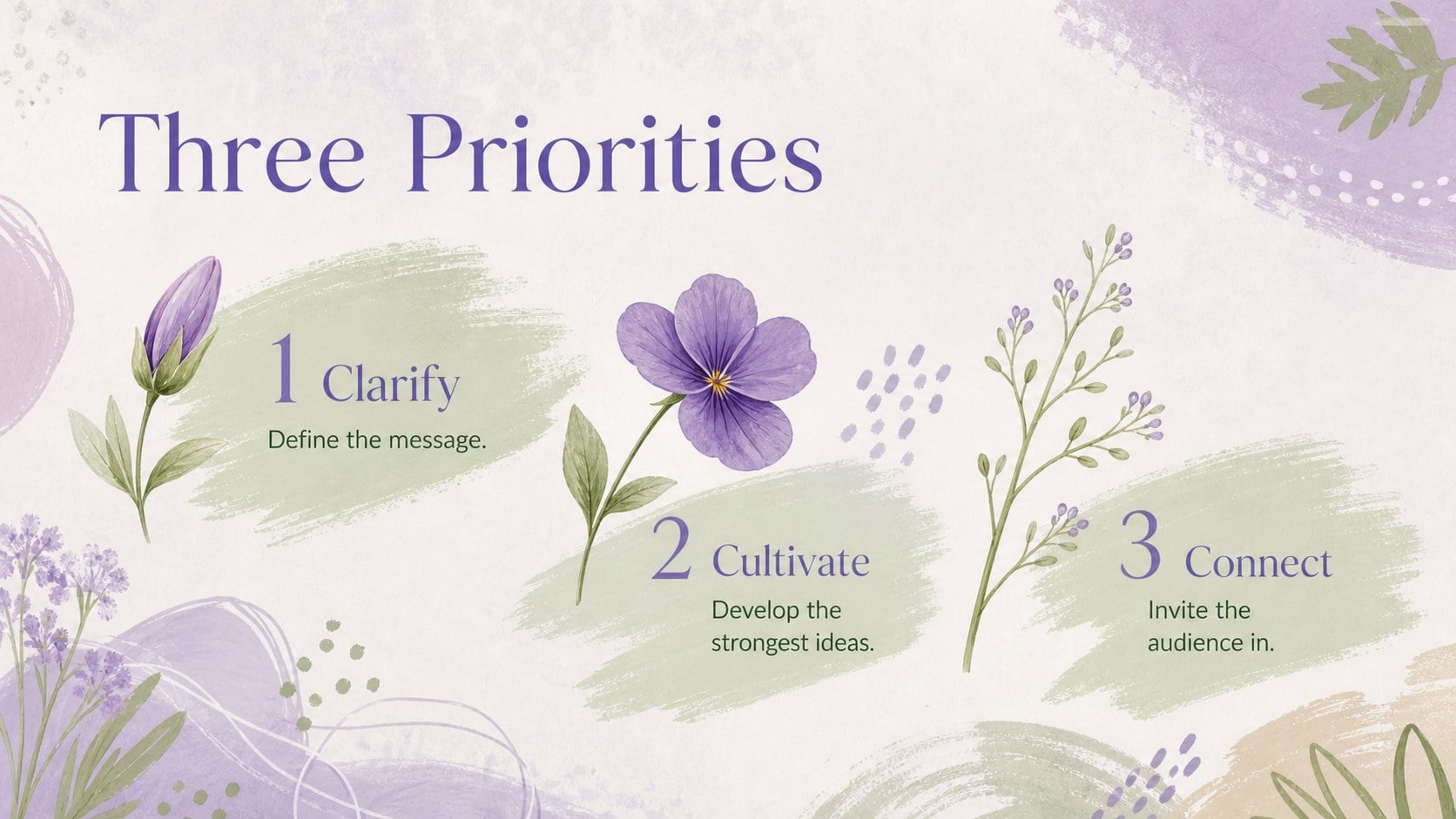
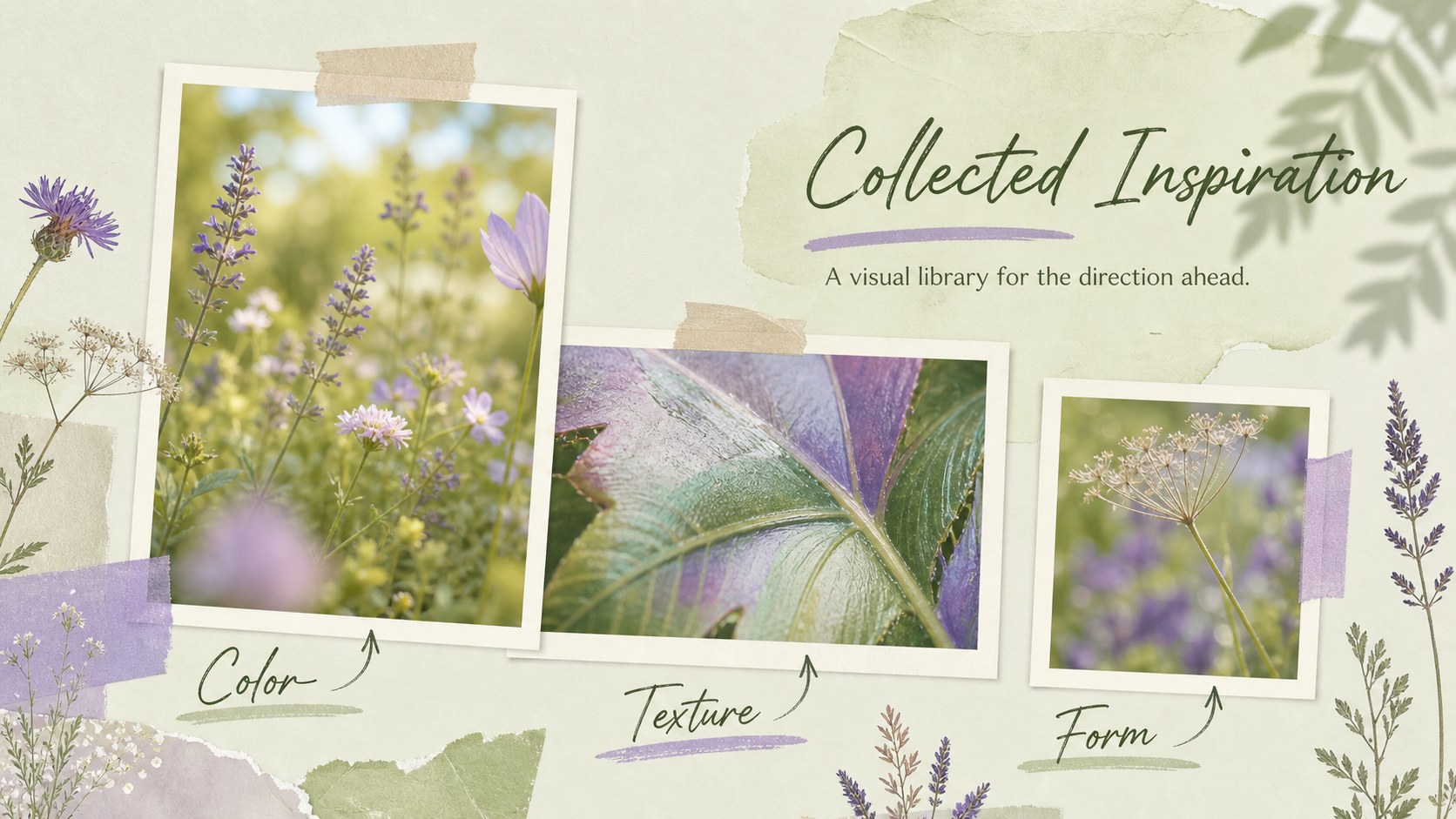
Turn everyday information into a polished visual story with the Botanical Spring Moodboard Deck. Soft green foliage, violet blooms, painted textures, and playful mixed-media details create an uplifting setting without distracting from your message. Use this green and purple floral presentation for subjects that benefit from an artistic, seasonal atmosphere.
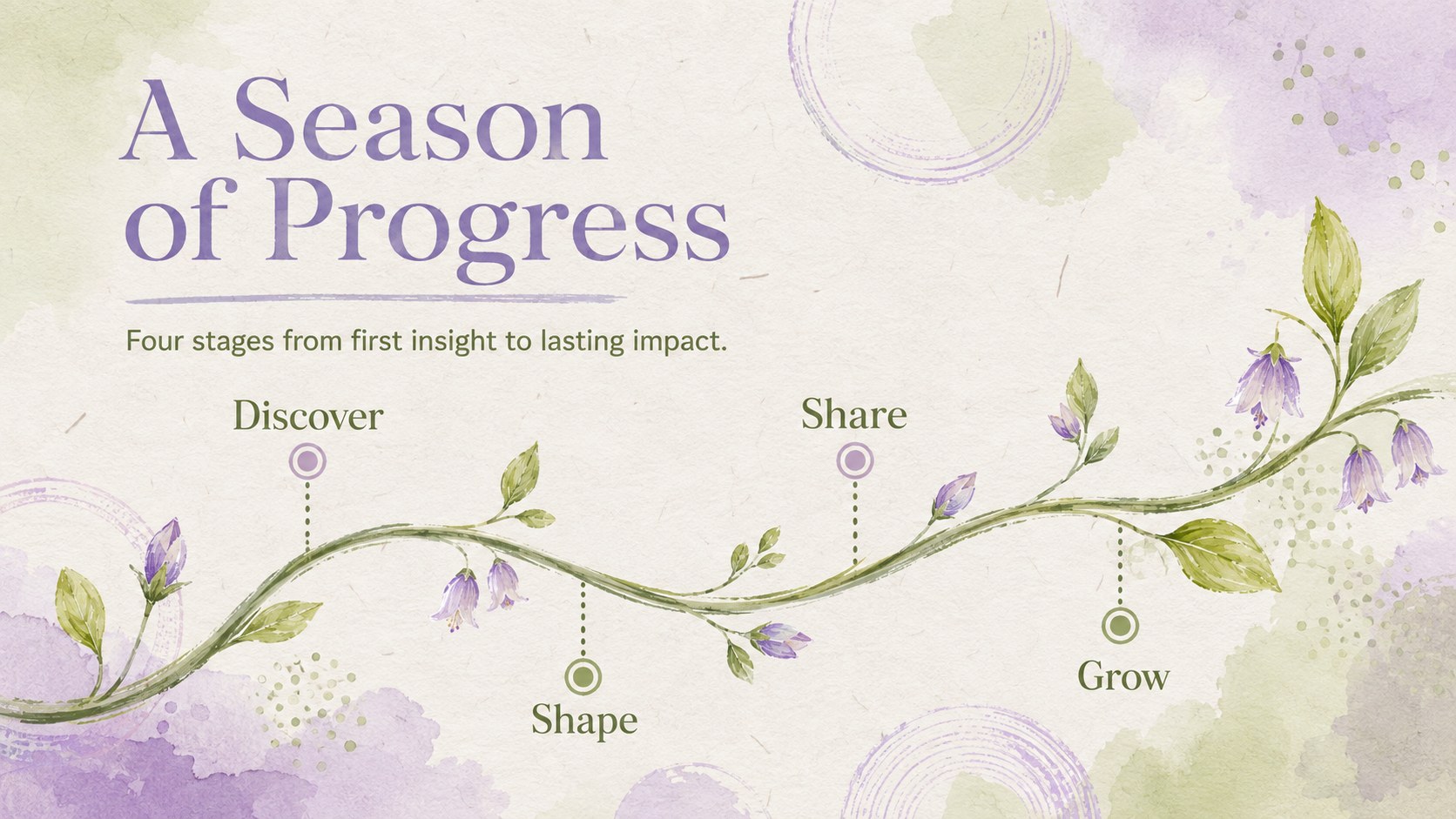
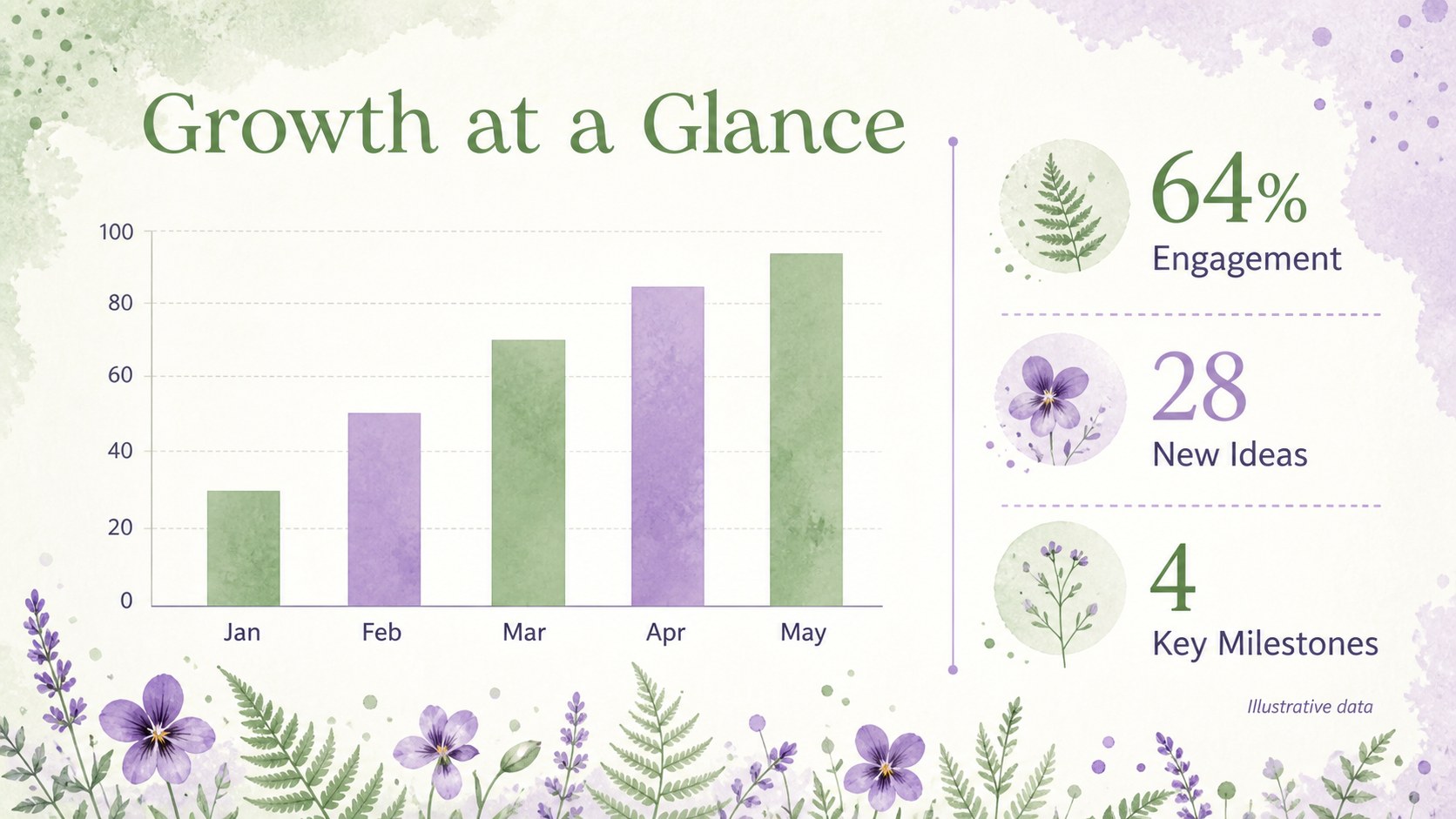
The deck includes 22 ready-to-edit 16:9 layouts for opening statements, agendas, section breaks, timelines, comparisons, data highlights, photo collections, quotes, and closing messages. Flexible text areas and balanced visual hierarchy make it easy to replace the sample content, adjust colors, add images, and reorganize sections. The spring moodboard PowerPoint template also offers space for charts, project milestones, and concise team updates.
Designed for educators, students, designers, nonprofit teams, and business professionals, these slides work well for classroom lessons, creative proposals, workshop materials, campaign updates, and nature-focused reports. The editable botanical Google Slides theme can shift from playful to professional depending on your typography and imagery. Open it in PowerPoint or Google Slides, apply your content, and build a cohesive presentation with the energy of a garden coming into bloom.
Perfect for: spring classroom lesson; creative project proposal; botanical workshop materials; nonprofit campaign update; seasonal team presentation.
Frequently asked questions
Which presentation platforms support this deck? The template is prepared for PowerPoint and Google Slides. Layouts, text, colors, and images remain editable in both platforms.
Practical details
The template is prepared for PowerPoint and Google Slides. Layouts, text, colors, and images remain editable in both platforms.
Yes. You can replace the green and purple palette, change fonts, resize decorative elements, and adapt the layouts to your visual identity.
Yes. The slide collection includes chart, timeline, comparison, process, and key-metric layouts alongside editorial text and image compositions.
Yes. Copy selected layouts into an existing PowerPoint or Google Slides file, then match the destination theme and fonts as needed.
Keep exploring
15Build an engaging World UFO Day session with this flying saucer history lesson deck, featuring retro green-and-brown slides for PowerPoint and Google Slides.
 15
15Plan a lively animal-learning journey with this jungle zoo adventure lesson deck, ready to customize in PowerPoint and Google Slides for young learners.
 16
16Turn environmental research into a clear story with a Watercolor Ecology Presentation Theme for PowerPoint and Google Slides in calming green and blue.
 16
16Build focused fashion, literature, and humanities presentations with the Red Triangle Editorial Theme, editable in PowerPoint and Google Slides.
 15
15Turn streaming stats, favorite tracks, and concert highlights into a bold annual listening recap slide deck for PowerPoint and Google Slides.
 15
15Turn highlights, milestones, and favorite moments into a colorful year in review slide deck with bold 3D graphics for PowerPoint and Google Slides.
 3
3Build a credible endorsement with Standout Colleague Recommendation Letter Slides, featuring colorful prompts for skills, achievements, and team impact.
 4
4Build clear beginner sessions with an ice hockey fundamentals training deck for coaches, PE teachers, and clubs, ready for PowerPoint and Google Slides.