
 15
15presentation
Flying Saucer History Lesson Deck
Build an engaging World UFO Day session with this flying saucer history lesson deck, featuring retro green-and-brown slides for PowerPoint and Google Slides.
Google SlidesPowerPoint
presentation · English
Build a charity campaign planning deck with timelines, team roles, donor outreach, and social media ideas in a warm botanical scrapbook style.
Design notes
A successful fundraiser needs a plan that supporters can understand at a glance. This charity campaign planning deck brings event goals, promotional tasks, volunteer responsibilities, and outreach priorities together in a warm botanical scrapbook format. Soft beige paper textures, leafy green accents, and restrained red highlights create a friendly visual style suited to community-focused work.
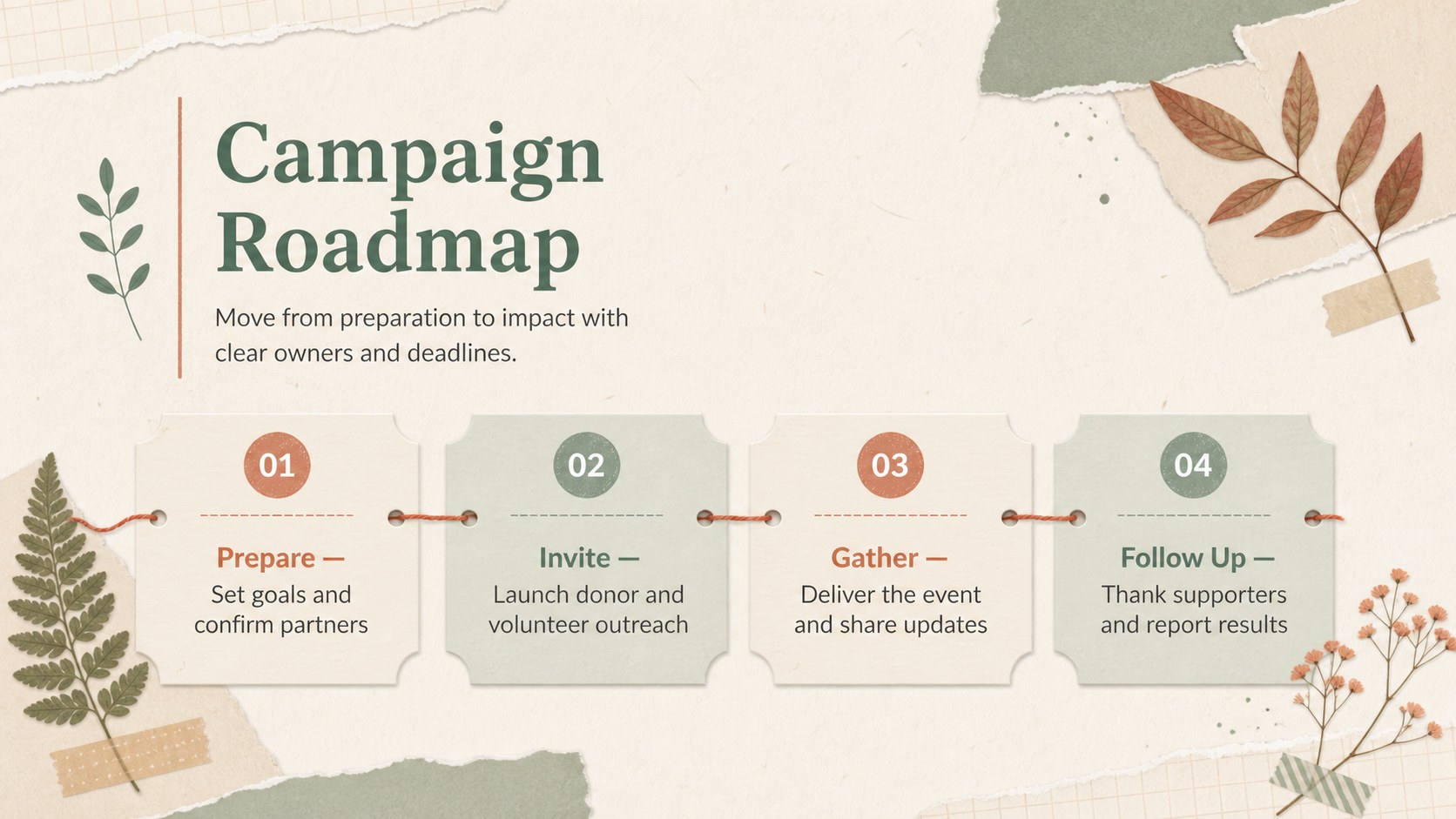
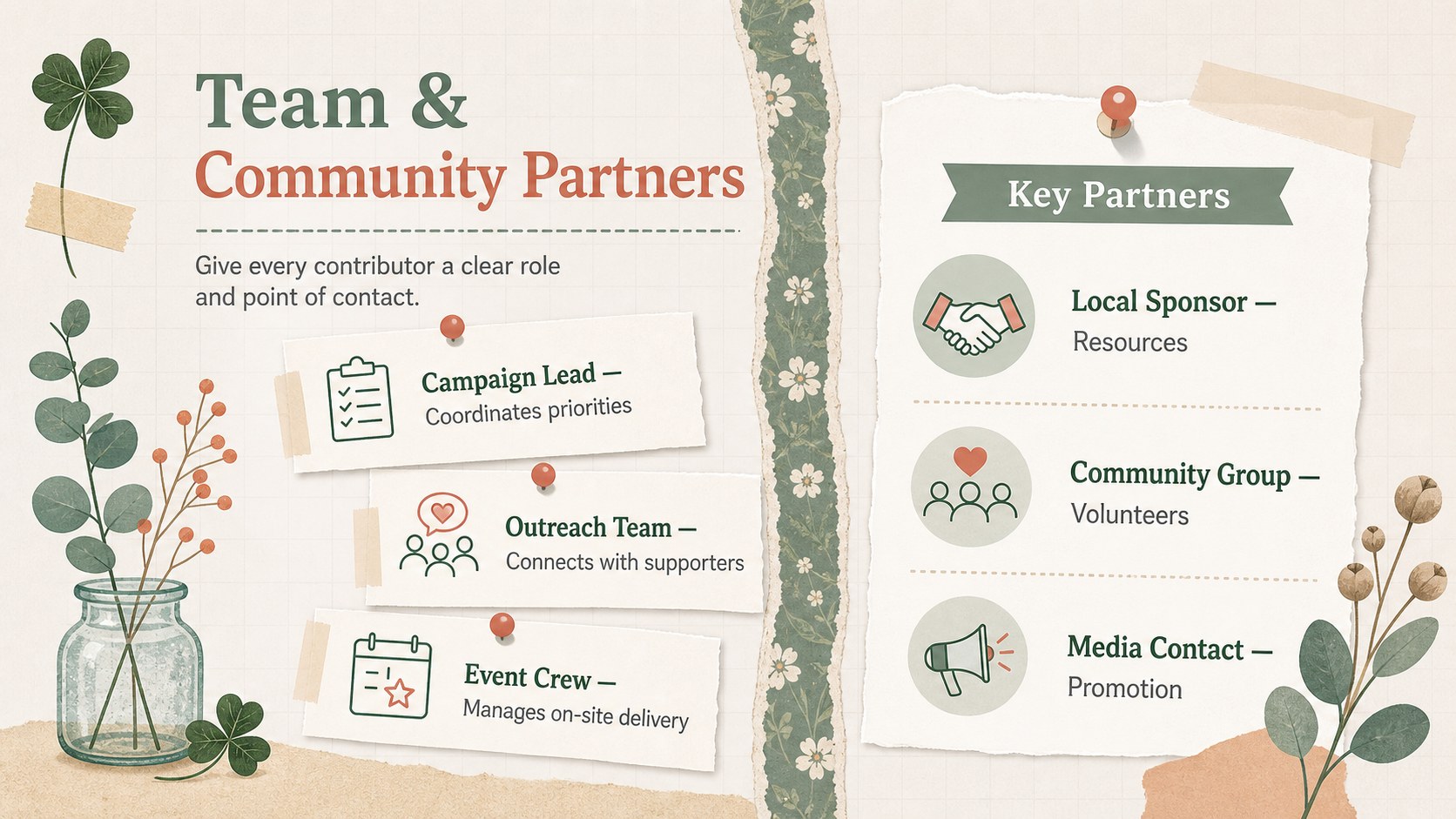
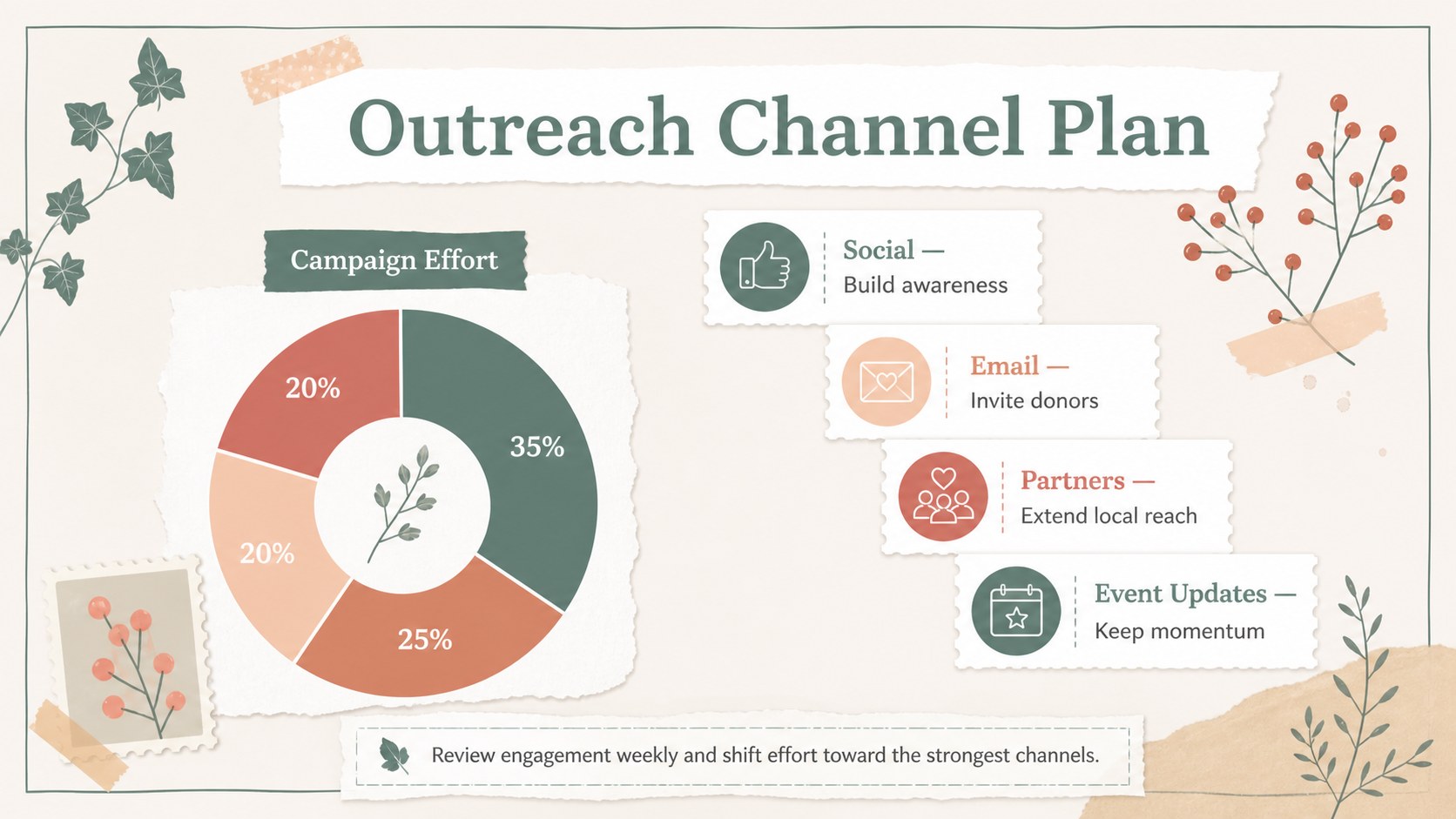
The editable slide set includes space for a campaign overview, key objectives, a fundraising campaign timeline presentation, team introductions, partner contacts, donor messages, and channel-specific promotion ideas. Use the layouts to explain what will happen before, during, and after the event. Charts, image frames, note-style labels, and simple diagrams help turn detailed planning into an organized story without making the presentation feel corporate or impersonal.
This botanical charity presentation template works well for nonprofit coordinators, school clubs, workplace volunteer groups, faith-based organizations, and neighborhood committees. It can also serve as nonprofit event promotion slides for sponsor briefings, volunteer meetings, board reviews, or public campaign updates.
Customize the deck in PowerPoint or Google Slides by replacing the sample copy, adjusting the green, beige, and red palette, and adding your own logo-free photography. Update fonts, icons, charts, and decorative elements to reflect the cause while preserving the approachable scrapbook character. The finished slides can be presented live, shared online, or exported for event-day reference.
Perfect for: nonprofit campaign kickoff; community fundraiser planning; volunteer team briefing; sponsor outreach presentation; school charity event; donor campaign update.
Frequently asked questions
Practical details
Yes. Every slide can be edited in PowerPoint or Google Slides, including text, colors, images, diagrams, and timeline details. Some font substitutions may occur if a typeface is not installed on your device.
Replace the sample campaign details with your mission, fundraising goal, event schedule, and contact information. You can also add organization-approved photos and adjust the accent colors while retaining the botanical scrapbook style.
Yes. The template provides structures for audience messages, outreach channels, social media activities, donor communication, and campaign milestones. These layouts can be duplicated or reordered to match your promotional plan.
Yes. Use the team, partner, timeline, and campaign overview layouts to clarify responsibilities and deadlines. Export the completed presentation as a PDF when participants need a simple reference document.
Keep exploring
15Build an engaging World UFO Day session with this flying saucer history lesson deck, featuring retro green-and-brown slides for PowerPoint and Google Slides.
 15
15Plan a lively animal-learning journey with this jungle zoo adventure lesson deck, ready to customize in PowerPoint and Google Slides for young learners.
 16
16Turn environmental research into a clear story with a Watercolor Ecology Presentation Theme for PowerPoint and Google Slides in calming green and blue.
 16
16Build focused fashion, literature, and humanities presentations with the Red Triangle Editorial Theme, editable in PowerPoint and Google Slides.
 15
15Turn streaming stats, favorite tracks, and concert highlights into a bold annual listening recap slide deck for PowerPoint and Google Slides.
 15
15Turn highlights, milestones, and favorite moments into a colorful year in review slide deck with bold 3D graphics for PowerPoint and Google Slides.
 3
3Build a credible endorsement with Standout Colleague Recommendation Letter Slides, featuring colorful prompts for skills, achievements, and team impact.
 4
4Build clear beginner sessions with an ice hockey fundamentals training deck for coaches, PE teachers, and clubs, ready for PowerPoint and Google Slides.