
 15
15presentation
Flying Saucer History Lesson Deck
Build an engaging World UFO Day session with this flying saucer history lesson deck, featuring retro green-and-brown slides for PowerPoint and Google Slides.
Google SlidesPowerPoint
presentation · English
Teach petals, stamens, and pistils clearly with the Botanical Bloom Anatomy Visual Guide, editable for lessons in PowerPoint and Google Slides.
Design notes
The Botanical Bloom Anatomy Visual Guide turns plant structure into a bright, approachable learning experience. Created for science classrooms and introductory botany lessons, its illustrated layouts use green, pink, yellow, and white with soft gradients to organize information without overwhelming students. Teachers can adapt the deck in PowerPoint or Google Slides for direct instruction, review activities, or independent study.
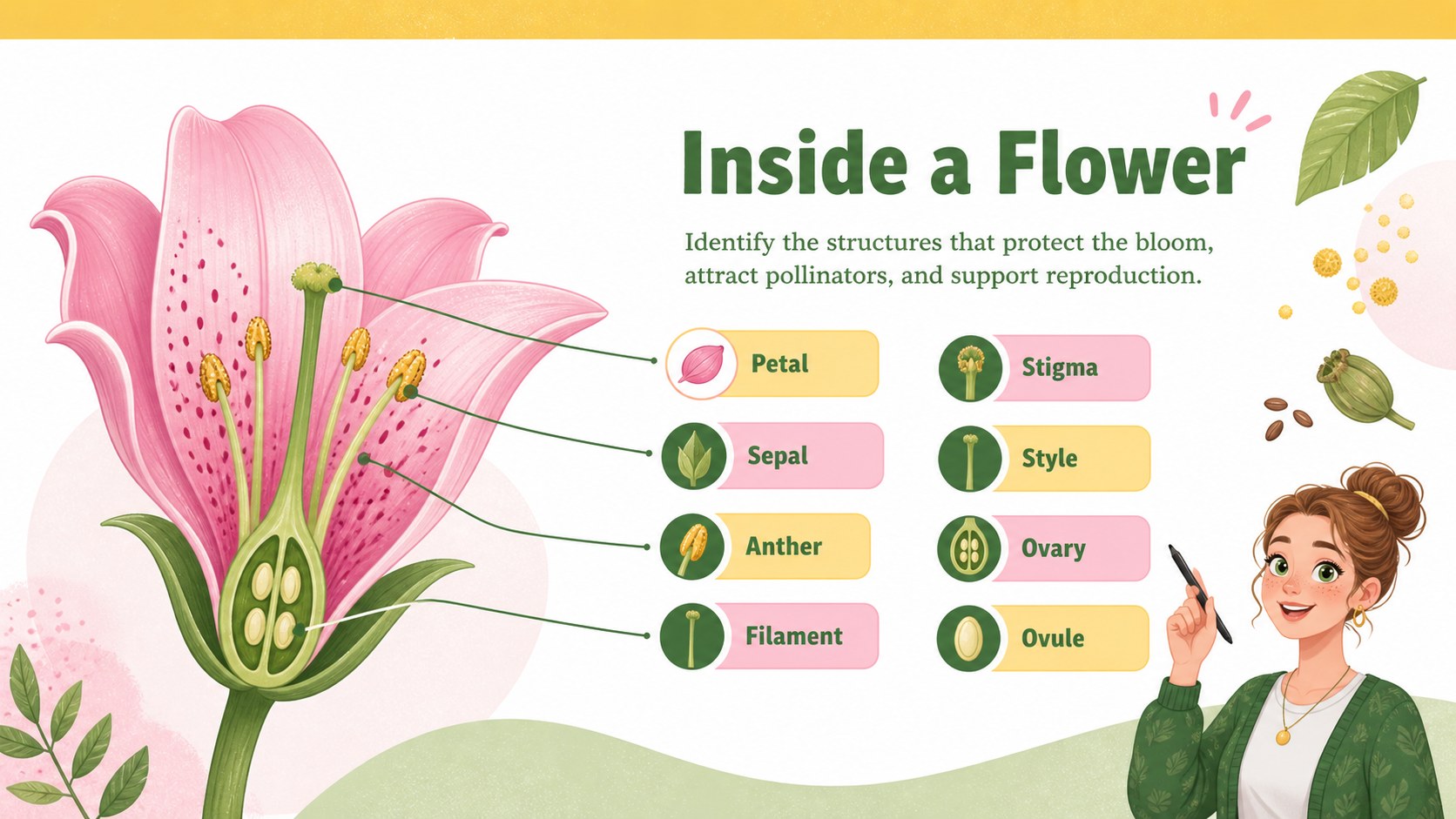
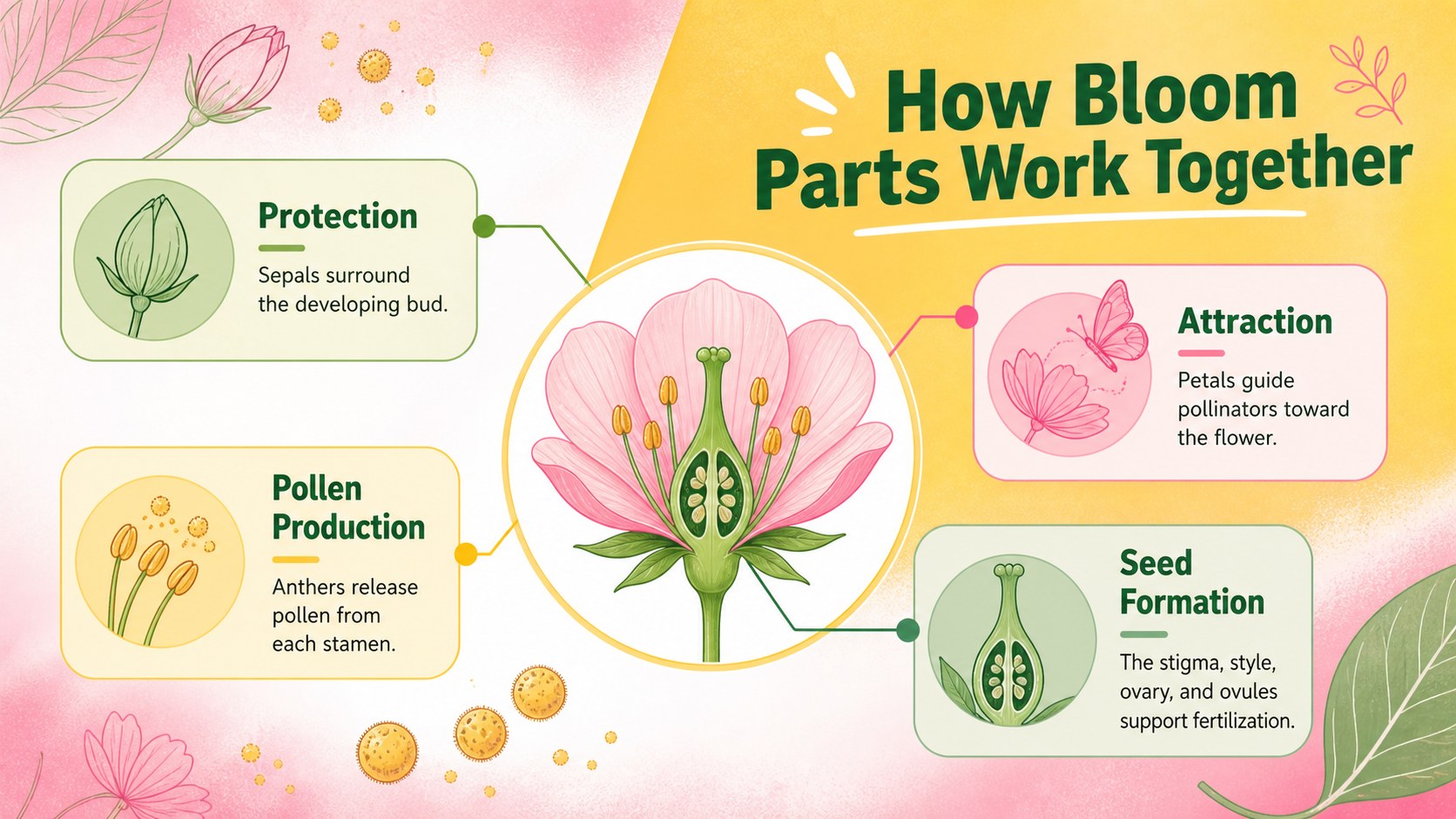
Inside, you will find coordinated visual layouts for labeling petals, sepals, stamens, anthers, filaments, stigmas, styles, ovaries, and ovules. The deck also provides space for concise definitions, functional groupings, and observations from a classroom specimen. Use it as a labeled flower parts diagram slides resource, a printable flower structure poster, or the visual foundation for a flower dissection lesson resource. Text, colors, labels, shapes, and diagram callouts are editable, making it straightforward to adjust vocabulary for different grade levels.
This visual guide suits elementary and middle school teachers, homeschool educators, tutoring programs, and students preparing biology projects. It can support lessons on plant reproduction, pollination, life cycles, and structural adaptations while keeping the main focus on bloom anatomy. The portrait-inspired infographic style also works well for science displays, study sheets, and classroom reference materials. Add your own examples, questions, or photographs to create a lesson that fits your curriculum.
Perfect for: flower anatomy lesson; plant dissection activity; botany study guide; science classroom display; plant reproduction review.
Frequently asked questions
Can I edit the flower labels and definitions? Yes. Labels, definitions, callout lines, colors, and diagram shapes can be changed to match your terminology and students' grade level.
Practical details
Yes. Labels, definitions, callout lines, colors, and diagram shapes can be changed to match your terminology and students' grade level.
The template is designed for PowerPoint and Google Slides. You can present it digitally or export selected layouts for printing.
Yes. Replace or supplement the illustrations with your own specimen photographs, then reposition the editable callouts to identify visible structures.
The layouts can be simplified by removing advanced terms and shortening the definitions. For older learners, add details about pollination, fertilization, and reproductive functions.
Keep exploring
15Build an engaging World UFO Day session with this flying saucer history lesson deck, featuring retro green-and-brown slides for PowerPoint and Google Slides.
 15
15Plan a lively animal-learning journey with this jungle zoo adventure lesson deck, ready to customize in PowerPoint and Google Slides for young learners.
 16
16Turn environmental research into a clear story with a Watercolor Ecology Presentation Theme for PowerPoint and Google Slides in calming green and blue.
 16
16Build focused fashion, literature, and humanities presentations with the Red Triangle Editorial Theme, editable in PowerPoint and Google Slides.
 15
15Turn streaming stats, favorite tracks, and concert highlights into a bold annual listening recap slide deck for PowerPoint and Google Slides.
 15
15Turn highlights, milestones, and favorite moments into a colorful year in review slide deck with bold 3D graphics for PowerPoint and Google Slides.
 3
3Build a credible endorsement with Standout Colleague Recommendation Letter Slides, featuring colorful prompts for skills, achievements, and team impact.
 4
4Build clear beginner sessions with an ice hockey fundamentals training deck for coaches, PE teachers, and clubs, ready for PowerPoint and Google Slides.