
 15
15presentation
Flying Saucer History Lesson Deck
Build an engaging World UFO Day session with this flying saucer history lesson deck, featuring retro green-and-brown slides for PowerPoint and Google Slides.
Google SlidesPowerPoint
presentation · English
Shape photos and concise ideas into a memorable story with this bold typography presentation deck for PowerPoint and Google Slides. Fully editable.

Design notes
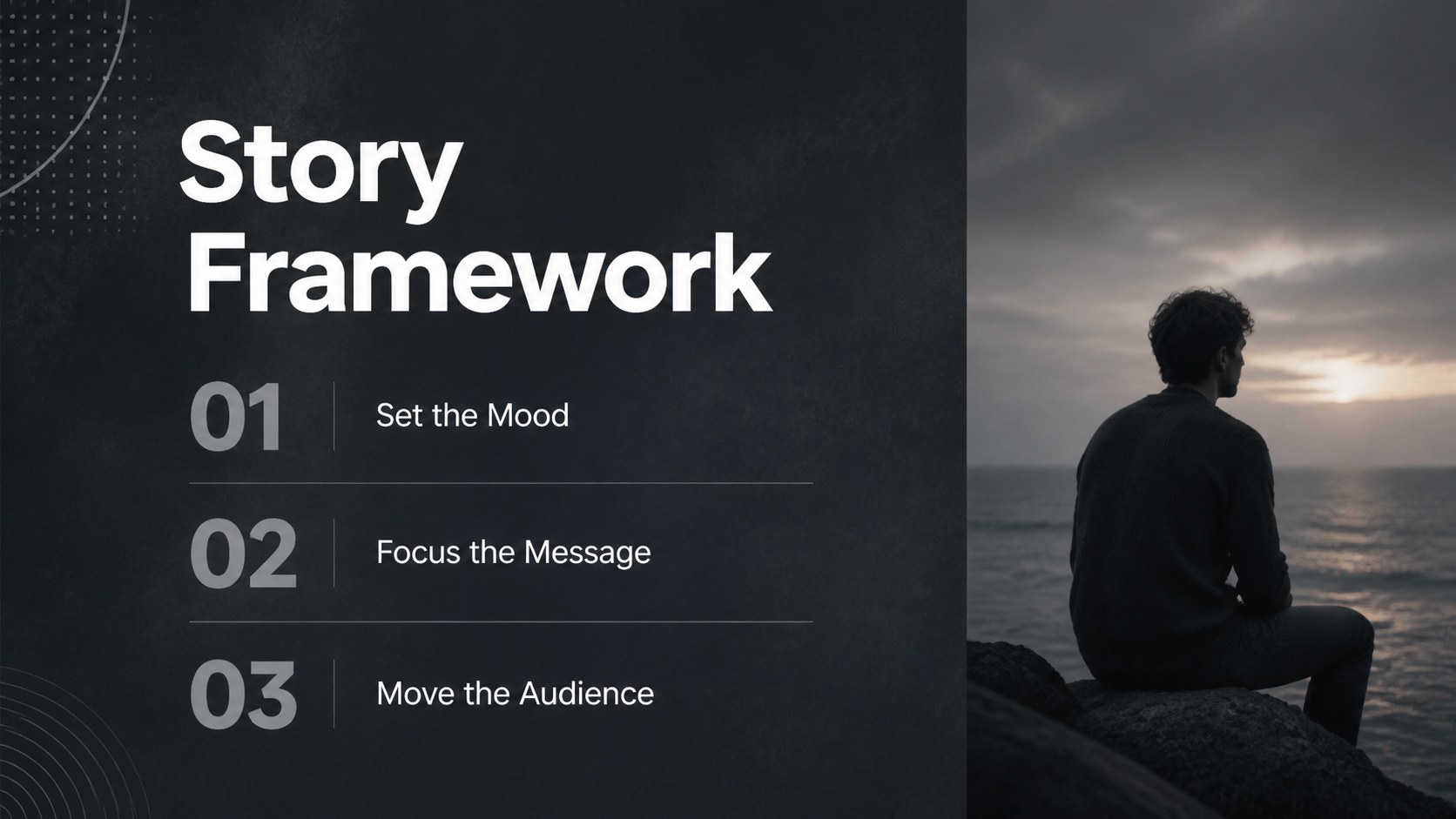
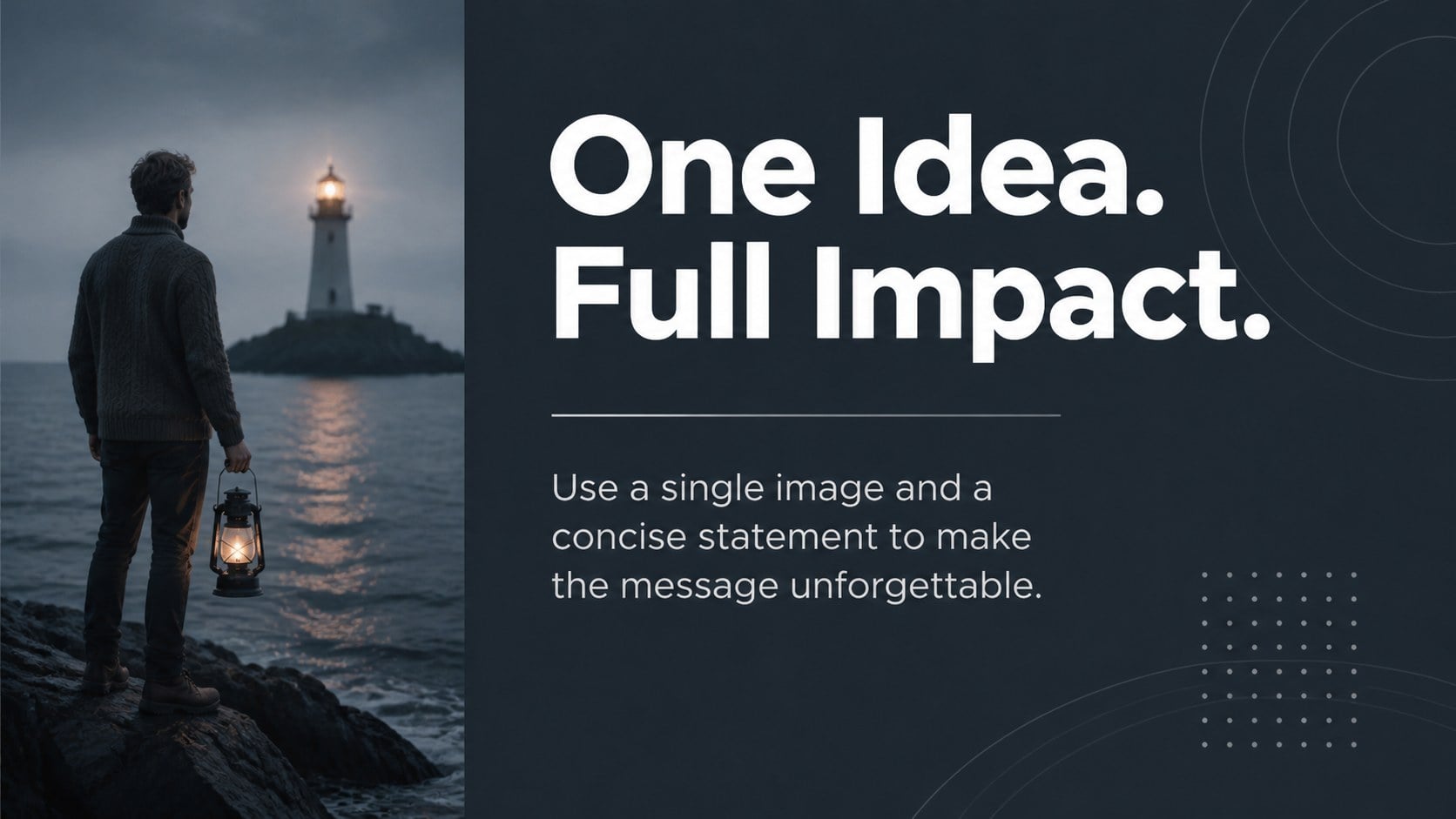
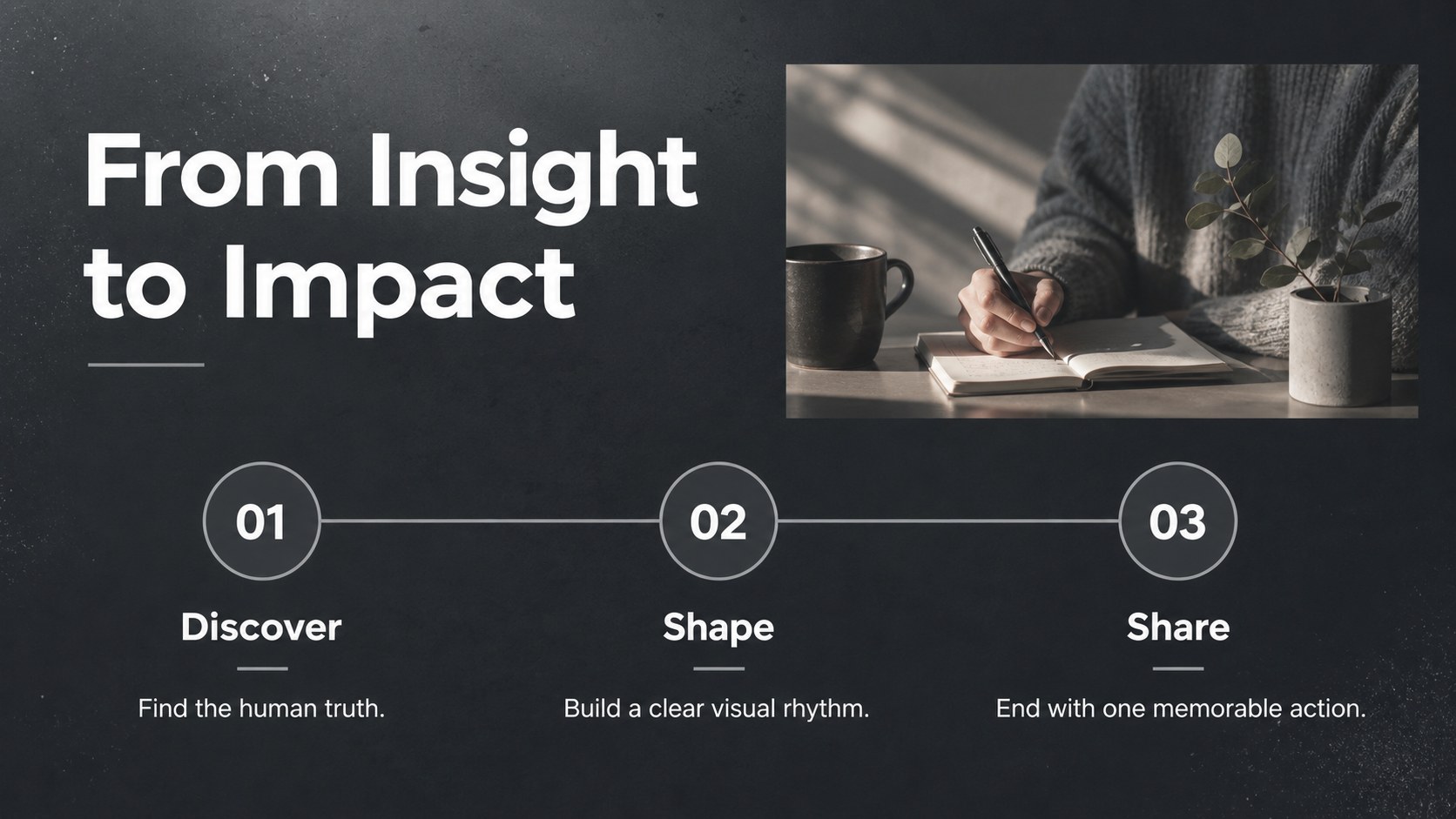
Make every idea feel immediate with the Bold Typography Presentation Deck for Visual Storytelling. Built around oversized headlines, atmospheric photography, and a restrained gray-and-white palette, it helps you create emotional momentum without overcrowding the screen. This photo driven presentation template keeps attention on a single message at a time while giving each image room to set the tone.
The collection includes 17 flexible layouts for openings, statements, quotes, comparisons, simple charts, tables, maps, timelines, and closing calls to action. A coordinated icon library supports quick visual cues, while editable image areas make it easy to replace the sample photography with campaign, travel, wellness, nonprofit, or portfolio content. Use the editorial photography presentation layout as designed, or adapt its hierarchy into visual storytelling slides for PowerPoint and Google Slides. Colors, type, icons, and page order can all be adjusted, with export options including PDF and image formats.
This deck suits creative directors, educators, wellness professionals, nonprofit teams, photographers, and speakers who want their message to feel focused and inspiring. It works especially well for keynote-style talks, brand stories, campaign concepts, reflective workshops, and visual portfolios. The widescreen 16:9 format is ready for modern displays, and the layouts can also be converted to 4:3 when required.
Perfect for: creative campaign proposal; motivational conference talk; photography portfolio; wellness workshop; nonprofit impact story.
Frequently asked questions
Can I replace the photographs with my own images? Yes. Each photo area is editable, so you can insert campaign imagery, portfolio work, travel photos, or branded visuals while preserving the layout.
Practical details
Yes. Each photo area is editable, so you can insert campaign imagery, portfolio work, travel photos, or branded visuals while preserving the layout.
The deck works with Microsoft PowerPoint and Google Slides. You can edit the text, colors, photographs, icons, and slide order in either platform.
Yes. The neutral palette can be replaced with brand colors or brighter accents using the theme and formatting controls in PowerPoint or Google Slides.
Yes. It includes layouts for charts, tables, comparisons, maps, timelines, and process explanations, all styled to match the bold editorial design.
Keep exploring
15Build an engaging World UFO Day session with this flying saucer history lesson deck, featuring retro green-and-brown slides for PowerPoint and Google Slides.
 15
15Plan a lively animal-learning journey with this jungle zoo adventure lesson deck, ready to customize in PowerPoint and Google Slides for young learners.
 16
16Turn environmental research into a clear story with a Watercolor Ecology Presentation Theme for PowerPoint and Google Slides in calming green and blue.
 16
16Build focused fashion, literature, and humanities presentations with the Red Triangle Editorial Theme, editable in PowerPoint and Google Slides.
 15
15Turn streaming stats, favorite tracks, and concert highlights into a bold annual listening recap slide deck for PowerPoint and Google Slides.
 15
15Turn highlights, milestones, and favorite moments into a colorful year in review slide deck with bold 3D graphics for PowerPoint and Google Slides.
 3
3Build a credible endorsement with Standout Colleague Recommendation Letter Slides, featuring colorful prompts for skills, achievements, and team impact.
 4
4Build clear beginner sessions with an ice hockey fundamentals training deck for coaches, PE teachers, and clubs, ready for PowerPoint and Google Slides.