
 15
15presentation
Flying Saucer History Lesson Deck
Build an engaging World UFO Day session with this flying saucer history lesson deck, featuring retro green-and-brown slides for PowerPoint and Google Slides.
Google SlidesPowerPoint
presentation · English
Build a vivid match recap with the Bold Soccer Season Highlights Deck, featuring editable pink, yellow, and orange layouts for PowerPoint and Google Slides.


Design notes
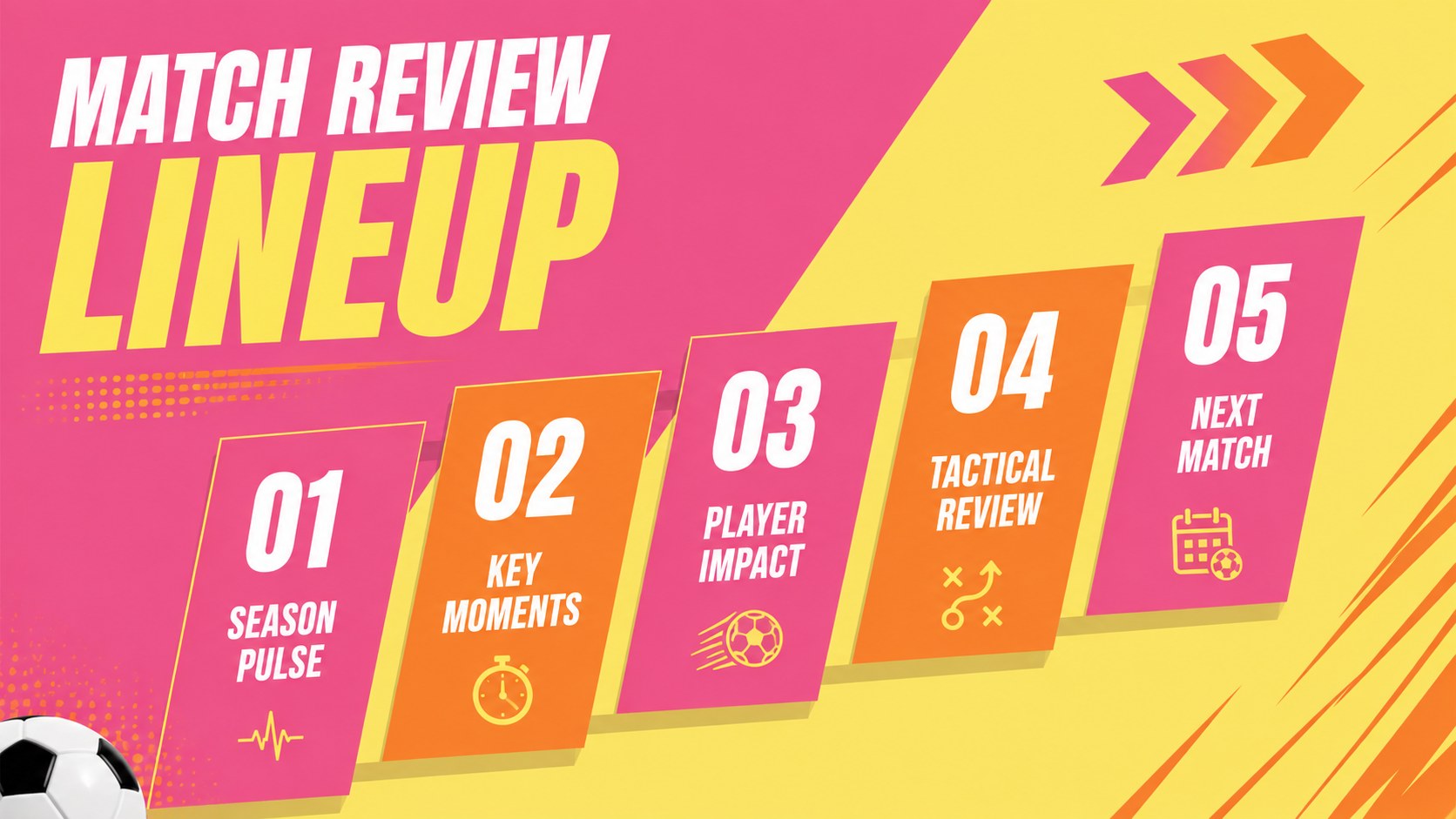
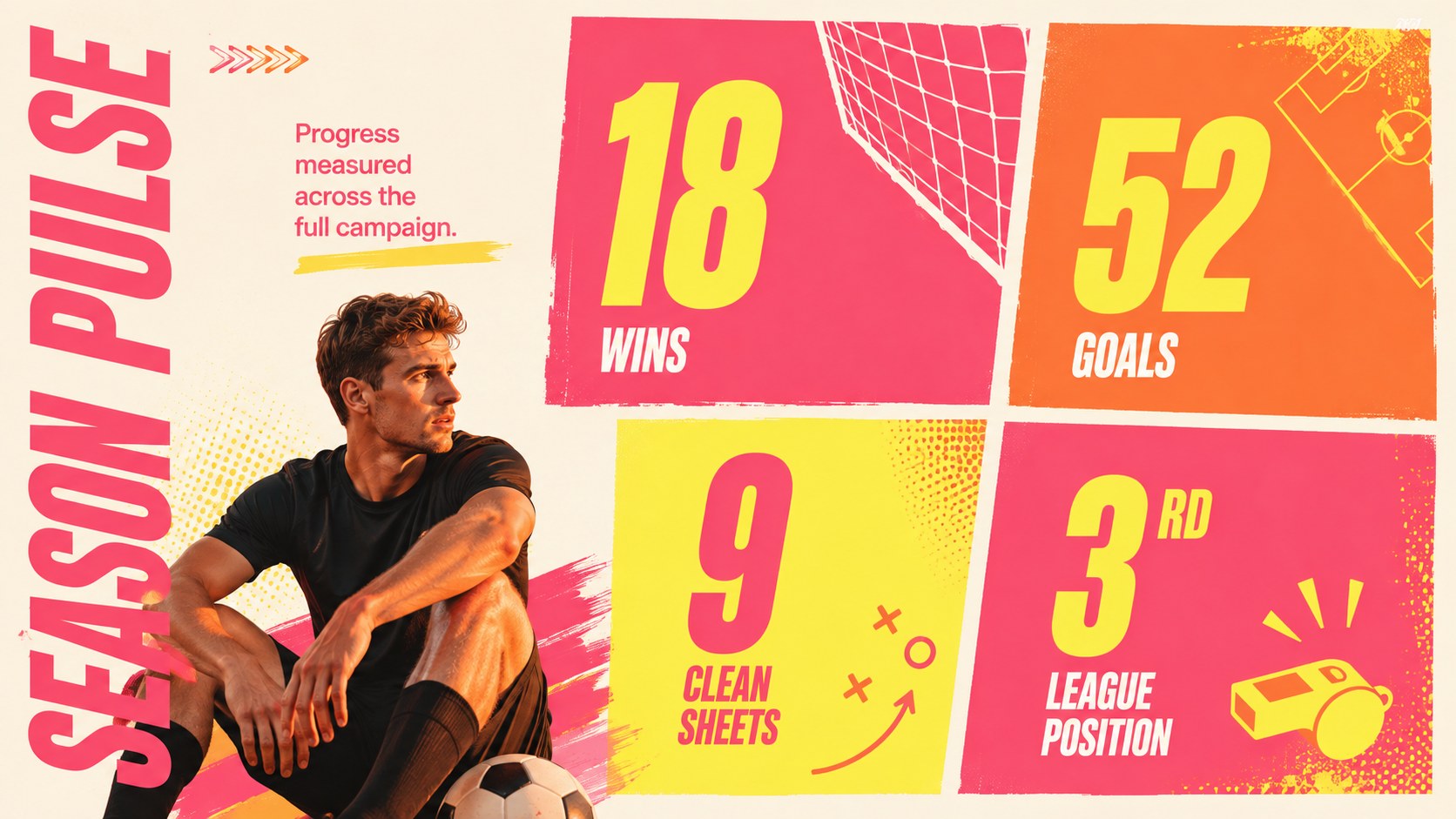
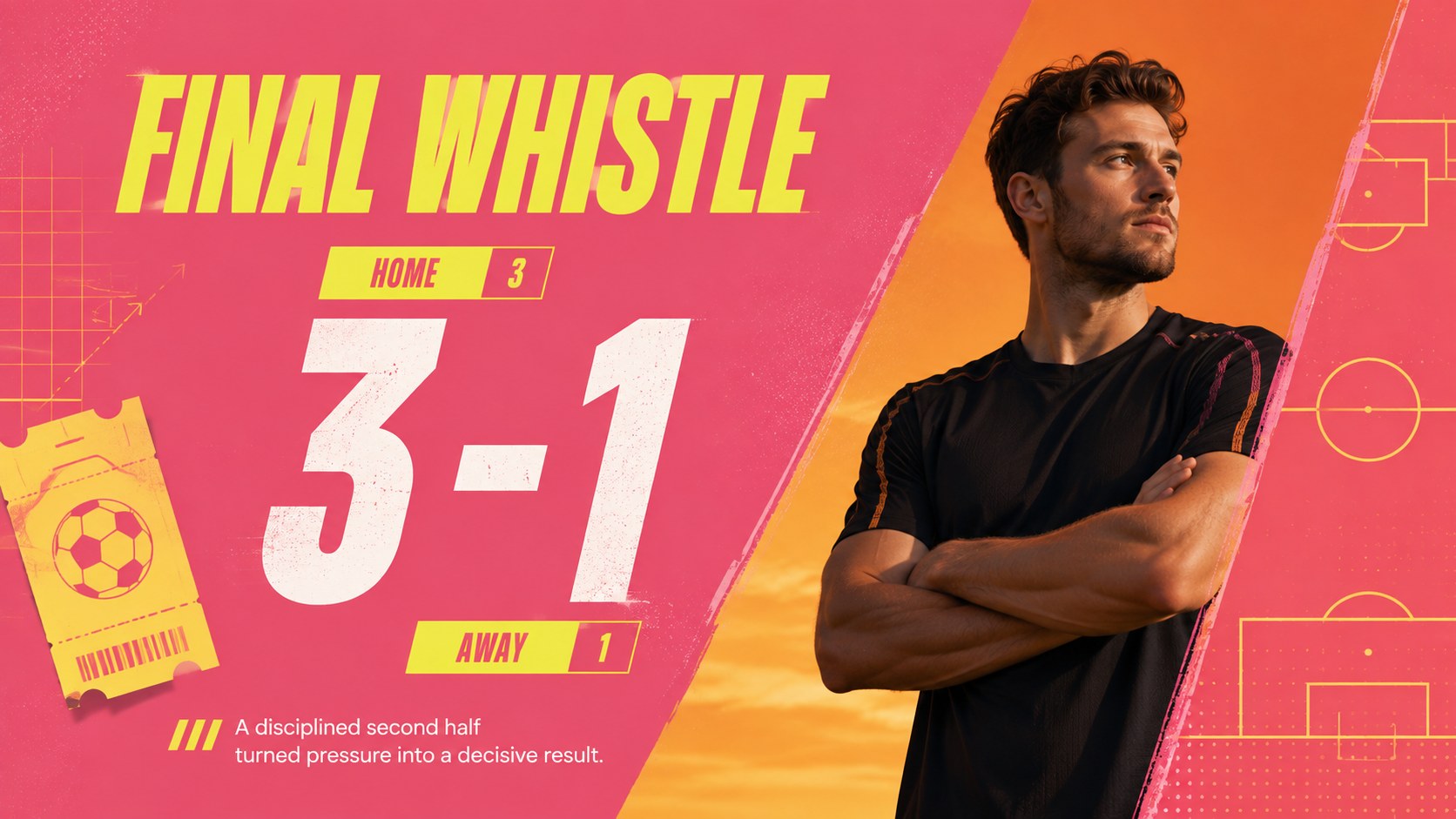
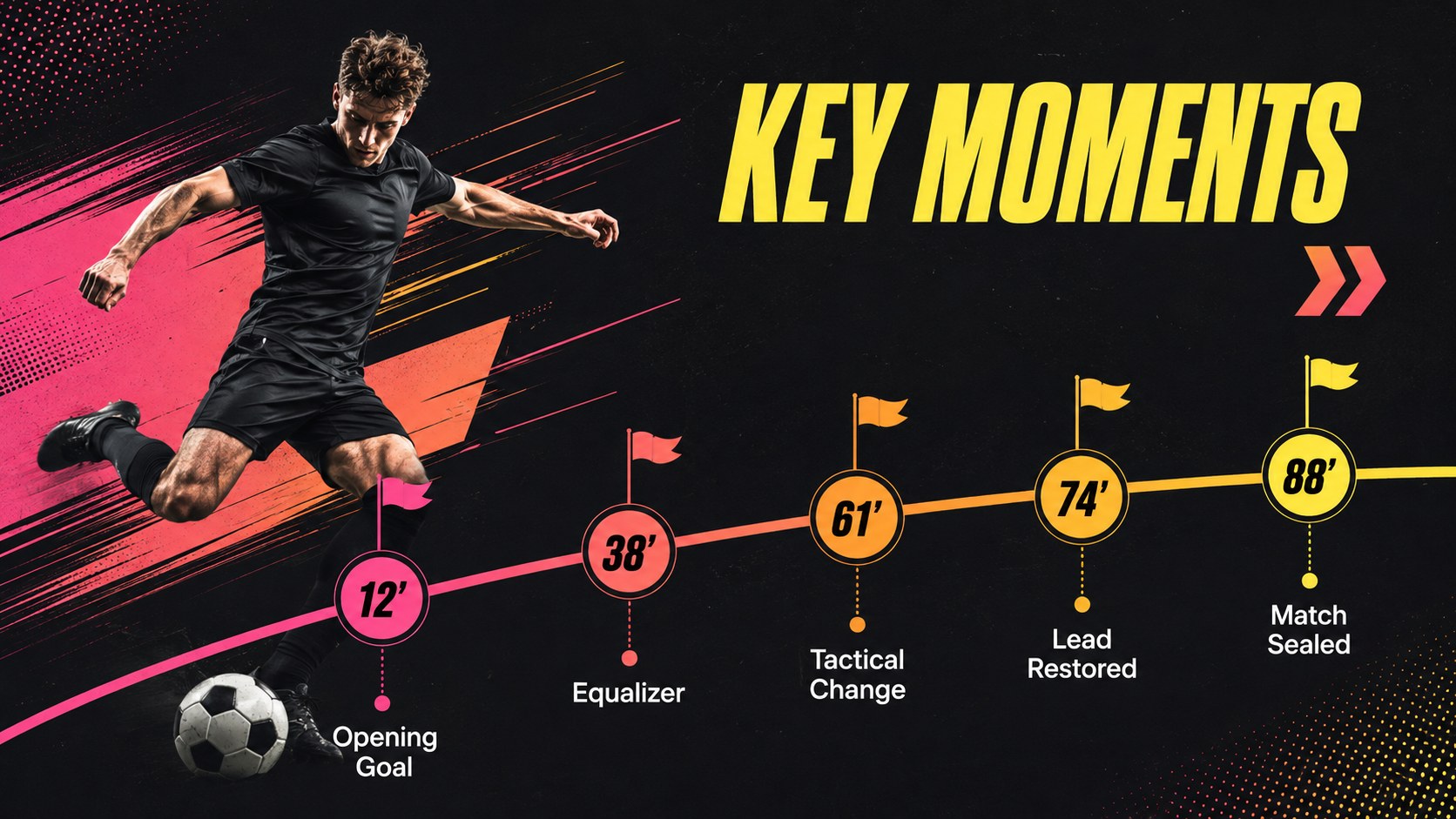
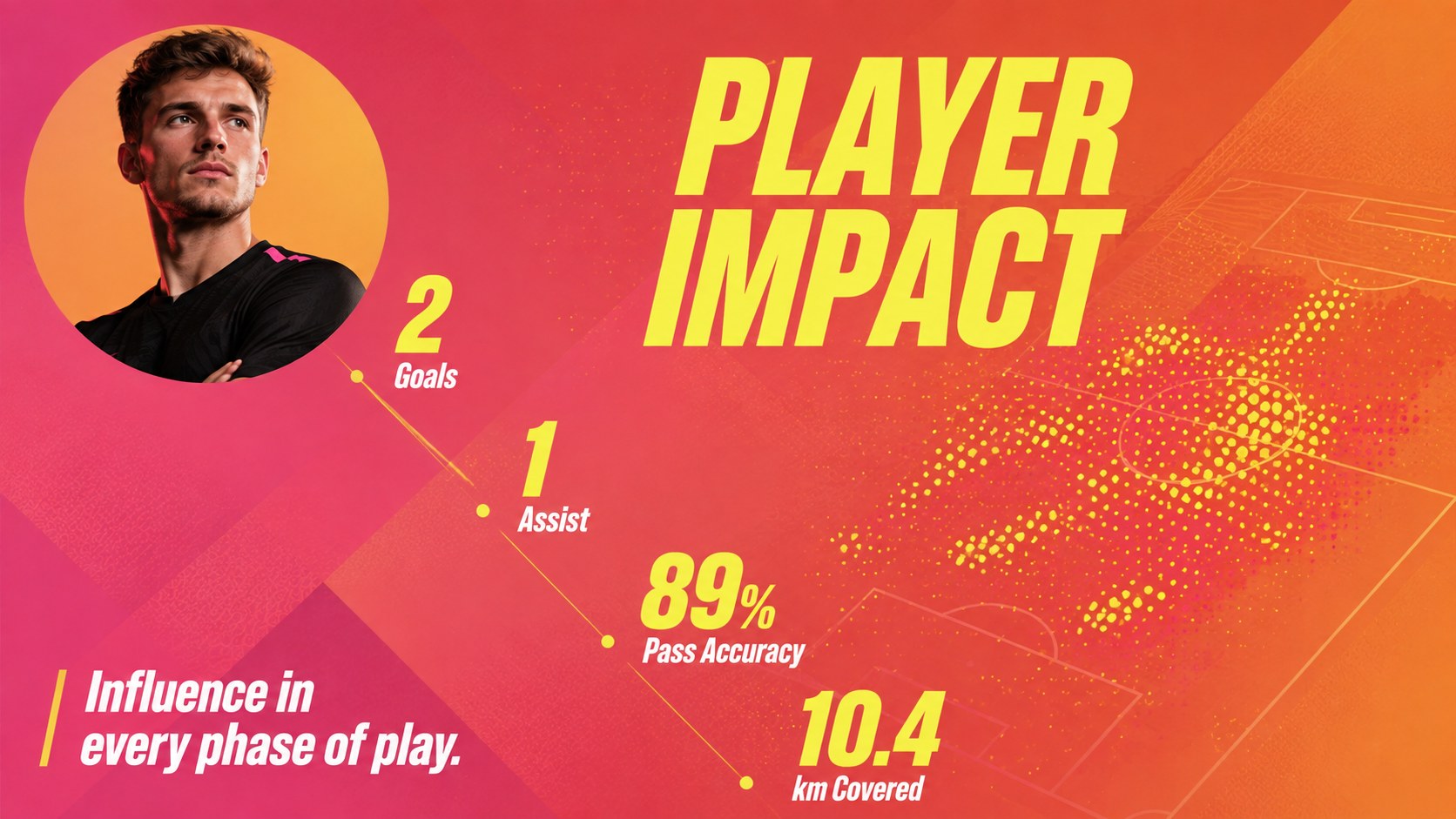
Turn results, standout plays, and team progress into a memorable story with the bold soccer season highlights deck. Its punchy pink, yellow, and orange palette combines oversized typography, dynamic image treatments, and energetic motion-inspired graphics. The style feels lively without sacrificing the clarity needed for tactical observations, statistics, and performance updates.
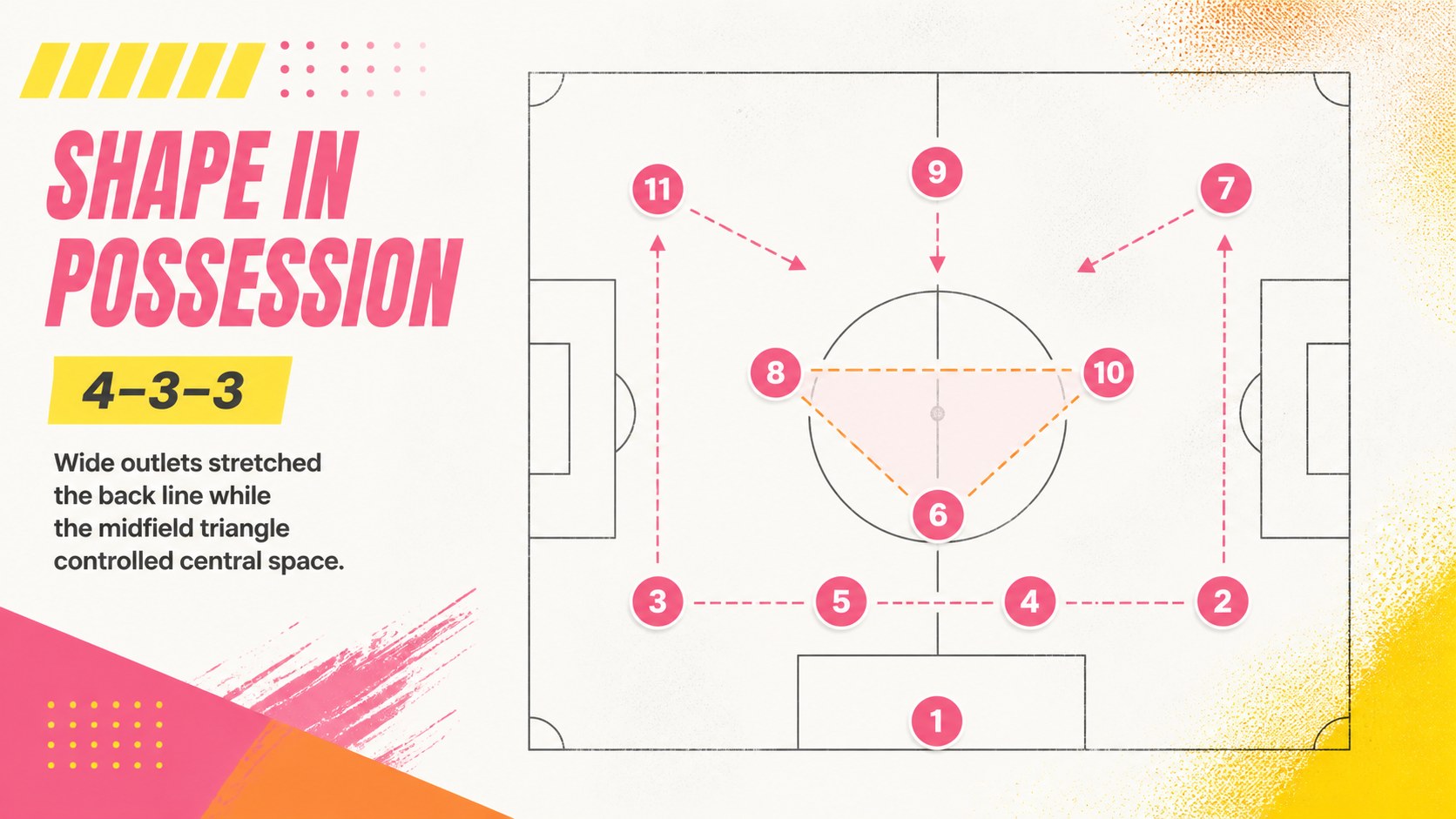
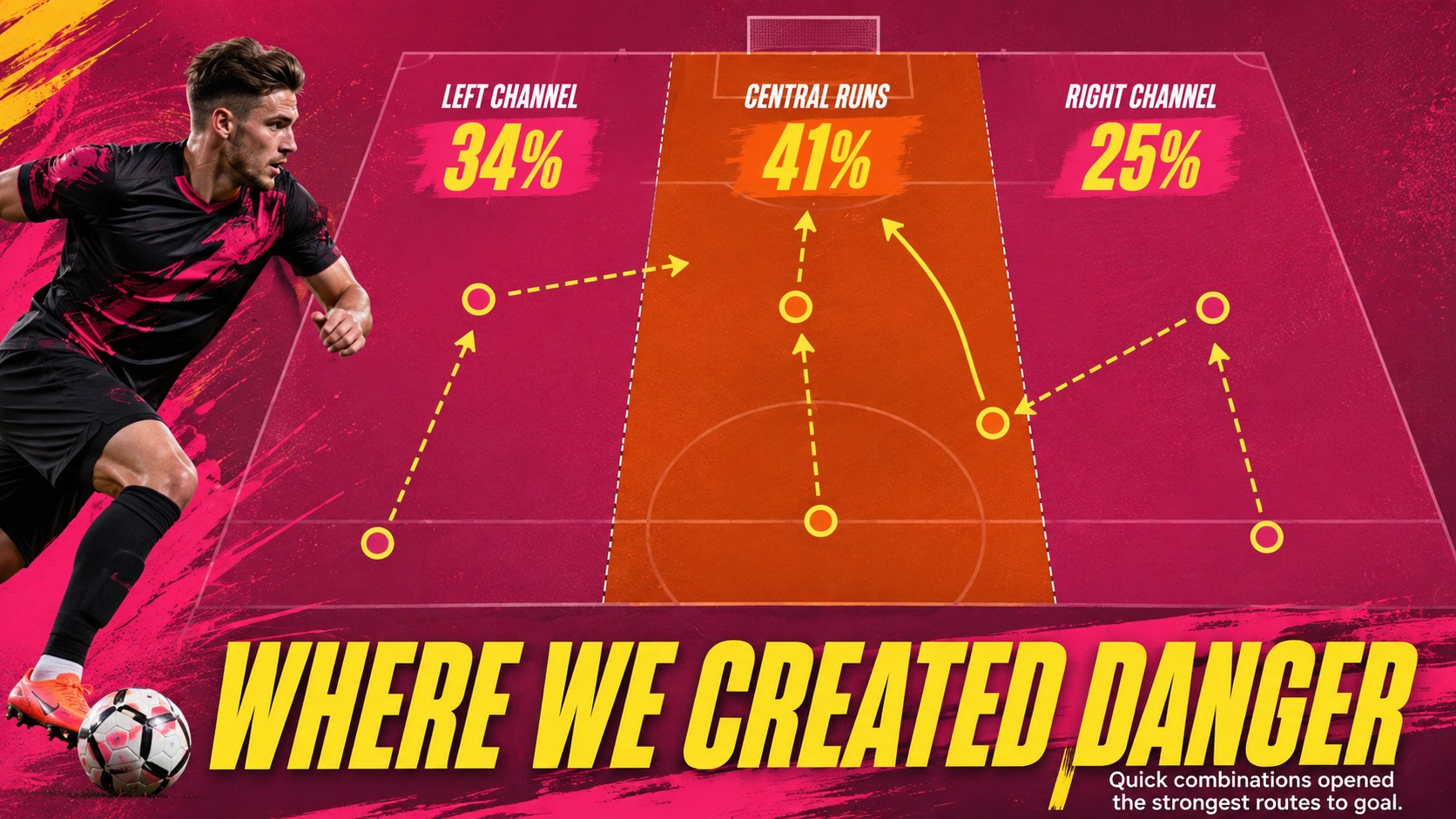
The 15-slide collection includes layouts for a season overview, match scoreline, key-moment timeline, player contributions, formation analysis, attacking patterns, defensive performance, set-piece review, training priorities, opponent scouting, and next-match planning. Use it as a soccer season recap presentation after a tournament or adapt the football team performance slides for weekly coaching meetings. Every layout is editable, so colors, photos, charts, labels, and numerical data can be adjusted to match your club or competition.
Designed for coaches, sports analysts, team managers, school programs, academies, and soccer content creators, the deck works in both PowerPoint and Google Slides. It can also become a youth soccer awards slideshow by replacing tactical sections with player milestones, memorable moments, and end-of-season recognition. The widescreen format supports projection, virtual meetings, clubhouse reviews, and shareable post-match reports.
Perfect for: post-match performance review; season highlights recap; player statistics briefing; opponent scouting meeting; youth team awards event; tournament summary presentation.
Frequently asked questions
Can I edit the deck in PowerPoint and Google Slides? Yes. All text, colors, images, charts, and layout elements can be edited in PowerPoint or Google Slides. Some fonts or transition effects may vary slightly between the two platforms.
Practical details
Yes. All text, colors, images, charts, and layout elements can be edited in PowerPoint or Google Slides. Some fonts or transition effects may vary slightly between the two platforms.
Yes. Update the scorecards, percentages, player figures, and chart values with your own season or match data. The layouts are structured to keep performance information clear and easy to compare.
Replace the sample photography, add your club crest, and adjust the accent colors to match your team identity. You can also rename sections, duplicate layouts, or remove tactical slides that are not relevant.
Yes. Coaches and school programs can simplify the performance language and use the layouts for milestones, tournament memories, or player recognition. The bold visual style also works well for end-of-season celebrations.
Keep exploring
15Build an engaging World UFO Day session with this flying saucer history lesson deck, featuring retro green-and-brown slides for PowerPoint and Google Slides.
 15
15Plan a lively animal-learning journey with this jungle zoo adventure lesson deck, ready to customize in PowerPoint and Google Slides for young learners.
 16
16Turn environmental research into a clear story with a Watercolor Ecology Presentation Theme for PowerPoint and Google Slides in calming green and blue.
 16
16Build focused fashion, literature, and humanities presentations with the Red Triangle Editorial Theme, editable in PowerPoint and Google Slides.
 15
15Turn streaming stats, favorite tracks, and concert highlights into a bold annual listening recap slide deck for PowerPoint and Google Slides.
 15
15Turn highlights, milestones, and favorite moments into a colorful year in review slide deck with bold 3D graphics for PowerPoint and Google Slides.
 3
3Build a credible endorsement with Standout Colleague Recommendation Letter Slides, featuring colorful prompts for skills, achievements, and team impact.
 4
4Build clear beginner sessions with an ice hockey fundamentals training deck for coaches, PE teachers, and clubs, ready for PowerPoint and Google Slides.