
 15
15presentation
Flying Saucer History Lesson Deck
Build an engaging World UFO Day session with this flying saucer history lesson deck, featuring retro green-and-brown slides for PowerPoint and Google Slides.
Google SlidesPowerPoint
presentation · English
Present complex research with a bold pop art dissertation defense deck for PowerPoint and Google Slides, using vivid geometry and clear academic layouts.

Design notes
The Bold Pop Art Dissertation Defense Deck gives academic research a lively visual framework without sacrificing clarity. Designed for PowerPoint and Google Slides, it combines violet, blue, orange, yellow, and black with energetic geometry, sticker-inspired accents, and crisp typography. Use this creative dissertation presentation template to explain complex ideas while keeping your committee focused on the evidence.
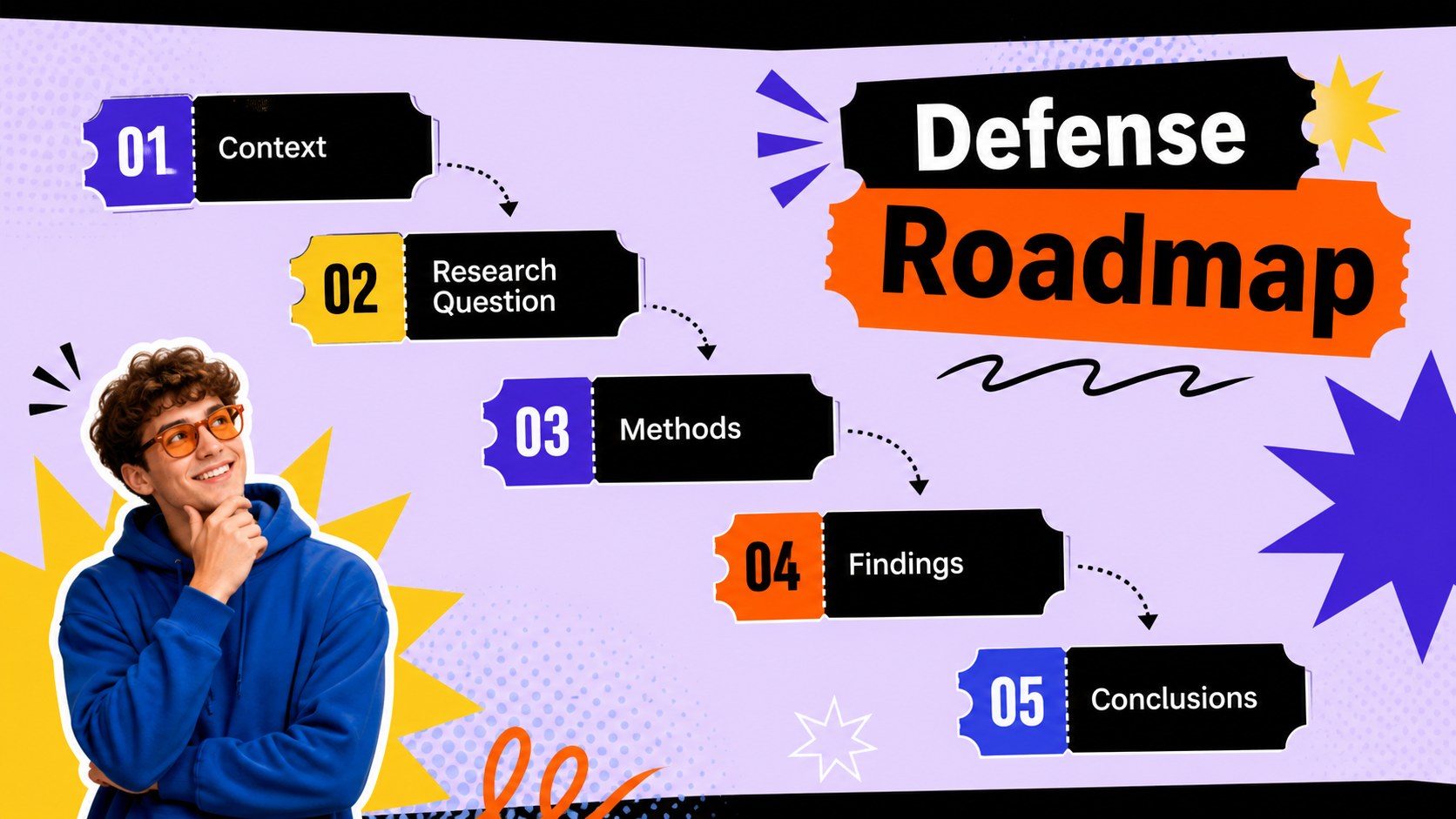
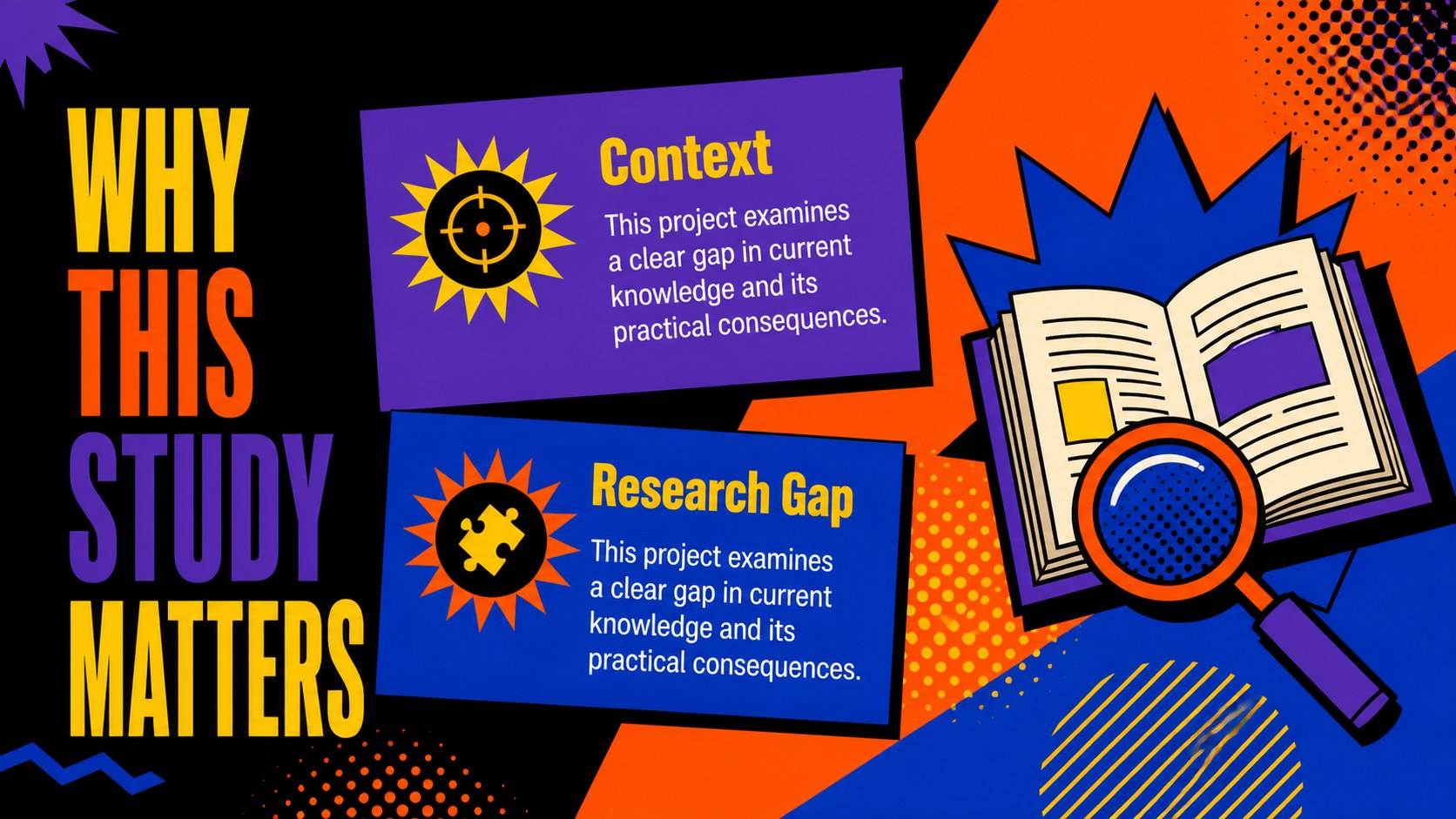
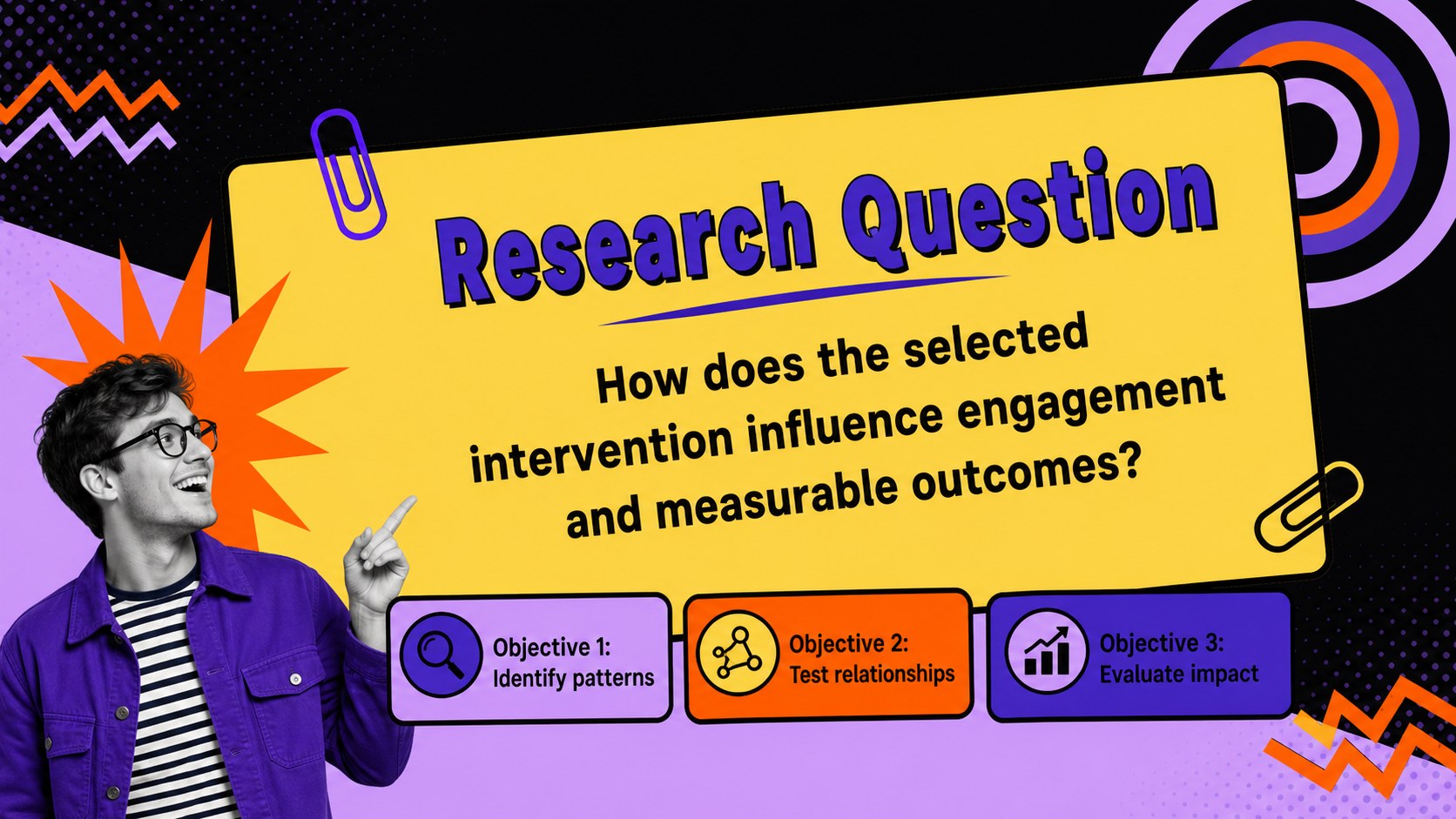
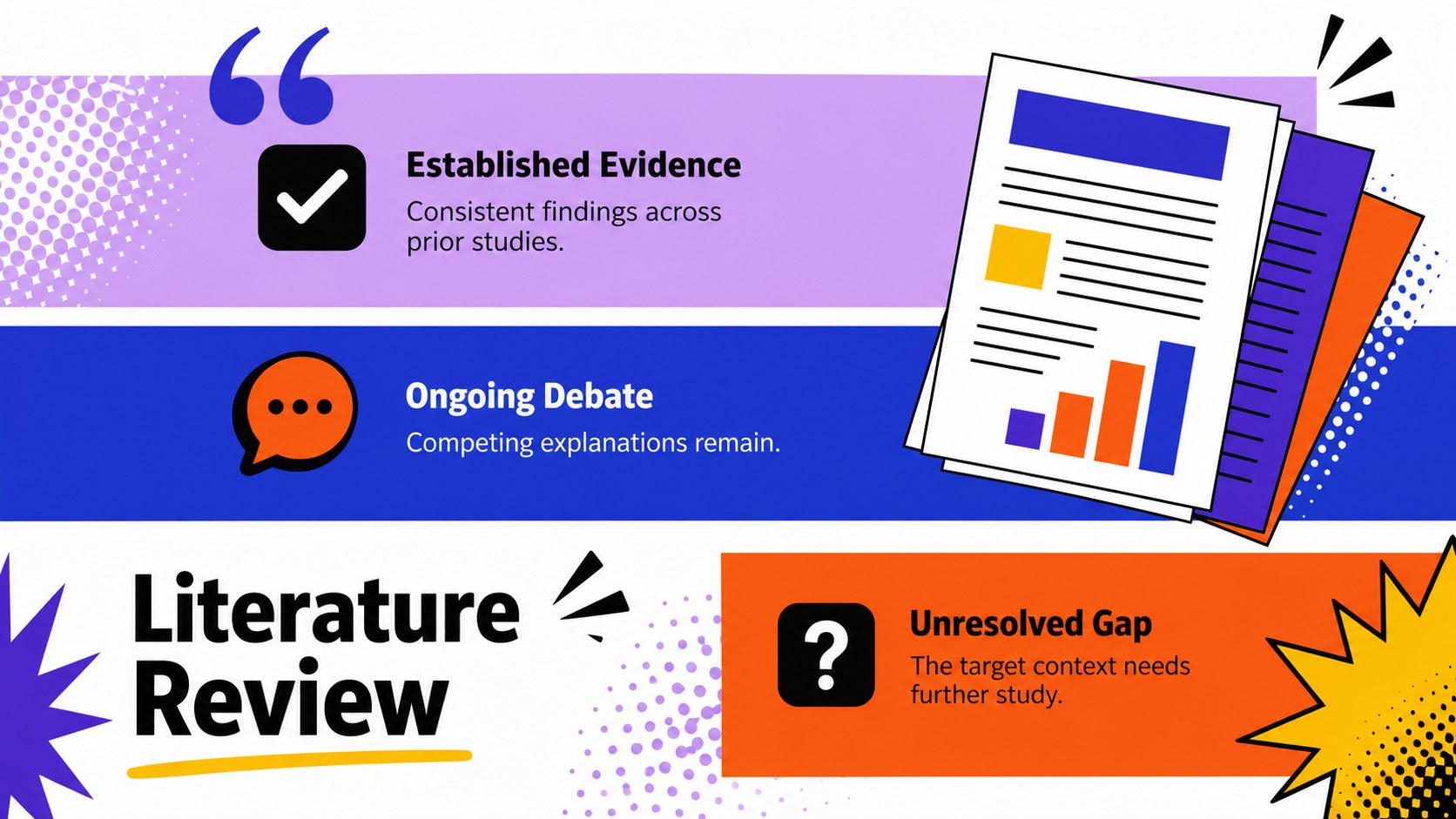
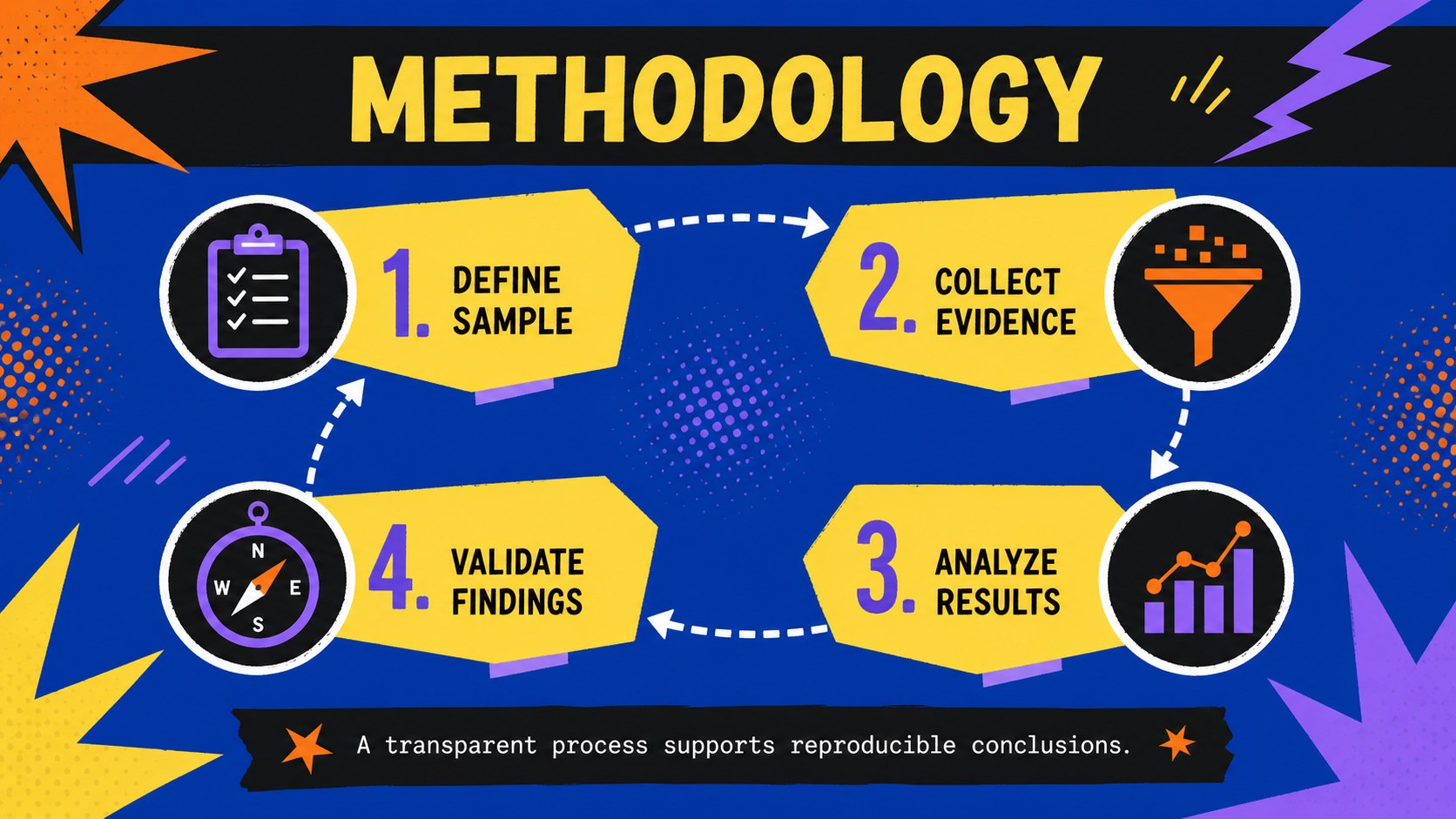
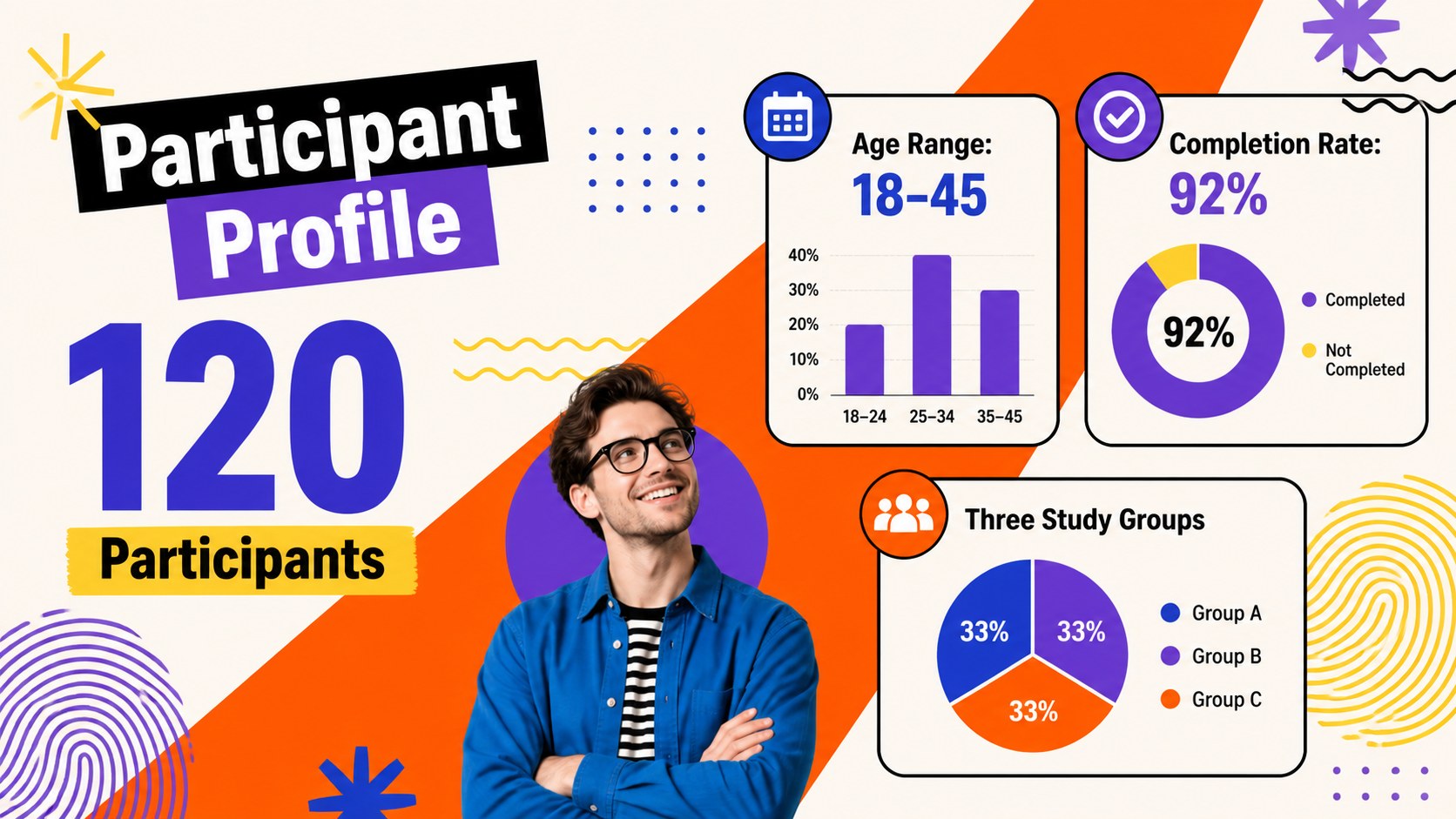
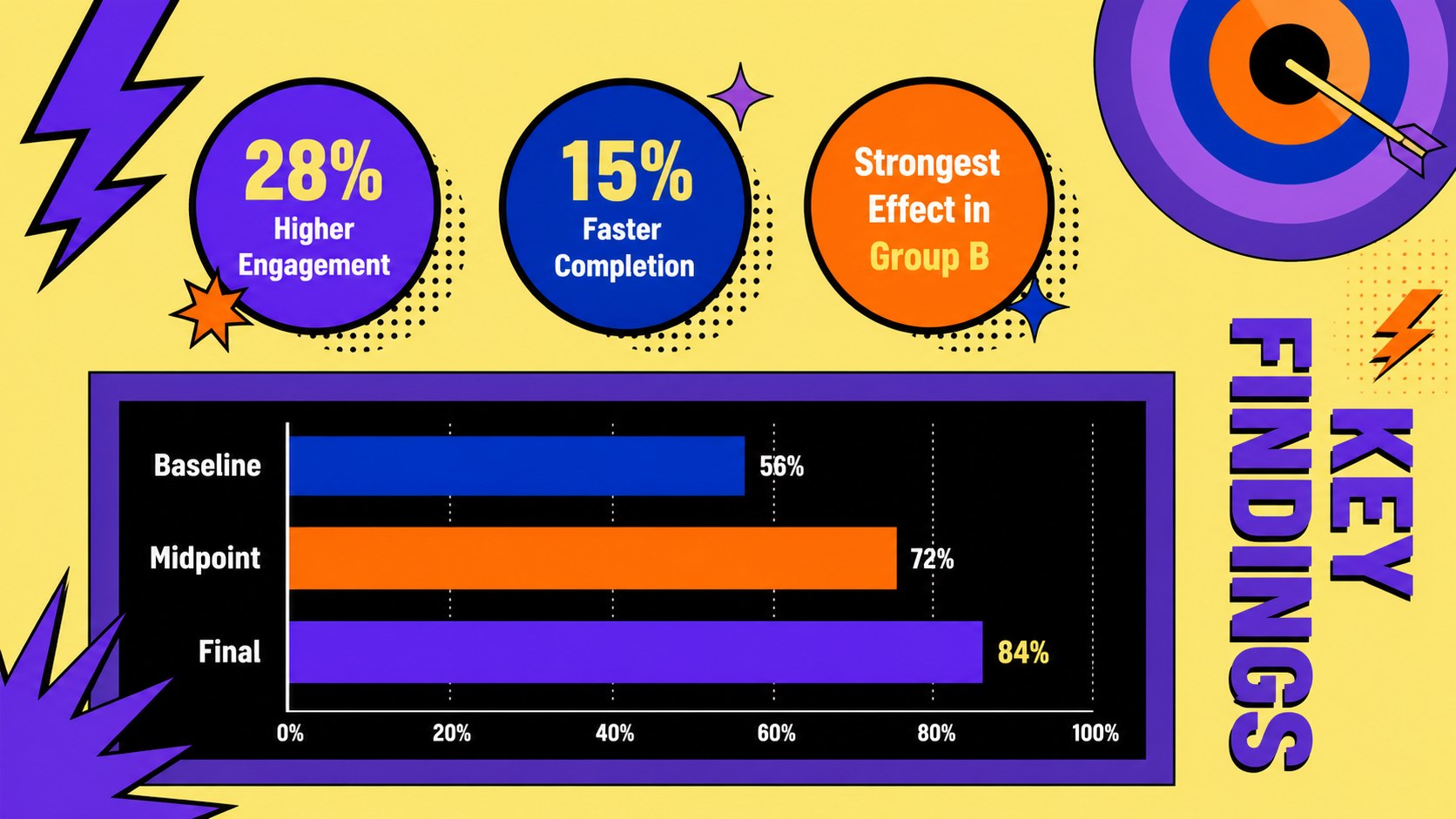
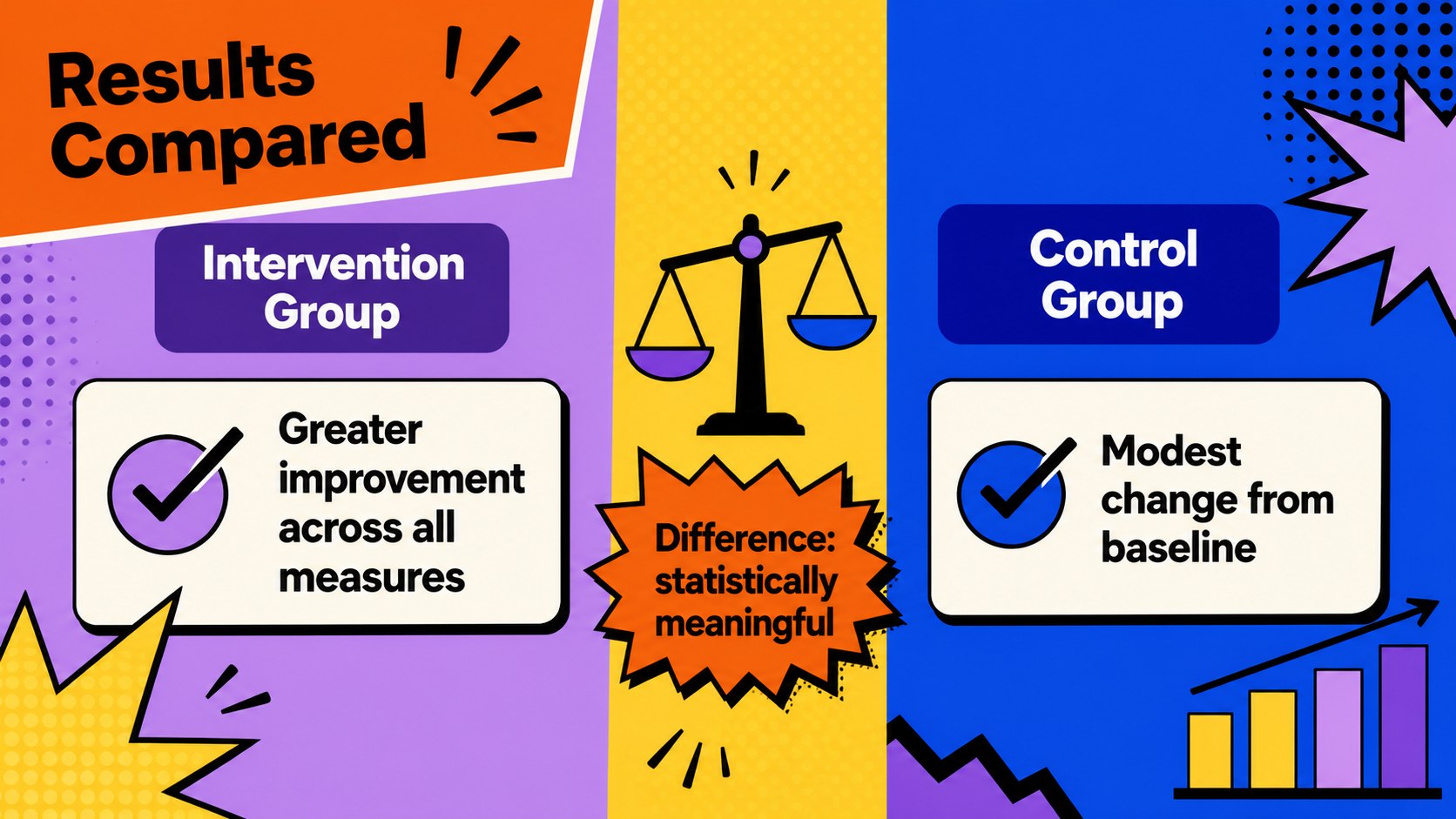
The deck includes layouts for your research question, project background, literature review, methodology, participant profile, findings, data comparisons, discussion, limitations, recommendations, and closing summary. Editable charts, timelines, diagrams, image frames, and section dividers help you organize a complete defense from opening statement to final questions. The bold academic defense PowerPoint design also provides enough visual contrast to separate major arguments and emphasize essential statistics.
This colorful research presentation for Google Slides is suited to undergraduate projects, master's dissertations, doctoral defenses, capstone presentations, and research seminars. Students can replace the sample wording, adjust the palette, insert institutional details, and adapt the layouts to quantitative, qualitative, or mixed-method studies. The playful style works especially well for creative disciplines, media studies, education, design research, and other subjects that benefit from an expressive but organized presentation.
Perfect for: master's dissertation defense; doctoral research presentation; undergraduate capstone review; graduate research seminar; academic findings briefing.
Frequently asked questions
Can I edit this deck in PowerPoint and Google Slides? Yes. Every slide is designed for editing in PowerPoint and Google Slides, including text, colors, shapes, charts, and image placeholders. Minor font substitutions may occur if a typeface is not installed on your device.
Practical details
Yes. Every slide is designed for editing in PowerPoint and Google Slides, including text, colors, shapes, charts, and image placeholders. Minor font substitutions may occur if a typeface is not installed on your device.
Replace the sample headings and concise body copy with your research content, then reorder or duplicate layouts as needed. Keep one main argument per slide and use the chart and comparison pages for evidence that benefits from visual explanation.
Yes. The violet, blue, orange, yellow, and black palette can be changed through the theme colors or by editing individual elements. Preserve strong contrast between text and backgrounds to maintain readability during projection.
Yes. It includes layouts for themes, quotations, processes, numerical charts, comparisons, and participant summaries. These components can be combined for qualitative, quantitative, or mixed-method dissertation defenses.
Keep exploring
15Build an engaging World UFO Day session with this flying saucer history lesson deck, featuring retro green-and-brown slides for PowerPoint and Google Slides.
 15
15Plan a lively animal-learning journey with this jungle zoo adventure lesson deck, ready to customize in PowerPoint and Google Slides for young learners.
 16
16Turn environmental research into a clear story with a Watercolor Ecology Presentation Theme for PowerPoint and Google Slides in calming green and blue.
 16
16Build focused fashion, literature, and humanities presentations with the Red Triangle Editorial Theme, editable in PowerPoint and Google Slides.
 15
15Turn streaming stats, favorite tracks, and concert highlights into a bold annual listening recap slide deck for PowerPoint and Google Slides.
 15
15Turn highlights, milestones, and favorite moments into a colorful year in review slide deck with bold 3D graphics for PowerPoint and Google Slides.
 3
3Build a credible endorsement with Standout Colleague Recommendation Letter Slides, featuring colorful prompts for skills, achievements, and team impact.
 4
4Build clear beginner sessions with an ice hockey fundamentals training deck for coaches, PE teachers, and clubs, ready for PowerPoint and Google Slides.