
 15
15presentation
Flying Saucer History Lesson Deck
Build an engaging World UFO Day session with this flying saucer history lesson deck, featuring retro green-and-brown slides for PowerPoint and Google Slides.
Google SlidesPowerPoint
presentation · English
Turn daily specials into crave-worthy signage with this Bold Pizza Restaurant Menu Display for PowerPoint and Google Slides in vivid red and yellow.
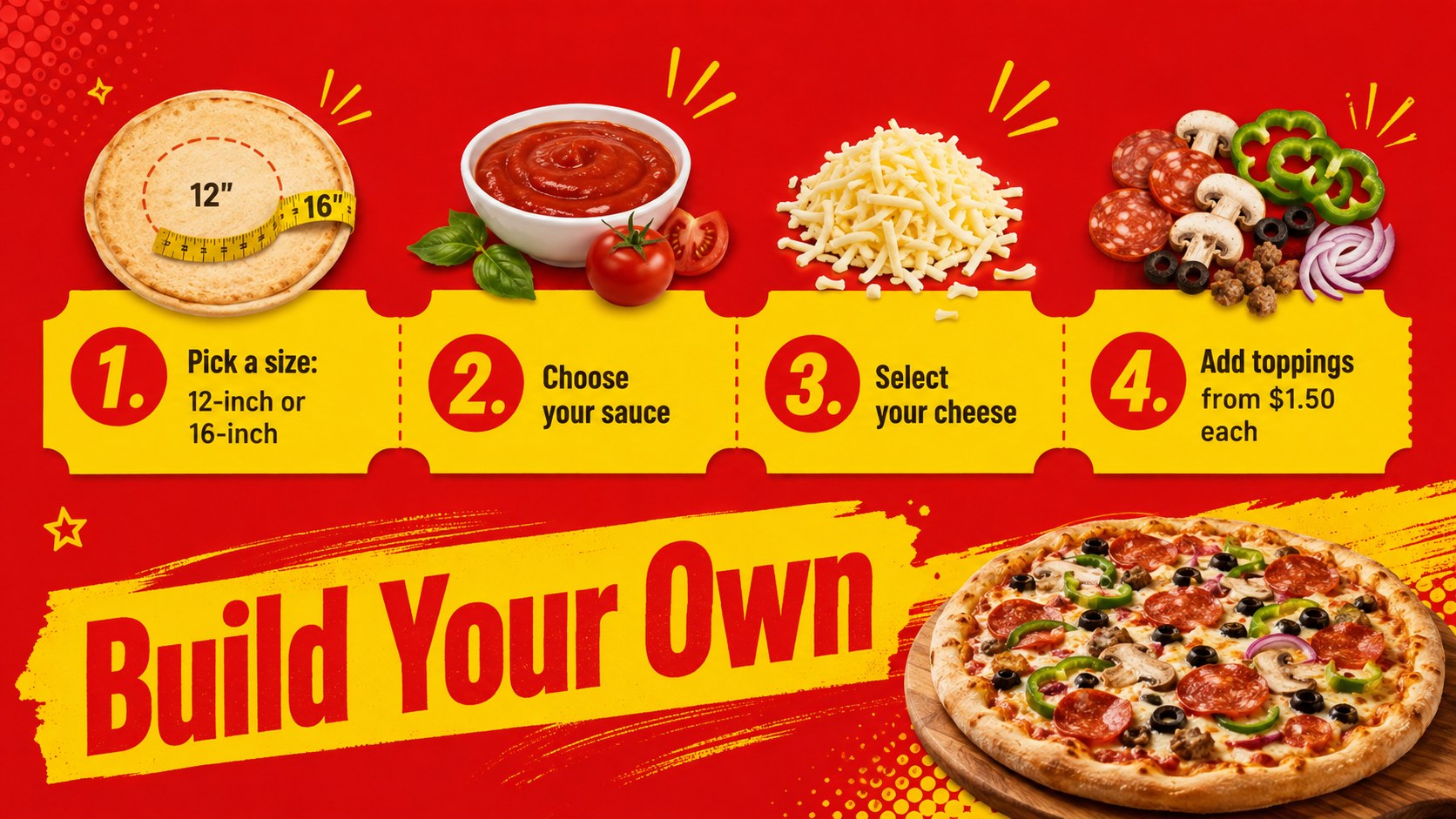
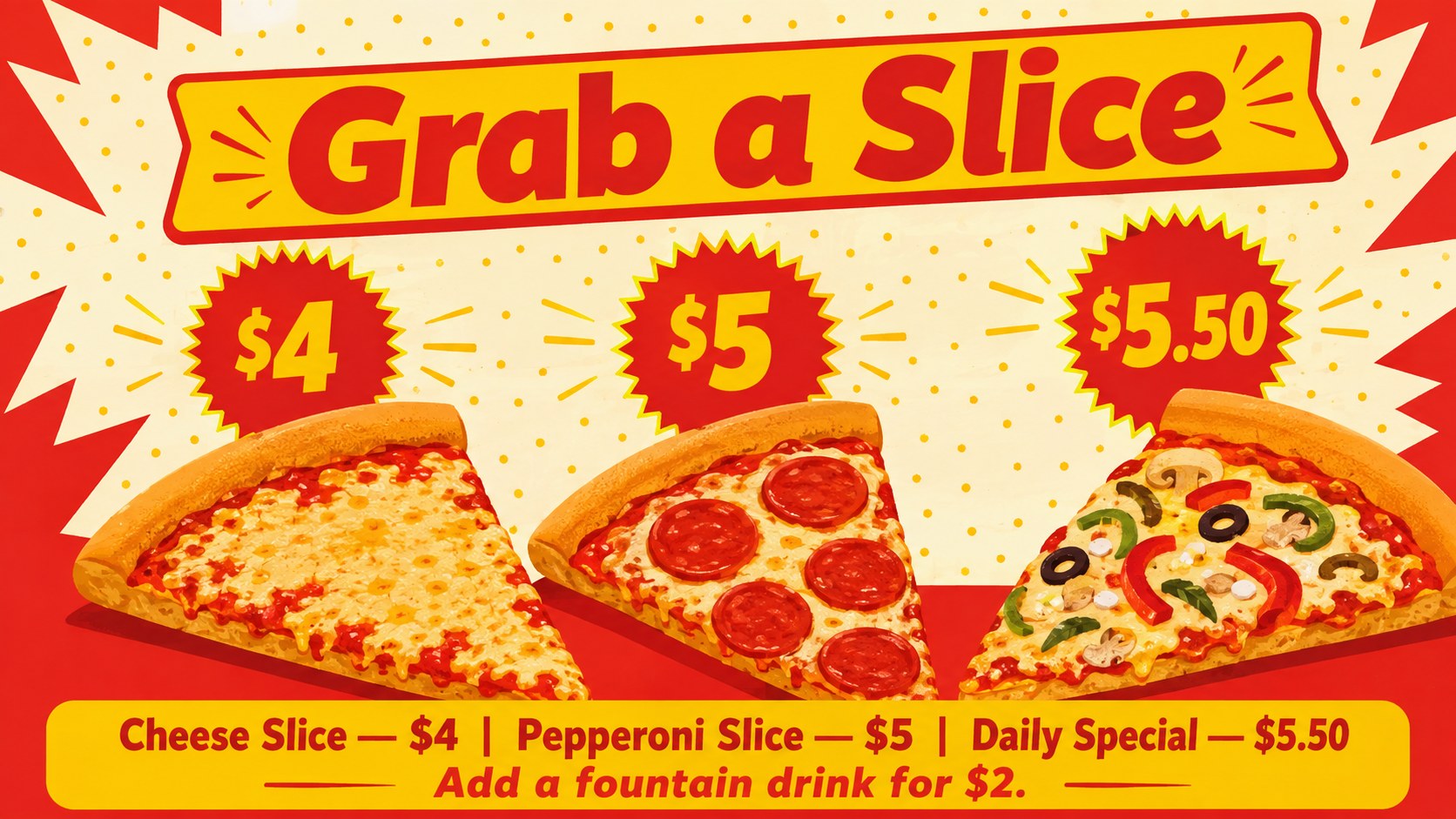
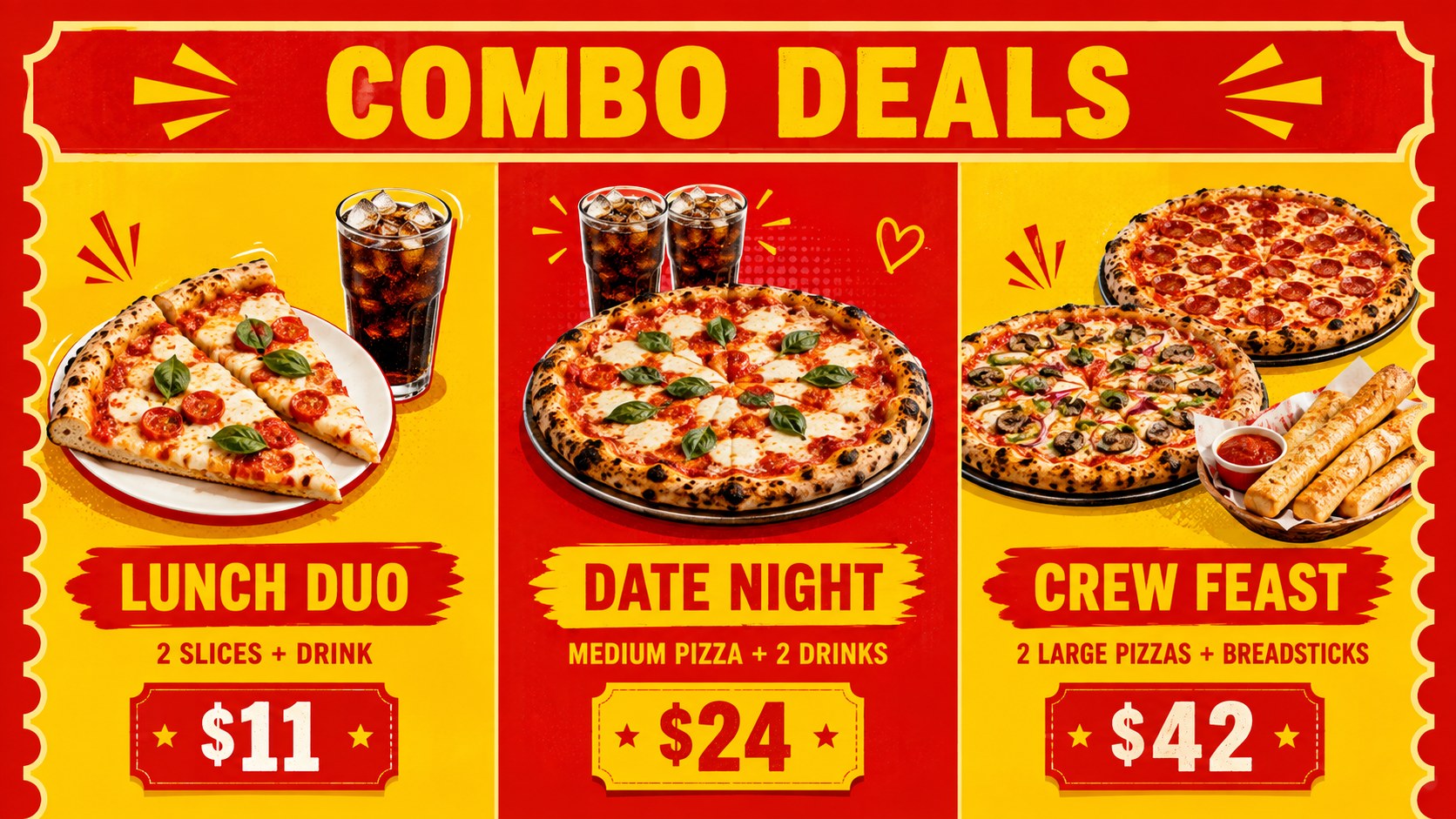
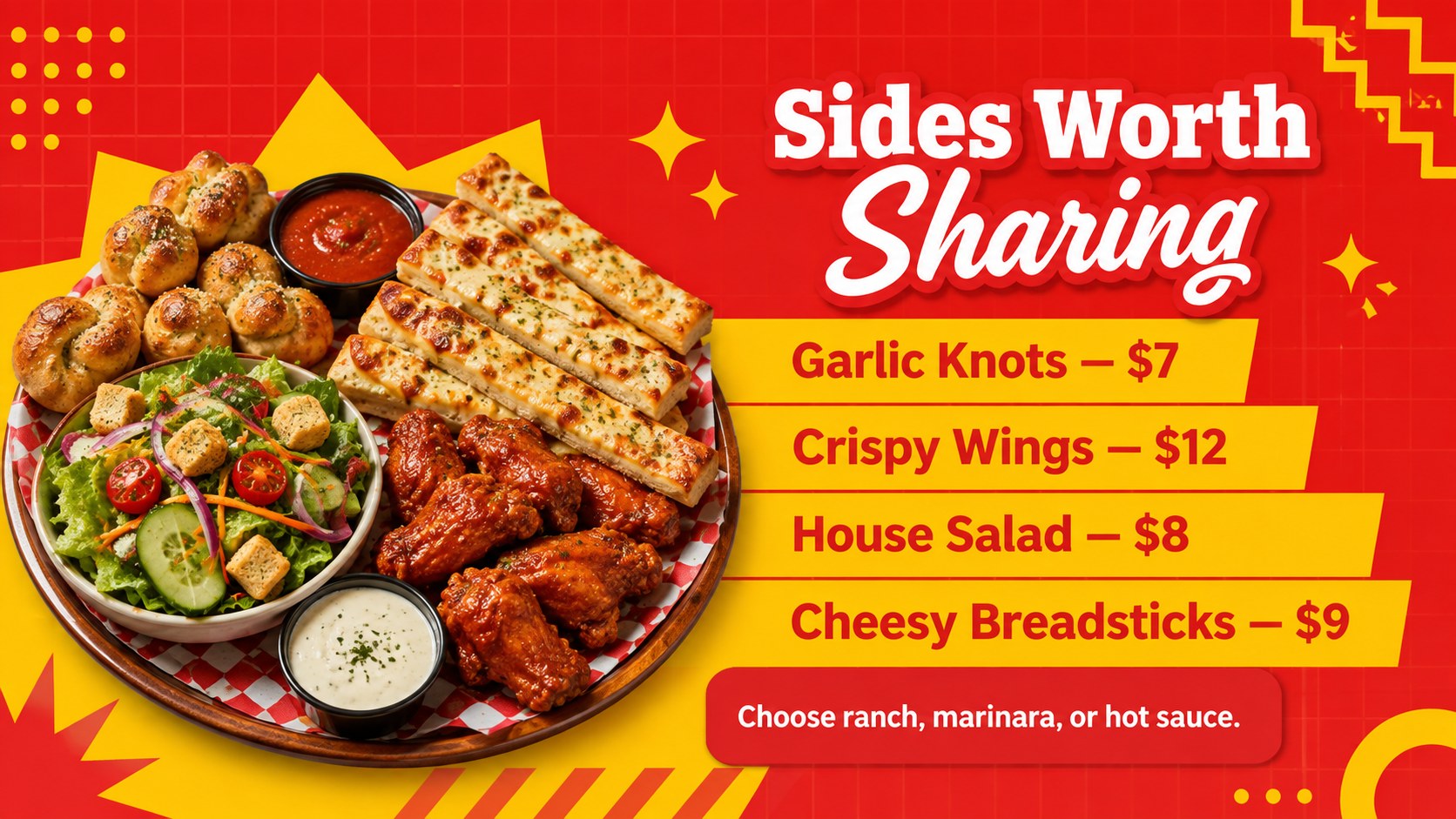
Design notes
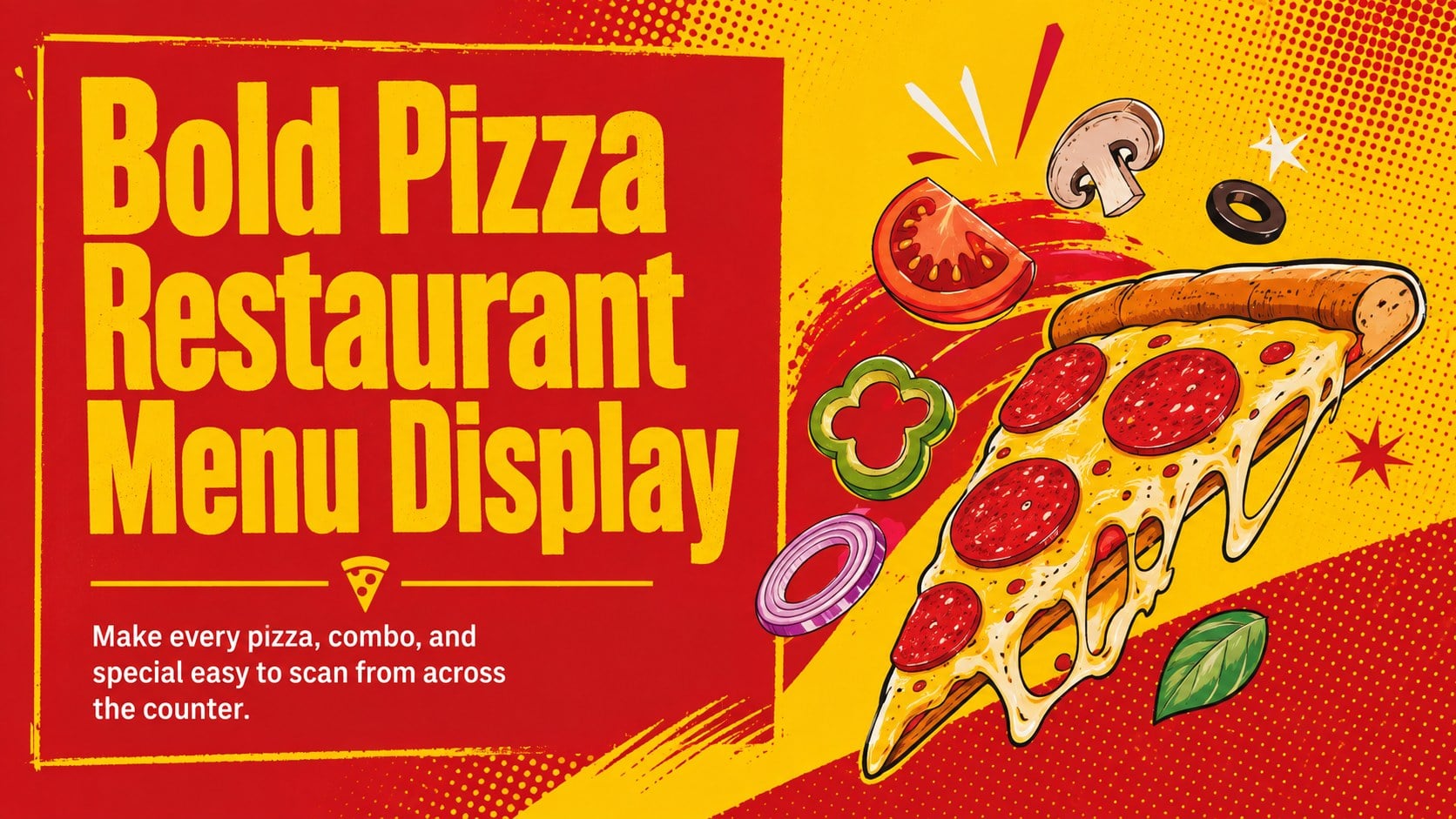
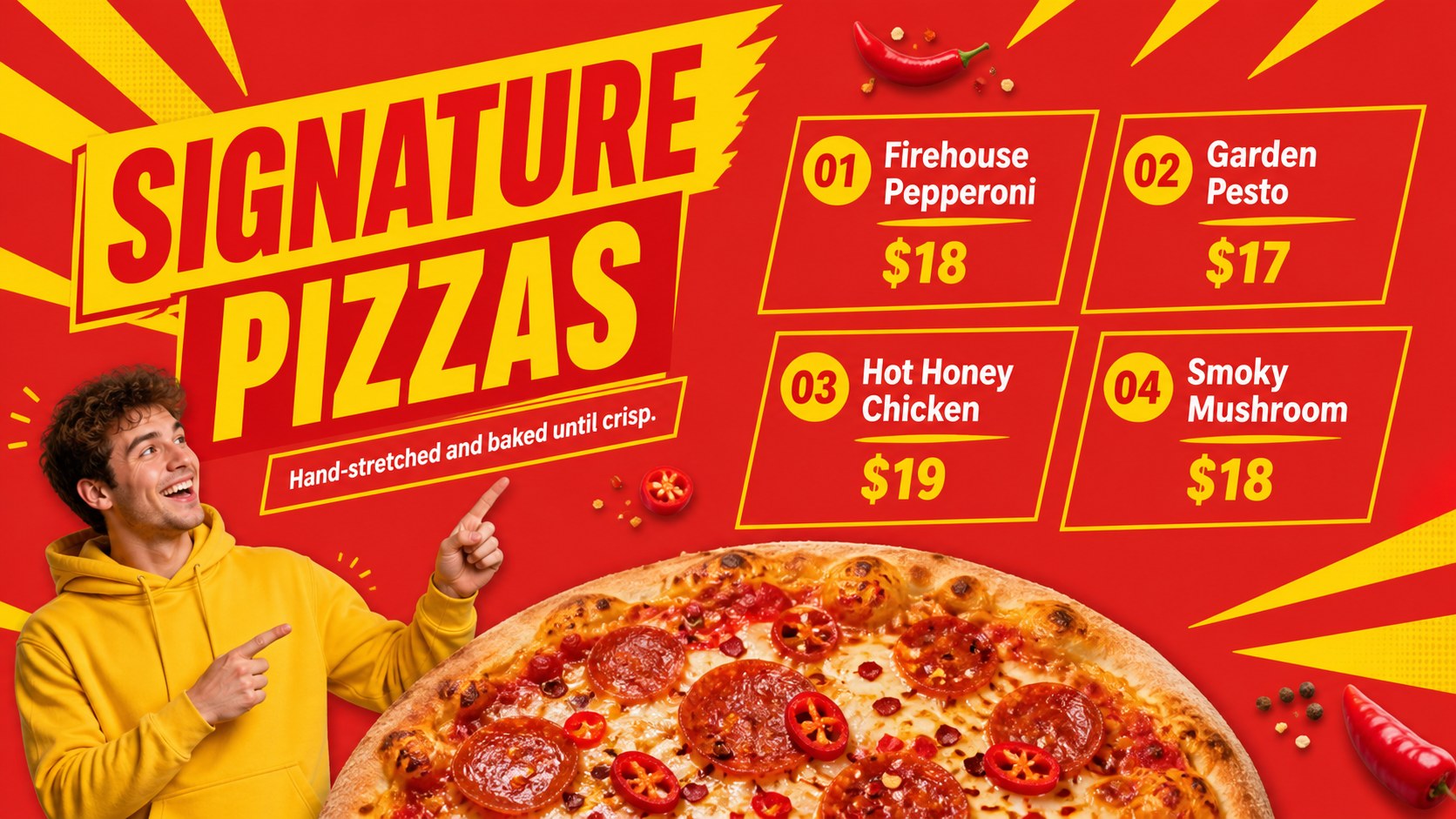
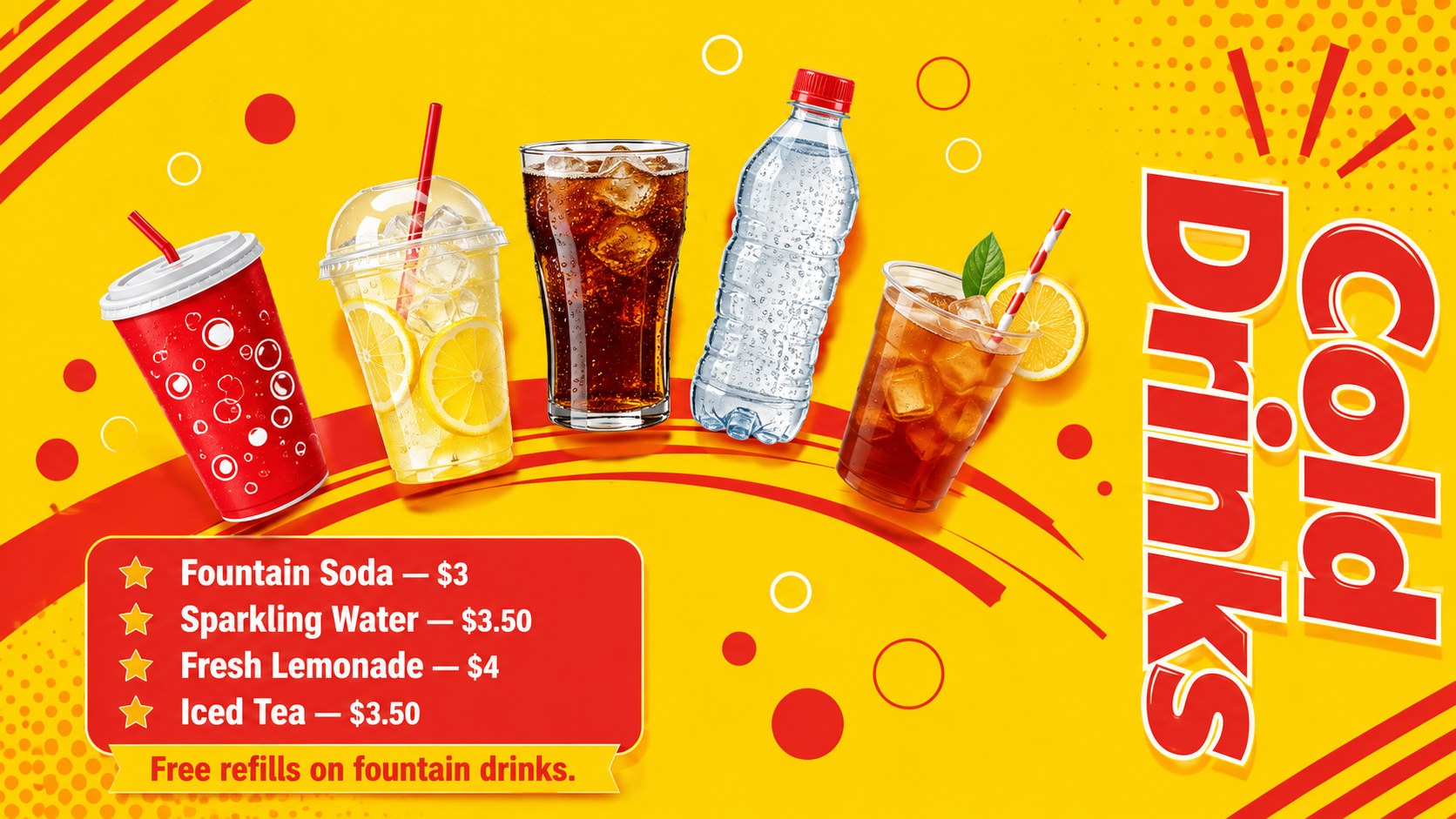
The Bold Pizza Restaurant Menu Display turns prices, toppings, meal deals, and limited-time offers into bright signage customers can understand at a glance. Designed with punchy red and yellow colors, oversized type, and playful food illustrations, it captures the lively atmosphere of a neighborhood pizza shop without sacrificing readability.
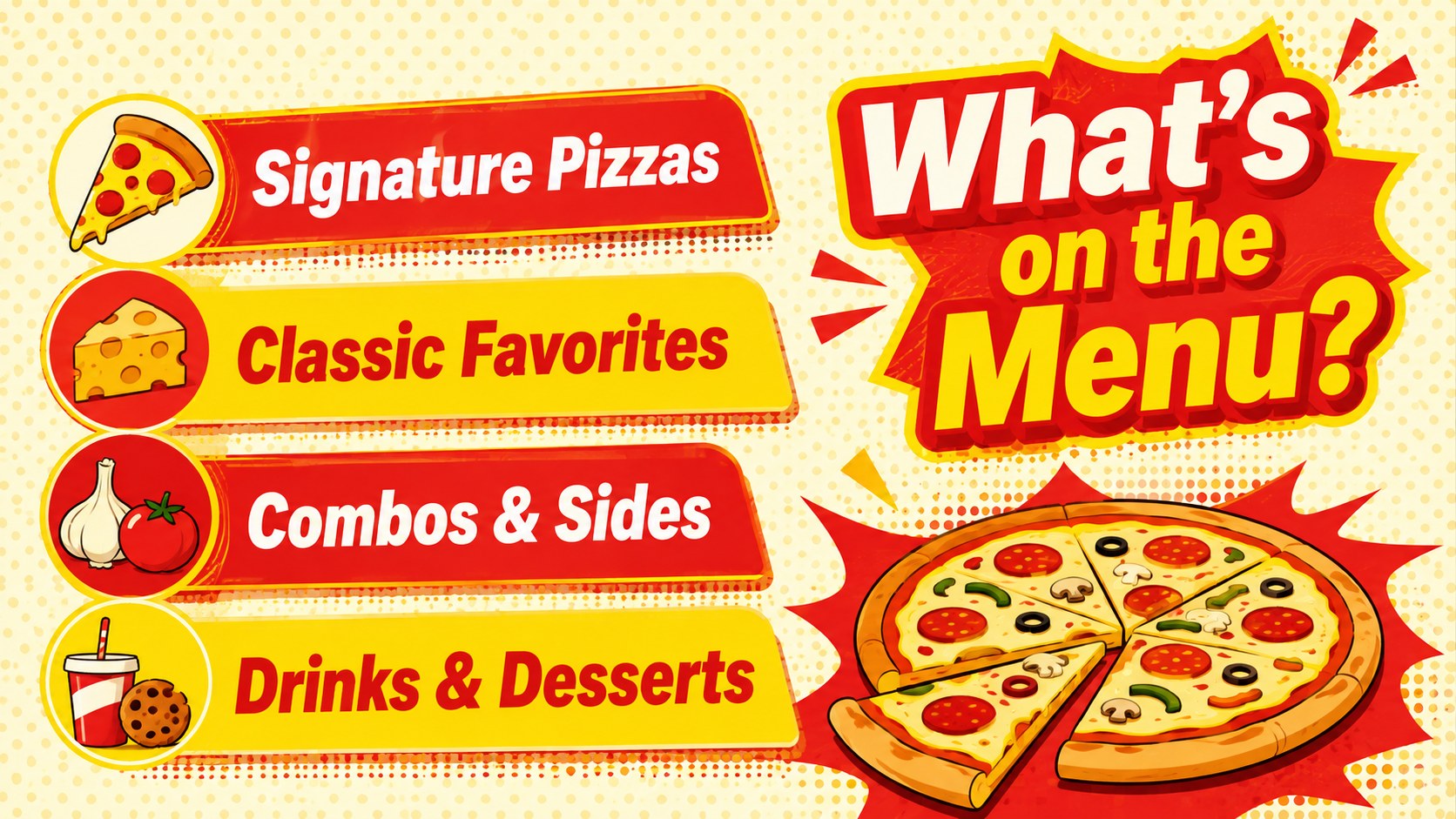
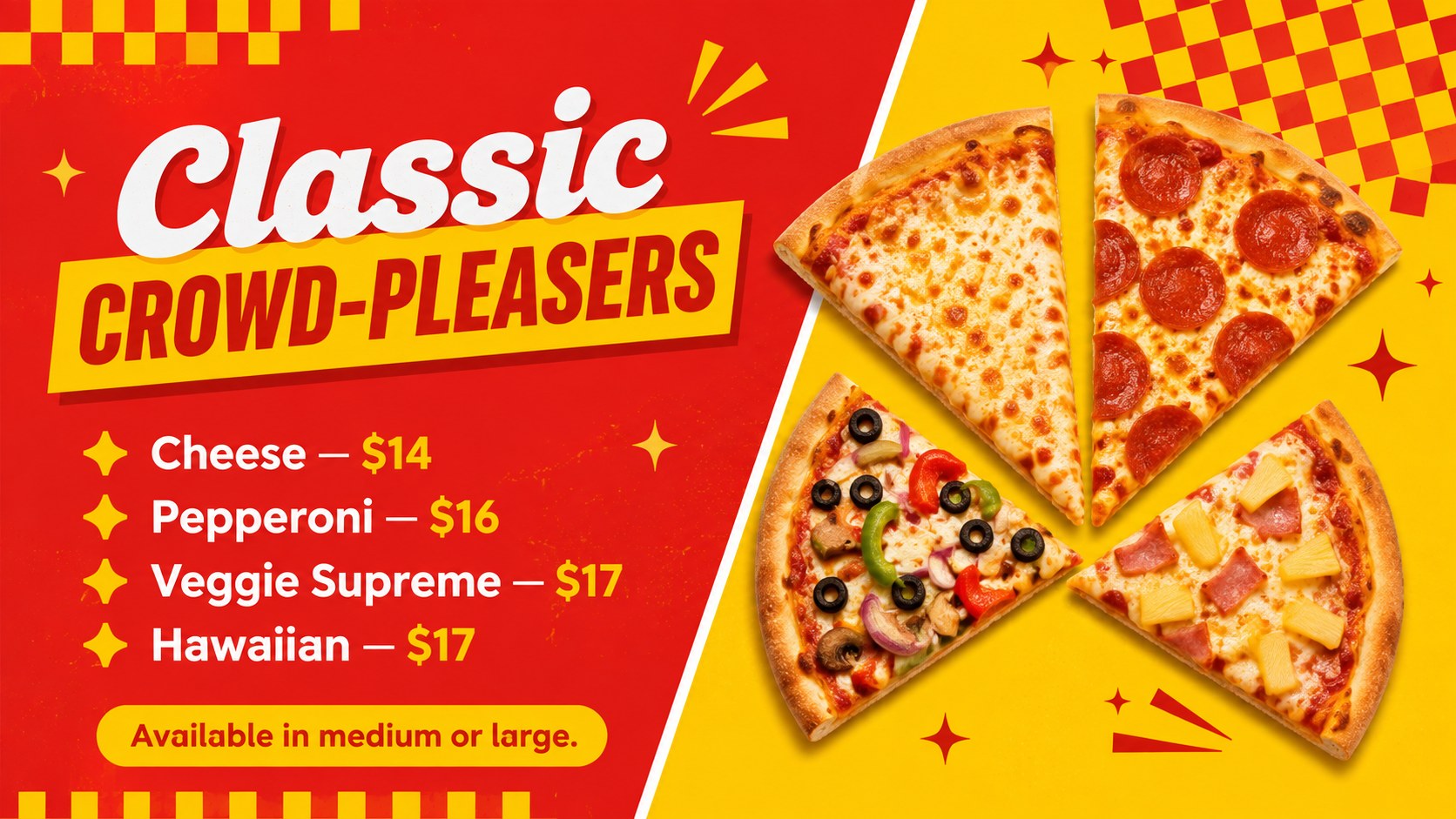
Inside, you will find layouts for signature pizzas, classic favorites, build-your-own options, slices, combo meals, sides, drinks, desserts, family bundles, and lunch promotions. There are also practical slides for allergen guidance, ordering steps, and a final call to action. Use the deck as a pizza menu board PowerPoint template on an in-store screen or adapt it as a Google Slides restaurant menu template for staff updates and promotional planning.
This editable pizzeria price list presentation is built for independent restaurant owners, franchise managers, food-truck operators, hospitality marketers, and designers creating digital signage for a pizza shop. Replace the sample dishes and prices, adjust fonts to fit your menu, and reorder sections around your service model. The 16:9 format works well on widescreen displays, presentation screens, and printed landscape menus. Every slide can be customized in PowerPoint or Google Slides, making it straightforward to feature seasonal recipes, new meal packages, or time-sensitive offers while preserving a consistent visual identity.
Perfect for: in-store digital pizza menu; pizzeria lunch promotion; food-truck price display; family meal deal campaign; seasonal pizza launch.
Frequently asked questions
Can I edit the menu items and prices? Yes. All sample names, descriptions, prices, and promotional labels can be replaced in PowerPoint or Google Slides. You can also duplicate or remove item rows to match the size of your menu.
Practical details
Yes. All sample names, descriptions, prices, and promotional labels can be replaced in PowerPoint or Google Slides. You can also duplicate or remove item rows to match the size of your menu.
The template is designed for Microsoft PowerPoint and Google Slides. Its 16:9 layout is suitable for standard widescreen presentations and many restaurant display screens.
Replace the sample food imagery, update the typefaces, and apply your restaurant's approved colors while retaining strong contrast. Master layouts and repeated visual styles help keep the full menu consistent.
Yes. Present the deck directly on a connected screen or export individual slides in a format supported by your signage system. Check the screen's resolution and viewing distance before finalizing smaller text.
Keep exploring
15Build an engaging World UFO Day session with this flying saucer history lesson deck, featuring retro green-and-brown slides for PowerPoint and Google Slides.
 15
15Plan a lively animal-learning journey with this jungle zoo adventure lesson deck, ready to customize in PowerPoint and Google Slides for young learners.
 16
16Turn environmental research into a clear story with a Watercolor Ecology Presentation Theme for PowerPoint and Google Slides in calming green and blue.
 16
16Build focused fashion, literature, and humanities presentations with the Red Triangle Editorial Theme, editable in PowerPoint and Google Slides.
 15
15Turn streaming stats, favorite tracks, and concert highlights into a bold annual listening recap slide deck for PowerPoint and Google Slides.
 15
15Turn highlights, milestones, and favorite moments into a colorful year in review slide deck with bold 3D graphics for PowerPoint and Google Slides.
 3
3Build a credible endorsement with Standout Colleague Recommendation Letter Slides, featuring colorful prompts for skills, achievements, and team impact.
 4
4Build clear beginner sessions with an ice hockey fundamentals training deck for coaches, PE teachers, and clubs, ready for PowerPoint and Google Slides.