
 15
15presentation
Flying Saucer History Lesson Deck
Build an engaging World UFO Day session with this flying saucer history lesson deck, featuring retro green-and-brown slides for PowerPoint and Google Slides.
Google SlidesPowerPoint
presentation · English
Build stakeholder-ready campaigns with a Bold Geometric Marketing Blueprint featuring vivid blue-and-white layouts for PowerPoint and Google Slides.

Design notes
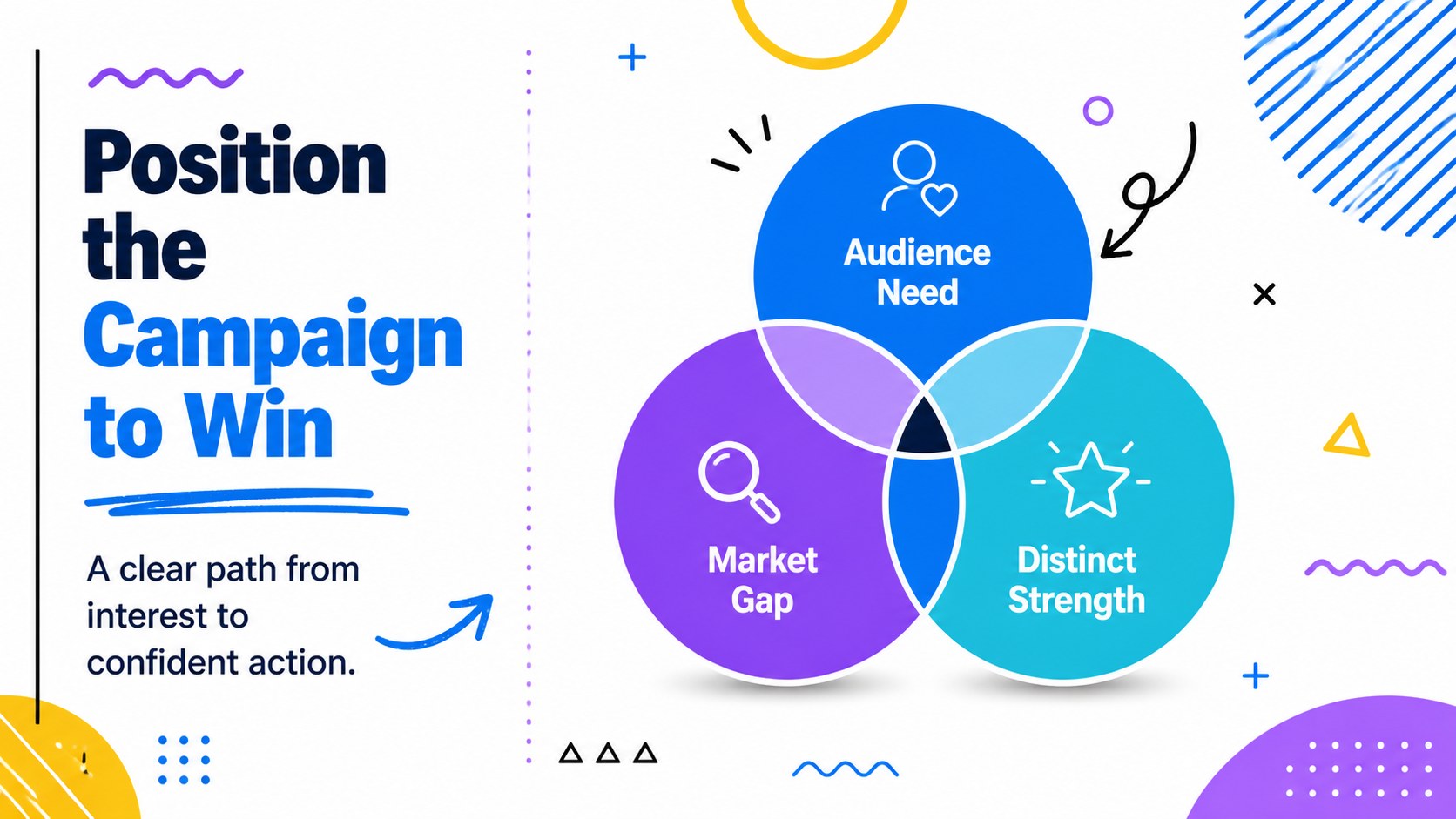
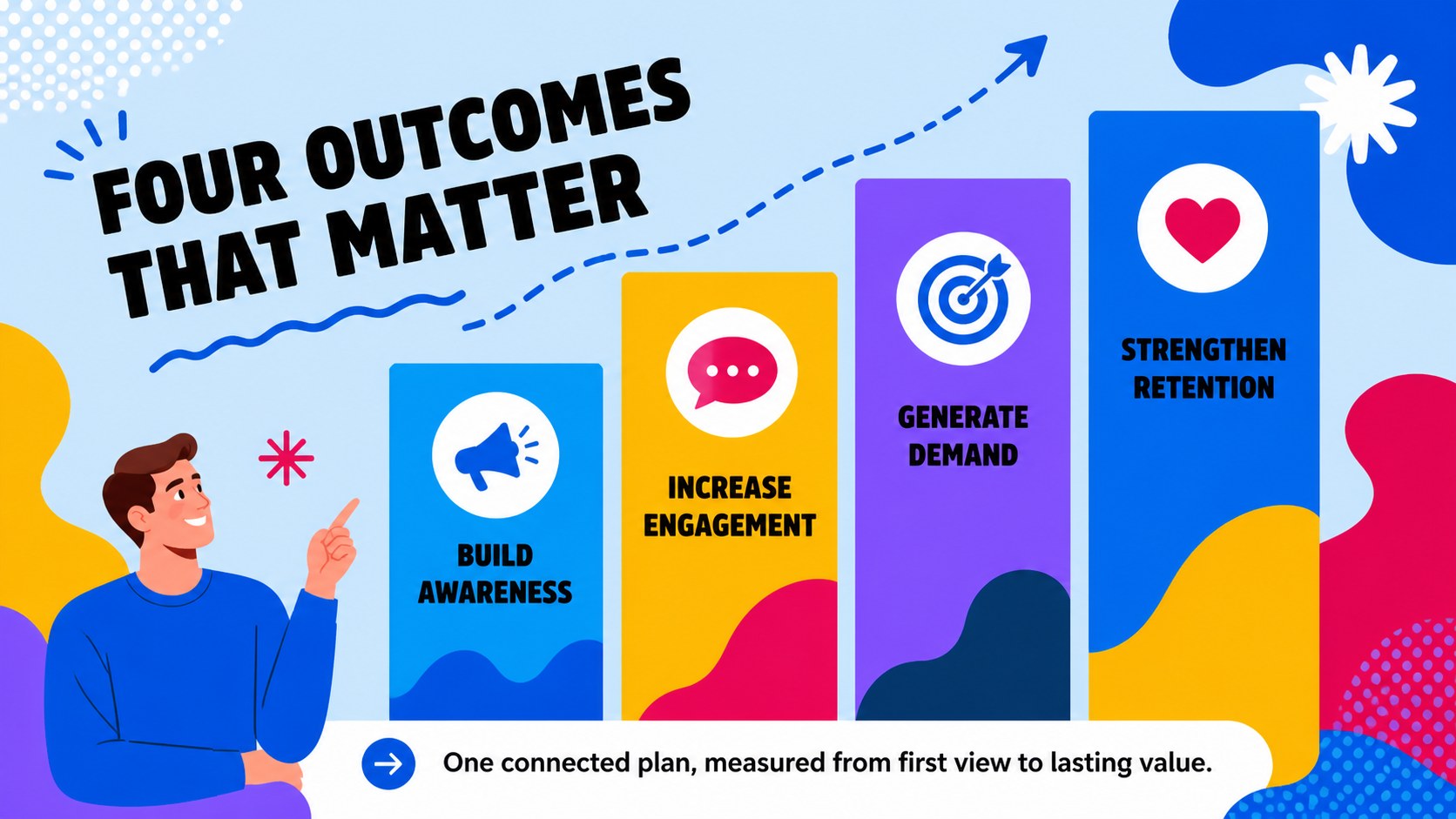
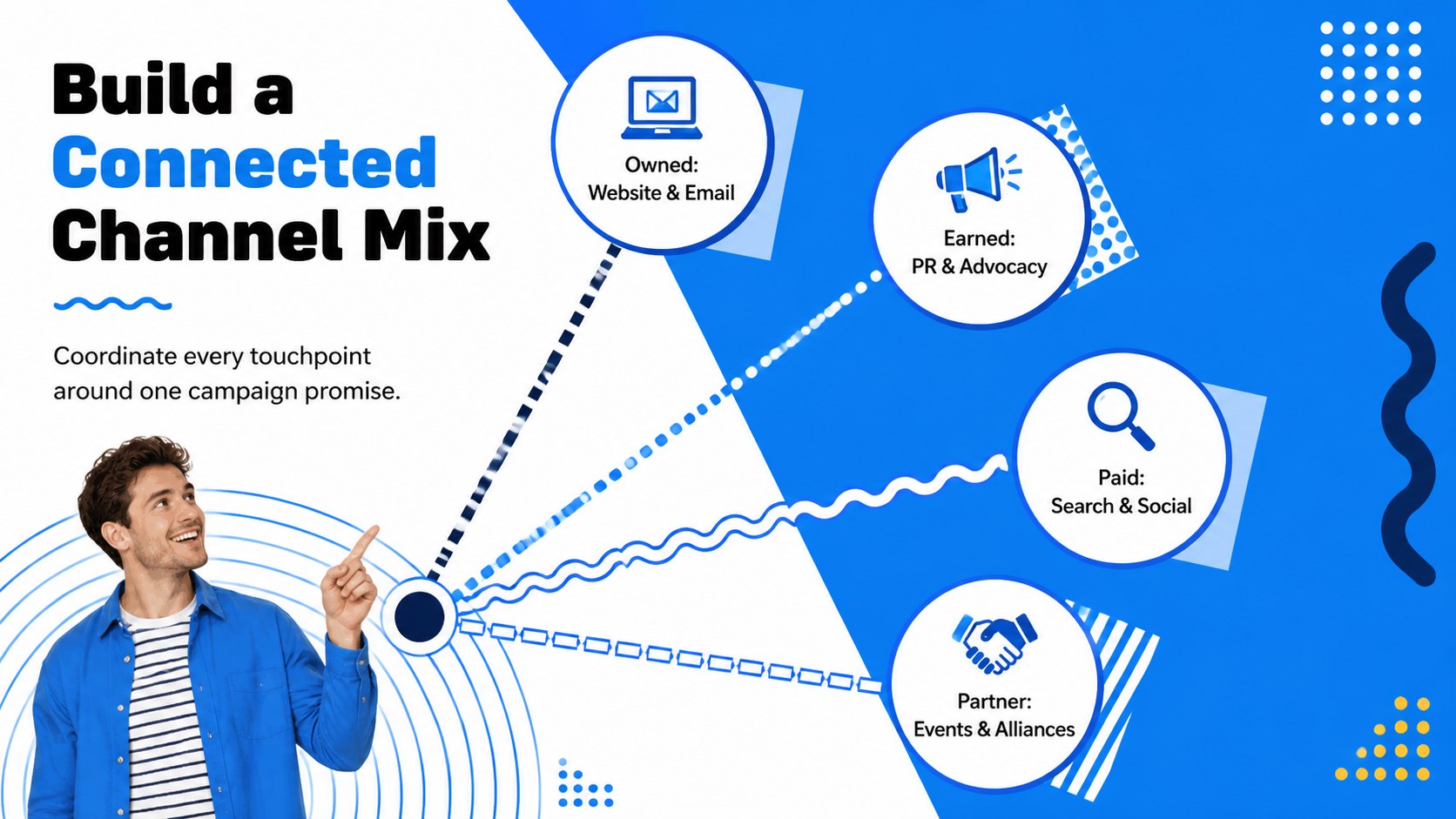
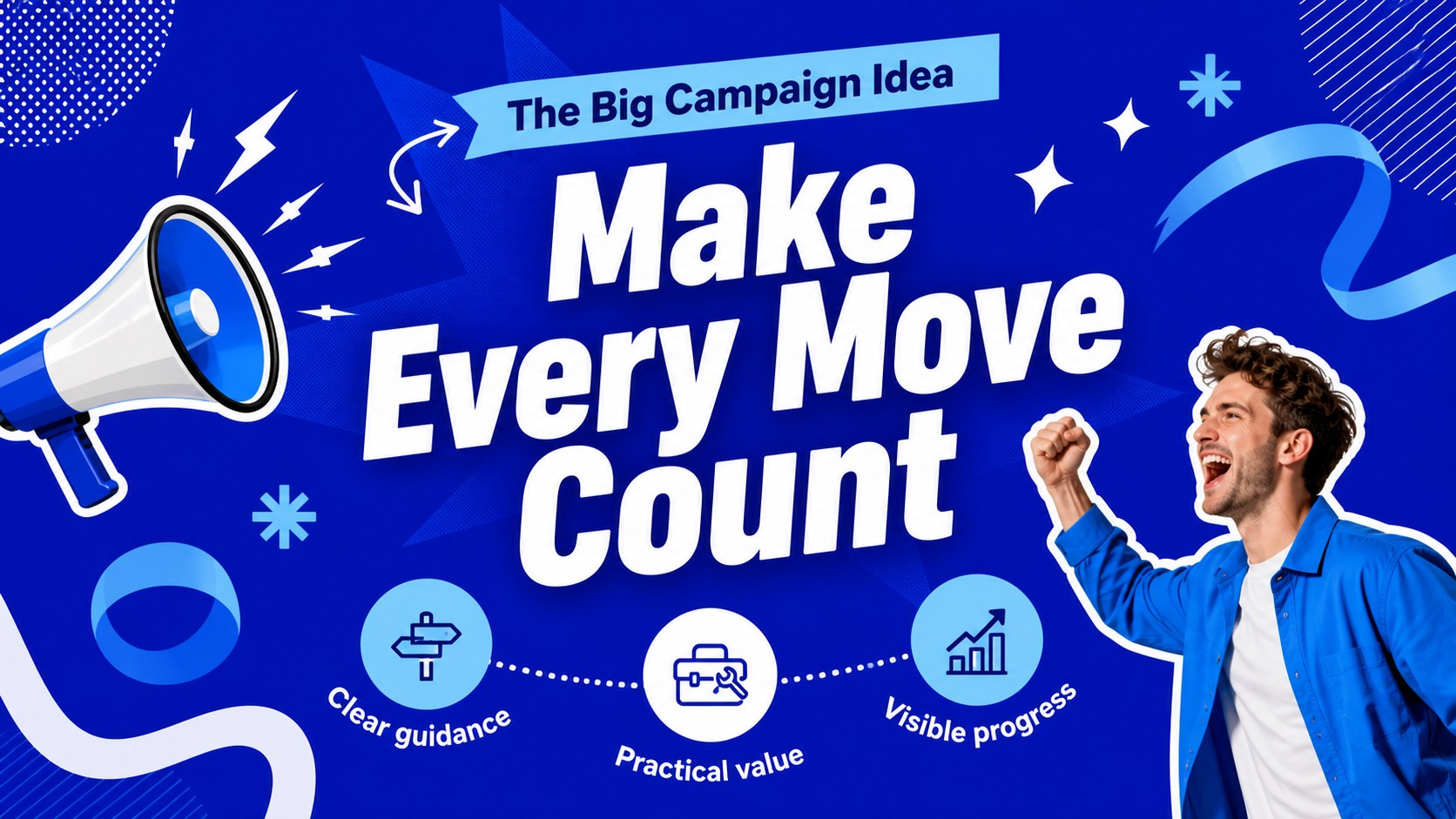
Give campaign ideas a confident visual structure with the Bold Geometric Marketing Blueprint. Designed for marketers who need to move from research to action, this blue-and-white presentation combines playful Memphis-inspired shapes with clear, professional layouts. Use it to explain positioning, define priorities, and gain stakeholder support without losing the energy of your creative concept.
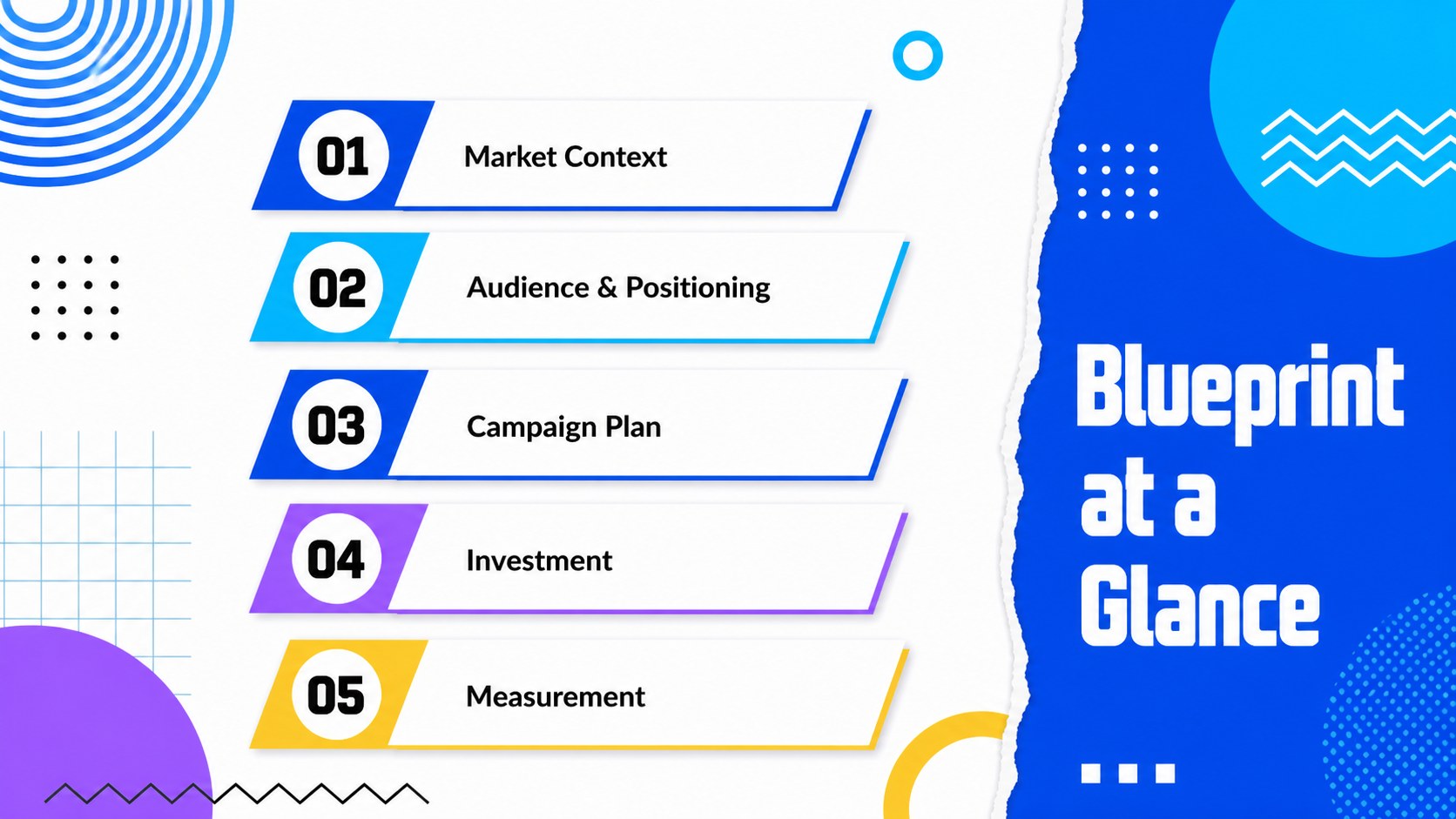
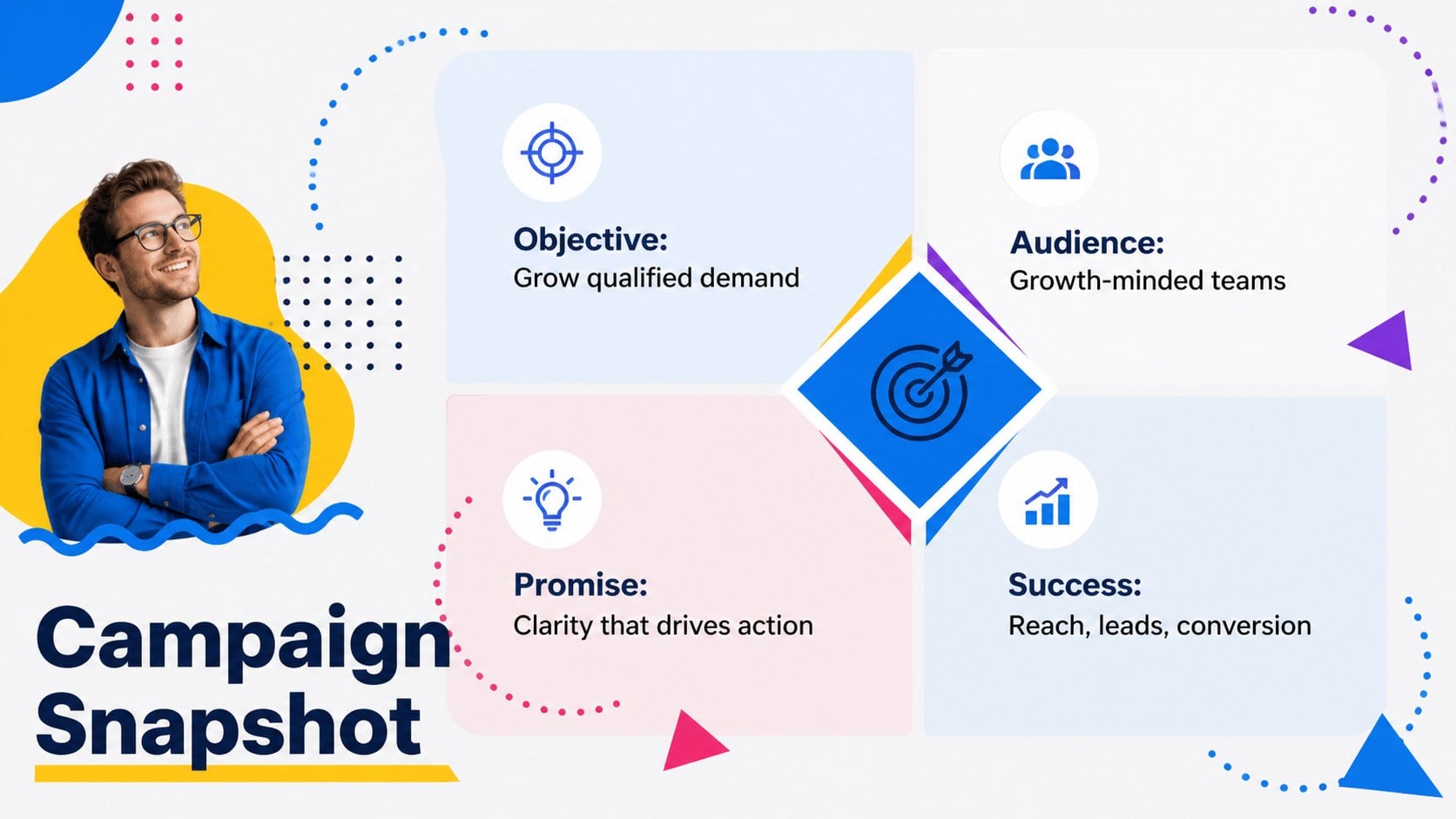
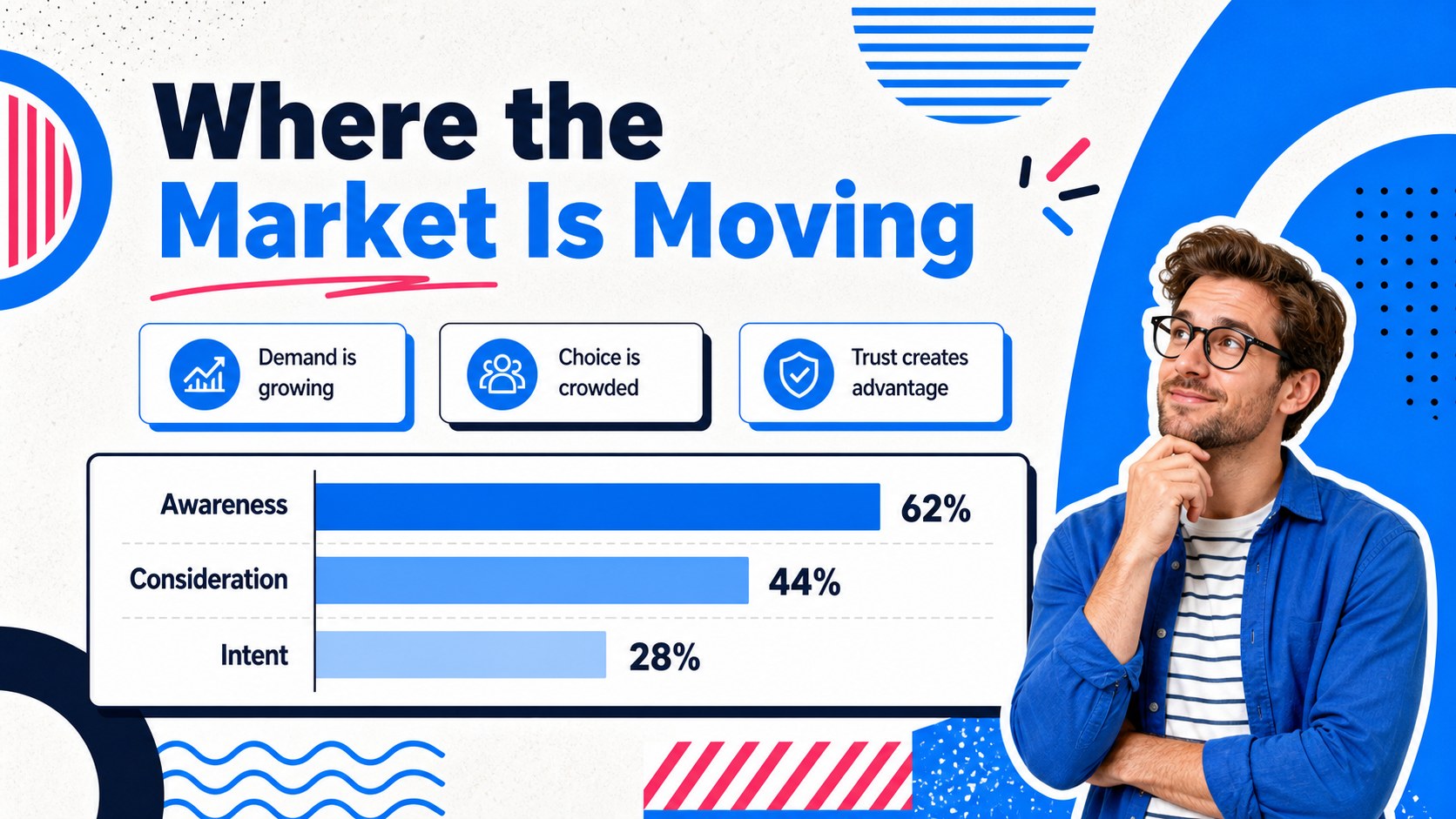
The 21-slide collection includes layouts for an executive overview, market landscape, audience profiles, campaign objectives, channel planning, content pillars, schedules, budgets, and performance indicators. Flexible charts, comparison pages, image frames, and timelines make it useful as a blue geometric marketing strategy deck or a set of editable go to market planning slides. Every element can be adjusted to match your organization, including text, colors, type, data, and imagery.
This presentation is suited to in-house marketing teams, creative agencies, consultants, founders, and students developing a practical campaign proposal. Build a brand positioning presentation template for a new launch, summarize quarterly priorities, or create marketing KPI dashboard slides for a review meeting. The widescreen format works in both PowerPoint and Google Slides, supporting live presentations, collaborative planning, and exported PDF handouts. Bold display typography, accessible body text, and lively geometric accents keep detailed information engaging while preserving a polished business tone.
Perfect for: new product campaign proposal; quarterly marketing strategy review; agency client presentation; brand positioning workshop; go-to-market planning session; campaign performance report.
Frequently asked questions
Can I edit every part of the presentation? Yes. Text, colors, fonts, shapes, charts, image frames, and layout elements can be customized to fit your campaign and brand guidelines.
Practical details
Yes. Text, colors, fonts, shapes, charts, image frames, and layout elements can be customized to fit your campaign and brand guidelines.
The deck is designed for Microsoft PowerPoint and Google Slides. You can present directly from either platform or export the finished slides as a PDF.
Replace the theme colors with your approved brand values, then update accent shapes and chart series consistently. Check text contrast after changing backgrounds to keep every slide readable.
Yes. The KPI, budget, timeline, channel, and next-step layouts can be populated with live campaign results for stakeholder reviews and progress updates.
Keep exploring
15Build an engaging World UFO Day session with this flying saucer history lesson deck, featuring retro green-and-brown slides for PowerPoint and Google Slides.
 15
15Plan a lively animal-learning journey with this jungle zoo adventure lesson deck, ready to customize in PowerPoint and Google Slides for young learners.
 16
16Turn environmental research into a clear story with a Watercolor Ecology Presentation Theme for PowerPoint and Google Slides in calming green and blue.
 16
16Build focused fashion, literature, and humanities presentations with the Red Triangle Editorial Theme, editable in PowerPoint and Google Slides.
 15
15Turn streaming stats, favorite tracks, and concert highlights into a bold annual listening recap slide deck for PowerPoint and Google Slides.
 15
15Turn highlights, milestones, and favorite moments into a colorful year in review slide deck with bold 3D graphics for PowerPoint and Google Slides.
 3
3Build a credible endorsement with Standout Colleague Recommendation Letter Slides, featuring colorful prompts for skills, achievements, and team impact.
 4
4Build clear beginner sessions with an ice hockey fundamentals training deck for coaches, PE teachers, and clubs, ready for PowerPoint and Google Slides.