
 15
15presentation
Flying Saucer History Lesson Deck
Build an engaging World UFO Day session with this flying saucer history lesson deck, featuring retro green-and-brown slides for PowerPoint and Google Slides.
Google SlidesPowerPoint
presentation · English
Organize your celebration with a bohemian botanical wedding planning deck featuring editable timelines, mood boards, guest details, and floral layouts.
Design notes
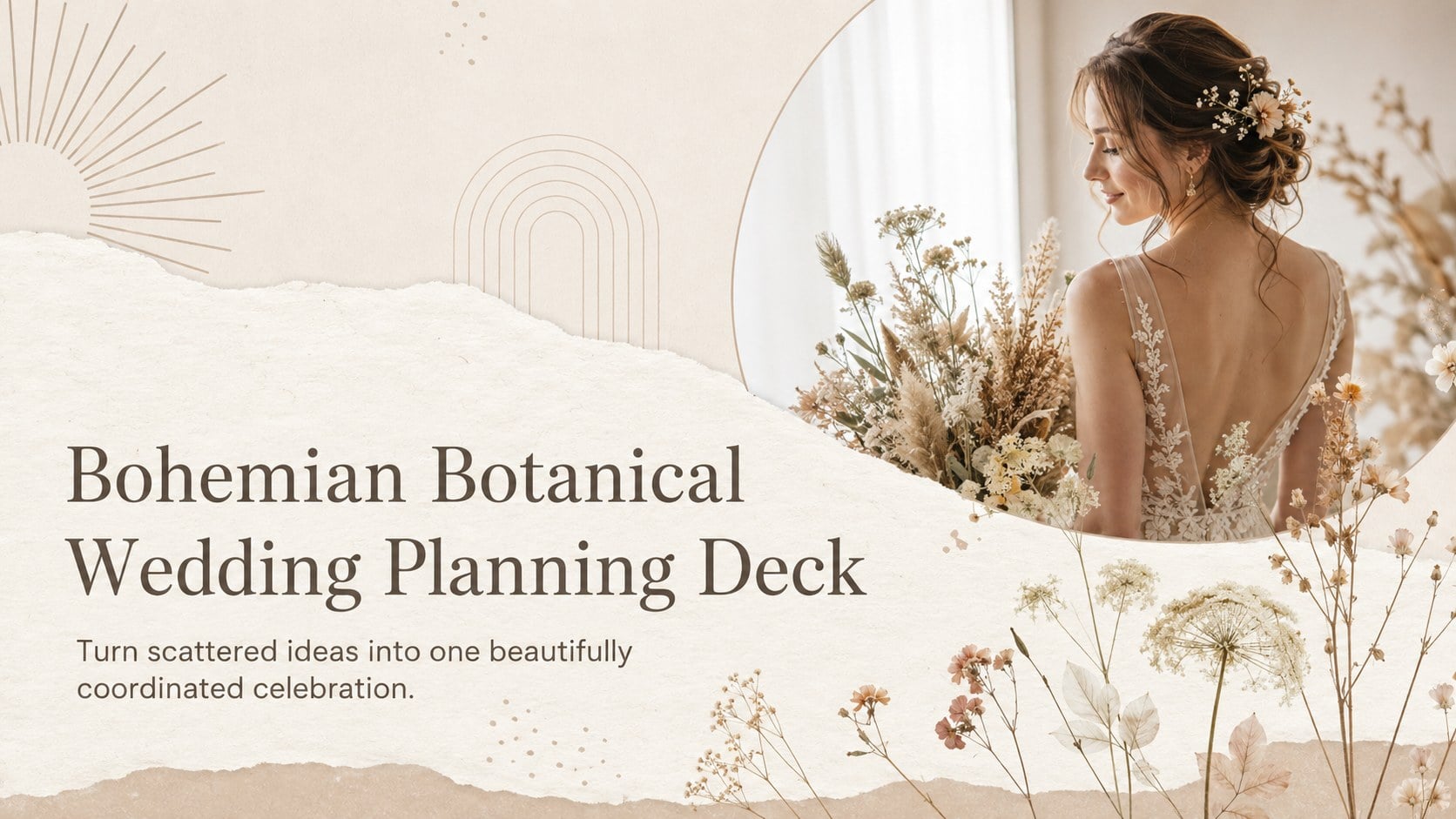
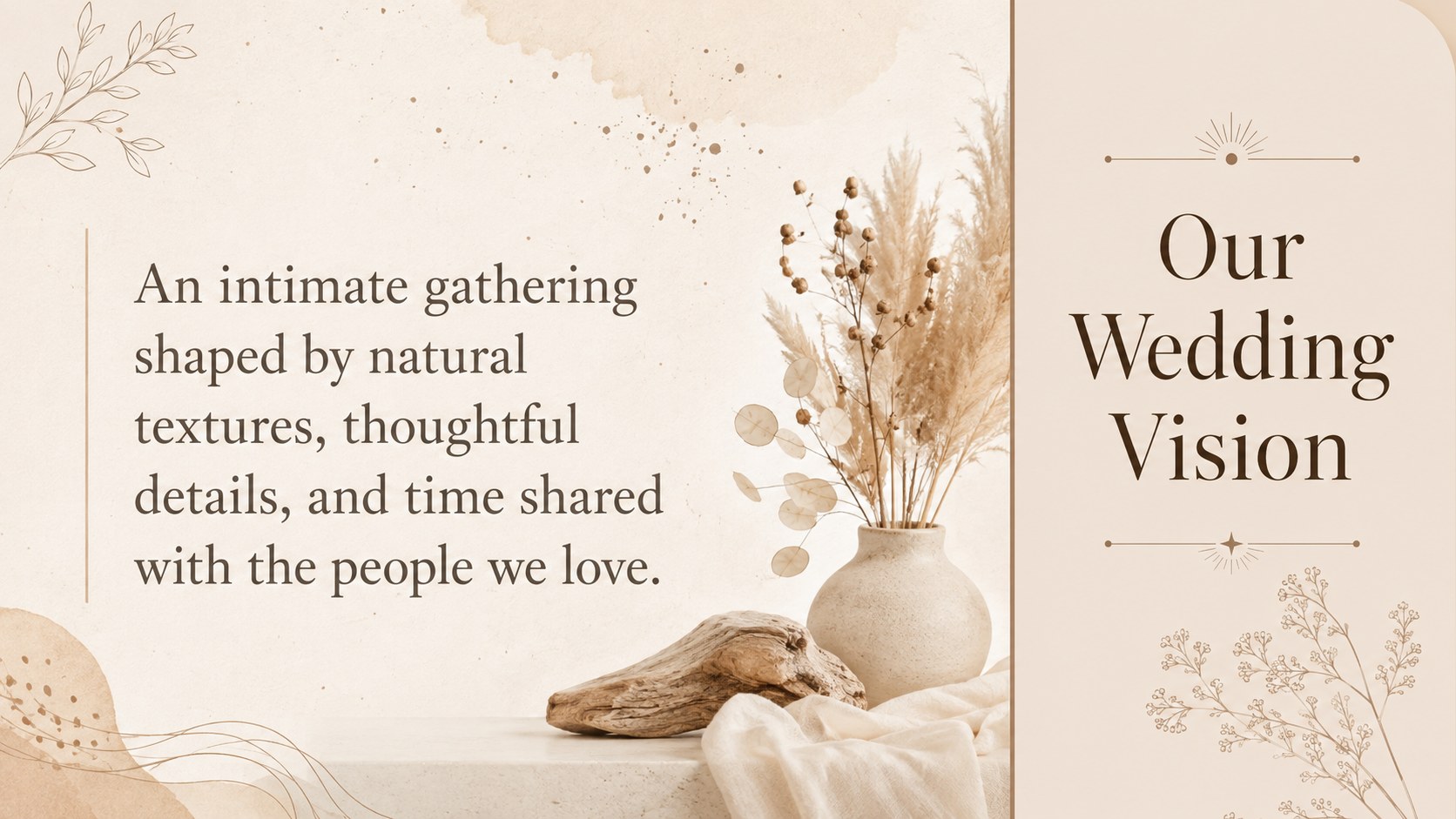
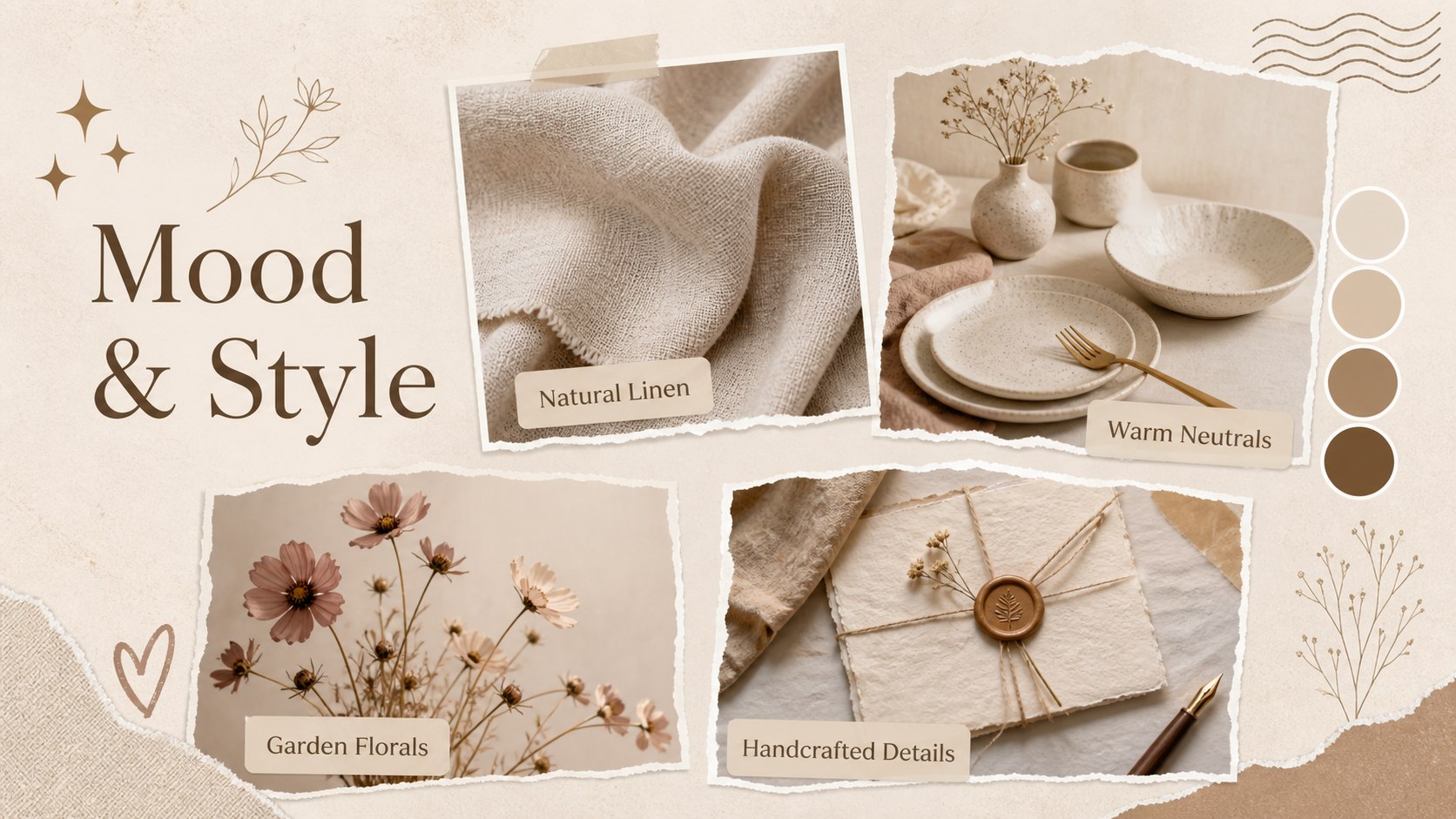
Bring the visual direction, practical details, and memorable moments of a celebration into one cohesive presentation. The Bohemian Botanical Wedding Planning Deck combines soft beige backgrounds, earthy brown accents, delicate flowers, and refined typography for a relaxed yet sophisticated look.
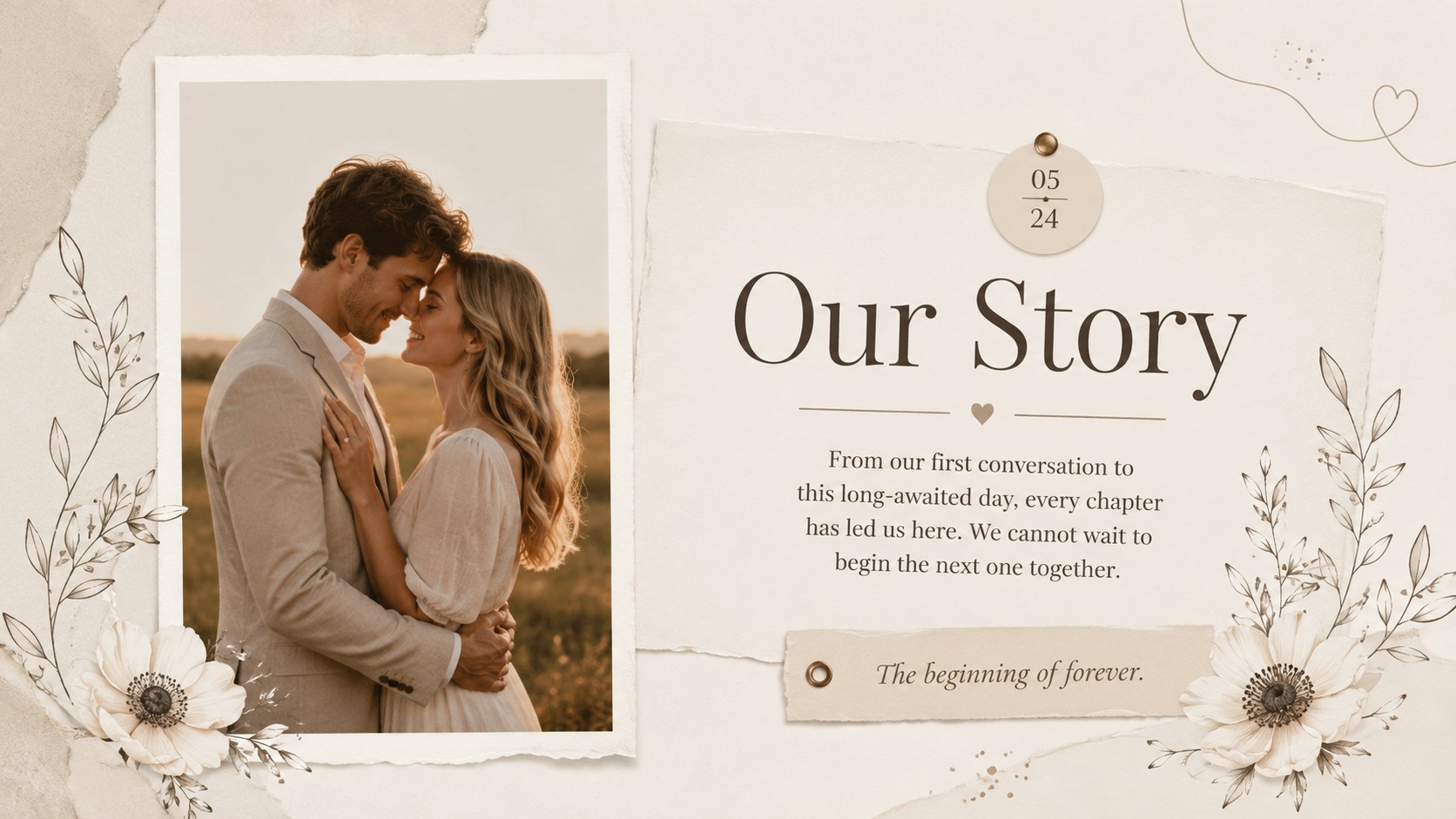
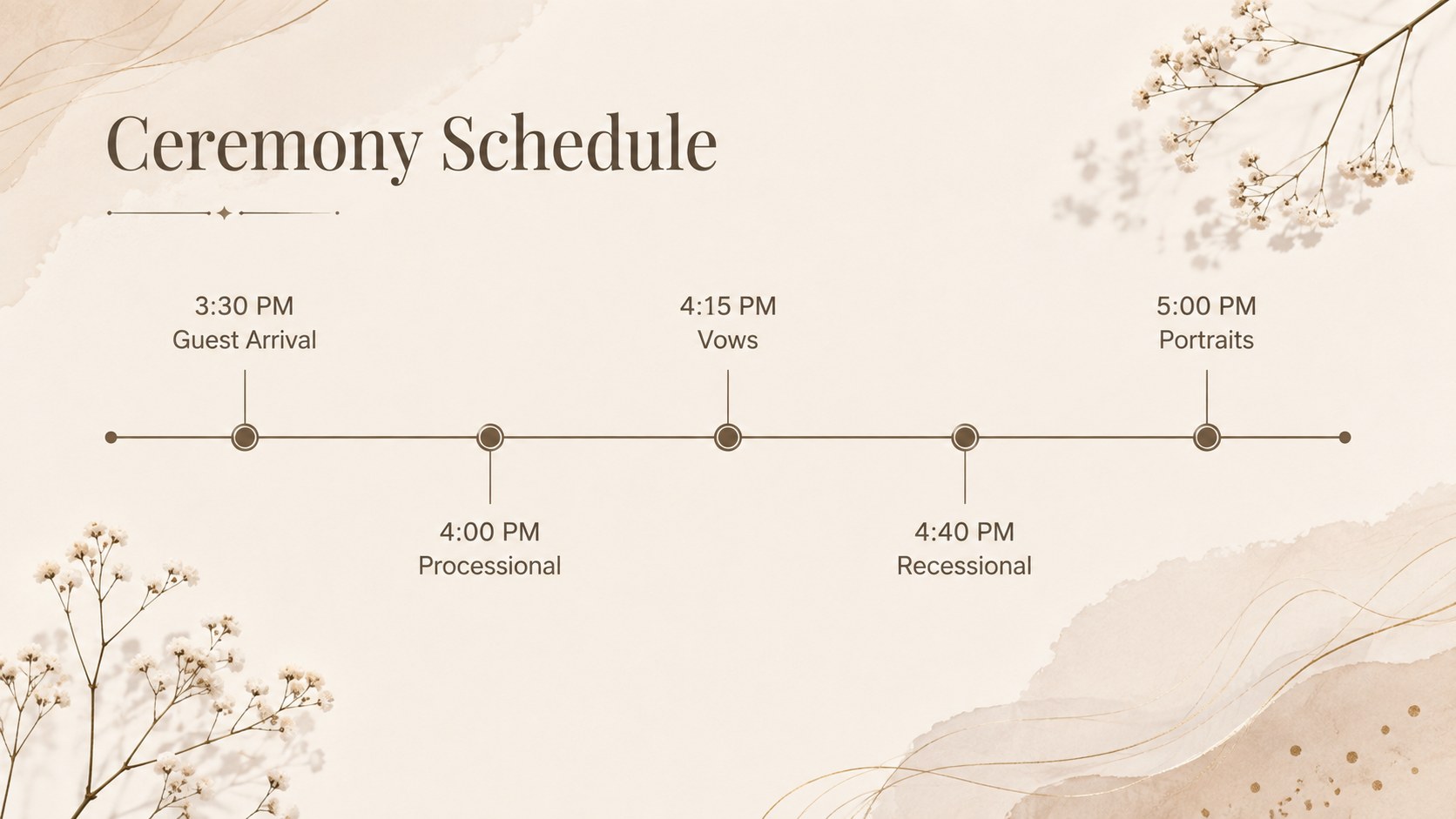
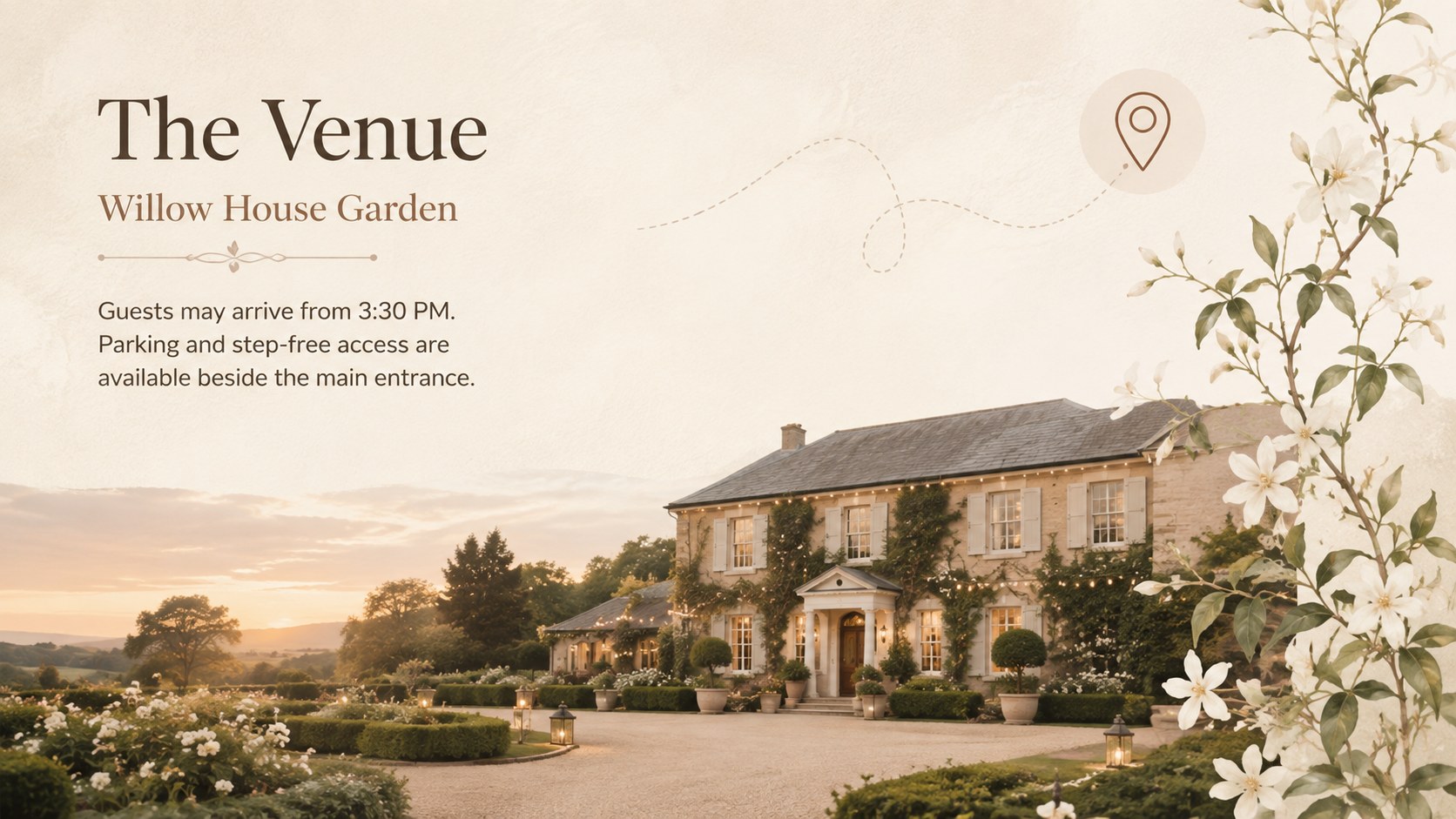
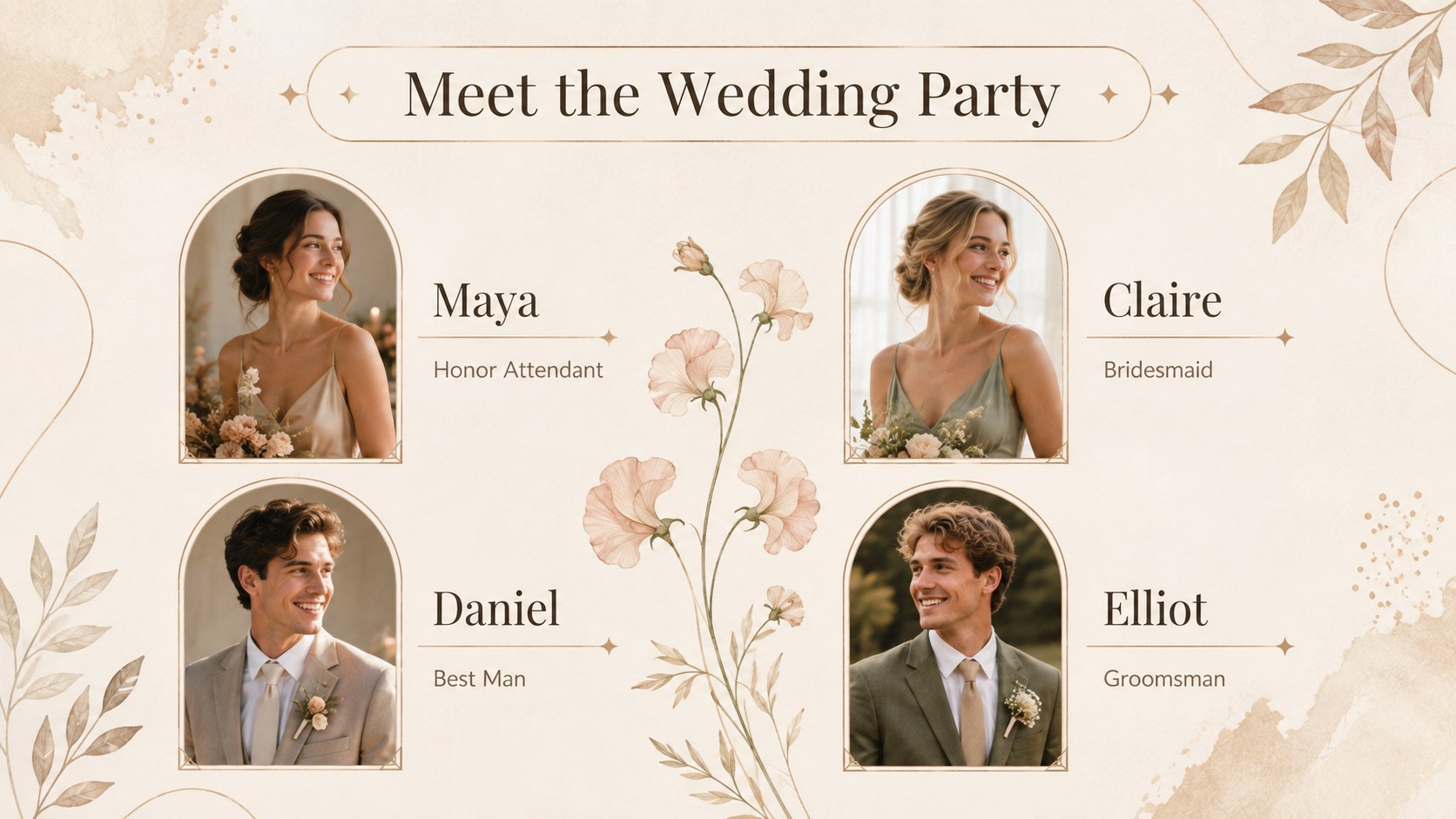
Inside, you will find layouts for the couple's story, ceremony schedule, venue information, wedding party introductions, reception plans, menus, photography priorities, and guest details. A neutral wedding mood board template helps establish the atmosphere, while botanical wedding itinerary slides keep important events easy to follow. Use the floral wedding timeline template to map milestones from early preparations through the final send-off.
This deck is designed for engaged couples, wedding planners, coordinators, photographers, florists, and venue teams. It works equally well for planning meetings, vendor briefings, intimate ceremonies, destination celebrations, or a polished keepsake shared with family.
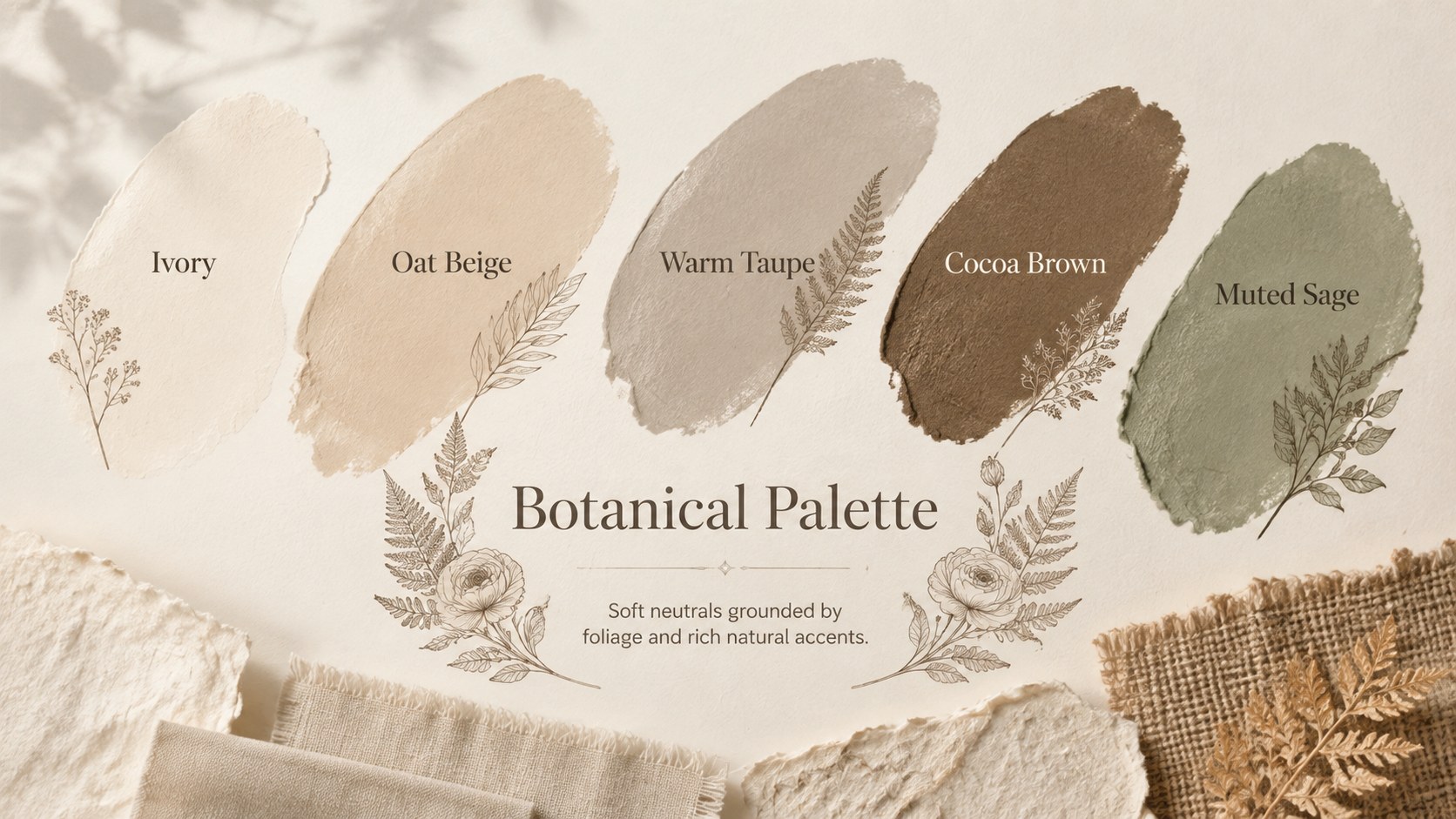
Every slide can be edited in PowerPoint or Google Slides. Replace the sample wording, add personal photographs, adjust the schedule, and refine the beige and brown palette to match the event. Flexible image areas, timelines, lists, and structured content sections make it simple to create a presentation that feels consistent without limiting personal choices.
Perfect for: couple planning consultation; wedding vendor briefing; ceremony schedule overview; reception design proposal; destination wedding itinerary; family planning meeting.
Frequently asked questions
Practical details
Yes. The layouts, text, colors, and image areas are designed for editing in both PowerPoint and Google Slides. Some fonts may be substituted automatically if they are not installed on your device.
Replace the sample names, dates, schedules, photographs, and venue details with your own content. You can also adjust the beige and brown palette or move decorative elements to suit the couple's style.
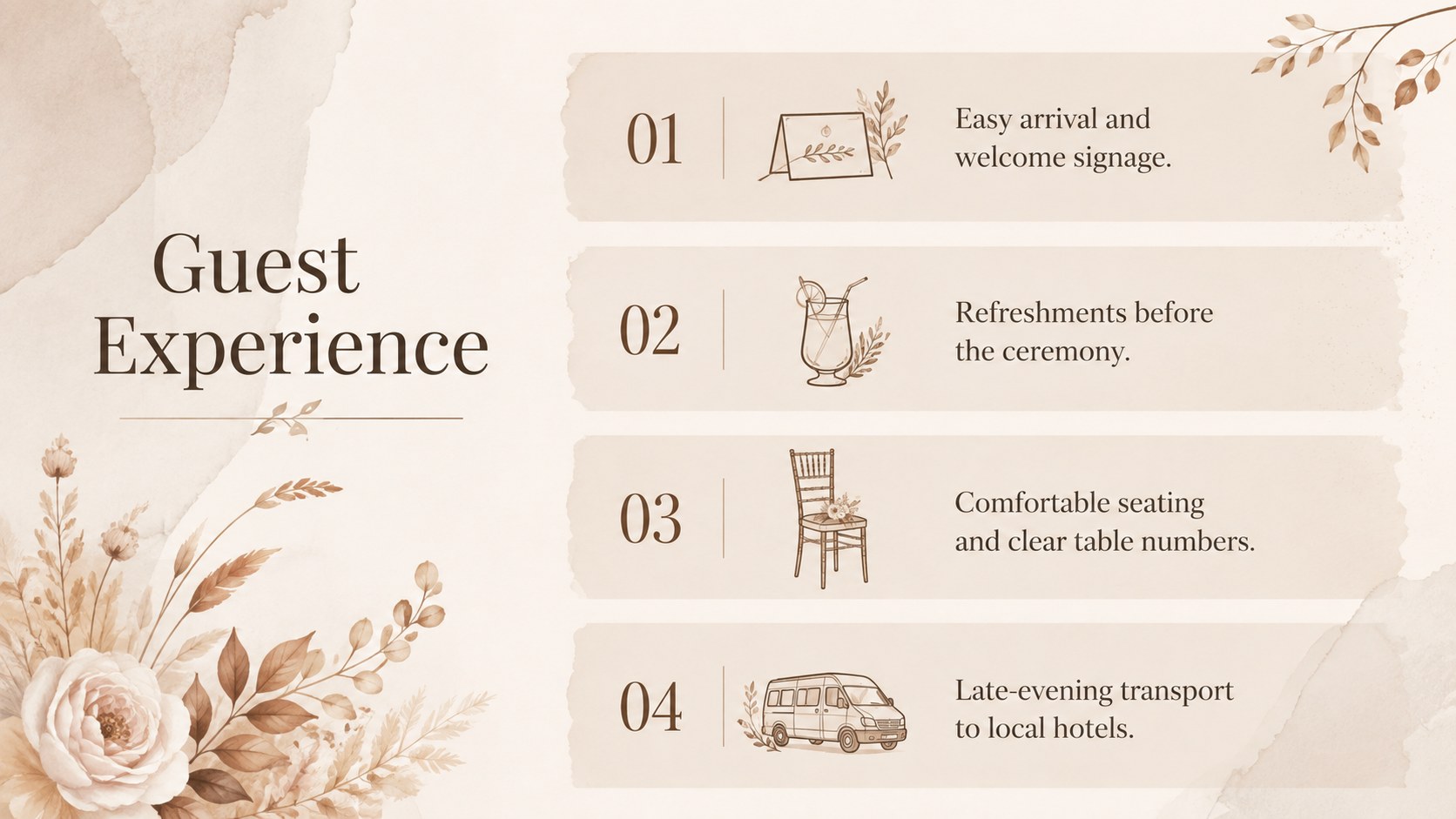
Yes. It includes structured slides for timelines, guest experience, ceremony details, reception planning, menus, photography priorities, and budgets. These layouts can be duplicated or removed as the event plan develops.
Yes. Planners, coordinators, florists, photographers, and venue teams can adapt the deck for consultations and vendor briefings. Replace the sample content with project-specific details before presenting it.
Keep exploring
15Build an engaging World UFO Day session with this flying saucer history lesson deck, featuring retro green-and-brown slides for PowerPoint and Google Slides.
 15
15Plan a lively animal-learning journey with this jungle zoo adventure lesson deck, ready to customize in PowerPoint and Google Slides for young learners.
 16
16Turn environmental research into a clear story with a Watercolor Ecology Presentation Theme for PowerPoint and Google Slides in calming green and blue.
 16
16Build focused fashion, literature, and humanities presentations with the Red Triangle Editorial Theme, editable in PowerPoint and Google Slides.
 15
15Turn streaming stats, favorite tracks, and concert highlights into a bold annual listening recap slide deck for PowerPoint and Google Slides.
 15
15Turn highlights, milestones, and favorite moments into a colorful year in review slide deck with bold 3D graphics for PowerPoint and Google Slides.
 3
3Build a credible endorsement with Standout Colleague Recommendation Letter Slides, featuring colorful prompts for skills, achievements, and team impact.
 4
4Build clear beginner sessions with an ice hockey fundamentals training deck for coaches, PE teachers, and clubs, ready for PowerPoint and Google Slides.