
 4
4document
Clinical Wound Evaluation Slides for Nurses
Document wound findings, treatment decisions, and healing progress with clinical wound evaluation slides for nurses in PowerPoint and Google Slides.
Google Docs
document · English
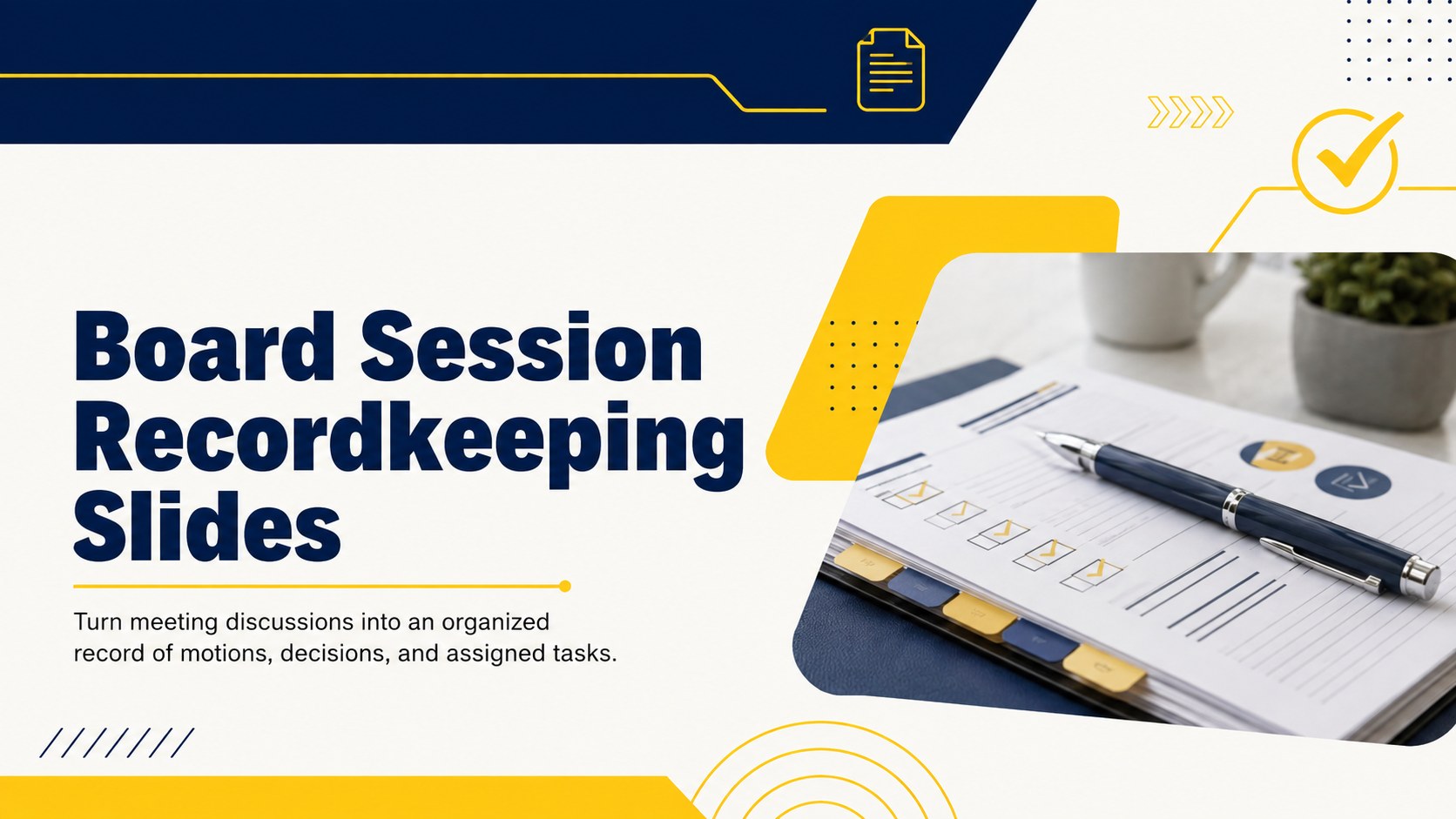
Create clear, accountable nonprofit records with Board Session Recordkeeping Slides, editable in PowerPoint and Google Slides for organized follow-up.
Design notes
Board Session Recordkeeping Slides give nonprofit leaders a structured way to document formal discussions without losing sight of decisions or next steps. The bold blue and yellow design brings clarity to detailed governance information while maintaining a professional, contemporary tone. Use the deck during a meeting or complete it afterward as an official internal record.
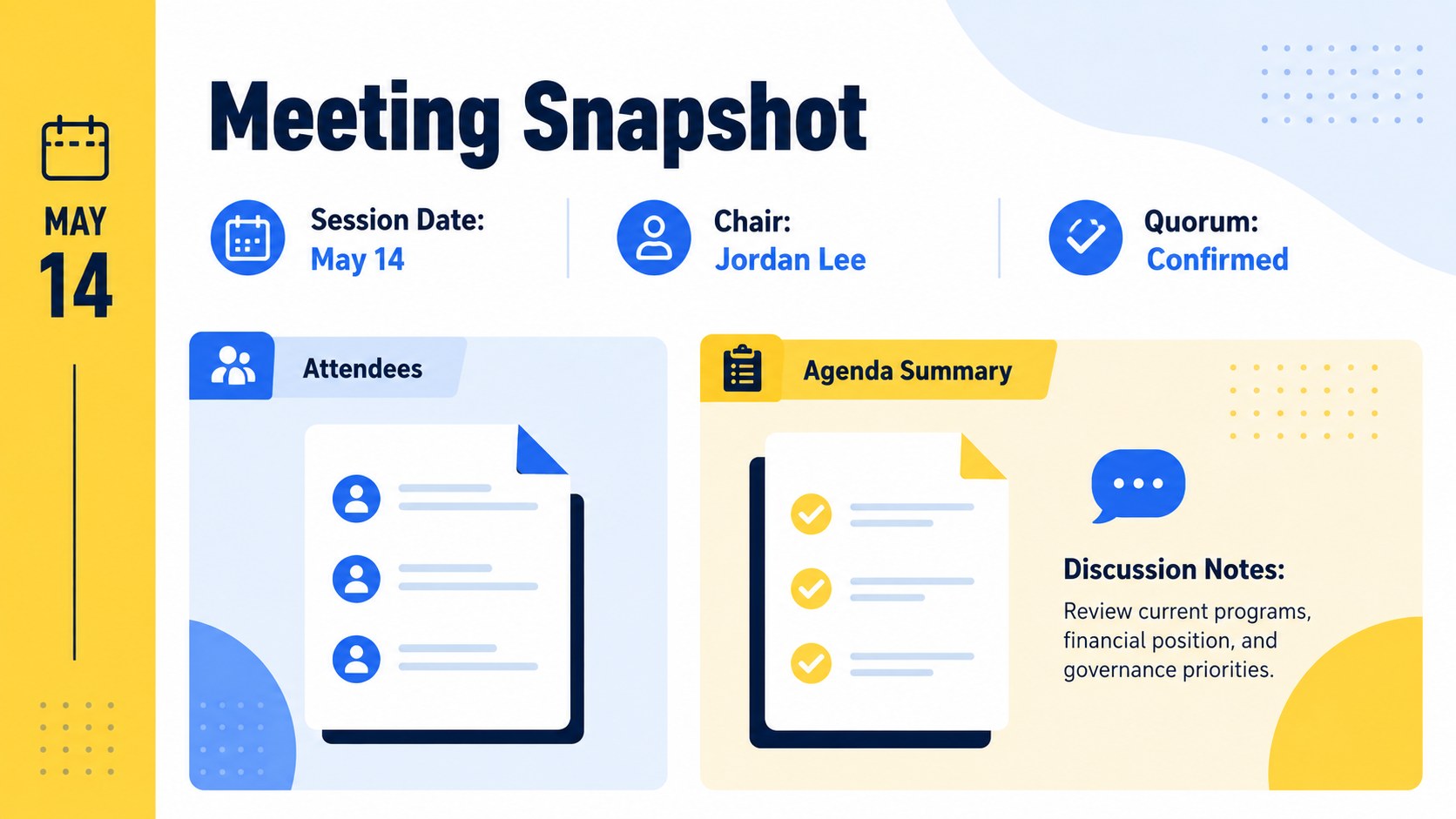
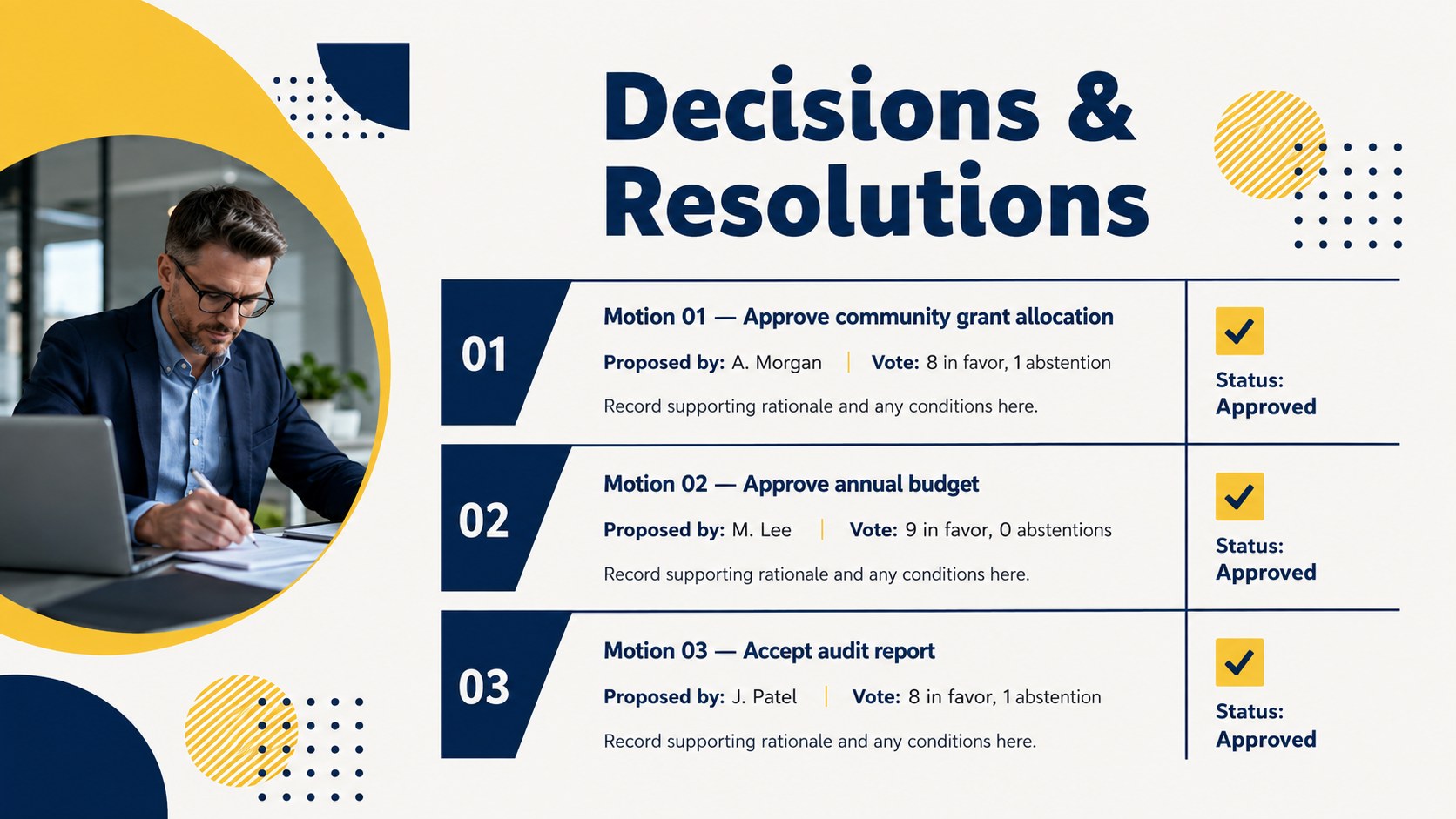
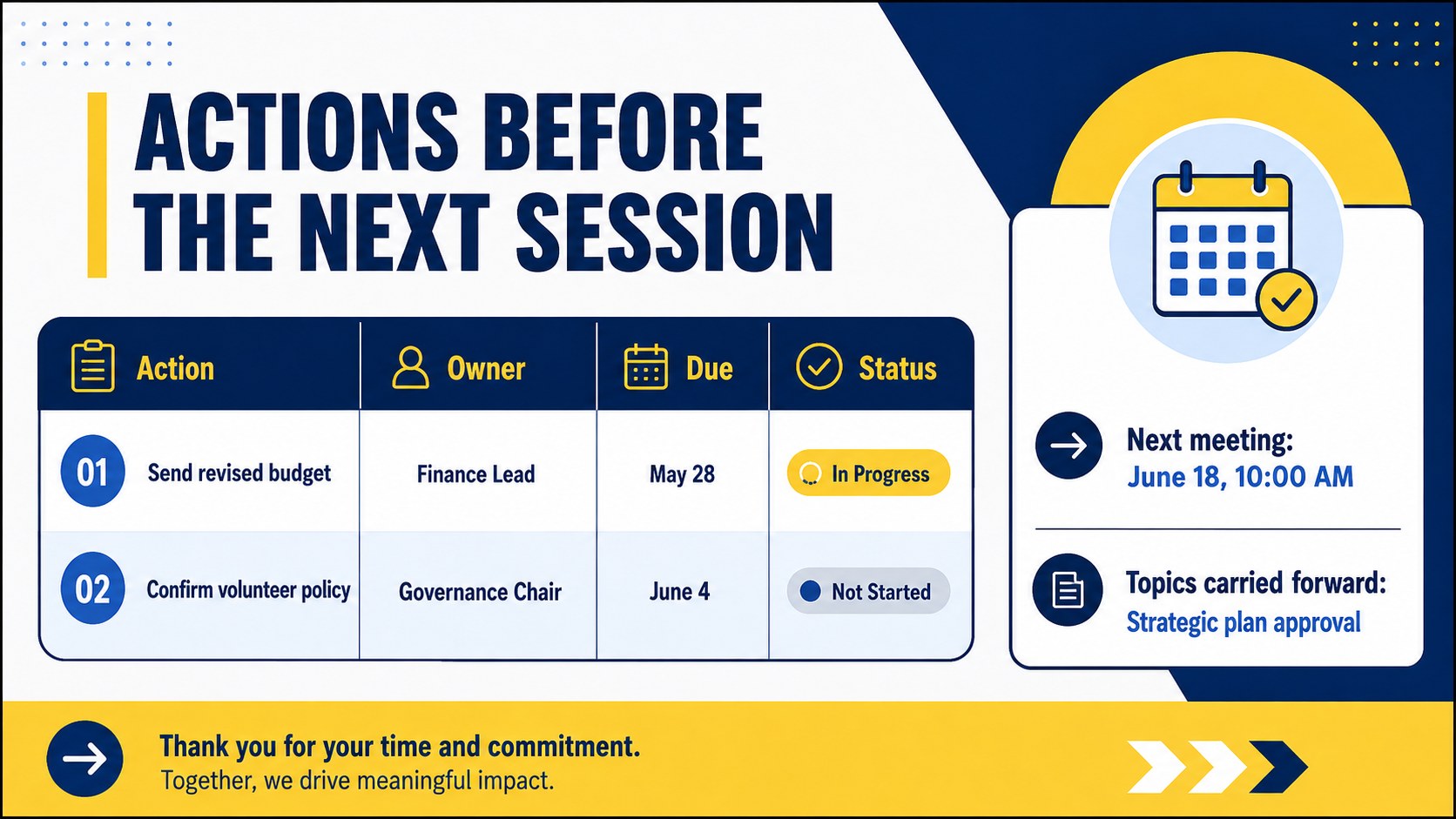
The template includes space for attendance, quorum confirmation, agenda summaries, motions, voting outcomes, resolutions, and follow-up responsibilities. A dedicated nonprofit meeting decision log helps distinguish approved actions from general discussion, while the board action item tracker slides connect each task with an owner and due date. A final review layout records the next meeting date and any topics carried forward.
Designed for nonprofit secretaries, board chairs, committee coordinators, executive directors, and governance teams, these Board Session Recordkeeping Slides work for recurring board sessions, special meetings, and committee reviews. They can also serve as a charity board minutes template when an organization needs a repeatable format for consistent documentation.
Edit the wording, colors, typography, and section order in PowerPoint or Google Slides. Duplicate layouts for longer sessions, remove sections that do not apply, and adapt the fields to match your organization’s bylaws or reporting procedures. The 16:9 format supports presenting, sharing, and archiving a polished record after every meeting.
Perfect for: quarterly nonprofit board meeting; special board resolution session; committee decision review; annual governance meeting; board action follow-up; secretary minutes preparation.
Frequently asked questions
Practical details
Yes. All text, colors, shapes, and layout sections can be edited in PowerPoint or Google Slides. You can also duplicate or remove slides to match the length of your meeting.
Yes. The layouts include dedicated areas for motions, proposers, voting outcomes, resolutions, and related notes. Adjust the fields if your organization follows a specific approval process.
Replace the sample colors, typefaces, and text with your organization’s approved visual style. Add a logo only if it is appropriate for the official records your board distributes or archives.
Yes. Rename the meeting and attendance fields, then tailor the decision and action sections to the committee’s responsibilities. The same layouts work for finance, fundraising, audit, and program committees.
Keep exploring
4Document wound findings, treatment decisions, and healing progress with clinical wound evaluation slides for nurses in PowerPoint and Google Slides.
 4
4Turn recurring updates into clear decisions with a weekly operations status briefing for PowerPoint and Google Slides, covering progress, risks, and priorities.
 4
4Turn recurring check-ins into focused decisions with a weekly leadership update deck for KPIs, priorities, blockers, owners, and next actions.
 4
4Use veterinary surgery consent form slides to explain procedures, anesthesia, risks, costs, and emergency decisions clearly before client approval.
 4
4Organize objectives, activities, and daily notes with this weekly classroom planner for teachers, editable in PowerPoint and Google Slides for easy prep.
 4
4Create colorful vocabulary assessment slides for lively word checks, review games, and classroom practice in PowerPoint or Google Slides. Easy to personalize.
 4
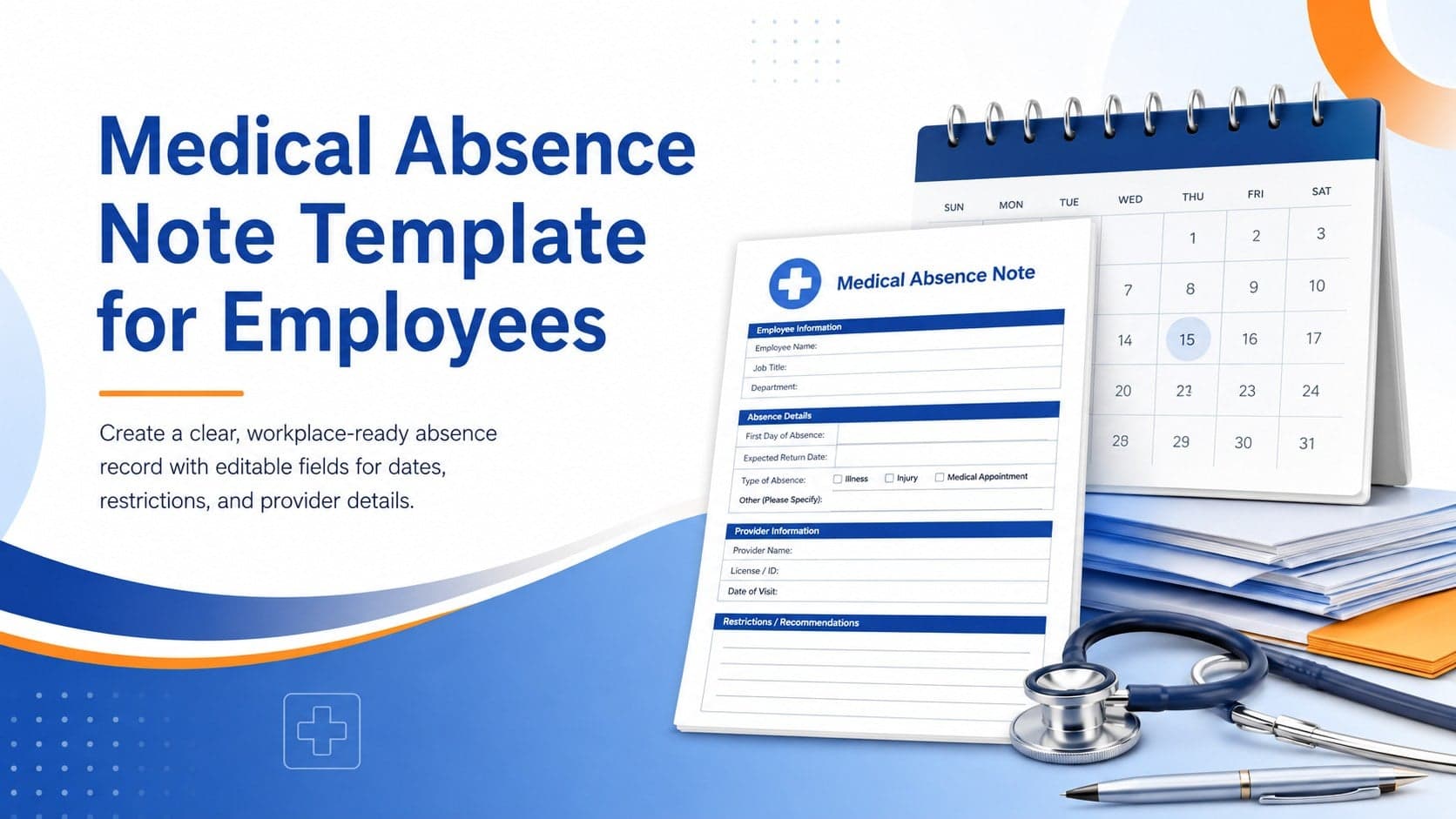
4Prepare a clear medical absence note template for employee records, with editable fields and polished blue-orange slides for PowerPoint and Google Slides.
 4
4Prepare pet owners for treatment with a veterinary procedure authorization form covering risks, medication, contacts, and approval details.