
 15
15presentation
Flying Saucer History Lesson Deck
Build an engaging World UFO Day session with this flying saucer history lesson deck, featuring retro green-and-brown slides for PowerPoint and Google Slides.
Google SlidesPowerPoint
presentation · English
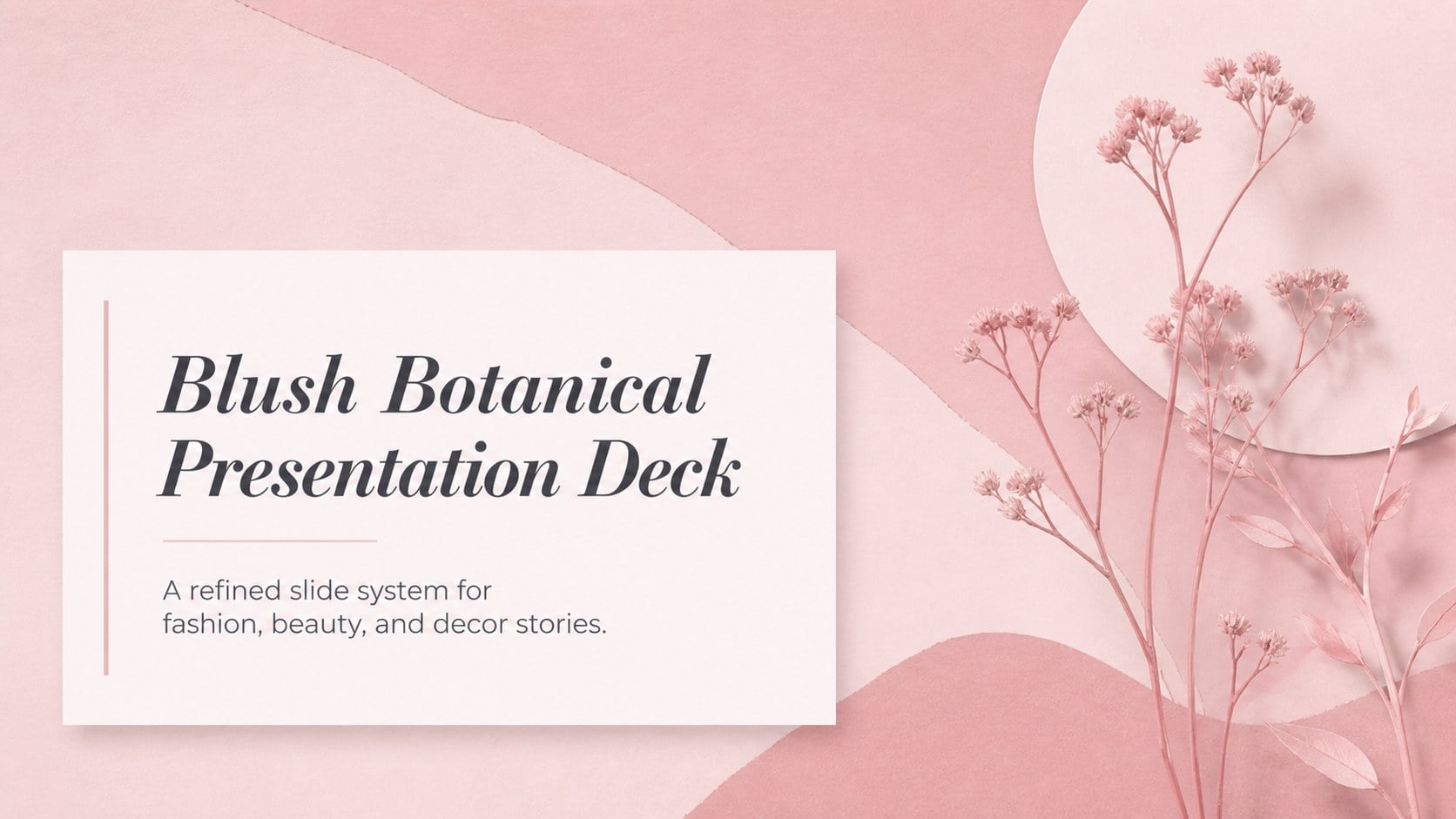
Shape polished fashion, beauty, and decor stories with a blush botanical presentation deck featuring editable layouts for PowerPoint and Google Slides.


Design notes
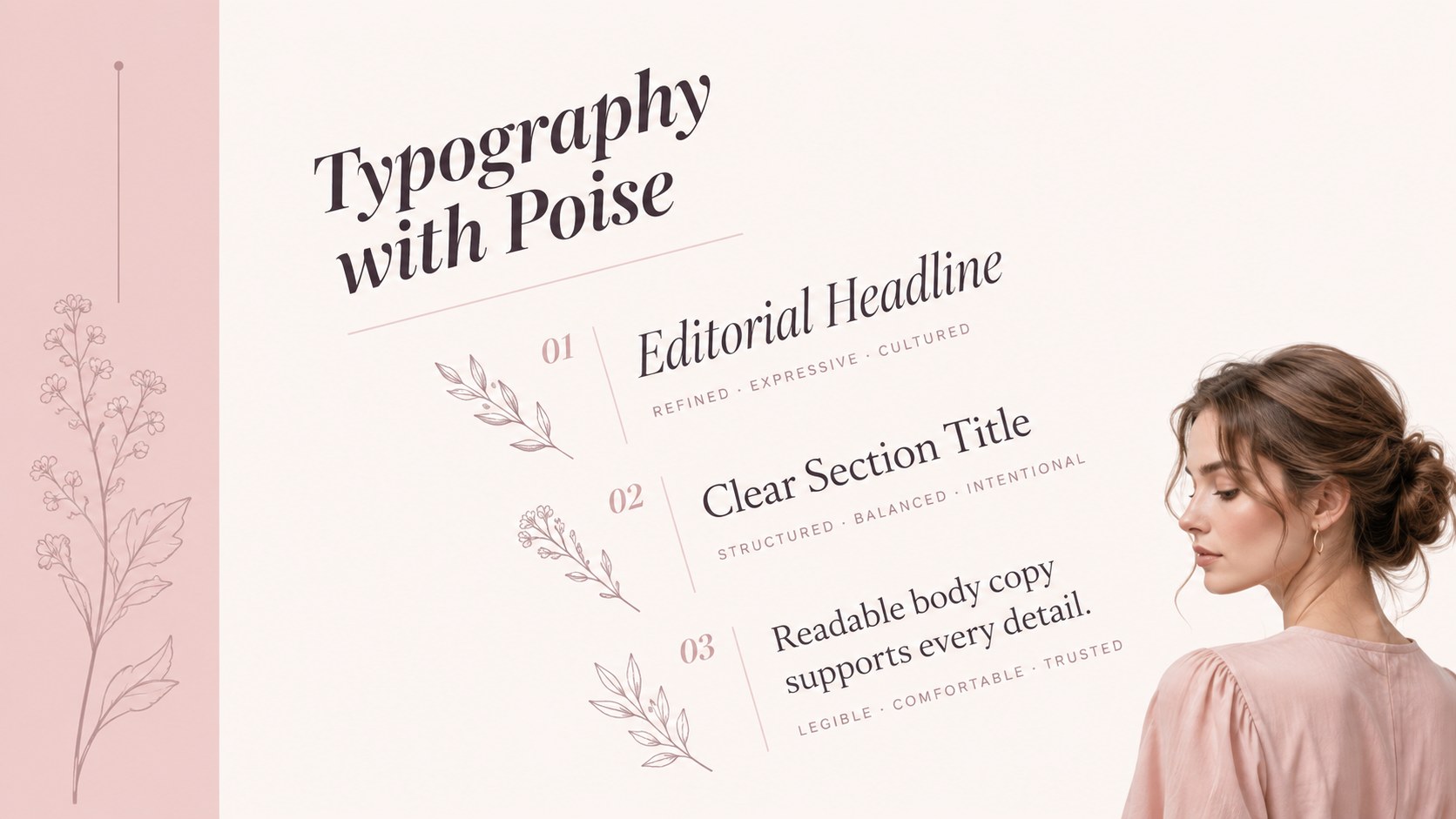
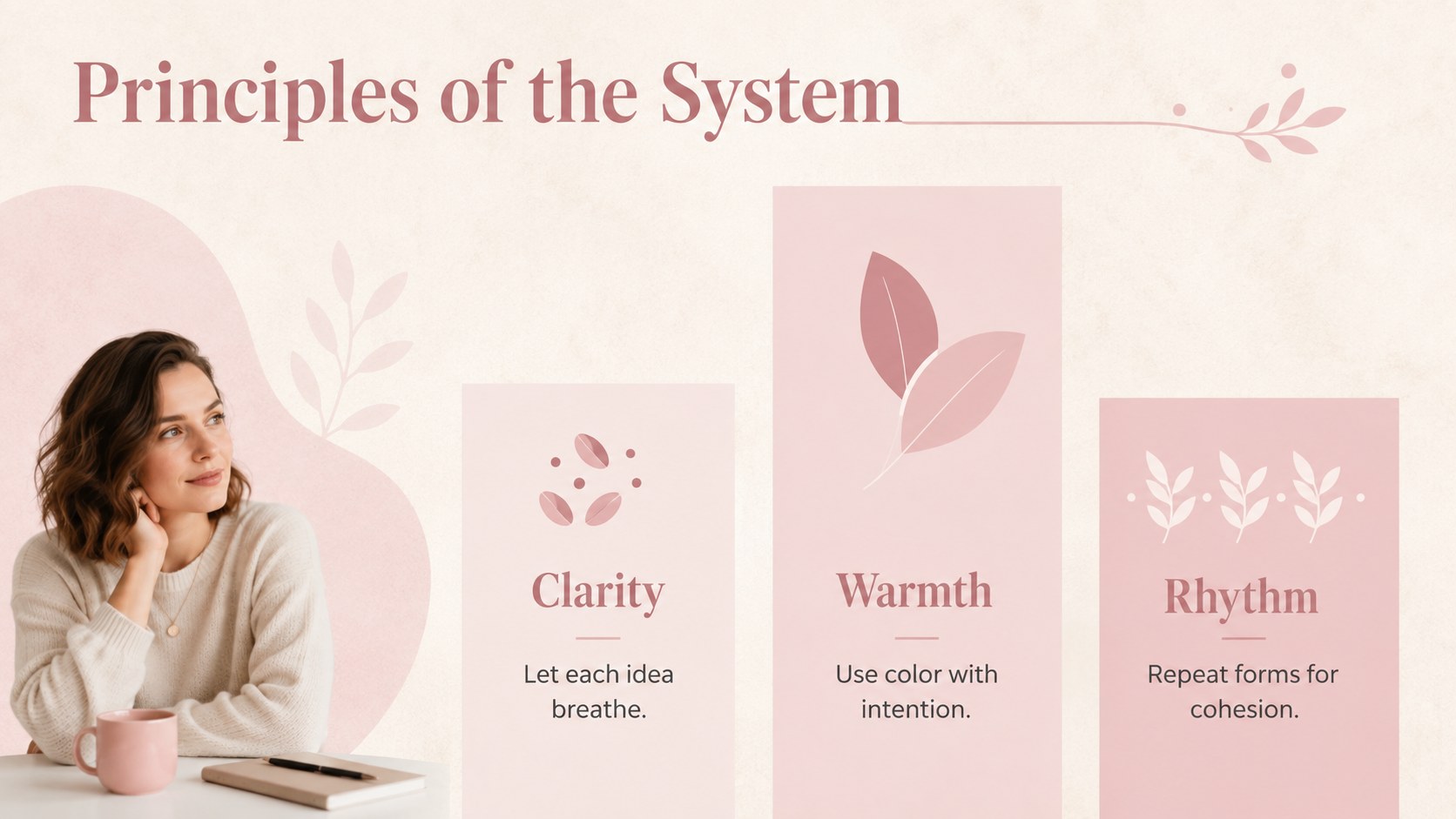
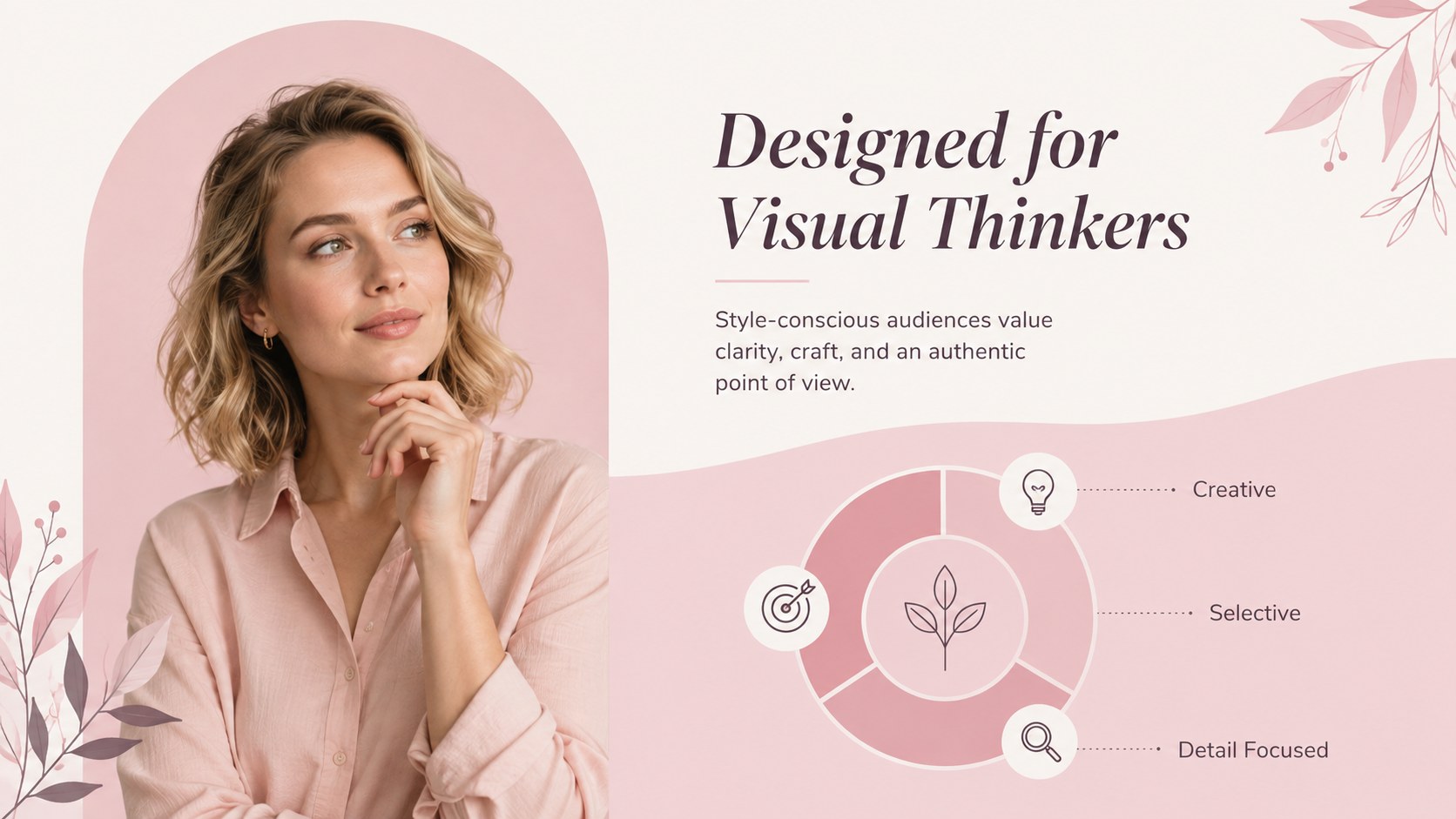
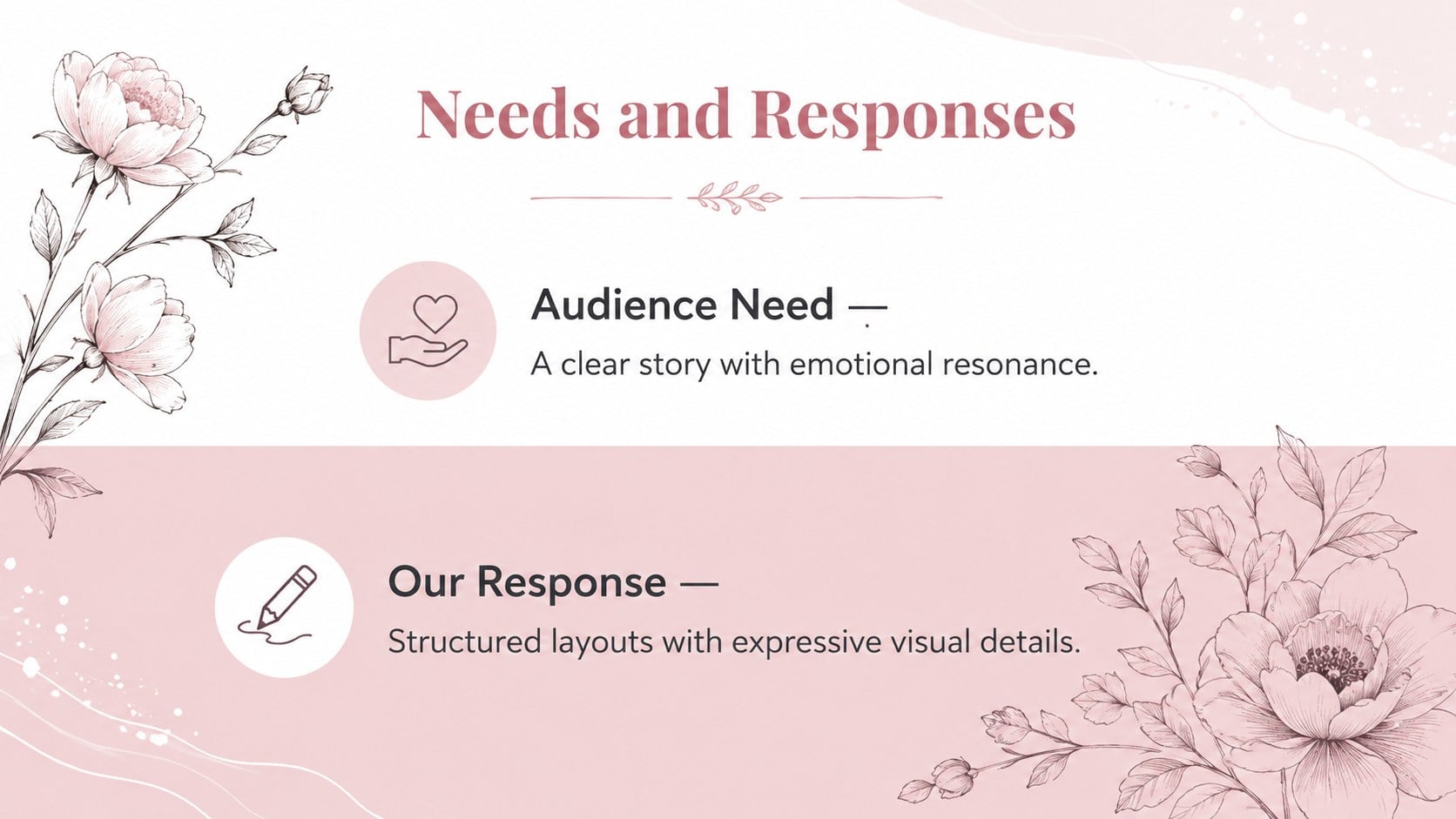
Build an expressive visual narrative with the Blush Botanical Presentation Deck, a graceful collection of layouts shaped by soft pink tones, organic forms, and editorial typography. Its balanced aesthetic brings warmth to professional ideas without sacrificing clarity, making it suitable for both polished proposals and personal celebrations.
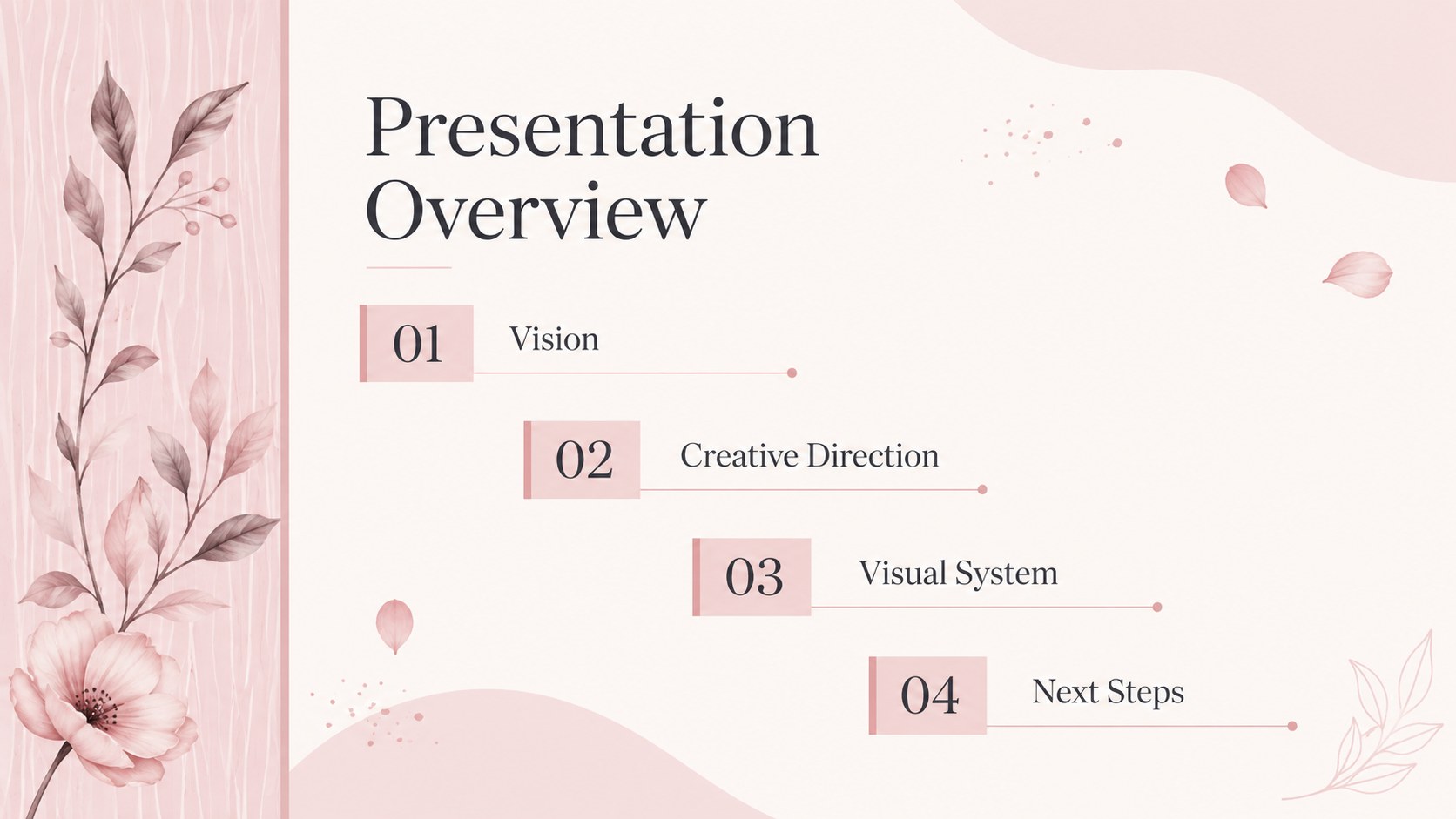
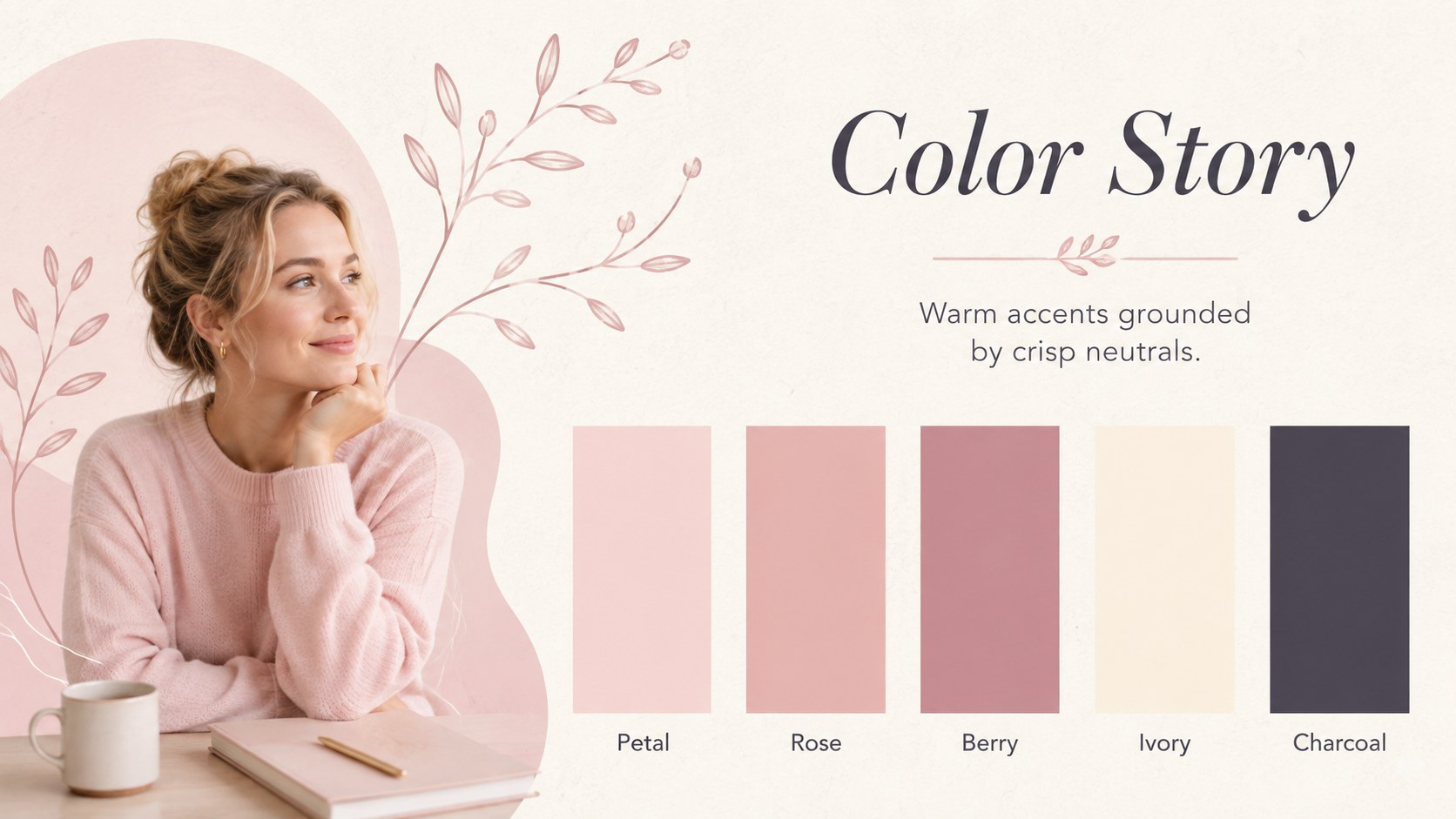
Inside, you will find 16:9 layouts for introductions, creative direction, color palettes, image collections, comparisons, timelines, charts, quotes, and closing messages. Each page can be rearranged or removed, while colors, text, photographs, tables, and graphic accents remain fully editable. Use the organic pattern Google Slides theme online or customize the presentation in PowerPoint. Carefully structured sections help long-form stories feel cohesive from the opening statement to the final call to action.
This deck is especially effective as a fashion mood board presentation, an editorial beauty portfolio, or a visual proposal for an interior styling project. Creative studios can also adapt it into soft pink brand strategy slides for boutique launches, seasonal campaigns, client concepts, or product storytelling. The restrained palette supports photography and data equally well, while the botanical details add character without distracting from the content.
Perfect for: fashion collection mood board; beauty brand proposal; boutique product launch; interior styling concept; wedding planning presentation; creative studio portfolio.
Frequently asked questions
Can I edit the colors and botanical elements? Yes. You can recolor the blush accents, adjust the background, and reposition or remove decorative elements to suit your project. Text, images, charts, and tables are editable as well.
Practical details
Yes. You can recolor the blush accents, adjust the background, and reposition or remove decorative elements to suit your project. Text, images, charts, and tables are editable as well.
The deck is designed for Microsoft PowerPoint and Google Slides. You can edit it on a desktop or work collaboratively through a browser.
Yes. Replace the placeholders with campaign photography, product images, portraits, or interior shots. For the most consistent result, choose images with soft natural light and restrained backgrounds.
No. Its flexible layouts also work for weddings, interior design, boutique marketing, creative portfolios, and lifestyle proposals. Changing the imagery and accent colors can quickly shift the mood.
Keep exploring
15Build an engaging World UFO Day session with this flying saucer history lesson deck, featuring retro green-and-brown slides for PowerPoint and Google Slides.
 15
15Plan a lively animal-learning journey with this jungle zoo adventure lesson deck, ready to customize in PowerPoint and Google Slides for young learners.
 16
16Turn environmental research into a clear story with a Watercolor Ecology Presentation Theme for PowerPoint and Google Slides in calming green and blue.
 16
16Build focused fashion, literature, and humanities presentations with the Red Triangle Editorial Theme, editable in PowerPoint and Google Slides.
 15
15Turn streaming stats, favorite tracks, and concert highlights into a bold annual listening recap slide deck for PowerPoint and Google Slides.
 15
15Turn highlights, milestones, and favorite moments into a colorful year in review slide deck with bold 3D graphics for PowerPoint and Google Slides.
 3
3Build a credible endorsement with Standout Colleague Recommendation Letter Slides, featuring colorful prompts for skills, achievements, and team impact.
 4
4Build clear beginner sessions with an ice hockey fundamentals training deck for coaches, PE teachers, and clubs, ready for PowerPoint and Google Slides.