
 15
15presentation
Flying Saucer History Lesson Deck
Build an engaging World UFO Day session with this flying saucer history lesson deck, featuring retro green-and-brown slides for PowerPoint and Google Slides.
Google SlidesPowerPoint
presentation · English
Shape a sharper startup story with blue yellow app investor slides for product demos, funding conversations, and editable, PPT, or Google Slides decks.




Design notes
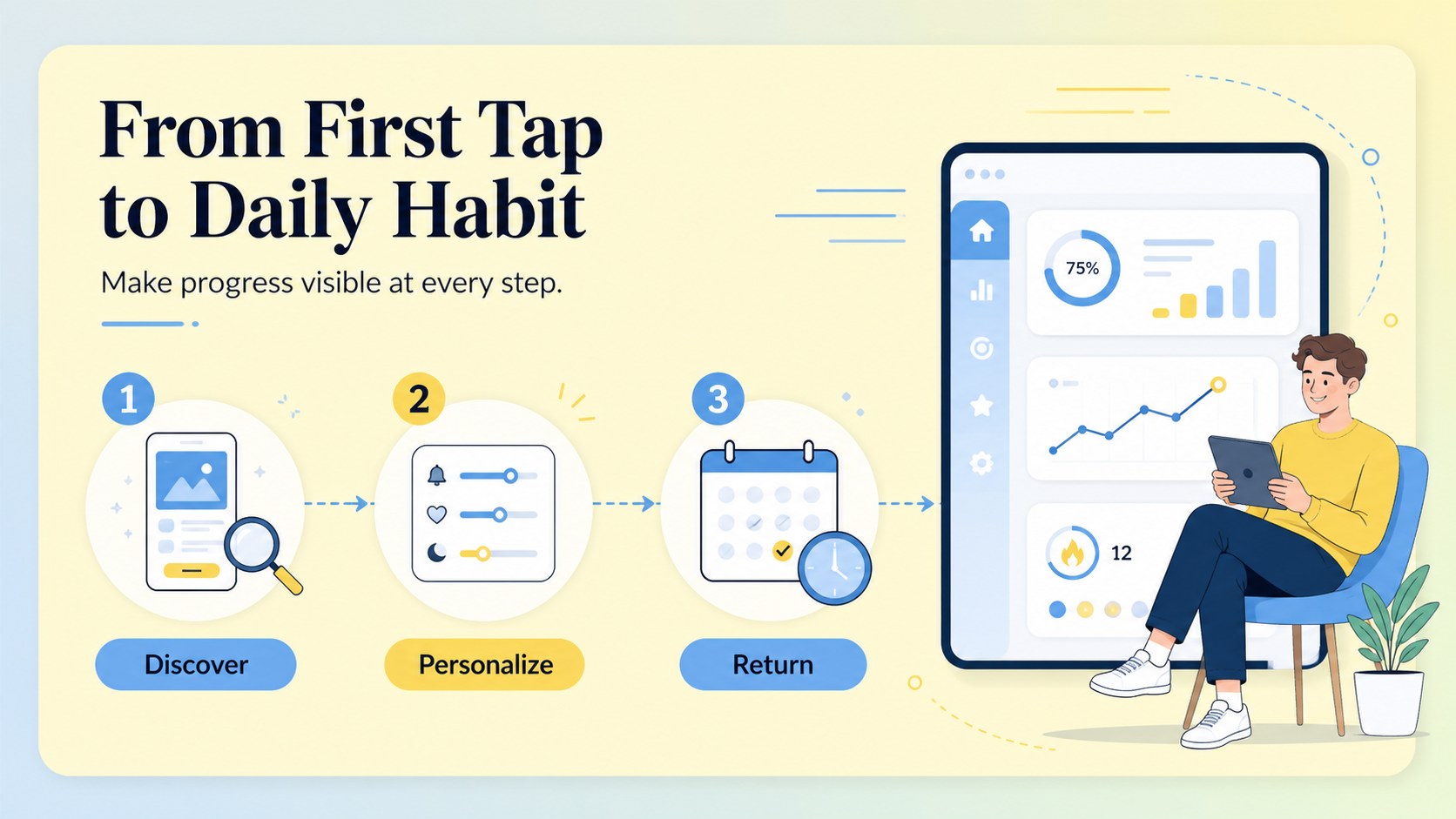
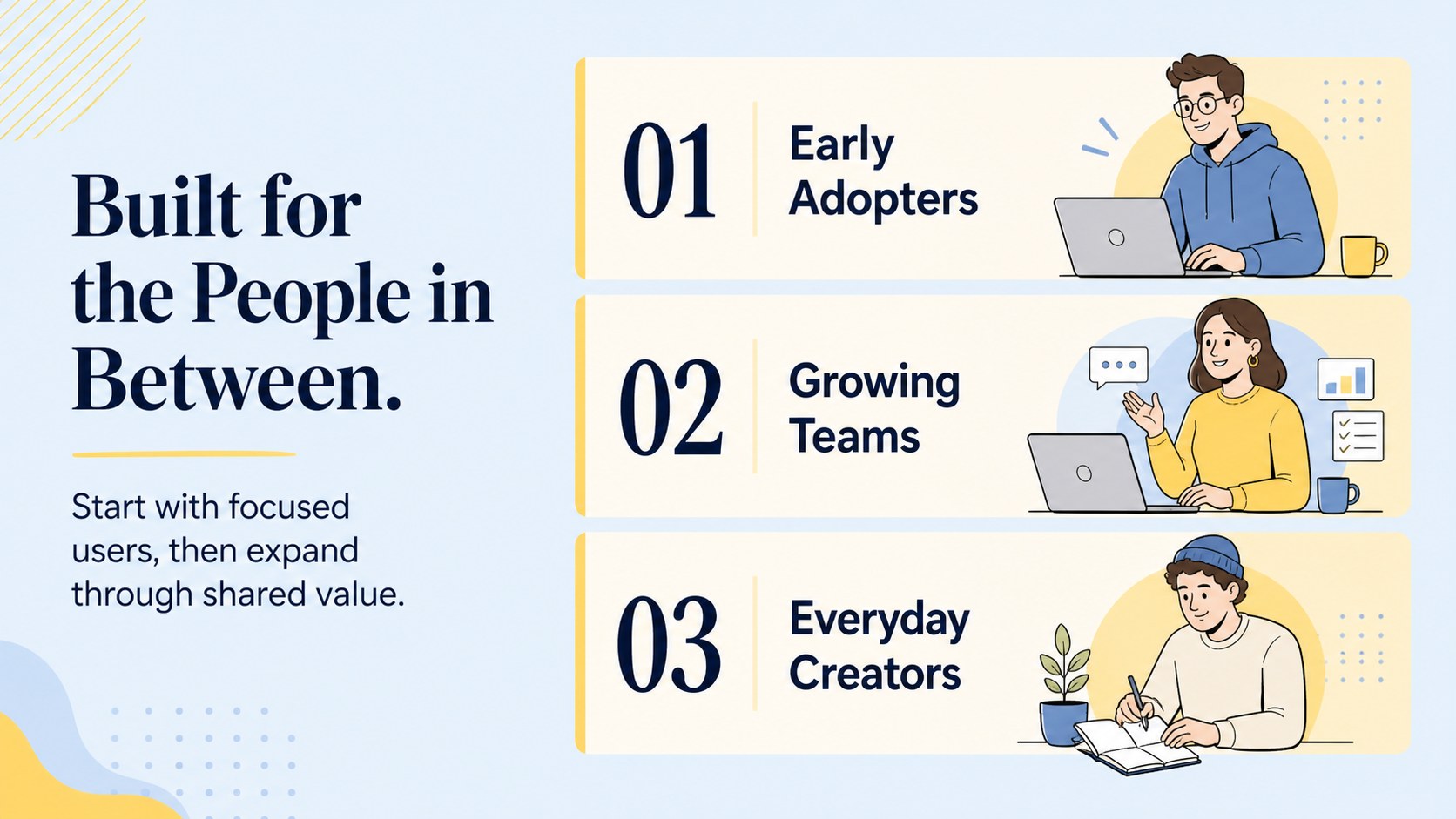
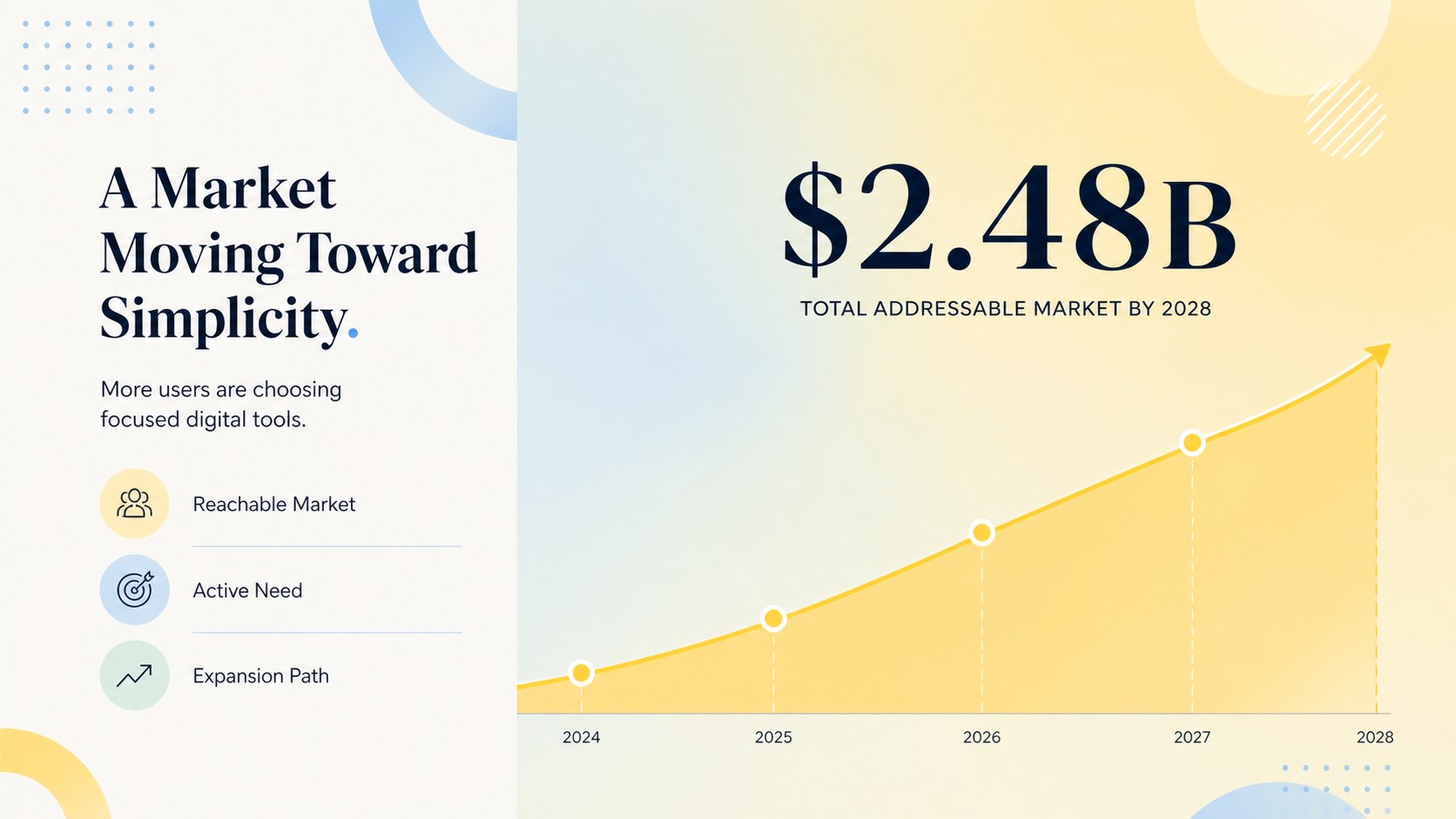
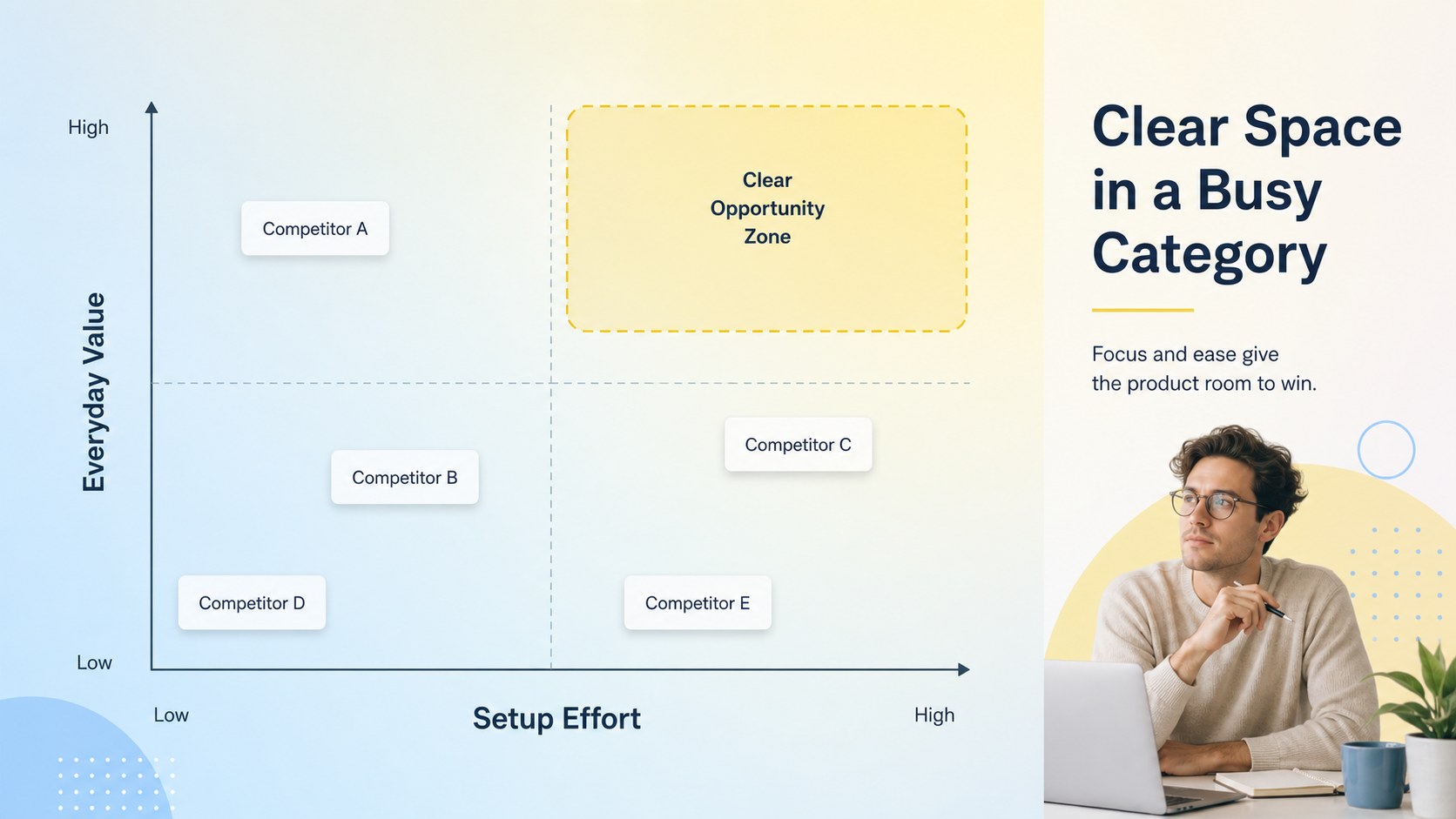
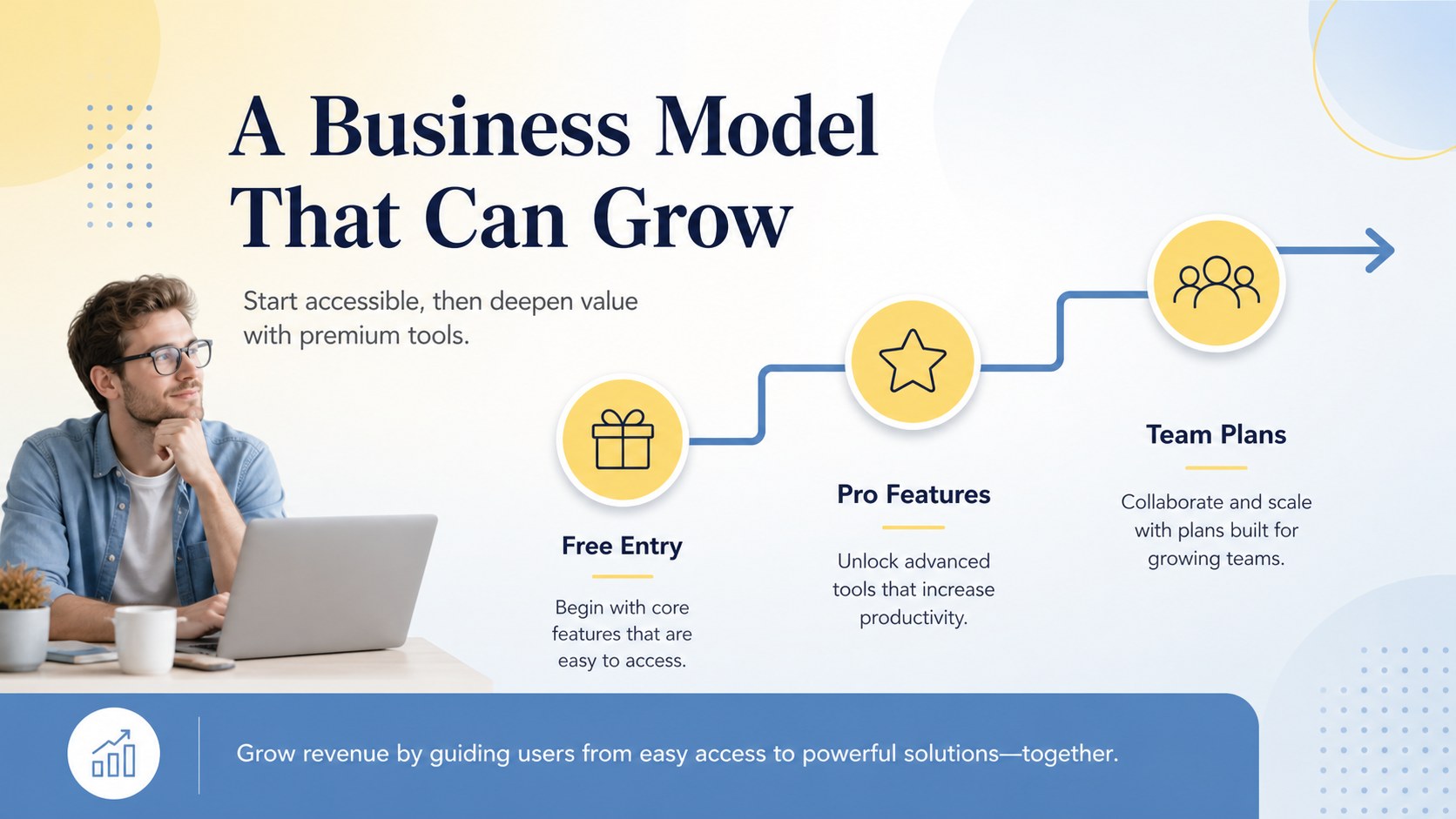
Blue yellow app investor slides help founders present an app idea with clarity, momentum, and a memorable visual identity. The bright blue and yellow palette, modern illustrations, and lively transitions create an approachable pitch without losing focus on the business case.
Inside, you’ll find structured layouts for the customer problem, product solution, app experience, company story, market opportunity, competitors, revenue model, and founding team. Use the included charts, image areas, icons, and comparison sections to turn research into an easy-to-follow narrative. The deck works especially well for a mobile app startup pitch, an app product demo presentation, or a concise funding update.
Customize the slides, then export your finished presentation to PowerPoint or Google Slides when you need to collaborate or present elsewhere. It suits early-stage founders, product teams, accelerator participants, freelance designers, and business students who need a polished presentation framework without building every page from scratch. Replace the sample illustrations, adjust the yellow and blue accents, and adapt the copy to match your app, audience, and growth story.
Perfect for: mobile app startup pitch; investor product demo; accelerator application; app market validation update; founding team presentation.
Frequently asked questions
Can I edit this app presentation? Yes. The template is designed for editing, including text, colors, illustrations, images, and layout elements. You can also export the finished deck for use in other presentation platforms.
Practical details
Yes. The template is designed for editing, including text, colors, illustrations, images, and layout elements. You can also export the finished deck for use in other presentation platforms.
Yes. It includes sections for the problem, solution, market, competition, business model, and team. Replace the sample content with verified metrics and concise evidence for your specific fundraising story.
Yes. Open the design and use the sharing or download options to export it as a PowerPoint file or save an editable copy to Google Drive. Check animations and fonts after exporting, since some features may change between platforms.
Update the accent colors, illustrations, screenshots, and typography to match your product identity while keeping the contrast between blue and yellow. Replace each example headline with a short, specific statement about your app.
Keep exploring
15Build an engaging World UFO Day session with this flying saucer history lesson deck, featuring retro green-and-brown slides for PowerPoint and Google Slides.
 15
15Plan a lively animal-learning journey with this jungle zoo adventure lesson deck, ready to customize in PowerPoint and Google Slides for young learners.
 16
16Turn environmental research into a clear story with a Watercolor Ecology Presentation Theme for PowerPoint and Google Slides in calming green and blue.
 16
16Build focused fashion, literature, and humanities presentations with the Red Triangle Editorial Theme, editable in PowerPoint and Google Slides.
 15
15Turn streaming stats, favorite tracks, and concert highlights into a bold annual listening recap slide deck for PowerPoint and Google Slides.
 15
15Turn highlights, milestones, and favorite moments into a colorful year in review slide deck with bold 3D graphics for PowerPoint and Google Slides.
 3
3Build a credible endorsement with Standout Colleague Recommendation Letter Slides, featuring colorful prompts for skills, achievements, and team impact.
 4
4Build clear beginner sessions with an ice hockey fundamentals training deck for coaches, PE teachers, and clubs, ready for PowerPoint and Google Slides.