
 15
15presentation
Flying Saucer History Lesson Deck
Build an engaging World UFO Day session with this flying saucer history lesson deck, featuring retro green-and-brown slides for PowerPoint and Google Slides.
Google SlidesPowerPoint
presentation · English
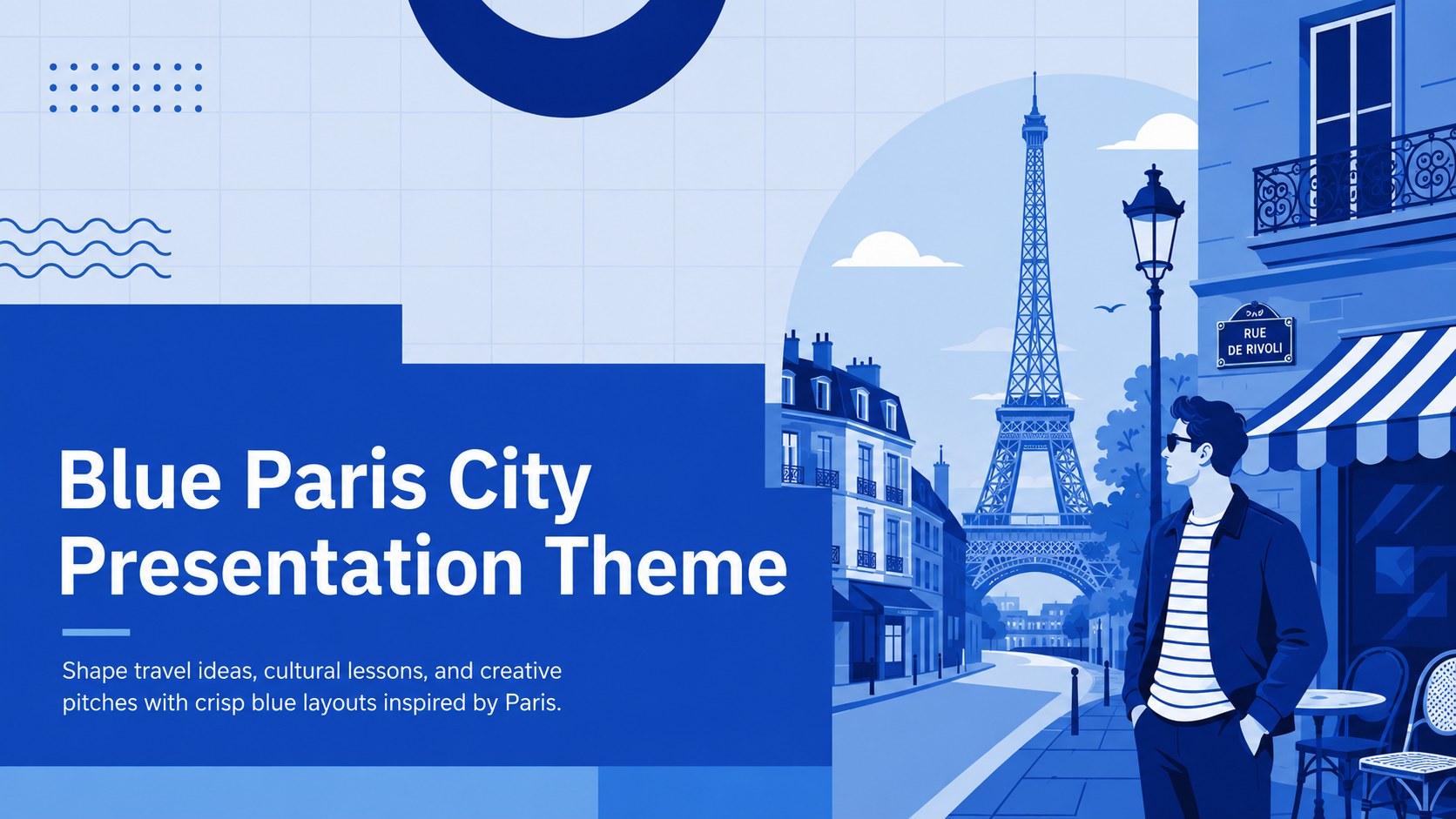
Build polished city stories with a Blue Paris City Presentation Theme, featuring modern layouts for travel plans, class projects, and creative pitches.

Design notes
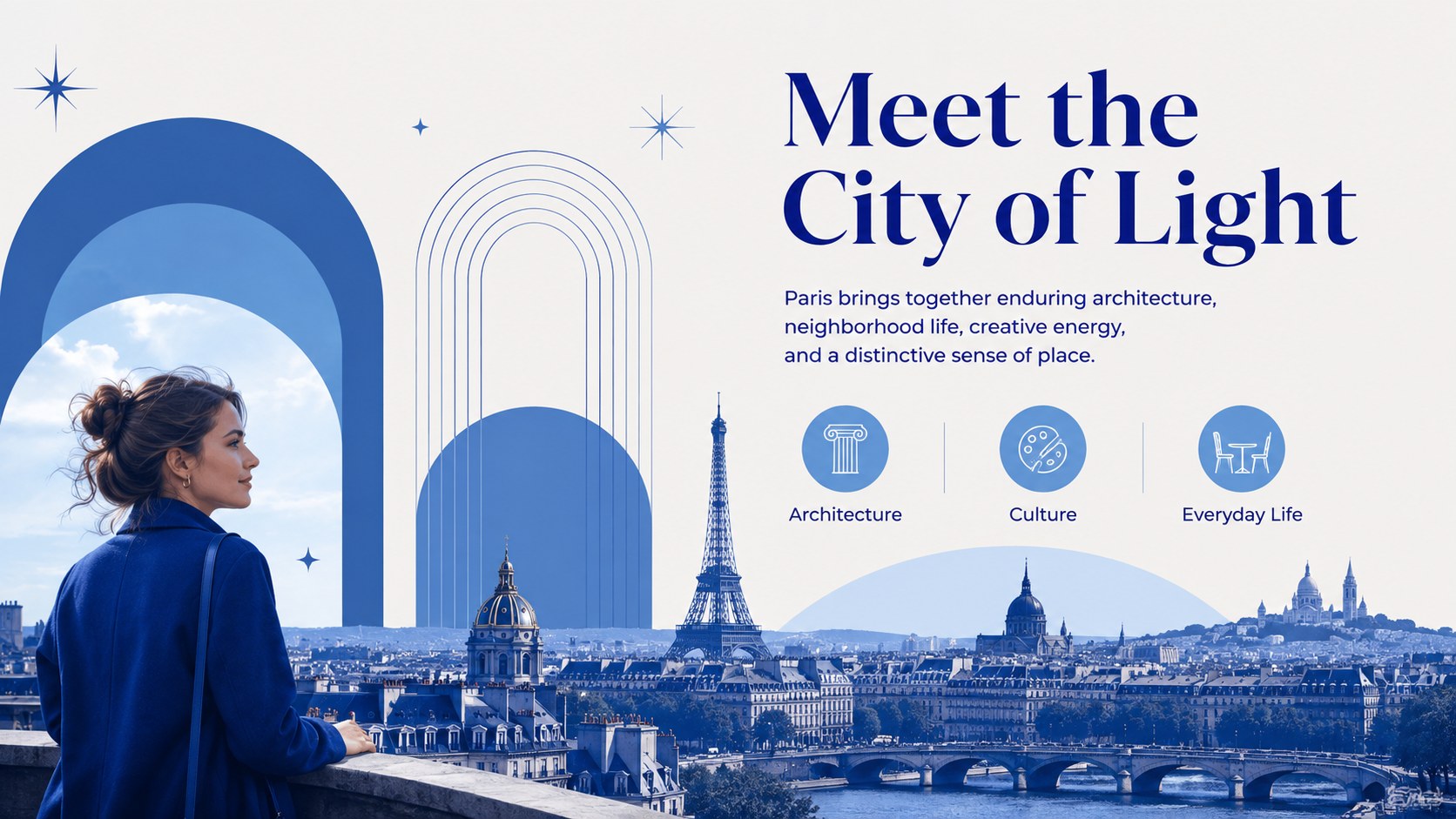
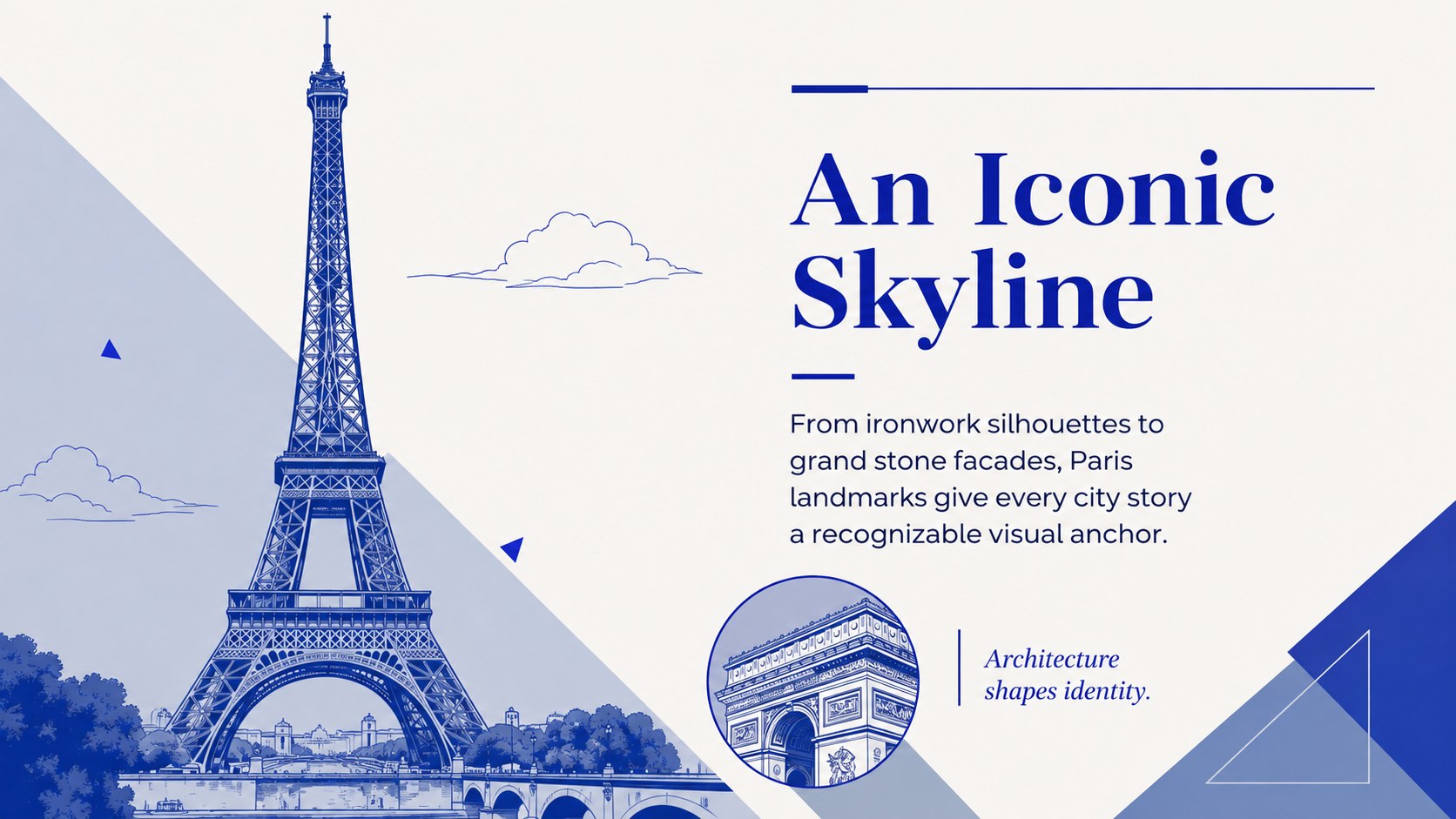
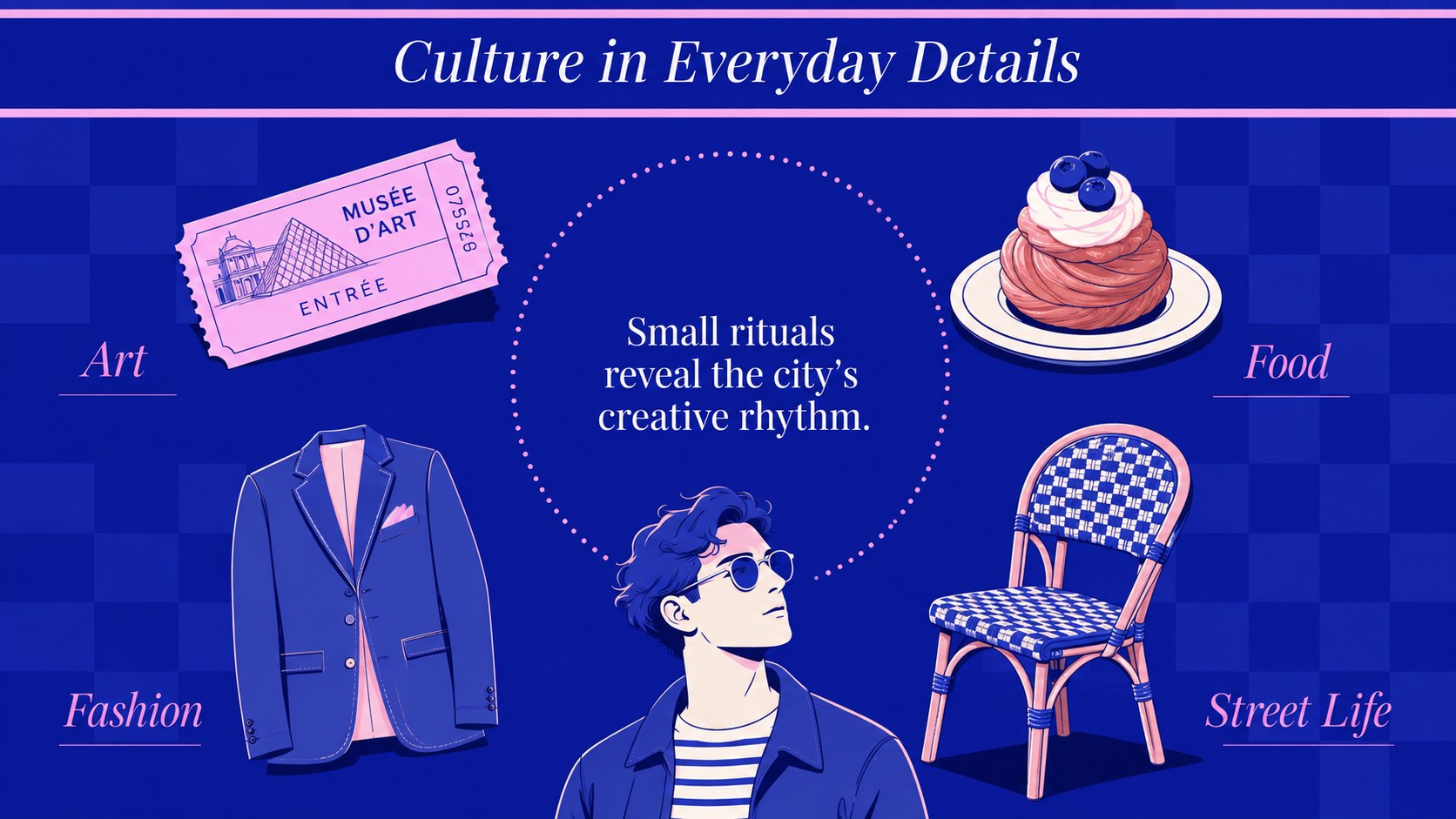
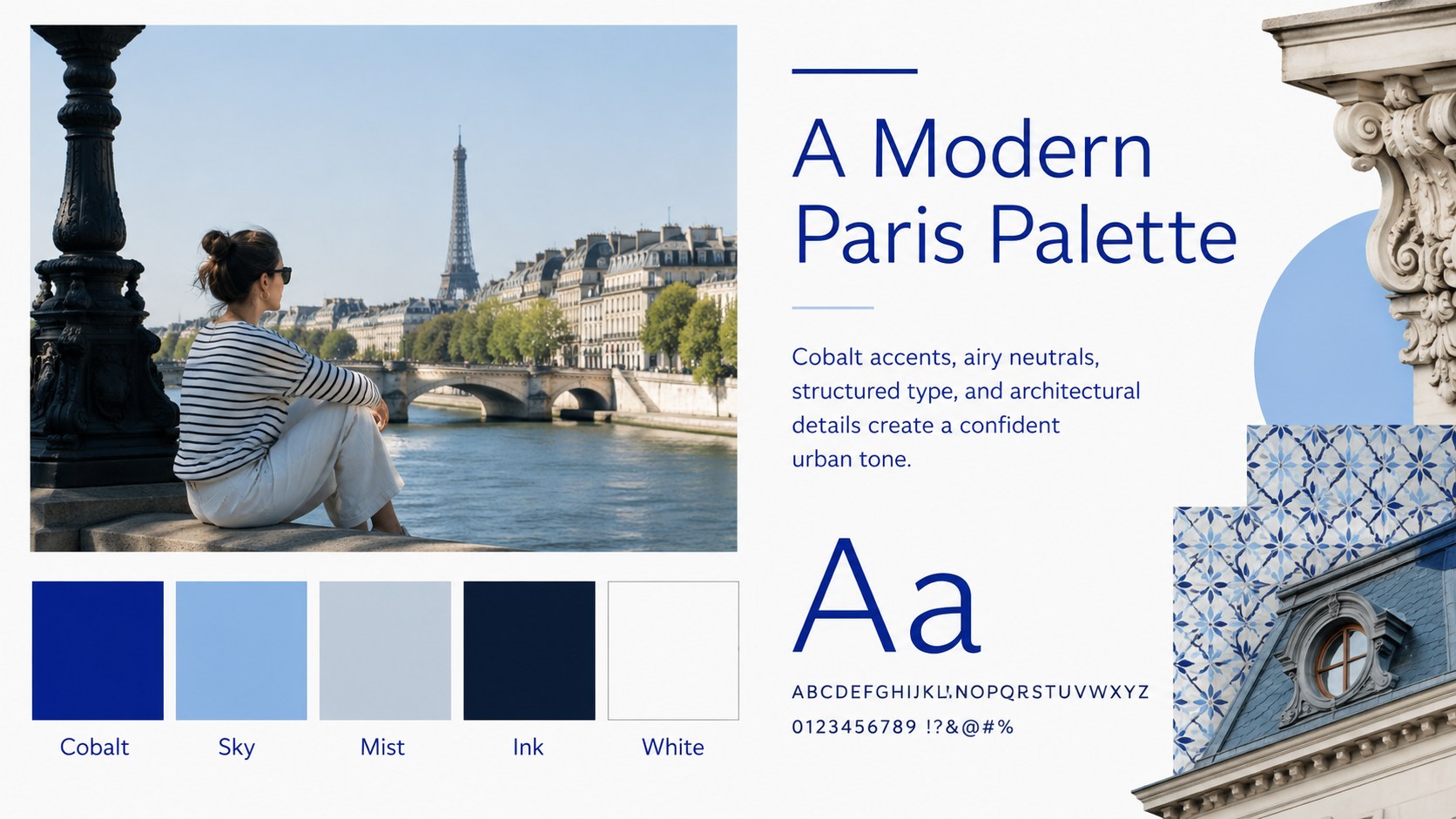
The Blue Paris City Presentation Theme gives travel stories, cultural topics, and creative proposals a polished metropolitan look. Its fresh blue palette, flat geometric details, and architecture-inspired accents evoke Paris without overwhelming your message. Use it as a modern paris powerpoint deck for a destination overview, classroom report, event concept, or personal travel journal.
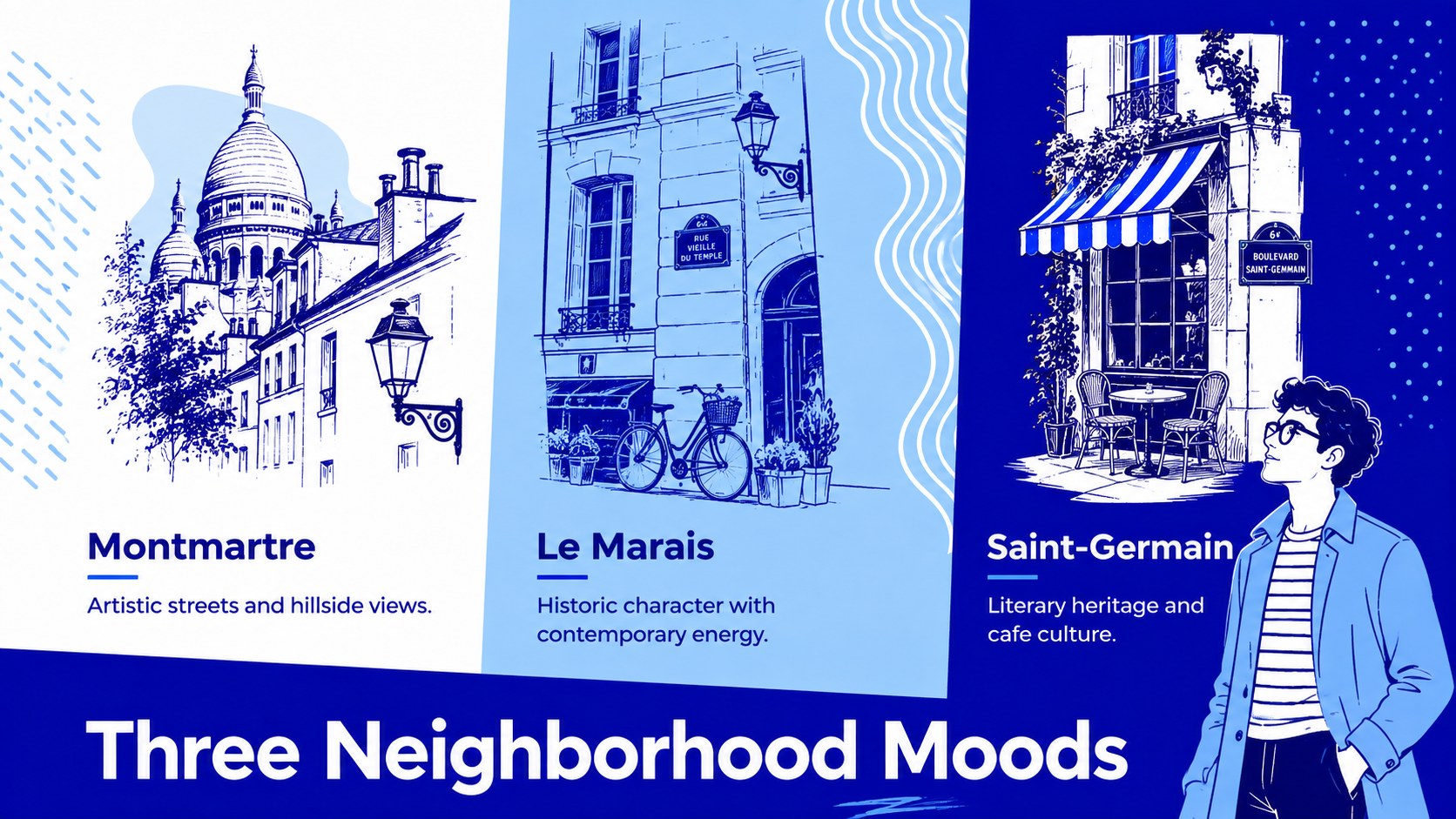
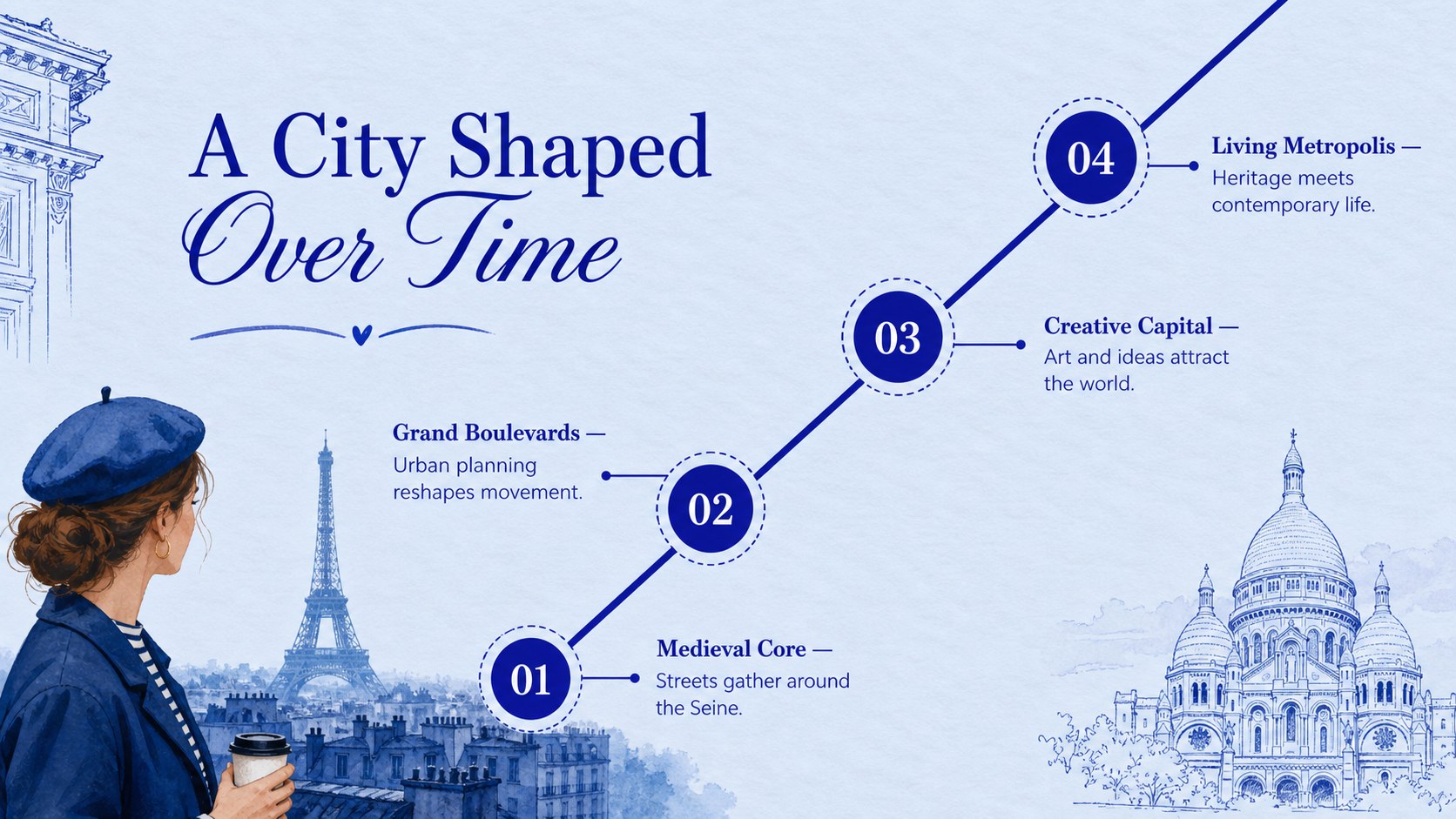
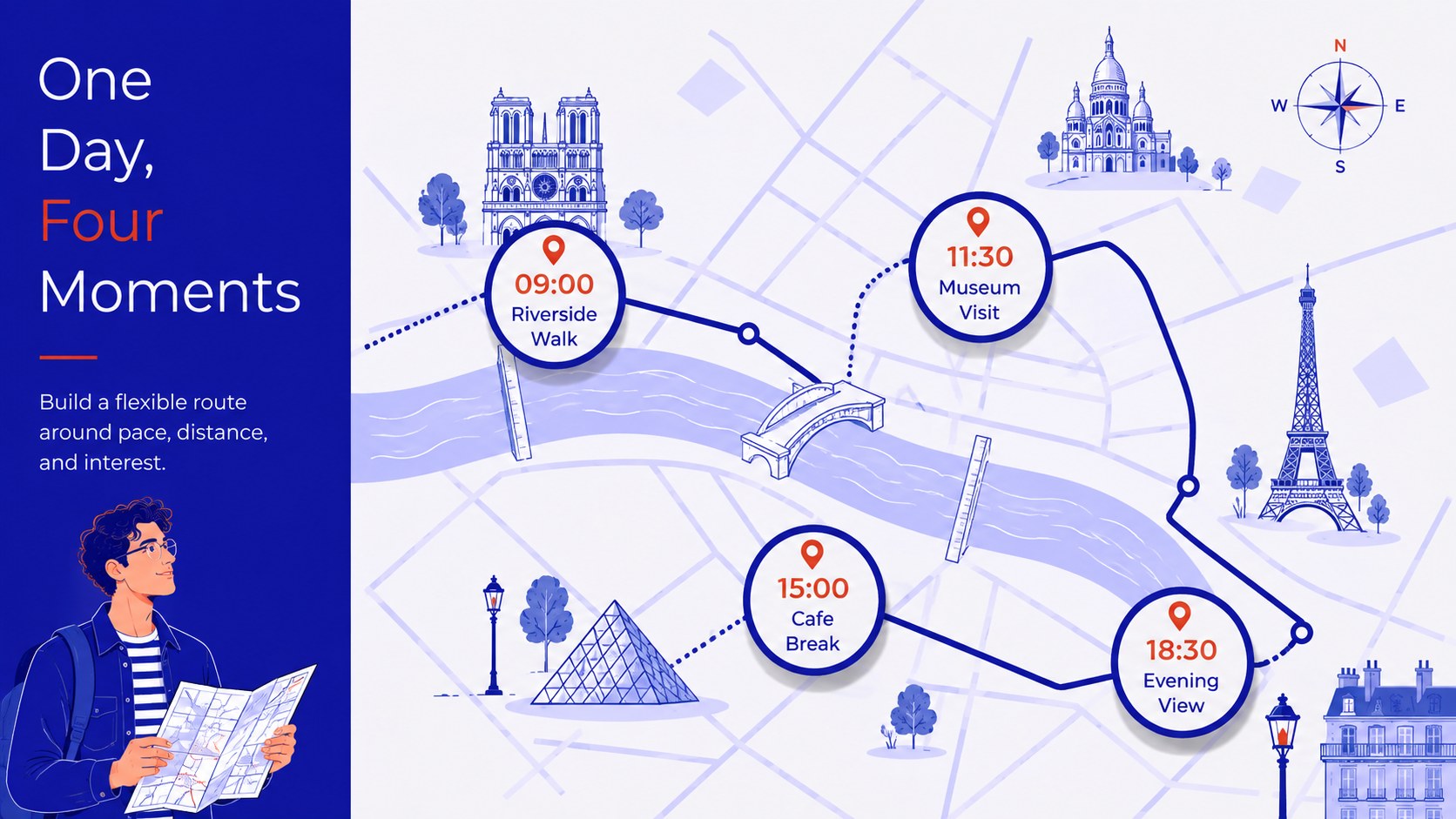
Inside are 15 widescreen layouts covering introductions, agendas, landmark profiles, neighborhood comparisons, timelines, itineraries, image galleries, data highlights, and closing remarks. Clear typography and flexible content areas make it easy to replace sample text, add photographs, adjust colors, and reorganize sections. The design also works as a paris travel google slides theme when collaboration and browser-based editing are important.
These french culture presentation layouts suit students, teachers, tourism teams, event planners, creative professionals, and anyone presenting a Paris-inspired idea. Build a concise city guide, explain local history, compare districts, pitch a themed campaign, or document a memorable journey. Every page is designed for straightforward editing in PowerPoint and Google Slides, allowing you to adapt the deck for formal presentations or expressive visual storytelling while maintaining a consistent modern style.
Perfect for: Paris travel itinerary; French culture lesson; Tourism campaign pitch; City architecture report; Paris event proposal; Personal travel journal.
Frequently asked questions
Can I edit every part of this Paris presentation? Yes. Text, colors, photographs, shapes, and section order can be customized in PowerPoint or Google Slides to match your topic.
Practical details
Yes. Text, colors, photographs, shapes, and section order can be customized in PowerPoint or Google Slides to match your topic.
The template is designed for PowerPoint and Google Slides. Both platforms support the widescreen layouts and core editing features used throughout the deck.
Yes. The landmark, culture, timeline, and neighborhood layouts are well suited to geography, language, history, and travel assignments.
Replace the sample images and adjust the blue accent colors through your presentation editor. Keep strong contrast between backgrounds and text to preserve readability.
Keep exploring
15Build an engaging World UFO Day session with this flying saucer history lesson deck, featuring retro green-and-brown slides for PowerPoint and Google Slides.
 15
15Plan a lively animal-learning journey with this jungle zoo adventure lesson deck, ready to customize in PowerPoint and Google Slides for young learners.
 16
16Turn environmental research into a clear story with a Watercolor Ecology Presentation Theme for PowerPoint and Google Slides in calming green and blue.
 16
16Build focused fashion, literature, and humanities presentations with the Red Triangle Editorial Theme, editable in PowerPoint and Google Slides.
 15
15Turn streaming stats, favorite tracks, and concert highlights into a bold annual listening recap slide deck for PowerPoint and Google Slides.
 15
15Turn highlights, milestones, and favorite moments into a colorful year in review slide deck with bold 3D graphics for PowerPoint and Google Slides.
 3
3Build a credible endorsement with Standout Colleague Recommendation Letter Slides, featuring colorful prompts for skills, achievements, and team impact.
 4
4Build clear beginner sessions with an ice hockey fundamentals training deck for coaches, PE teachers, and clubs, ready for PowerPoint and Google Slides.