
 15
15presentation
Flying Saucer History Lesson Deck
Build an engaging World UFO Day session with this flying saucer history lesson deck, featuring retro green-and-brown slides for PowerPoint and Google Slides.
Google SlidesPowerPoint
presentation · English
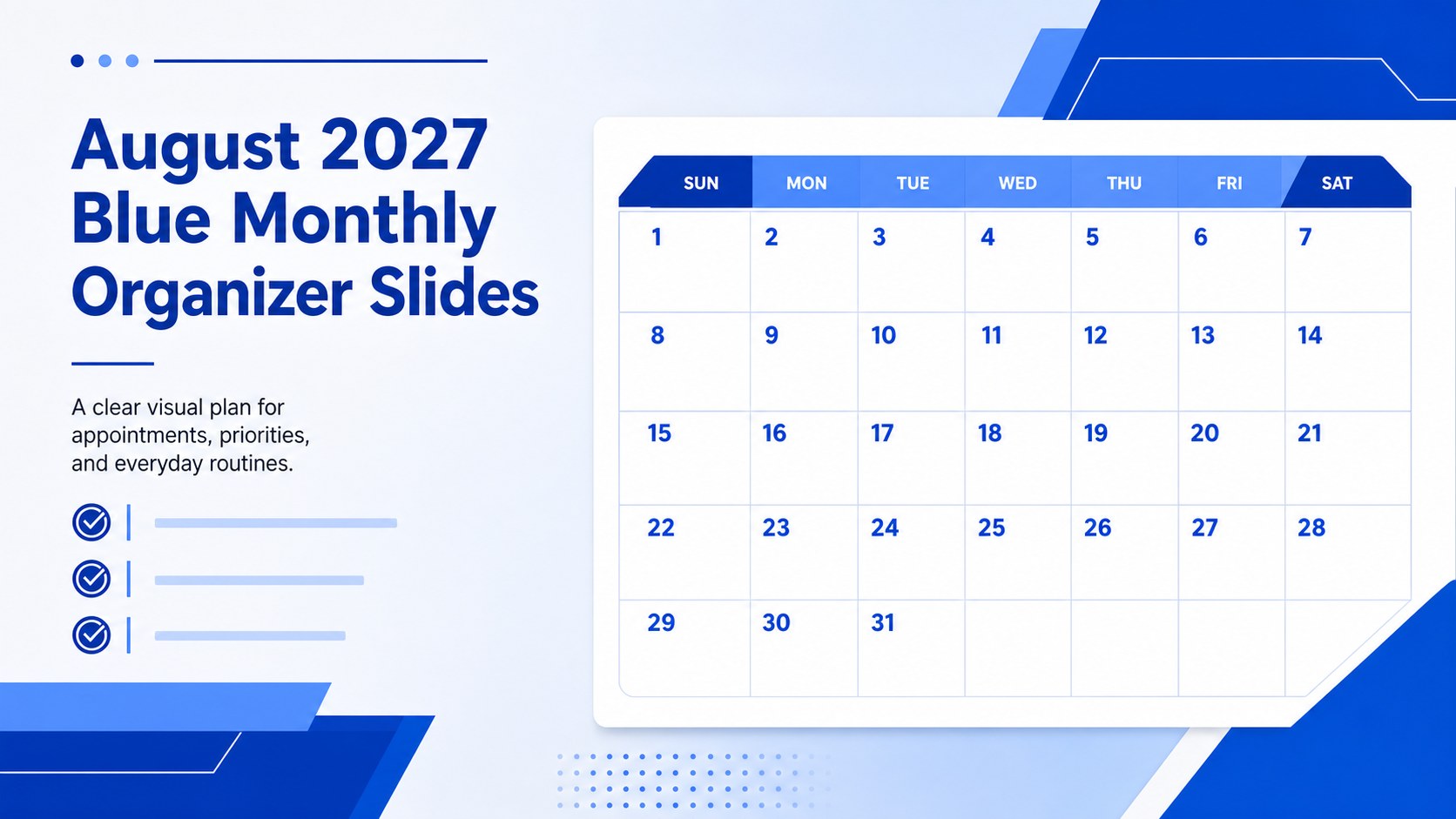
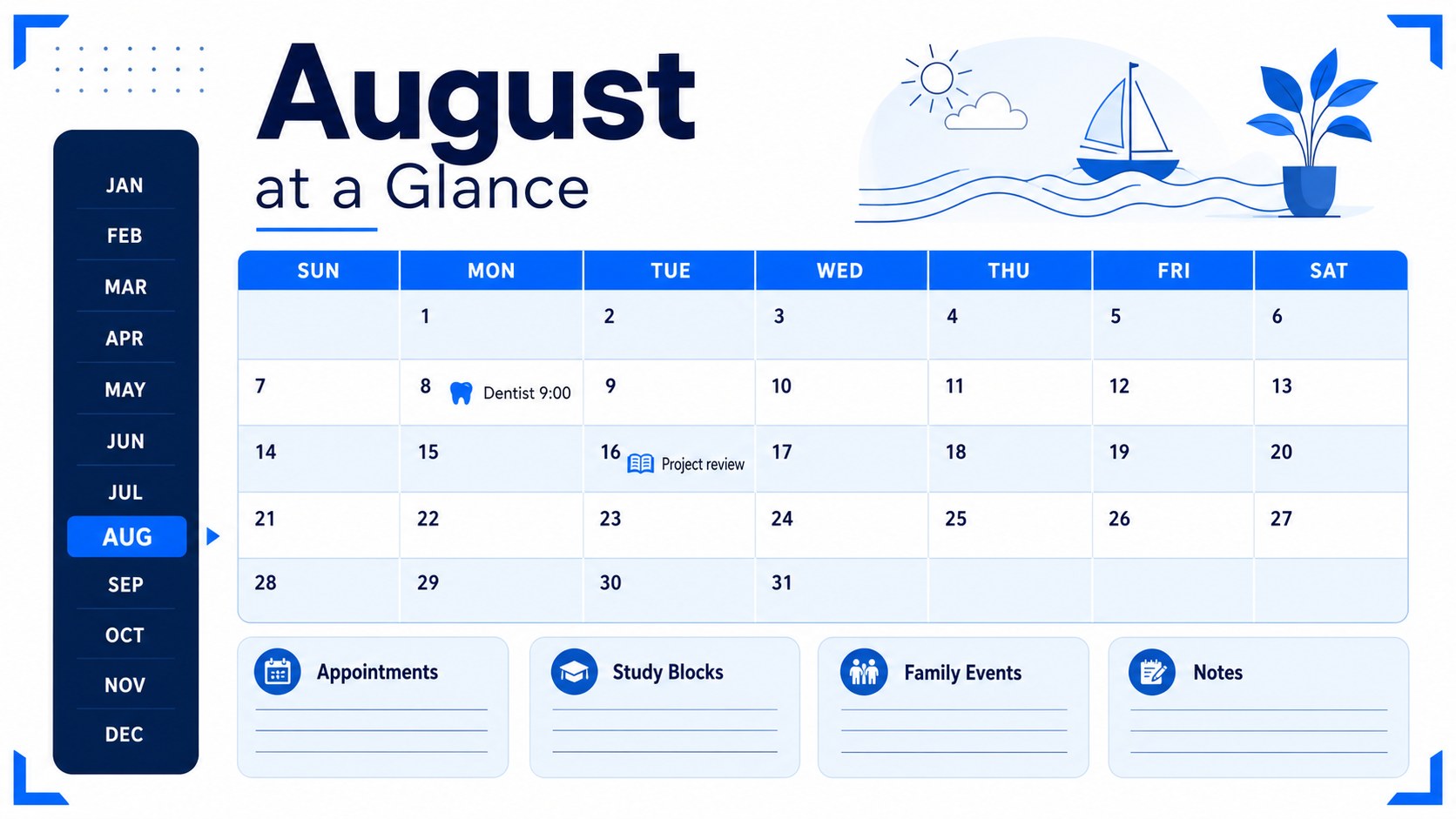
Plan August 2027 with blue monthly organizer slides for appointments, study blocks, family events, and reminders, editable in PowerPoint or Google Slides.
Design notes
Blue monthly organizer slides make August 2027 easier to map, review, and share. The bold blue palette, oversized date typography, and spacious month-view structure create a practical planning workspace that keeps important commitments visible without feeling crowded. Use it as a personal dashboard, household schedule, or printable planning aid.
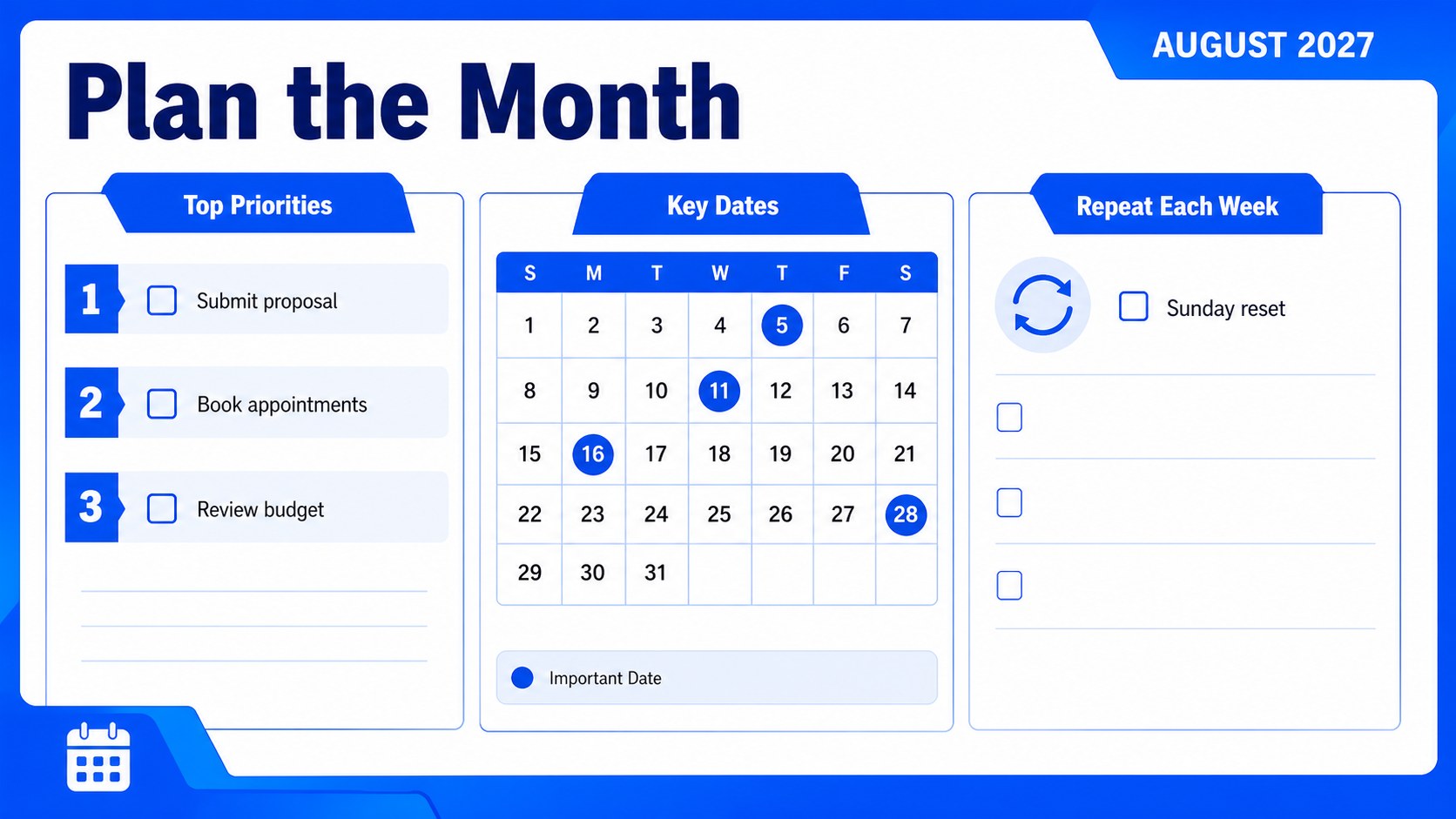
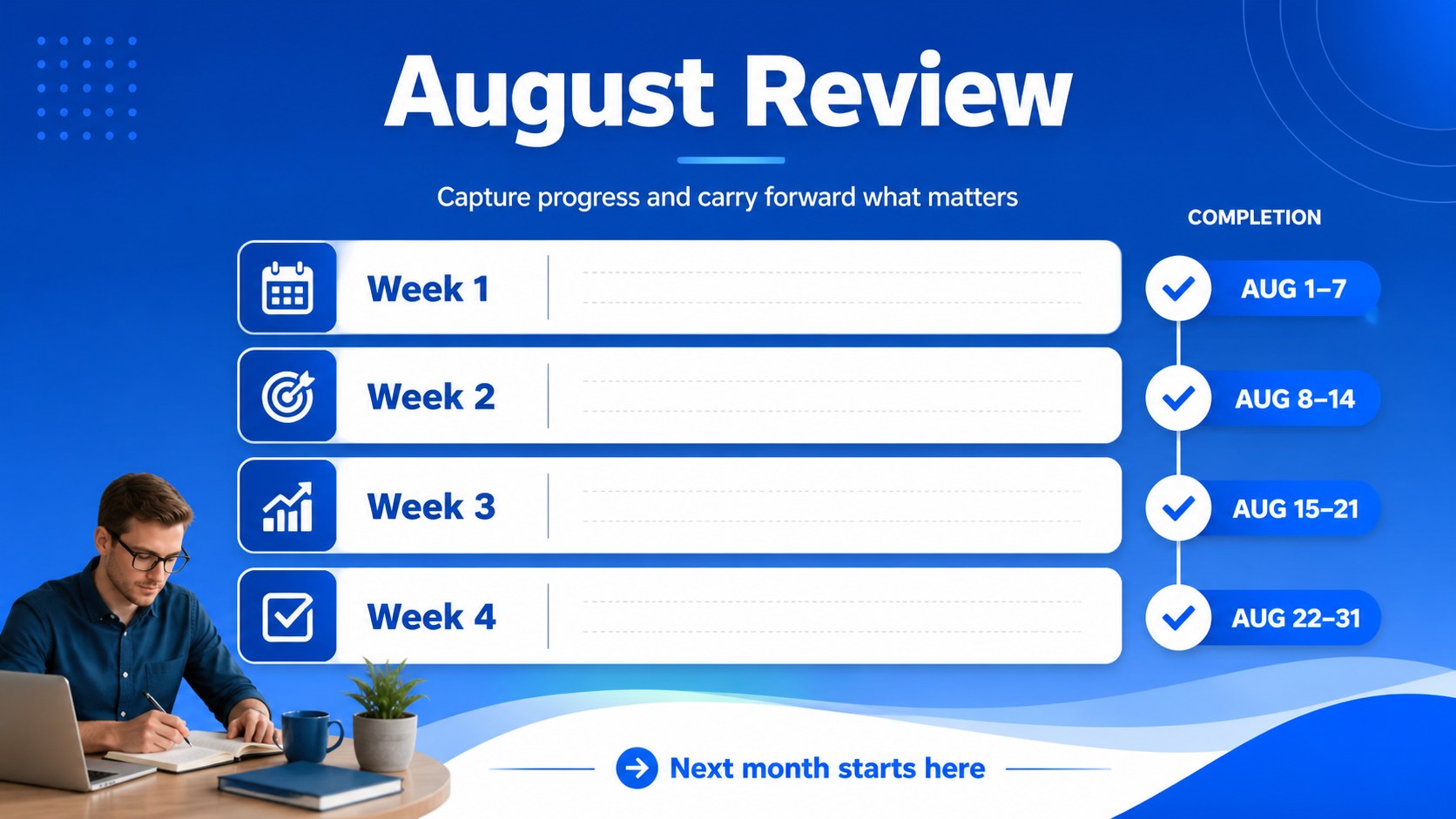
Inside the template, you will find a fully editable August calendar with generous areas for appointments, deadlines, errands, study blocks, family activities, and notes. The clean landscape format supports quick scanning, while flexible shapes and text areas let you highlight priorities, color-code categories, or add recurring events. These monthly schedule presentation slides can also be adapted for a classroom overview, team availability board, or project checkpoint calendar.
The deck works for students, professionals, parents, educators, freelancers, and anyone balancing several responsibilities. Edit the content in Google Slides or PowerPoint, then export it for digital sharing or printing. As a visual planning calendar template, it is useful for weekly coordination meetings, back-to-school preparation, personal goal setting, and household organization. Adjust fonts, icons, colors, and spacing to match your routine while preserving the strong blue visual system.
Perfect for: student study planning; family appointment coordination; back-to-school preparation; freelance project scheduling; team availability planning.
Frequently asked questions
Can I edit the August dates and planning areas? Yes. The calendar text, date labels, shapes, and planning fields are editable. You can replace reminders, add categories, and reorganize sections for your own schedule.
Practical details
Yes. The calendar text, date labels, shapes, and planning fields are editable. You can replace reminders, add categories, and reorganize sections for your own schedule.
You can customize the deck in Google Slides, Microsoft PowerPoint. After editing, export it as a PDF or image for printing and sharing.
Yes. Replace the month name, dates, and labels to repurpose the design for another planning period. Check weekday alignment carefully when changing the calendar.
The landscape layout is designed for clear digital viewing and can be exported for print use. Adjust page settings and margins in your chosen platform before printing.
Keep exploring
15Build an engaging World UFO Day session with this flying saucer history lesson deck, featuring retro green-and-brown slides for PowerPoint and Google Slides.
 15
15Plan a lively animal-learning journey with this jungle zoo adventure lesson deck, ready to customize in PowerPoint and Google Slides for young learners.
 16
16Turn environmental research into a clear story with a Watercolor Ecology Presentation Theme for PowerPoint and Google Slides in calming green and blue.
 16
16Build focused fashion, literature, and humanities presentations with the Red Triangle Editorial Theme, editable in PowerPoint and Google Slides.
 15
15Turn streaming stats, favorite tracks, and concert highlights into a bold annual listening recap slide deck for PowerPoint and Google Slides.
 15
15Turn highlights, milestones, and favorite moments into a colorful year in review slide deck with bold 3D graphics for PowerPoint and Google Slides.
 3
3Build a credible endorsement with Standout Colleague Recommendation Letter Slides, featuring colorful prompts for skills, achievements, and team impact.
 4
4Build clear beginner sessions with an ice hockey fundamentals training deck for coaches, PE teachers, and clubs, ready for PowerPoint and Google Slides.