
 15
15presentation
Flying Saucer History Lesson Deck
Build an engaging World UFO Day session with this flying saucer history lesson deck, featuring retro green-and-brown slides for PowerPoint and Google Slides.
Google SlidesPowerPoint
presentation · English
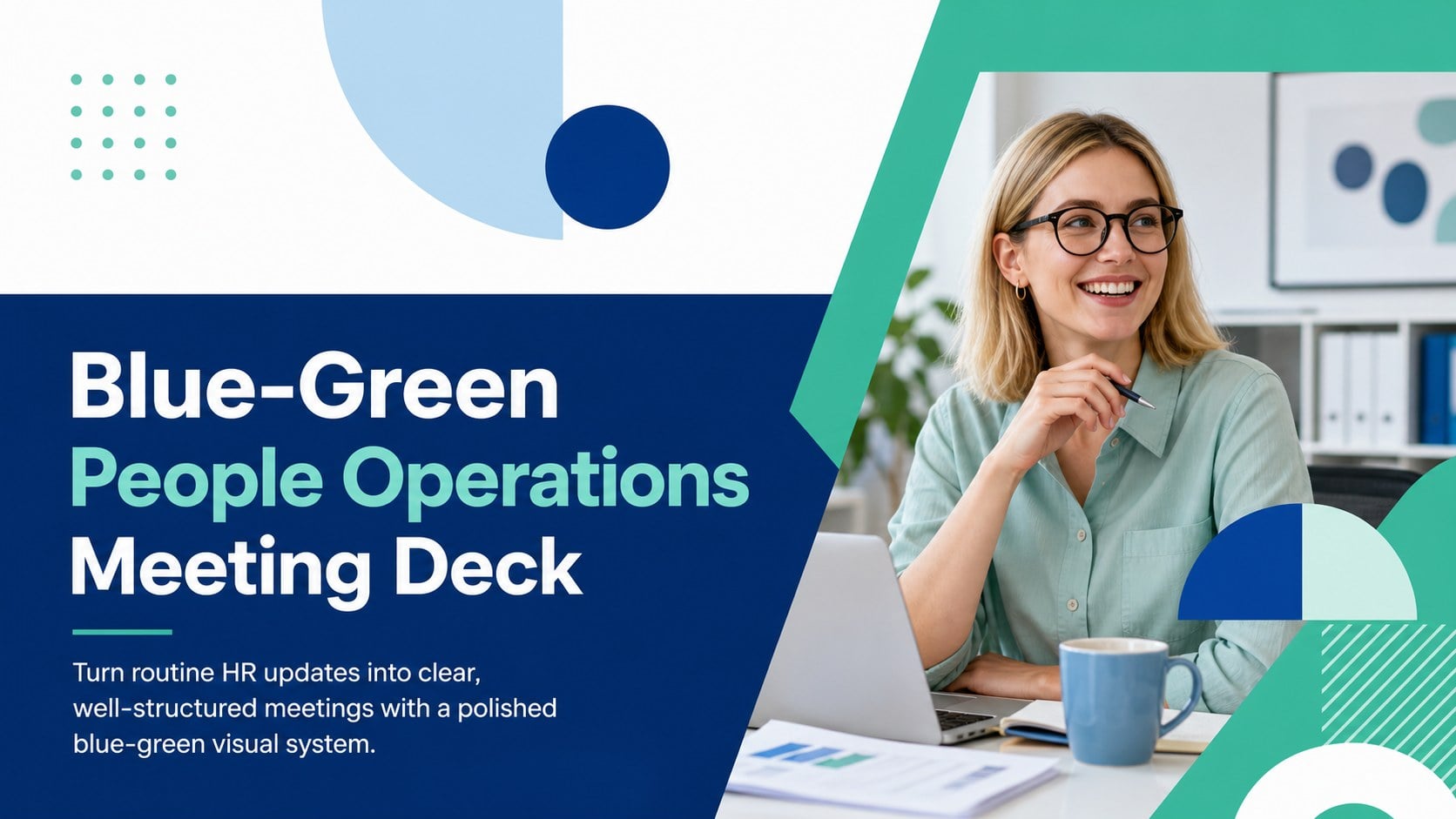
Build a polished blue-green HR meeting with a people operations meeting deck for reports, team updates, and workplace planning in PowerPoint or Google Slides.
Design notes
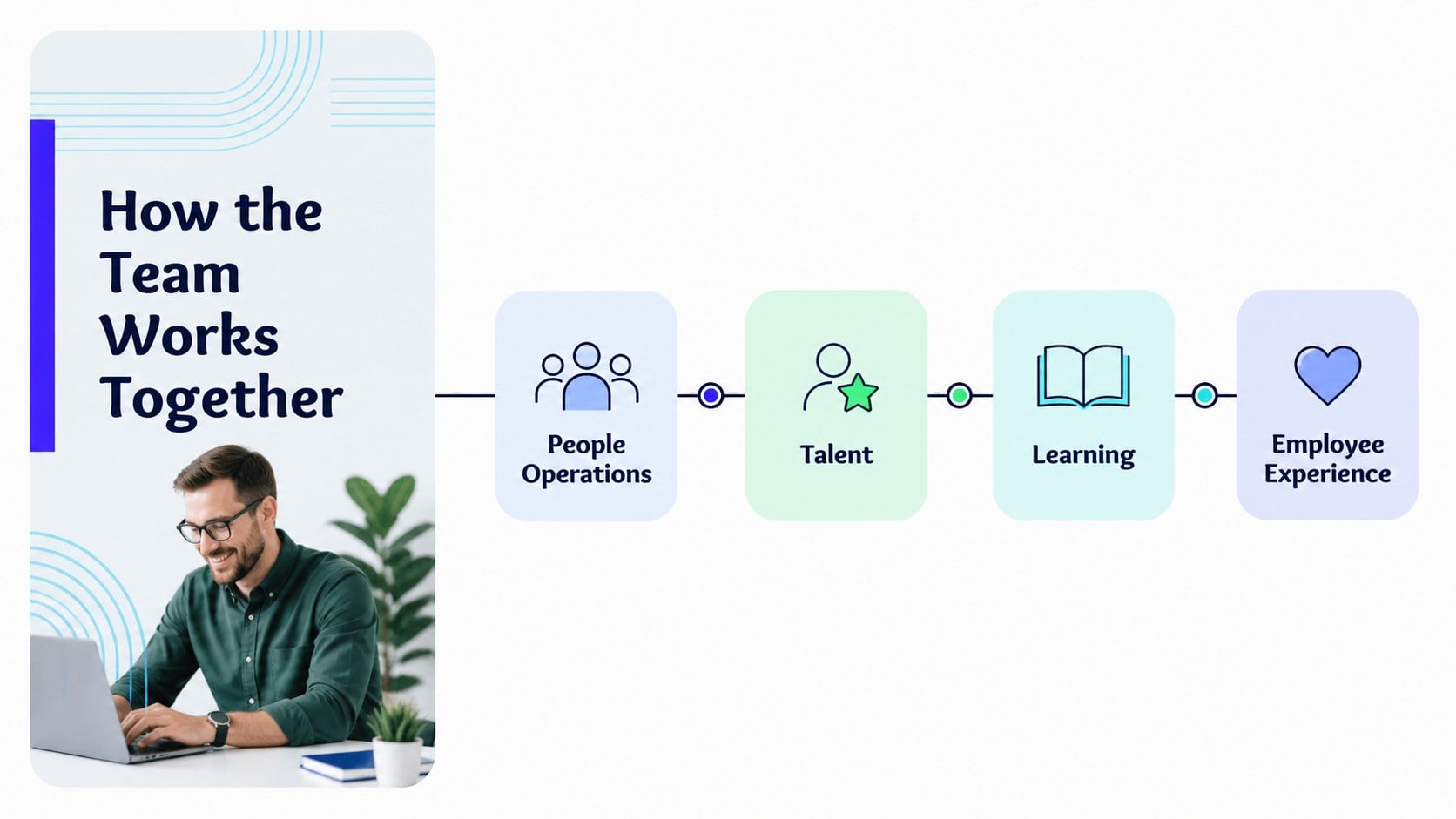
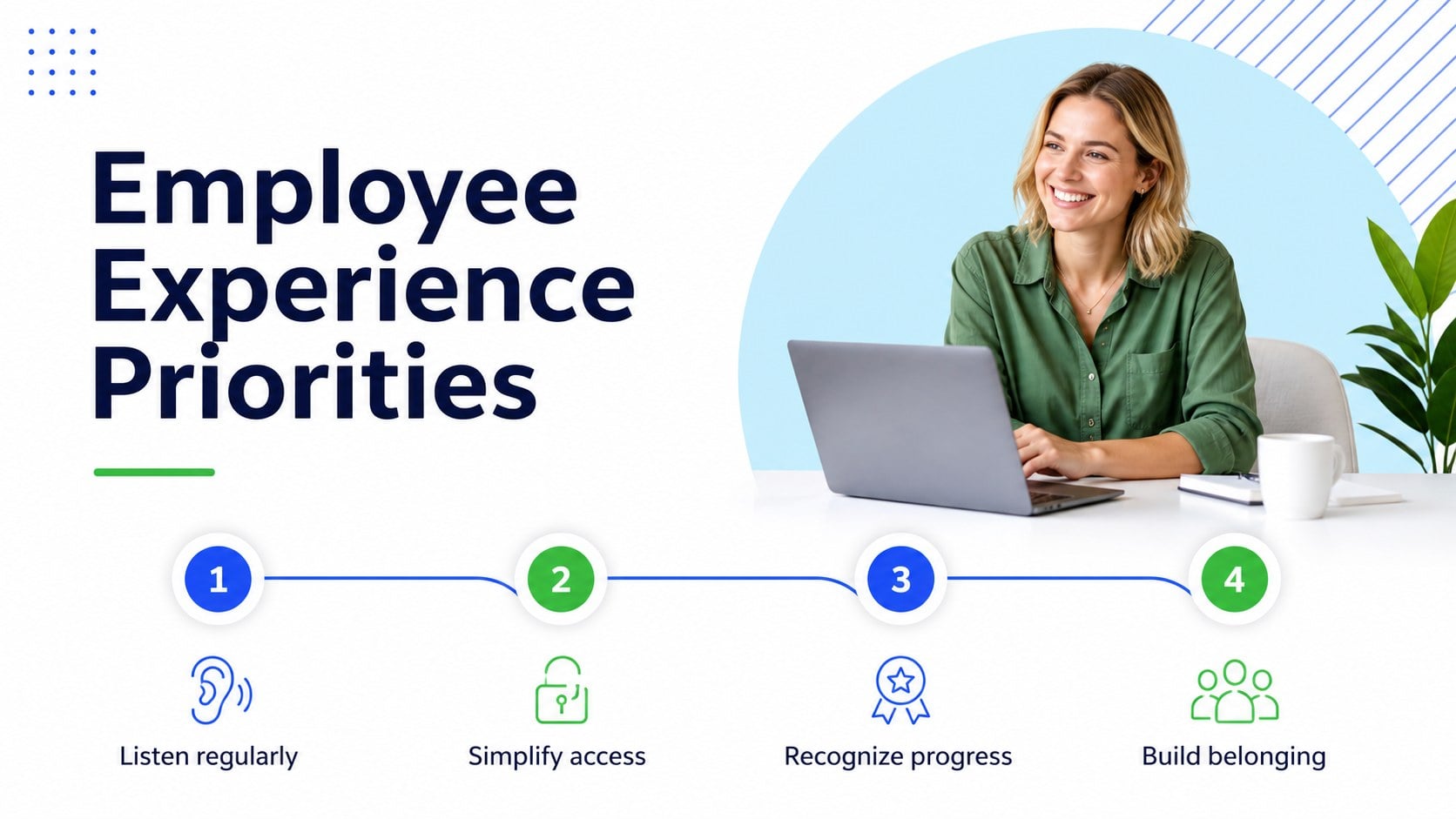
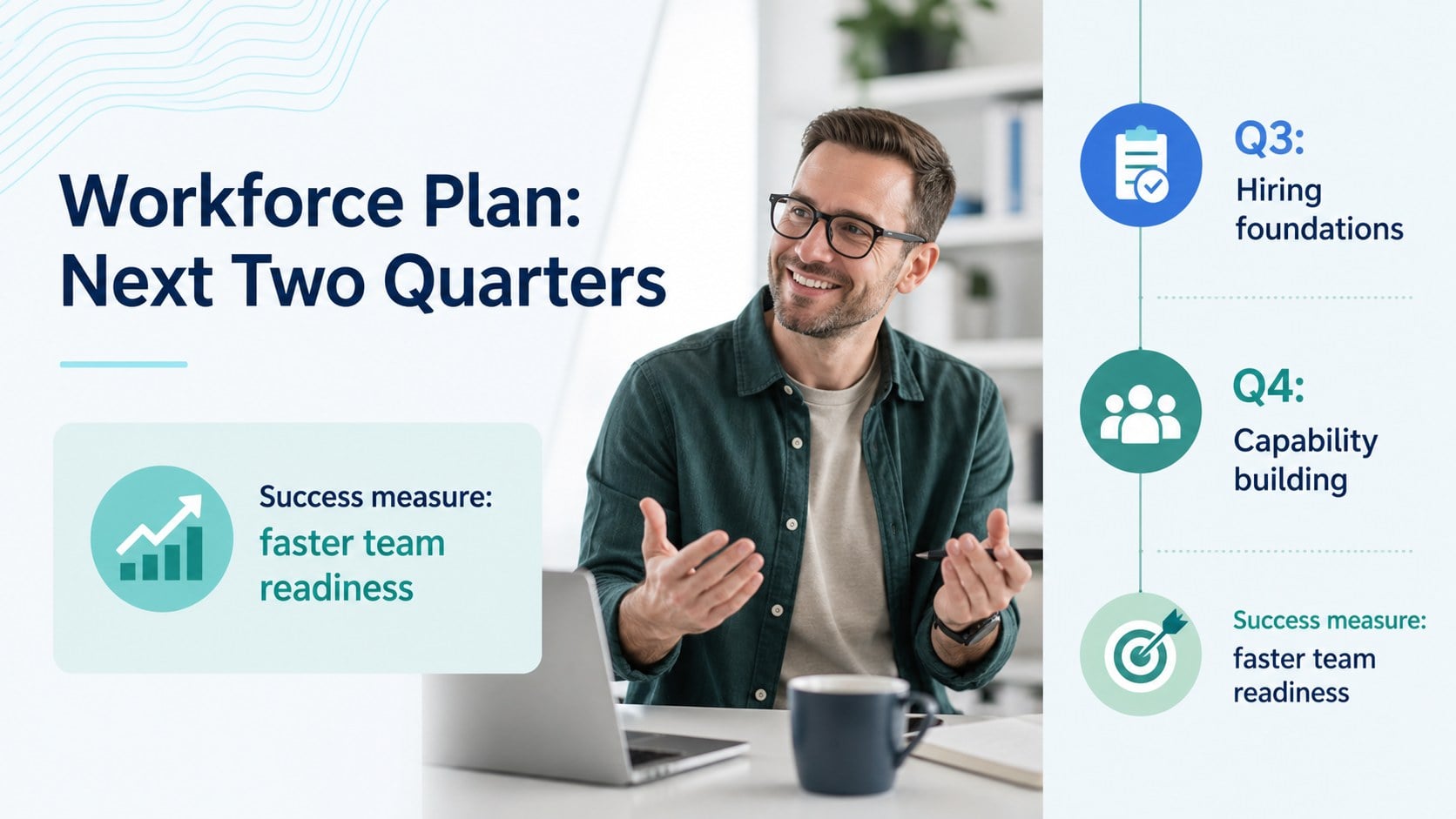
Make HR communication easier to scan with the Blue-Green People Operations Meeting Deck, a modern presentation system for organized workplace updates. Its clean geometry, bright blue accents, fresh green highlights, and generous white space help teams present information with confidence without overwhelming the audience. The layout is designed for practical business communication, from workforce planning to department check-ins.
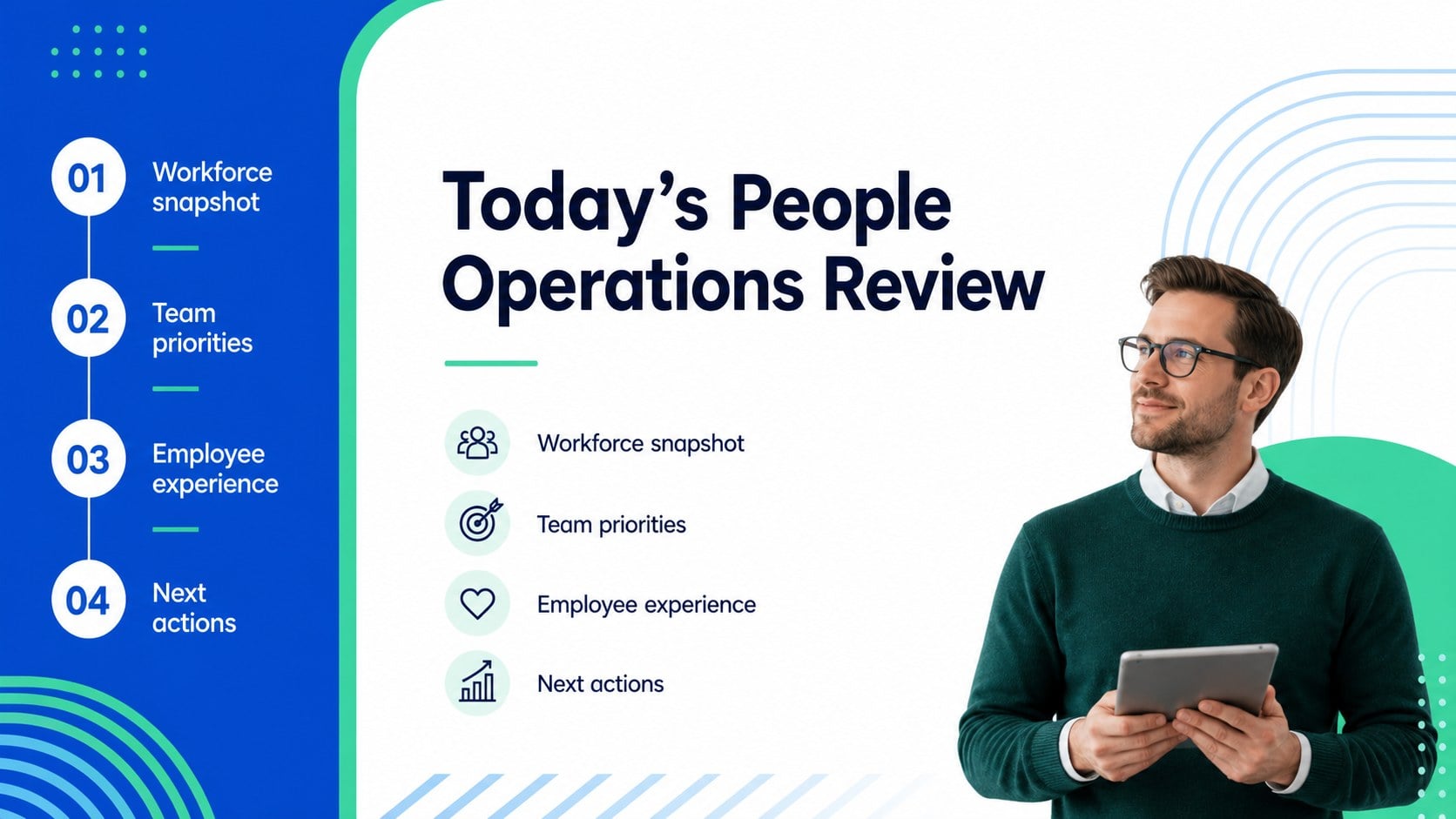
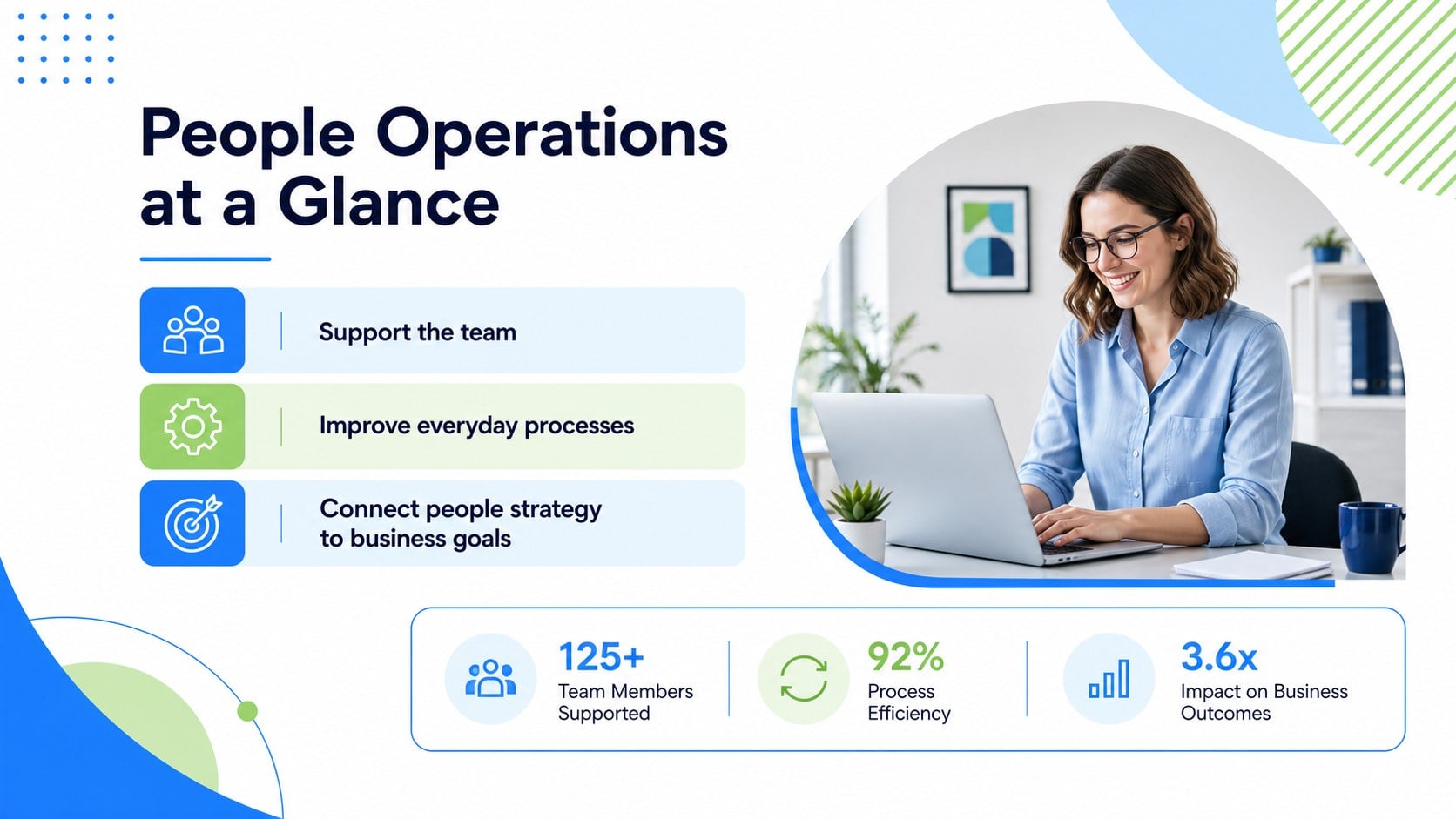
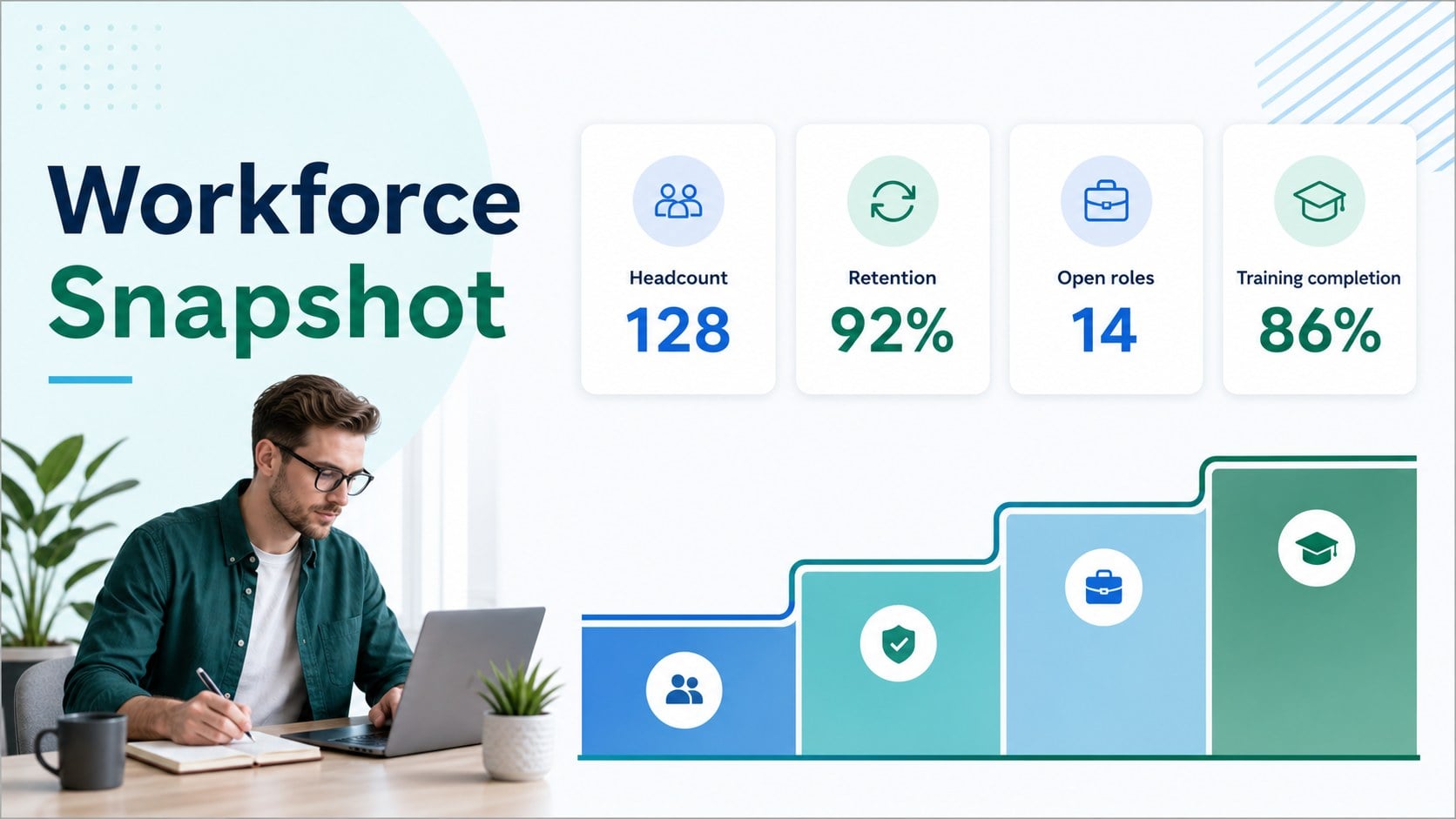
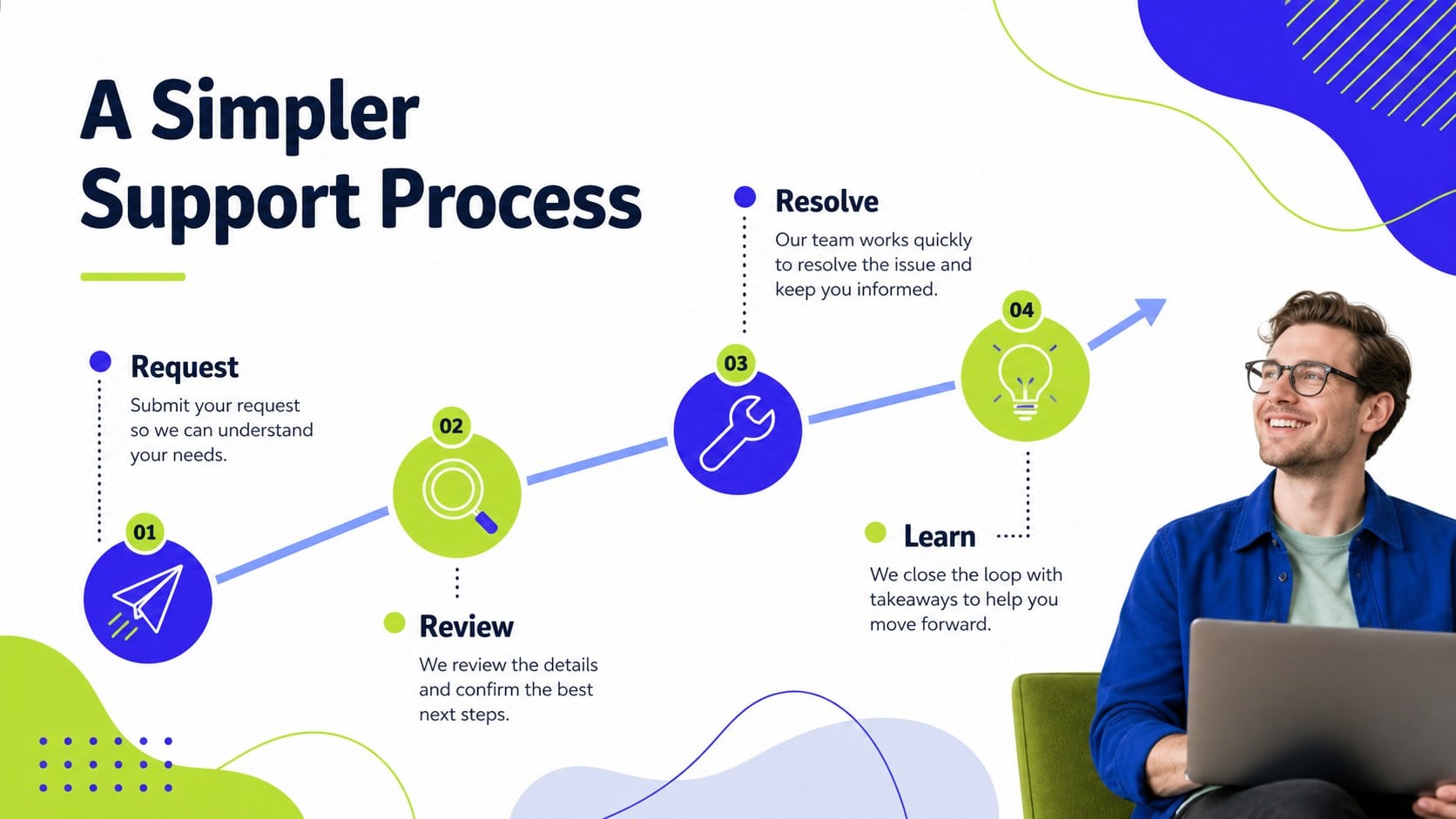
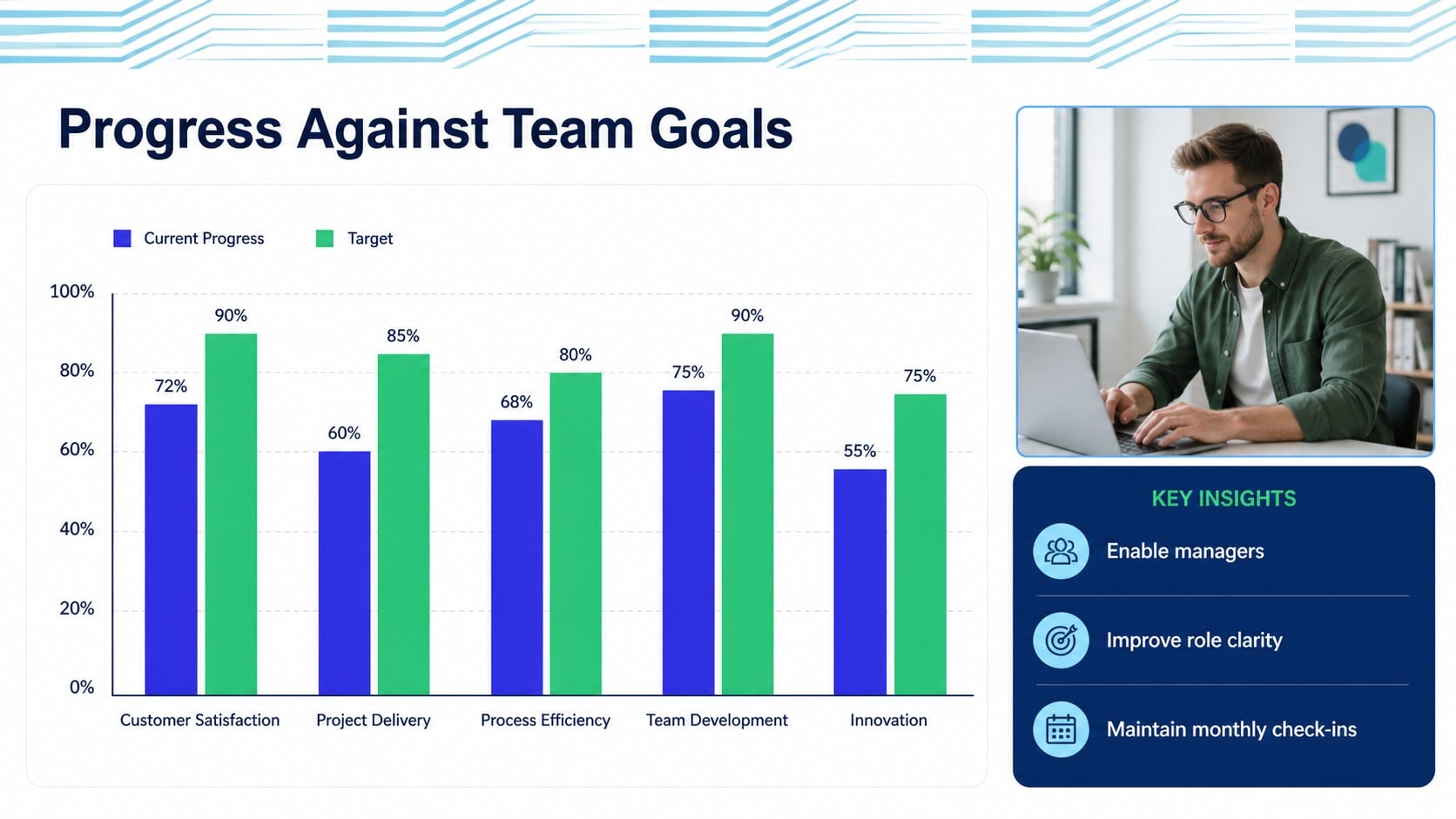
Inside, you’ll find more than 25 adaptable slide layouts for agendas, team structures, process overviews, employee updates, performance snapshots, timelines, charts, and closing summaries. The deck works well as a blue green HR meeting deck for recurring internal reviews, leadership briefings, and people strategy discussions. Editable diagrams, data visualizations, image frames, tables, and icon-friendly layouts make it simple to tailor each section to your organization.
This presentation is suitable for HR managers, people operations teams, startup founders, department leads, and consultants preparing a human resources team presentation. Edit it in PowerPoint or Google Slides, adjust the palette and typography, and add your own data, policies, or workforce milestones. It is especially useful for startup people operations planning, onboarding reviews, culture initiatives, and quarterly workforce reporting.
Perfect for: startup people operations planning; quarterly workforce reporting; employee experience strategy review; HR leadership briefing; new policy rollout meeting.
Frequently asked questions
Can I edit this deck in PowerPoint? Yes. The layouts are designed for PowerPoint editing, including text, colors, charts, shapes, and image areas. Replace the sample content with your organization’s information and branding.
Practical details
Yes. The layouts are designed for PowerPoint editing, including text, colors, charts, shapes, and image areas. Replace the sample content with your organization’s information and branding.
Yes, it is compatible with Google Slides. Upload or import the presentation, then update the text, diagrams, charts, and visual styling directly in your browser.
Yes. You can modify the accent colors to match your company identity while retaining the clean geometric structure. Use a small set of complementary colors so charts and headings remain easy to read.
The slides can support workforce plans, employee experience initiatives, team structures, onboarding updates, performance summaries, process reviews, and people strategy goals. Charts and timeline layouts are also useful for reporting milestones and operational priorities.
Keep exploring
15Build an engaging World UFO Day session with this flying saucer history lesson deck, featuring retro green-and-brown slides for PowerPoint and Google Slides.
 15
15Plan a lively animal-learning journey with this jungle zoo adventure lesson deck, ready to customize in PowerPoint and Google Slides for young learners.
 16
16Turn environmental research into a clear story with a Watercolor Ecology Presentation Theme for PowerPoint and Google Slides in calming green and blue.
 16
16Build focused fashion, literature, and humanities presentations with the Red Triangle Editorial Theme, editable in PowerPoint and Google Slides.
 15
15Turn streaming stats, favorite tracks, and concert highlights into a bold annual listening recap slide deck for PowerPoint and Google Slides.
 15
15Turn highlights, milestones, and favorite moments into a colorful year in review slide deck with bold 3D graphics for PowerPoint and Google Slides.
 3
3Build a credible endorsement with Standout Colleague Recommendation Letter Slides, featuring colorful prompts for skills, achievements, and team impact.
 4
4Build clear beginner sessions with an ice hockey fundamentals training deck for coaches, PE teachers, and clubs, ready for PowerPoint and Google Slides.