
 15
15presentation
Flying Saucer History Lesson Deck
Build an engaging World UFO Day session with this flying saucer history lesson deck, featuring retro green-and-brown slides for PowerPoint and Google Slides.
Google SlidesPowerPoint
presentation · English
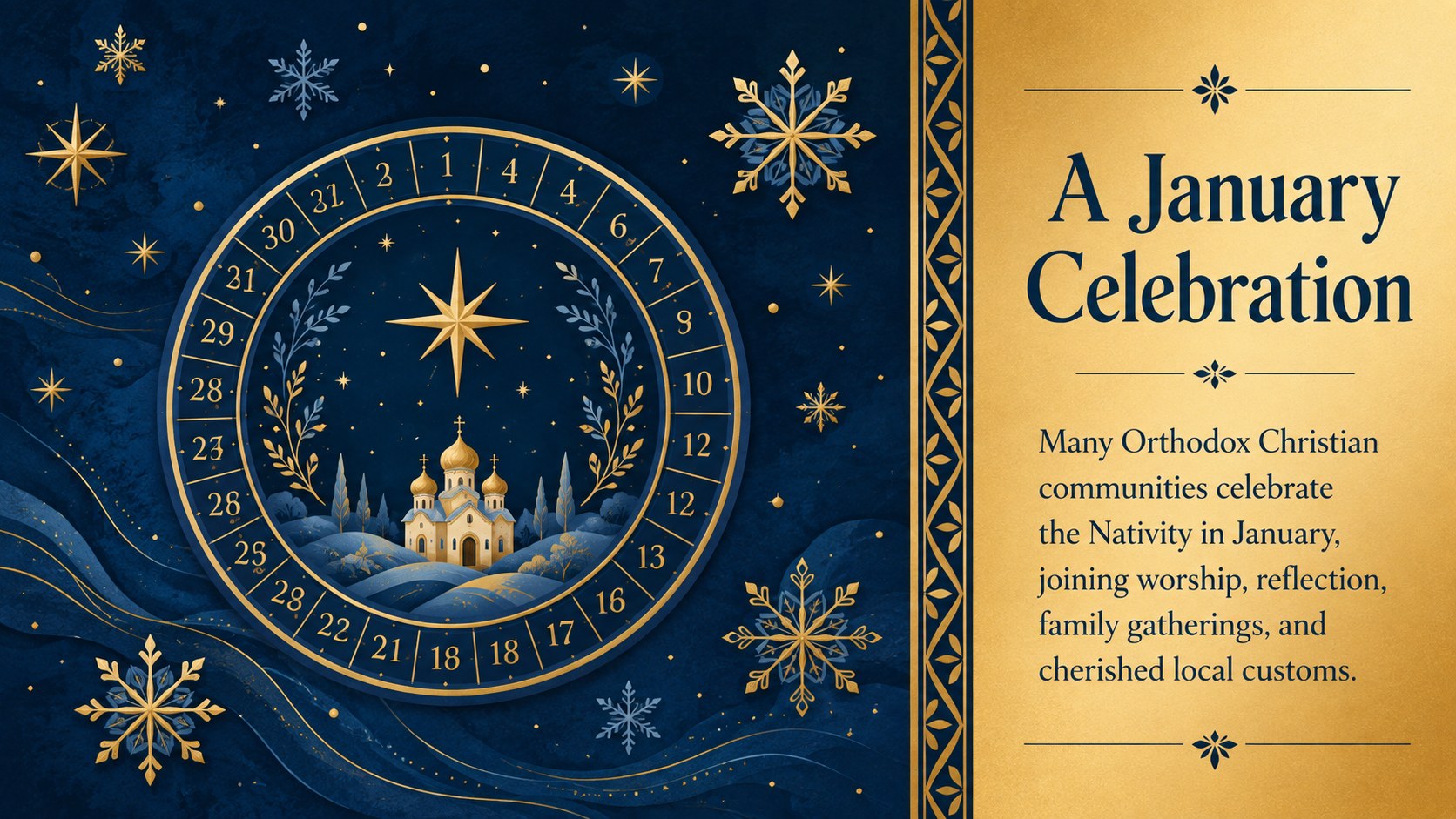
Use this blue and gold Orthodox Christmas story deck to explain January celebrations, sacred traditions, and winter customs in PowerPoint or Google Slides.
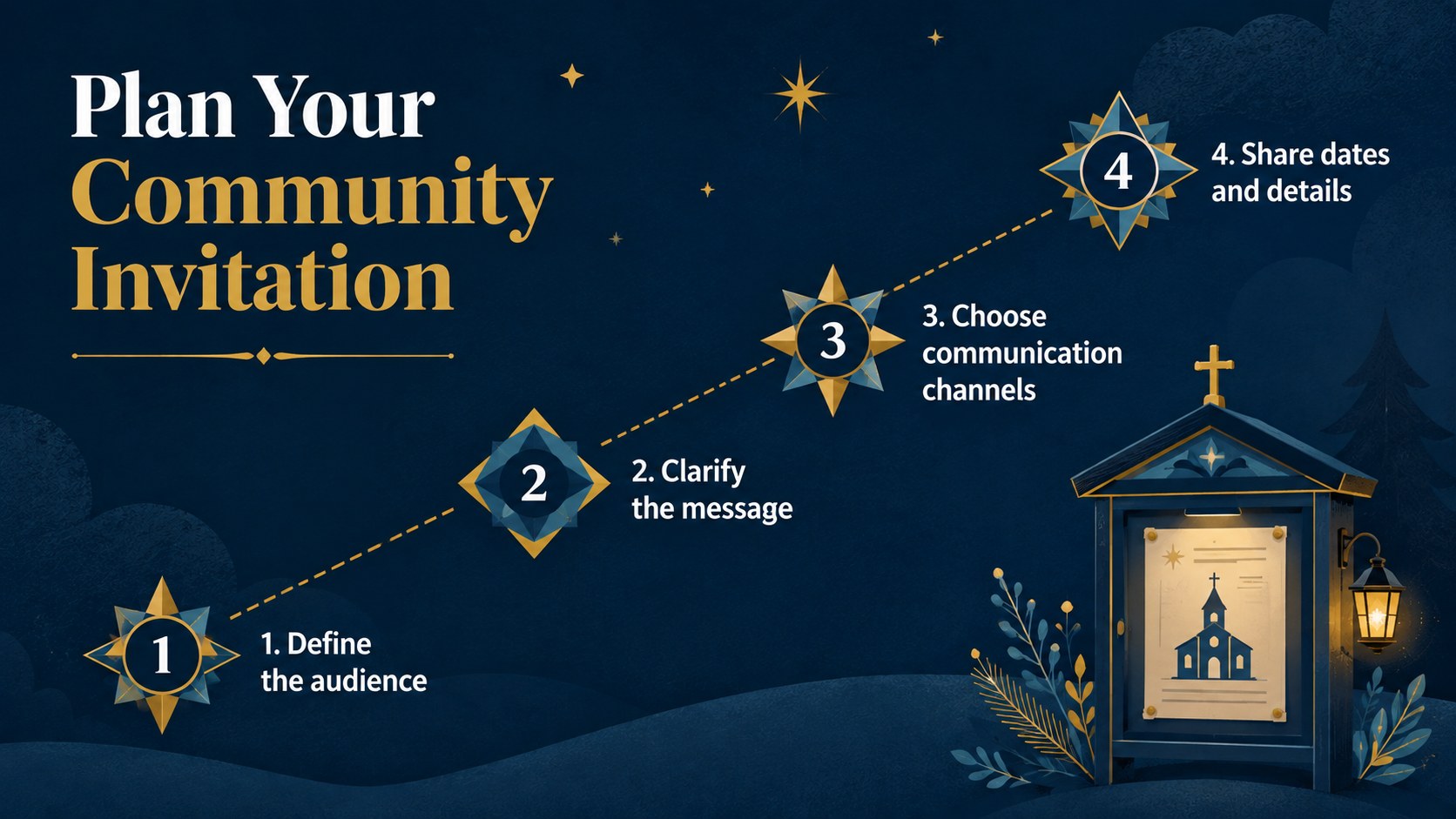
Design notes
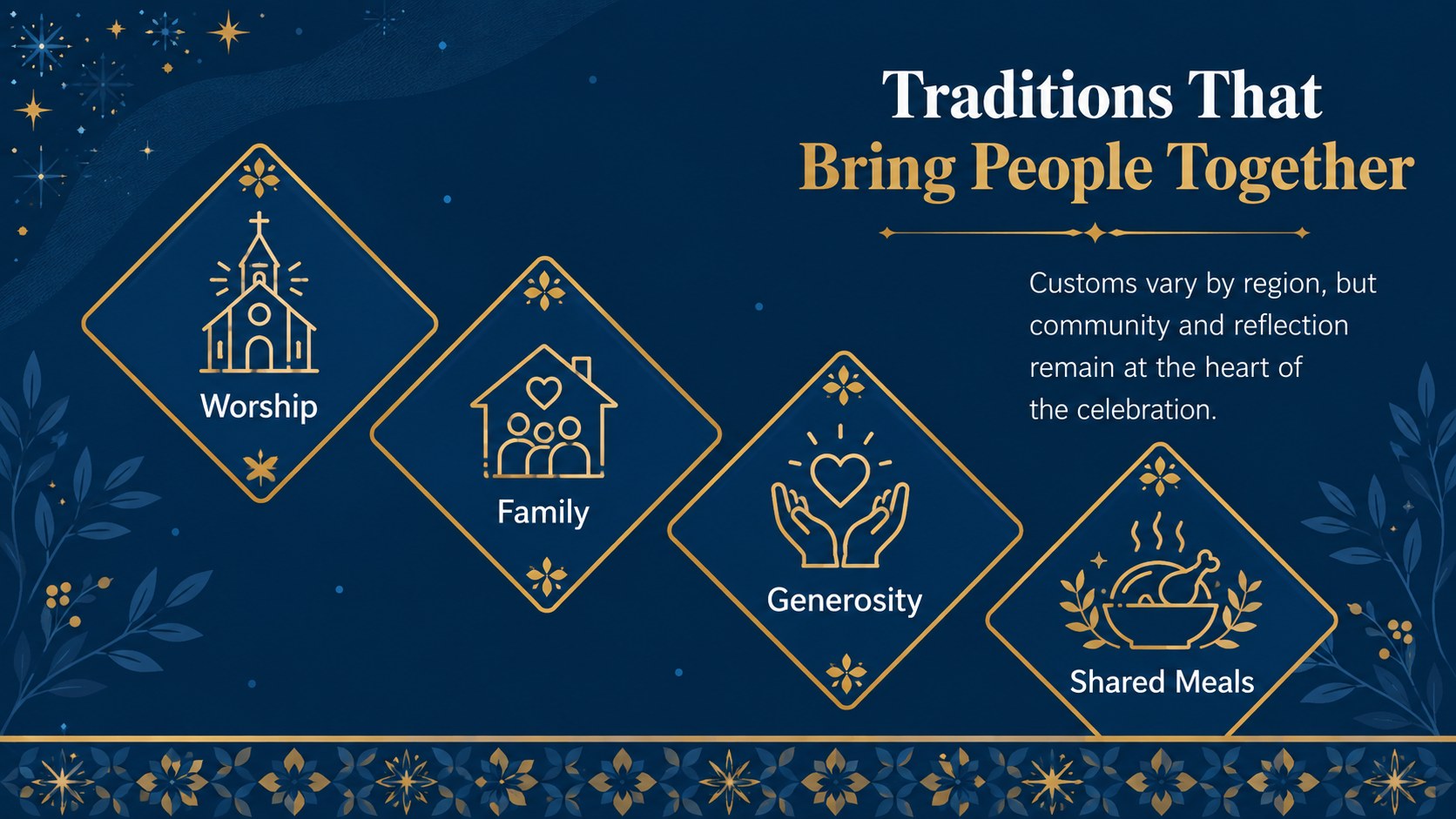
The blue and gold Orthodox Christmas story deck offers a polished way to explore the faith, history, and cultural customs surrounding this January celebration. Refined geometric patterns, wintry illustrations, and rich gold accents create a festive atmosphere without distracting from your message. Use the layouts to introduce the holiday, explain its significance, or guide an audience through a seasonal program.
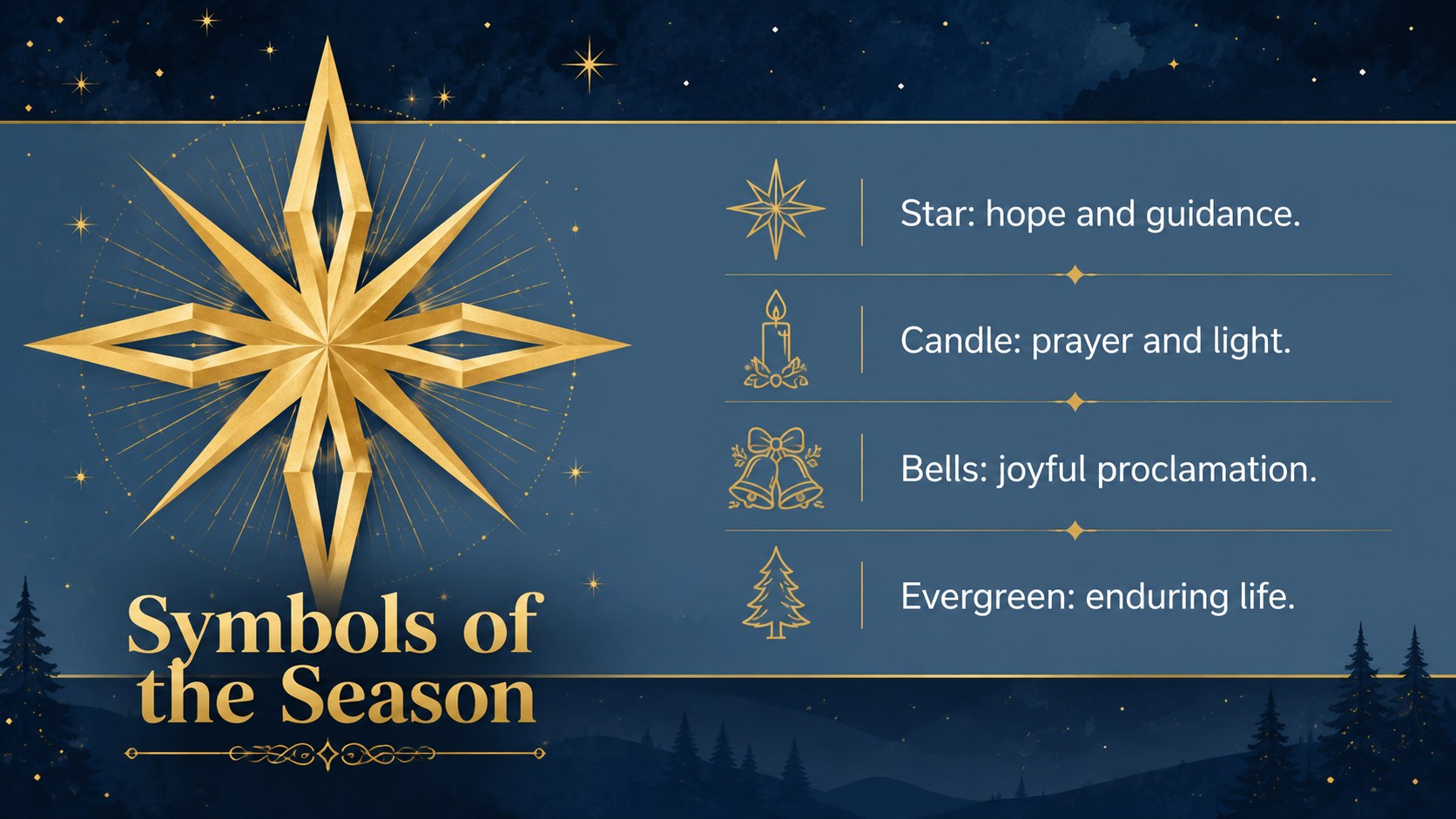
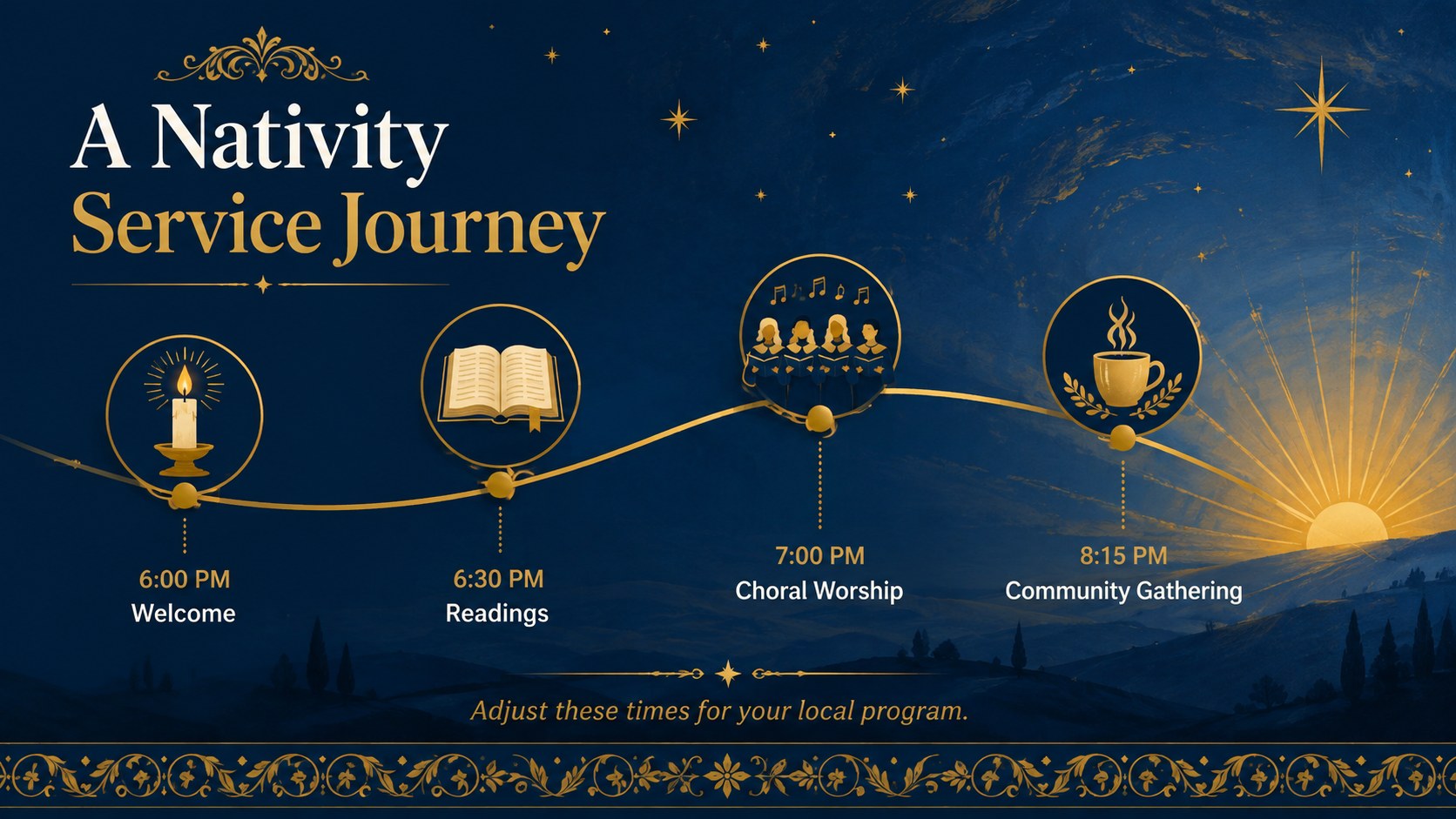
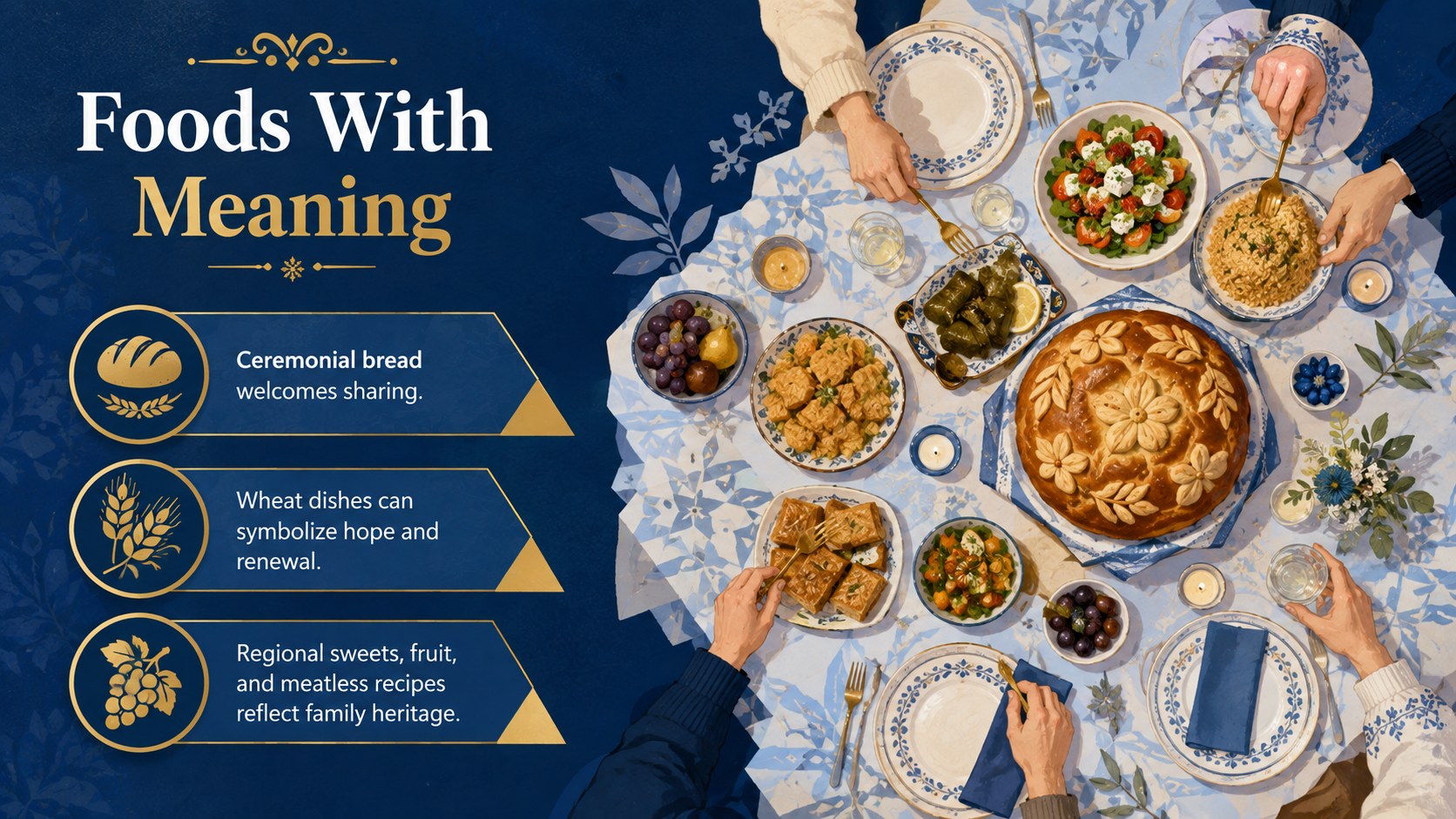
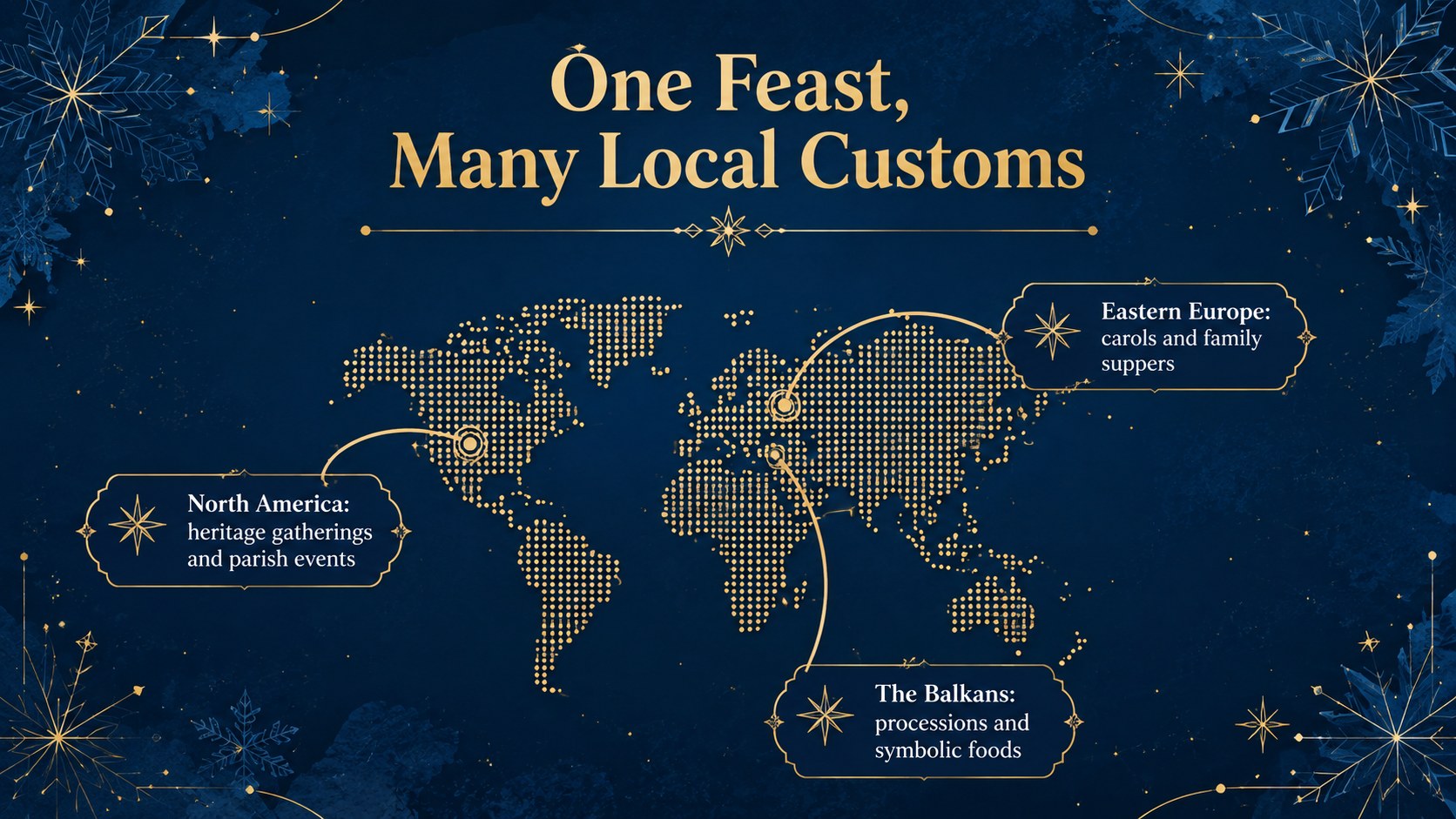
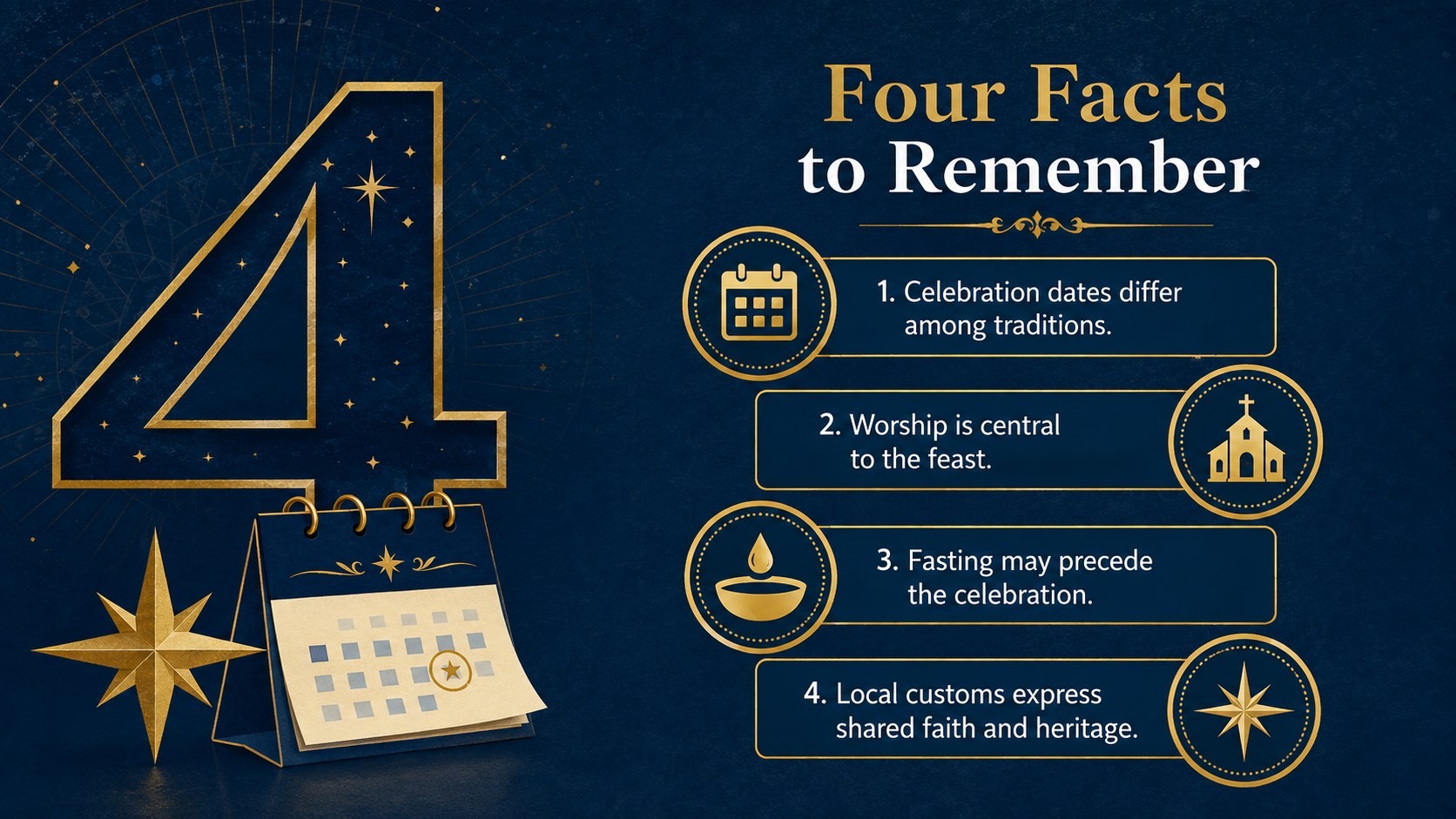
Inside, you will find adaptable formats for key facts, sacred symbols, regional traditions, a worship schedule, festive foods, event details, quotations, timelines, and closing reflections. The deck also includes visual comparison and data layouts, giving you room to present survey results or attendance figures. Every slide can be edited in PowerPoint or Google Slides, including the text, colors, images, charts, and arrangement.
This Orthodox Christmas presentation for church gatherings works equally well as a January 7 Christmas lesson for students or a blue and gold holiday presentation for community groups. Teachers can simplify the wording for younger learners, while ministry teams can add service times, readings, and local announcements. Cultural organizations, event planners, and nonprofit communicators can also tailor the deck for heritage programs, winter celebrations, or educational campaigns. The consistent design keeps longer presentations visually connected while allowing each topic to have its own clear focus.
Perfect for: Orthodox Christmas church program; January 7 classroom lesson; Cultural heritage presentation; Community winter event; Nativity service announcement; Holiday traditions workshop.
Frequently asked questions
Can I edit every part of the presentation? Yes. The text, color fills, images, charts, and layout elements can be adjusted to match your lesson, congregation, or community event.
Practical details
Yes. The text, color fills, images, charts, and layout elements can be adjusted to match your lesson, congregation, or community event.
The deck is designed for PowerPoint and Google Slides. Some visual effects or fonts may display slightly differently between the two platforms, so review the final presentation before sharing it.
Yes. Replace the sample content with regional foods, service details, readings, music, or family customs while retaining the coordinated blue-and-gold design.
Yes. Educators can shorten the text, add age-appropriate images, and turn the fact, timeline, and symbol slides into a structured January 7 Christmas lesson.
Keep exploring
15Build an engaging World UFO Day session with this flying saucer history lesson deck, featuring retro green-and-brown slides for PowerPoint and Google Slides.
 15
15Plan a lively animal-learning journey with this jungle zoo adventure lesson deck, ready to customize in PowerPoint and Google Slides for young learners.
 16
16Turn environmental research into a clear story with a Watercolor Ecology Presentation Theme for PowerPoint and Google Slides in calming green and blue.
 16
16Build focused fashion, literature, and humanities presentations with the Red Triangle Editorial Theme, editable in PowerPoint and Google Slides.
 15
15Turn streaming stats, favorite tracks, and concert highlights into a bold annual listening recap slide deck for PowerPoint and Google Slides.
 15
15Turn highlights, milestones, and favorite moments into a colorful year in review slide deck with bold 3D graphics for PowerPoint and Google Slides.
 3
3Build a credible endorsement with Standout Colleague Recommendation Letter Slides, featuring colorful prompts for skills, achievements, and team impact.
 4
4Build clear beginner sessions with an ice hockey fundamentals training deck for coaches, PE teachers, and clubs, ready for PowerPoint and Google Slides.