
 15
15presentation
Flying Saucer History Lesson Deck
Build an engaging World UFO Day session with this flying saucer history lesson deck, featuring retro green-and-brown slides for PowerPoint and Google Slides.
Google SlidesPowerPoint
presentation · English
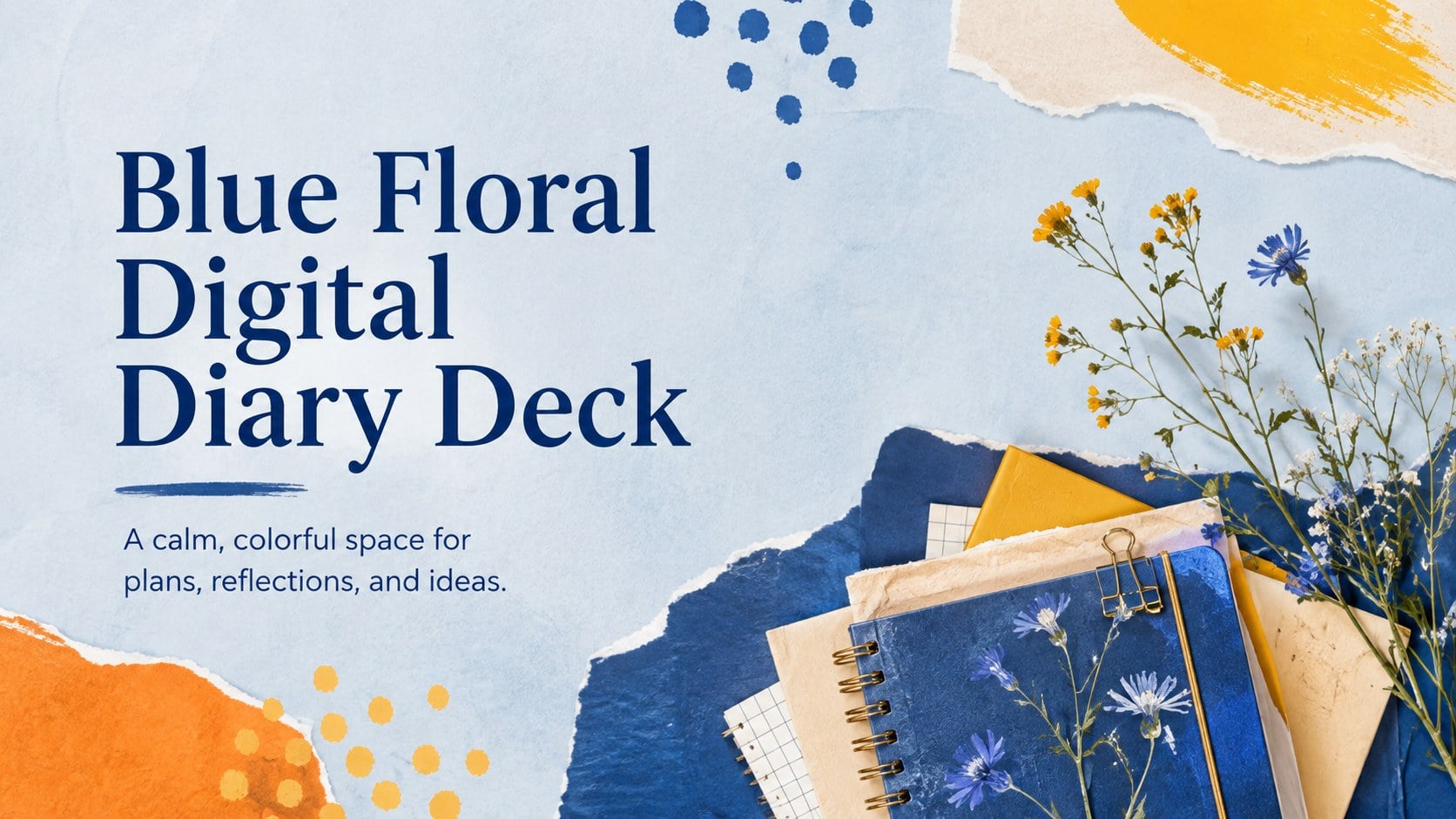
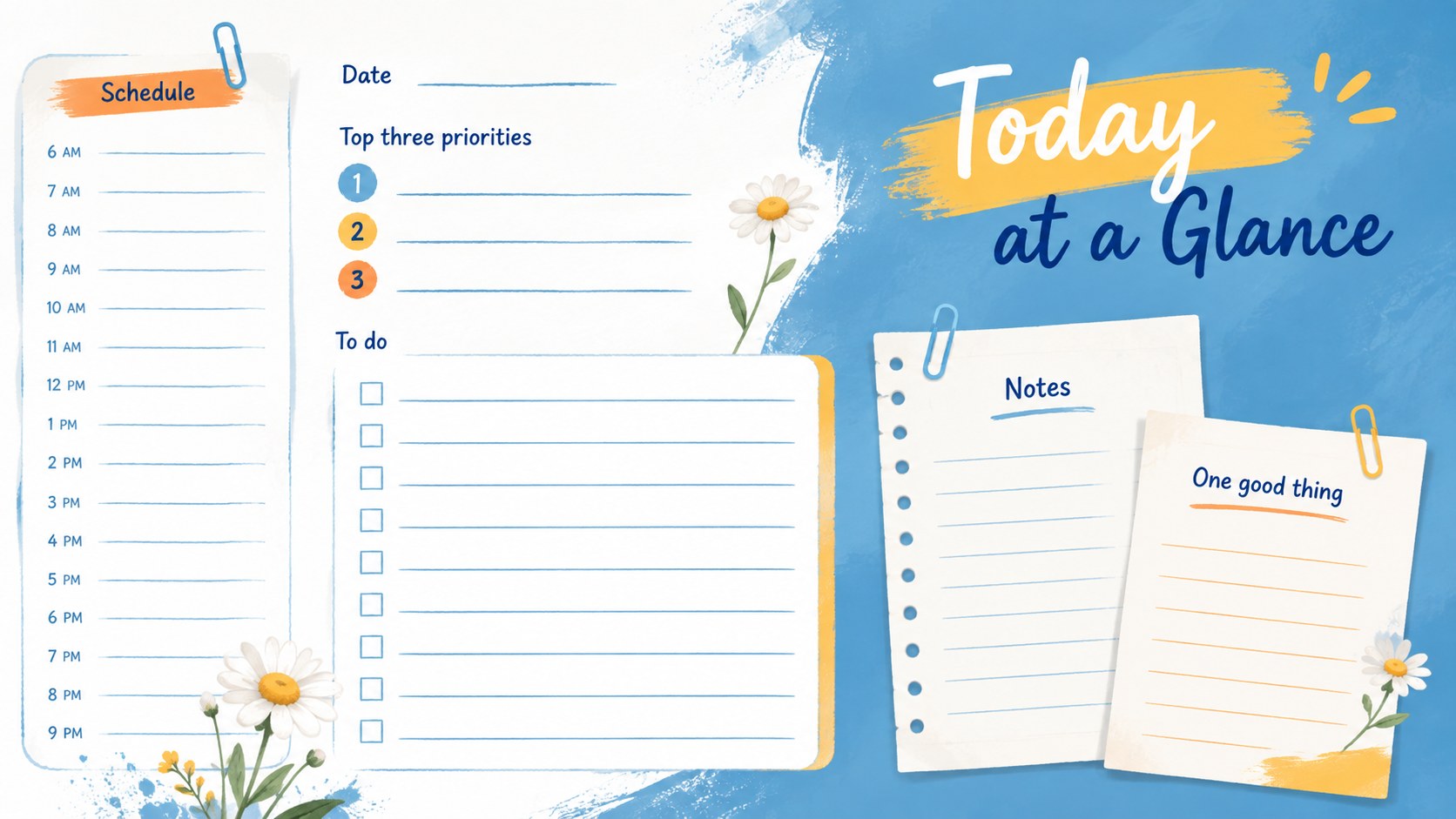
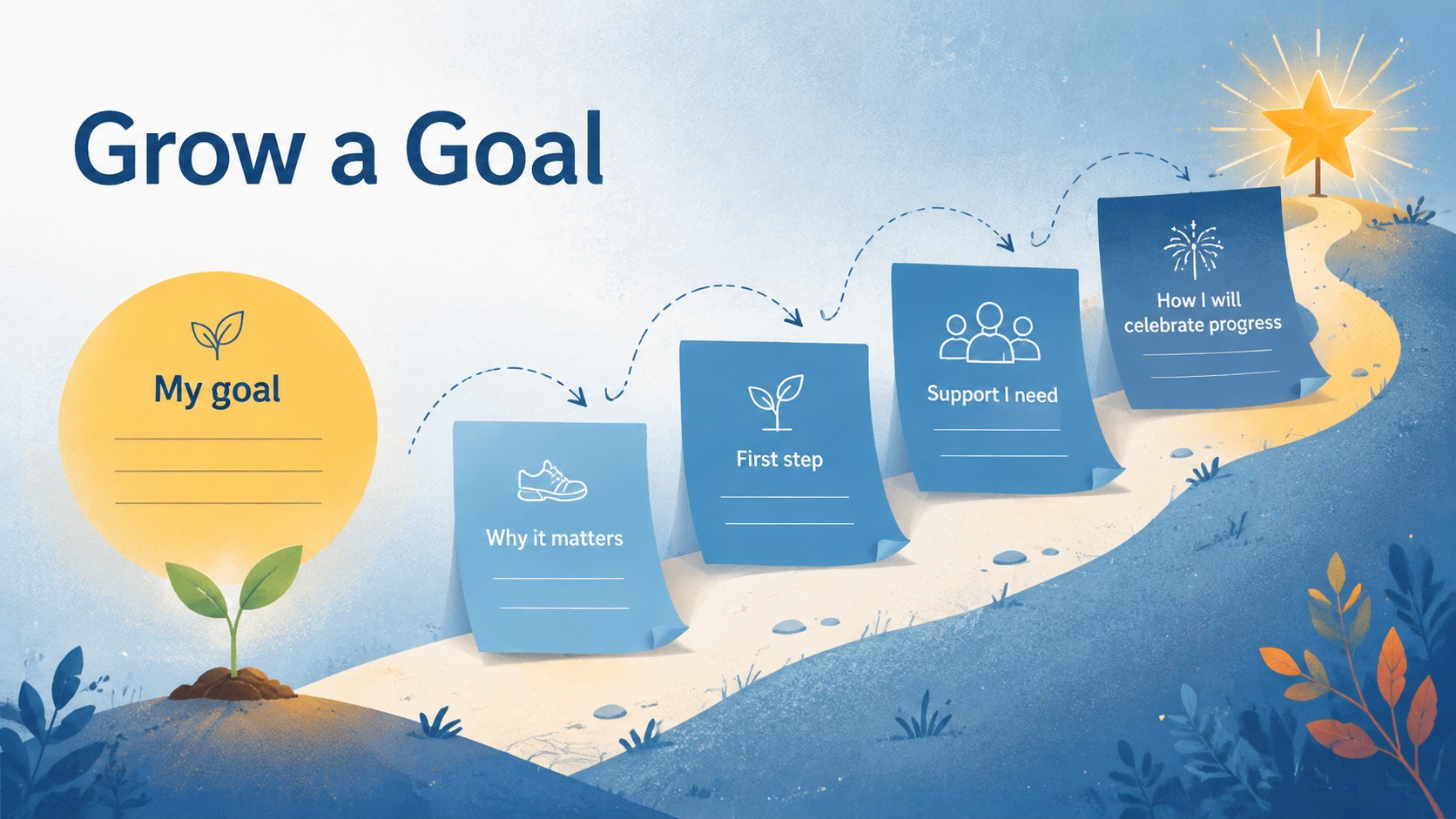
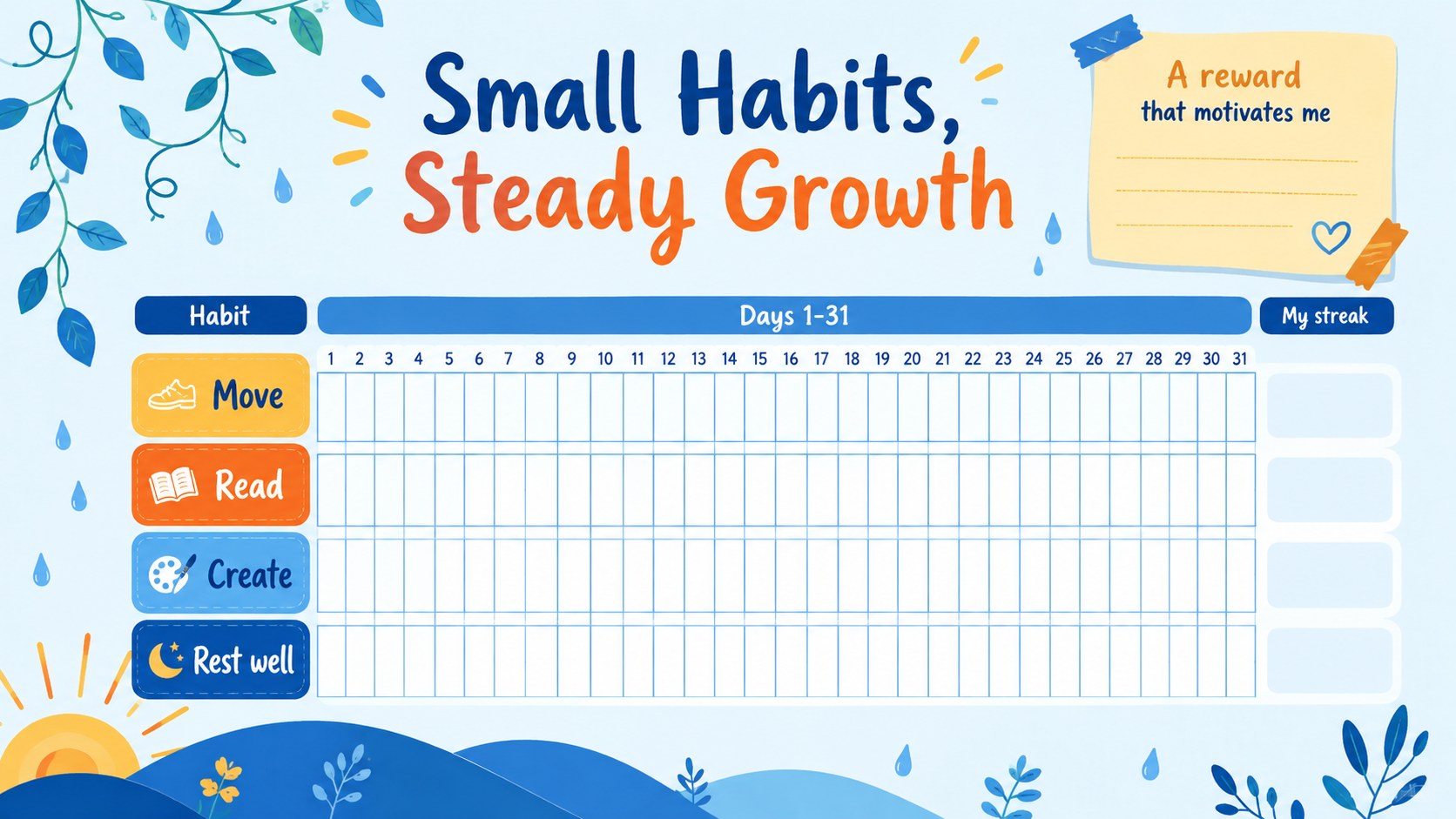
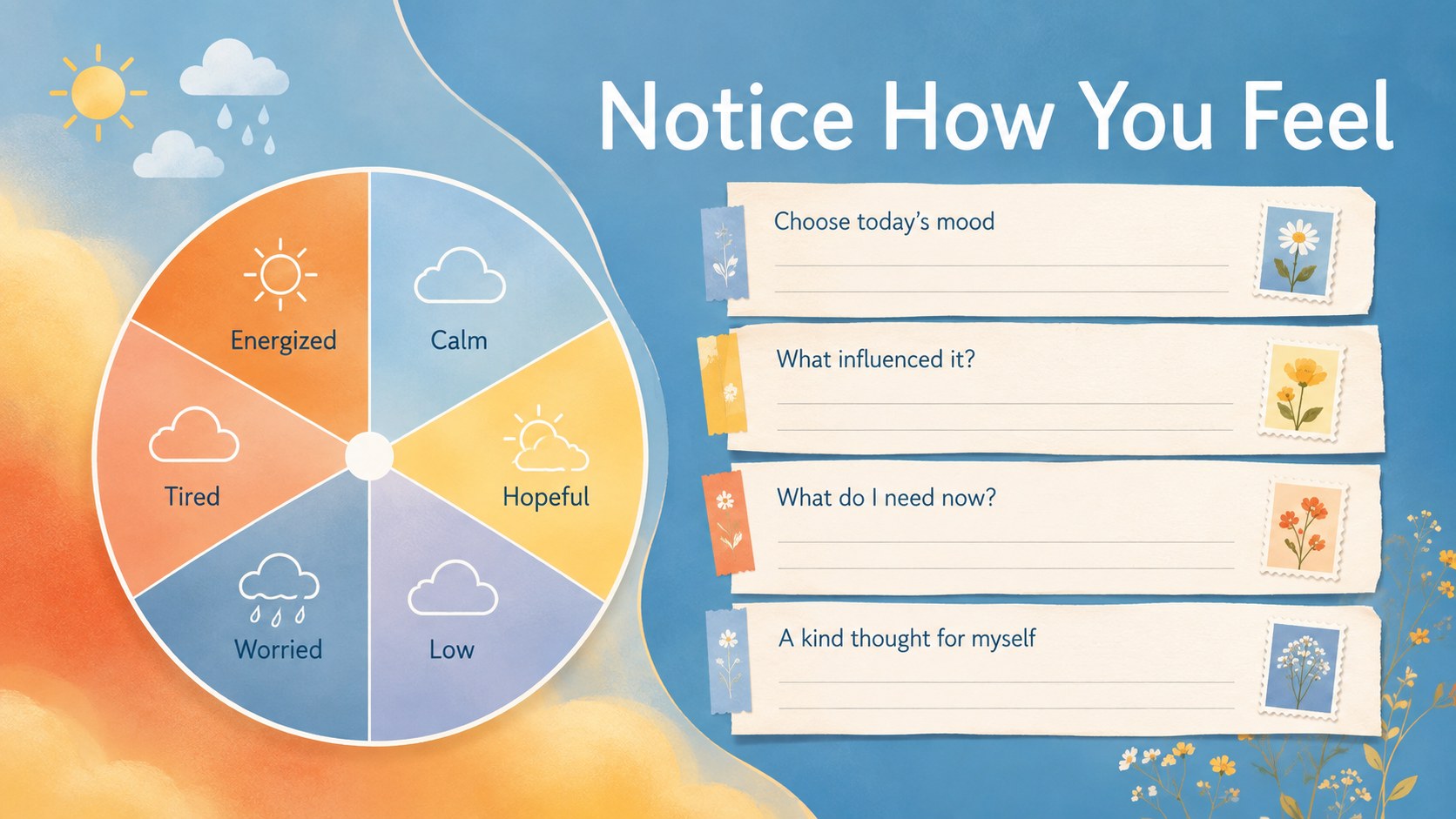
Build a personal planning routine with the Blue Floral Digital Diary Deck, featuring editable pages for goals, reflections, schedules, and creative notes.
Design notes
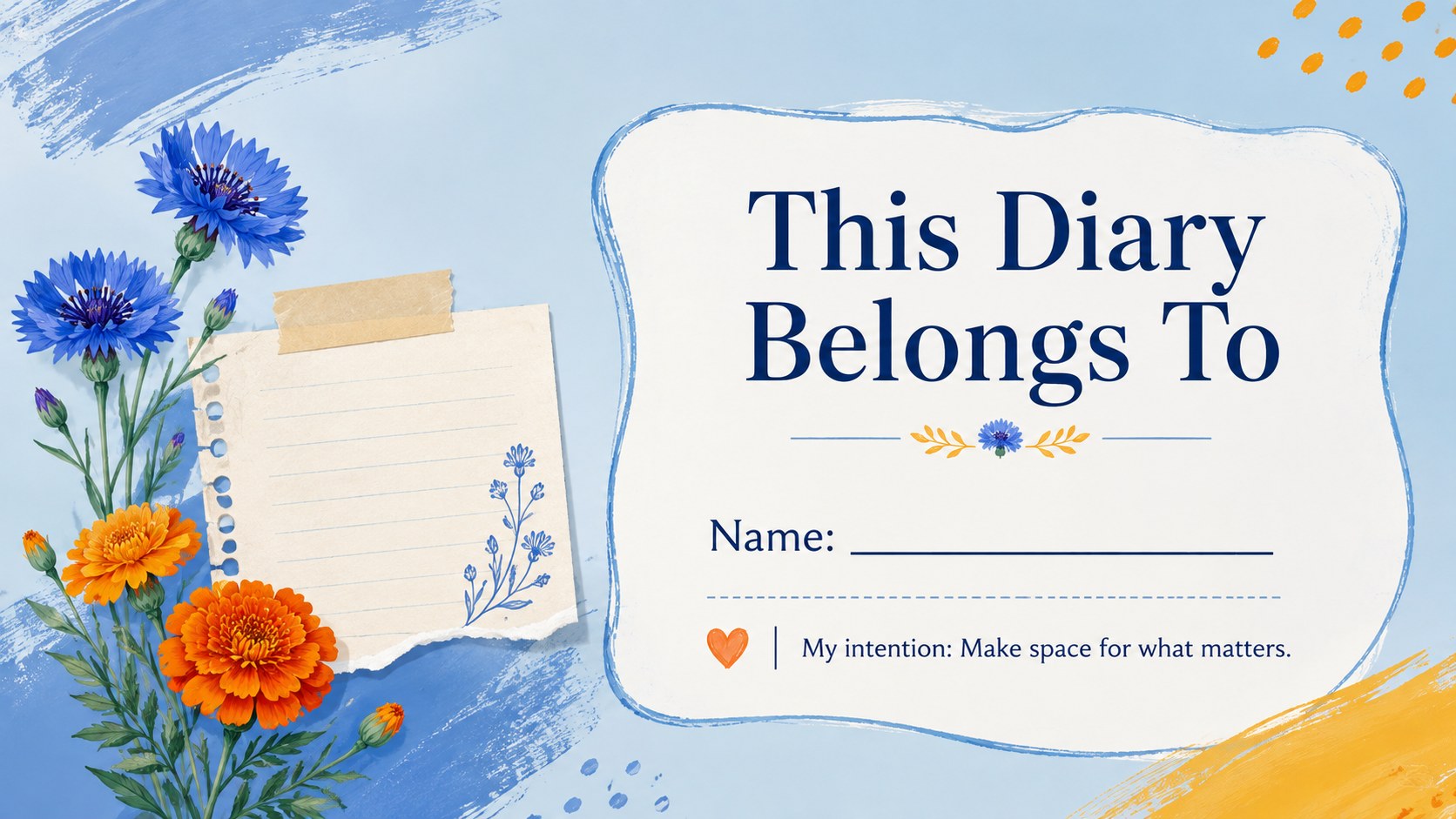
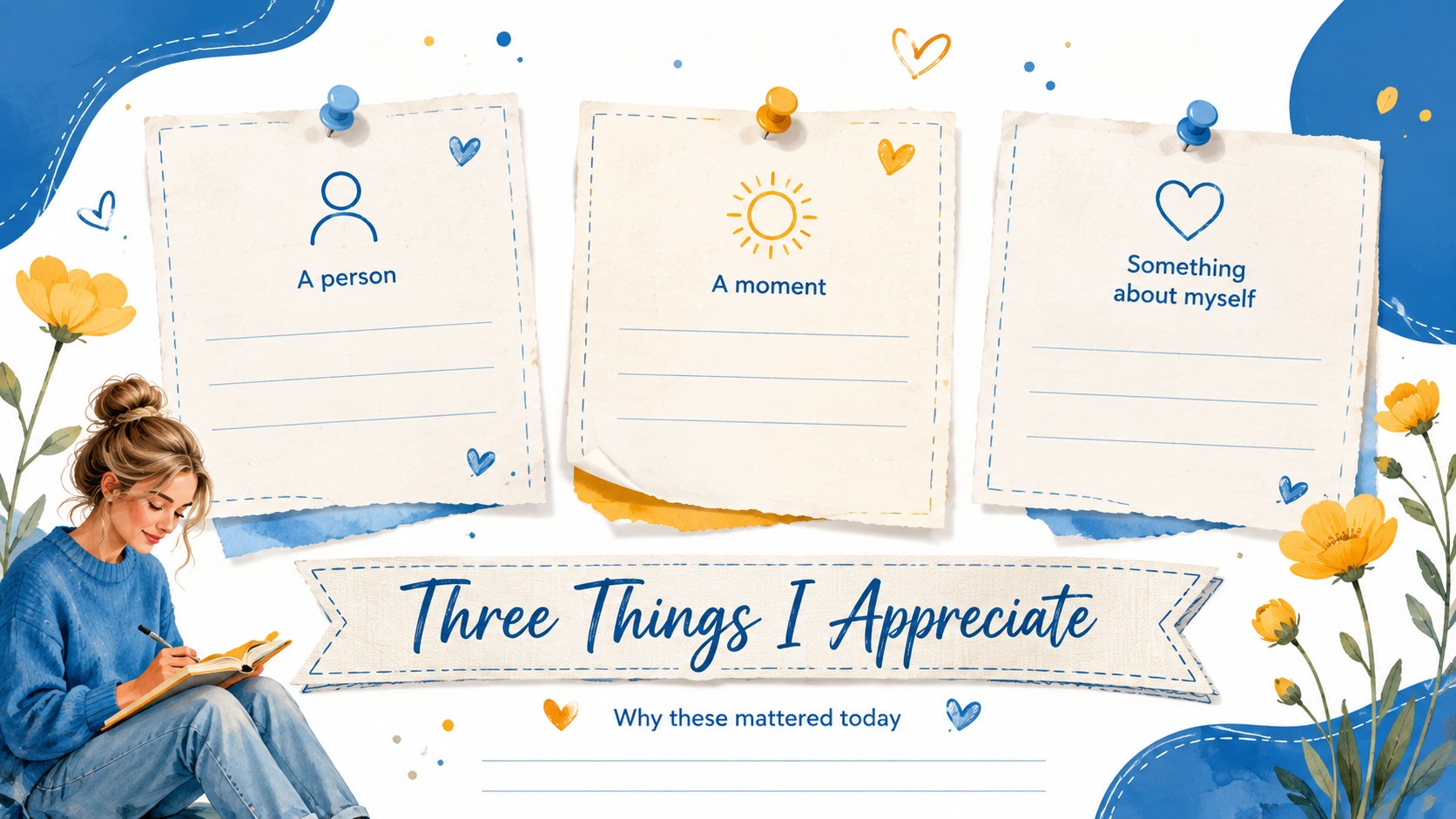
Bring structure and personality to everyday journaling with the Blue Floral Digital Diary Deck. Soft blue backgrounds, lively yellow and orange accents, layered paper details, and fresh botanical graphics create an inviting place to collect ideas without visual clutter. Every layout is designed to make personal planning feel expressive, focused, and easy to maintain.
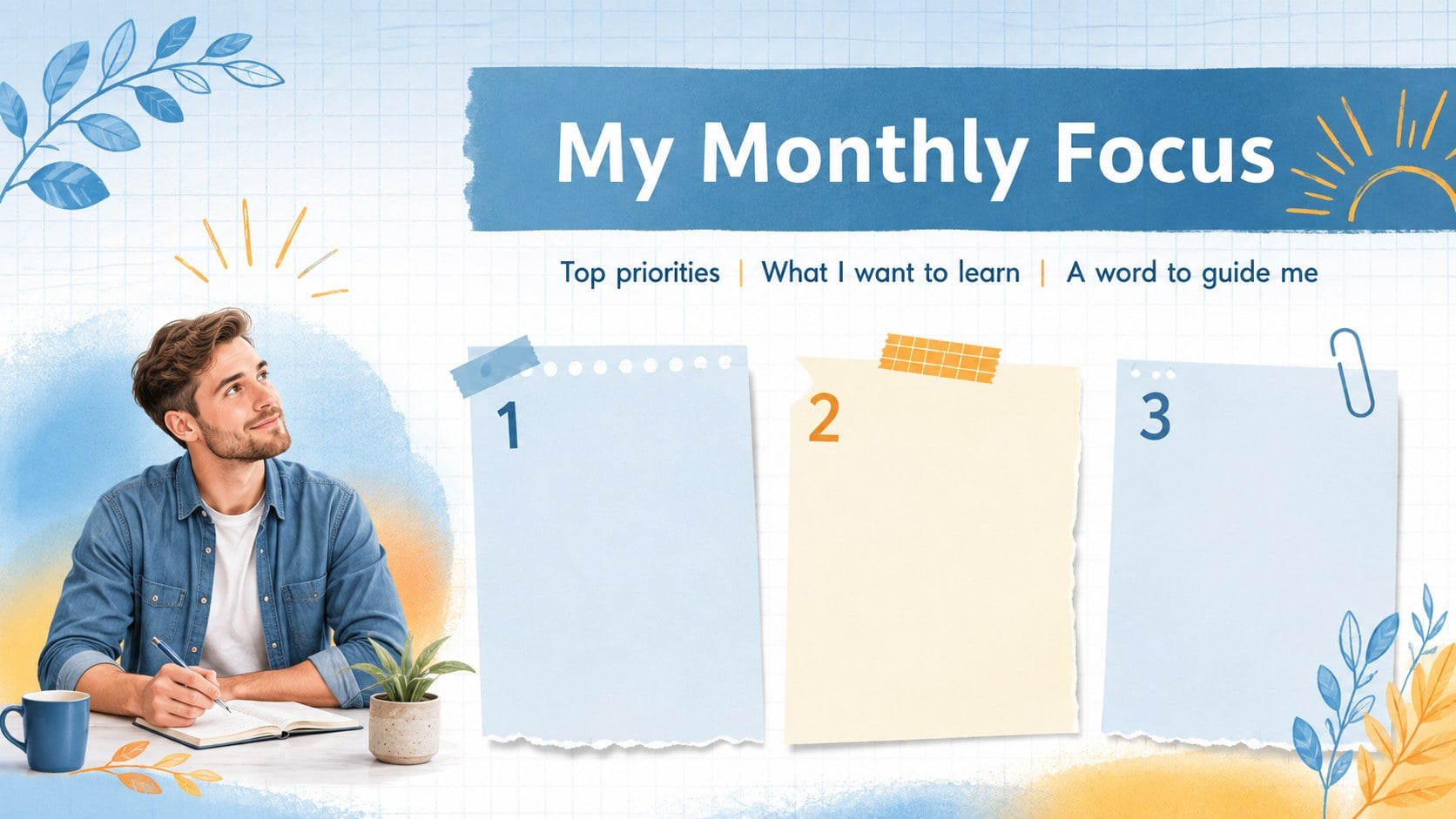
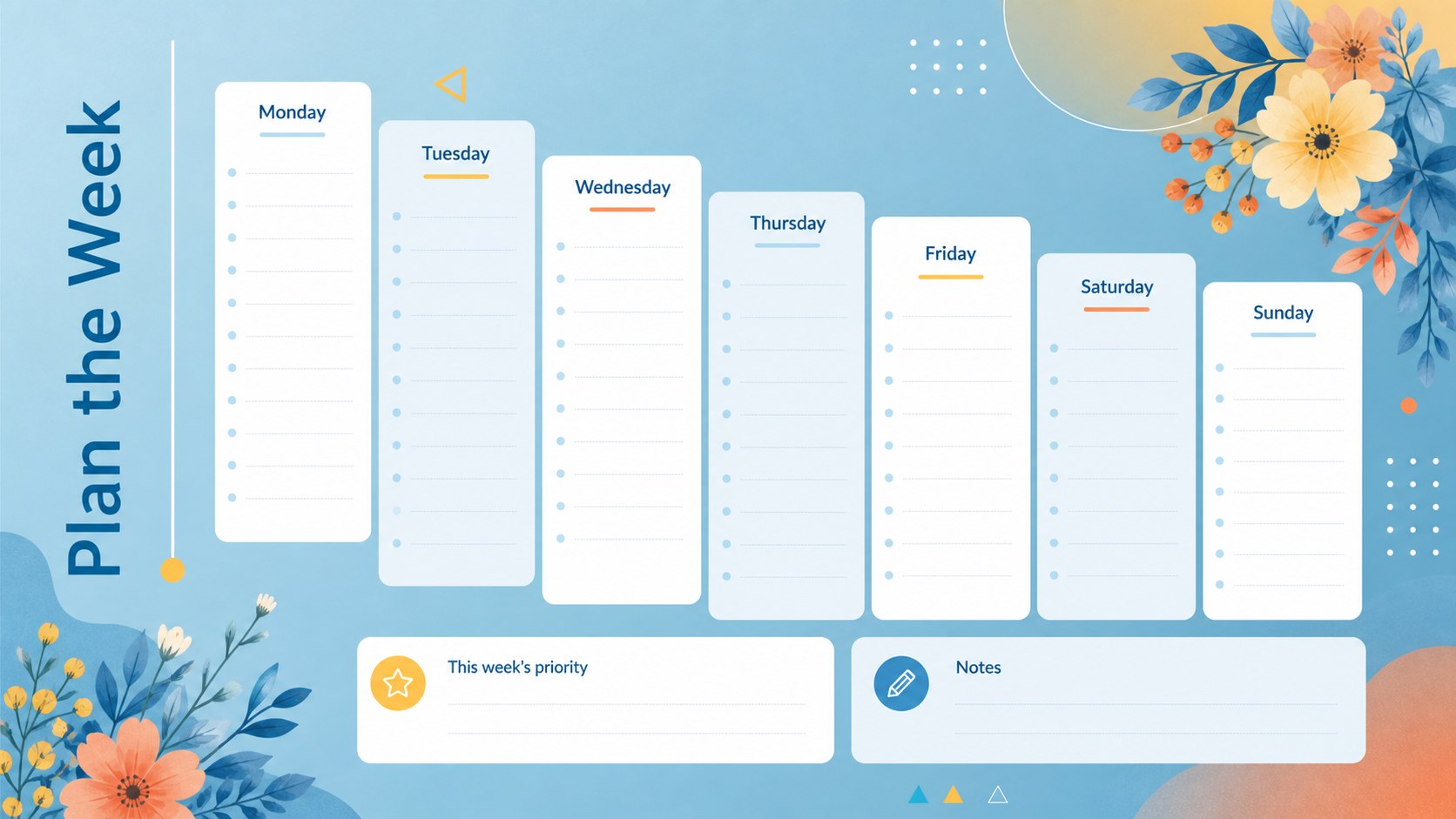
This editable digital diary template includes pages for monthly priorities, weekly schedules, daily tasks, personal goals, habits, moods, gratitude, free writing, and end-of-month reflections. Flexible content areas can hold short notes, photographs, illustrations, or meaningful quotations. Use the coordinated layouts as a daily planner PowerPoint deck, adapt them into minimalist mood tracker slides, or rearrange individual pages to create a diary that matches your routine.
The deck is suited to students, teachers, writers, artists, busy professionals, and anyone developing a consistent reflection practice. All text, colors, shapes, and page sections can be customized in PowerPoint or Google Slides. Whether you are documenting a creative project, planning a productive week, or preserving small personal moments, the cohesive floral design keeps your entries organized while leaving plenty of room for your own voice.
Perfect for: weekly personal planning; student reflection journal; creative project diary; habit and mood tracking; daily gratitude practice; monthly goal review.
Frequently asked questions
Can I edit every diary page? Yes. You can change the headings, prompts, colors, shapes, and decorative elements to fit your routine. Pages may also be duplicated, reordered, or removed.
Practical details
Yes. You can change the headings, prompts, colors, shapes, and decorative elements to fit your routine. Pages may also be duplicated, reordered, or removed.
The deck is designed for PowerPoint and Google Slides. Its layouts use standard editable presentation elements for straightforward online or desktop customization.
Yes. Replace the sample visual areas with photographs, sketches, stickers, or other personal artwork. Images can be resized and layered with the paper and floral elements.
You can export selected pages as PDF files for printing. Review printer margins and scaling settings first, since the original layouts use a widescreen presentation format.
Keep exploring
15Build an engaging World UFO Day session with this flying saucer history lesson deck, featuring retro green-and-brown slides for PowerPoint and Google Slides.
 15
15Plan a lively animal-learning journey with this jungle zoo adventure lesson deck, ready to customize in PowerPoint and Google Slides for young learners.
 16
16Turn environmental research into a clear story with a Watercolor Ecology Presentation Theme for PowerPoint and Google Slides in calming green and blue.
 16
16Build focused fashion, literature, and humanities presentations with the Red Triangle Editorial Theme, editable in PowerPoint and Google Slides.
 15
15Turn streaming stats, favorite tracks, and concert highlights into a bold annual listening recap slide deck for PowerPoint and Google Slides.
 15
15Turn highlights, milestones, and favorite moments into a colorful year in review slide deck with bold 3D graphics for PowerPoint and Google Slides.
 3
3Build a credible endorsement with Standout Colleague Recommendation Letter Slides, featuring colorful prompts for skills, achievements, and team impact.
 4
4Build clear beginner sessions with an ice hockey fundamentals training deck for coaches, PE teachers, and clubs, ready for PowerPoint and Google Slides.