
 15
15presentation
Flying Saucer History Lesson Deck
Build an engaging World UFO Day session with this flying saucer history lesson deck, featuring retro green-and-brown slides for PowerPoint and Google Slides.
Google SlidesPowerPoint
presentation · English
Build a digital dating recap deck for match stories, relationship milestones, and year-end highlights with bold blue Digital Brutalist slides for PowerPoint.



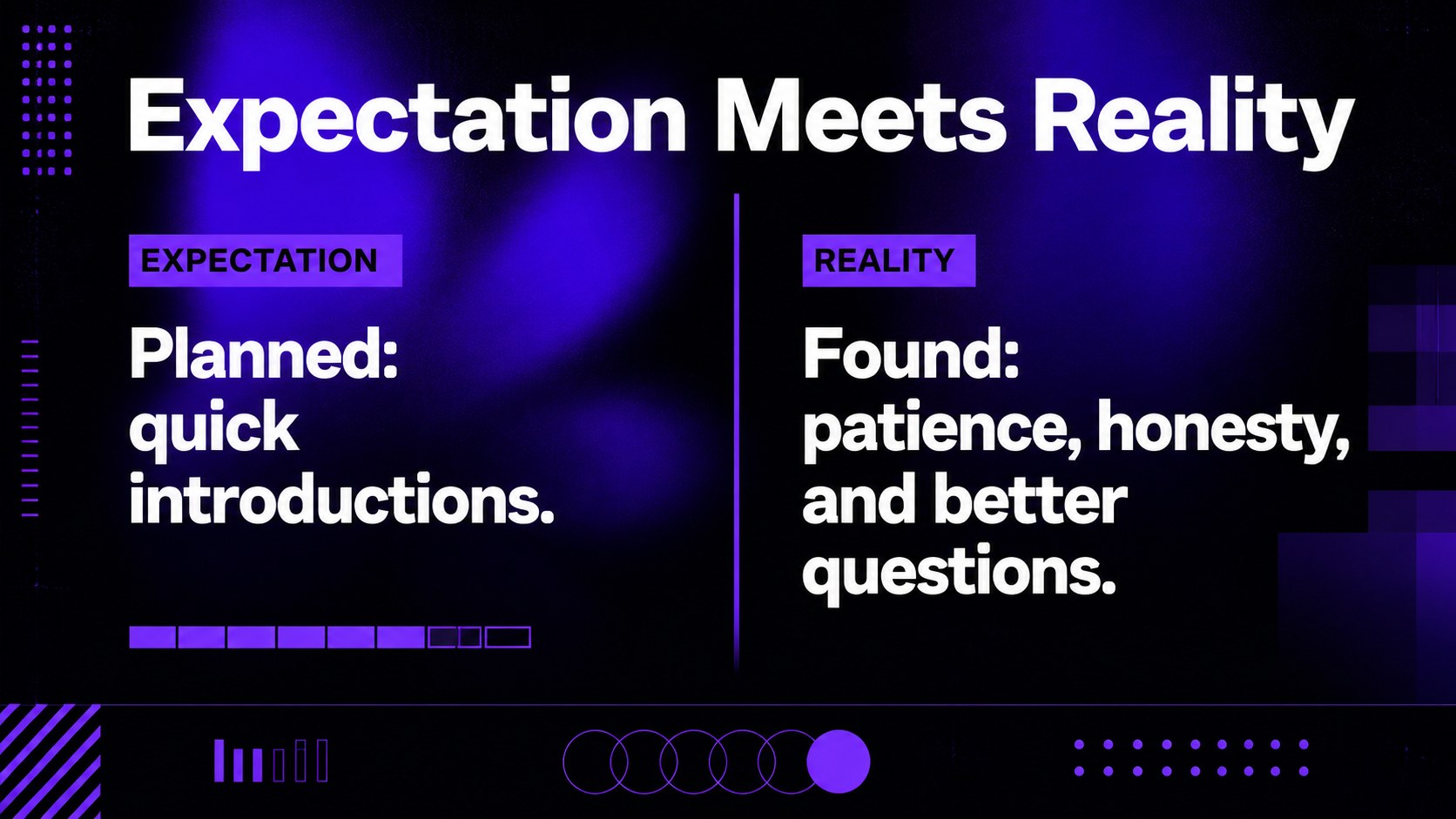
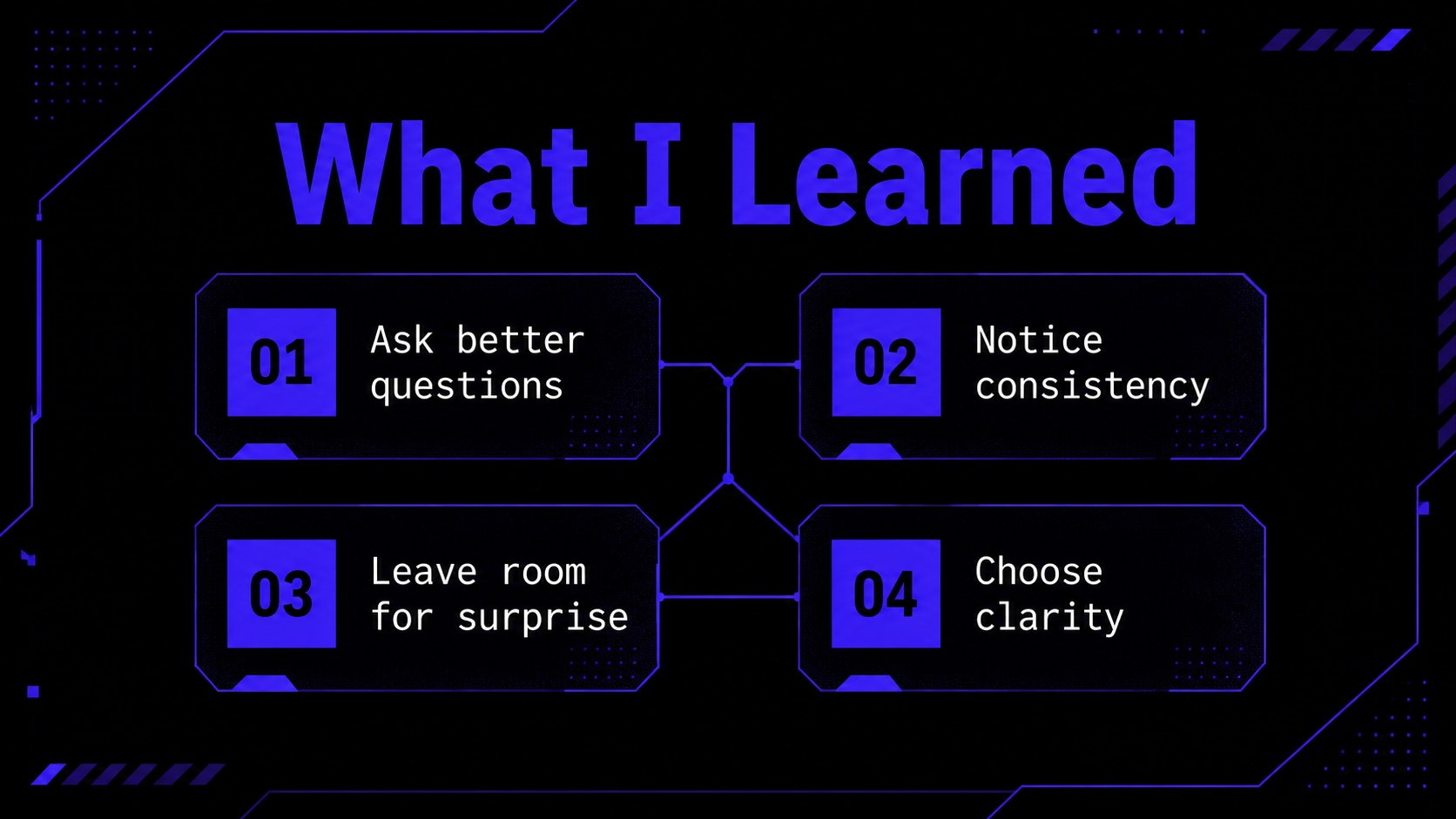
Design notes
Create a digital dating recap deck that turns messages, first dates, memorable matches, and relationship milestones into a visual story. The bold blue Digital Brutalist design uses strong type, sharp contrast, structured blocks, and energetic layouts to make personal highlights feel editorial and engaging. Use it for a year-in-review, a relationship update, or a thoughtful look at your experience with online dating.
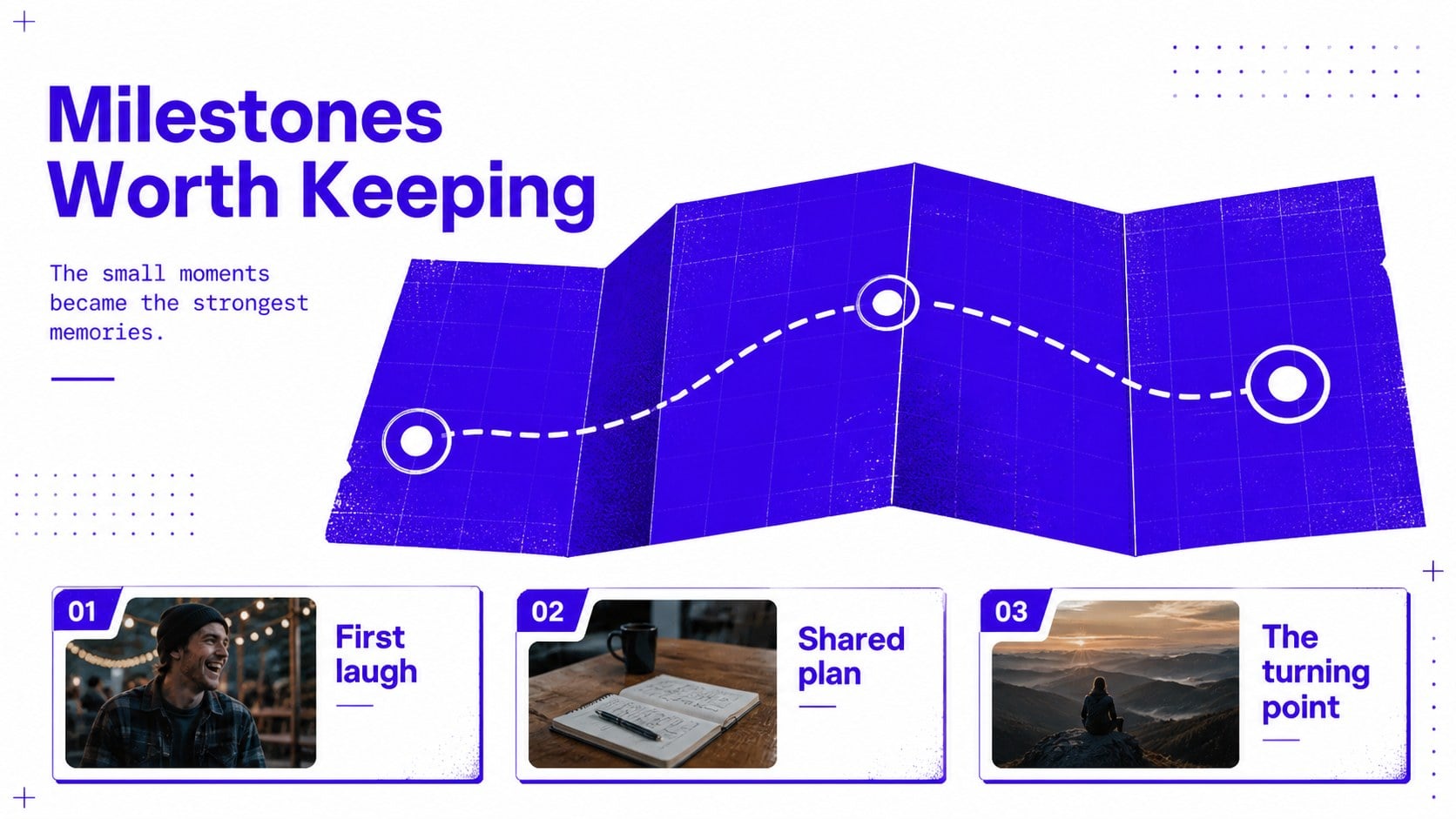
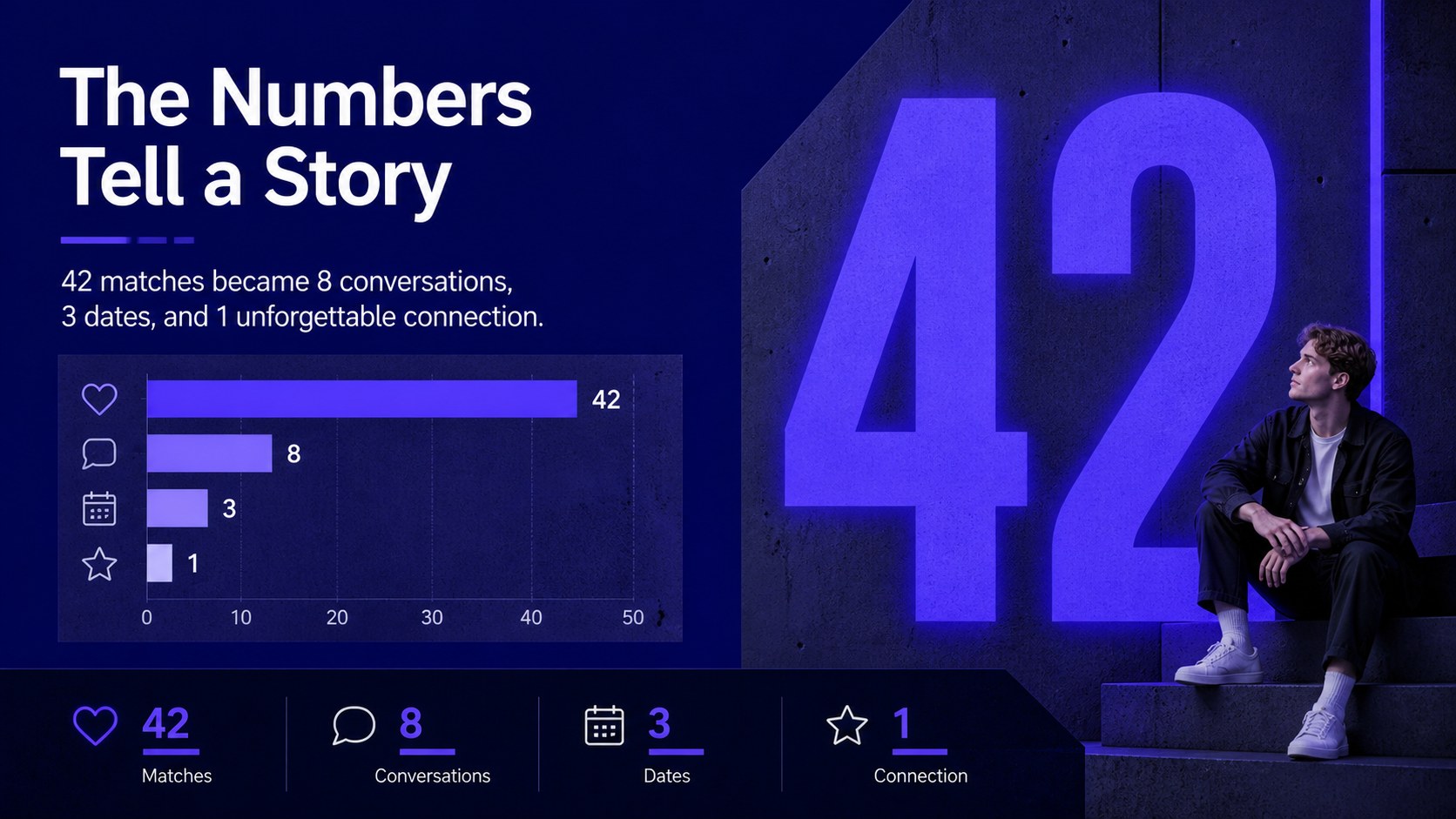
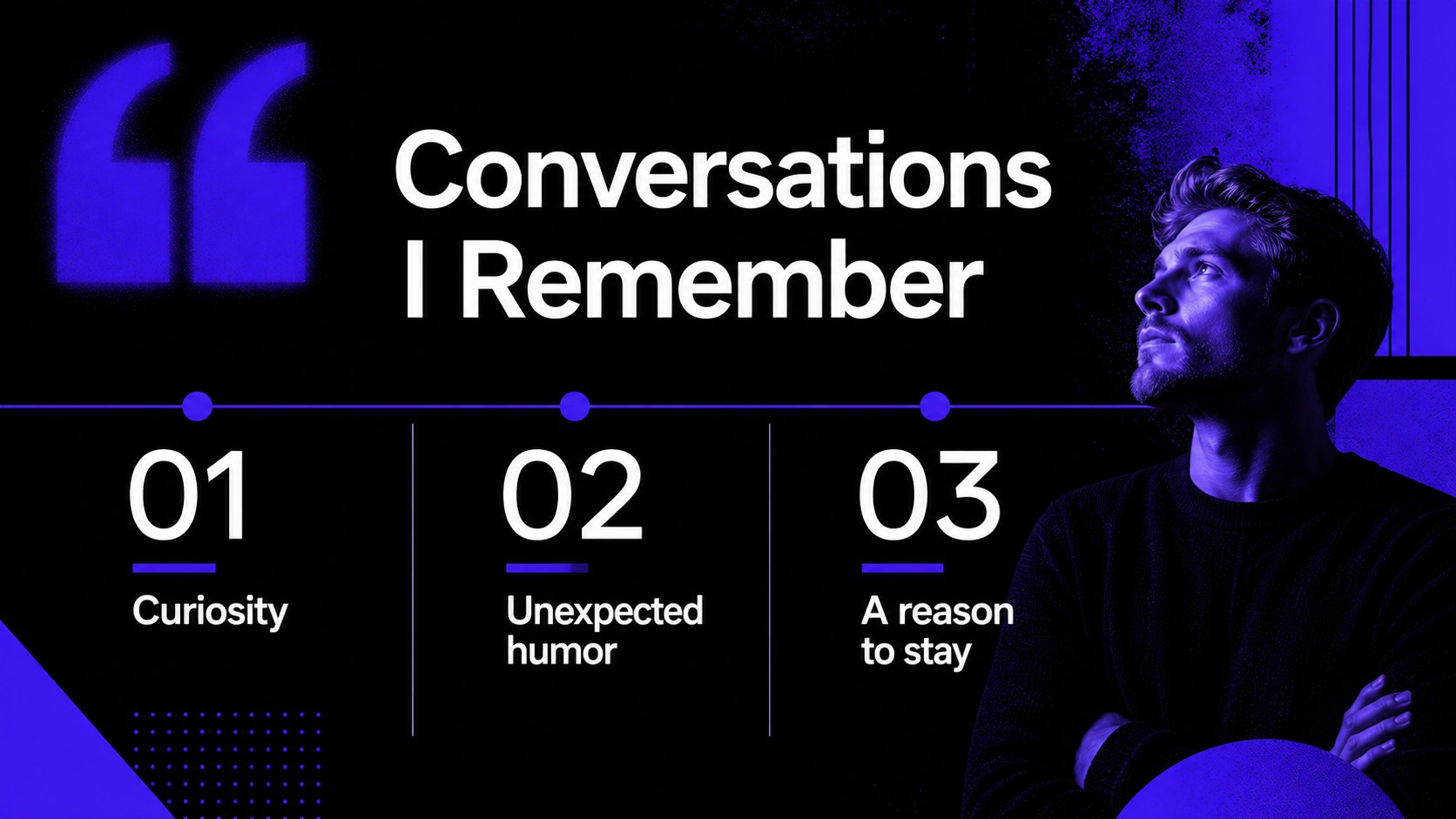
Inside, you’ll find 17 customizable 16:9 slides for an opening statement, profile snapshot, dating timeline, match statistics, memorable conversations, milestone markers, lessons learned, and a closing reflection. Charts, frames, lines, shapes, transitions, and animation-ready layouts help you adapt the deck without losing its confident visual rhythm. Montserrat and Nunito Sans keep the typography clear across headlines, labels, and supporting copy.
This presentation works well for individuals sharing a dating recap, couples documenting their story, creators making a relationship review, or teams exploring dating behavior in a research or workshop setting. Edit the text, numbers, images, and color details in PowerPoint or Google Slides, then present, export, or share the finished story in the format that suits your audience.
Perfect for: online dating year-in-review; relationship milestone presentation; personal match history slideshow; dating behavior workshop; creator relationship recap.
Frequently asked questions
Can I edit this deck in PowerPoint? Yes. The slides are fully editable in PowerPoint, including text, charts, shapes, images, and colors. You can also adjust the layouts to fit a personal story or research presentation.
Practical details
Yes. The slides are fully editable in PowerPoint, including text, charts, shapes, images, and colors. You can also adjust the layouts to fit a personal story or research presentation.
Yes, you can open and customize the presentation in Google Slides. Replace the sample text and visuals, then share the deck online or export it for offline presenting.
The blue palette and bold layout system are central to the design, but you can modify colors, fonts, imagery, and decorative shapes. Keep the high-contrast structure if you want the intended visual impact.
Use it for match counts, dating timelines, memorable moments, conversation themes, personal reflections, and relationship milestones. Charts and modular content areas also support simple survey or workshop findings.
Keep exploring
15Build an engaging World UFO Day session with this flying saucer history lesson deck, featuring retro green-and-brown slides for PowerPoint and Google Slides.
 15
15Plan a lively animal-learning journey with this jungle zoo adventure lesson deck, ready to customize in PowerPoint and Google Slides for young learners.
 16
16Turn environmental research into a clear story with a Watercolor Ecology Presentation Theme for PowerPoint and Google Slides in calming green and blue.
 16
16Build focused fashion, literature, and humanities presentations with the Red Triangle Editorial Theme, editable in PowerPoint and Google Slides.
 15
15Turn streaming stats, favorite tracks, and concert highlights into a bold annual listening recap slide deck for PowerPoint and Google Slides.
 15
15Turn highlights, milestones, and favorite moments into a colorful year in review slide deck with bold 3D graphics for PowerPoint and Google Slides.
 3
3Build a credible endorsement with Standout Colleague Recommendation Letter Slides, featuring colorful prompts for skills, achievements, and team impact.
 4
4Build clear beginner sessions with an ice hockey fundamentals training deck for coaches, PE teachers, and clubs, ready for PowerPoint and Google Slides.