
 15
15presentation
Flying Saucer History Lesson Deck
Build an engaging World UFO Day session with this flying saucer history lesson deck, featuring retro green-and-brown slides for PowerPoint and Google Slides.
Google SlidesPowerPoint
presentation · English
Bring comic energy to cooking lessons, team updates, and family recaps with the Blue Bear Chef Humor Deck, editable in PowerPoint and Google Slides.

Design notes
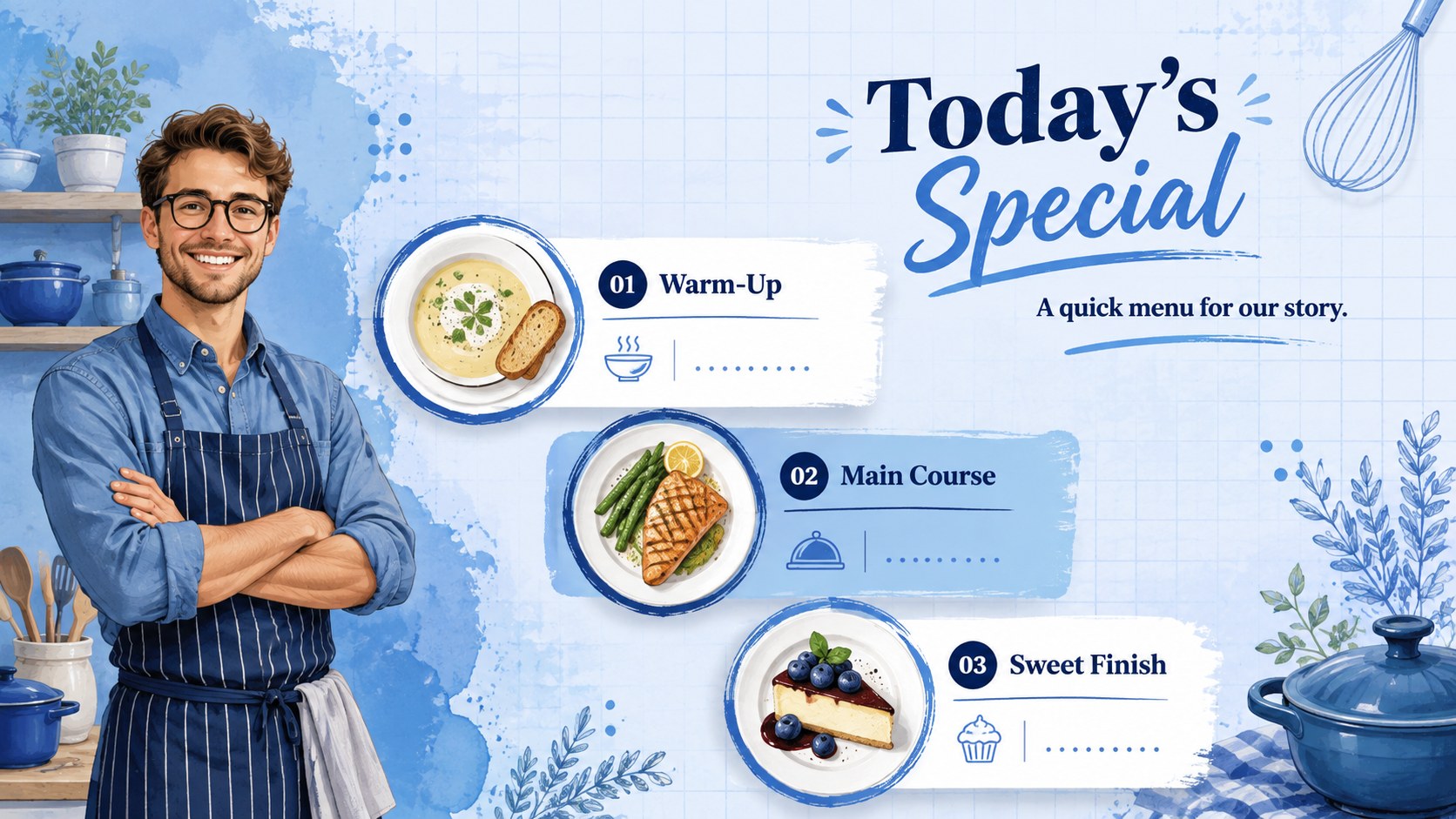
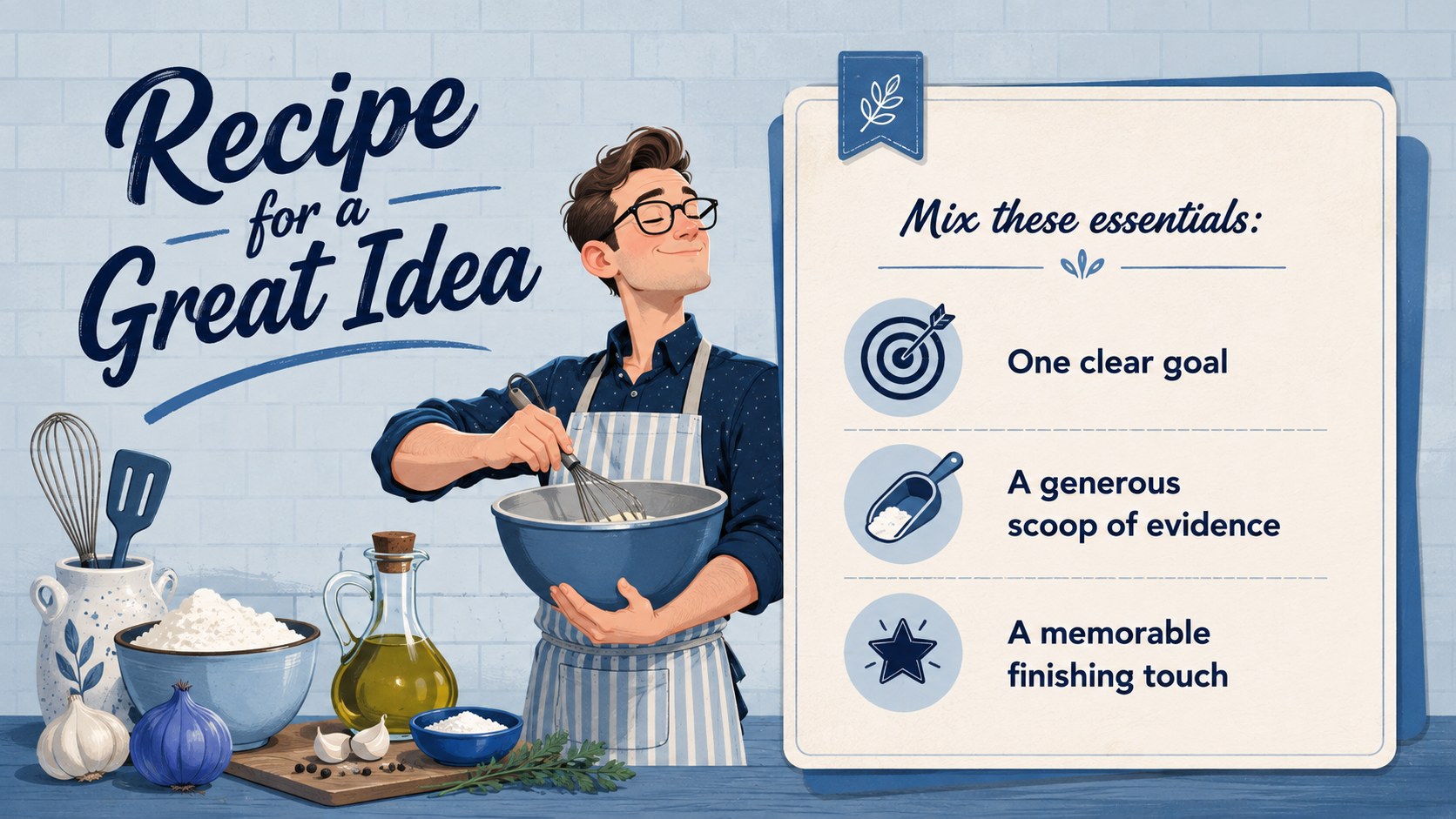
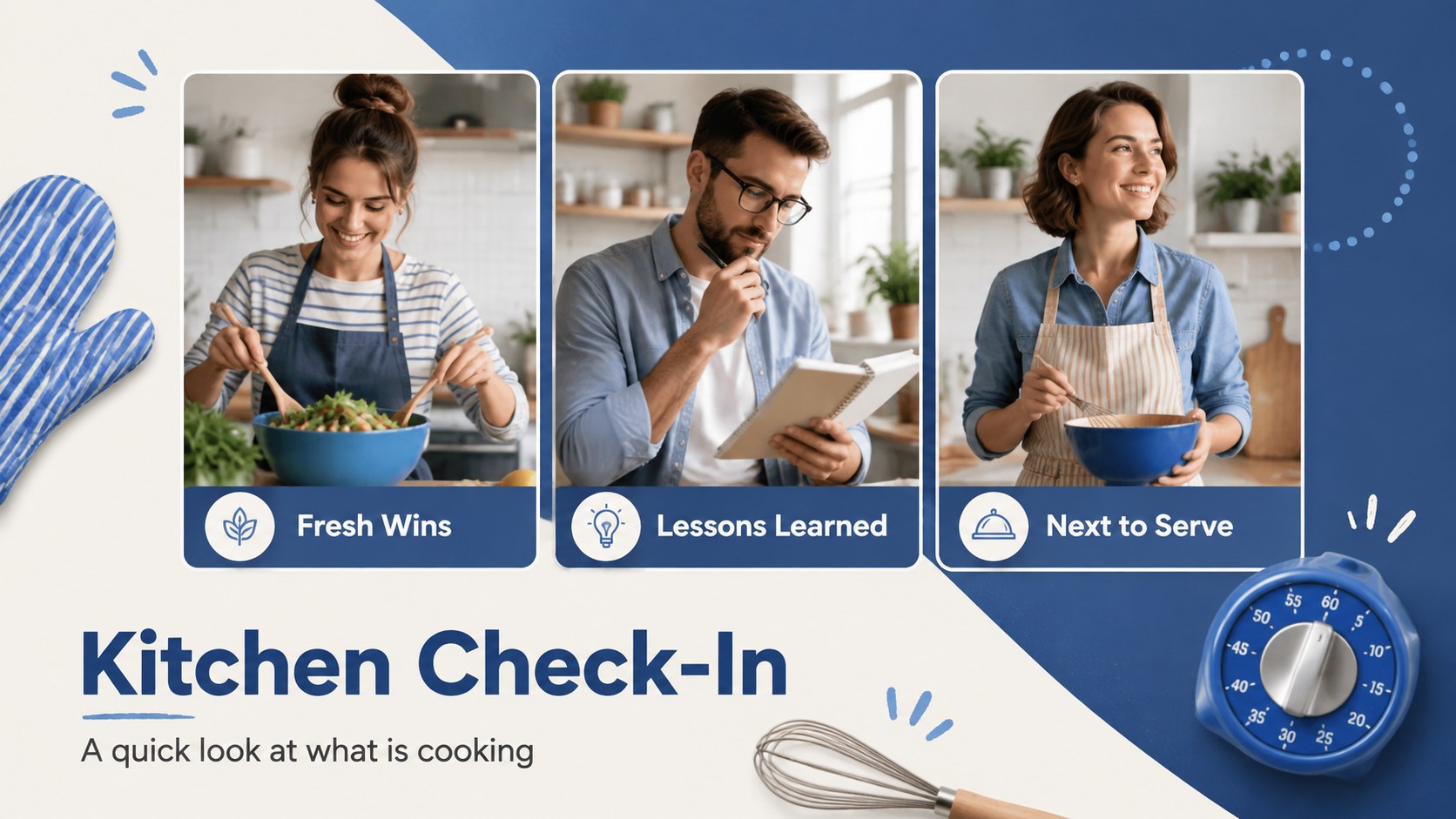
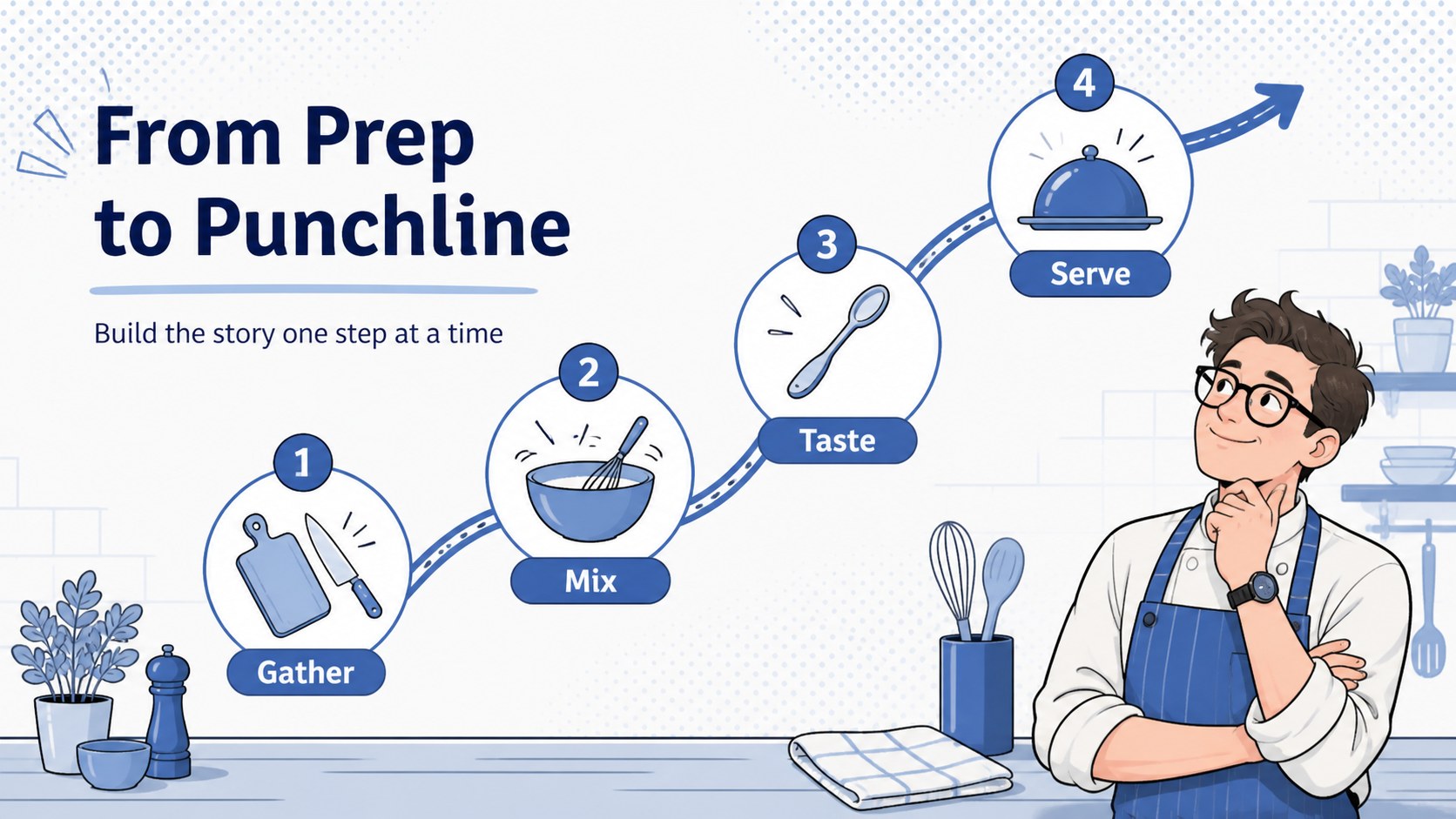
Turn everyday ideas into an entertaining visual feast with the blue bear chef humor deck. Its lively kitchen theme combines a fresh illustrated mascot, bold blue accents, photo-friendly layouts, and lighthearted culinary details. Use the slides to introduce a topic, explain a process, share a joke, or give an ordinary update a memorable comic twist.
Inside, you will find six coordinated layouts covering an opening title, agenda, recipe-style concept breakdown, visual check-in, step-by-step timeline, and cheerful closing. Each slide provides editable text, image areas, shapes, and decorative elements for quick personalization. The flexible structure works especially well as a funny cooking presentation template or a playful chef-themed slide deck for storytelling, announcements, and informal reports.
The design suits teachers leading food activities, culinary students presenting class projects, teams sharing upbeat meeting updates, and families assembling humorous event recaps. Add your own photos, rewrite the sample copy, adjust the blue palette, and reorganize sections without losing the deck's cohesive illustrated style. The template is designed for straightforward editing in PowerPoint and Google Slides, making it easy to tailor the humor and content to different audiences.
Perfect for: humorous cooking lesson; culinary class project; lighthearted team update; family event recap; recipe storytelling session.
Frequently asked questions
Which presentation platforms support this deck? The template is designed for PowerPoint and Google Slides. Import or open the file in your preferred platform, then edit the text, pictures, colors, and layout elements.
Practical details
The template is designed for PowerPoint and Google Slides. Import or open the file in your preferred platform, then edit the text, pictures, colors, and layout elements.
You can replace the photo placeholders with your own cooking, classroom, team, or family images. The illustrated elements can also be moved, resized, or removed to fit your story.
Keep the kitchen-inspired structure while replacing playful captions with concise project language. You can also reduce decorative elements and use the recipe or timeline layouts for processes, milestones, and status updates.
Yes. Change the background, accent, shape, and text colors using the theme controls in PowerPoint or Google Slides while preserving sufficient contrast for readability.
Keep exploring
15Build an engaging World UFO Day session with this flying saucer history lesson deck, featuring retro green-and-brown slides for PowerPoint and Google Slides.
 15
15Plan a lively animal-learning journey with this jungle zoo adventure lesson deck, ready to customize in PowerPoint and Google Slides for young learners.
 16
16Turn environmental research into a clear story with a Watercolor Ecology Presentation Theme for PowerPoint and Google Slides in calming green and blue.
 16
16Build focused fashion, literature, and humanities presentations with the Red Triangle Editorial Theme, editable in PowerPoint and Google Slides.
 15
15Turn streaming stats, favorite tracks, and concert highlights into a bold annual listening recap slide deck for PowerPoint and Google Slides.
 15
15Turn highlights, milestones, and favorite moments into a colorful year in review slide deck with bold 3D graphics for PowerPoint and Google Slides.
 3
3Build a credible endorsement with Standout Colleague Recommendation Letter Slides, featuring colorful prompts for skills, achievements, and team impact.
 4
4Build clear beginner sessions with an ice hockey fundamentals training deck for coaches, PE teachers, and clubs, ready for PowerPoint and Google Slides.