
 15
15presentation
Flying Saucer History Lesson Deck
Build an engaging World UFO Day session with this flying saucer history lesson deck, featuring retro green-and-brown slides for PowerPoint and Google Slides.
Google SlidesPowerPoint
presentation · English
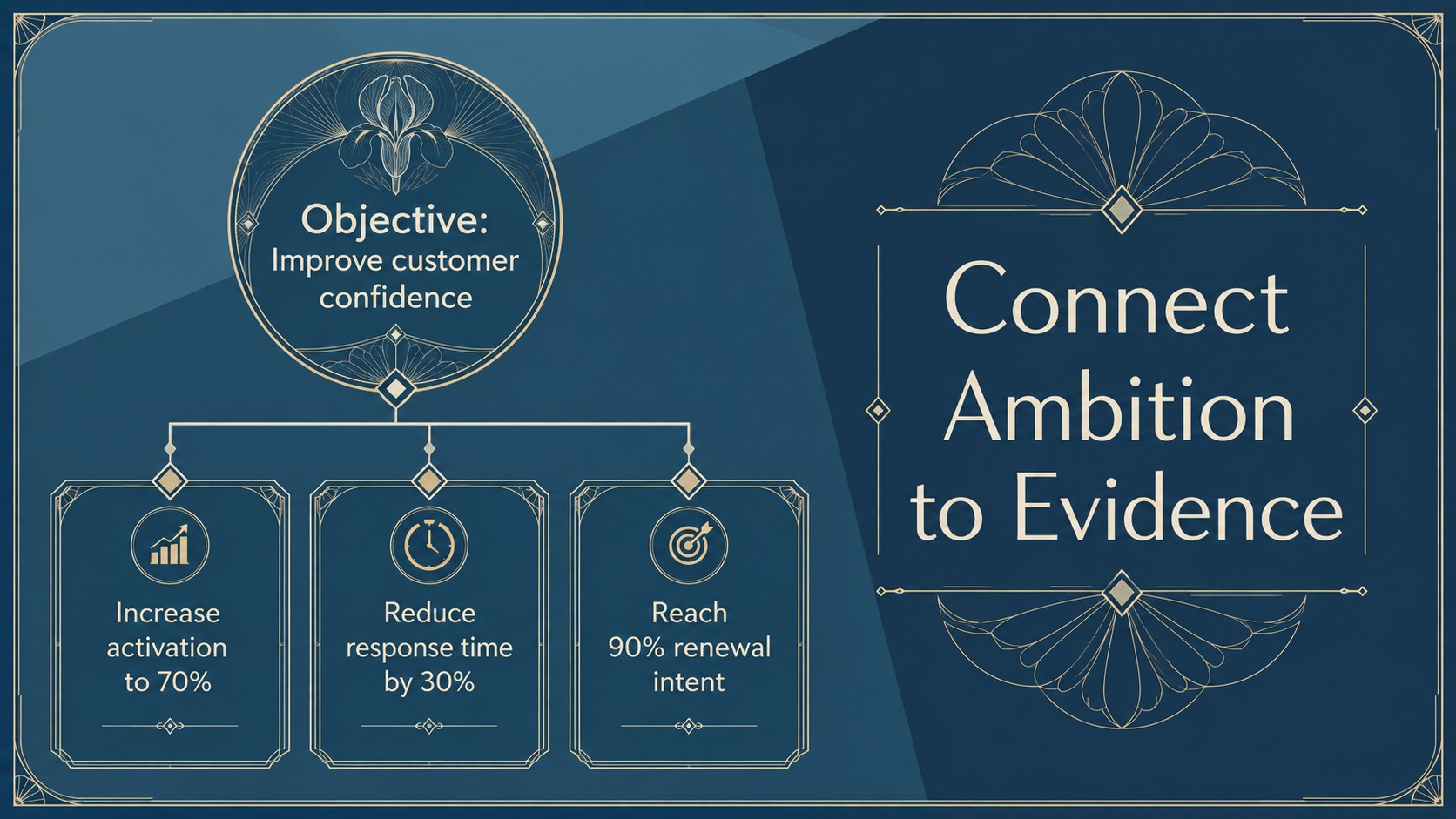
Build a polished plan with Blue Art Deco Strategy Map Slides, featuring editable timelines and milestone visuals for PowerPoint and Google Slides.
Design notes
Blue Art Deco Strategy Map Slides give complex plans a clear visual structure while maintaining an elegant, vintage-inspired look. Designed for PowerPoint and Google Slides, this presentation combines rich blue tones, graceful botanical details, geometric accents, and readable layouts suited to professional strategy conversations.
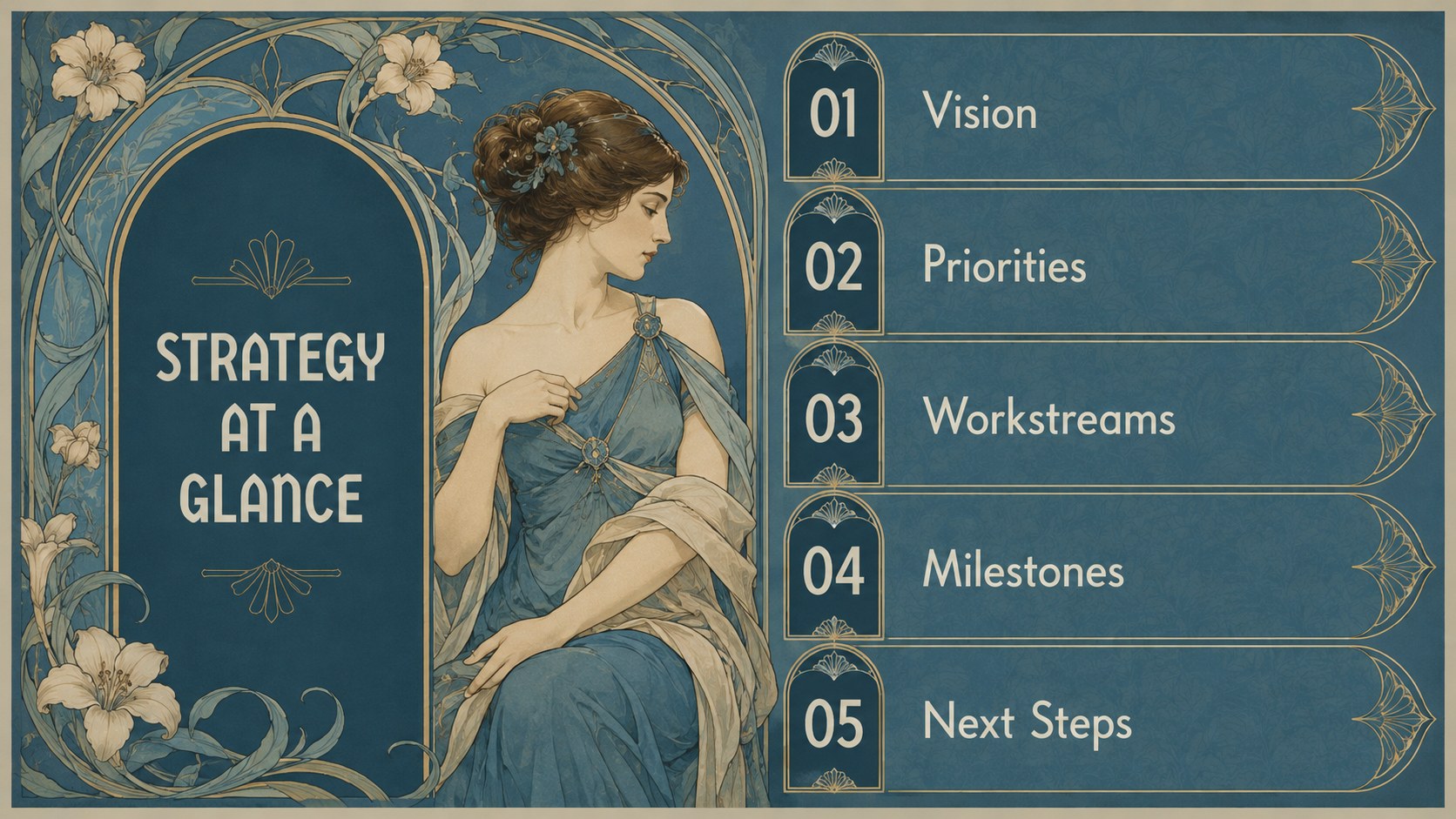
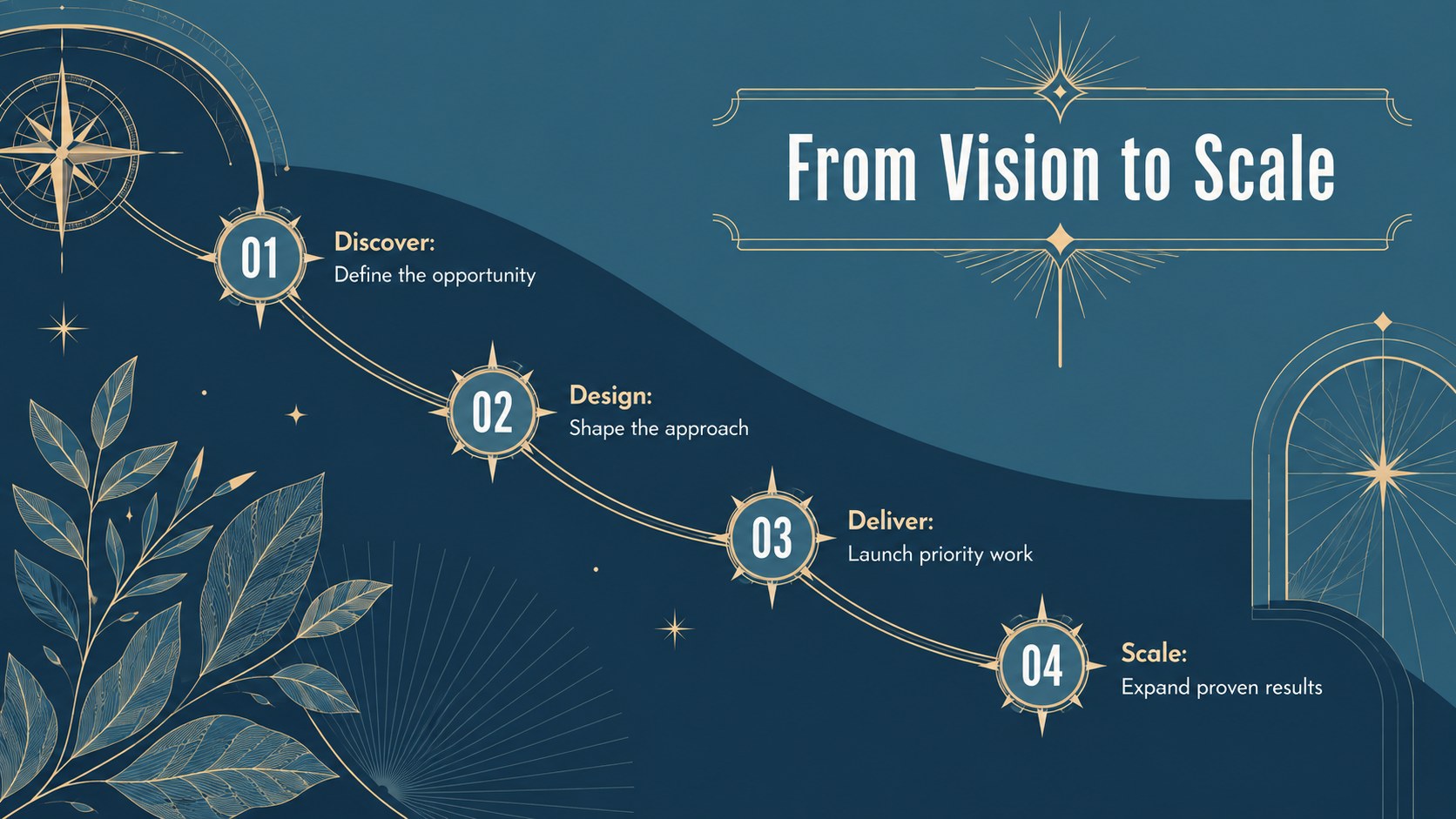
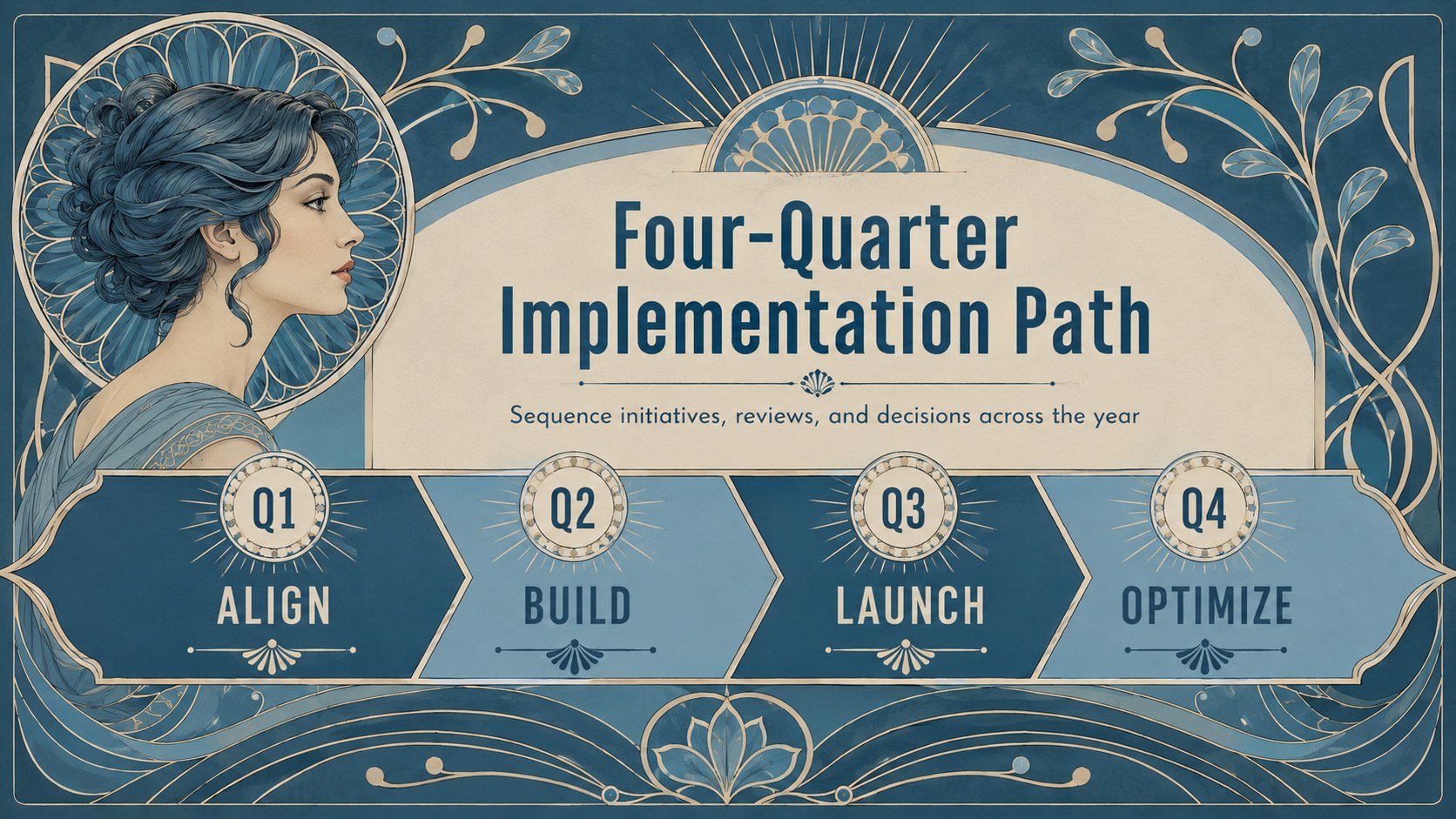
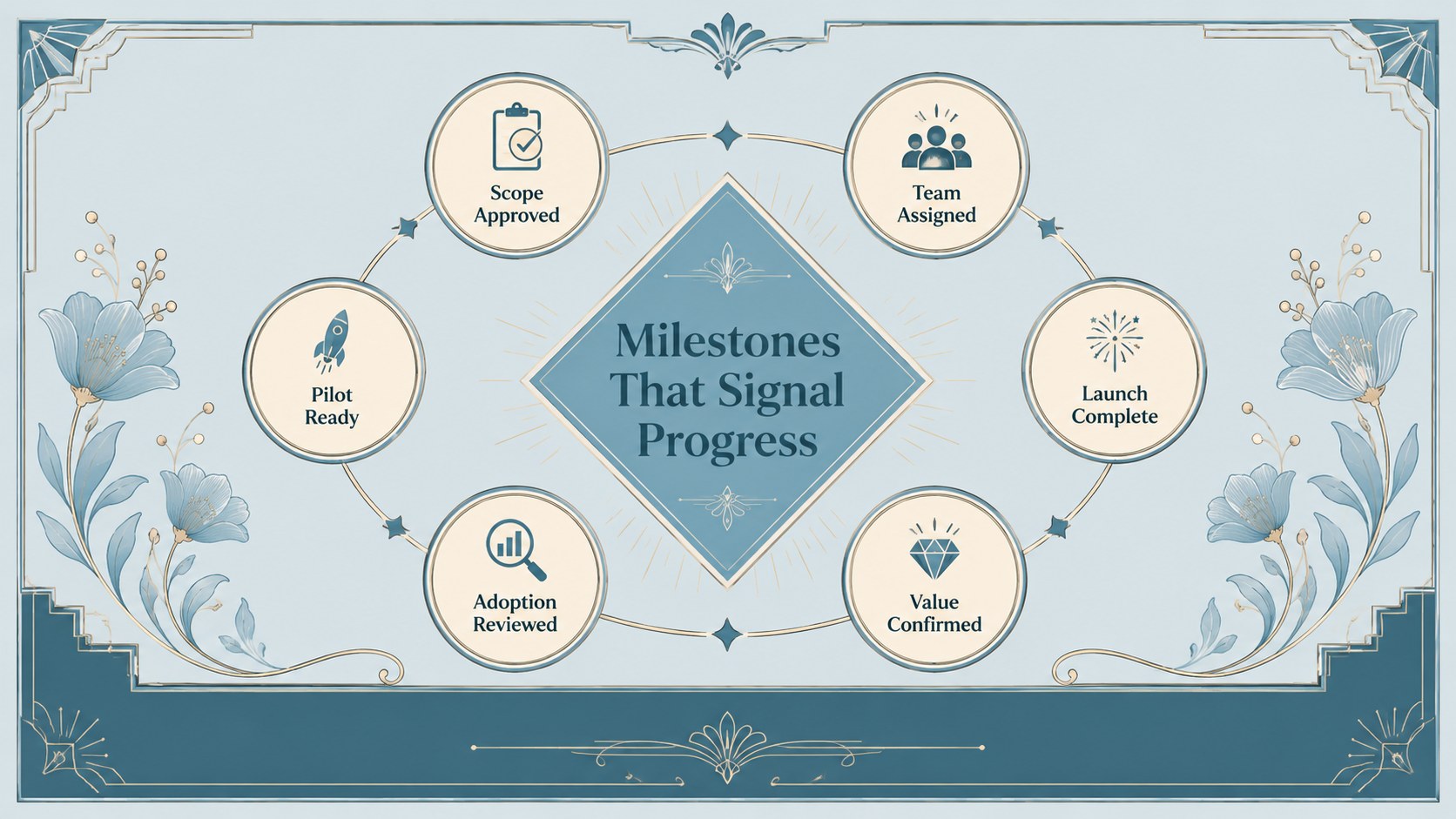
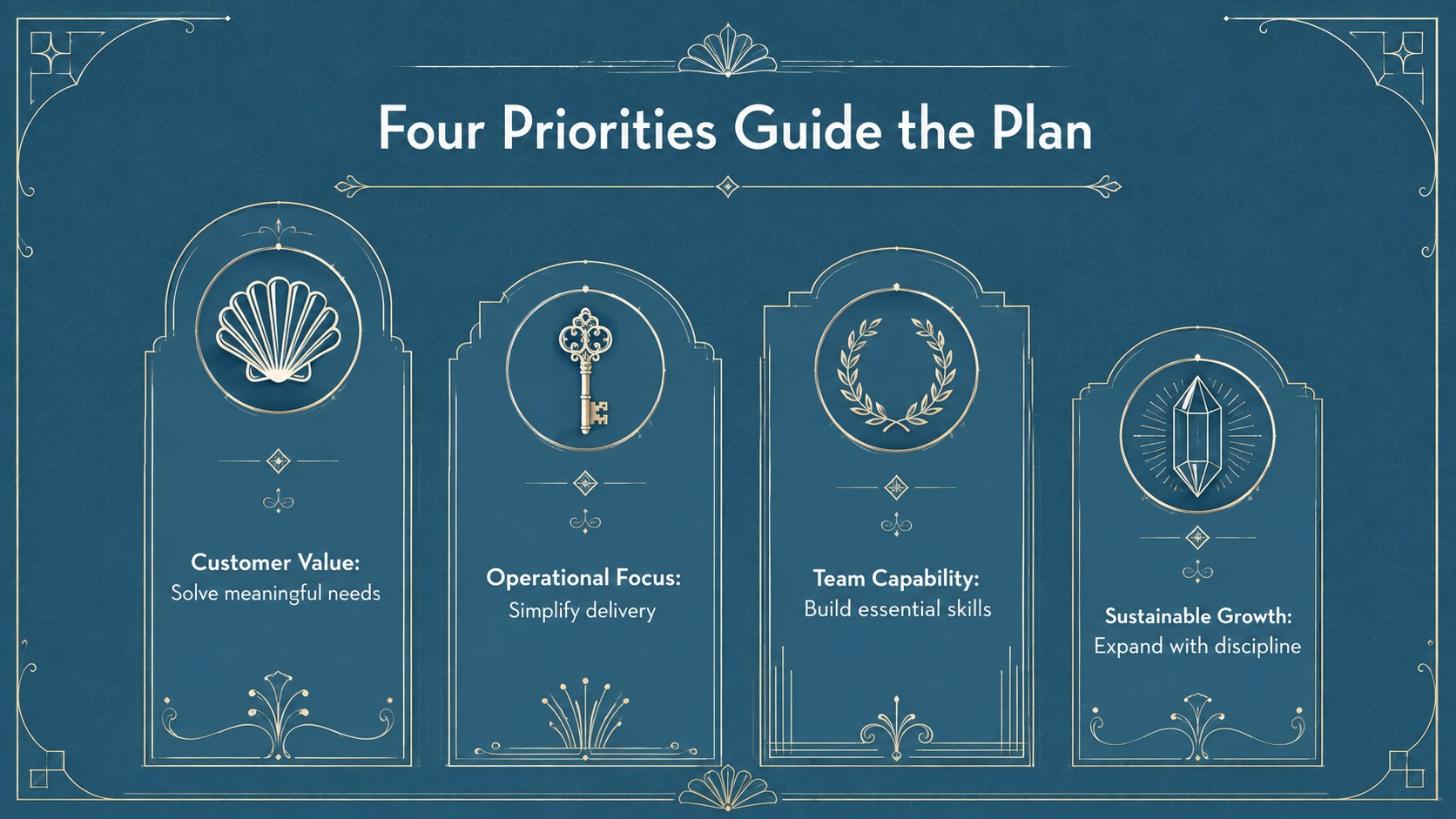
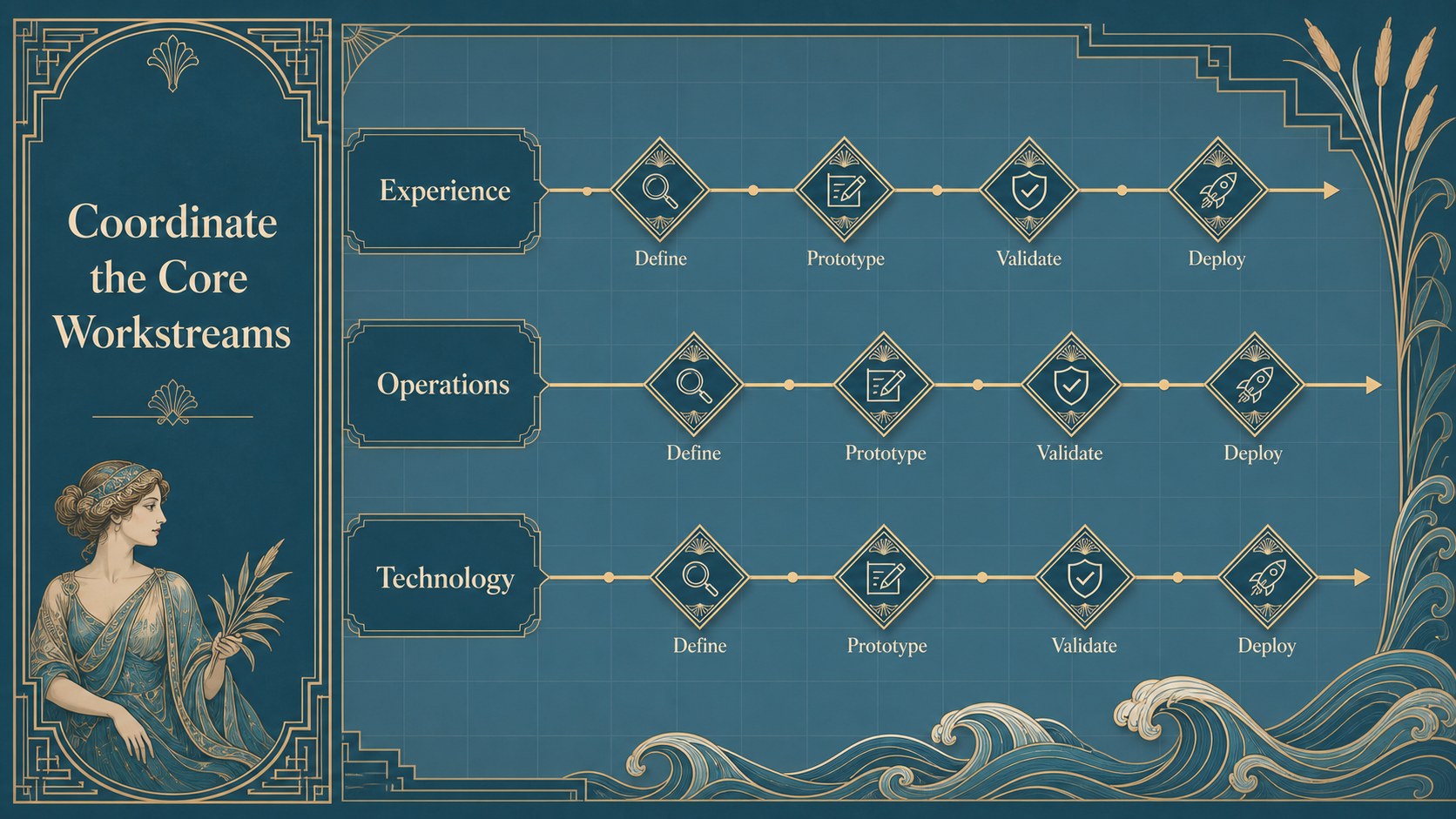
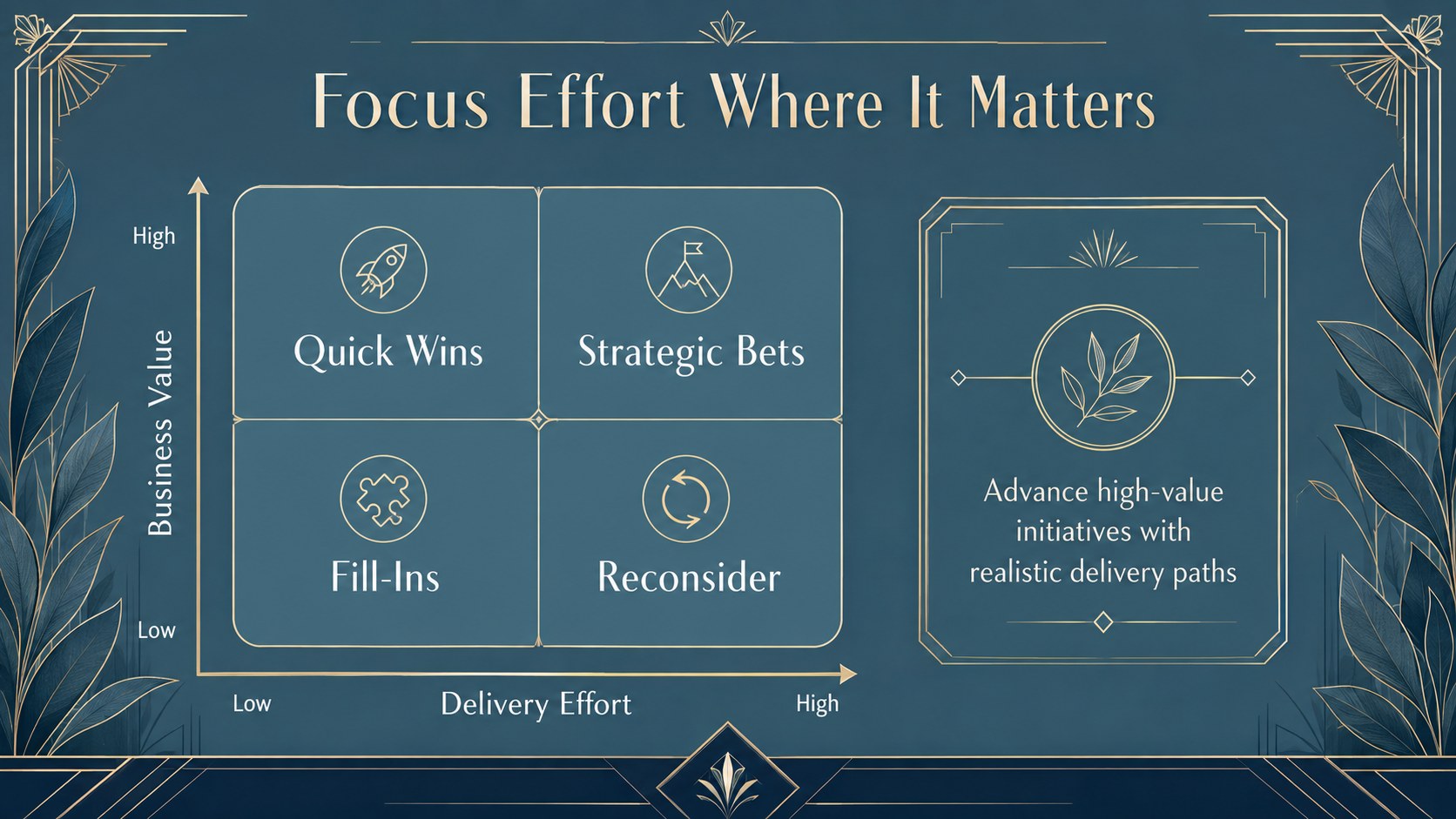
The deck includes editable roadmap diagrams, phased timelines, milestone trackers, priority matrices, objective summaries, workstream comparisons, and action-planning layouts. Use the art deco business roadmap template to organize goals across quarters, explain dependencies, or present a strategic implementation timeline without crowding the screen. Flexible shapes, labels, charts, and visual markers make it easy to adapt each slide to your organization, project, or planning framework.
These slides are built for business leaders, consultants, project managers, marketing teams, and nonprofit planners who need an elegant strategic planning presentation. They work especially well for annual planning sessions, transformation programs, campaign rollouts, product launches, and stakeholder briefings. Replace the sample wording, adjust the blue palette, move milestones, and apply your preferred fonts while preserving the coordinated Art Deco and Art Nouveau character. The result is a focused strategy deck that helps audiences understand where the work is going, when key outcomes are expected, and who is responsible for moving each initiative forward.
Perfect for: annual strategy review; product launch roadmap; business transformation briefing; marketing campaign rollout; project milestone update; nonprofit program planning.
Frequently asked questions
Can I edit every roadmap and timeline element? Yes. The text, milestone labels, shapes, connectors, colors, and chart elements are editable, so you can restructure the plan around your own phases and objectives.
Practical details
Yes. The text, milestone labels, shapes, connectors, colors, and chart elements are editable, so you can restructure the plan around your own phases and objectives.
The deck is designed for Microsoft PowerPoint and Google Slides. Some font substitutions or minor spacing adjustments may be needed when moving between platforms.
Replace the sample content, apply your organization’s fonts, and adjust the blue palette to match your visual identity. You can also duplicate, remove, or reorder layouts without losing the overall design language.
It supports annual strategies, project phases, product launches, campaign schedules, transformation programs, and stakeholder action plans. The layouts can accommodate both high-level executive summaries and detailed implementation steps.
Keep exploring
15Build an engaging World UFO Day session with this flying saucer history lesson deck, featuring retro green-and-brown slides for PowerPoint and Google Slides.
 15
15Plan a lively animal-learning journey with this jungle zoo adventure lesson deck, ready to customize in PowerPoint and Google Slides for young learners.
 16
16Turn environmental research into a clear story with a Watercolor Ecology Presentation Theme for PowerPoint and Google Slides in calming green and blue.
 16
16Build focused fashion, literature, and humanities presentations with the Red Triangle Editorial Theme, editable in PowerPoint and Google Slides.
 15
15Turn streaming stats, favorite tracks, and concert highlights into a bold annual listening recap slide deck for PowerPoint and Google Slides.
 15
15Turn highlights, milestones, and favorite moments into a colorful year in review slide deck with bold 3D graphics for PowerPoint and Google Slides.
 3
3Build a credible endorsement with Standout Colleague Recommendation Letter Slides, featuring colorful prompts for skills, achievements, and team impact.
 4
4Build clear beginner sessions with an ice hockey fundamentals training deck for coaches, PE teachers, and clubs, ready for PowerPoint and Google Slides.