
 15
15presentation
Flying Saucer History Lesson Deck
Build an engaging World UFO Day session with this flying saucer history lesson deck, featuring retro green-and-brown slides for PowerPoint and Google Slides.
Google SlidesPowerPoint
presentation · English
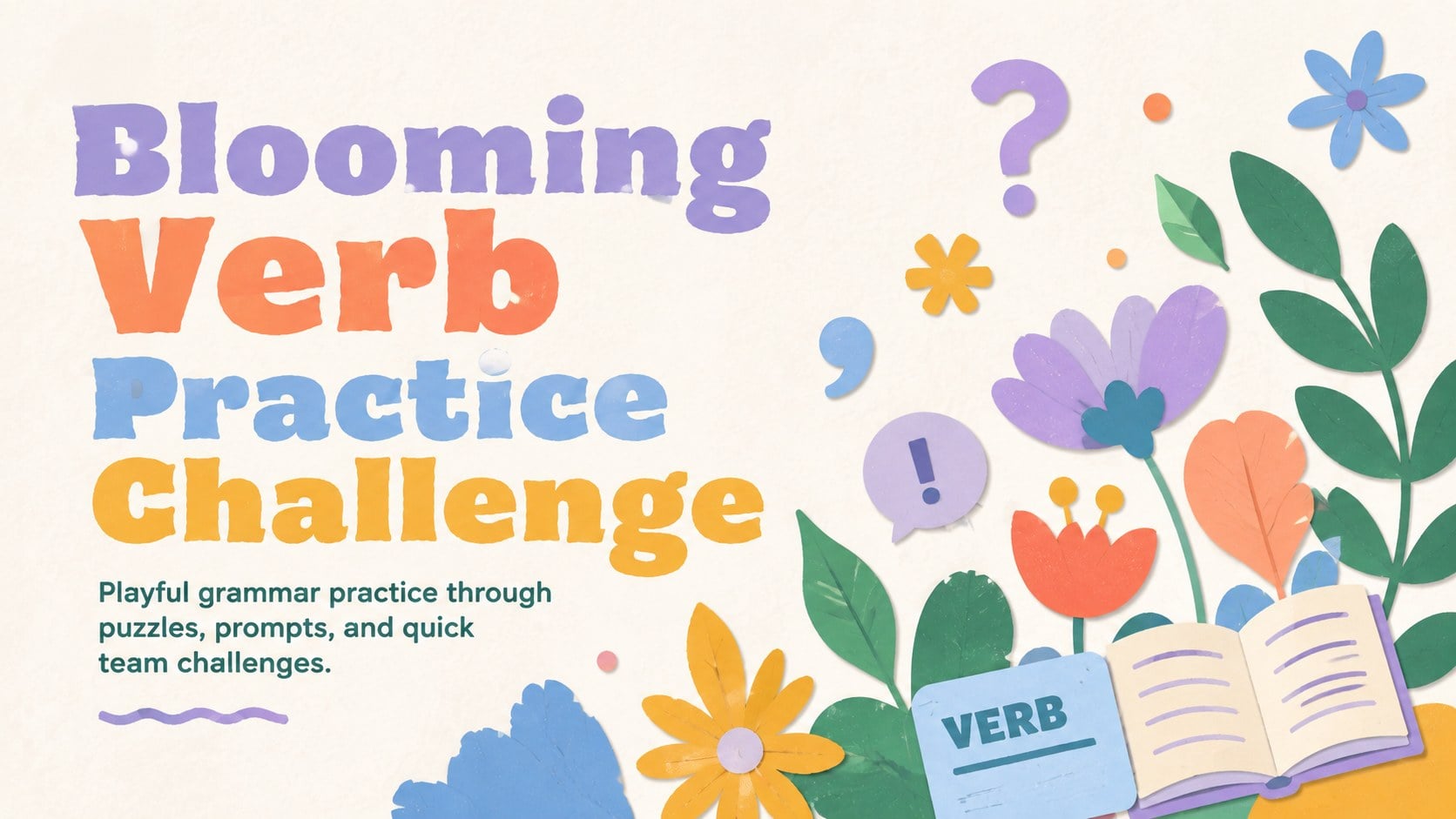
Turn grammar review into a colorful Blooming Verb Practice Challenge with editable puzzles and activities for PowerPoint and Google Slides.
Design notes
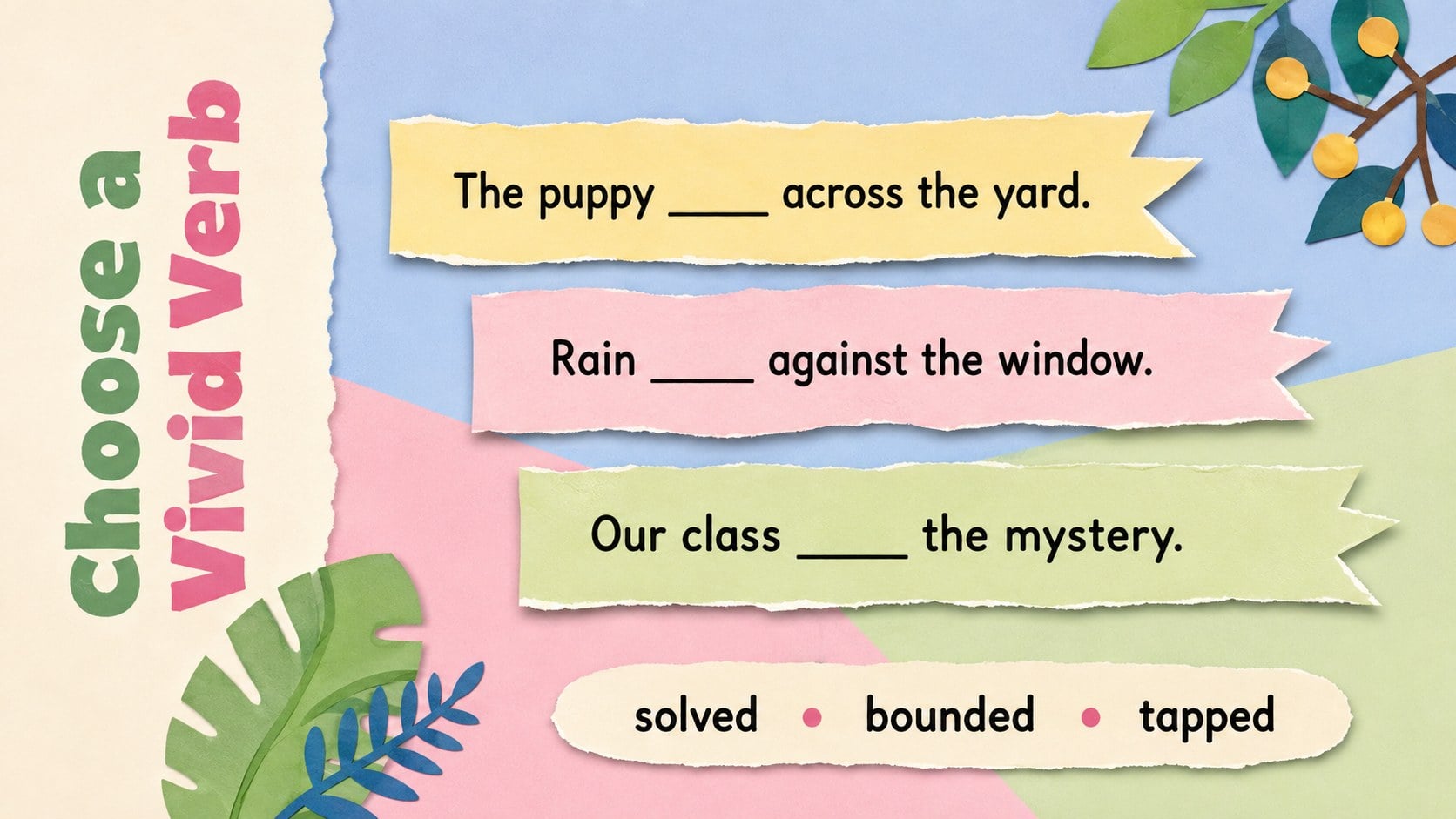
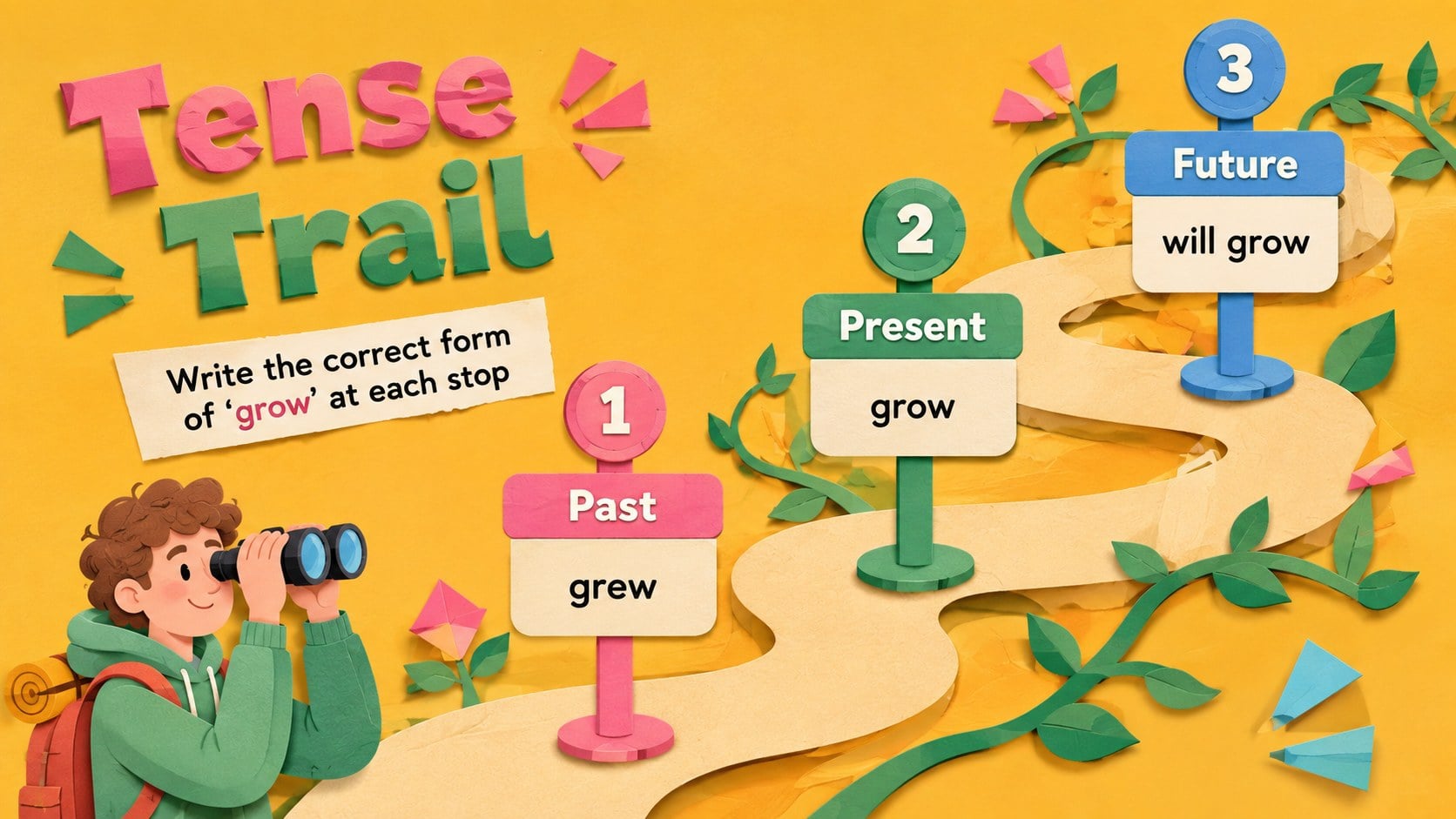
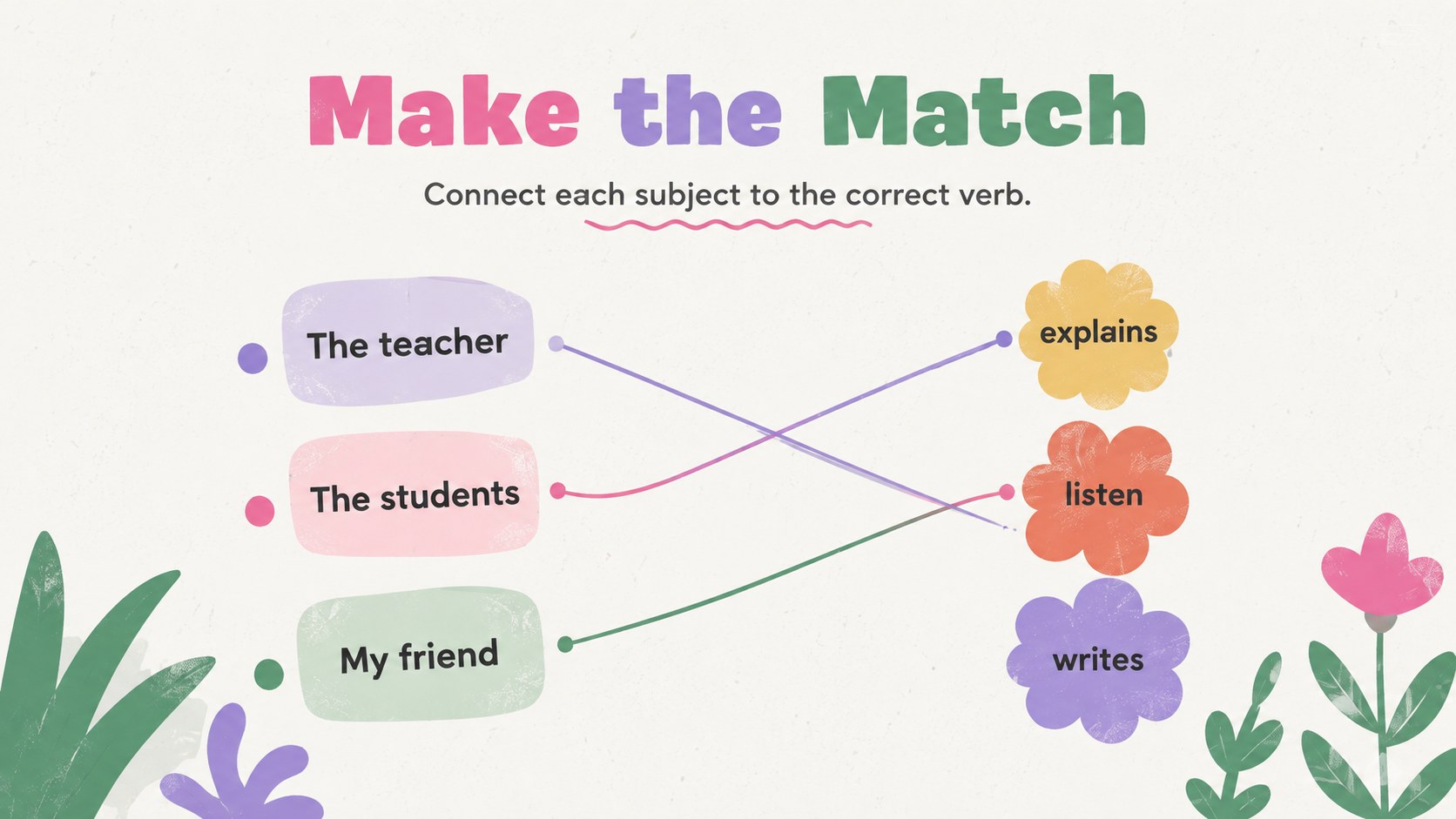
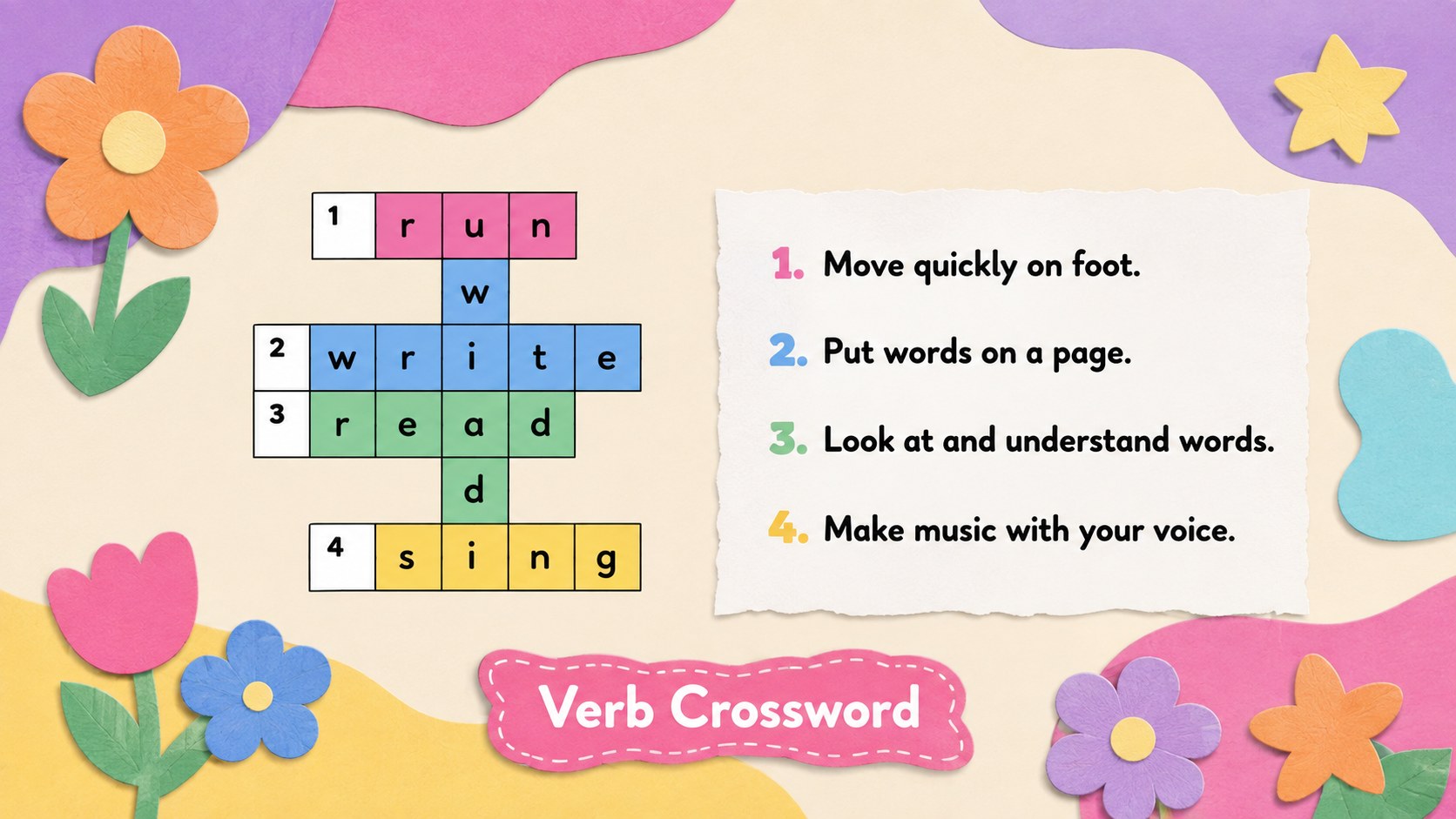
Make grammar review feel fresh with the Blooming Verb Practice Challenge, a colorful classroom deck filled with hands-on language activities. Pastel cutout flowers, organic shapes, and cheerful accents create an inviting setting for students to identify, classify, conjugate, and use verbs with confidence. Every layout can be edited in PowerPoint or Google Slides to match your lesson goals.
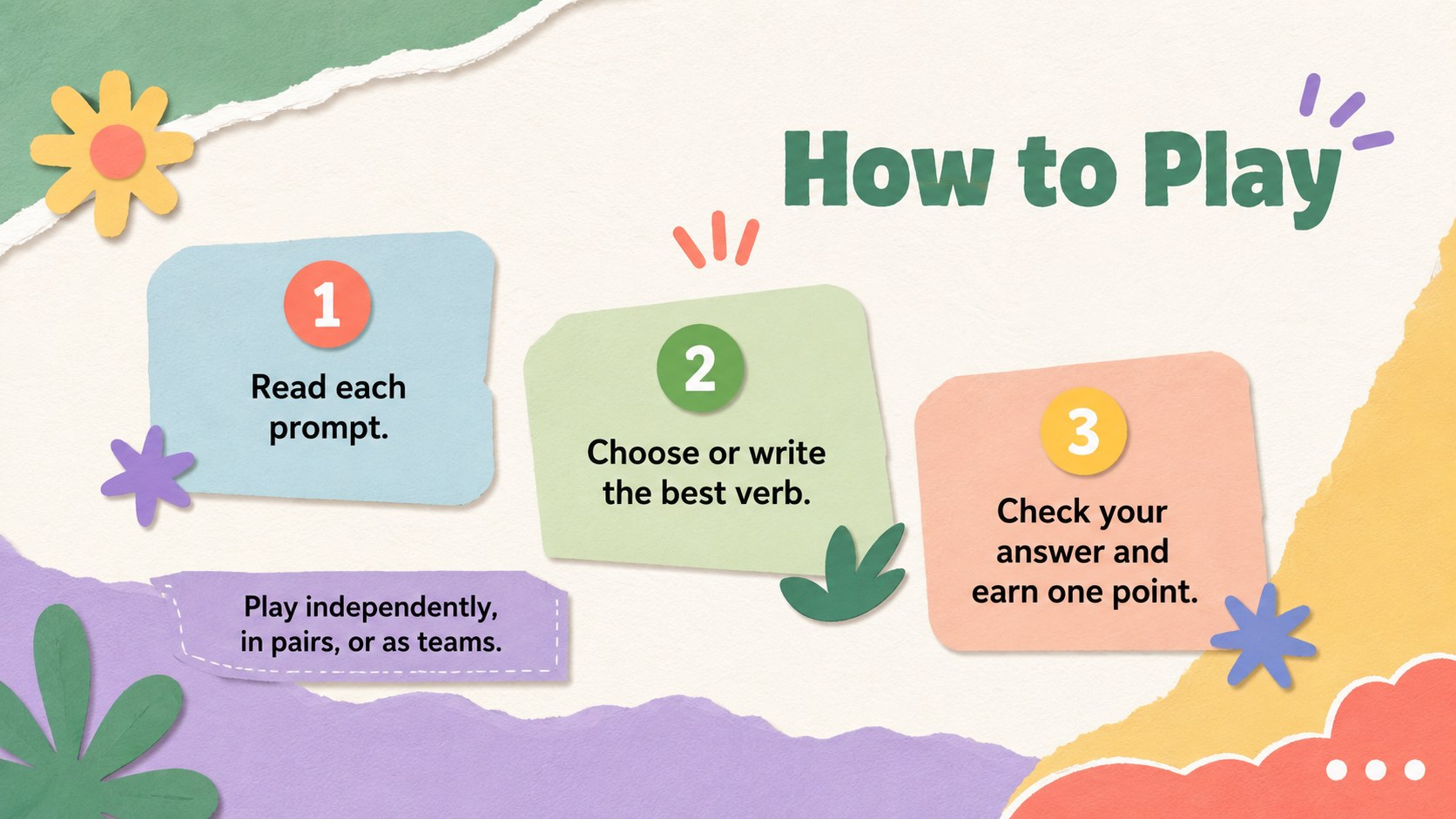
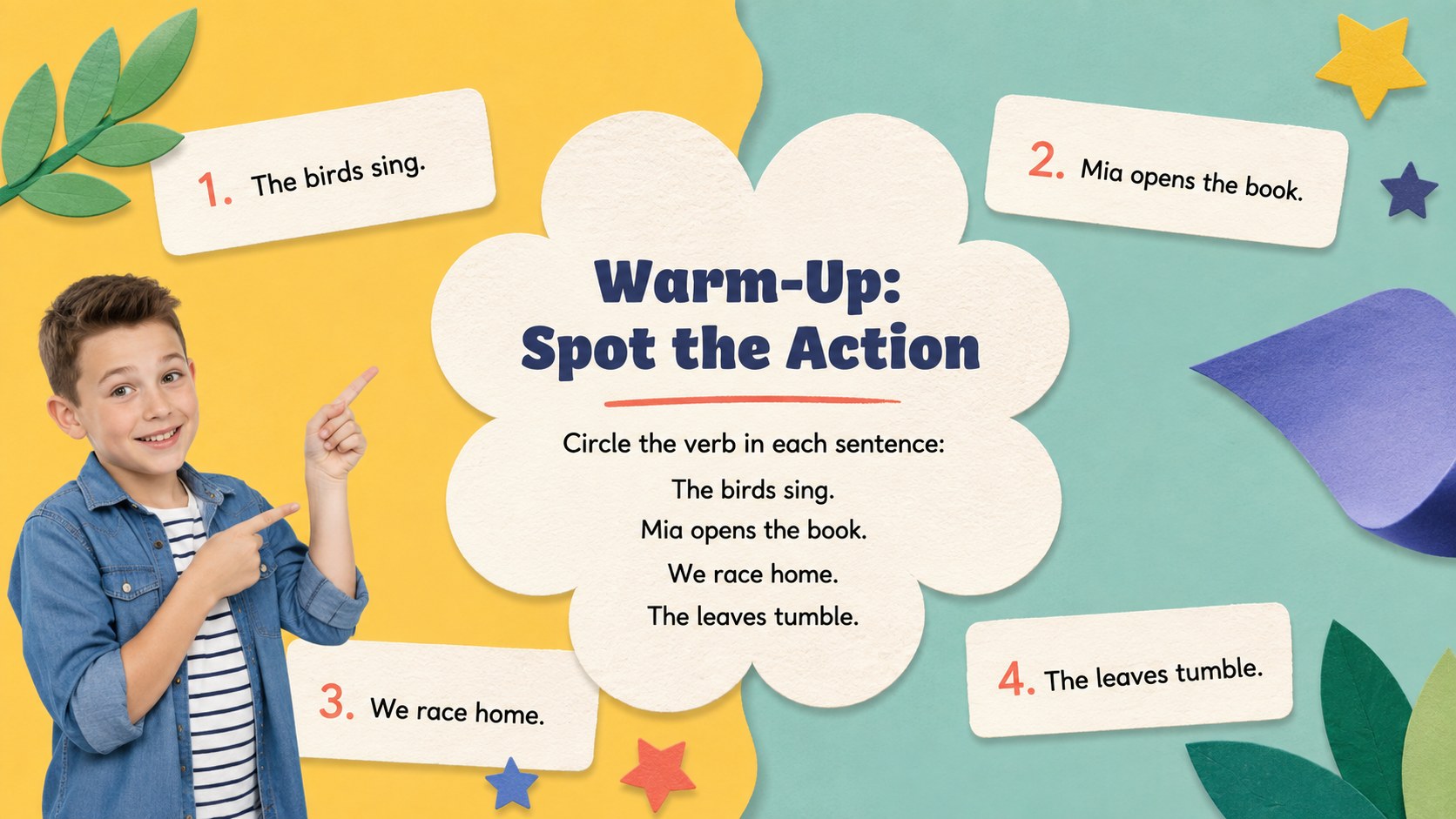
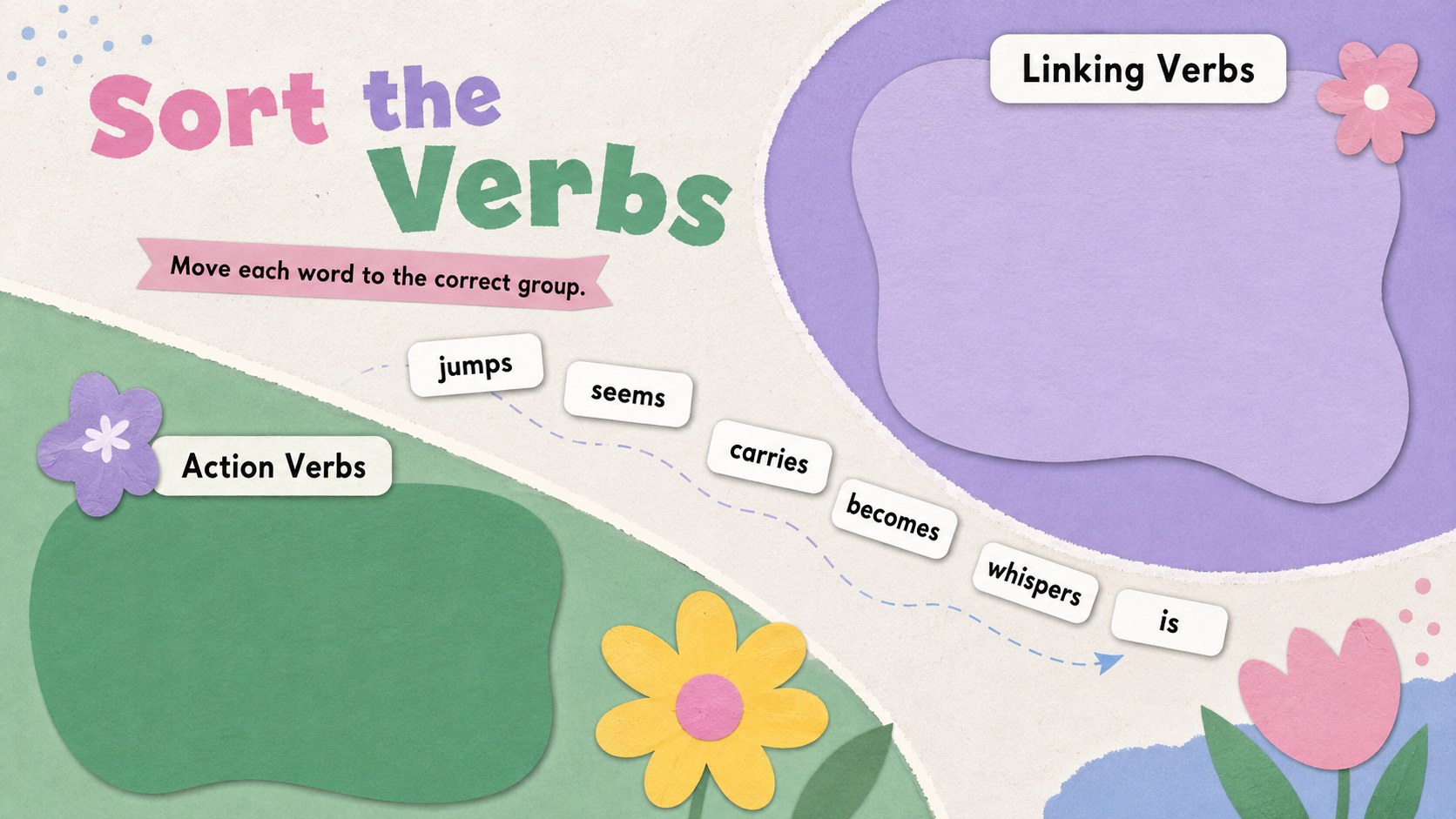
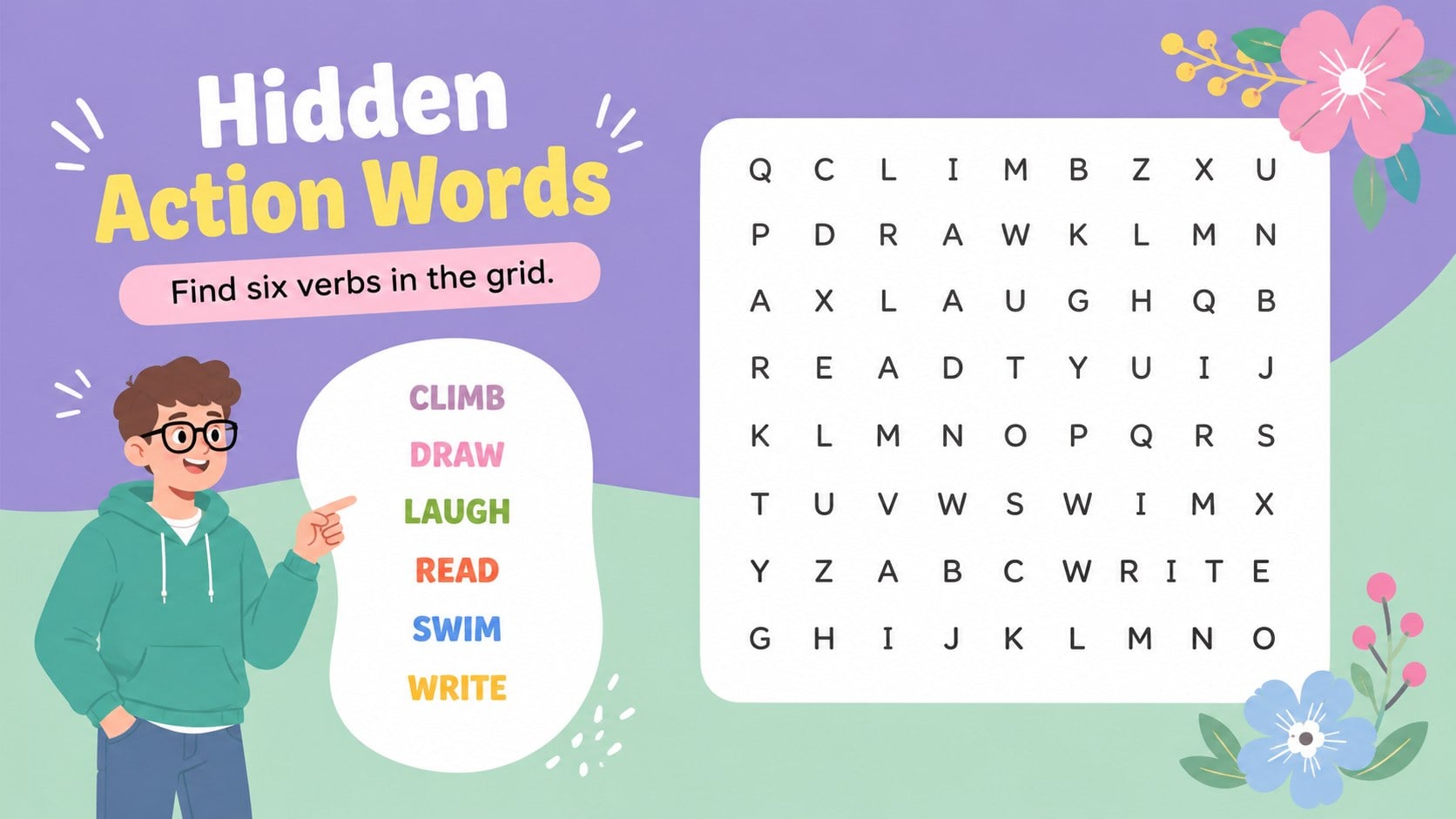
Inside, educators will find fill-in-the-blank questions, action and linking verb sorting, tense practice, sentence repair, a crossword, a word search, and fast team challenges. The deck also includes instructions, scoring space, an answer key, and a closing prompt. Use it as an interactive verb practice presentation, a complete floral grammar review deck, or a source of individual activities for a longer unit.
Designed for elementary and middle school teachers, tutors, homeschool families, and language support specialists, this editable language arts quiz deck works well for whole-class instruction, learning stations, test preparation, or independent practice. Adjust the difficulty, replace example sentences, duplicate activity layouts, and add your own vocabulary while preserving the vivid pastel palette and artistic paper-cut style.
Perfect for: whole-class grammar review; elementary language arts station; middle school test preparation; team verb challenge; homeschool English lesson.
Frequently asked questions
Can I edit the questions and answers? Yes. Replace the sample verbs, sentences, instructions, and answer choices with material from your own curriculum. Activity slides can also be duplicated or removed to create a shorter lesson.
Practical details
Yes. Replace the sample verbs, sentences, instructions, and answer choices with material from your own curriculum. Activity slides can also be duplicated or removed to create a shorter lesson.
The deck is designed for Microsoft PowerPoint and Google Slides. Fonts, colors, shapes, and text boxes remain editable in both platforms, although minor spacing adjustments may be needed after importing.
Yes. Use simple action verbs and picture-supported prompts for younger learners, or introduce irregular forms, perfect tenses, and sentence analysis for older students.
Change the pastel colors, move the paper-cut decorations, or replace individual floral graphics while keeping the activity layouts intact. Maintain strong contrast behind question text so every prompt remains easy to read.
Keep exploring
15Build an engaging World UFO Day session with this flying saucer history lesson deck, featuring retro green-and-brown slides for PowerPoint and Google Slides.
 15
15Plan a lively animal-learning journey with this jungle zoo adventure lesson deck, ready to customize in PowerPoint and Google Slides for young learners.
 16
16Turn environmental research into a clear story with a Watercolor Ecology Presentation Theme for PowerPoint and Google Slides in calming green and blue.
 16
16Build focused fashion, literature, and humanities presentations with the Red Triangle Editorial Theme, editable in PowerPoint and Google Slides.
 15
15Turn streaming stats, favorite tracks, and concert highlights into a bold annual listening recap slide deck for PowerPoint and Google Slides.
 15
15Turn highlights, milestones, and favorite moments into a colorful year in review slide deck with bold 3D graphics for PowerPoint and Google Slides.
 3
3Build a credible endorsement with Standout Colleague Recommendation Letter Slides, featuring colorful prompts for skills, achievements, and team impact.
 4
4Build clear beginner sessions with an ice hockey fundamentals training deck for coaches, PE teachers, and clubs, ready for PowerPoint and Google Slides.