
 15
15presentation
Flying Saucer History Lesson Deck
Build an engaging World UFO Day session with this flying saucer history lesson deck, featuring retro green-and-brown slides for PowerPoint and Google Slides.
Google SlidesPowerPoint
presentation · English
Present timelines, budgets, vendor plans, and ceremony details with a Black Gold Wedding Planning Deck designed for elegant client meetings.
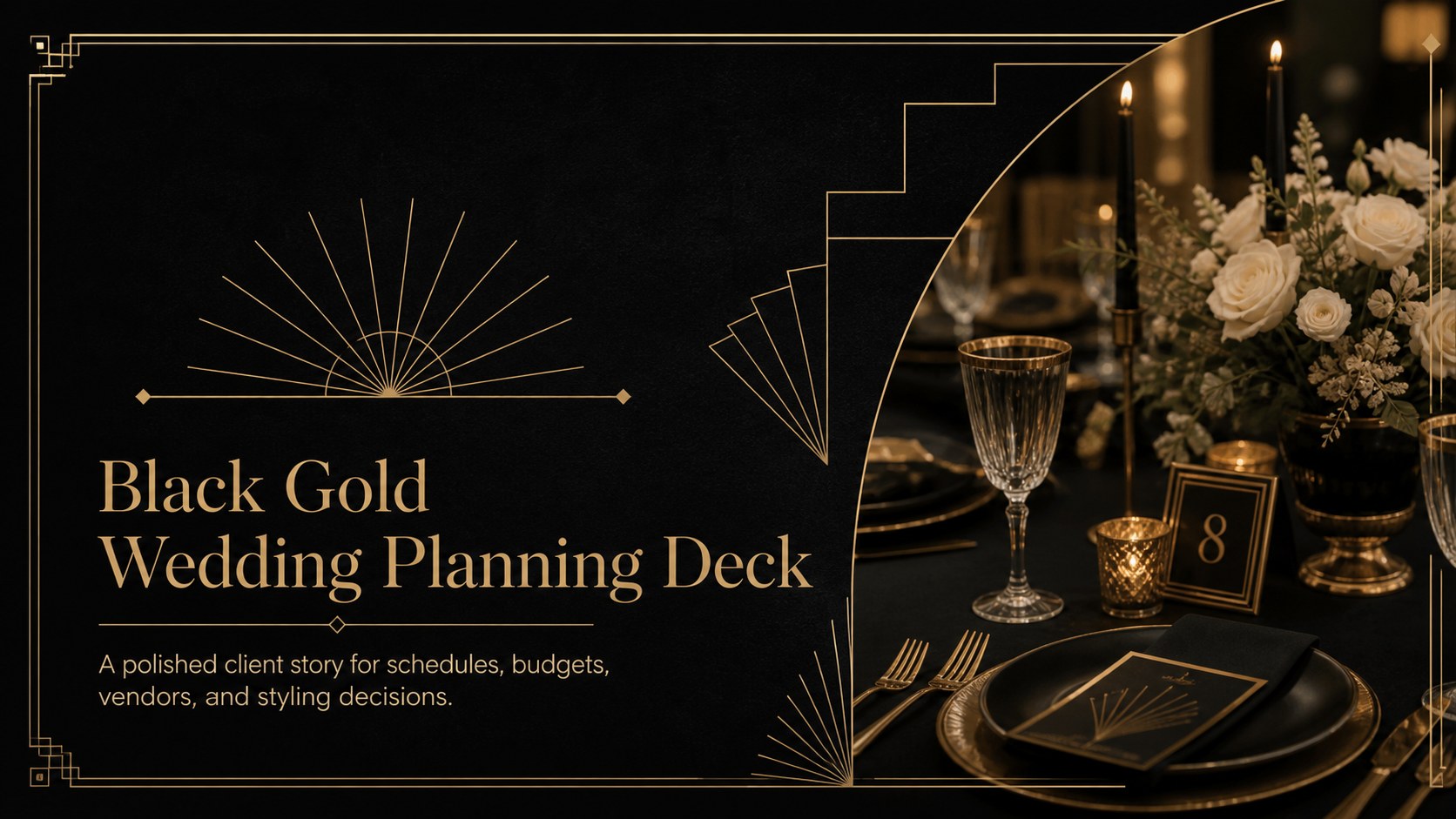
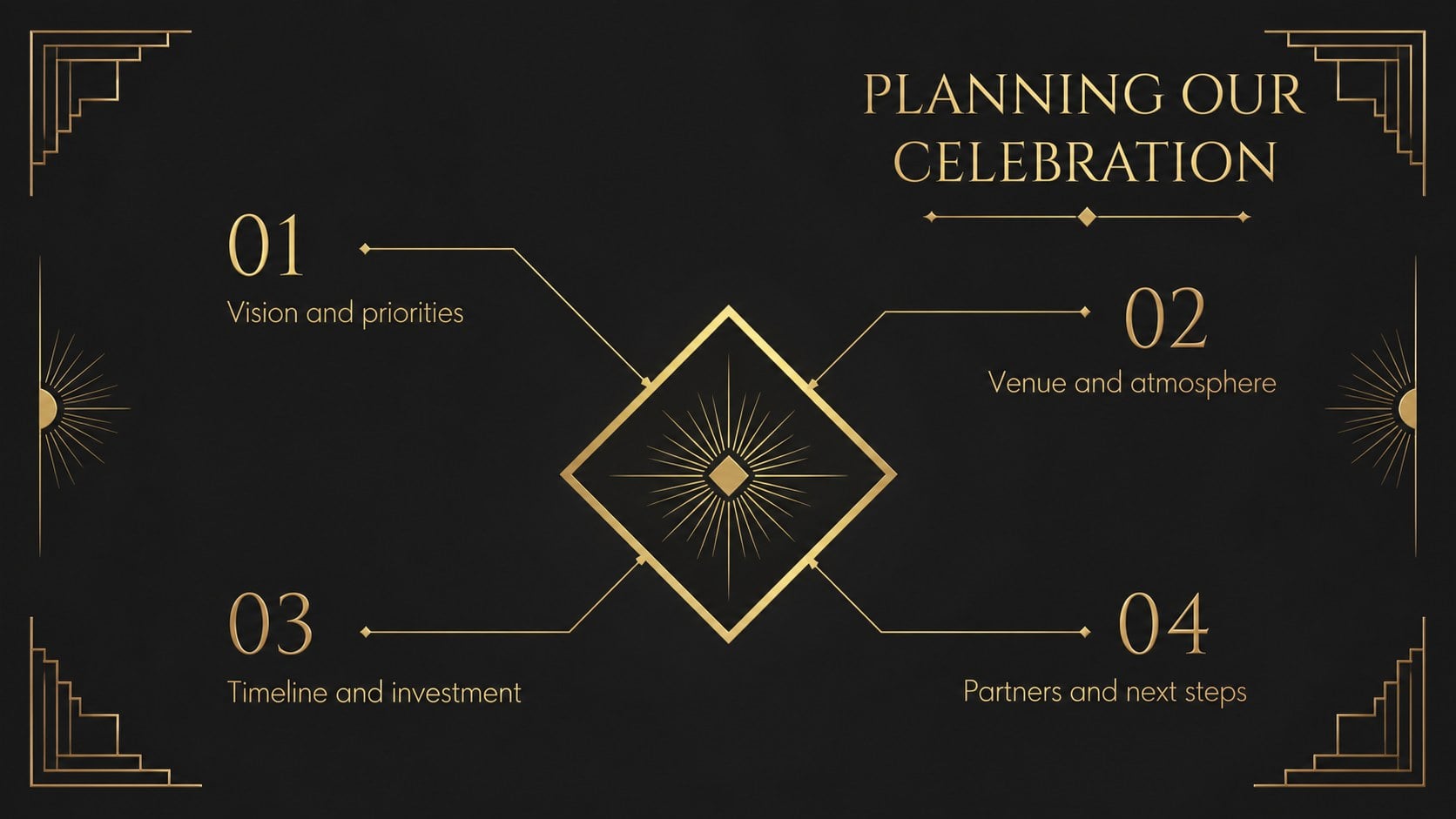
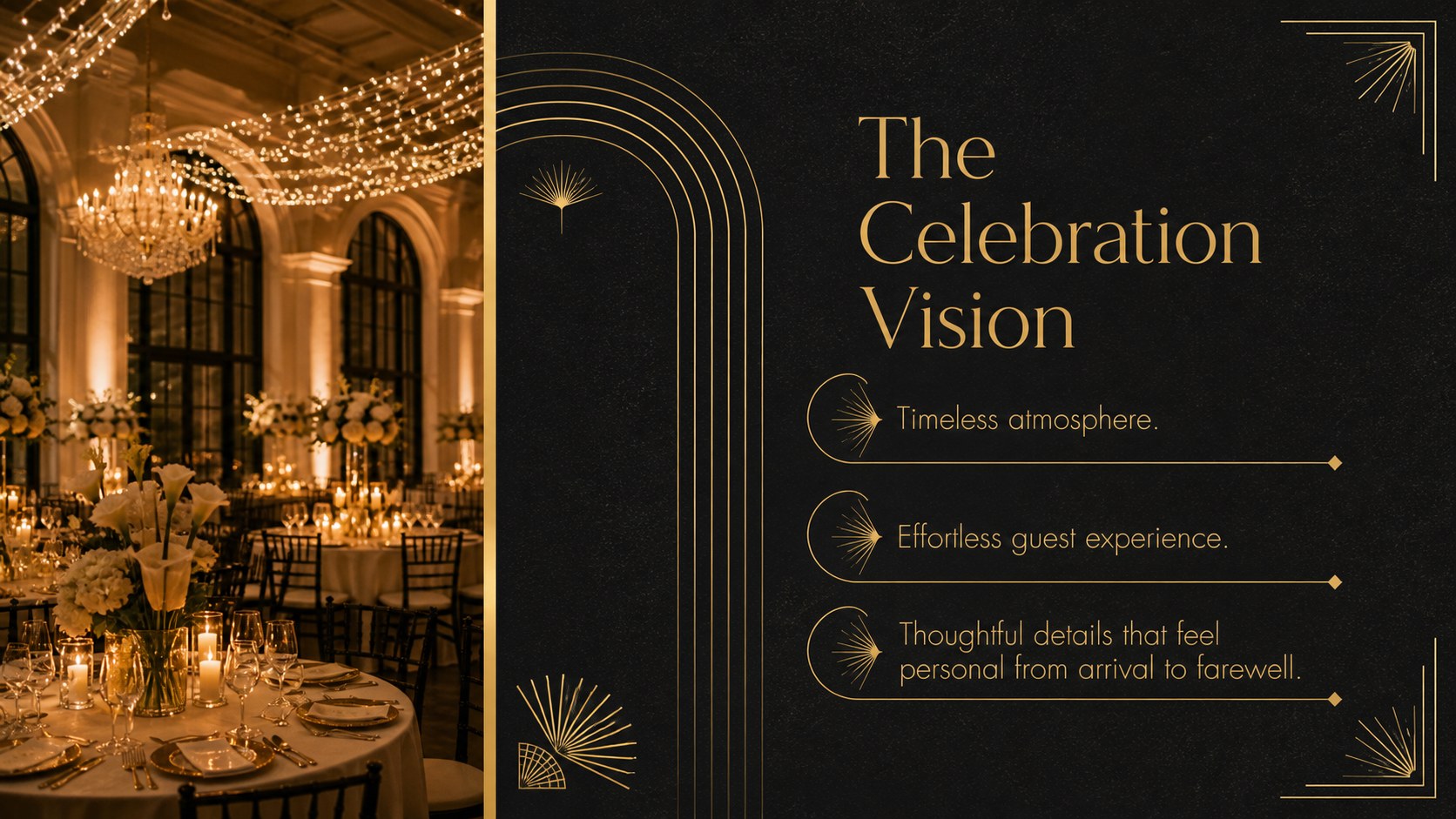
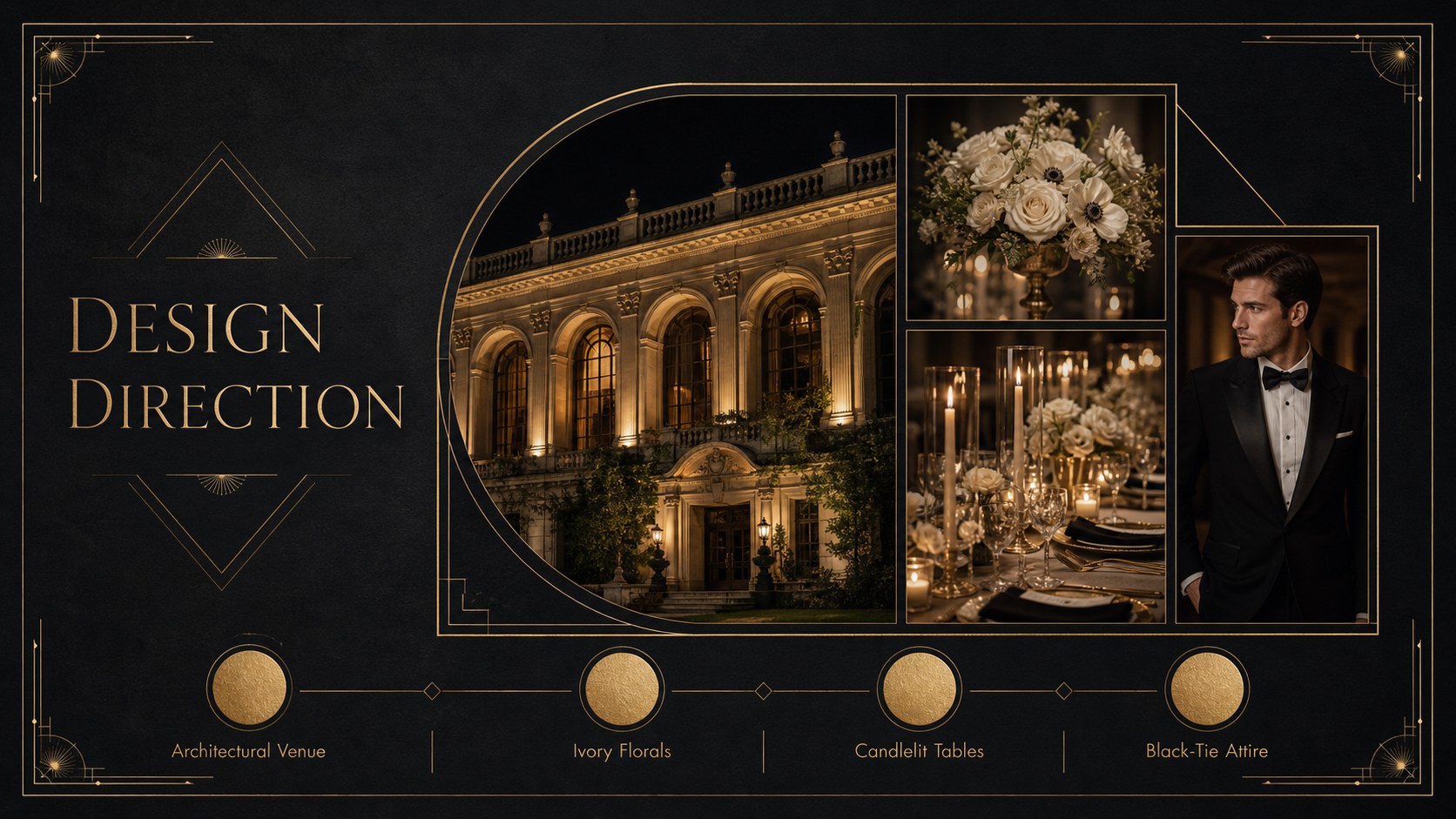
Design notes
The Black Gold Wedding Planning Deck helps planners turn complex event details into a refined, easy-to-follow presentation. Its dramatic black backgrounds, gold geometric accents, and elegant typography create a sophisticated setting for presenting luxury celebrations without distracting from the practical decisions clients need to make.
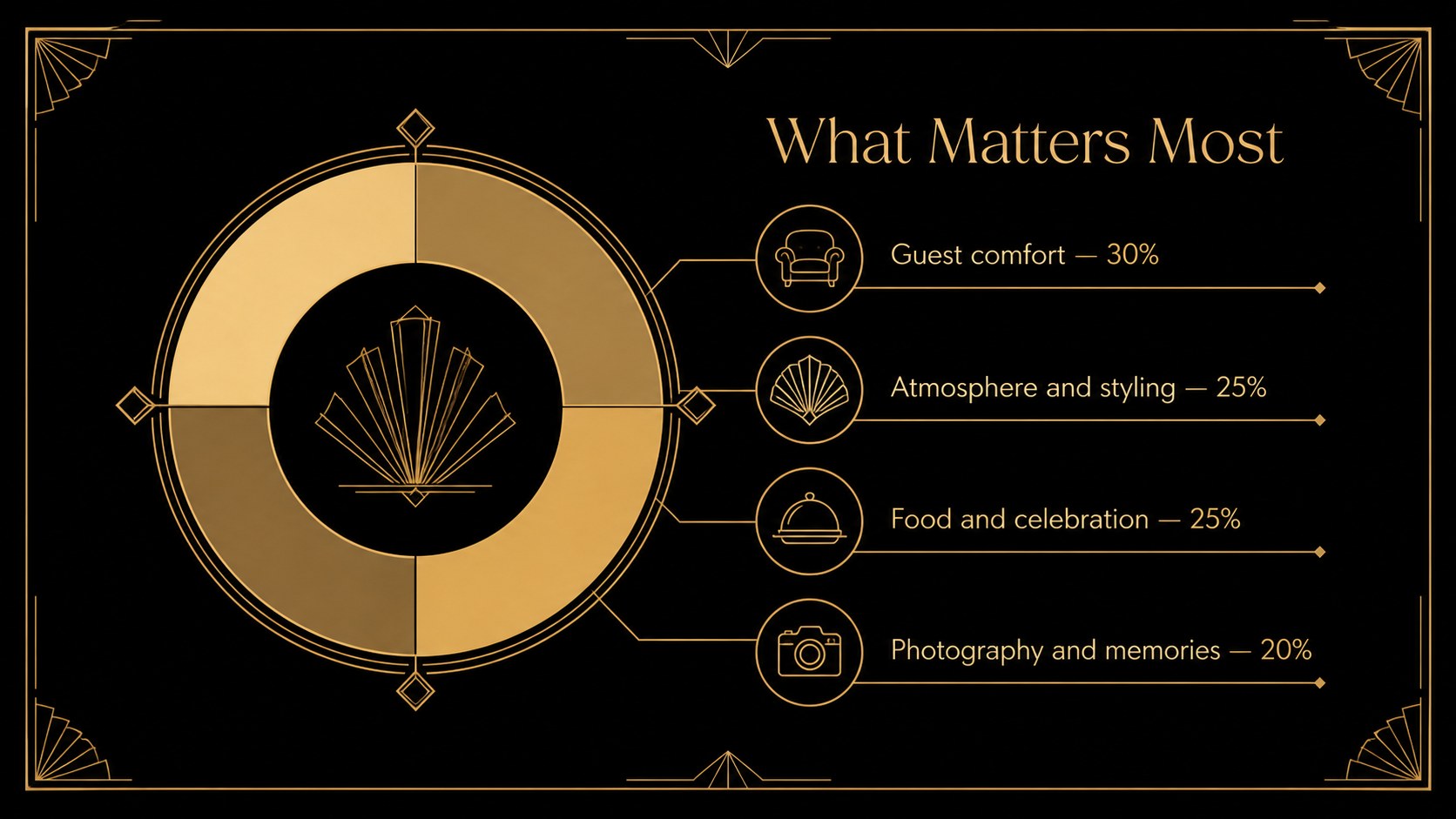
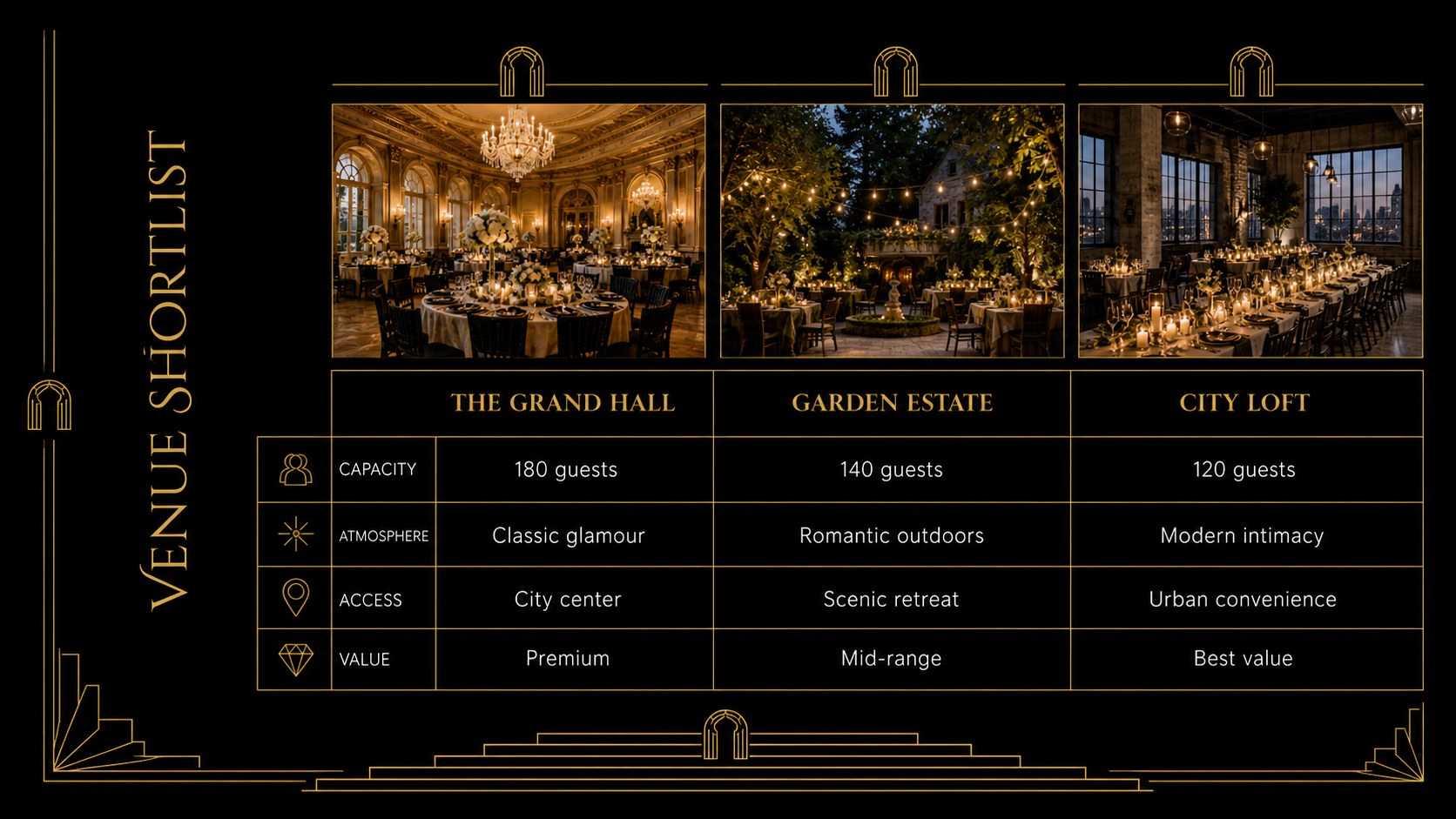
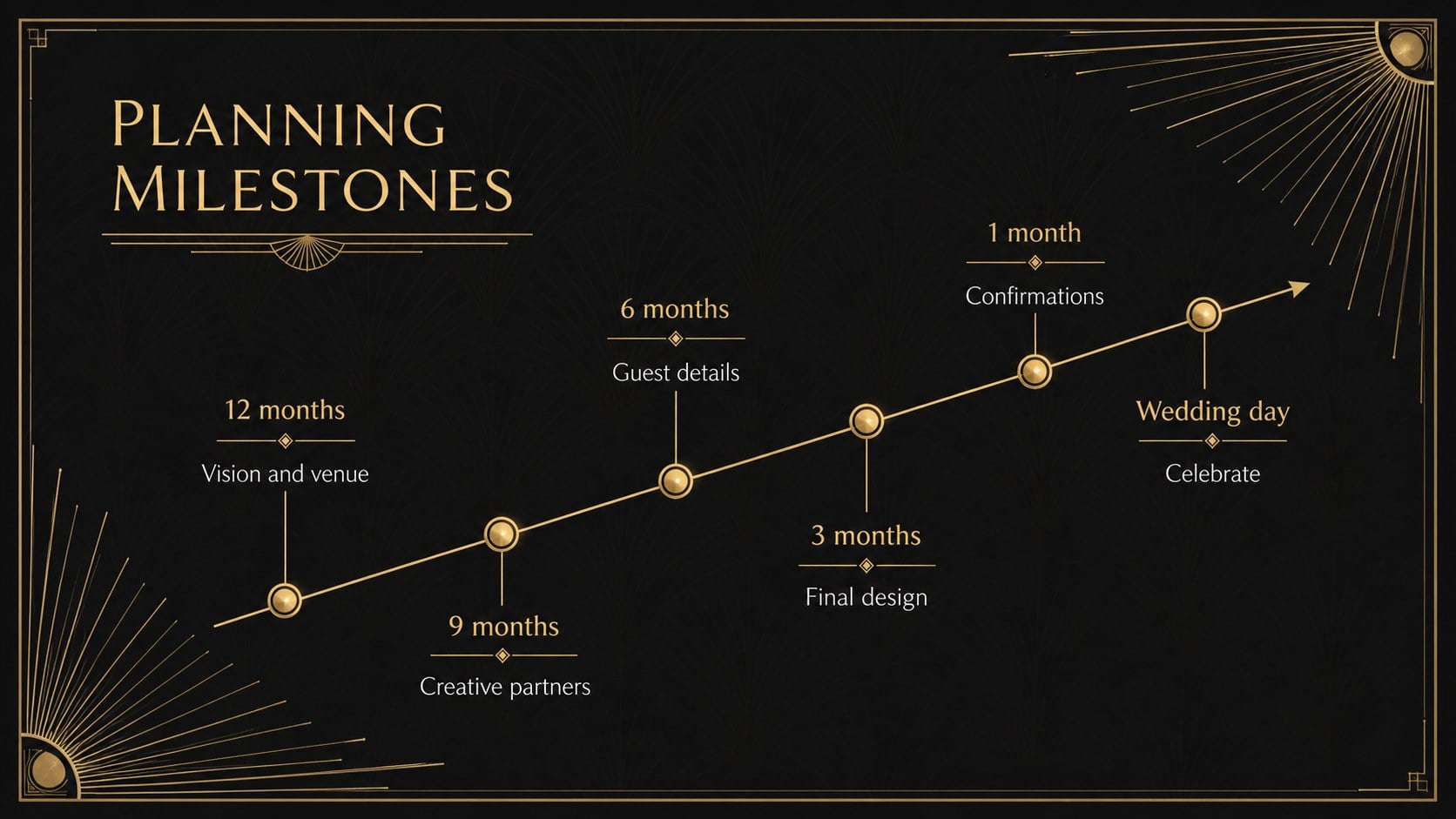
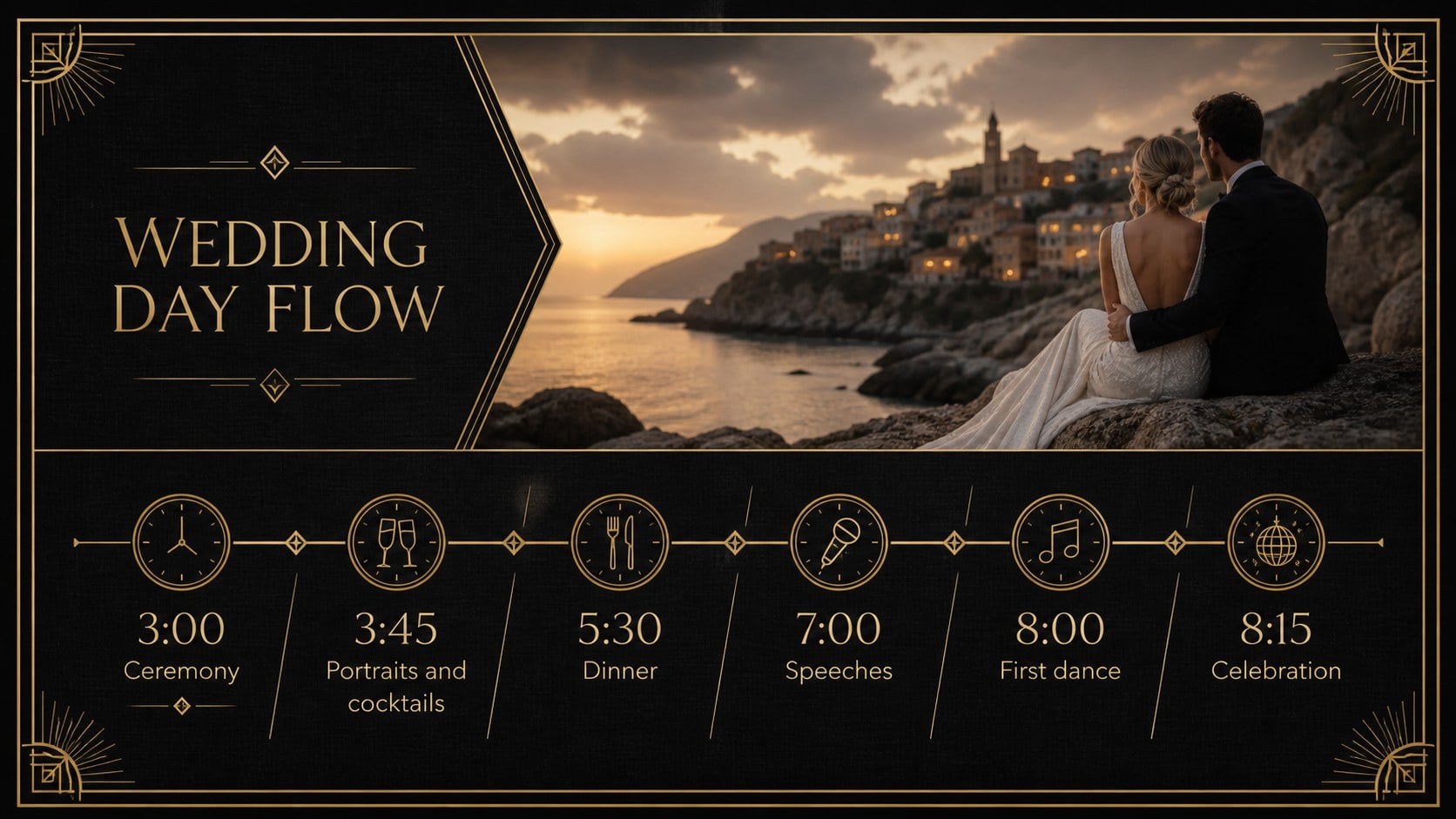
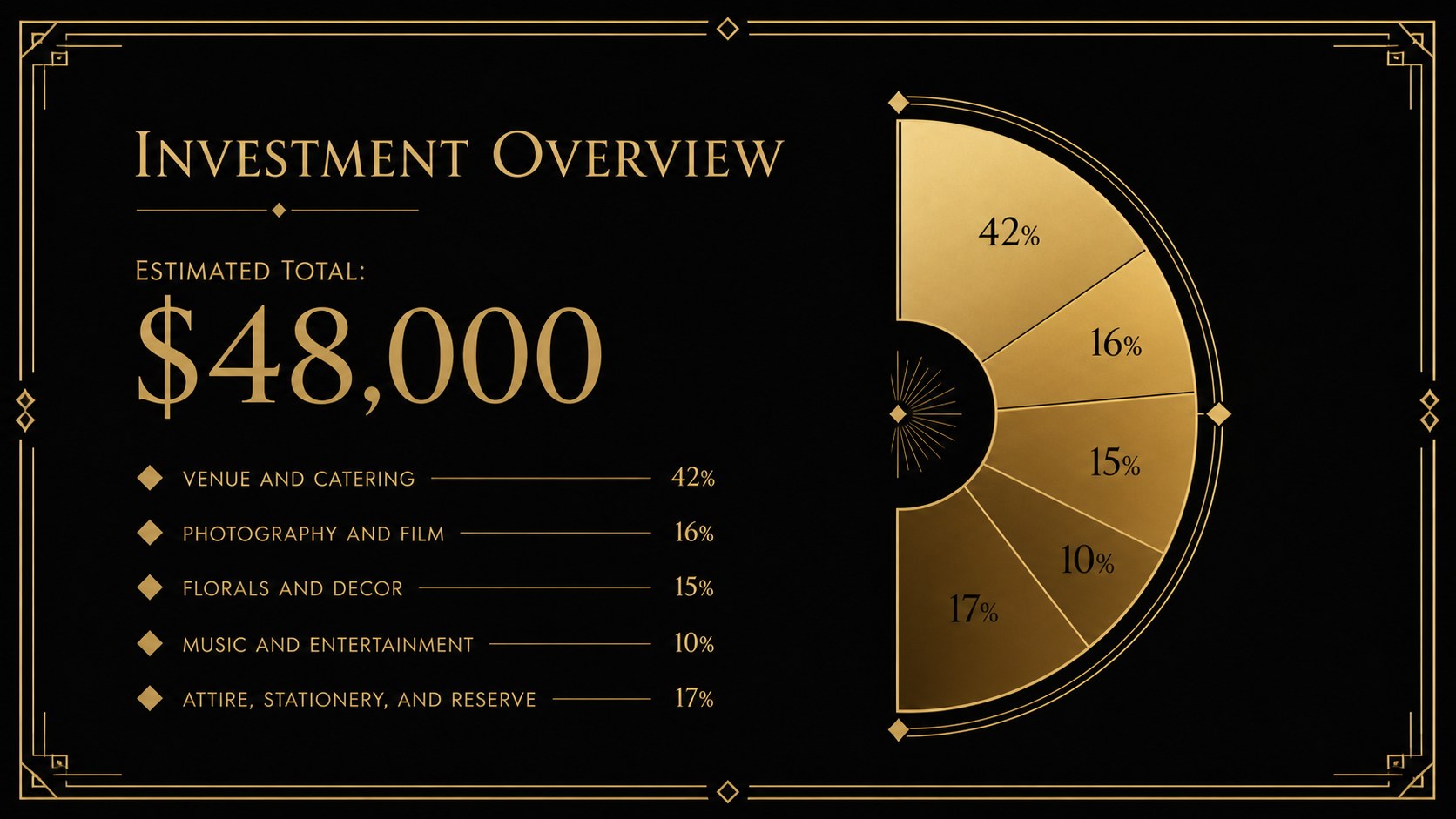
Use the flexible layouts to build a wedding planner client proposal template covering the couple's vision, ceremony concept, reception flow, venue selection, guest experience, and design direction. Dedicated pages support a black and gold wedding mood board, vendor comparisons, milestone planning, budget allocation, and a luxury wedding timeline presentation. The mix of concise text areas, photo-led compositions, tables, and visual schedules keeps every stage organized while maintaining a consistent Art Deco character.
This deck is designed for wedding coordinators, boutique event studios, venue teams, stylists, and independent planners preparing discovery meetings or final concept presentations. Every slide can be edited in PowerPoint or Google Slides, including colors, fonts, images, charts, and section labels. Adapt the structure for engagement parties, rehearsal dinners, destination ceremonies, or formal anniversary events while preserving the clean black and gold palette. Whether you are pitching a creative direction or confirming production details, the layouts provide a professional framework for clear decisions and memorable client presentations.
Perfect for: wedding concept presentation; planner client proposal; venue and vendor review; wedding timeline briefing; event budget meeting; reception design reveal.
Frequently asked questions
Can I edit this deck in PowerPoint and Google Slides? Yes. The layouts, text, colors, images, and graphic elements can be customized in both PowerPoint and Google Slides, although minor font spacing may vary between platforms.
Practical details
Yes. The layouts, text, colors, images, and graphic elements can be customized in both PowerPoint and Google Slides, although minor font spacing may vary between platforms.
Replace the sample wording and photography with the couple's names, venue images, preferred decor, and confirmed schedule. You can also adjust the gold accent color or typography while retaining the black Art Deco foundation.
Yes. The deck includes structures for budgets, vendor comparisons, timelines, floor plans, mood boards, guest experience notes, and key event milestones.
Yes. Update the section labels and imagery to prepare proposals for engagement parties, formal dinners, anniversary celebrations, galas, or other upscale events.
Keep exploring
15Build an engaging World UFO Day session with this flying saucer history lesson deck, featuring retro green-and-brown slides for PowerPoint and Google Slides.
 15
15Plan a lively animal-learning journey with this jungle zoo adventure lesson deck, ready to customize in PowerPoint and Google Slides for young learners.
 16
16Turn environmental research into a clear story with a Watercolor Ecology Presentation Theme for PowerPoint and Google Slides in calming green and blue.
 16
16Build focused fashion, literature, and humanities presentations with the Red Triangle Editorial Theme, editable in PowerPoint and Google Slides.
 15
15Turn streaming stats, favorite tracks, and concert highlights into a bold annual listening recap slide deck for PowerPoint and Google Slides.
 15
15Turn highlights, milestones, and favorite moments into a colorful year in review slide deck with bold 3D graphics for PowerPoint and Google Slides.
 3
3Build a credible endorsement with Standout Colleague Recommendation Letter Slides, featuring colorful prompts for skills, achievements, and team impact.
 4
4Build clear beginner sessions with an ice hockey fundamentals training deck for coaches, PE teachers, and clubs, ready for PowerPoint and Google Slides.