
 15
15presentation
Flying Saucer History Lesson Deck
Build an engaging World UFO Day session with this flying saucer history lesson deck, featuring retro green-and-brown slides for PowerPoint and Google Slides.
Google SlidesPowerPoint
presentation · English
Create a polished black and gold Eid celebration theme for community programs, school lessons, or family events in PowerPoint and Google Slides.
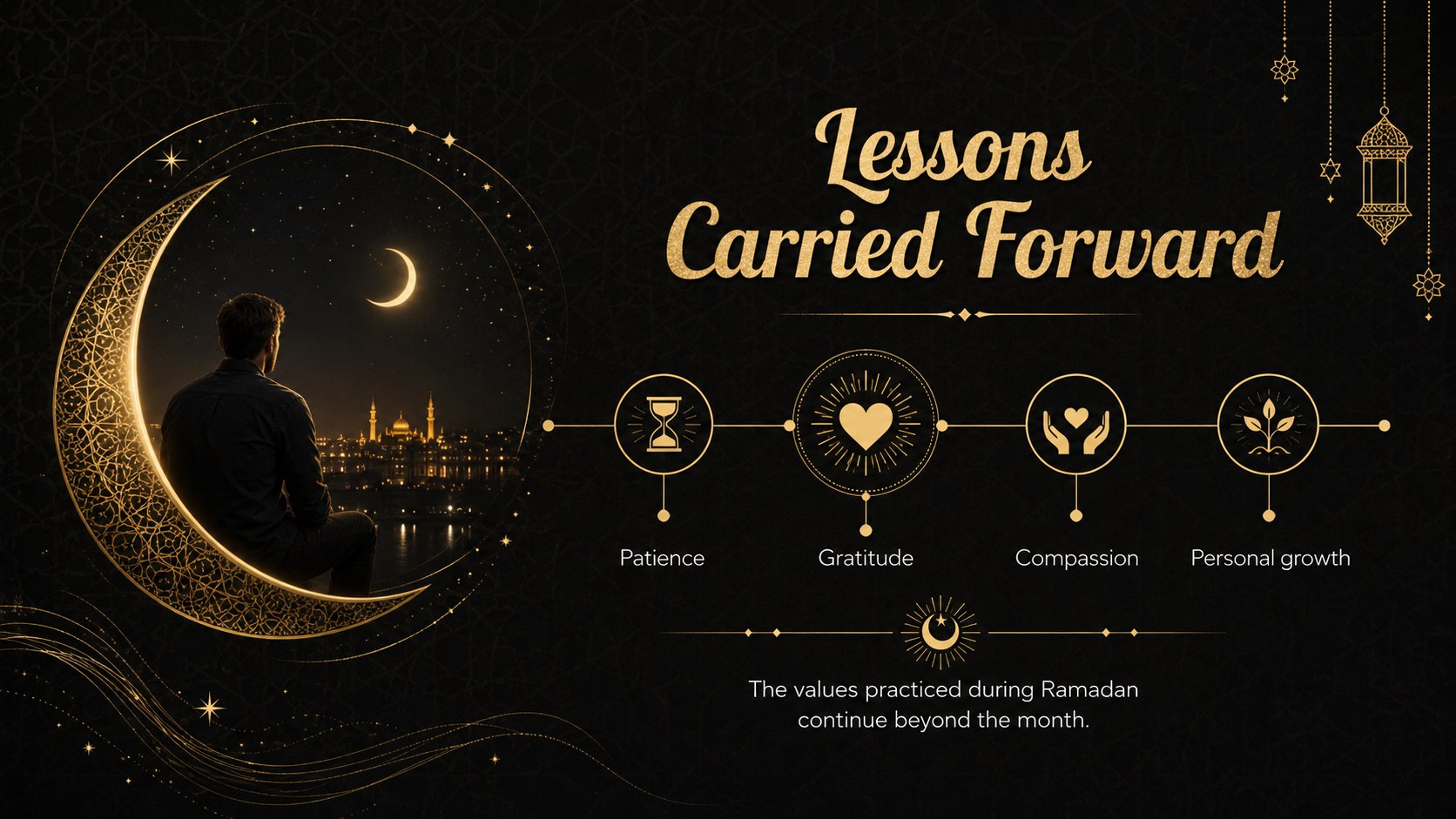
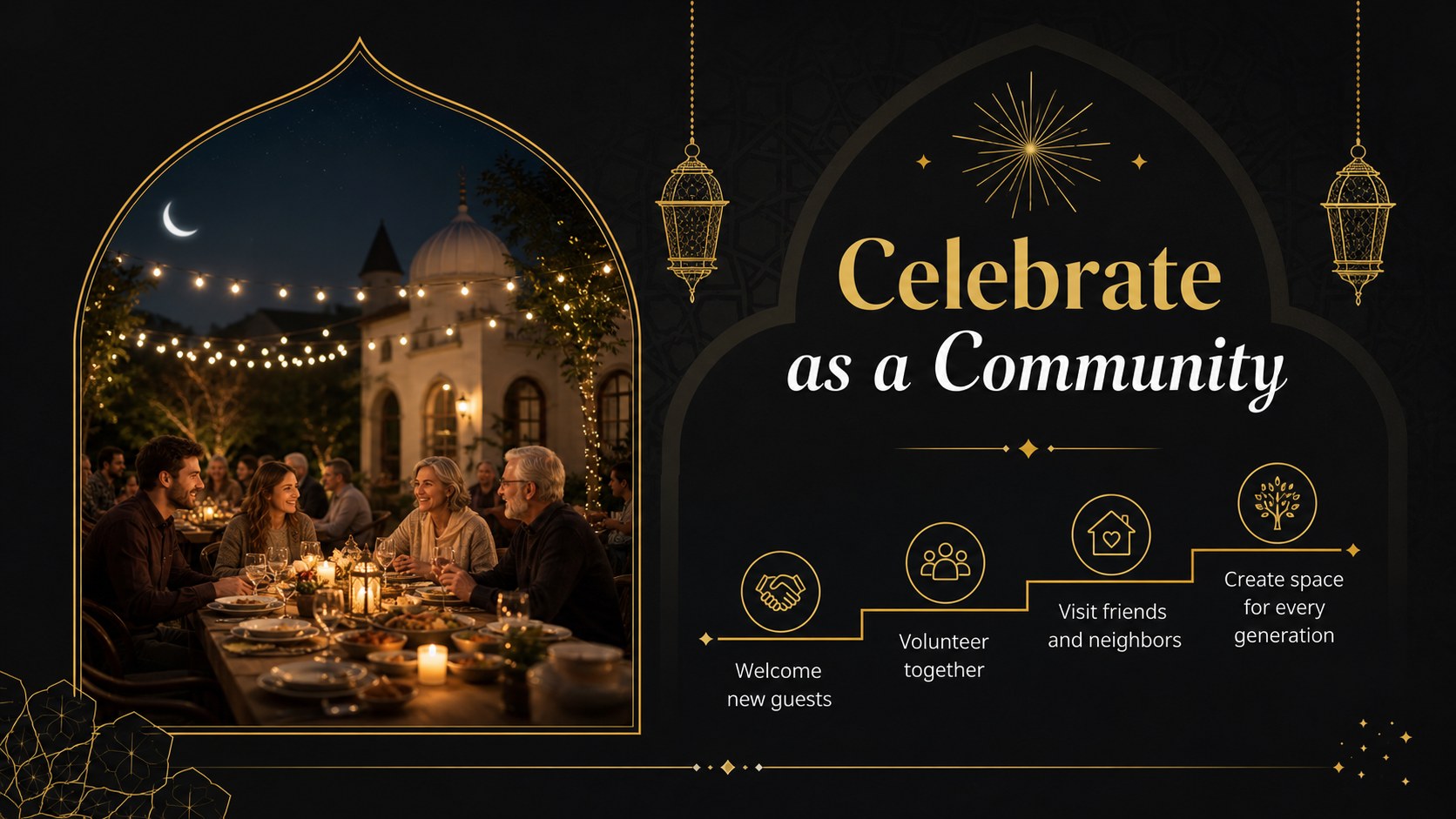
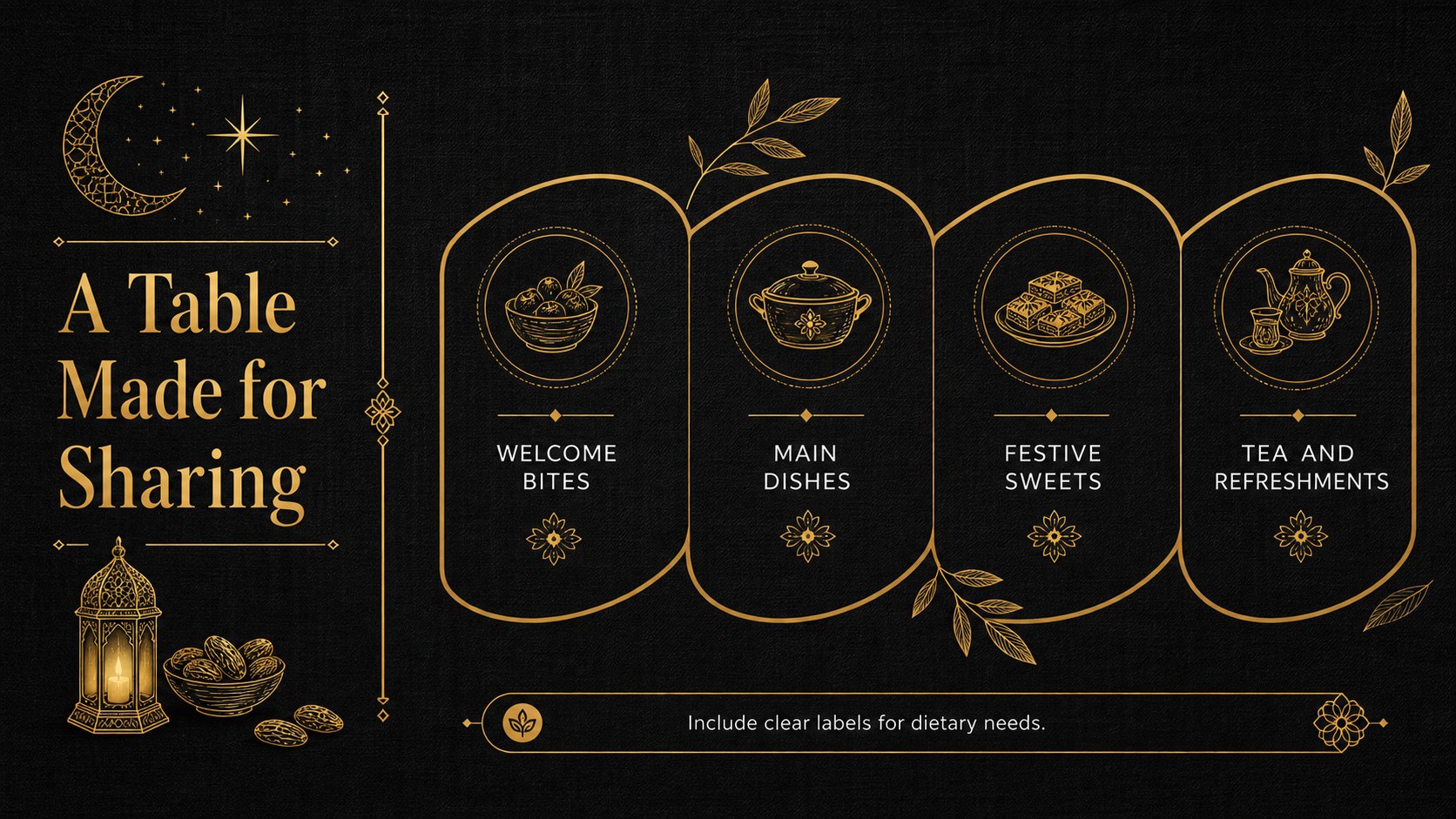
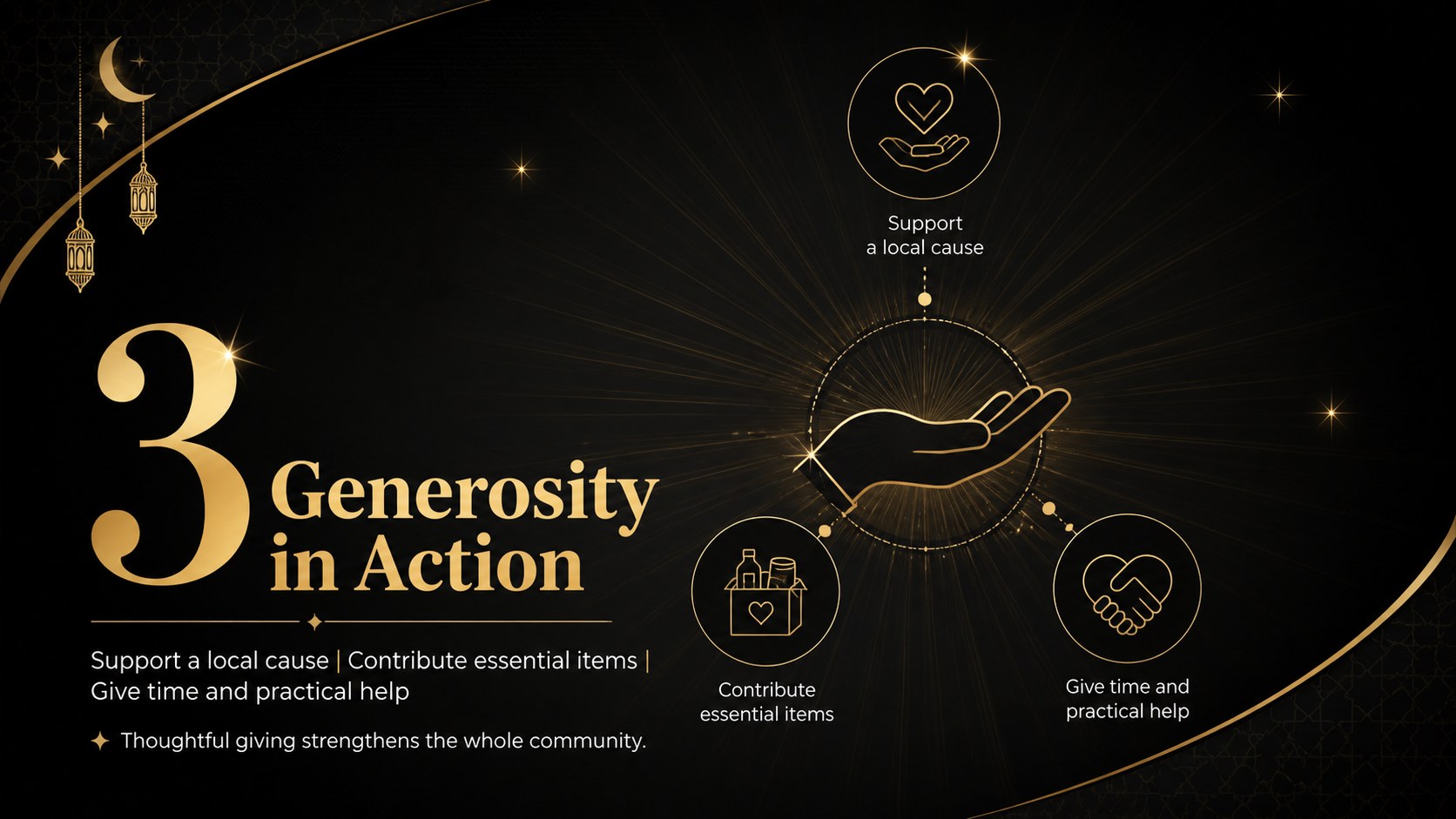
Design notes
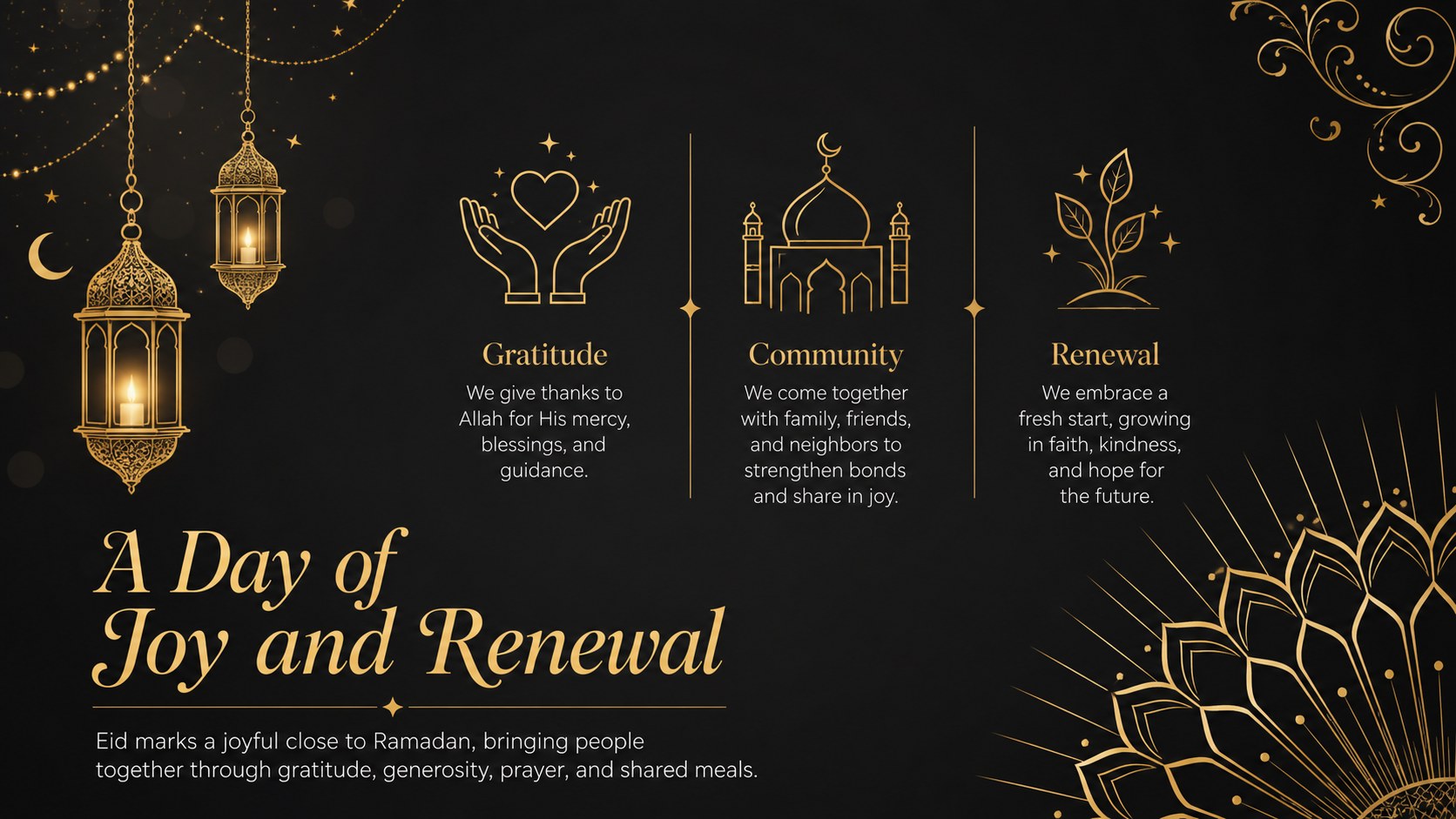
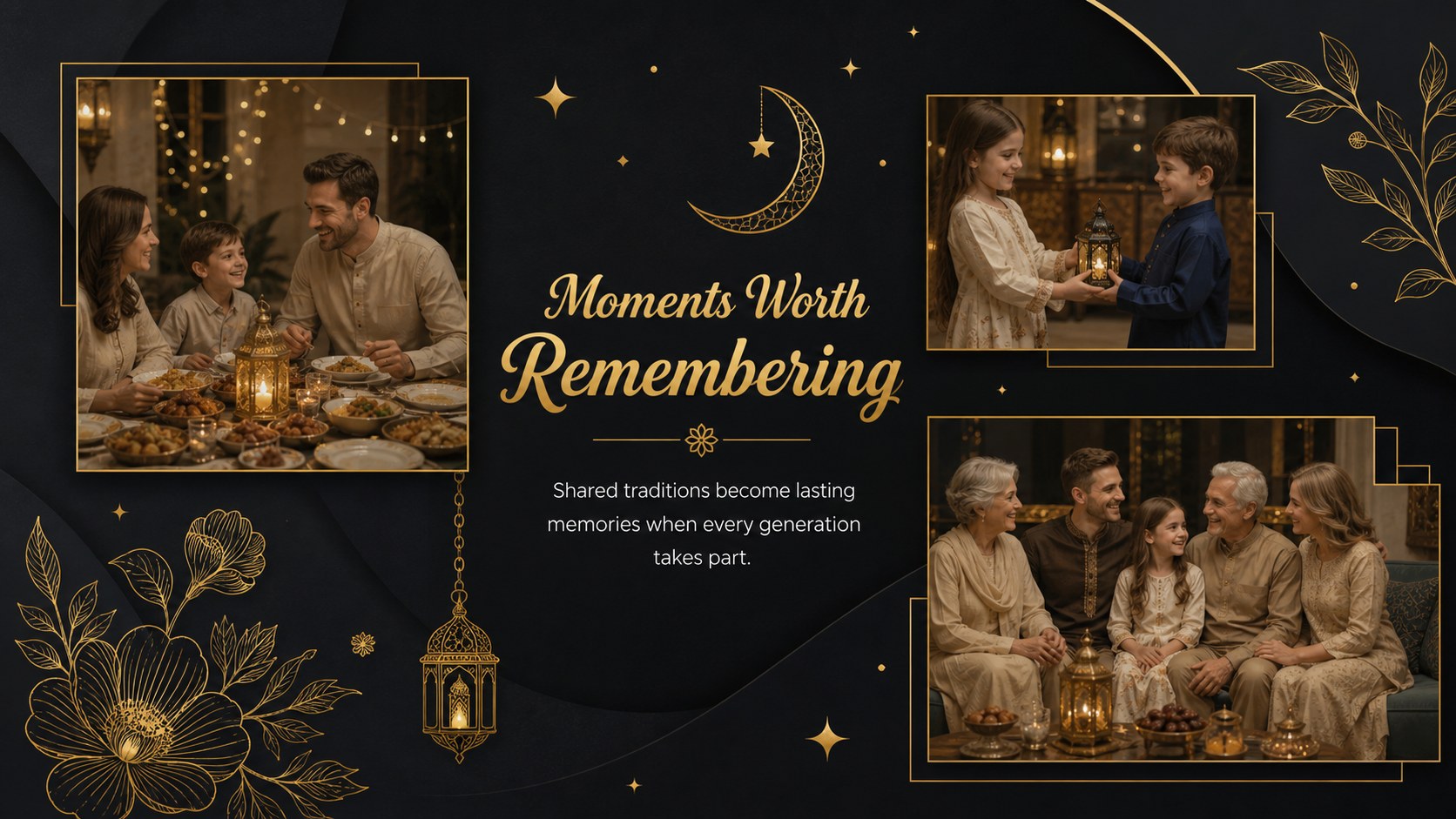
Bring warmth and structure to your holiday message with this black and gold Eid celebration theme. Its refined dark backgrounds, luminous gold accents, and clean typography create an inviting setting for presenting customs, personal reflections, event details, or community announcements in PowerPoint and Google Slides.
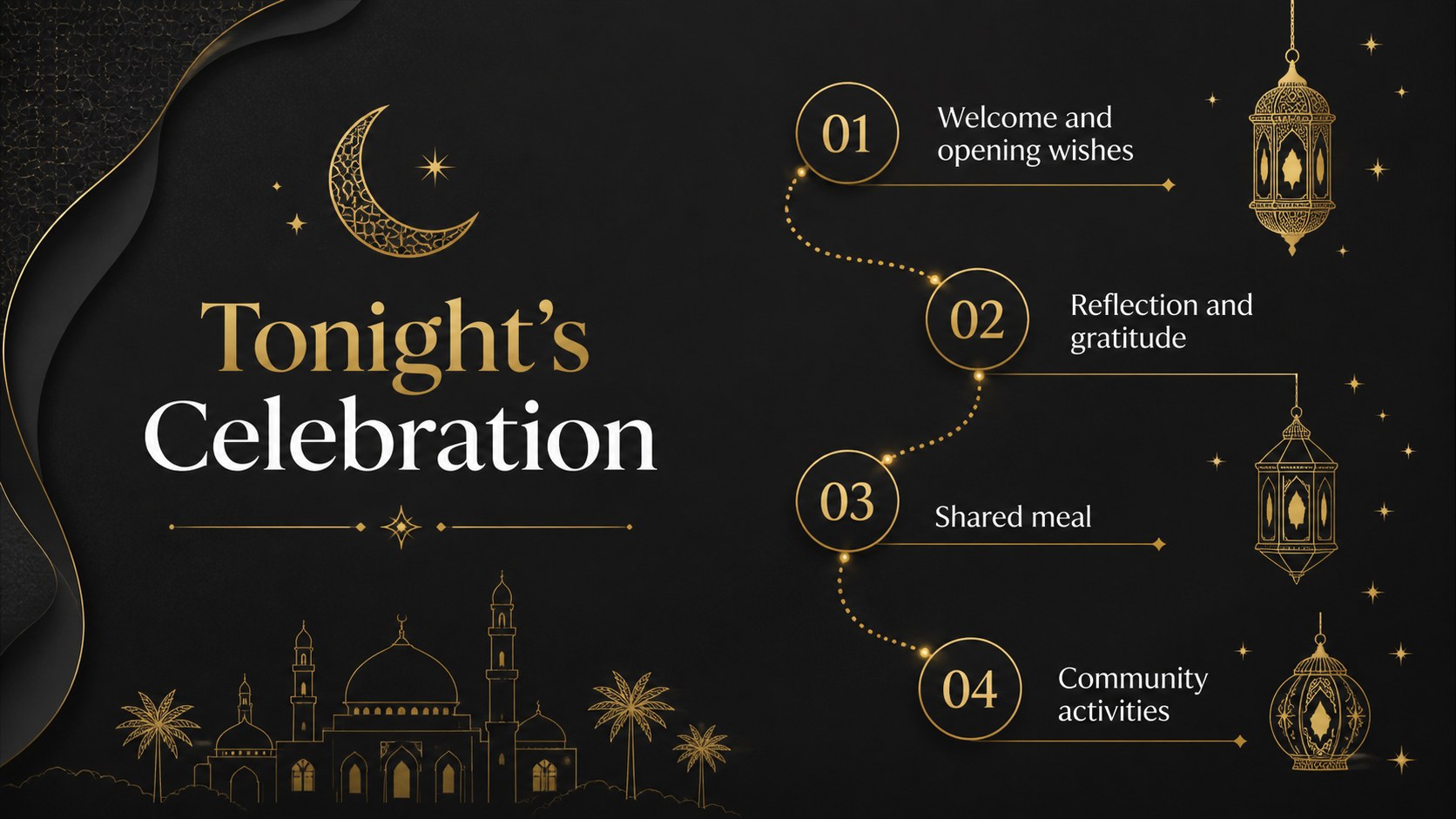
The deck includes 15 coordinated layouts for an opening message, program overview, Eid traditions, a Ramadan reflection, community activities, meal planning, charitable giving, photo stories, timelines, quotes, and closing wishes. Flexible text areas, image placeholders, timelines, and simple data displays make it suitable as an elegant Eid PowerPoint theme or a black and gold Eid presentation. Every slide uses a consistent 16:9 format and can be adapted with your own wording, photographs, colors, and organization details.
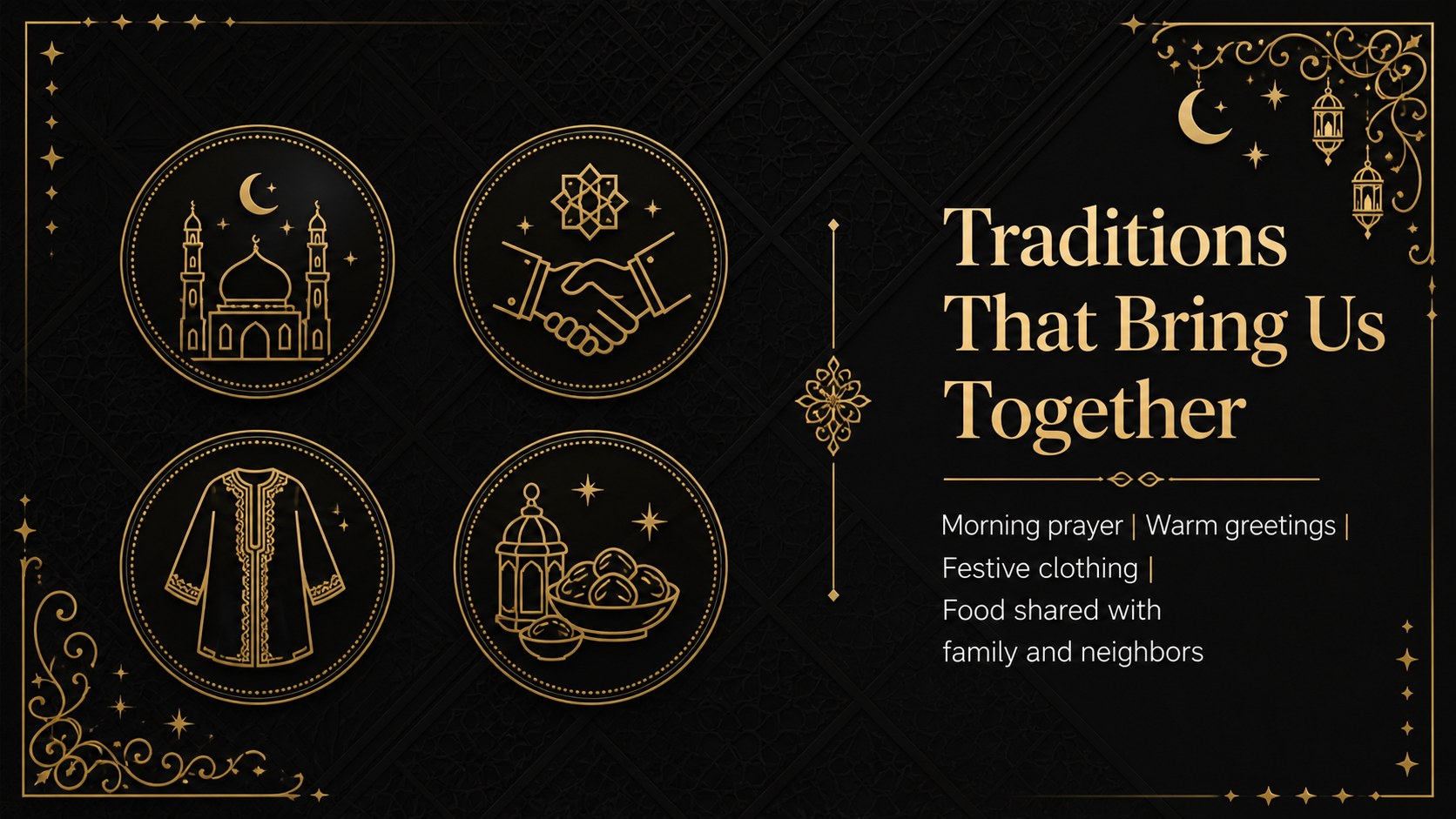
Use these Eid community event slides for mosque programs, cultural association gatherings, workplace inclusion sessions, school lessons, family celebrations, or nonprofit outreach. Educators can also shape the layouts into an Eid al-Fitr presentation for schools, while event coordinators can turn them into a clear run-of-show deck. The restrained visual style keeps attention on the occasion without overwhelming the content, giving speakers a polished foundation for welcoming guests, explaining traditions, and sharing thoughtful holiday wishes.
Perfect for: community Eid event program; school cultural awareness lesson; family celebration slideshow; workplace inclusion presentation; charity campaign briefing.
Frequently asked questions
Can I edit every part of the Eid presentation? Yes. You can replace the text, photographs, colors, and layout elements to match your event or audience. Decorative elements can also be moved, resized, or removed.
Practical details
Yes. You can replace the text, photographs, colors, and layout elements to match your event or audience. Decorative elements can also be moved, resized, or removed.
The template is designed for Microsoft PowerPoint and Google Slides. Both platforms support the deck's widescreen layout and standard editable elements.
Yes. The program, timeline, activity, and closing layouts provide space for dates, venues, contact information, and speaker details. You can also add an organization logo to your working copy.
Yes. Teachers can adapt the tradition, reflection, and community slides for age-appropriate cultural lessons. Replace the sample wording with material that fits the class level and learning objectives.
Keep exploring
15Build an engaging World UFO Day session with this flying saucer history lesson deck, featuring retro green-and-brown slides for PowerPoint and Google Slides.
 15
15Plan a lively animal-learning journey with this jungle zoo adventure lesson deck, ready to customize in PowerPoint and Google Slides for young learners.
 16
16Turn environmental research into a clear story with a Watercolor Ecology Presentation Theme for PowerPoint and Google Slides in calming green and blue.
 16
16Build focused fashion, literature, and humanities presentations with the Red Triangle Editorial Theme, editable in PowerPoint and Google Slides.
 15
15Turn streaming stats, favorite tracks, and concert highlights into a bold annual listening recap slide deck for PowerPoint and Google Slides.
 15
15Turn highlights, milestones, and favorite moments into a colorful year in review slide deck with bold 3D graphics for PowerPoint and Google Slides.
 3
3Build a credible endorsement with Standout Colleague Recommendation Letter Slides, featuring colorful prompts for skills, achievements, and team impact.
 4
4Build clear beginner sessions with an ice hockey fundamentals training deck for coaches, PE teachers, and clubs, ready for PowerPoint and Google Slides.