
 15
15presentation
Flying Saucer History Lesson Deck
Build an engaging World UFO Day session with this flying saucer history lesson deck, featuring retro green-and-brown slides for PowerPoint and Google Slides.
Google SlidesPowerPoint
presentation · English
Build a memorable biography with this Biographical Journey Timeline Deck for PowerPoint and Google Slides, featuring vivid orange and blue milestone layouts.
Design notes
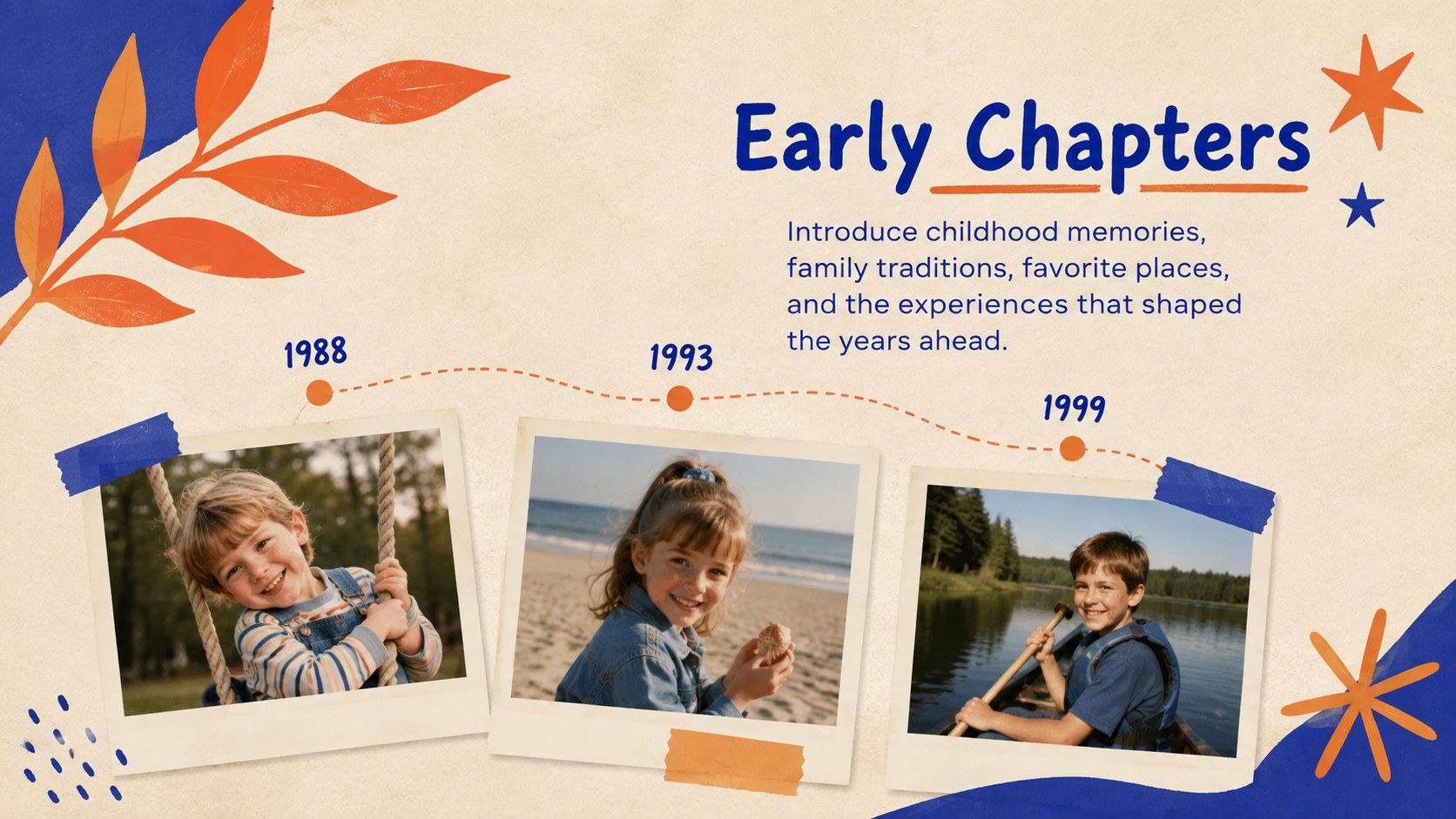
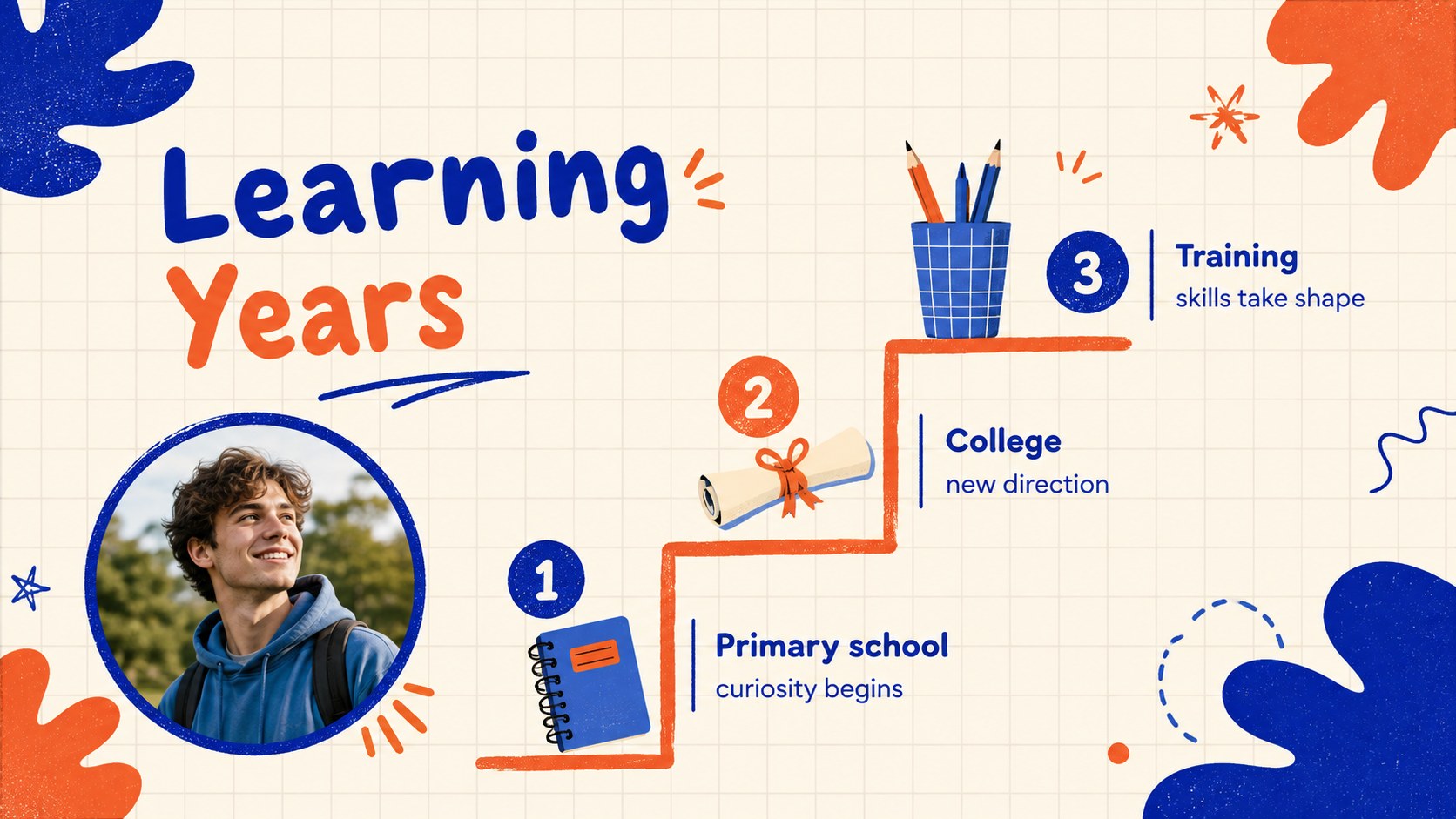
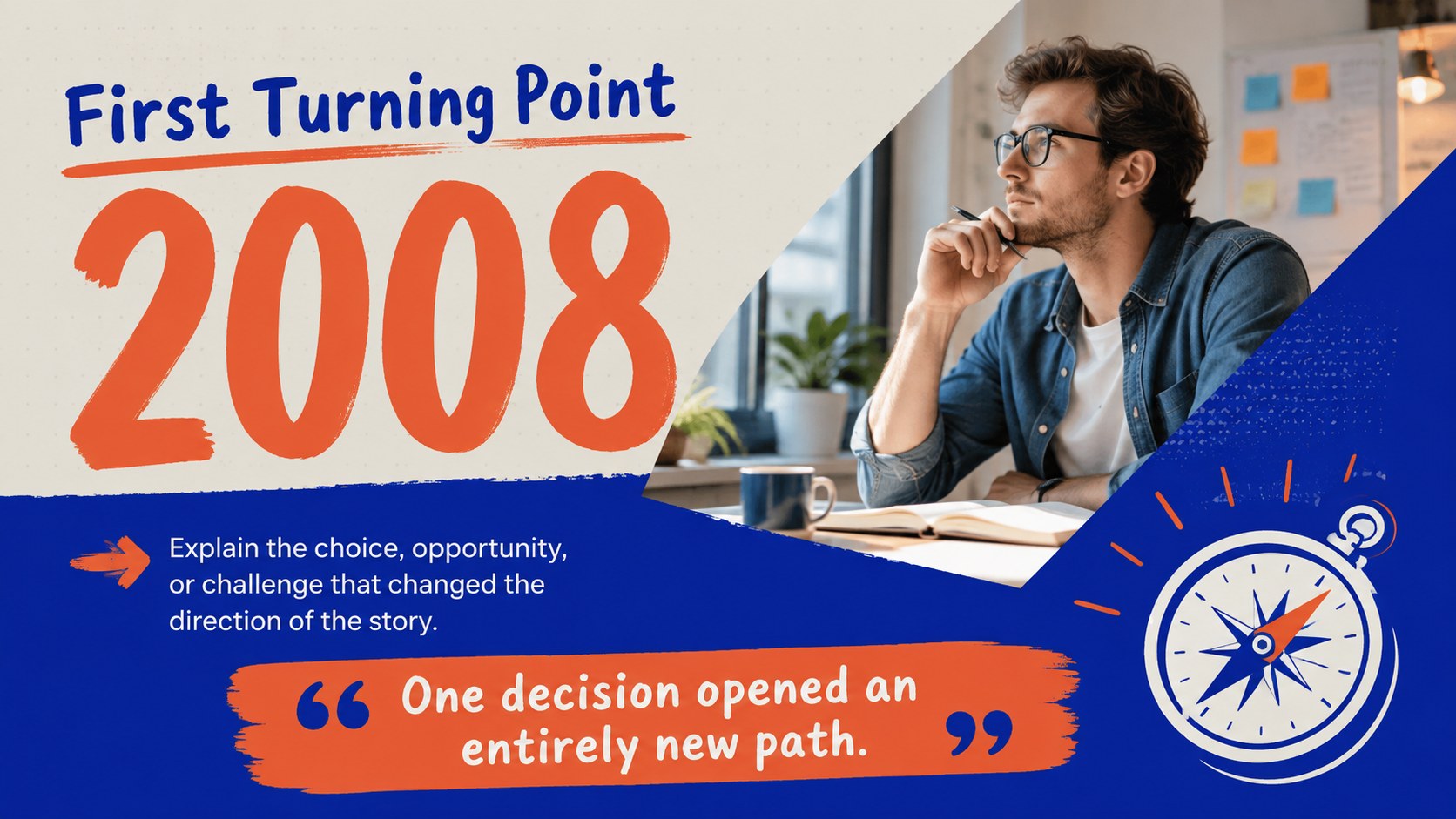
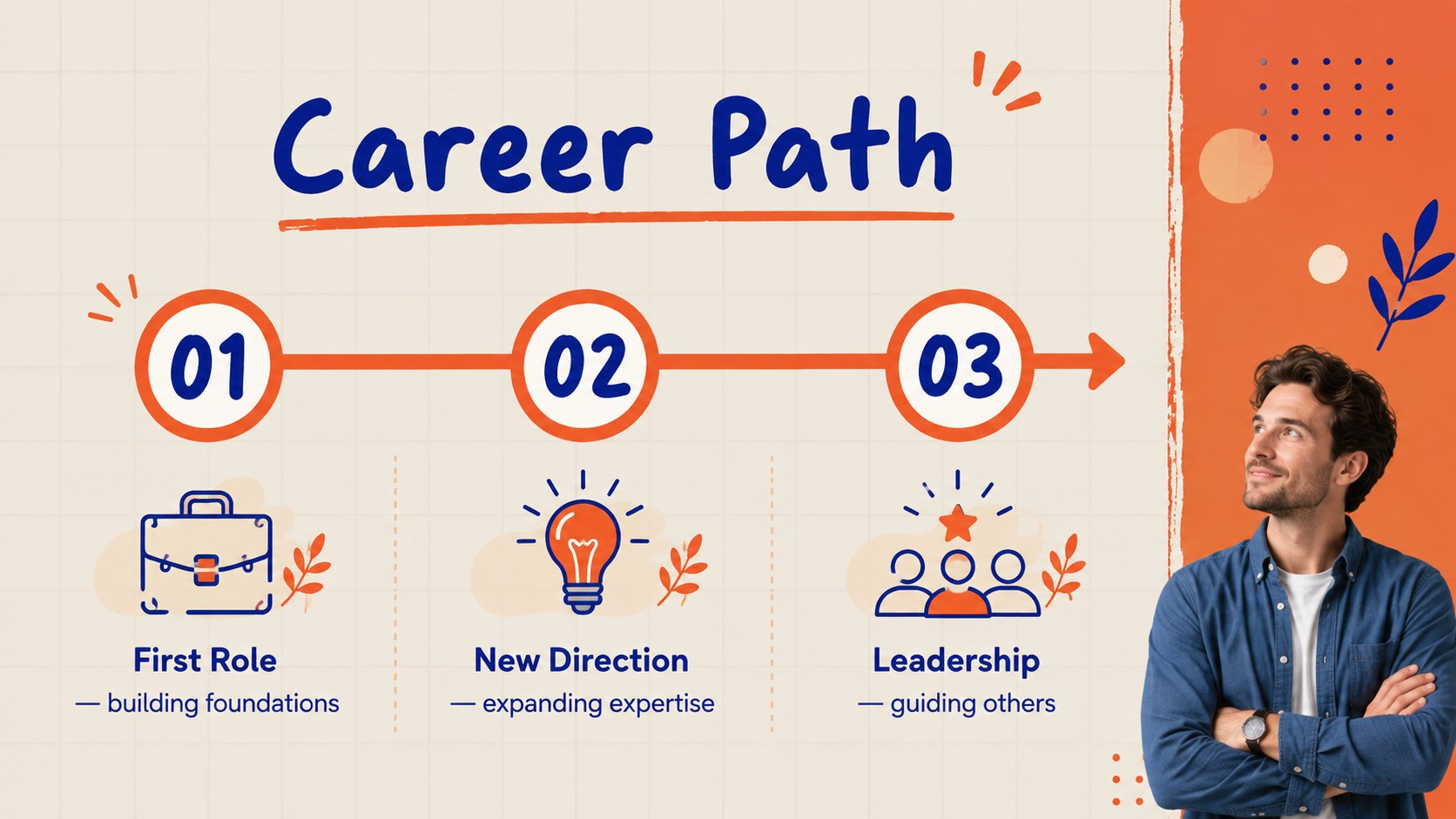
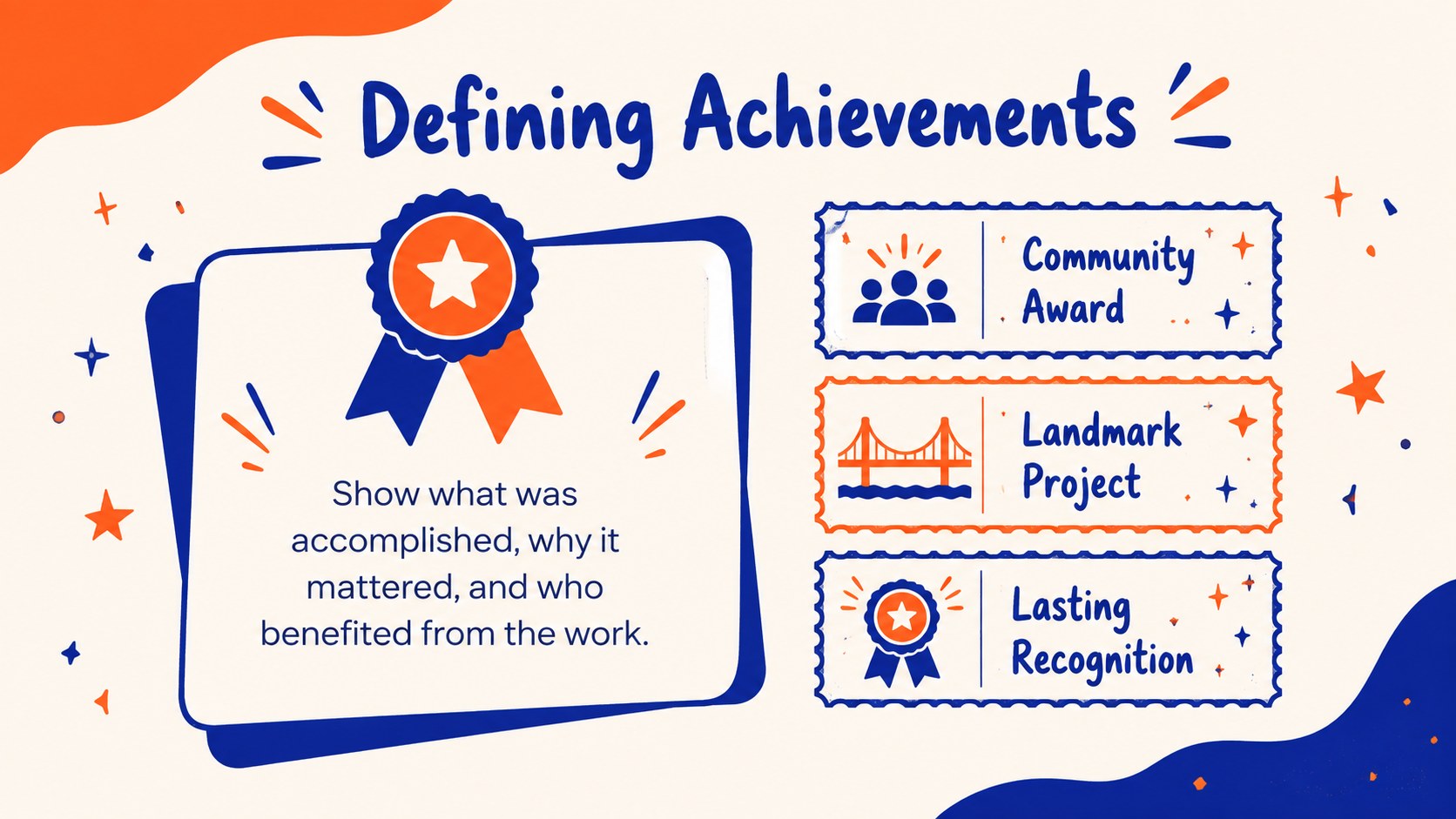
Turn a collection of dates and memories into a story people can follow with the Biographical Journey Timeline Deck. Its bright orange and blue scrapbook-inspired design gives photographs, personal details, and defining moments a warm editorial setting. Use it to trace childhood experiences, education, career changes, relationships, accomplishments, and lasting influence without overwhelming your audience.
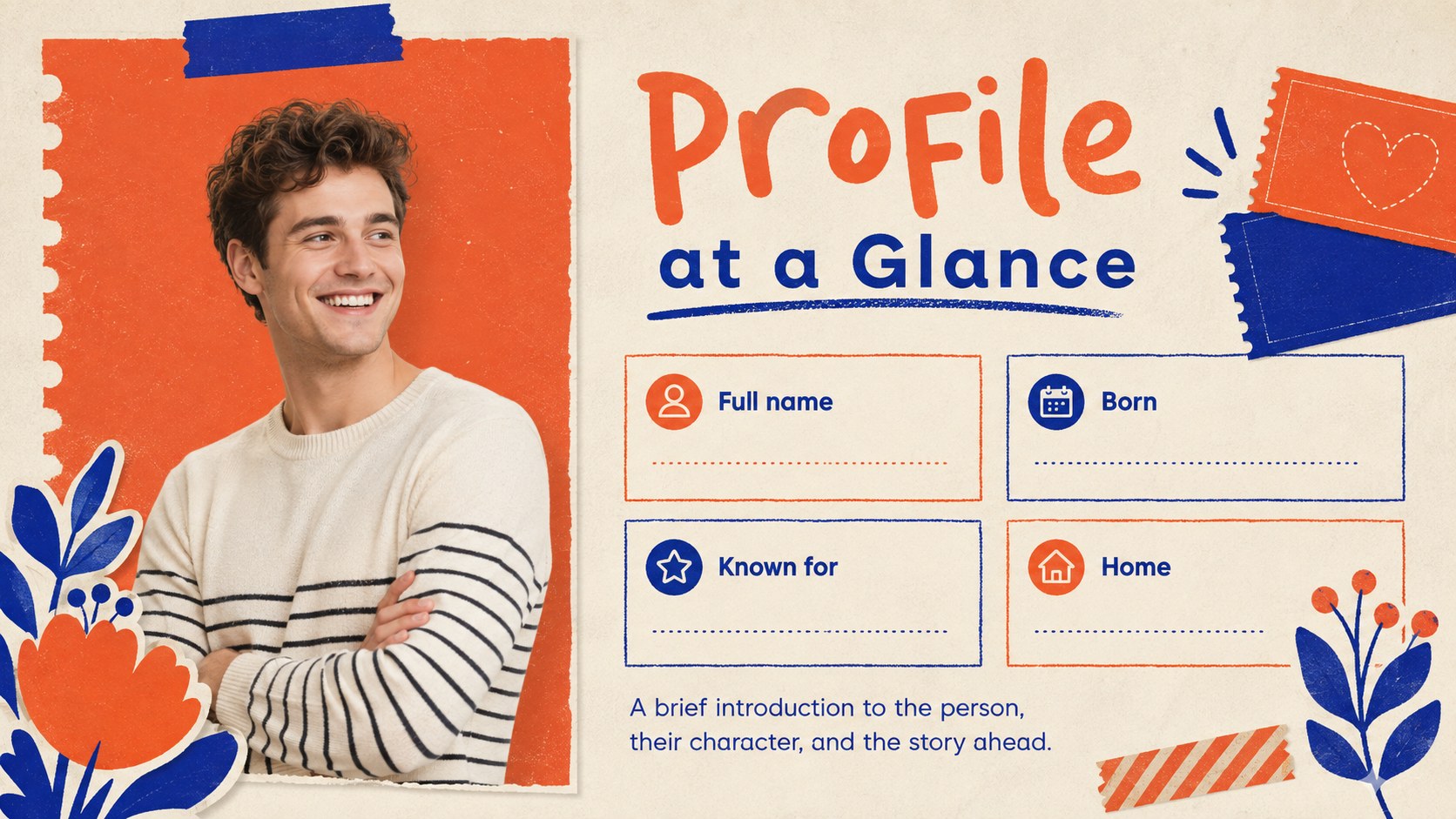
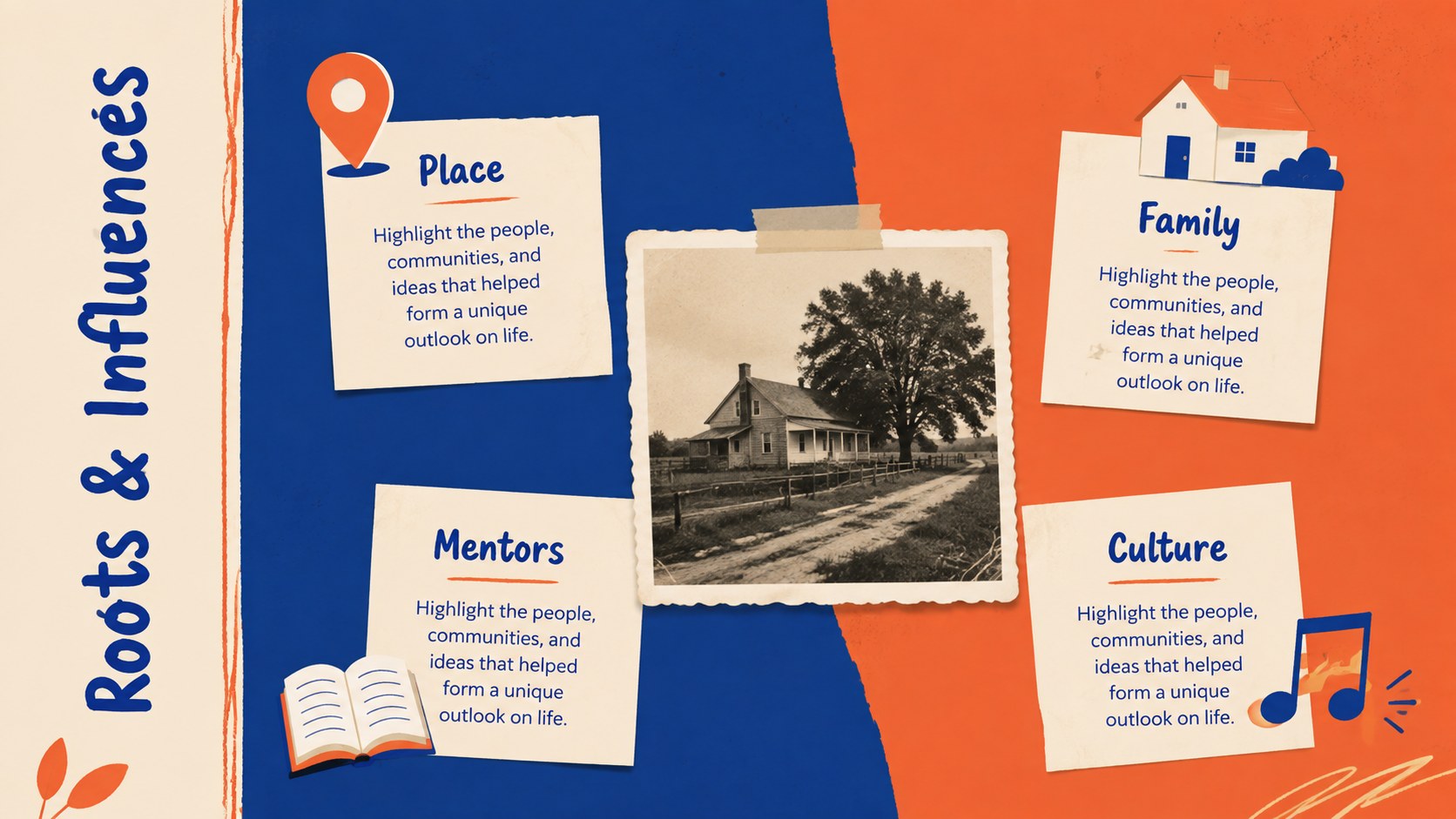
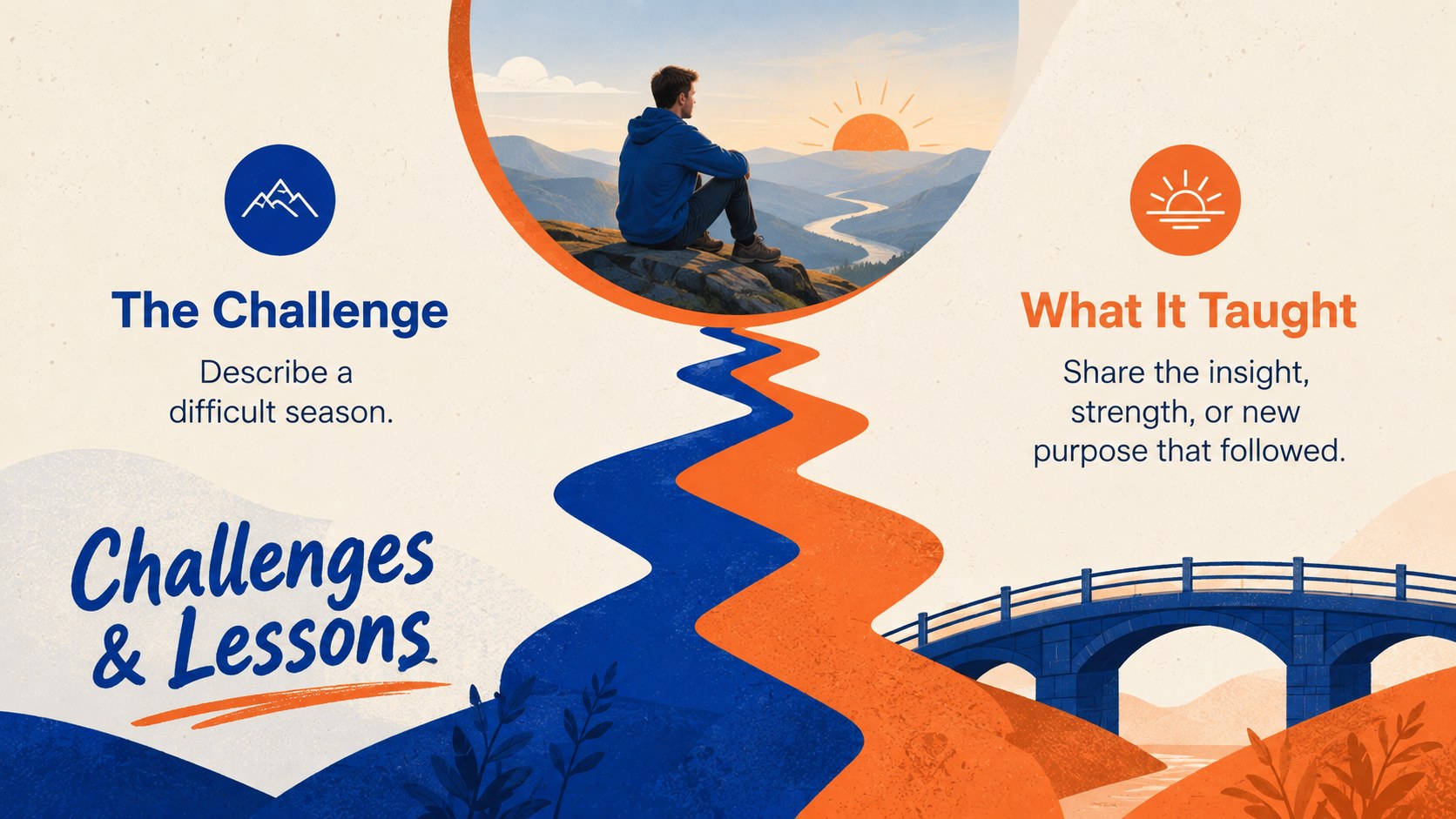
The deck includes a profile introduction, chronological milestones, formative influences, education and career sections, achievement highlights, challenges and lessons, a visual timeline, impact statistics, source notes, and a reflective closing. Flexible photo spaces, icons, charts, and short text blocks make this a practical visual biography timeline template for both concise profiles and detailed narratives. Every slide can be edited in PowerPoint or Google Slides, including colors, type, images, labels, and timeline entries.
Create a family history milestone presentation for a reunion, memorial, anniversary, or genealogy project. Teachers and students can develop a historical figure biography deck, while teams can recognize a founder, retiring colleague, community leader, or award recipient. The layouts also work for personal achievement timelines, portfolio introductions, oral history projects, and legacy tributes. Replace the sample content with verified dates and meaningful images, then reorder or duplicate slides to suit the length of the story.
Perfect for: family history presentation; historical figure profile; retirement tribute; memorial life story; student biography project; founder legacy overview.
Frequently asked questions
Can I edit every part of the timeline? Yes. Dates, milestone labels, text, colors, photographs, icons, and decorative elements can be changed to match the subject's story.
Practical details
Yes. Dates, milestone labels, text, colors, photographs, icons, and decorative elements can be changed to match the subject's story.
The deck is designed for PowerPoint and Google Slides. Some fonts may be substituted automatically if they are not installed or available on your chosen platform.
Yes. Duplicate milestone layouts for a longer story, remove sections you do not need, or reorder slides to create a thematic rather than strictly chronological biography.
Replace each sample image with a clear portrait, document, or location connected to the featured person. Keep the orange and blue palette for the original character, or adjust the theme colors throughout the deck for a more personal result.
Keep exploring
15Build an engaging World UFO Day session with this flying saucer history lesson deck, featuring retro green-and-brown slides for PowerPoint and Google Slides.
 15
15Plan a lively animal-learning journey with this jungle zoo adventure lesson deck, ready to customize in PowerPoint and Google Slides for young learners.
 16
16Turn environmental research into a clear story with a Watercolor Ecology Presentation Theme for PowerPoint and Google Slides in calming green and blue.
 16
16Build focused fashion, literature, and humanities presentations with the Red Triangle Editorial Theme, editable in PowerPoint and Google Slides.
 15
15Turn streaming stats, favorite tracks, and concert highlights into a bold annual listening recap slide deck for PowerPoint and Google Slides.
 15
15Turn highlights, milestones, and favorite moments into a colorful year in review slide deck with bold 3D graphics for PowerPoint and Google Slides.
 3
3Build a credible endorsement with Standout Colleague Recommendation Letter Slides, featuring colorful prompts for skills, achievements, and team impact.
 4
4Build clear beginner sessions with an ice hockey fundamentals training deck for coaches, PE teachers, and clubs, ready for PowerPoint and Google Slides.