
 4
4document
Clinical Wound Evaluation Slides for Nurses
Document wound findings, treatment decisions, and healing progress with clinical wound evaluation slides for nurses in PowerPoint and Google Slides.
Google Docs
document · English
Build a polished bill of sale document template for vehicles, furniture, and private transactions, with editable fields, clear terms, and a soft…
Design notes
Document private sales with a clean, adaptable layout for vehicles, furniture, equipment, and other personal property. This bill of sale document template provides a practical way to capture buyer and seller details, item descriptions, payment information, transfer dates, and agreed terms without starting from a blank page. Its soft beige, purple, and red palette adds a polished finish while keeping the document easy to scan.
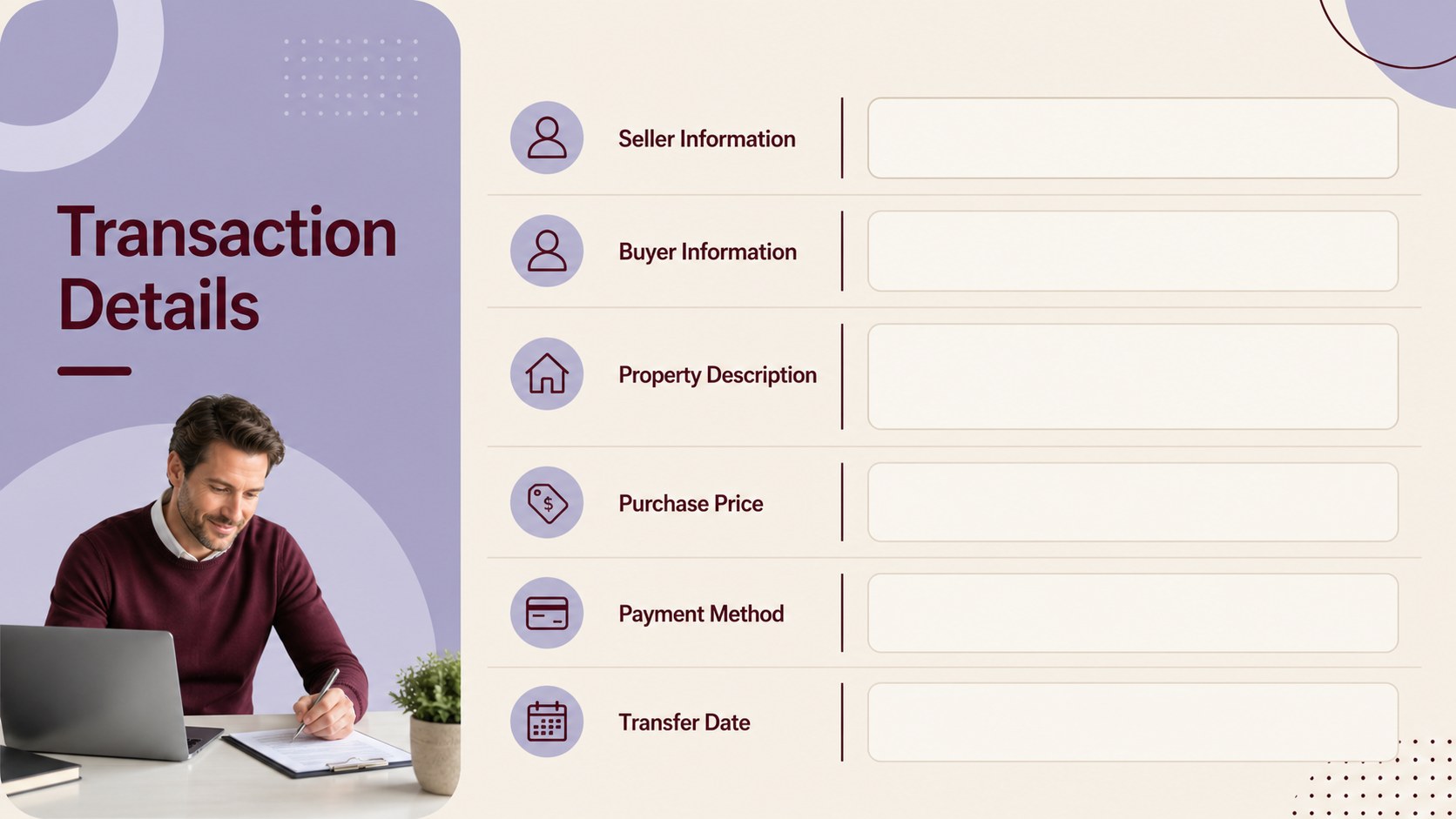
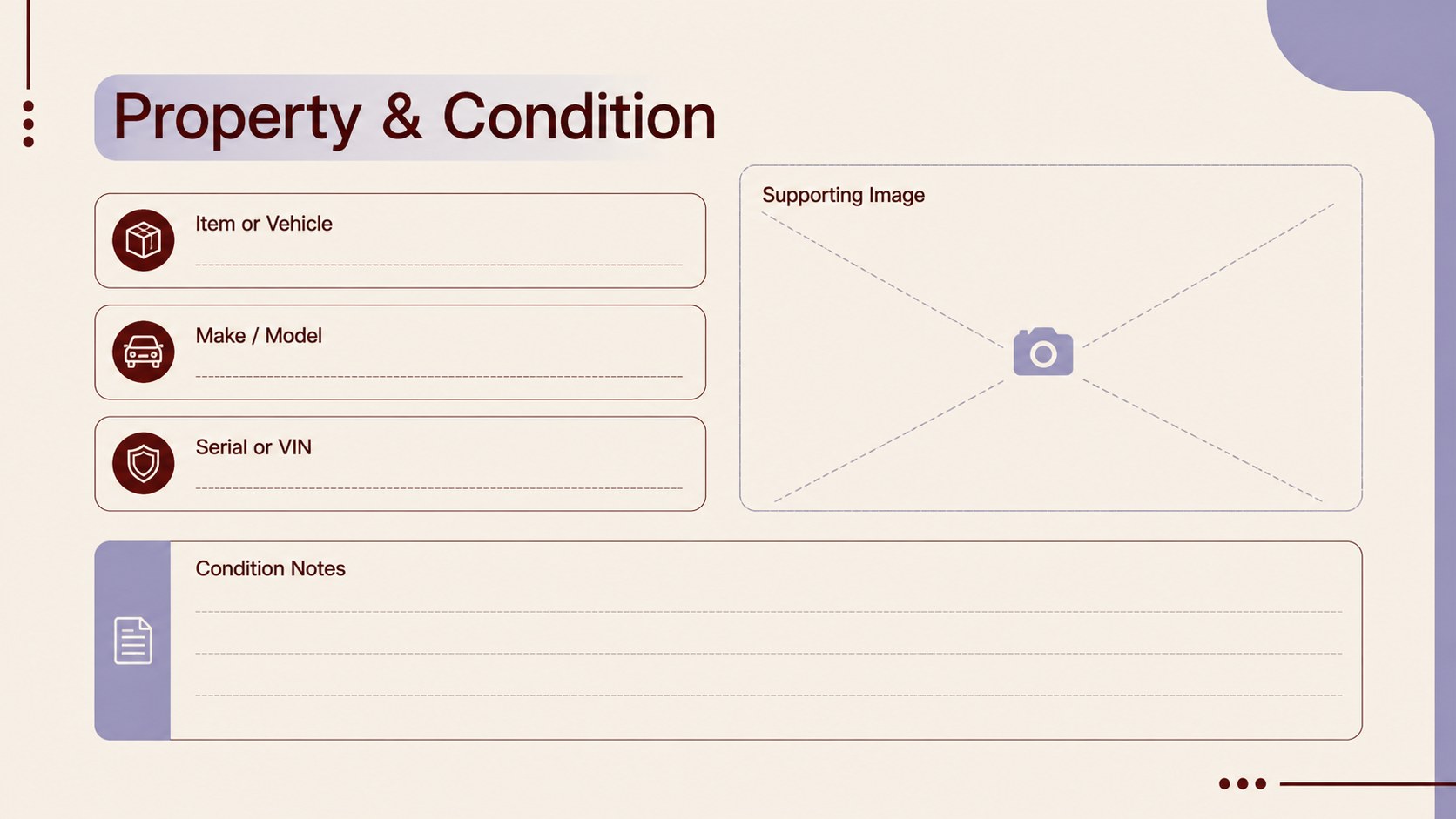
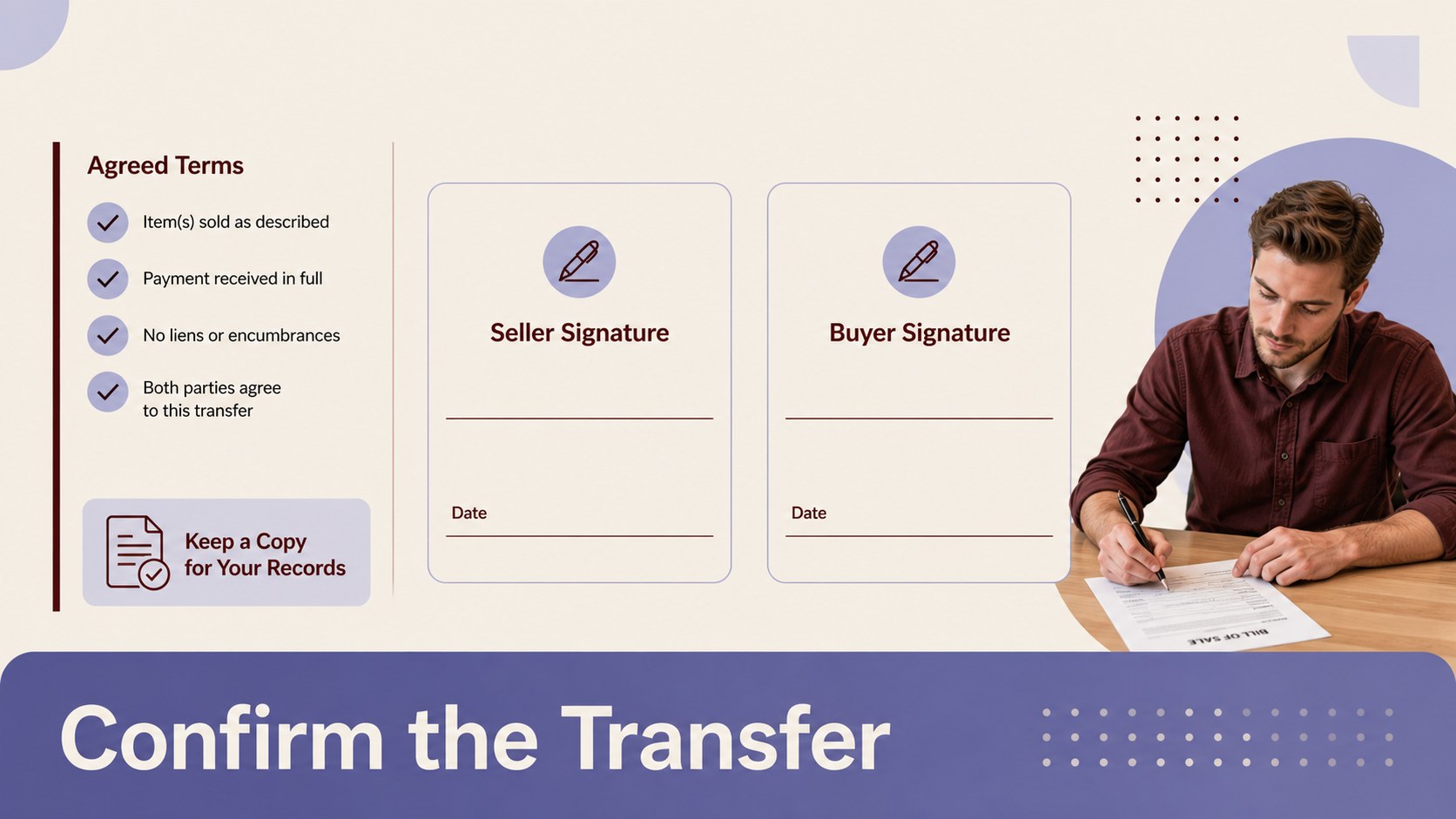
Inside, you’ll find organized sections for transaction parties, property information, purchase price, payment method, condition notes, signatures, and optional supporting images. The format works well as a printable vehicle transfer document, a furniture sale record, or a general private-party sales form. Update the wording, colors, typography, and fields to match your business, personal records, or local requirements.
This editable sales agreement is designed for sales professionals, independent sellers, small businesses, and anyone documenting a straightforward exchange. Create and revise it or Google Docs, collaborate with another person, add branding or attachments, and export the completed record as a PDF for sharing or storage. Always confirm that the final document includes any information required in your jurisdiction.
Perfect for: private vehicle sale; used furniture transaction; equipment transfer; small business asset sale; personal property records.
Frequently asked questions
Can I edit this bill of sale? Yes. The document can be opened and customized, where you can change text, colors, fonts, and layout elements. Add a logo or supporting image before exporting the finished record.
Practical details
Yes. The document can be opened and customized, where you can change text, colors, fonts, and layout elements. Add a logo or supporting image before exporting the finished record.
Yes, it is suitable for Google Docs workflows as well as. You can revise the transaction fields, collaborate with another person, and download the completed document for printing or PDF sharing.
Include the buyer and seller names, contact details, item description, purchase price, payment method, transaction date, and signatures. Depending on the item and location, you may also need serial numbers, condition details, or transfer disclosures.
Yes. Adapt the fields for furniture, electronics, tools, equipment, or other personal property. Replace the item-specific labels and add any details that help identify the property and confirm the agreed terms.
Keep exploring
4Document wound findings, treatment decisions, and healing progress with clinical wound evaluation slides for nurses in PowerPoint and Google Slides.
 4
4Turn recurring updates into clear decisions with a weekly operations status briefing for PowerPoint and Google Slides, covering progress, risks, and priorities.
 4
4Turn recurring check-ins into focused decisions with a weekly leadership update deck for KPIs, priorities, blockers, owners, and next actions.
 4
4Use veterinary surgery consent form slides to explain procedures, anesthesia, risks, costs, and emergency decisions clearly before client approval.
 4
4Organize objectives, activities, and daily notes with this weekly classroom planner for teachers, editable in PowerPoint and Google Slides for easy prep.
 4
4Create colorful vocabulary assessment slides for lively word checks, review games, and classroom practice in PowerPoint or Google Slides. Easy to personalize.
 4
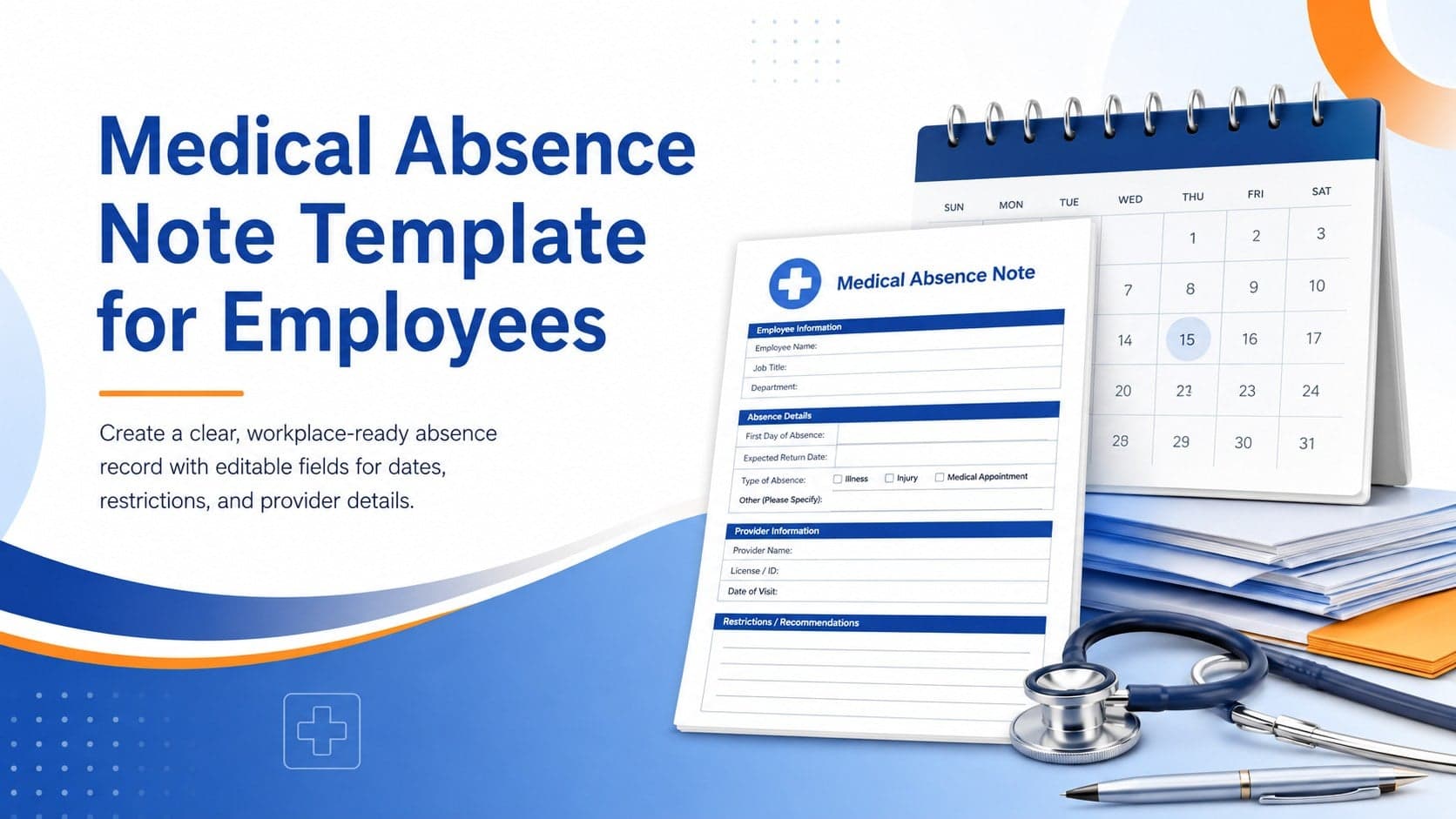
4Prepare a clear medical absence note template for employee records, with editable fields and polished blue-orange slides for PowerPoint and Google Slides.
 4
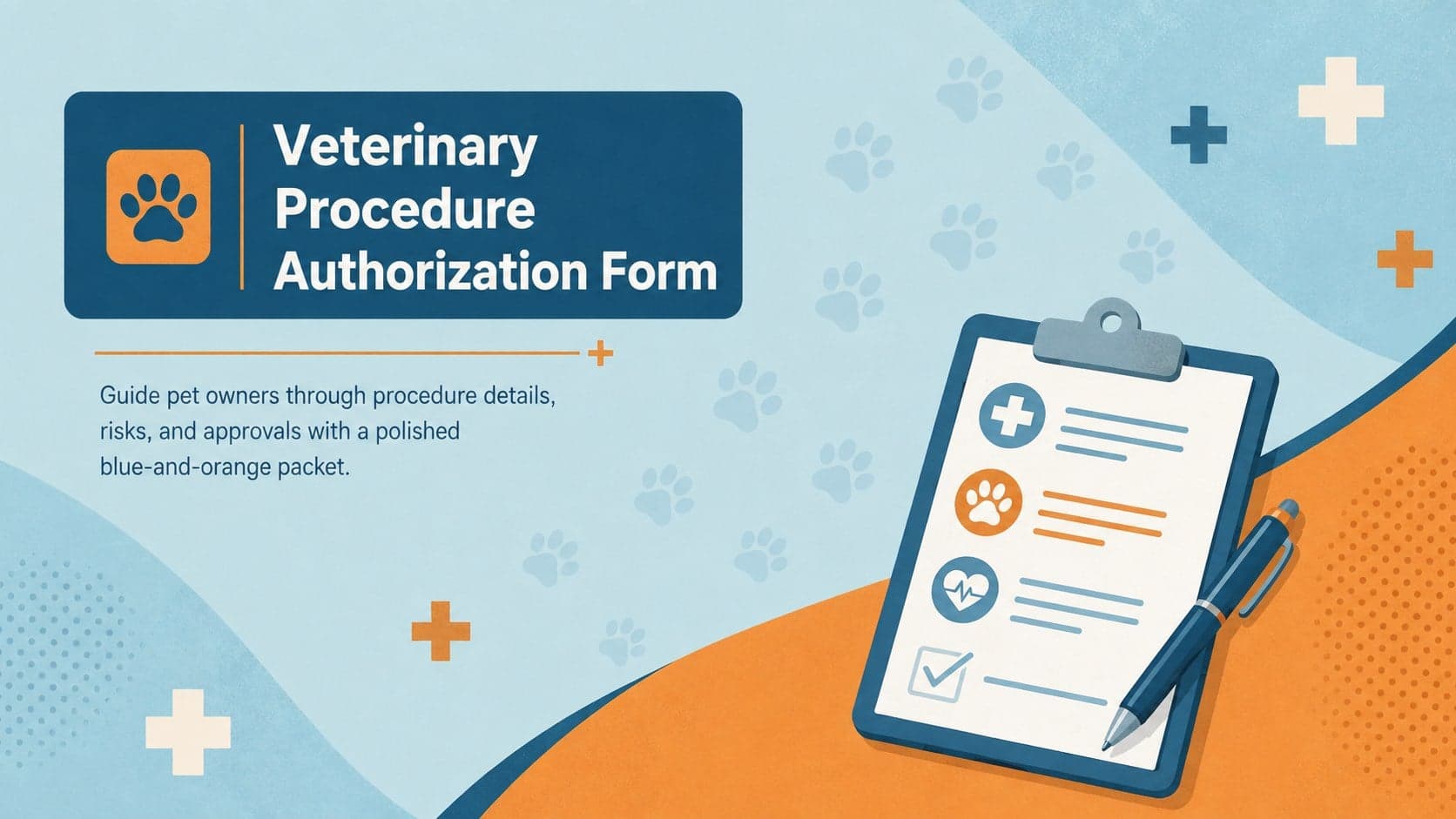
4Prepare pet owners for treatment with a veterinary procedure authorization form covering risks, medication, contacts, and approval details.