
 15
15presentation
Flying Saucer History Lesson Deck
Build an engaging World UFO Day session with this flying saucer history lesson deck, featuring retro green-and-brown slides for PowerPoint and Google Slides.
Google SlidesPowerPoint
presentation · English
Build clearer conversations with Belonging and Equity Visual Slides, an editable blue infographic theme for PowerPoint and Google Slides workshops.
Design notes
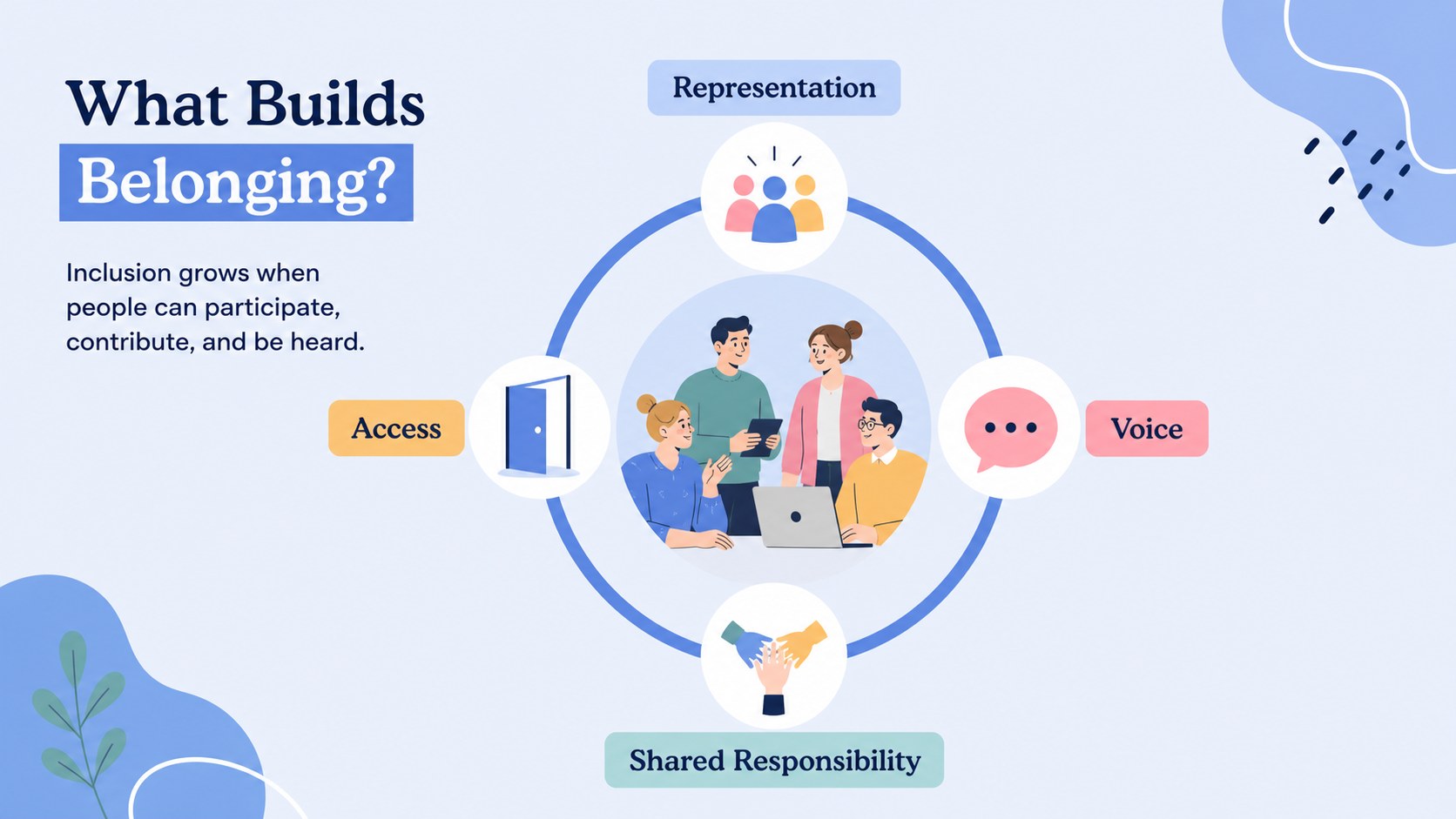
Belonging and Equity Visual Slides turns complex inclusion topics into approachable, structured visuals for meetings, lessons, and facilitated conversations. The calm blue palette, friendly illustrations, and landscape layouts help you discuss differences with warmth while keeping important messages easy to scan. Use this diversity and belonging presentation to introduce shared language, frame discussion prompts, or connect organizational values with everyday actions.
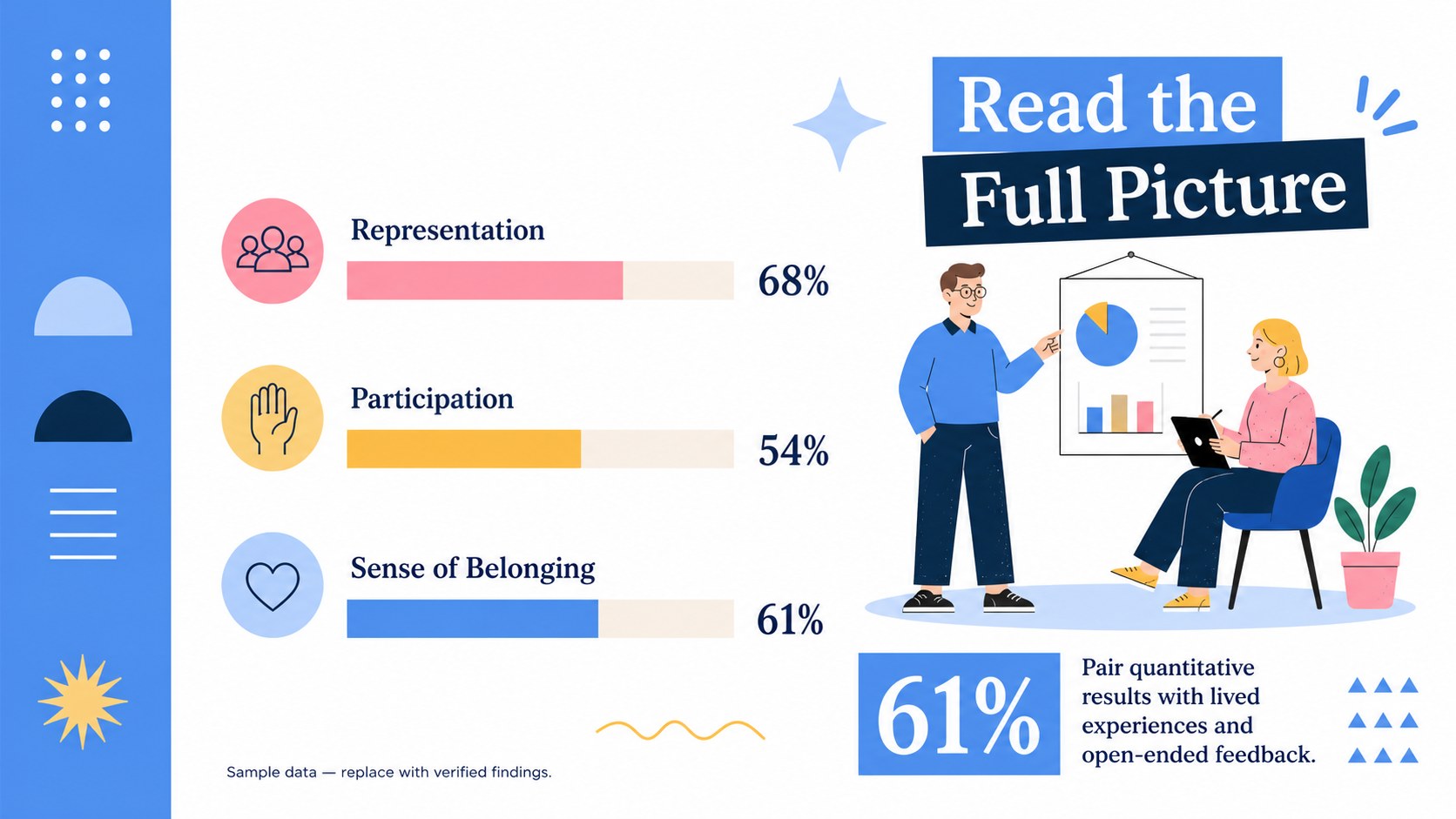
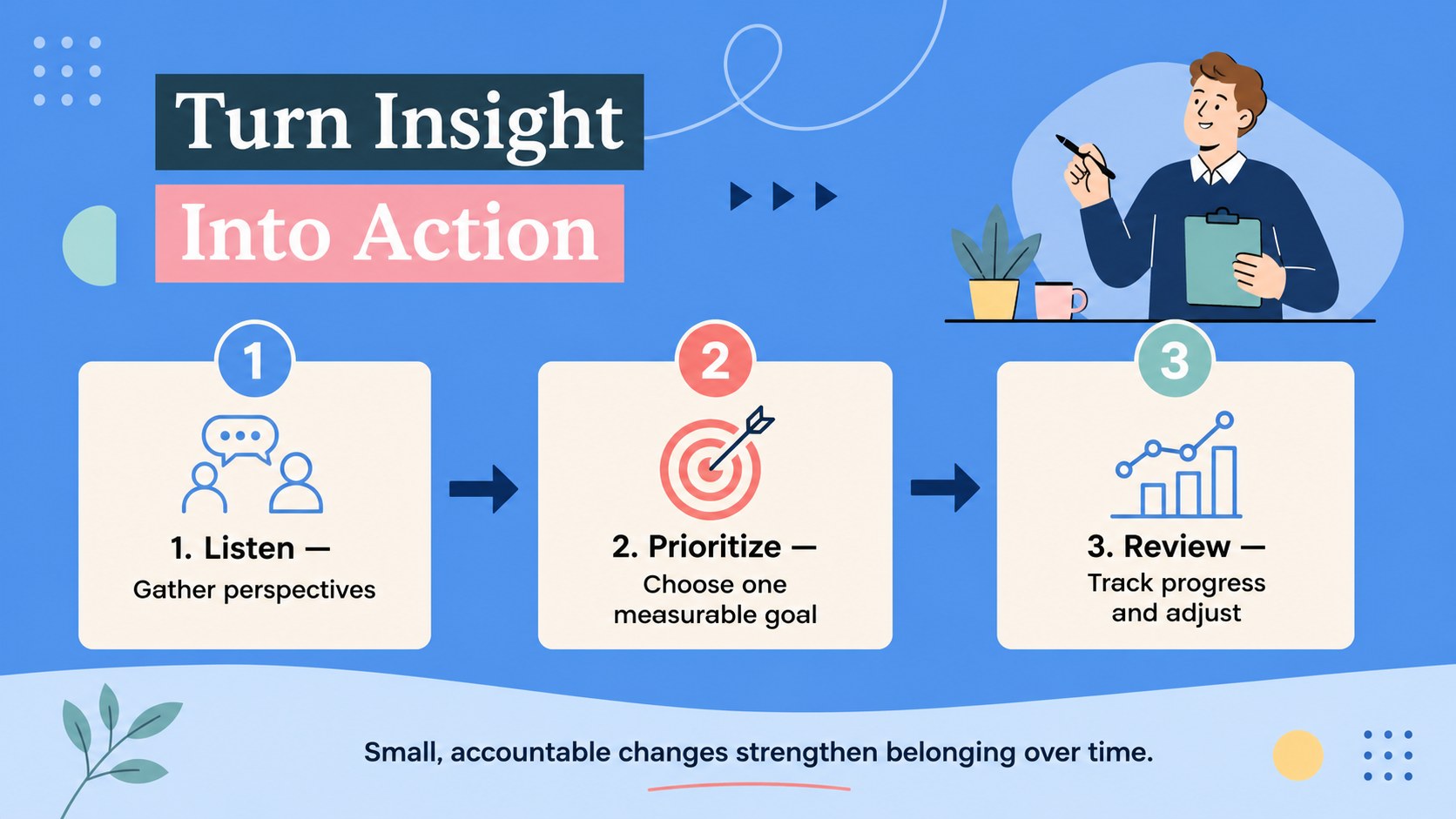
The deck includes a welcoming cover, an inclusion framework, a data-focused comparison layout, and an action-planning timeline. Adapt the sample text to highlight representation statistics, employee or student experiences, accessibility priorities, community agreements, and measurable goals. Charts, icons, headings, and color accents can be edited to match your organization while preserving the clear visual hierarchy of an equity workshop infographic template.
These inclusive workplace training slides are suited to HR teams, educators, nonprofit coordinators, employee resource groups, and community leaders. Present them during onboarding, professional development, classroom discussions, leadership briefings, or facilitated workshops. Every slide is designed for PowerPoint and Google Slides, making it straightforward to revise the wording, replace illustrations, add local data, and export the finished presentation as a PDF for follow-up resources.
Perfect for: employee inclusion workshop; school belonging lesson; diversity data briefing; community equity forum; new staff onboarding; leadership action planning.
Frequently asked questions
Can I edit these slides in PowerPoint and Google Slides? Yes. The layouts, text, colors, icons, and charts can be customized in both PowerPoint and Google Slides. You can also duplicate or remove sections to fit the length of your session.
Practical details
Yes. The layouts, text, colors, icons, and charts can be customized in both PowerPoint and Google Slides. You can also duplicate or remove sections to fit the length of your session.
Replace the sample language with your policies, goals, survey findings, or community agreements. Update the accent colors and illustrations while retaining sufficient contrast and a consistent visual hierarchy.
Yes. Educators can simplify the terminology, add age-appropriate examples, and turn discussion prompts into individual or group activities. The data slide can also be adapted for social studies or citizenship lessons.
Yes. The comparison layout provides space for percentages, category labels, and short interpretations. Replace the sample figures with verified data and include a source note where appropriate.
Keep exploring
15Build an engaging World UFO Day session with this flying saucer history lesson deck, featuring retro green-and-brown slides for PowerPoint and Google Slides.
 15
15Plan a lively animal-learning journey with this jungle zoo adventure lesson deck, ready to customize in PowerPoint and Google Slides for young learners.
 16
16Turn environmental research into a clear story with a Watercolor Ecology Presentation Theme for PowerPoint and Google Slides in calming green and blue.
 16
16Build focused fashion, literature, and humanities presentations with the Red Triangle Editorial Theme, editable in PowerPoint and Google Slides.
 15
15Turn streaming stats, favorite tracks, and concert highlights into a bold annual listening recap slide deck for PowerPoint and Google Slides.
 15
15Turn highlights, milestones, and favorite moments into a colorful year in review slide deck with bold 3D graphics for PowerPoint and Google Slides.
 3
3Build a credible endorsement with Standout Colleague Recommendation Letter Slides, featuring colorful prompts for skills, achievements, and team impact.
 4
4Build clear beginner sessions with an ice hockey fundamentals training deck for coaches, PE teachers, and clubs, ready for PowerPoint and Google Slides.