
 15
15presentation
Flying Saucer History Lesson Deck
Build an engaging World UFO Day session with this flying saucer history lesson deck, featuring retro green-and-brown slides for PowerPoint and Google Slides.
Google SlidesPowerPoint
presentation · English
Plan a graceful farewell with Beige Celebration of Life Program Slides, featuring editable service details and tribute pages for PowerPoint and Google Slides.

Design notes
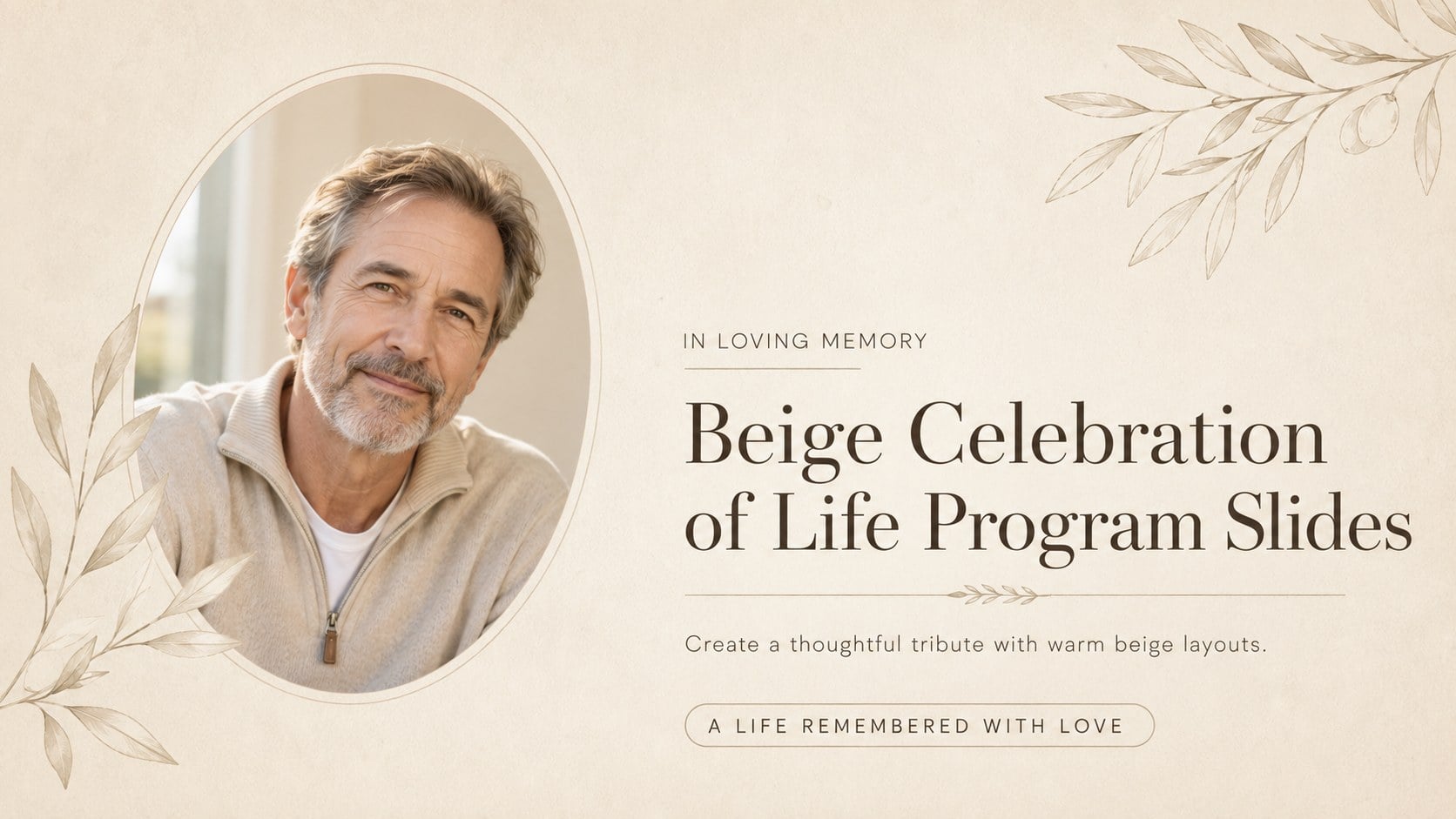
Beige Celebration of Life Program Slides provide a calm, respectful framework for honoring someone’s story. The understated neutral palette, refined script accents, and spacious typography create a dignified setting for photographs, service information, readings, and personal messages. Every layout can be edited in PowerPoint or Google Slides, making it practical for families, celebrants, and funeral professionals working on a meaningful tribute.
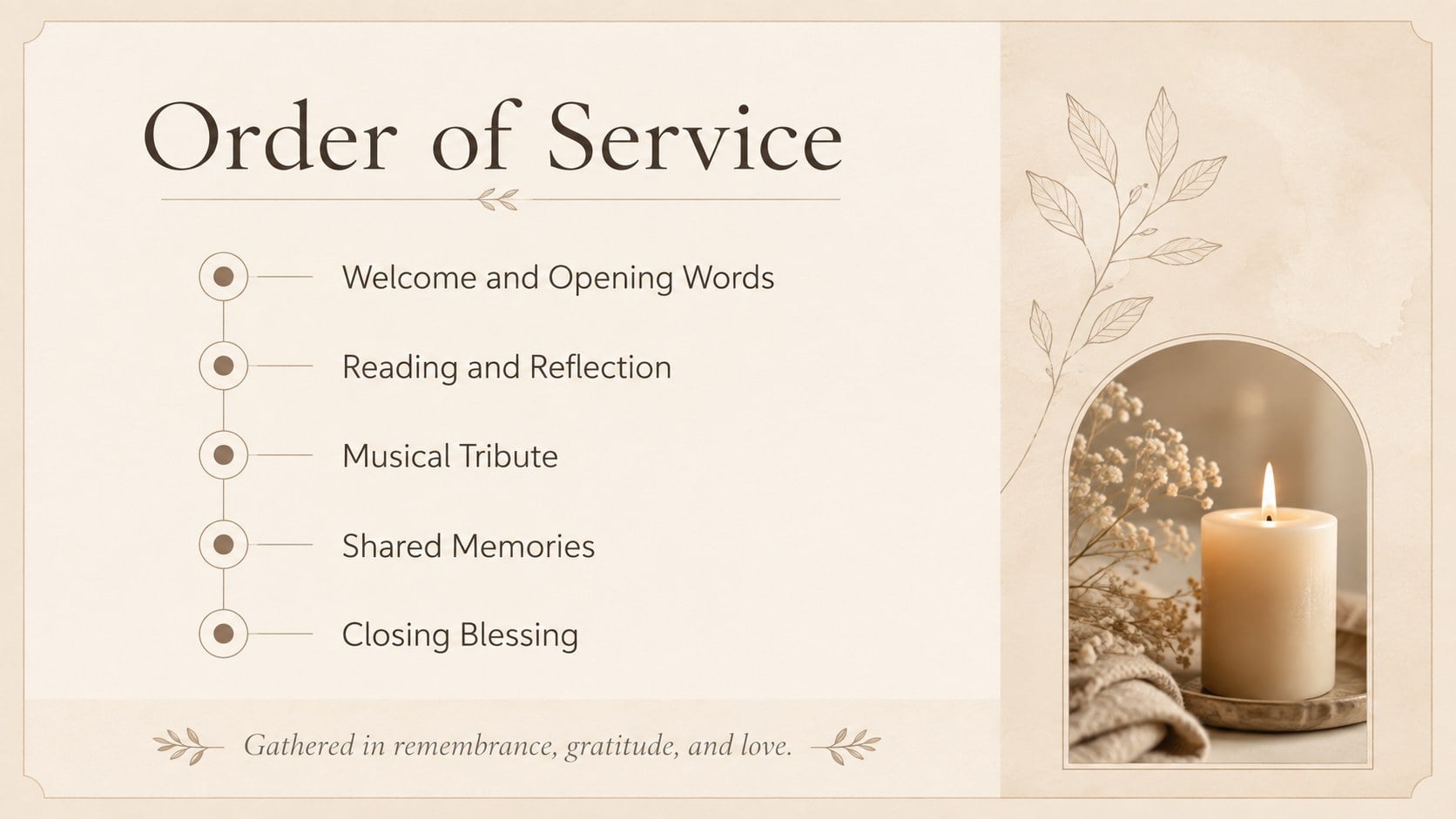
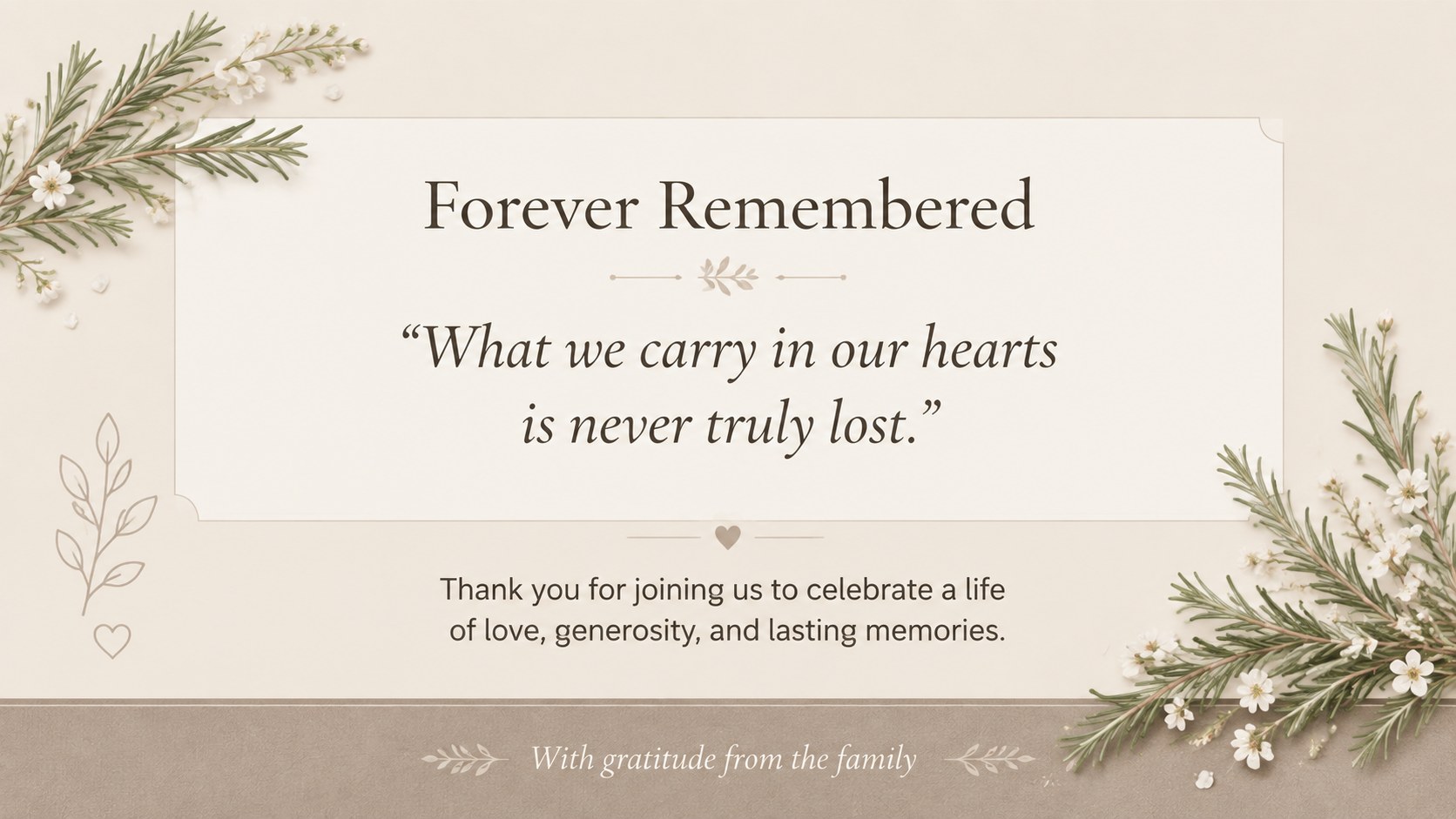
This editable celebration of life program includes four coordinated layouts for a welcome cover, order of service, biographical remembrance, and closing message. Replace the sample wording, add a favorite portrait, adjust the schedule, or include a poem, quotation, hymn, or acknowledgment. The balanced design also works as a beige memorial slideshow template for display during a gathering or as a funeral order of service slides deck that can be shared digitally.
Use the pages for memorial services, intimate family ceremonies, church gatherings, graveside remembrances, or commemorative receptions. The restrained design keeps attention on the person being remembered while allowing each detail to feel personal. Slides can be presented in widescreen format, exported for digital sharing, or adapted into printed keepsakes. Coordinated fonts, photo areas, and decorative botanical details help you prepare a polished program without distracting from the memories and messages at its heart.
Perfect for: celebration of life service; funeral order of service; family memorial gathering; church remembrance ceremony; photo tribute presentation.
Frequently asked questions
Can I edit the names, dates, and service schedule? Yes. All sample text can be replaced with personal details, readings, hymns, acknowledgments, and ceremony times. You can also resize or rearrange text areas to suit the amount of content.
Practical details
Yes. All sample text can be replaced with personal details, readings, hymns, acknowledgments, and ceremony times. You can also resize or rearrange text areas to suit the amount of content.
The template is designed for PowerPoint and Google Slides. Both platforms allow you to update the wording, fonts, colors, photographs, and layout elements.
Yes. Replace the sample image with a portrait or meaningful family photograph, then crop and position it within the provided photo area. Use a clear, high-resolution image for the best display and print quality.
Yes. You can present the slides during a service, share them as a digital file, or export selected pages for printing. Review margins and printer settings before producing physical copies.
Keep exploring
15Build an engaging World UFO Day session with this flying saucer history lesson deck, featuring retro green-and-brown slides for PowerPoint and Google Slides.
 15
15Plan a lively animal-learning journey with this jungle zoo adventure lesson deck, ready to customize in PowerPoint and Google Slides for young learners.
 16
16Turn environmental research into a clear story with a Watercolor Ecology Presentation Theme for PowerPoint and Google Slides in calming green and blue.
 16
16Build focused fashion, literature, and humanities presentations with the Red Triangle Editorial Theme, editable in PowerPoint and Google Slides.
 15
15Turn streaming stats, favorite tracks, and concert highlights into a bold annual listening recap slide deck for PowerPoint and Google Slides.
 15
15Turn highlights, milestones, and favorite moments into a colorful year in review slide deck with bold 3D graphics for PowerPoint and Google Slides.
 3
3Build a credible endorsement with Standout Colleague Recommendation Letter Slides, featuring colorful prompts for skills, achievements, and team impact.
 4
4Build clear beginner sessions with an ice hockey fundamentals training deck for coaches, PE teachers, and clubs, ready for PowerPoint and Google Slides.