
 15
15presentation
Flying Saucer History Lesson Deck
Build an engaging World UFO Day session with this flying saucer history lesson deck, featuring retro green-and-brown slides for PowerPoint and Google Slides.
Google SlidesPowerPoint
presentation · English
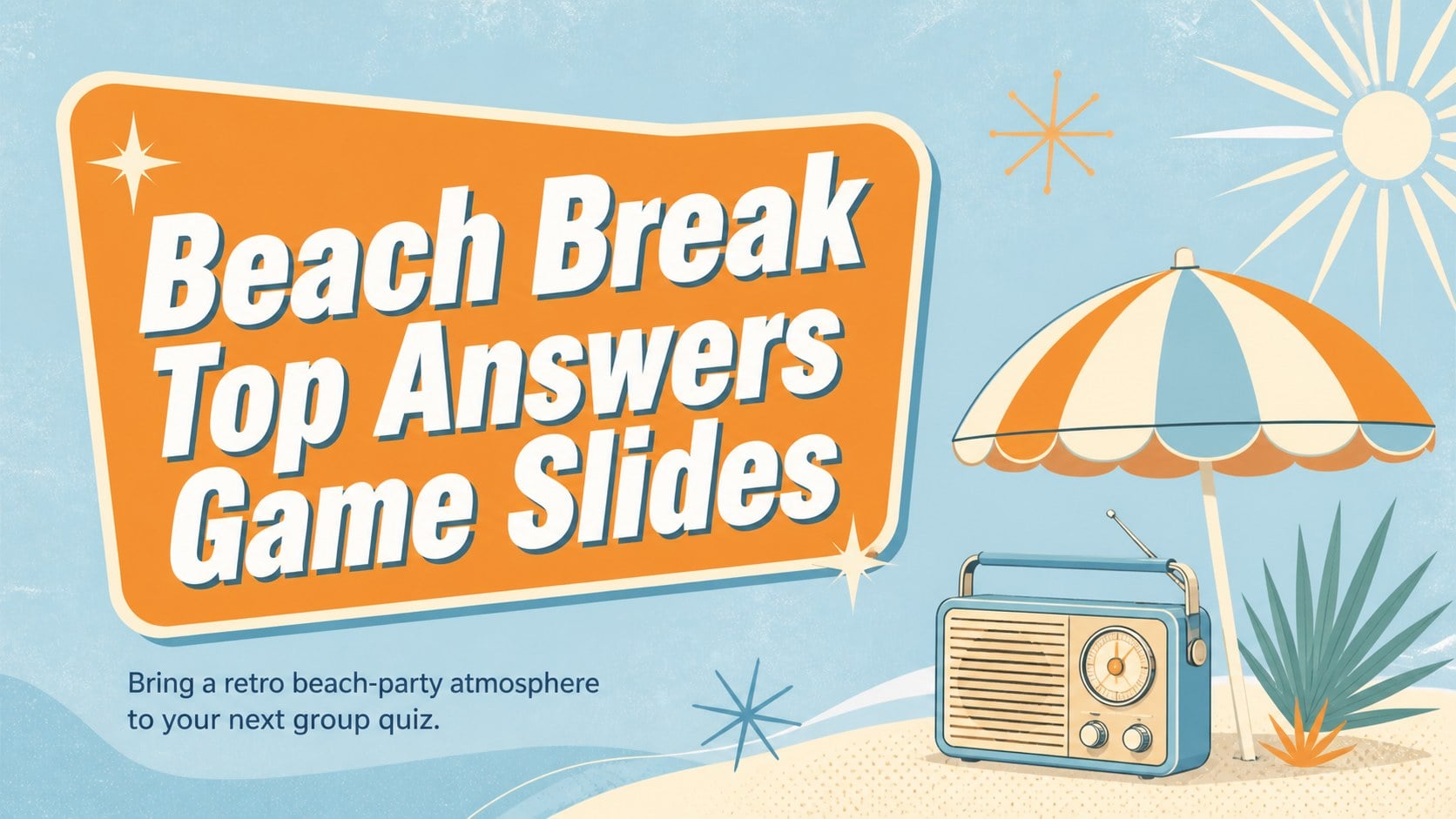
Host a lively summer survey contest with beach-inspired game slides featuring retro illustrations, editable answer boards, and playful team rounds.
Design notes
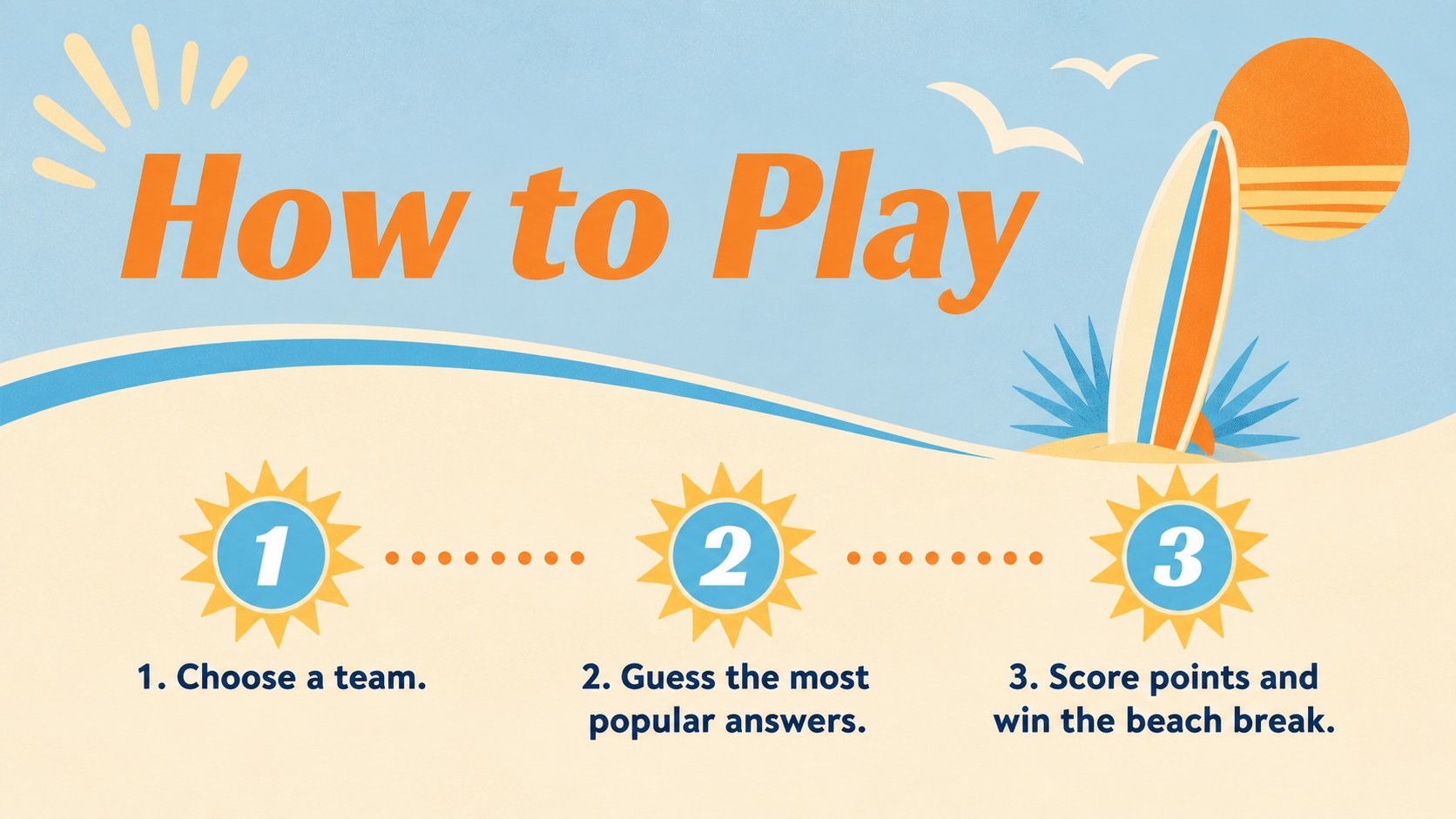
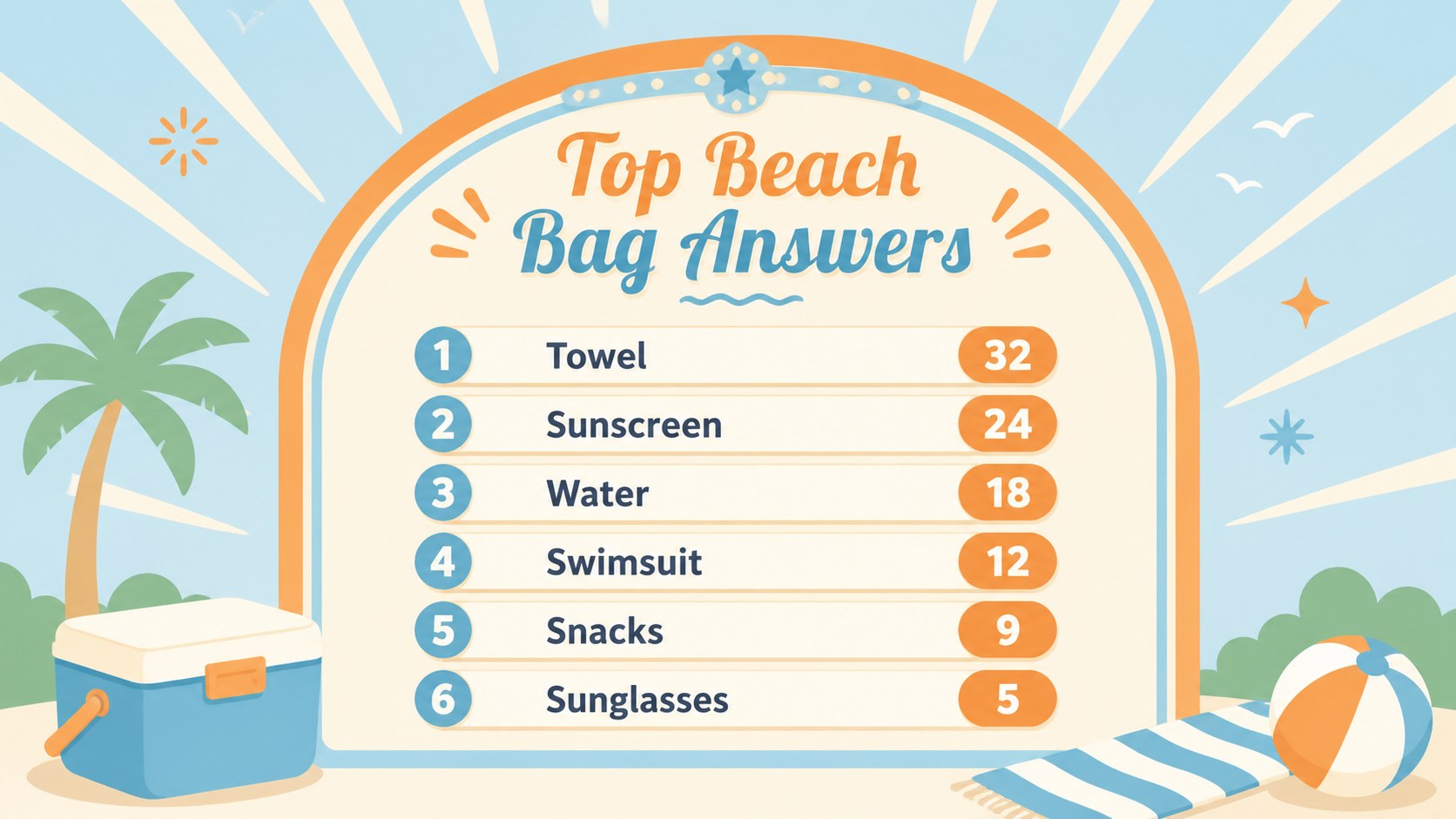
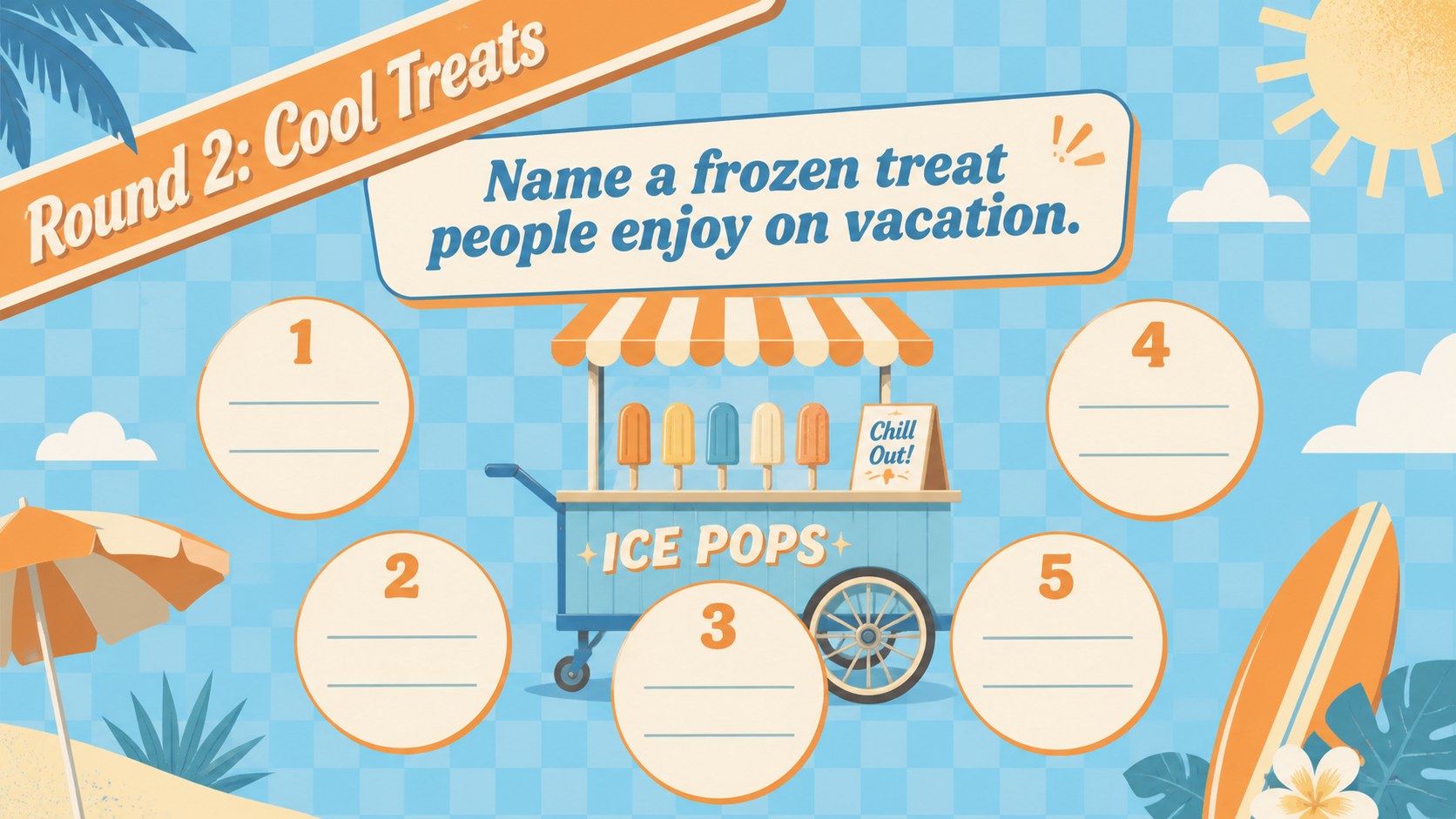
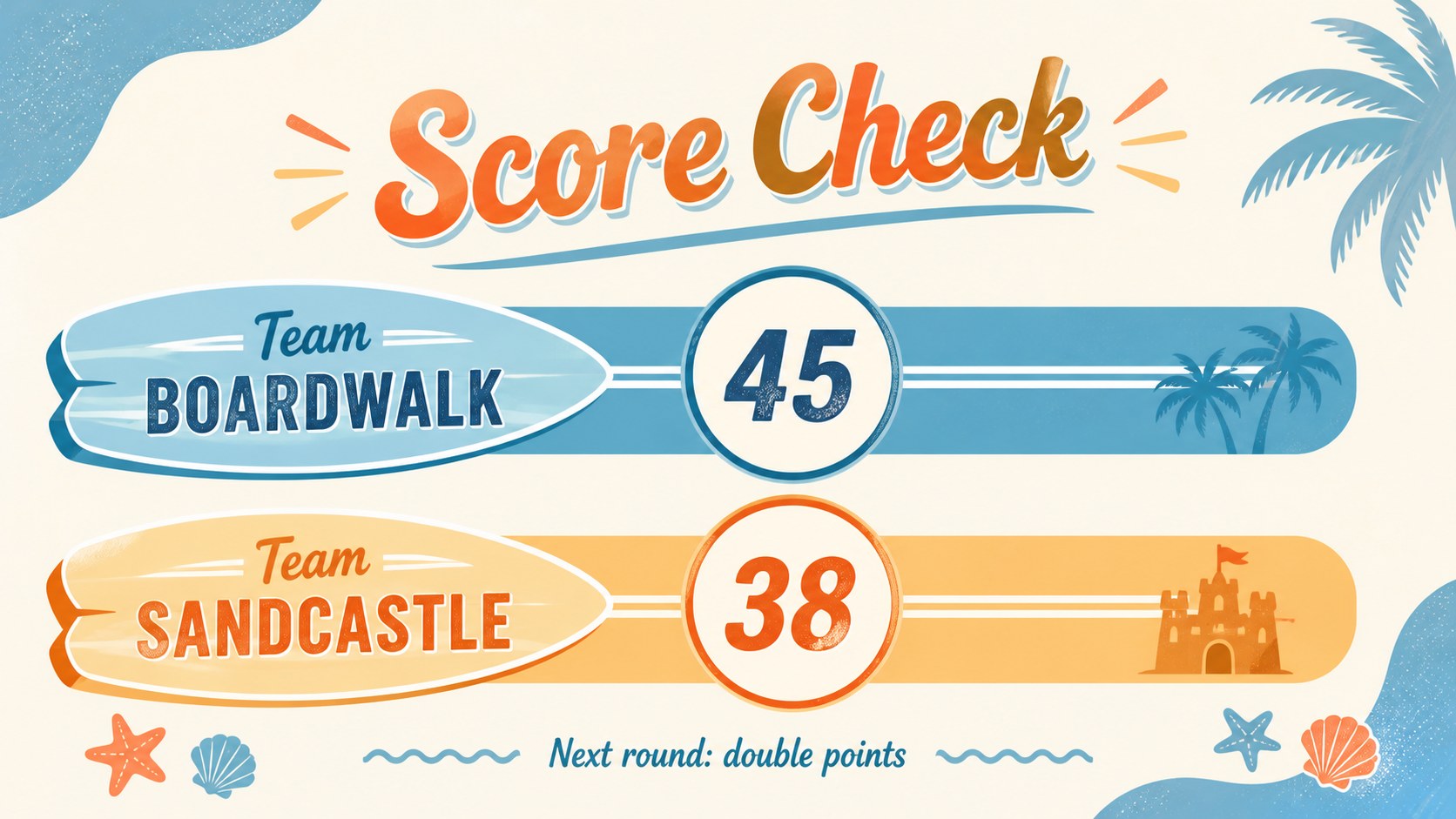
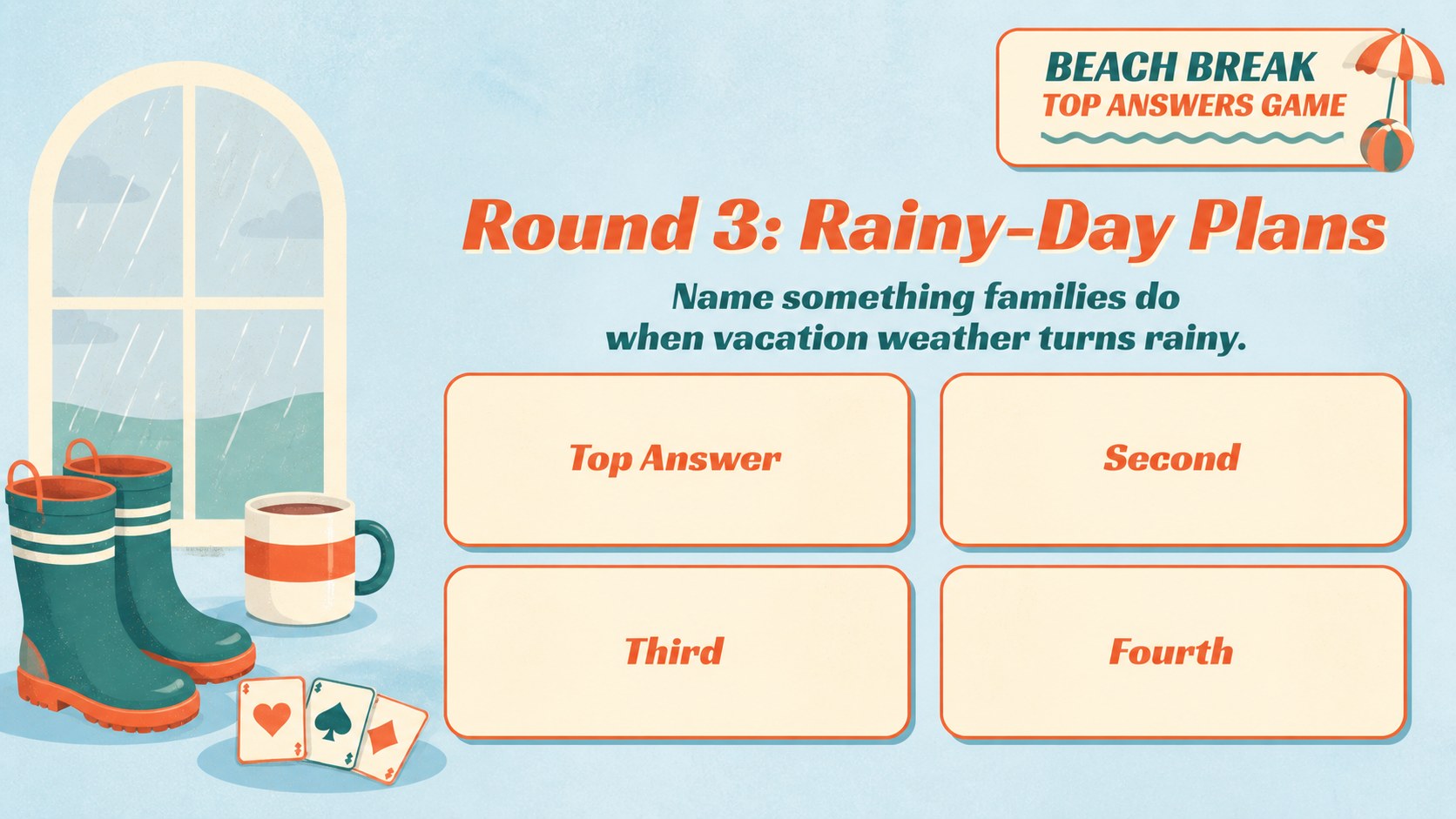
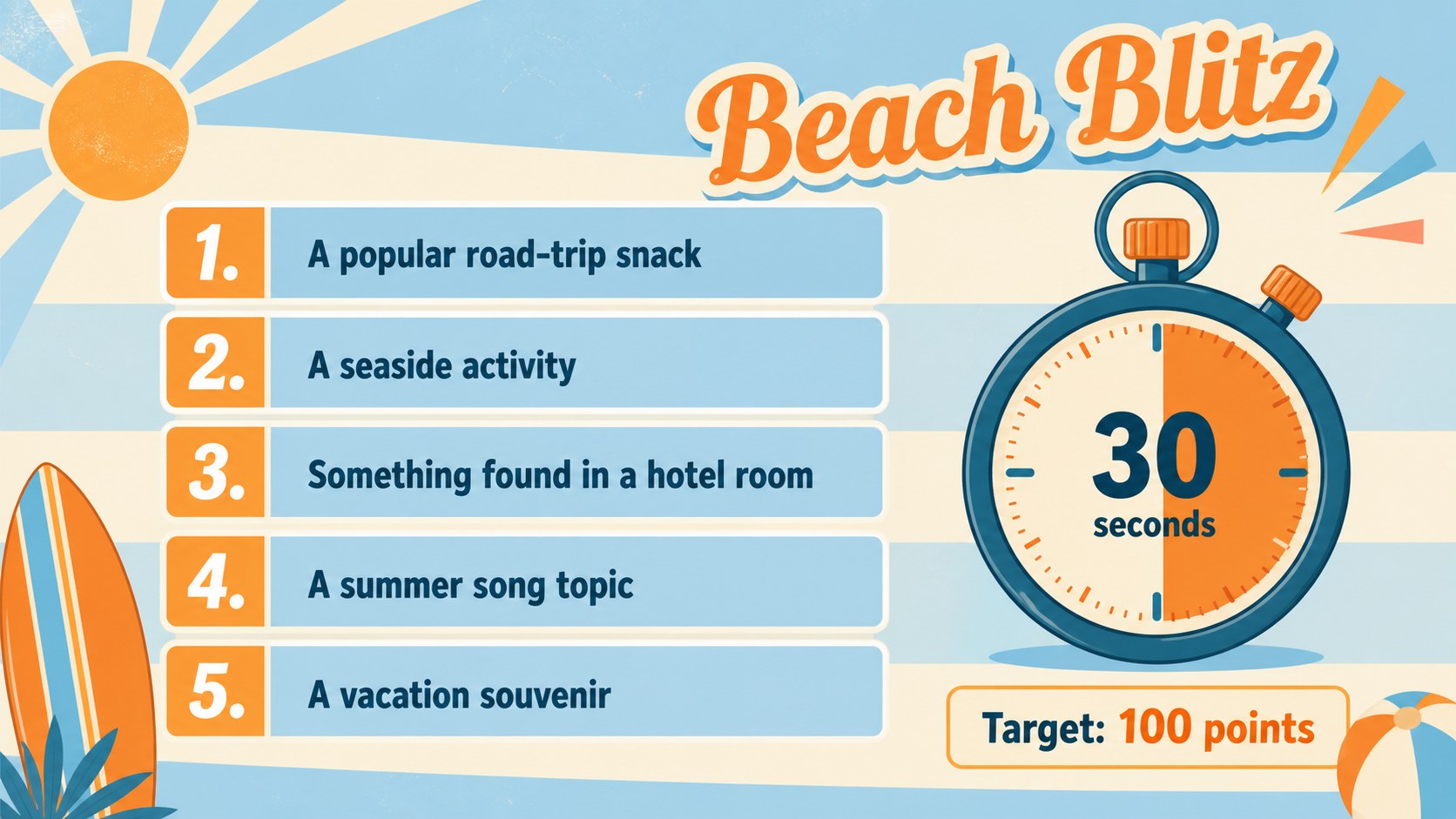
Beach Break Top Answers Game Slides transform a summer gathering into a fast-paced survey competition filled with sunny color and nostalgic charm. The pastel blue and orange design combines retro beach illustrations with bold, easy-to-read game boards, creating an upbeat experience for players of different ages. Use the deck in PowerPoint or Google Slides to host an interactive top answers party game without building every round from scratch.
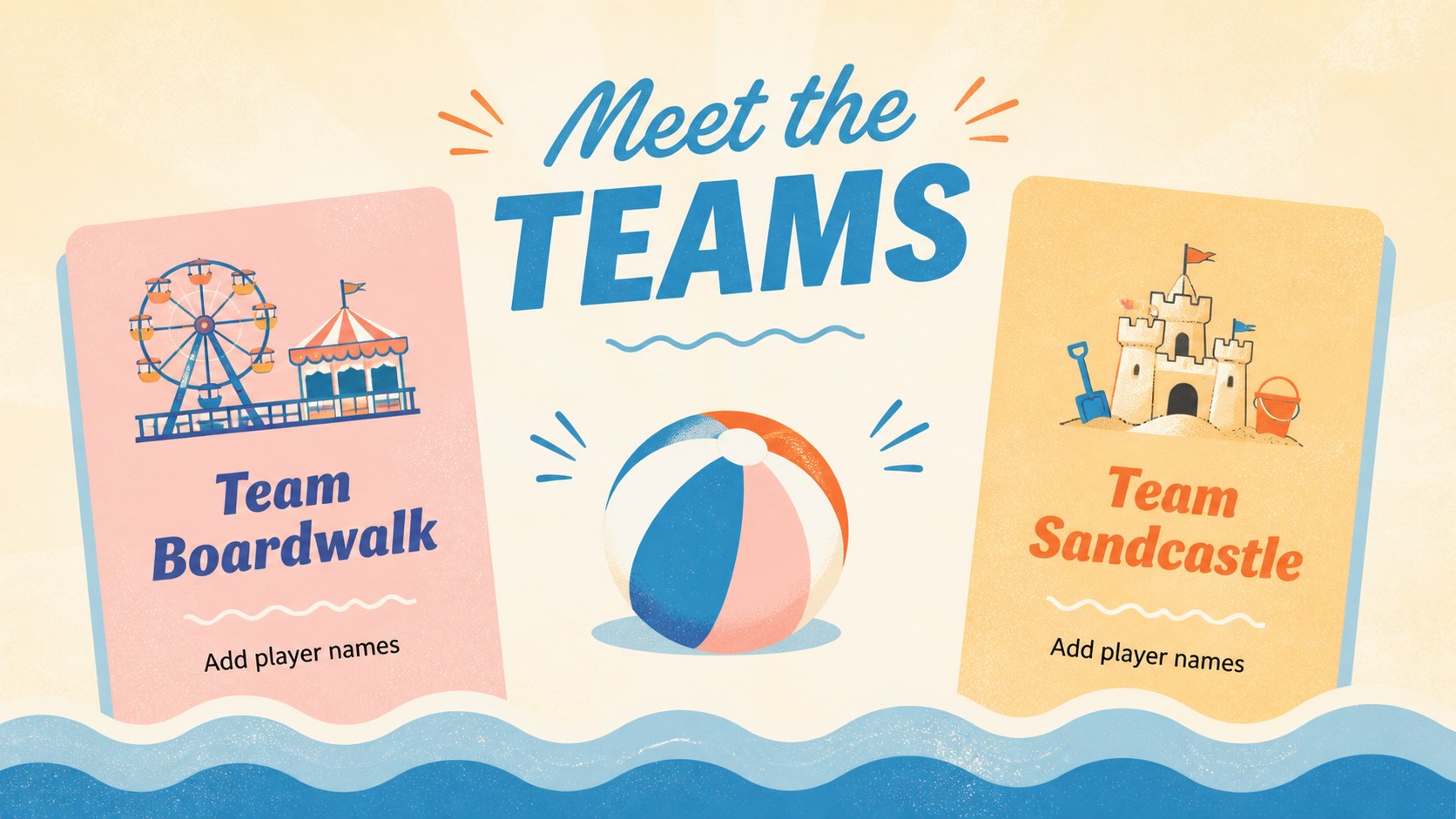
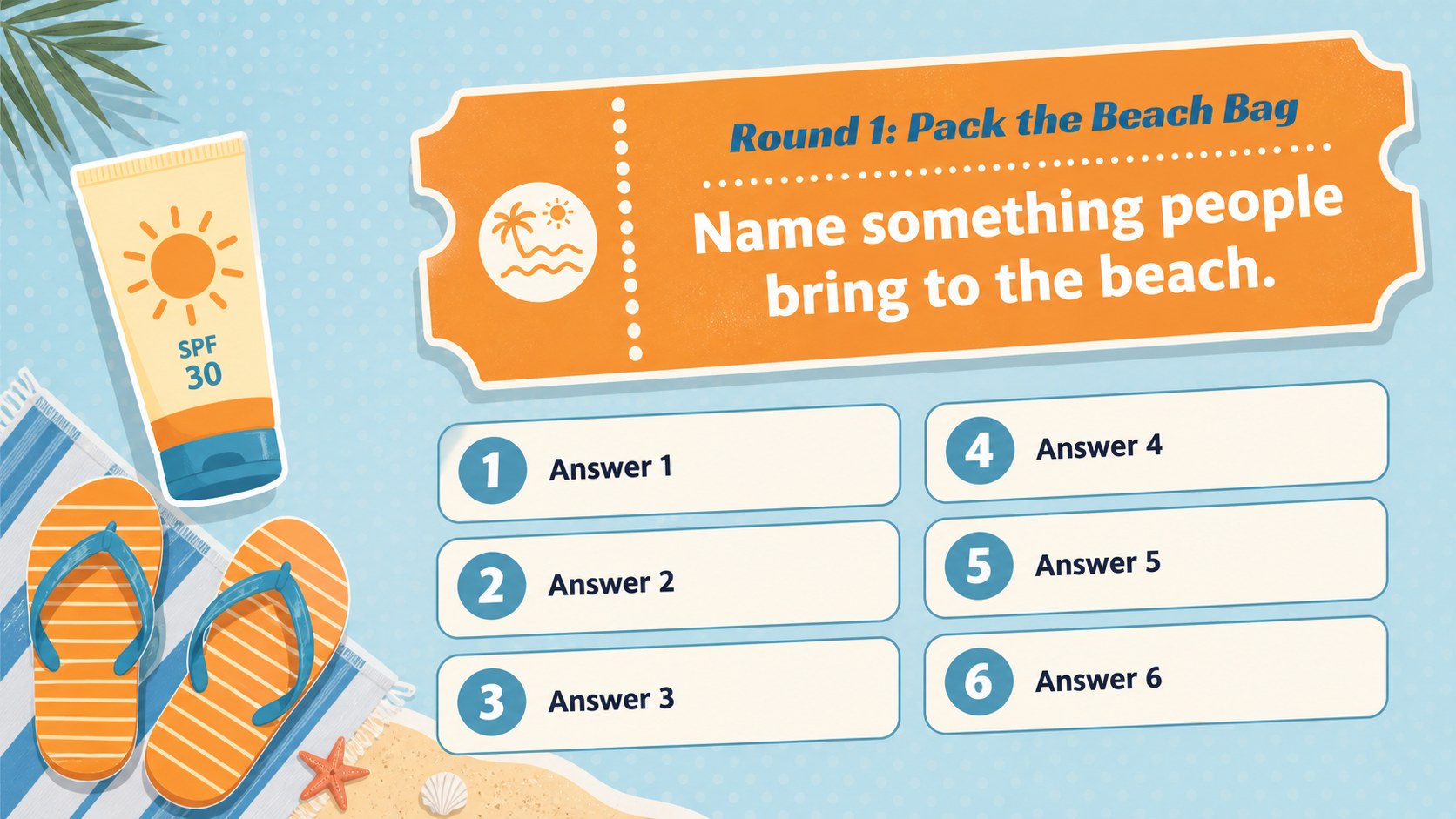
Inside, you will find layouts for team introductions, survey questions, answer reveals, score updates, quick-fire challenges, tie-breakers, and a final round. Clearly organized placeholders make it simple to replace prompts, adjust point values, rename teams, or introduce your own vacation trivia. The 16:9 format works well on classroom displays, televisions, and projector screens, while editable graphics help each host tailor the presentation to a specific event.
This summer vacation survey game is suited to family reunions, youth programs, camps, classroom celebrations, office socials, and beach-themed parties. Teachers can adapt it as a summer classroom quiz template, while event hosts can create a retro beach game night for friends or relatives. Whether the questions cover travel habits, favorite frozen treats, or popular seaside activities, the deck provides a clear structure for friendly competition and memorable group participation.
Perfect for: family vacation game night; summer camp team challenge; end-of-year classroom party; beach-themed office social; family reunion quiz; youth group summer event.
Frequently asked questions
Can I edit the questions and survey answers? Yes. You can replace every question, answer, point value, and team name with content that fits your event. The text and game-board elements are arranged for straightforward editing.
Practical details
Yes. You can replace every question, answer, point value, and team name with content that fits your event. The text and game-board elements are arranged for straightforward editing.
The deck is designed for Microsoft PowerPoint and Google Slides. Some fonts, transitions, or effects may vary slightly between the two platforms.
Duplicate a question slide and uncover one additional answer on each copy, or apply entrance animations to individual answer rows. Test the presentation in slideshow mode before hosting.
Yes. The pastel blue and orange elements can be recolored to match a party, school, camp, or organization. You can also replace the decorative beach graphics while keeping the answer-board structure.
Keep exploring
15Build an engaging World UFO Day session with this flying saucer history lesson deck, featuring retro green-and-brown slides for PowerPoint and Google Slides.
 15
15Plan a lively animal-learning journey with this jungle zoo adventure lesson deck, ready to customize in PowerPoint and Google Slides for young learners.
 16
16Turn environmental research into a clear story with a Watercolor Ecology Presentation Theme for PowerPoint and Google Slides in calming green and blue.
 16
16Build focused fashion, literature, and humanities presentations with the Red Triangle Editorial Theme, editable in PowerPoint and Google Slides.
 15
15Turn streaming stats, favorite tracks, and concert highlights into a bold annual listening recap slide deck for PowerPoint and Google Slides.
 15
15Turn highlights, milestones, and favorite moments into a colorful year in review slide deck with bold 3D graphics for PowerPoint and Google Slides.
 3
3Build a credible endorsement with Standout Colleague Recommendation Letter Slides, featuring colorful prompts for skills, achievements, and team impact.
 4
4Build clear beginner sessions with an ice hockey fundamentals training deck for coaches, PE teachers, and clubs, ready for PowerPoint and Google Slides.