
 15
15presentation
Flying Saucer History Lesson Deck
Build an engaging World UFO Day session with this flying saucer history lesson deck, featuring retro green-and-brown slides for PowerPoint and Google Slides.
Google SlidesPowerPoint
presentation · English
Build a clear season fixture board with this basketball matchday planner, featuring a bold black textured style for clubs, coaches, and fans.

Design notes
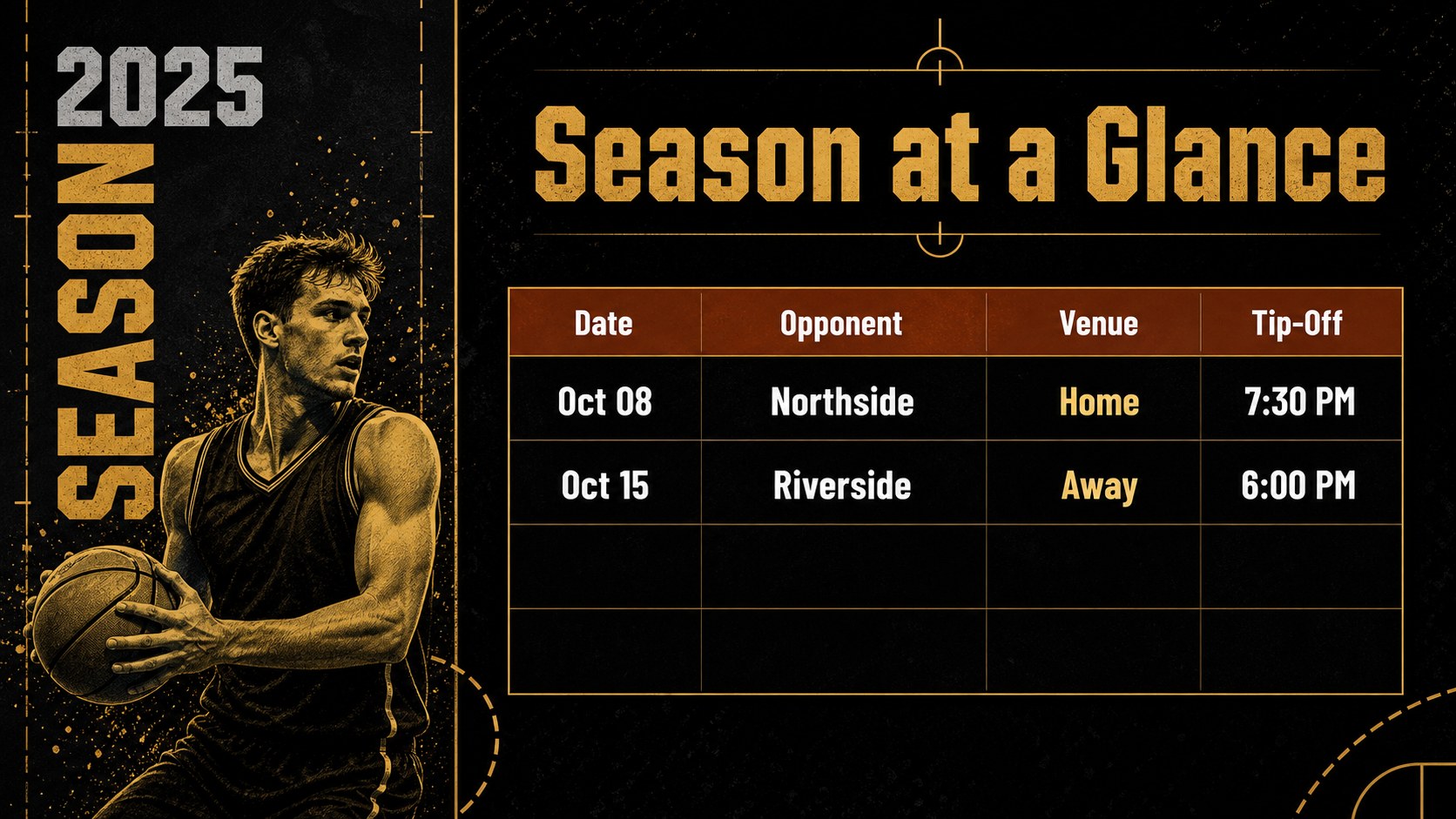
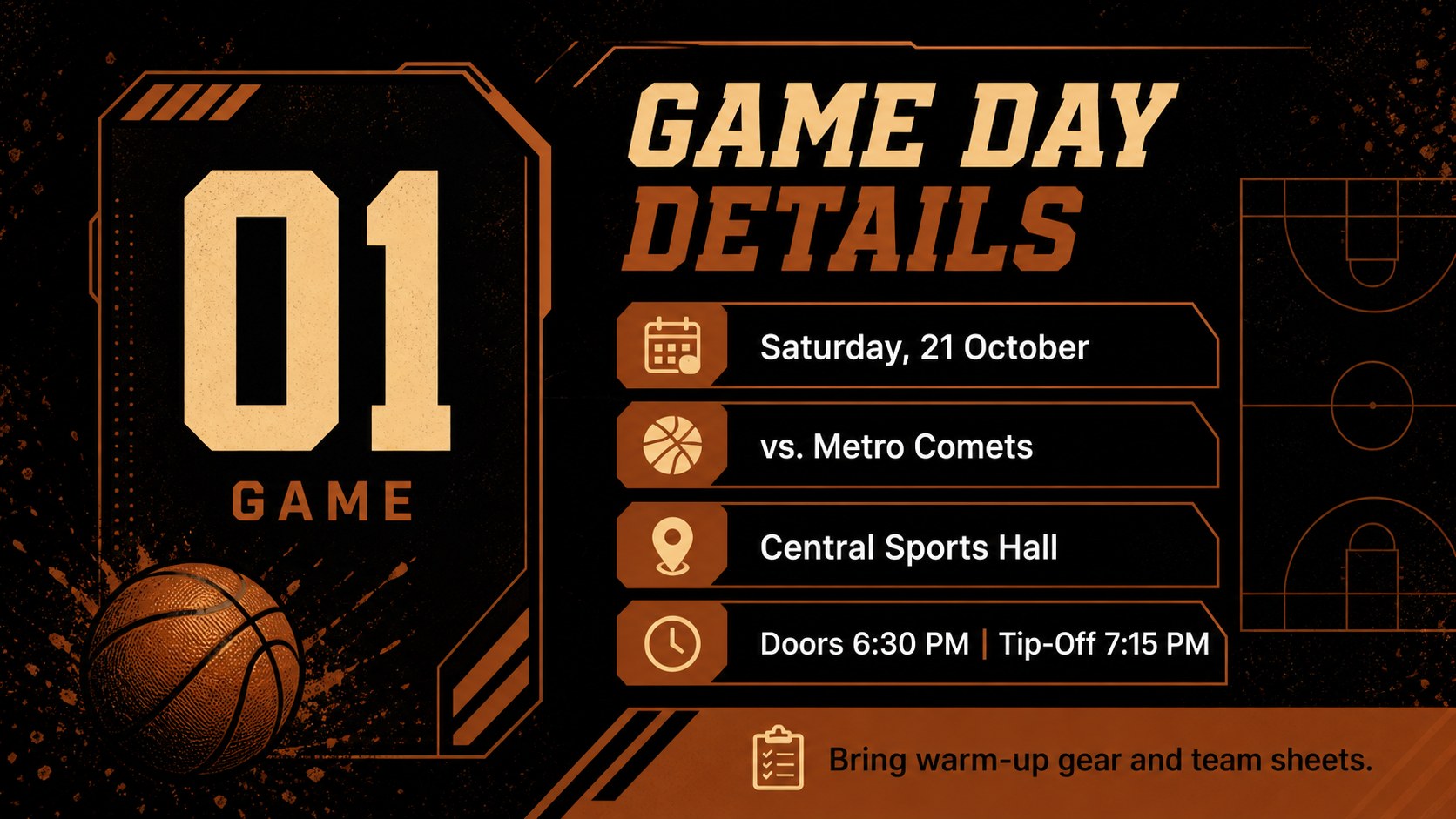
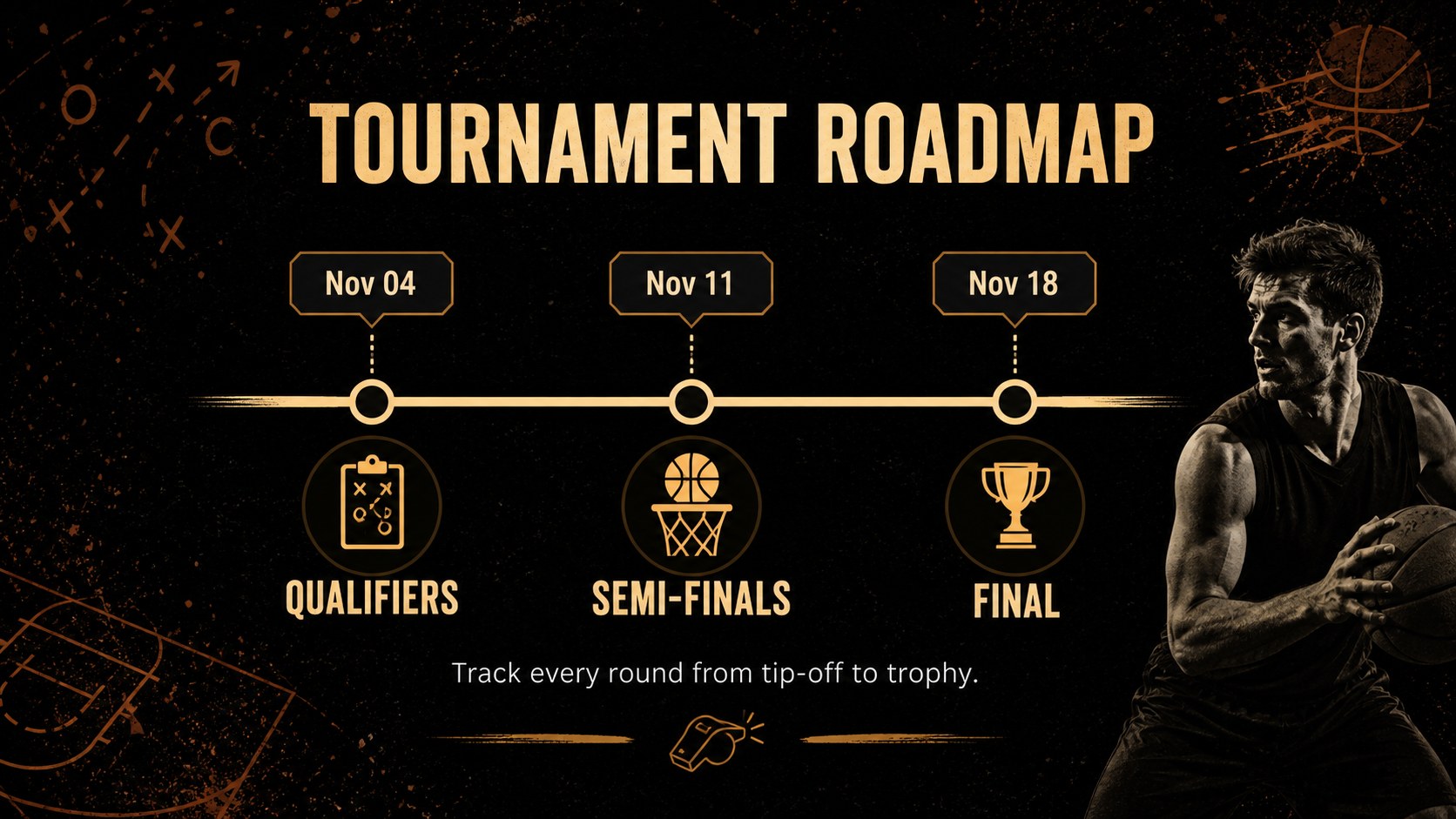
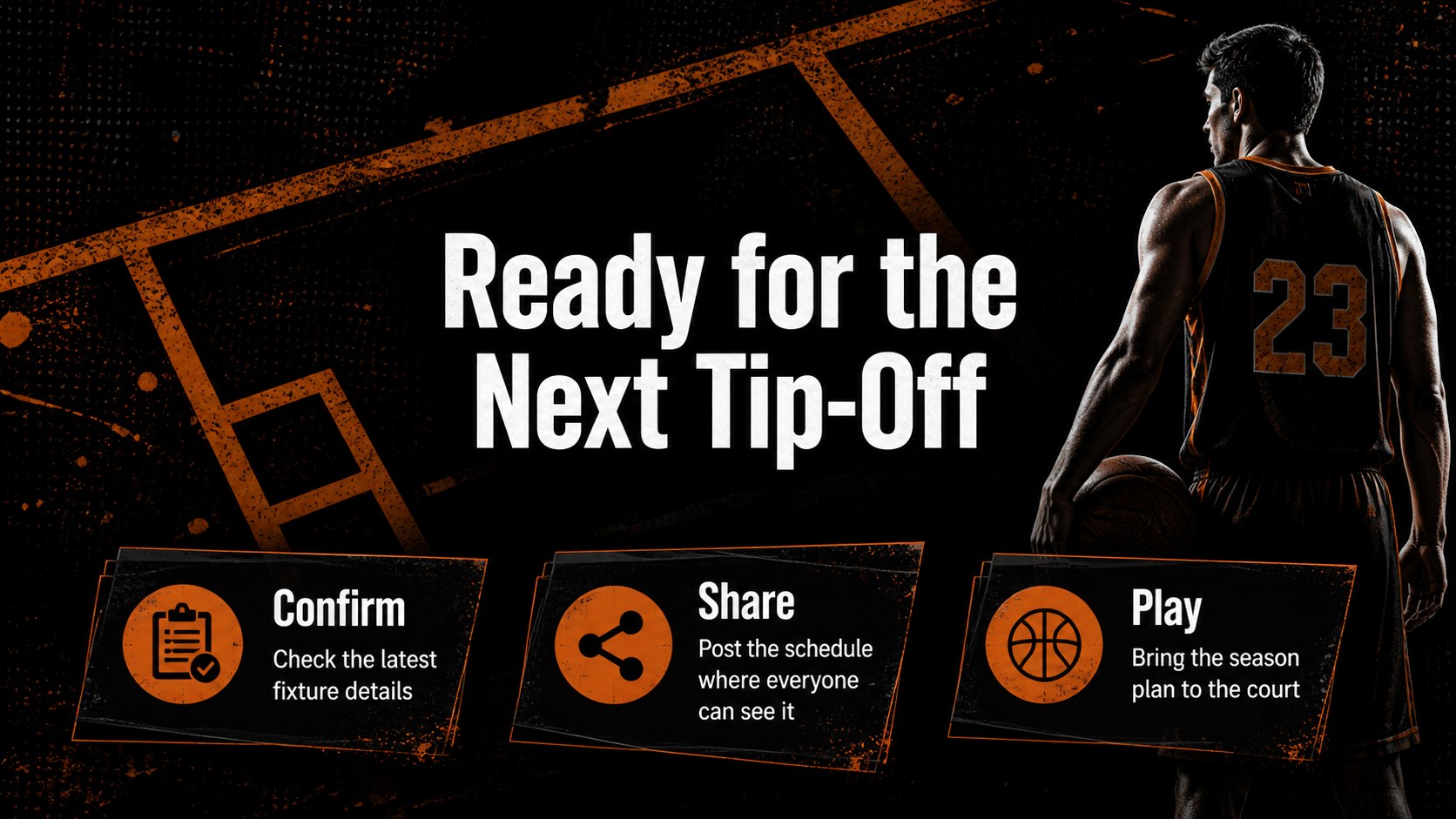
Basketball Matchday Planner Slides give coaches, club organizers, and dedicated fans a polished way to map the season. Built around a rich black textured look, this editable deck turns fixtures, game times, venues, and tournament milestones into a display that is easy to scan and simple to update.
Inside, you will find five A4-ready layouts for building a printable basketball matchday planner, posting a basketball club fixture display, or sharing an editable basketball game calendar slides deck with your community. Add team names, opponent details, tip-off times, locations, results, and notes using customizable text, shapes, frames, and graphic elements. The bold poster treatment works well in gyms, clubhouse noticeboards, locker rooms, school sports offices, and fan spaces.
The template is designed for basketball teams, youth leagues, tournament coordinators, athletic departments, and supporters who need a practical black basketball season organizer. Present it digitally or prepare it for print, then adjust the content to fit a single game week, a full competition schedule, or a season overview. provides drag-and-drop editing, media libraries, animations, collaboration tools, and presentation notes, while PowerPoint and Google Slides support flexible text and layout changes.
Perfect for: youth league fixture board; clubhouse season display; basketball tournament schedule; school athletics calendar; fan game-day planner.
Frequently asked questions
Can I edit the basketball matchday planner? Yes. The version supports drag-and-drop editing, text changes, color adjustments, image placement, and collaborative updates. You can adapt each layout for a weekly fixture list or a complete season.
Practical details
Yes. The version supports drag-and-drop editing, text changes, color adjustments, image placement, and collaborative updates. You can adapt each layout for a weekly fixture list or a complete season.
Yes. The deck is available for PowerPoint and Google Slides. Update team details, dates, venues, and notes directly in the platform that best fits your workflow.
The layouts are prepared as A4-style posters, making them suitable for printing and displaying in gyms, clubhouses, and school sports offices. Review the export settings before printing to confirm the desired paper size and quality.
Yes. You can replace the schedule content and adjust fonts, shapes, frames, and supporting graphics while keeping the bold black visual direction. Add your club identity through team names and event details without changing the overall style.
Keep exploring
15Build an engaging World UFO Day session with this flying saucer history lesson deck, featuring retro green-and-brown slides for PowerPoint and Google Slides.
 15
15Plan a lively animal-learning journey with this jungle zoo adventure lesson deck, ready to customize in PowerPoint and Google Slides for young learners.
 16
16Turn environmental research into a clear story with a Watercolor Ecology Presentation Theme for PowerPoint and Google Slides in calming green and blue.
 16
16Build focused fashion, literature, and humanities presentations with the Red Triangle Editorial Theme, editable in PowerPoint and Google Slides.
 15
15Turn streaming stats, favorite tracks, and concert highlights into a bold annual listening recap slide deck for PowerPoint and Google Slides.
 15
15Turn highlights, milestones, and favorite moments into a colorful year in review slide deck with bold 3D graphics for PowerPoint and Google Slides.
 3
3Build a credible endorsement with Standout Colleague Recommendation Letter Slides, featuring colorful prompts for skills, achievements, and team impact.
 4
4Build clear beginner sessions with an ice hockey fundamentals training deck for coaches, PE teachers, and clubs, ready for PowerPoint and Google Slides.