
 15
15presentation
Flying Saucer History Lesson Deck
Build an engaging World UFO Day session with this flying saucer history lesson deck, featuring retro green-and-brown slides for PowerPoint and Google Slides.
Google SlidesPowerPoint
presentation · English
Plan a lively basketball award ceremony template for school leagues and youth teams, with editable certificates, bold geometry, and free use, PPT, or Slides.






Design notes
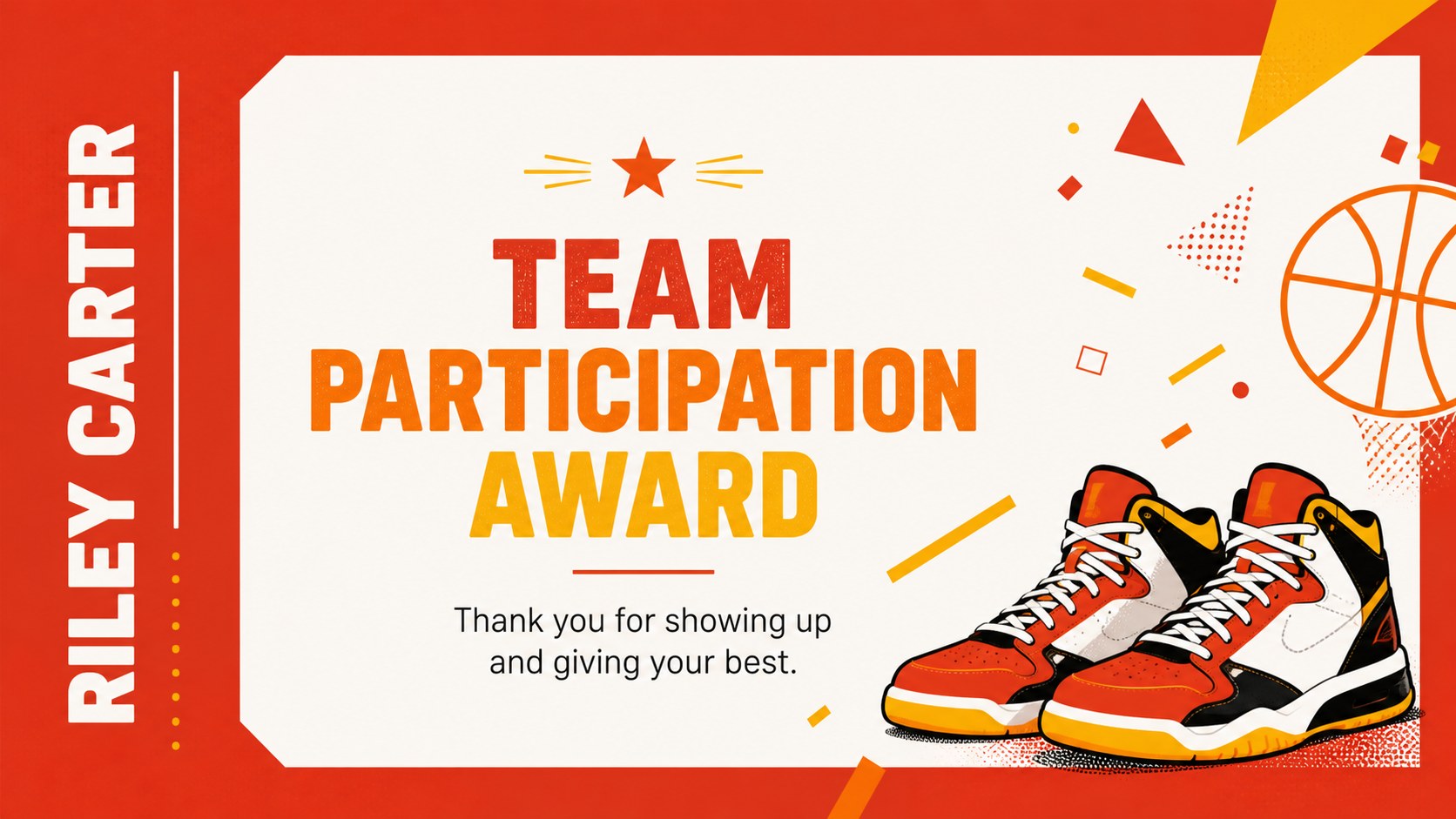
Make recognition feel as exciting as game day with this basketball award ceremony template. Built for coaches, teachers, athletic directors, and community organizers, the deck combines energetic geometric artwork with a bright yellow, orange, red, and white palette. Use it to honor MVPs, celebrate sportsmanship, recognize participation, or close out a school or community tournament with a polished presentation.
Inside, you’ll find seven customizable 16:9 certificate slides prepared for digital sharing or printing. The layouts provide space for a player’s name, award category, team, date, signature, and event details, making them useful for a youth basketball awards night, end-of-season team celebration, or school sports recognition program. Bold shapes and illustrated court-inspired details create a playful visual rhythm while keeping the award message easy to read.
Customize text, colors, fonts, graphics, and images in Google Slides or PowerPoint. Drag-and-drop editing makes fast revisions simple, while presentation animations and transitions can add movement to an on-screen ceremony. The template also works well as a printable basketball achievement certificate when exported to PDF. Share individual awards with families, post them online, or display them during the closing ceremony.
Perfect for: youth basketball awards night; school tournament closing ceremony; community league team celebration; end-of-season coach presentation; player participation recognition.
Frequently asked questions
Can I edit the certificates? Yes. Open the template and replace names, award titles, dates, team details, and signatures with drag-and-drop tools. You can also adjust colors, fonts, illustrations, and page animations.
Practical details
Yes. Open the template and replace names, award titles, dates, team details, and signatures with drag-and-drop tools. You can also adjust colors, fonts, illustrations, and page animations.
Yes. The deck is designed for PowerPoint and Google Slides. Export finished certificates as PDF or image files for printing, emailing, or sharing during a digital ceremony.
You can change every award label to match your event, including MVP, Best Teammate, Most Improved Player, Sportsmanship, or Participation. Add player names, coaches, sponsors, dates, and venue information as needed.
The layouts can be adapted for printing by exporting them as high-quality PDFs. Check your printer settings and choose the paper size and orientation that best fit your award presentation.
Keep exploring
15Build an engaging World UFO Day session with this flying saucer history lesson deck, featuring retro green-and-brown slides for PowerPoint and Google Slides.
 15
15Plan a lively animal-learning journey with this jungle zoo adventure lesson deck, ready to customize in PowerPoint and Google Slides for young learners.
 16
16Turn environmental research into a clear story with a Watercolor Ecology Presentation Theme for PowerPoint and Google Slides in calming green and blue.
 16
16Build focused fashion, literature, and humanities presentations with the Red Triangle Editorial Theme, editable in PowerPoint and Google Slides.
 15
15Turn streaming stats, favorite tracks, and concert highlights into a bold annual listening recap slide deck for PowerPoint and Google Slides.
 15
15Turn highlights, milestones, and favorite moments into a colorful year in review slide deck with bold 3D graphics for PowerPoint and Google Slides.
 3
3Build a credible endorsement with Standout Colleague Recommendation Letter Slides, featuring colorful prompts for skills, achievements, and team impact.
 4
4Build clear beginner sessions with an ice hockey fundamentals training deck for coaches, PE teachers, and clubs, ready for PowerPoint and Google Slides.