
 15
15presentation
Flying Saucer History Lesson Deck
Build an engaging World UFO Day session with this flying saucer history lesson deck, featuring retro green-and-brown slides for PowerPoint and Google Slides.
Google SlidesPowerPoint
presentation · English
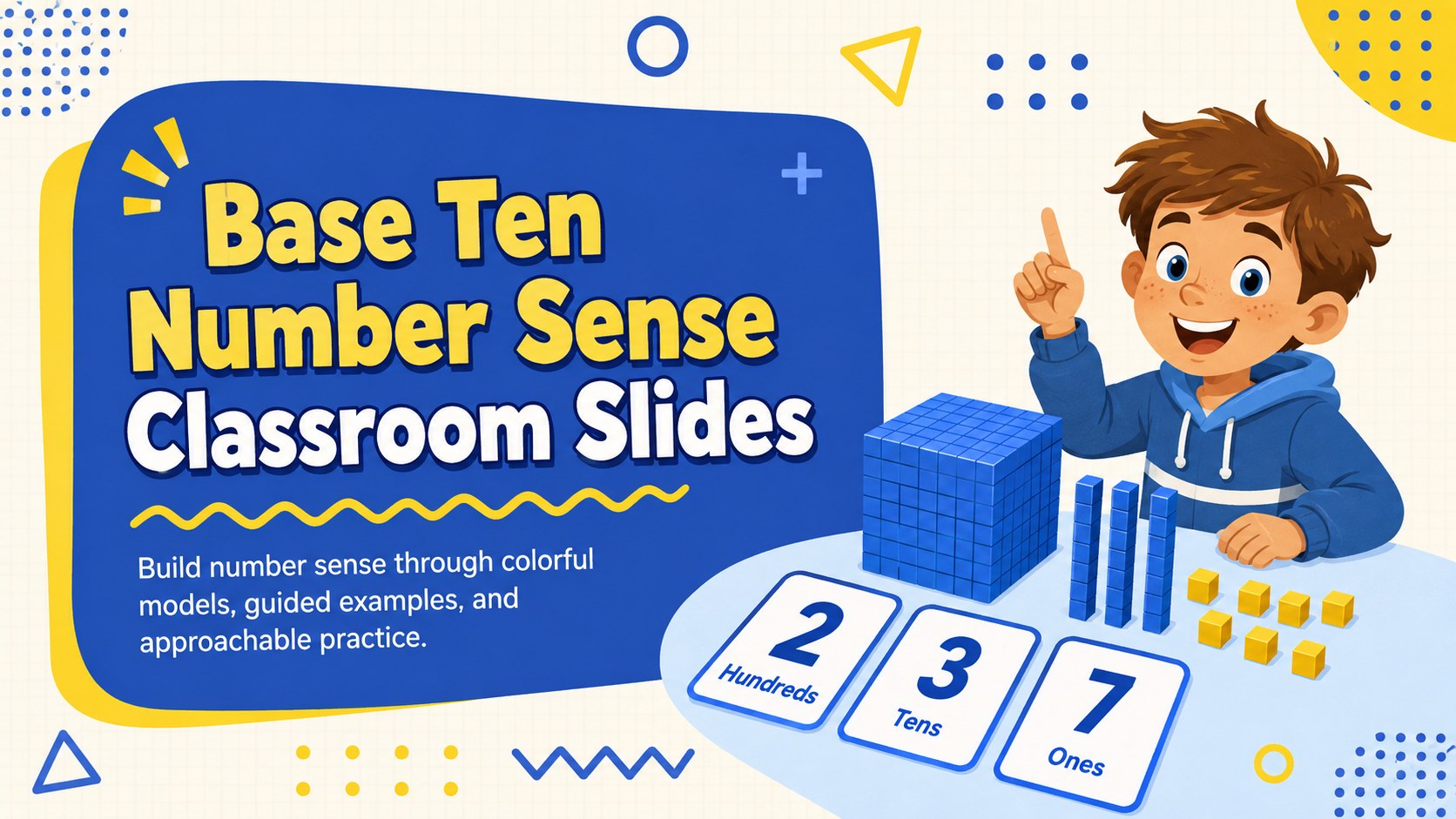
Make regrouping and digit values easier to teach with Base Ten Number Sense Classroom Slides, a bright blue-and-yellow deck for elementary math classes.
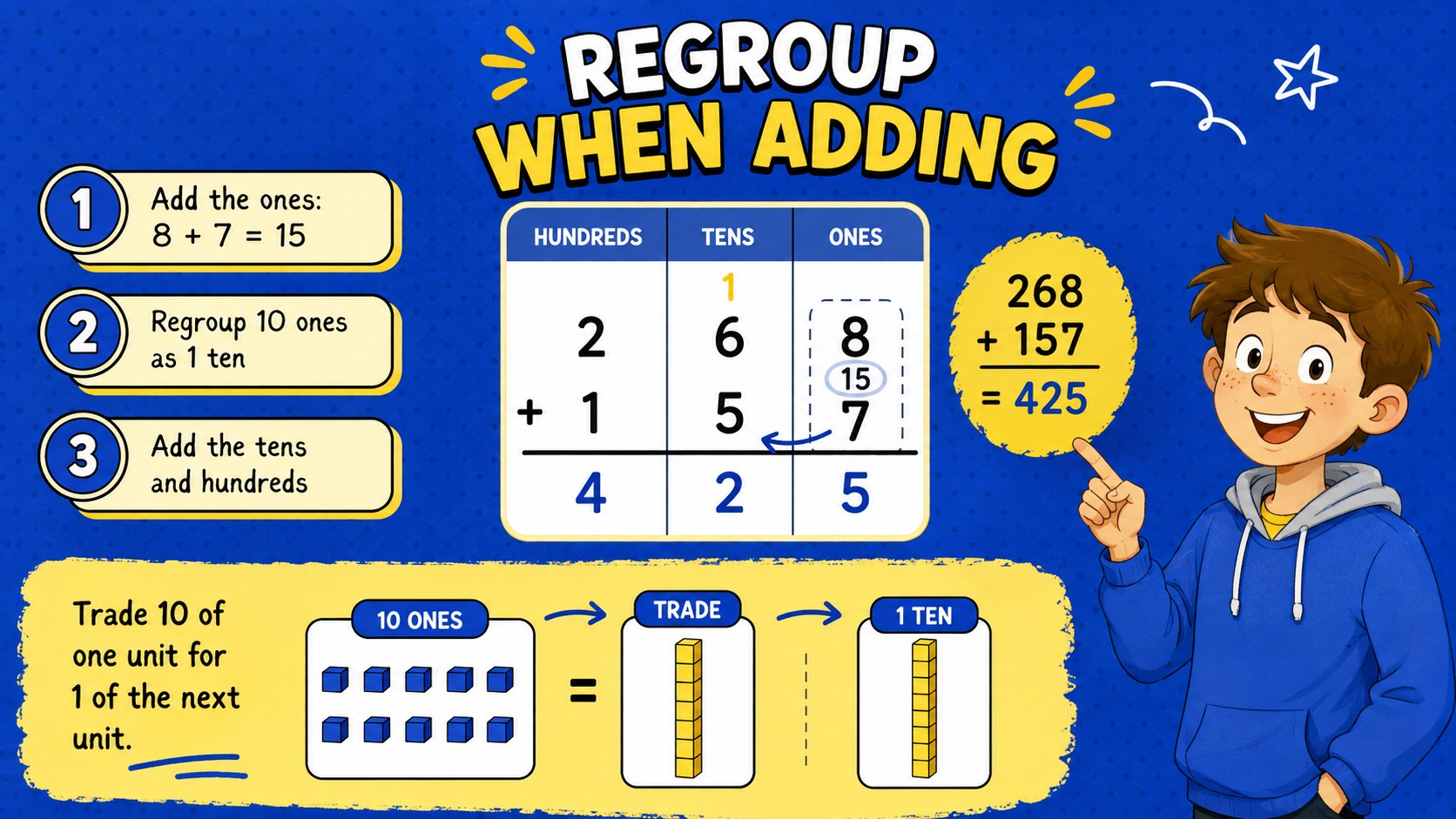
Design notes
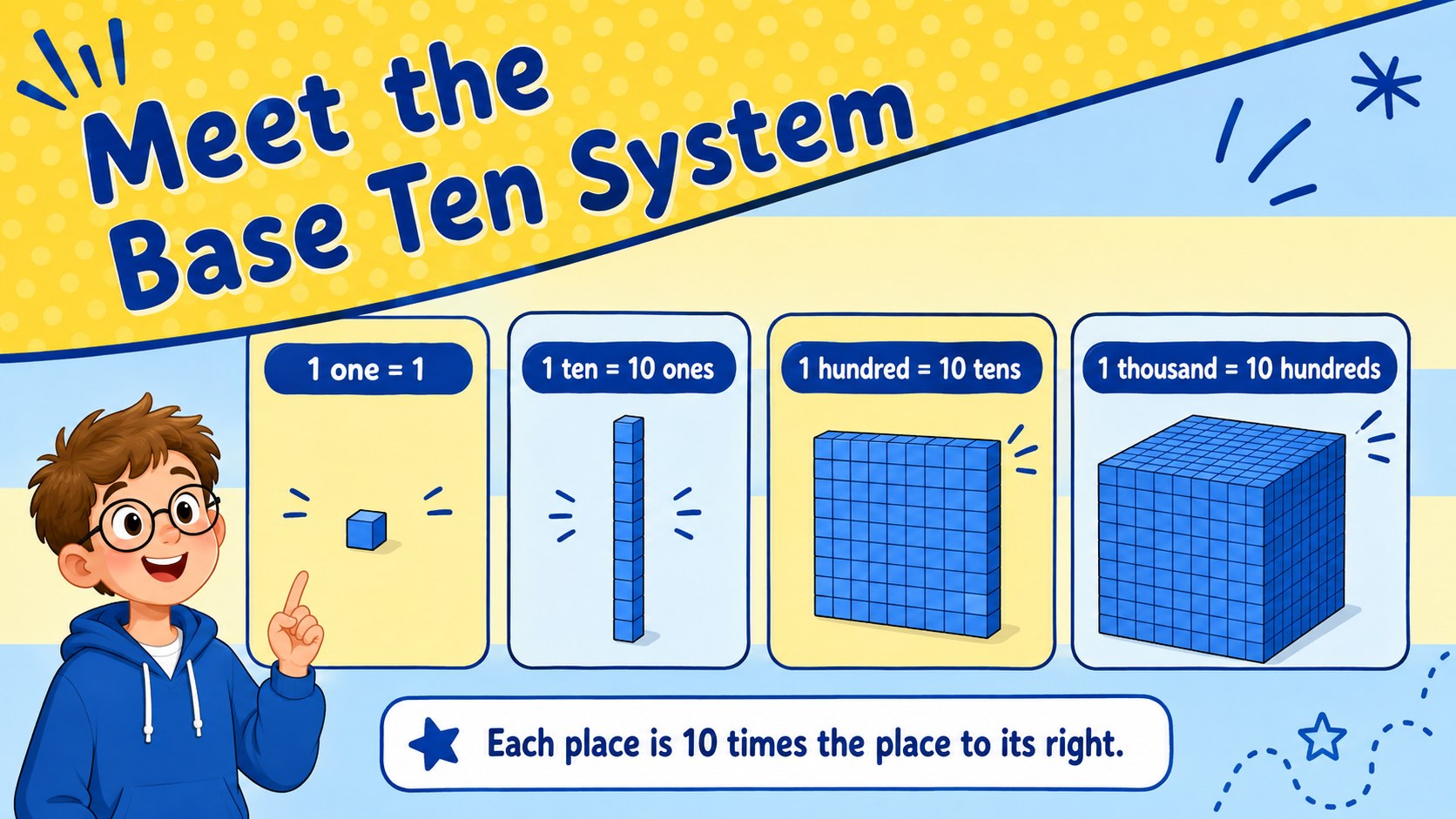
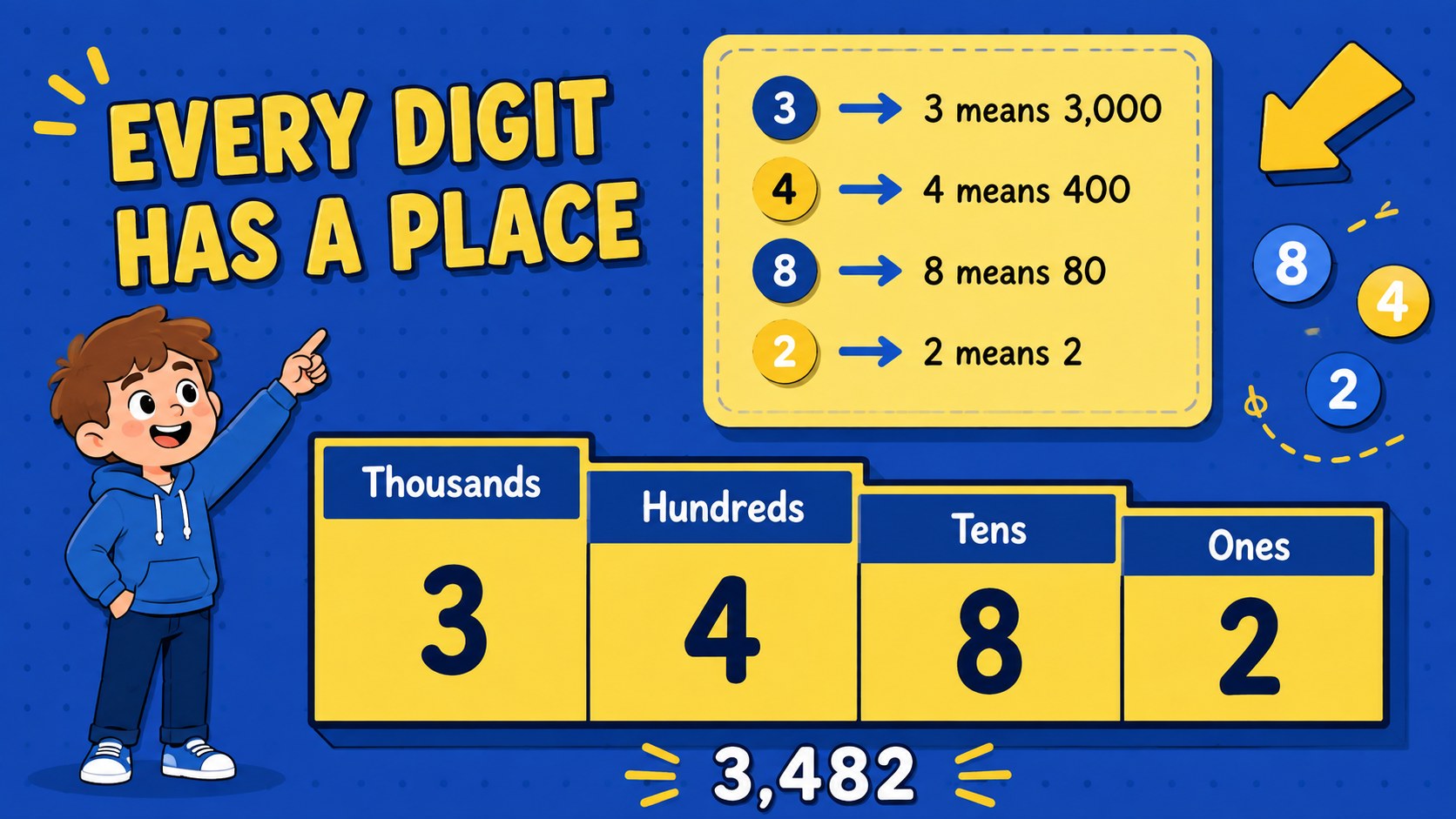
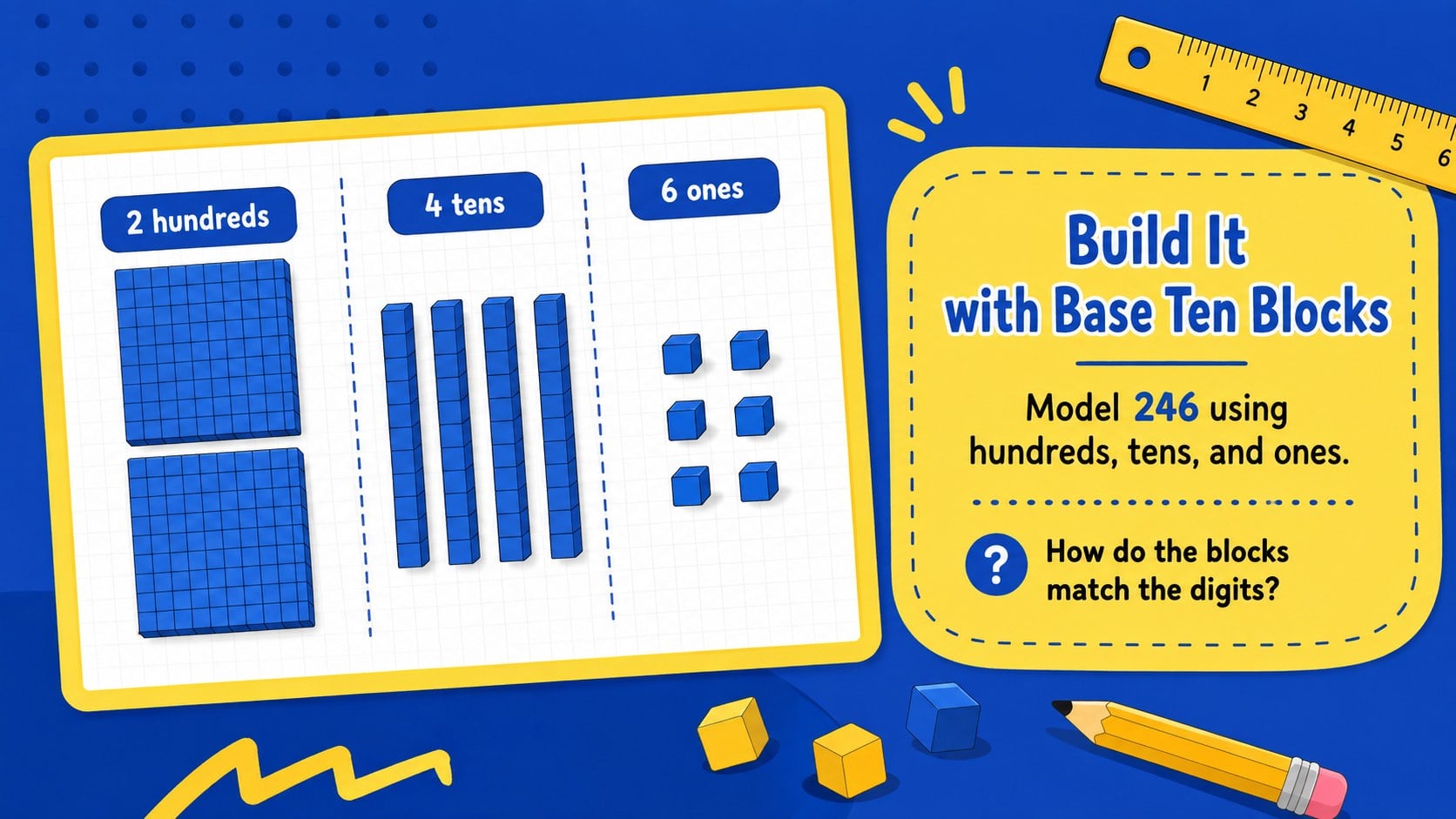
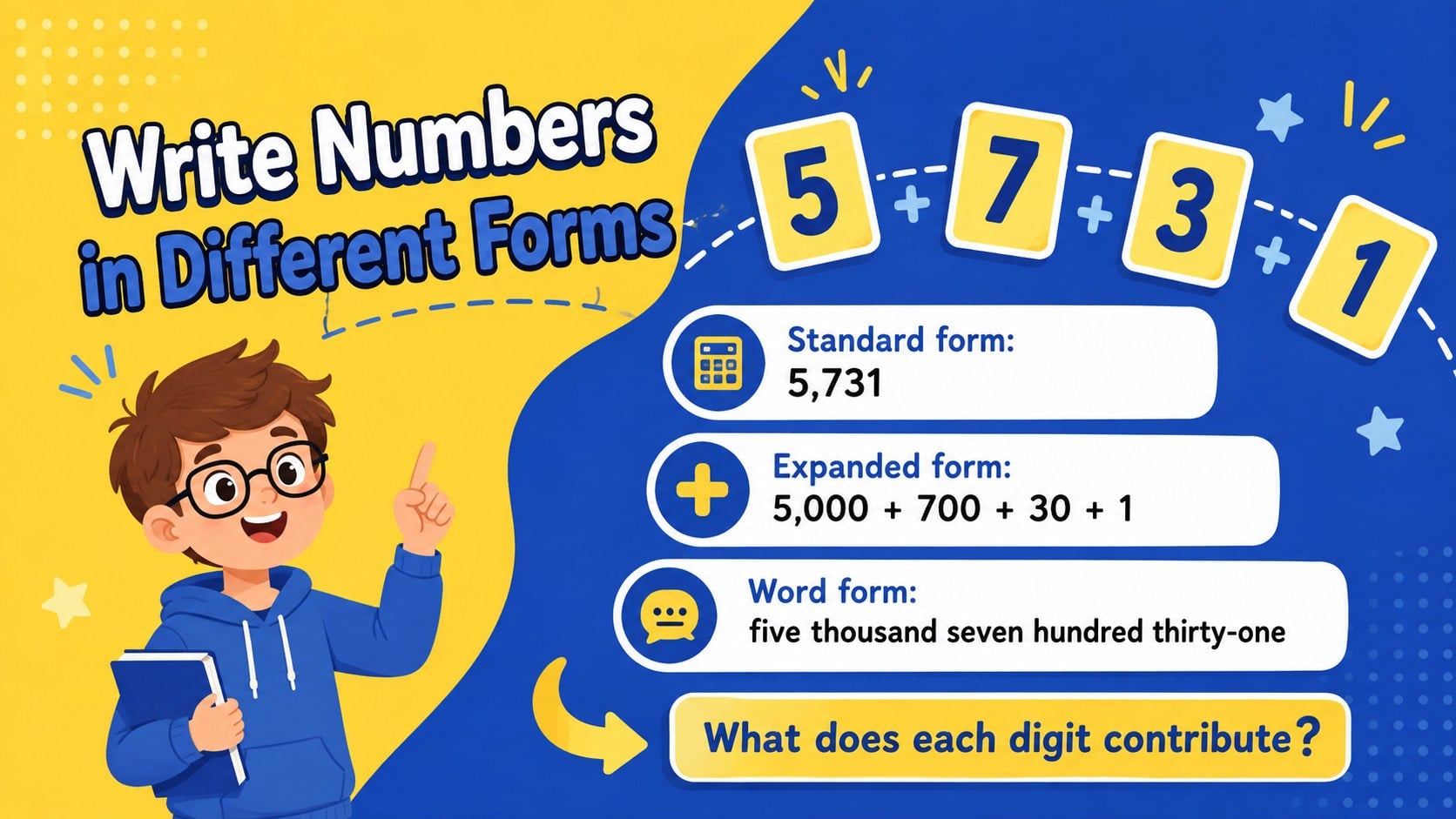
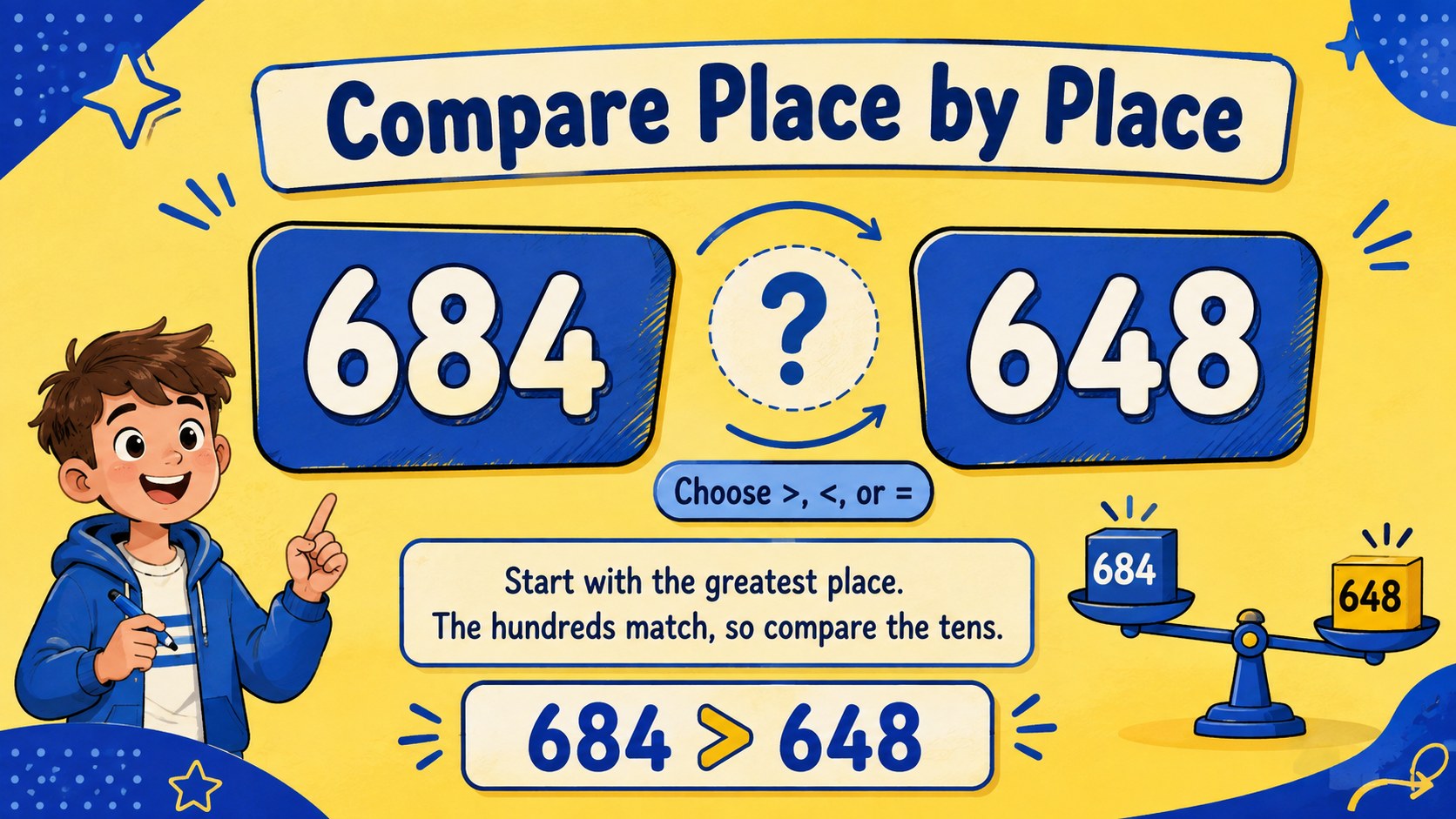
Base Ten Number Sense Classroom Slides give elementary teachers a visual, classroom-ready way to explain how digits represent ones, tens, hundreds, and thousands. The cheerful blue-and-yellow illustrated design keeps instruction approachable while providing clear structures for modeling numbers, discussing patterns, and checking understanding.
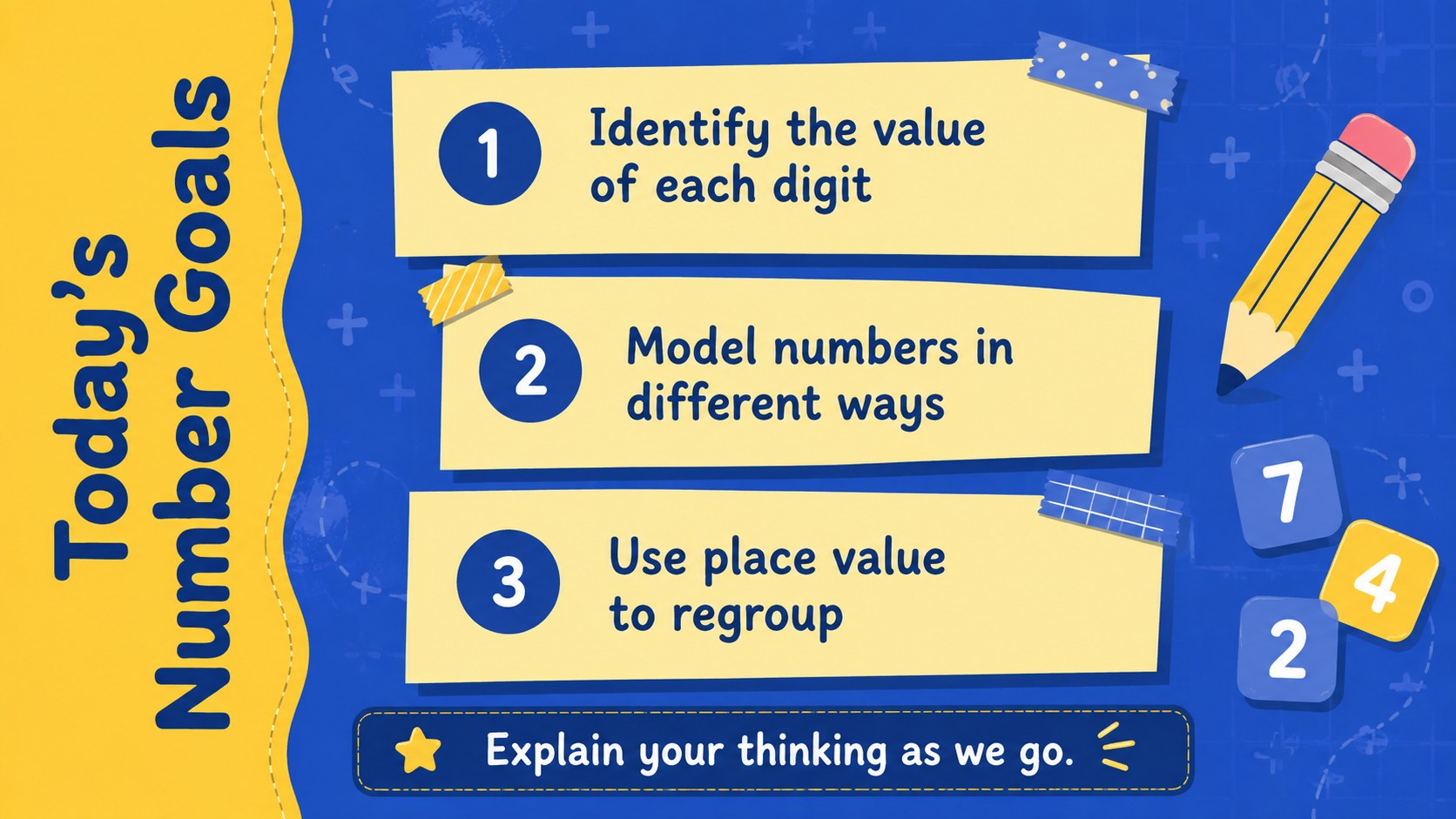
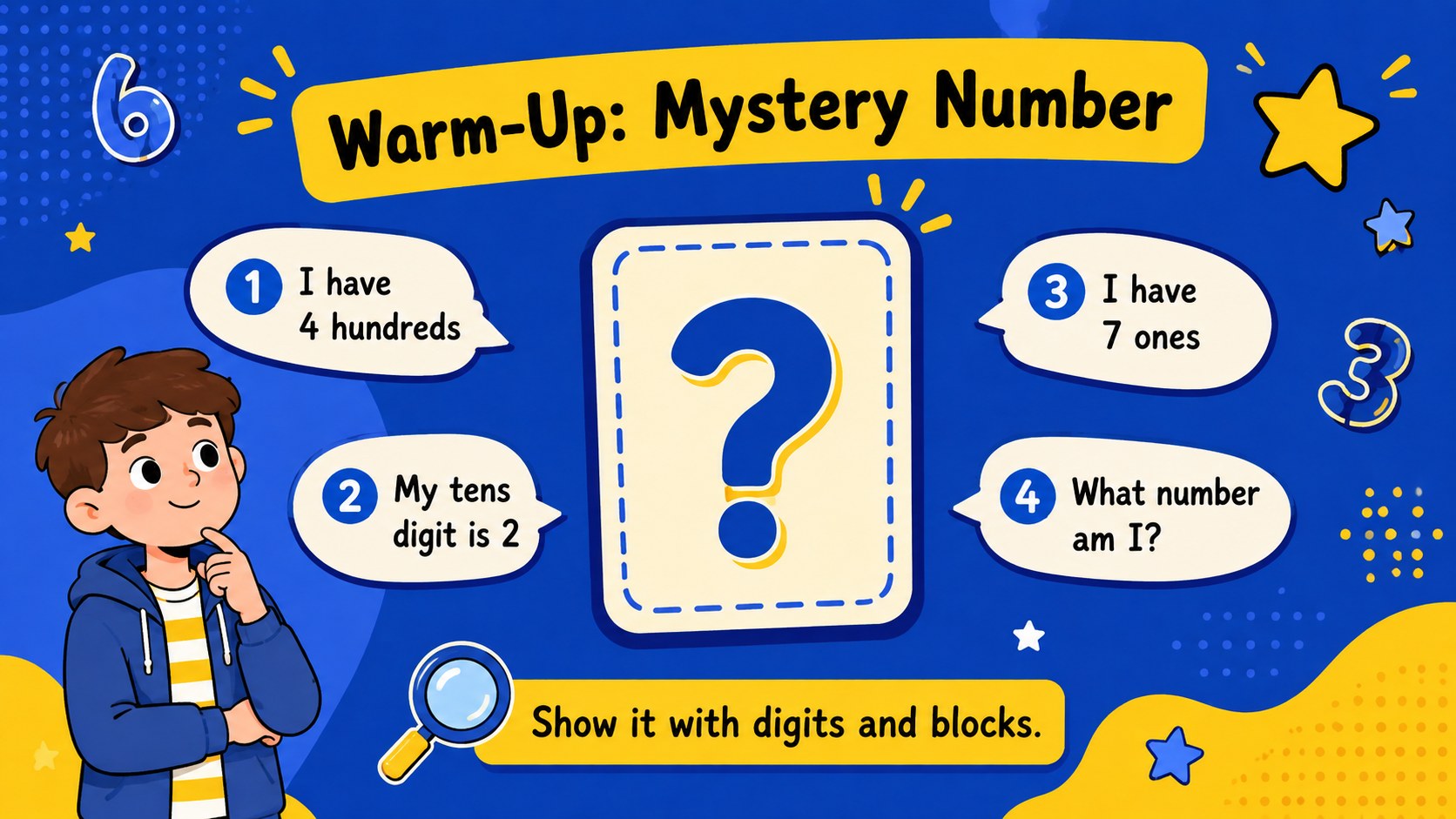
Inside the 15-slide deck, teachers will find learning goals, a number mystery warm-up, place value charts, visual block models, expanded form examples, comparison tasks, regrouping demonstrations, guided practice, and an exit ticket. Use it as an expanded form math presentation, a base ten blocks classroom activity, or a set of regrouping addition and subtraction slides. Short prompts and uncluttered layouts make it easy to pause for student explanations, partner discussion, or work with manipulatives.
Designed for elementary educators, intervention teachers, tutors, and homeschool families, the presentation works for whole-class teaching, small groups, review sessions, and independent practice. Every slide can be edited in PowerPoint or Google Slides, so you can change the numbers, rewrite questions, adjust difficulty, or add your own classroom routines. The illustrations, diagrams, and activity formats are flexible enough for introducing a new concept or reinforcing skills before an assessment.
Perfect for: whole-class place value lesson; base ten blocks demonstration; small-group math intervention; regrouping skills review; elementary math warm-up; number sense exit ticket.
Frequently asked questions
Can I edit the numbers and practice questions? Yes. All headings, examples, number models, and activity prompts can be changed to match your grade level or current unit.
Practical details
Yes. All headings, examples, number models, and activity prompts can be changed to match your grade level or current unit.
The deck is designed for PowerPoint and Google Slides. Layouts may shift slightly between platforms, so review the slides after changing fonts or adding new content.
Yes. You can replace the theme colors, adjust type styles, move illustrations, and add your school or classroom materials while keeping the instructional structure.
Yes. It includes concept explanations, modeled examples, guided questions, partner work, review tasks, and an exit ticket for checking student understanding.
Keep exploring
15Build an engaging World UFO Day session with this flying saucer history lesson deck, featuring retro green-and-brown slides for PowerPoint and Google Slides.
 15
15Plan a lively animal-learning journey with this jungle zoo adventure lesson deck, ready to customize in PowerPoint and Google Slides for young learners.
 16
16Turn environmental research into a clear story with a Watercolor Ecology Presentation Theme for PowerPoint and Google Slides in calming green and blue.
 16
16Build focused fashion, literature, and humanities presentations with the Red Triangle Editorial Theme, editable in PowerPoint and Google Slides.
 15
15Turn streaming stats, favorite tracks, and concert highlights into a bold annual listening recap slide deck for PowerPoint and Google Slides.
 15
15Turn highlights, milestones, and favorite moments into a colorful year in review slide deck with bold 3D graphics for PowerPoint and Google Slides.
 3
3Build a credible endorsement with Standout Colleague Recommendation Letter Slides, featuring colorful prompts for skills, achievements, and team impact.
 4
4Build clear beginner sessions with an ice hockey fundamentals training deck for coaches, PE teachers, and clubs, ready for PowerPoint and Google Slides.